-
-
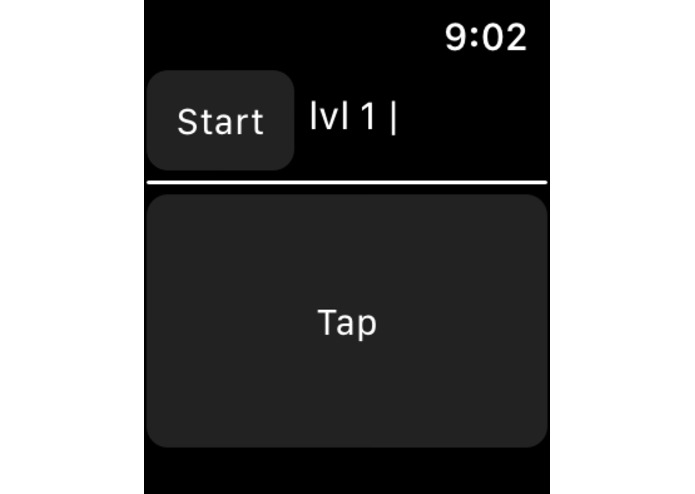
Start up
-
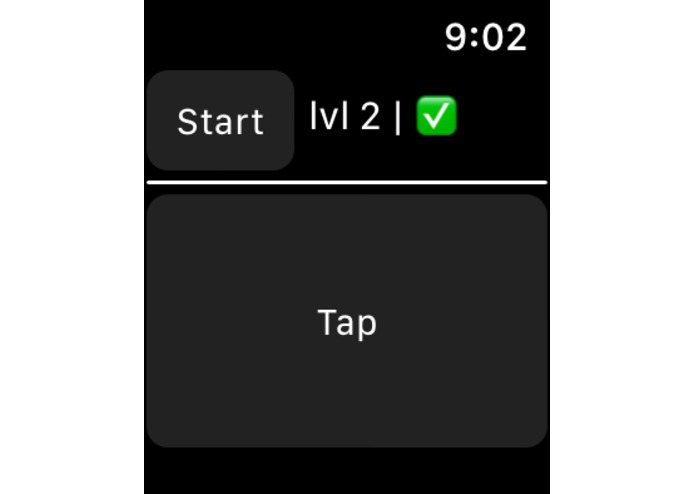
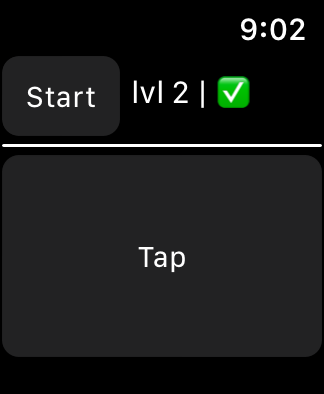
If user passes level
-
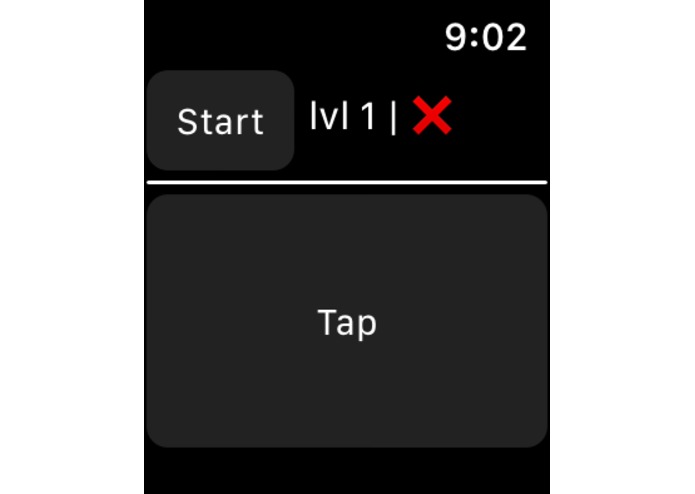
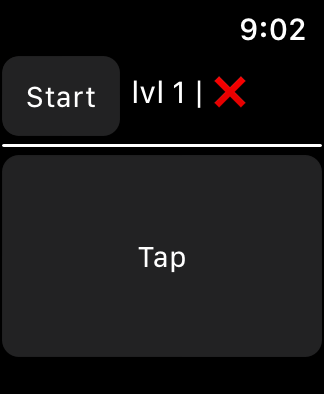
If user fails level
Inspiration
Like many other student, our groups yearns to use our phones in class. This can make it hard to focus, just the thought of checking your phone is enough to make you distracted from the matter at hand. To counteract this, I would usually tap out the rhythm to popular song on the turned off screen of my Apple Watch. This was just enough to give my mind something to do, while still paying attention to the lecture.
This idea of taping to the beat of a song gave our group an idea. We decided to utilize the Apple Watch vibration system to make a silent game that can be played without looking at the screen. Similar to the fidget spinner (but better), it allows the user to fidget and maintain better focus on the speaker.
Why this is better than a fidget spinner
- It is silent
- The app is always on your wrist
- Better replay value
- Increases your natural rhythm
What it does
We gave it the name "Echo" because the user feels a set of randomly generated beats on their wrist and then taps the pattern back by tapping the watch face. Thus they are "echoing" the beat.
Each time they match the pattern correctly the level increases and the difficulty gets harder. Every two levels another beat gets introduced.
How we built it
This app was built using in Xcode, using Swift and the WatchKit api.
The app random generates an array of the time between each beat, the rest range from 0.5 second to 1 second. The rest are always random each level and the amount of beats increase as the user progresses.
This is feed into a loop that vibrates, then sleeps for the given amount of time (time between each beat). This repeats through the full array.
Next, the user taps the beat and the app records the time between the user's taps and compares that to the original. If the percent error is acceptable, then the app progresses to the next level. If the error is too great, the app sends the user back to level one.
Challenges we ran into
We had never written anything in Swift before, let alone done mobile development. That made It challenging to start the project, but once we got the syntax and qwirks of Swift and Xcode down it was much easier.
It took us a while to come up with a solution to produce the beat patterns. Storing an array of the time between each beat made it easy to produce and compare to the users response.
The most interesting challenge was comparing the original beat to the user response. Comparing the total time elapsed or the generated beat and the user response seemed like a simple solution, but that does not account for the rhythm.
Example: rest = "-" beat = "x"
Generated beat: x--x-x---x User response : x-x---x--x
While both add up to the same total time, the user response is very different to the generated beat
To overcome this we coded the app to record the time between each tap for the users response as well. Then it compares the each gap separately.
    func getScore(orginal: [Double], user: [Double]) -> Bool{

        for i in 1 ... (user.count - 1) {

            let score = 1-(user[i]/orginal[i])          //calculates percent error

            print("This is score \(i) | \(score)")

            if(score < -0.6 || score > 0.6){          //Each beat passes if the percent error is between 0 and 60%
                return false    //fail
            }
        }
        return true     //pass to next level

    }
Accomplishments that we're proud of
I am proud that we learned something completely new. We had no experience in this area, and to produce a working result is very rewarding. This is also something that I plan on using after this Hackathon, it really does fulfill a need for me and I am happy that I'll get to use it.
What we learned
Swift, Xcode, mobile development, WatchKit, icon design
What's next for Echo: Apple Watch Vibration Game
- High scores
- iPhone app counterpart
- SpriteKit intergration
- User made beats that are sharable
- Head-to-Head completion mode (call and repeat between two users)
Built With
- swift
- watchkit
- watchos


Log in or sign up for Devpost to join the conversation.