-
-
Thumbnail
-
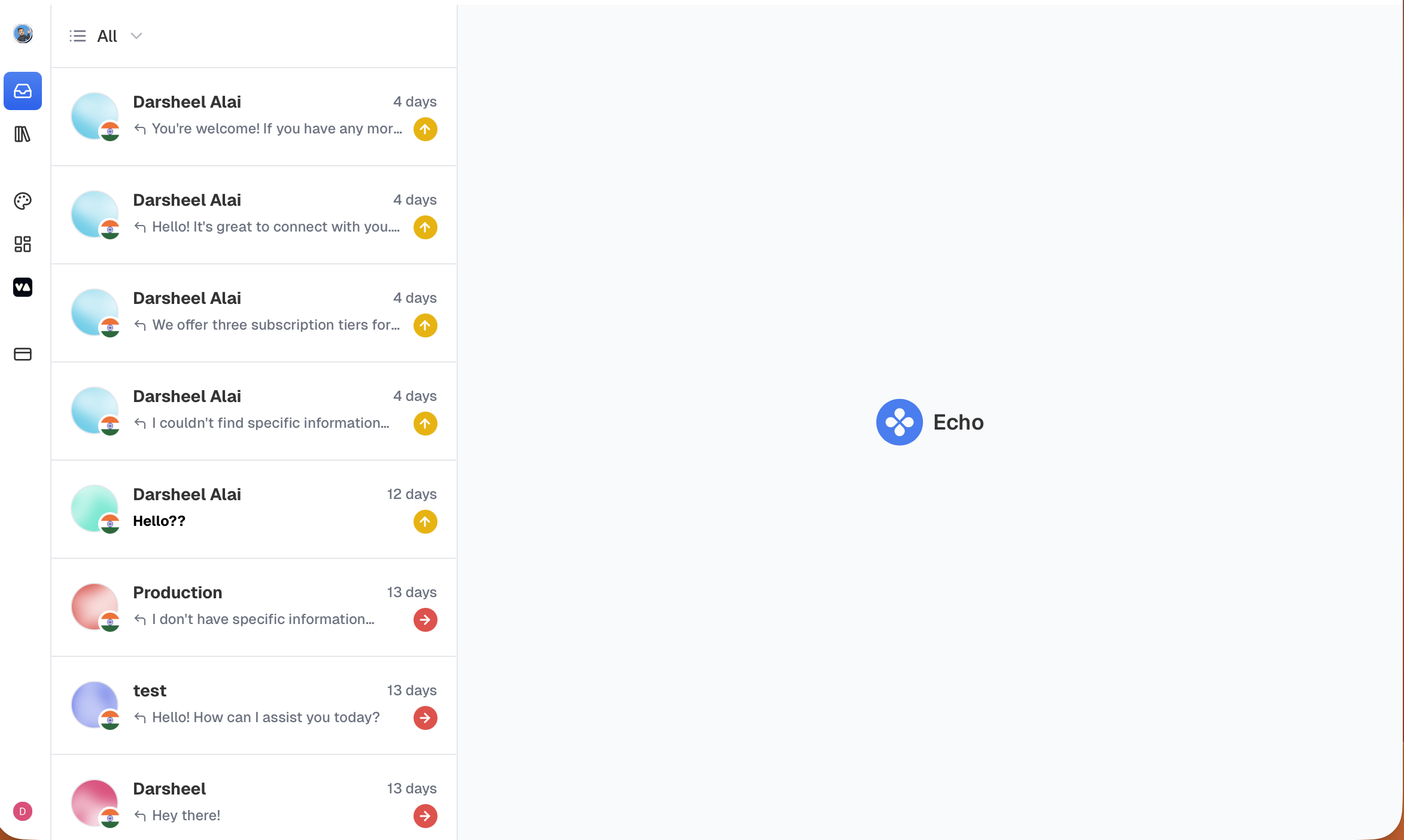
Operator Dashboard
-
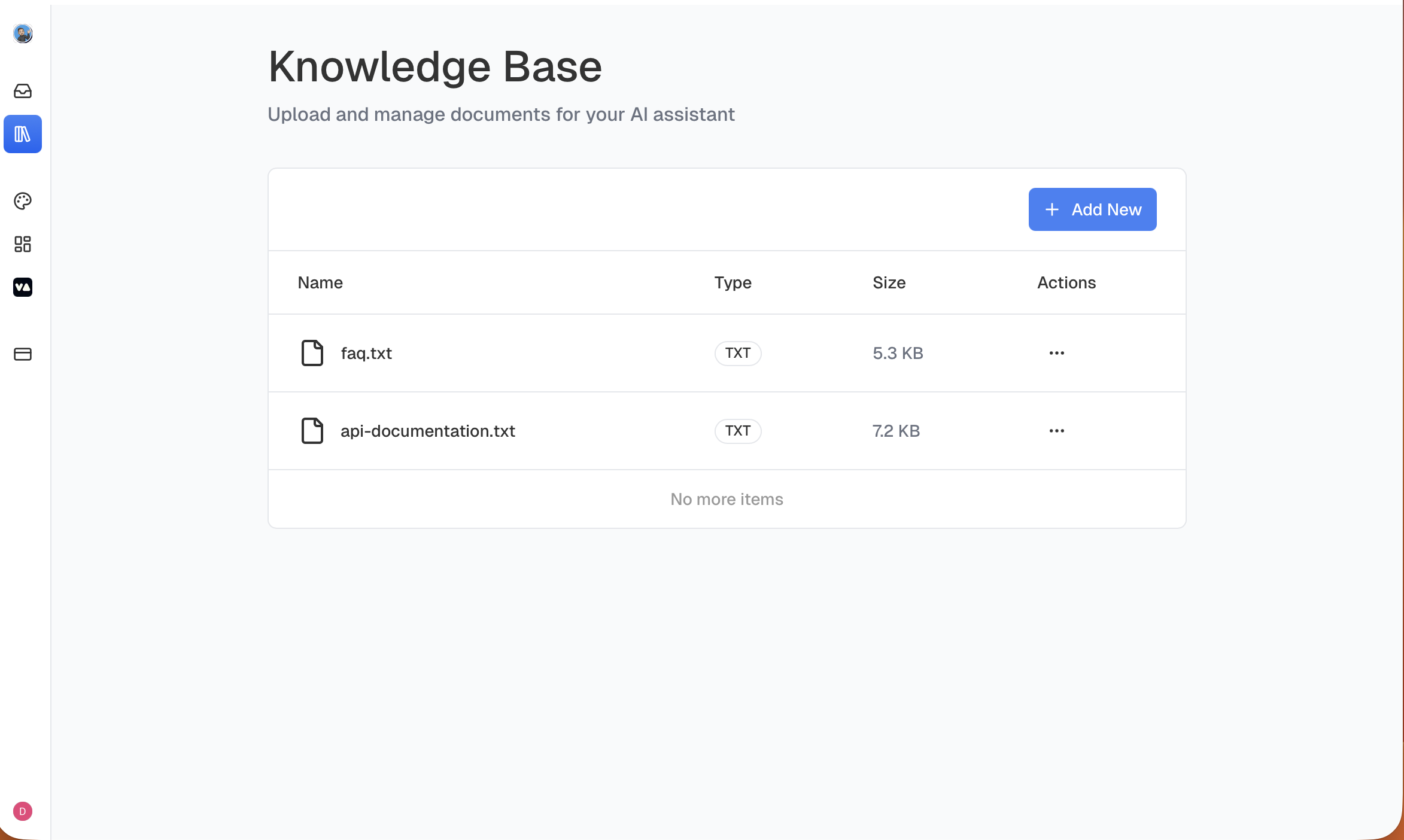
Knowledge Base
-
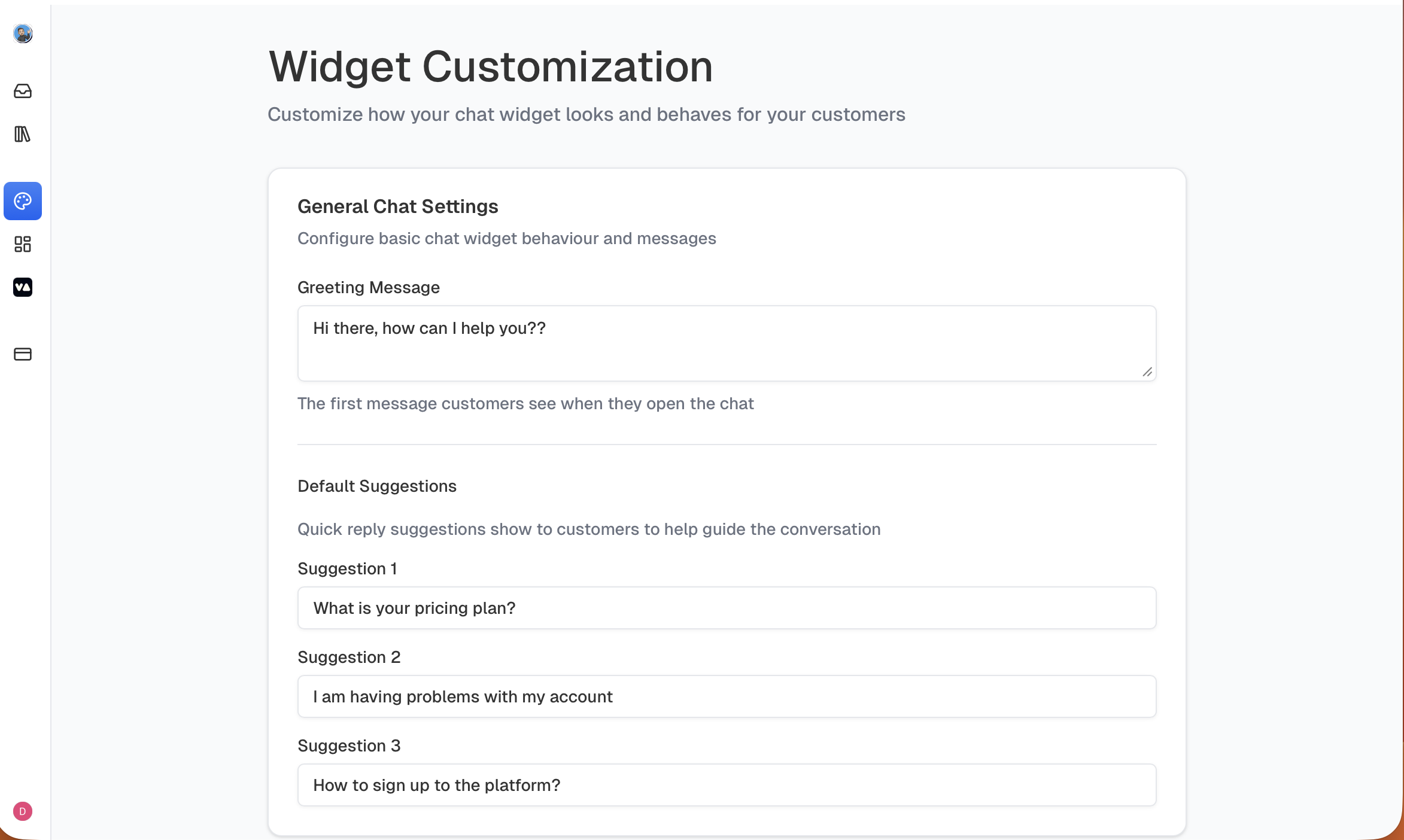
Widget Customization
-
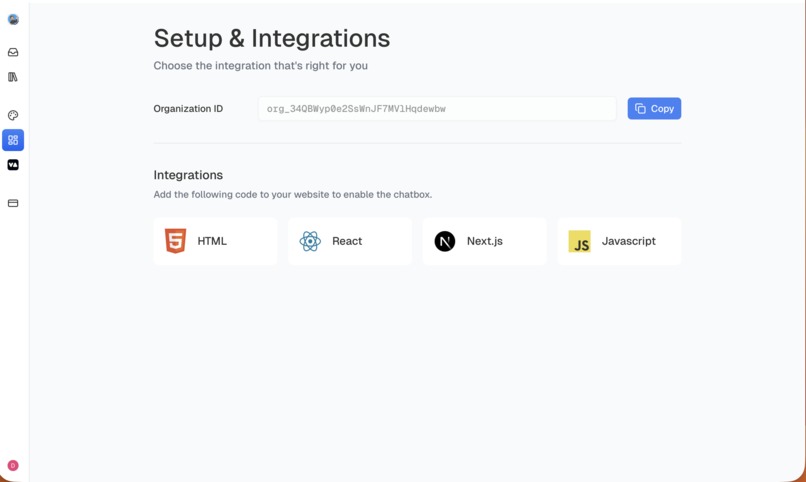
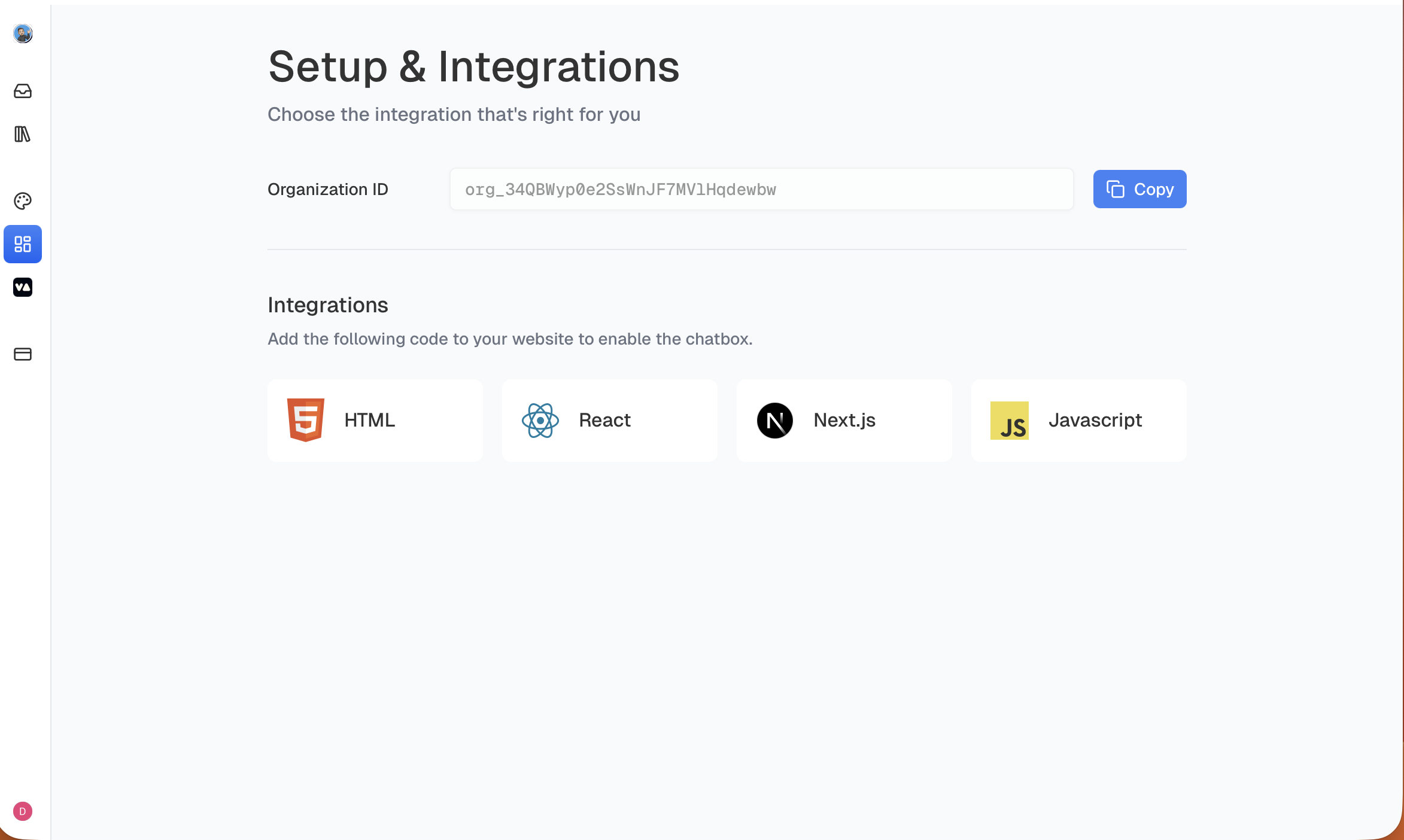
Integrations
-
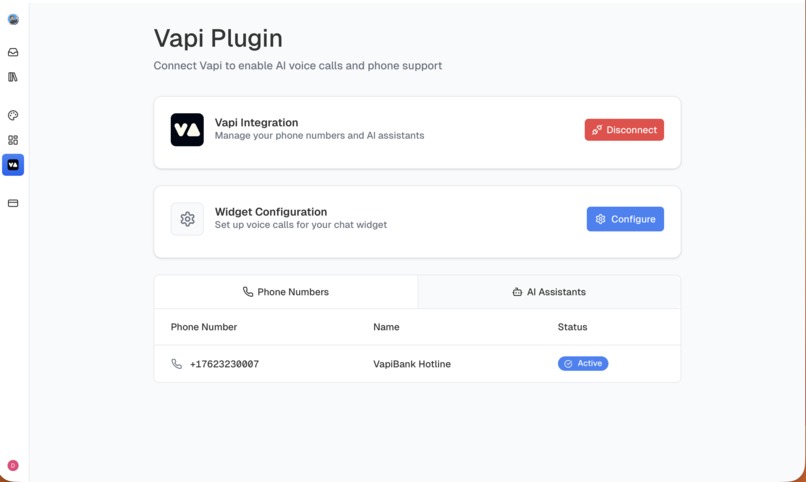
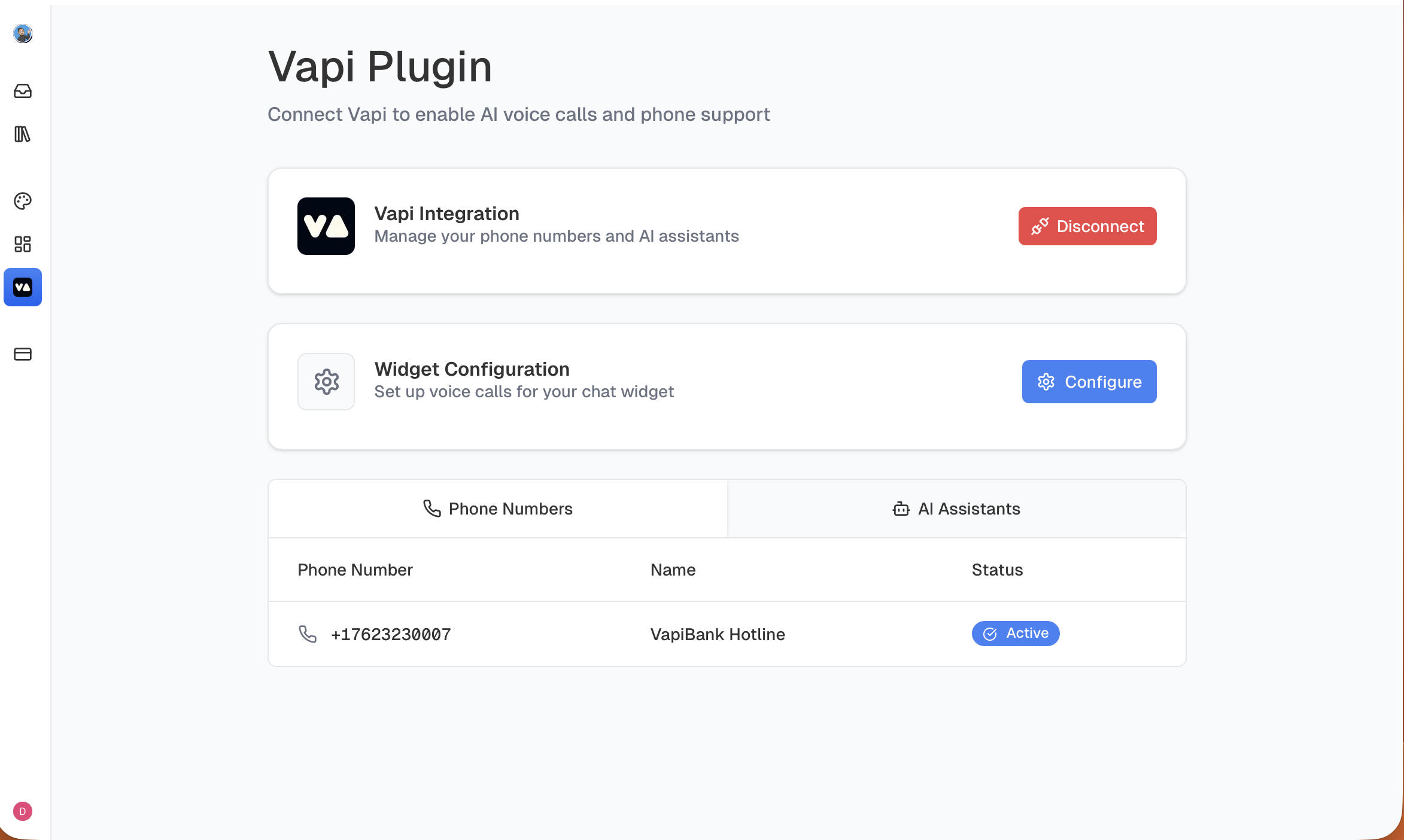
Vapi Plugin
-
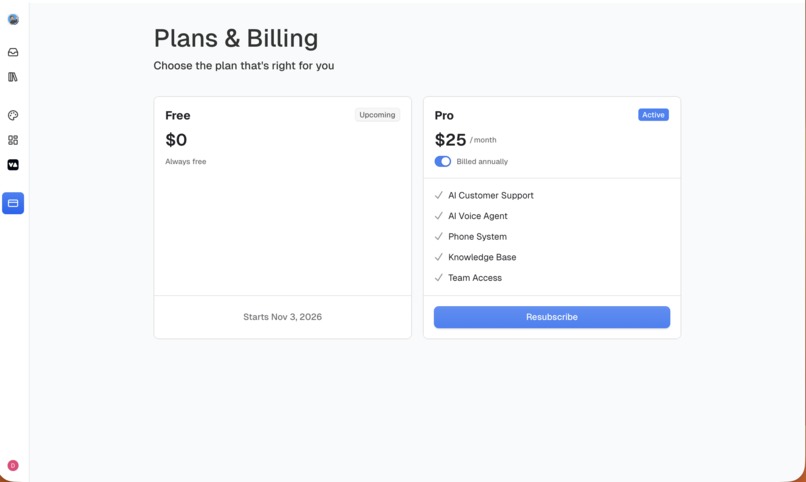
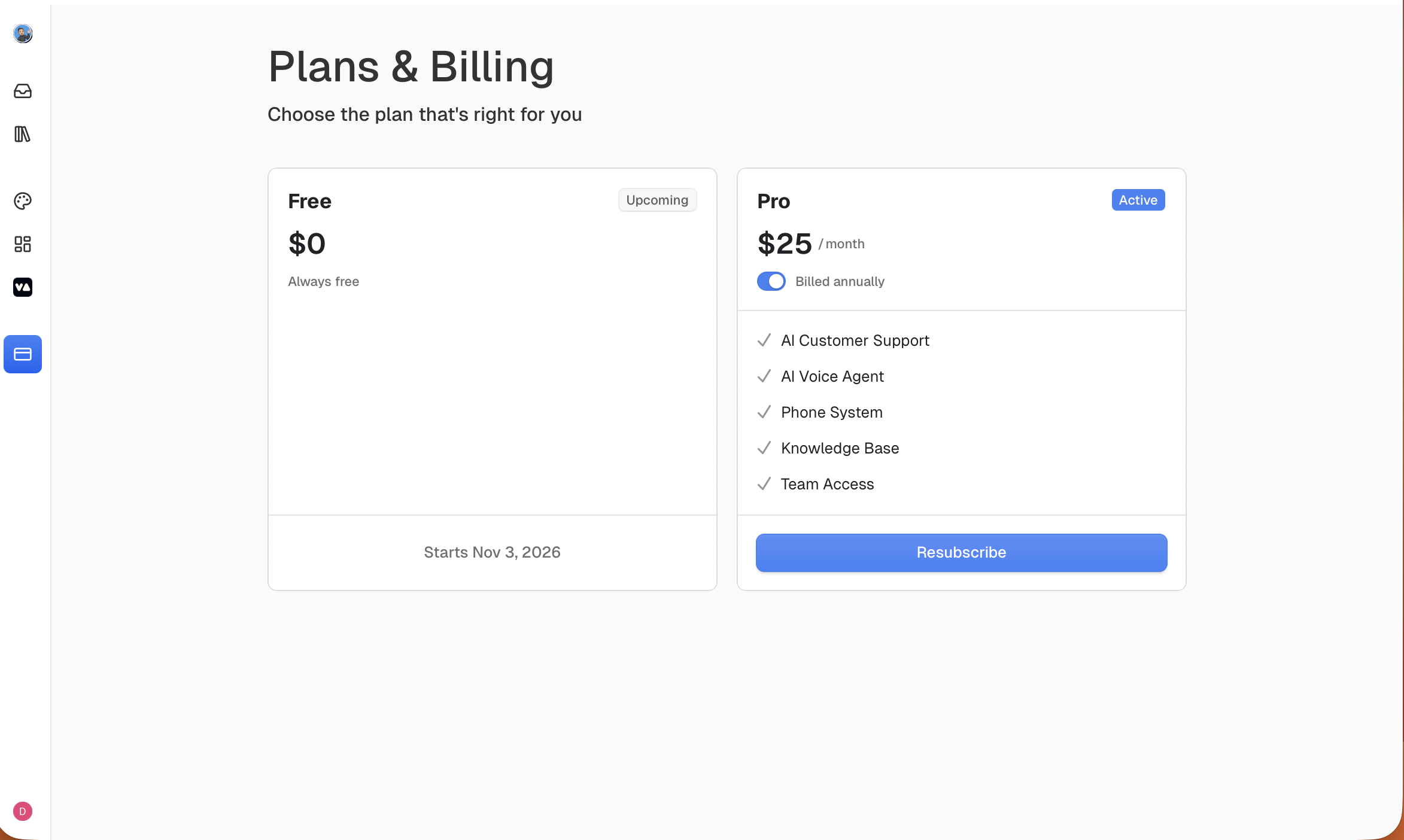
Billing
-

Widget Integration in HTML file

Inspiration
Every website today struggles with one big challenge: slow, inefficient, and expensive customer support. Users wait too long. Support teams get overwhelmed. And AI chatbots alone often fail to understand real problems. I wanted to build something that feels as smooth as Intercom, as smart as a modern AI model, and as reliable as a human agent — all in one unified system. That became Echo.
What it does
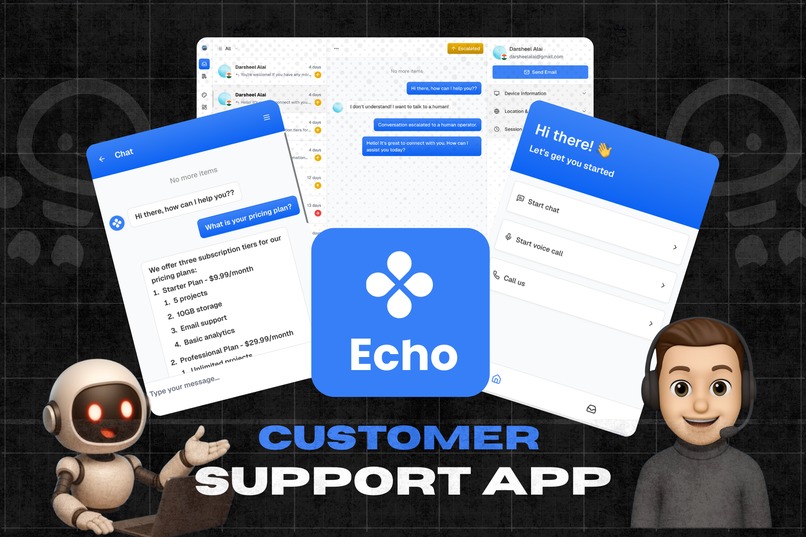
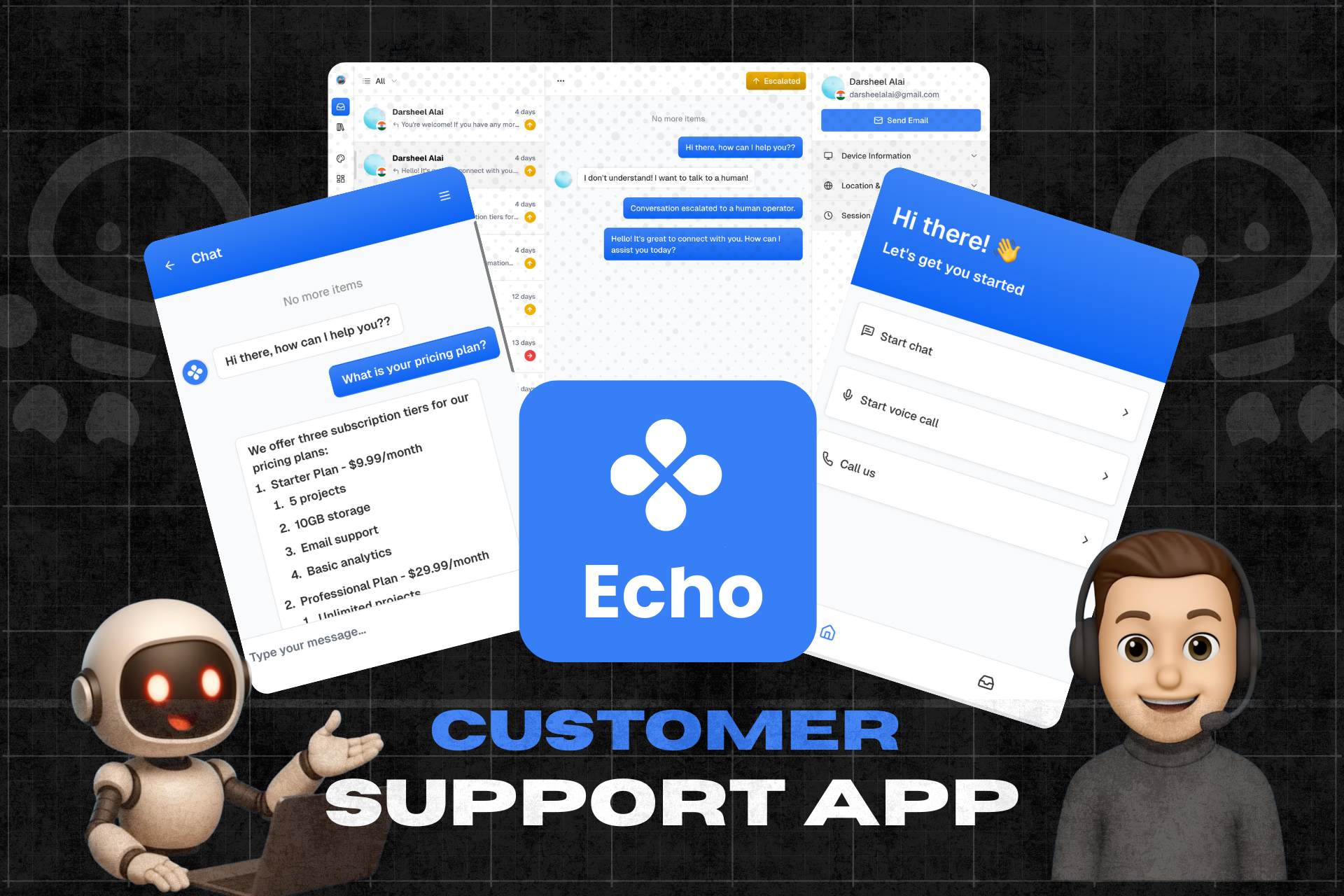
Echo is a smart support assistant designed to make customer help feel faster, smoother, and far less frustrating — for both users and support teams. Instead of juggling separate tools for chat, voice calls, and ticket escalation, Echo brings everything together in one clean, simple widget that any website can use.
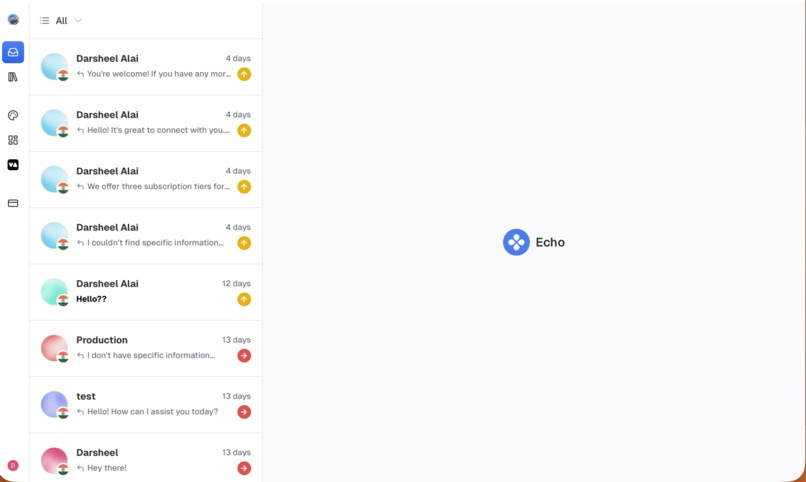
You can visit the operator dashboard at 👉 link Then you can try embedding it in a html file.
Echo focuses on one goal: help people get the right support anytime.
Features:-
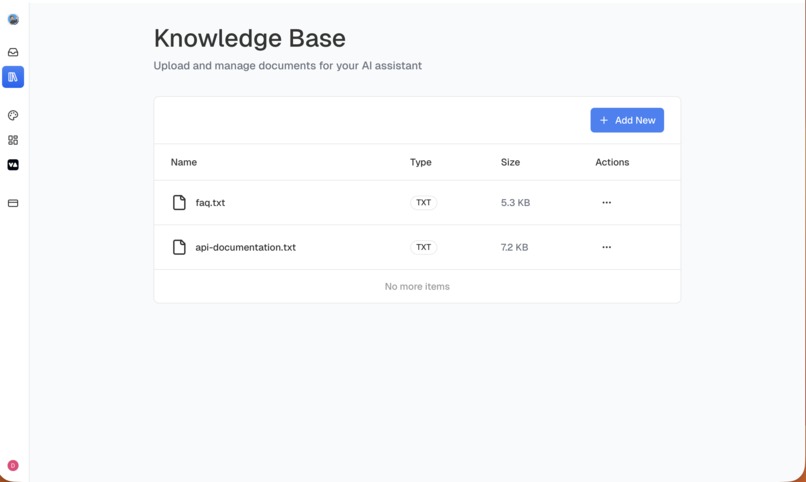
- Smart Knowledge Base using Embeddings and RAG: The admin can store files related to the questions that can be asked in the chat. The AI uses these files data to answer the question.
- Human Handoff & Auto-Close using AI Tools: If the answer to the question is not found in the knowledge base or the user shows frustration then the conversation is escalated to a human operator. If the conversation is ended then the AI auto-closes the chat by marking it as resolved.
- Voice Support by VAPI: The AI voice call feature is powered by Vapi. The users can voice call the AI and chat or call on the given phone number on which the AI will respond to!
- Authentication & Billing by Clerk: Authentication is securely powered by Clerk. Some features like the knowledge base, team invites, VAPI Integration & AI Features are paid. Clerk billing is used for secure payments.
- Widget Embedding: The operator can visit the integrations page and copy the code and add it to their website which adds a small chat icon on the corner. This widget can be used by the users to chat and make voice calls.
- Human Take-Over: Whenever the human operator feels the AI is going in the wrong direction the human operator can interrupt and take over the conversation.
- User Details: On the admin dashboard, the user's details are shown like the name, country, session details, browser and OS of the user for easier fix to the problem.
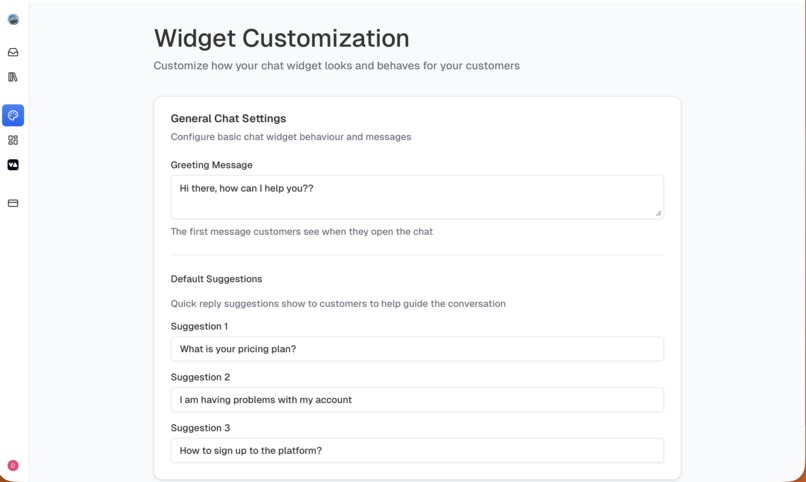
- Widget Customization: The widget appearance can be edited by the admin of the organization in this section. The options like the first message, suggestions etc... can be edited here.
How we built it
Tech Stack
- Frontend: Next.js 15, TailwindCSS, Shadcn/UI
- Backend: Node.JS, Convex
- Secrets Manager: AWS
- AI Chat Features: OpenAI, Convex AI
- Authentication & Billing: Clerk
- Voice AI: Vapi
- Deployment: Vercel
Architecture Overview
- Built a custom support widget with React + iframe embedding
- Implemented chat AI pipeline with routing + session context
- Integrated Vapi voice agents for real-time voice conversations. We have used the method of white-labeling API keys. So the user gets their API key from Vapi and then enters that key into our website which then connects to Vapi.
- Created a human escalation system that triggers when:
- AI can’t solve a query
- The workflow detects a support failure
- User explicitly requests “talk to a human”
- Added operator dashboard for handling escalations
- Streamed messages + voice events in real-time
Challenges we ran into
- Syncing voice and chat contexts so the AI never “forgets” past messages
- Building a clean escalation flow without breaking the chat session
- Handling iframe communication between widget and main app
- White labelling API keys to AWS Secrets Manager
- Rate limits + reliability issues while testing multiple AI providers
- Maintaining low-latency voice responses
- Balancing AI accuracy with user experience
Accomplishments that we're proud of
- Developed a fully functional AI support assistant end-to-end
- Integrated live voice support
- Implemented smooth human escalation that feels natural
- Designed a clean, embed-anywhere widget
- Built a system that’s practical and usable, not just a prototype
- Achieved a near-real support experience similar to enterprise tools like Intercom
What we learned
- How to integrate voice AI into real products
- The importance of context management in support systems
- How to make AI + human interaction feel seamless
- Effective frontend–iframe communication patterns
- How to turn an unclear idea into a real experience users enjoy
- How to write clean code
What's next for Echo - An AI powered Support Assistant
- Multi-language support for global audiences
- Analytics dashboard for conversation insights
- Support ticket integration (Zendesk, Freshdesk, etc.)
- User feedback popups with star ratings
- Mobile SDK for iOS/Android
- AI-powered support calls with emotion detection
Built With
- amazon-web-services
- clerk
- convex
- monorepo
- nextjs
- node.js
- openai
- rag
- react
- shadcn
- tailwind
- turborepo
- typescript
- vapi
- vercel


Log in or sign up for Devpost to join the conversation.