-
-
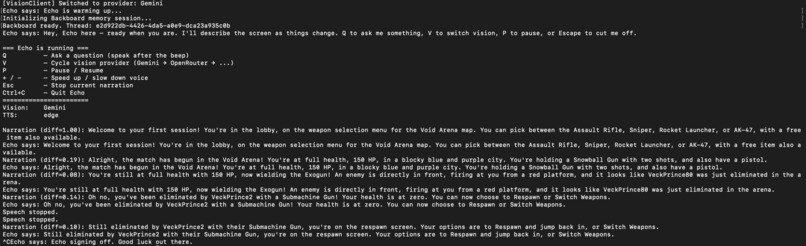
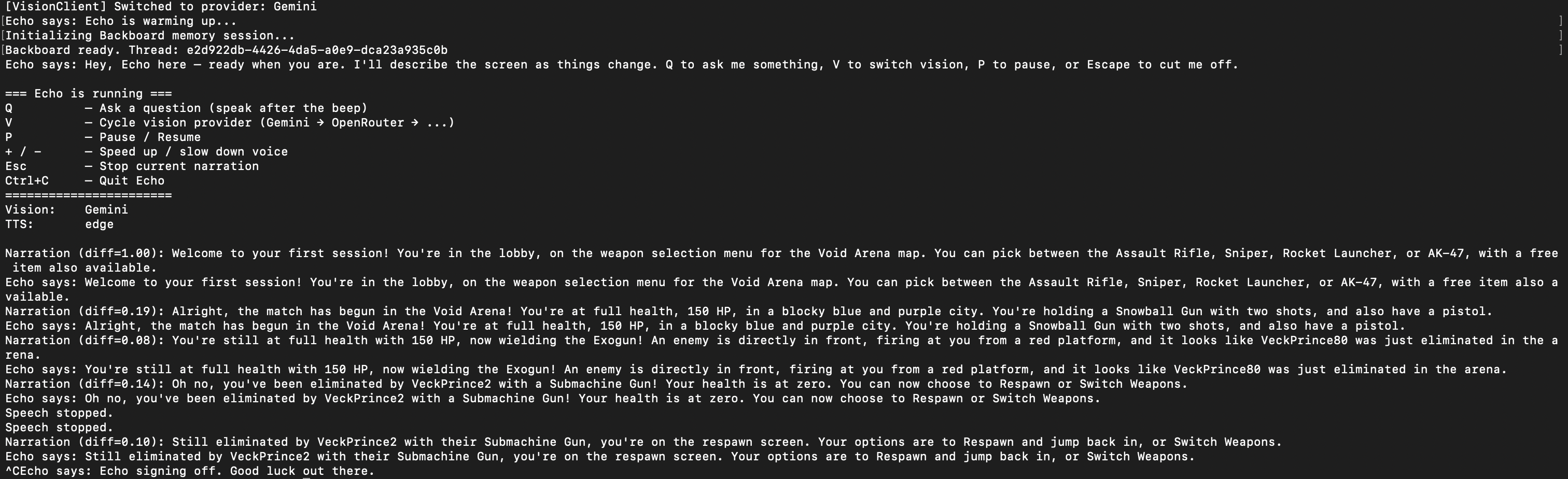
terminal text showcasing conversation
-
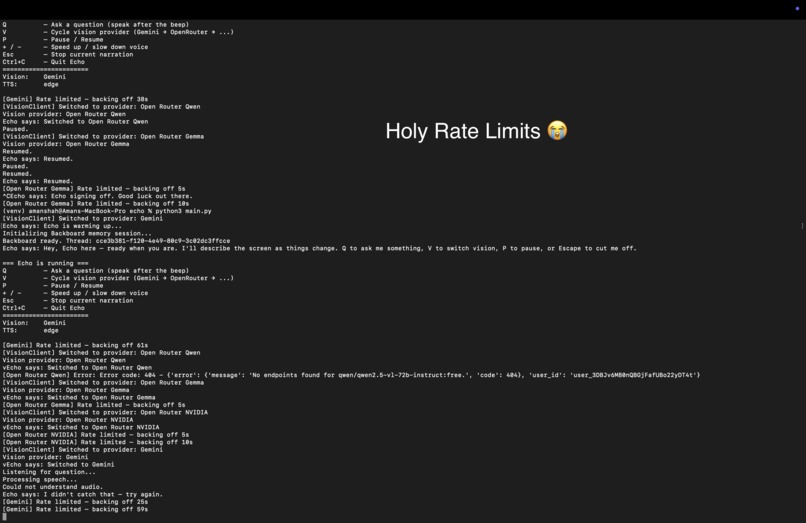
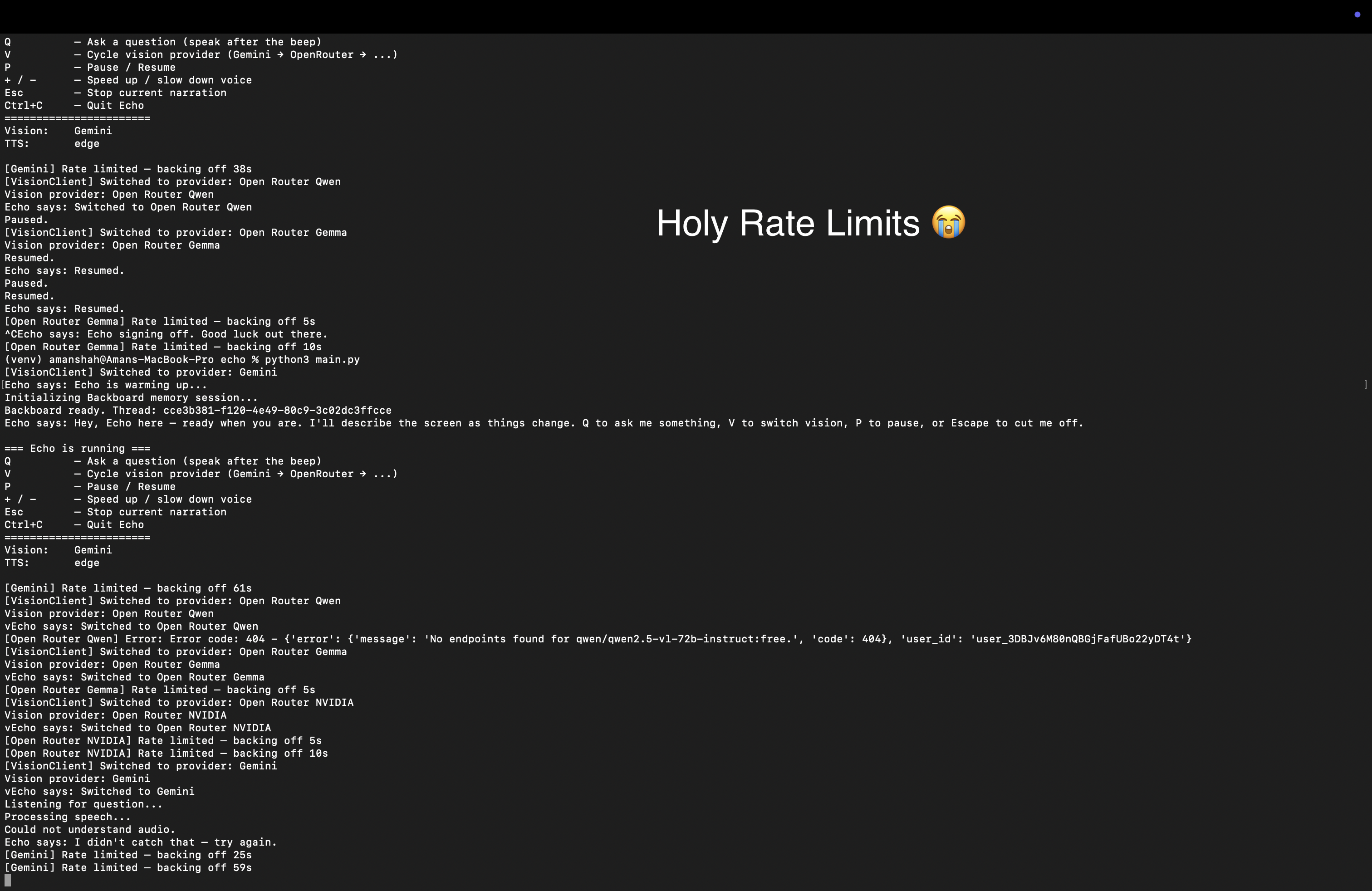
biggest limitation rn: rate limits
Inspiration
When it comes to telling stories in an accessible manner, video games become an incredibly important industry to look at, not just because of the incredible stories baked into single player campaigns or the culture shared through games like Black Myth: Wukong, but also because of the amazing communities and fanbases that form around these games. For this reason, accessibility to video games is incredibly important, and is unfortunately, only a problem that has recently begun to be incorporated into the gaming industry (e.g. 'The Last of Us' is fully playable for blind people).
However, the current industry implementation has a problem. Accessibility features (especially for blind people) are baked into video games, meaning the accessibility that 'The Last of Us' has isn't going to help a blind person play other games (unless the devs of those games also implement these same features). This is where 'Echo' comes in, an entirely voice-driven application that imitates accessibility features typically baked into games as a third-party tool, meaning you can use it to play and navigate any game you want!
What it does
Echo runs in the background. It watches the screen, and describes any changes that happen through voice. In addition to narrating for the player, the player can also ask Echo questions about the environment and can pause the narration at any time.
Echo is programmed to specifically describe the environment, combat situations and enemies/hostiles to the player. For accessibilities sake, the wpm can be increased/decreased with +/-, echo can be paused, and all inputs are verbally described.
Designed to be like your gaming buddy!
How we built it
pipeline: Screen → mss grabs frames → PIL resizes it (optimization) → Gemini (Vision) reads the image → raw description text → Backboard receives that text with memory="Auto" → Backboard recalls past sessions and enriches the response → macOS 'say' command speaks it aloud
Challenges we ran into
The biggest challenge and limit with Echo is the strict rate limits under the Gemini free tier. For optimal performance and experience: 'narrator_interval = 2.0' seconds and 'sentinel_interval = 0.2' seconds.
However, under Gemini requests limits (per minute), this had to be changed to: 'narrator_interval = 10.0' seconds and 'sentinel_interval = 5.0' seconds which greatly increases the latency of the narration.
Accomplishments that we're proud of
Despite struggling with latency due to Gemini rate limits, I'm somewhat proud of how consistent the results are despite the semi-complicated pipeline the data jumps through (mss -> PIL -> Gemini -> backboard -> Gemini -> TTS). The project also manages to achieve all the intended goals despite having no UI, achieved through shortcuts, certain buttons and voice interactions.
What we learned
The biggest learning experience was definitely dealing with more complex pipelines. Most of my hackathon projects so far have been simple GPT wrapper, but Echo involved a much more complex data pipeline in a much tighter time frame (~7 hrs to develop).
I also learnt a lot about optimizing API calls (lowering requests, spreading calls for different functions to different models, etc.)
What's next for Echo
Improve Echo initialization (shortcut)


Log in or sign up for Devpost to join the conversation.