-

Thumbnail
-

You, the little alien
-

Ladybug
-

Spider
-

Cockroach
-
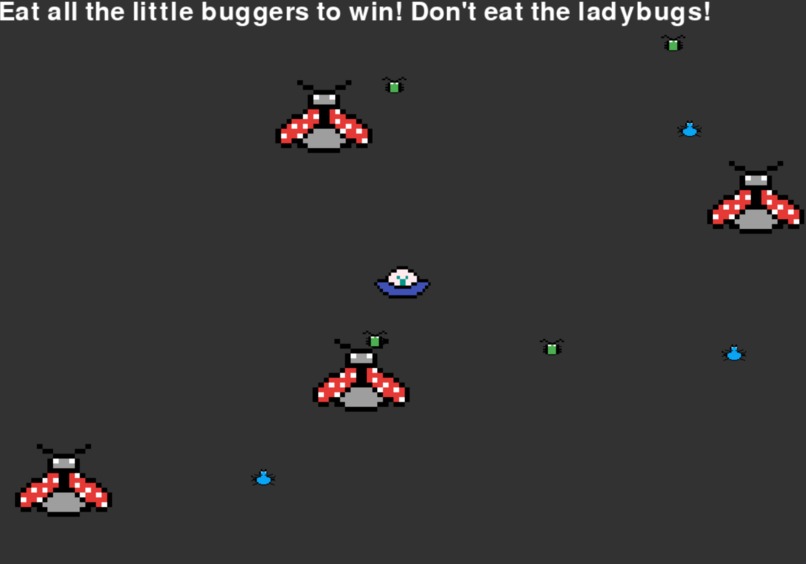
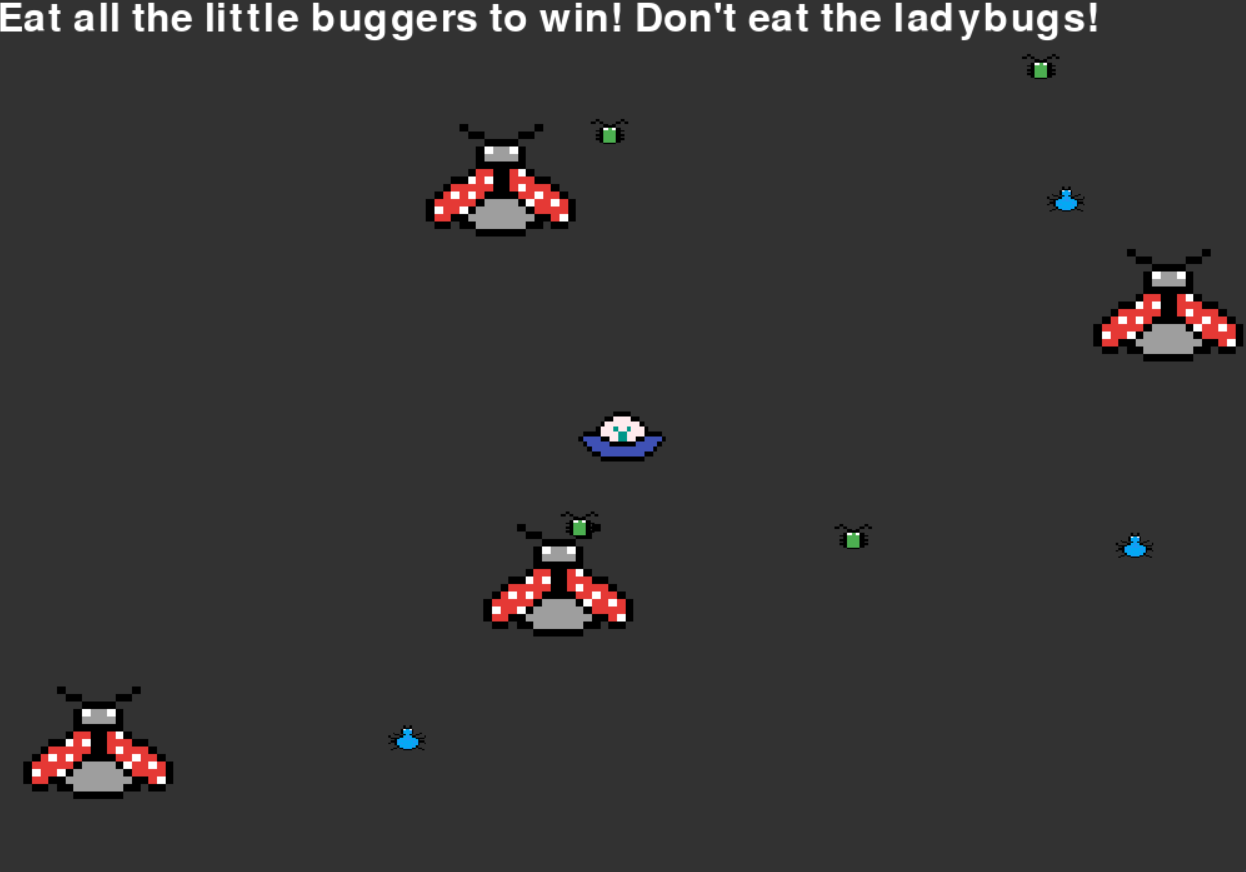
Gameplay screen, random bug generation





Inspiration
A few group members were excited about the opportunity to work with hardware. Others loved to code games. We put our interests together to make an original game controlled by an Arduino game controller you can hold in your own hands! The inspiration for the game name came from a pun on debugger (da bugger); in the game, we are getting rid of bugs just as we would in code.
What it does
By tilting the game controller, the player can move their character on screen to "eat" little bugs and avoid ladybugs. The accelerometer measures the tilt and feeds movement input into the program, which works just as if the player had used arrow keys on a keyboard. When the game starts, each bug is placed randomly on the screen, and the user character is placed in the center. The bugs fly around. When the game is over, a success or failure message is printed. Game rules: You are a hungry little alien who eats roaches and spiders, but not ladybugs! Fly around to eat all the little moving bugs by flying into them to win. You lose if you fly into a ladybug.
How we built it
A few team members created a Python game using Pygame. We followed a few game tutorials to get started with the basics, then added graphics we made ourselves and mechanics we found by a happy accident. Other team members tinkered with Arduino and got it to output movement readouts from tilt input. We were able to feed the movement readouts into the Python program to act as user inputs for the game, so that it plays just like a genuine video game. Credit to this tutorial for helping us with the building blocks of Pygame: https://www.youtube.com/watch?v=jO6qQDNa2UY Credit to this tutorial for the accelerometer: https://www.instructables.com/DIY-Accelerometer-Based-Controller/ Credit for helping us communicate between python and Arduino: https://www.instructables.com/Sending-Data-From-Arduino-to-Python-Via-USB/ Credit to Shoocharu for background art
Challenges we ran into
- We really wanted to embed the program on a website, but we were unable to feasibly use pygame that way.
- We weren't sure which programming language to use at first, especially since we were debating doing a website (which didn't work out). We tried Javascript first, but following the tutorial we found failed miserably (https://towardsdev.com/space-shooter-game-e48fbe04630a).
- We struggled with keeping objects from straying outside the window.
- We went through mentors and volunteers who were not familiar enough with the Arduino kit to solve the many issues we ran into with the game controller before we eve
- Many mentors and volunteers were not familiar enough with the Arduino kit to solve the many issues we ran into with the game controller, but we eventually found people who helped us solve some of them, and other solutions we found through our own persistence and trial and error.
Accomplishments that we're proud of
- Getting the Arduino hardware to read tilt input and function as a game controller!
- Creating an original game with Pygame
- Connecting the controller to the game
- The puns, of course
What we learned
- How to use Pygame
- Some capabilities of the Arduino kit
- Not every language is good for everything
- Not every tutorial works well when modified
What's next for Eat Da Bugger!
We would love to upload this program to a web page. We even registered a domain with domain.com: dabugger.tech. We would also love to implement a points system, health system, and timer into the game and also make the controller more user-friendly.


Log in or sign up for Devpost to join the conversation.