Inspiration
Online e-commerce has now surpassed retail purchases in the US and will continue to dominate in the future. While it has become extremely convenient and quick to get online orders delivered to home, there is still a lot to be desired for shipping packages or returns from home. Most online orders don't provide a return shipping label. Customers currently have an option to pay and print return label online but this adds a dependency on having a printer at home. They then have to schedule a package pickup which is not always an option especially in apartments/gated communities and adds security concerns not to mention pickup schedule might not work well for all customers. This leaves most customers heading to a post office. We think sending packages/returns from home should be as easy as receiving them. Welcome to our app, EasyReturns. EasyReturns provides a seamless way to send packages from home.
What it does
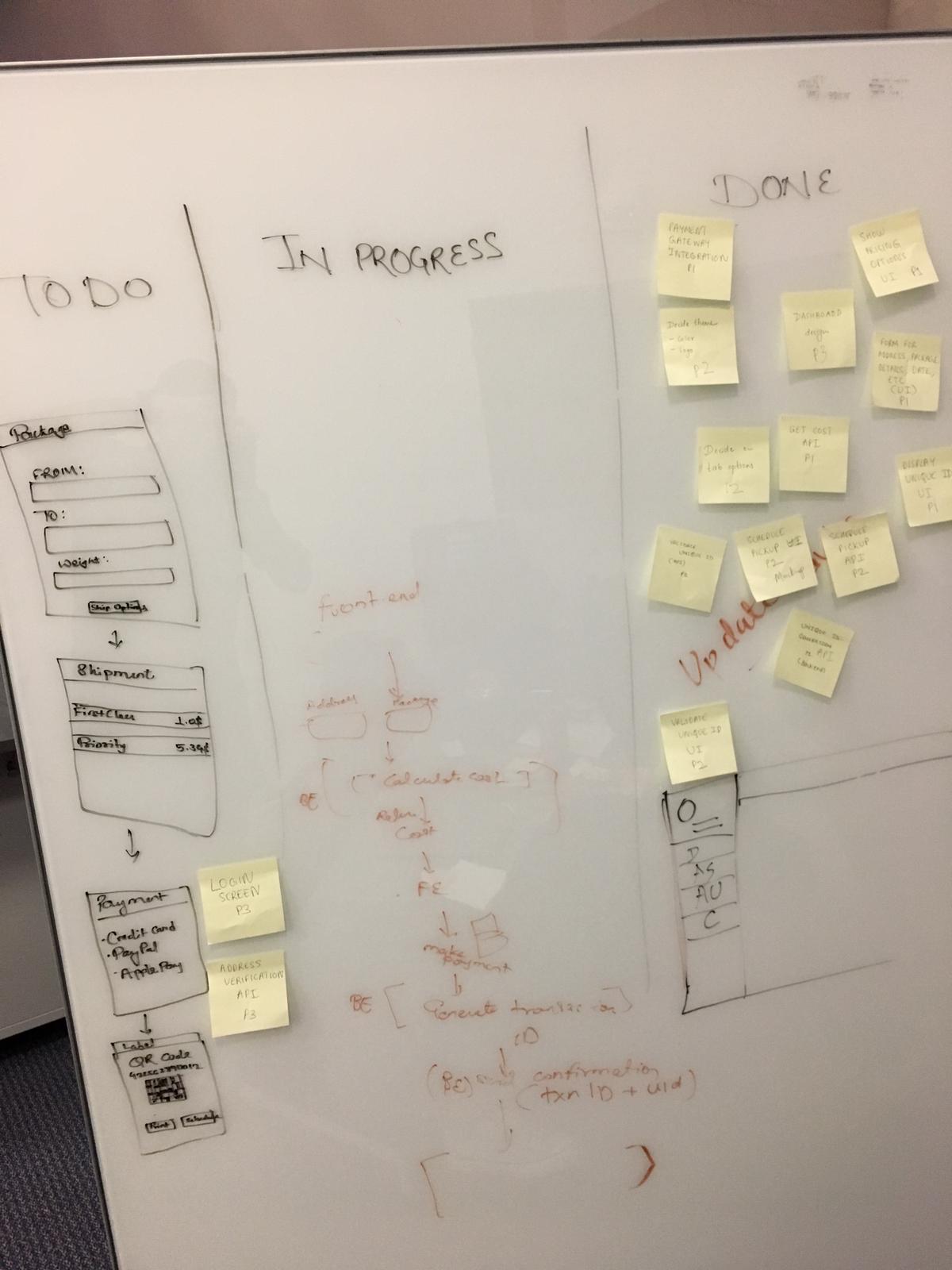
EasyReturns simplifies sending and returning packages from home, providing a more secure and convenient way to customers. The end to end app workflow is as follows.
- Customer login to EasyReturns app.
- Customer enters sender and recipient address (can be enhanced by taking a picture of original shipping label and auto-populating addresses and swapping them)
- App shows prices for various shipping options (First class, Priority, etc) using USPS APIs.
- Customer makes the payment using Credit Card/Paypal/Apple Pay.
- On successful payment, app generates a QR code and a unique number.
- Customer can either print it or write down just the number on a paper and stick it to the package.
- Customer then schedules a package pickup. In case of apartments/gated communities that have a locker facility, app provides an option to generate a passcode for one of the available locker that customer can place the package in. (Future enhancement)
- Customer places the package in the locker.
- USPS Postman gets notified about the pickup with locker details. Else, pickup from home (current process)
- USPS Postman scans the barcode/QR code/unique number on the package to verify if it's valid and paid for and automatically gets sender and receiver details required to ship it.
This way, no sender/receiver sensitive PII data is ever printed on a shipping label and therefore more secure.
How we built it
Technologies: Front end: HTML 5, CSS 3, Javascript Backend : Python, Flask, PickleDB, BeautifulSoup External: USPS APIs (https://www.usps.com/business/web-tools-apis/documentation-updates.htm)
Challenges we ran into
- Understanding and parsing USPS APIs XML request/responses.
- Integrating front end and back end.
- Time constraints in completing the hackathon.
Accomplishments that we're proud of
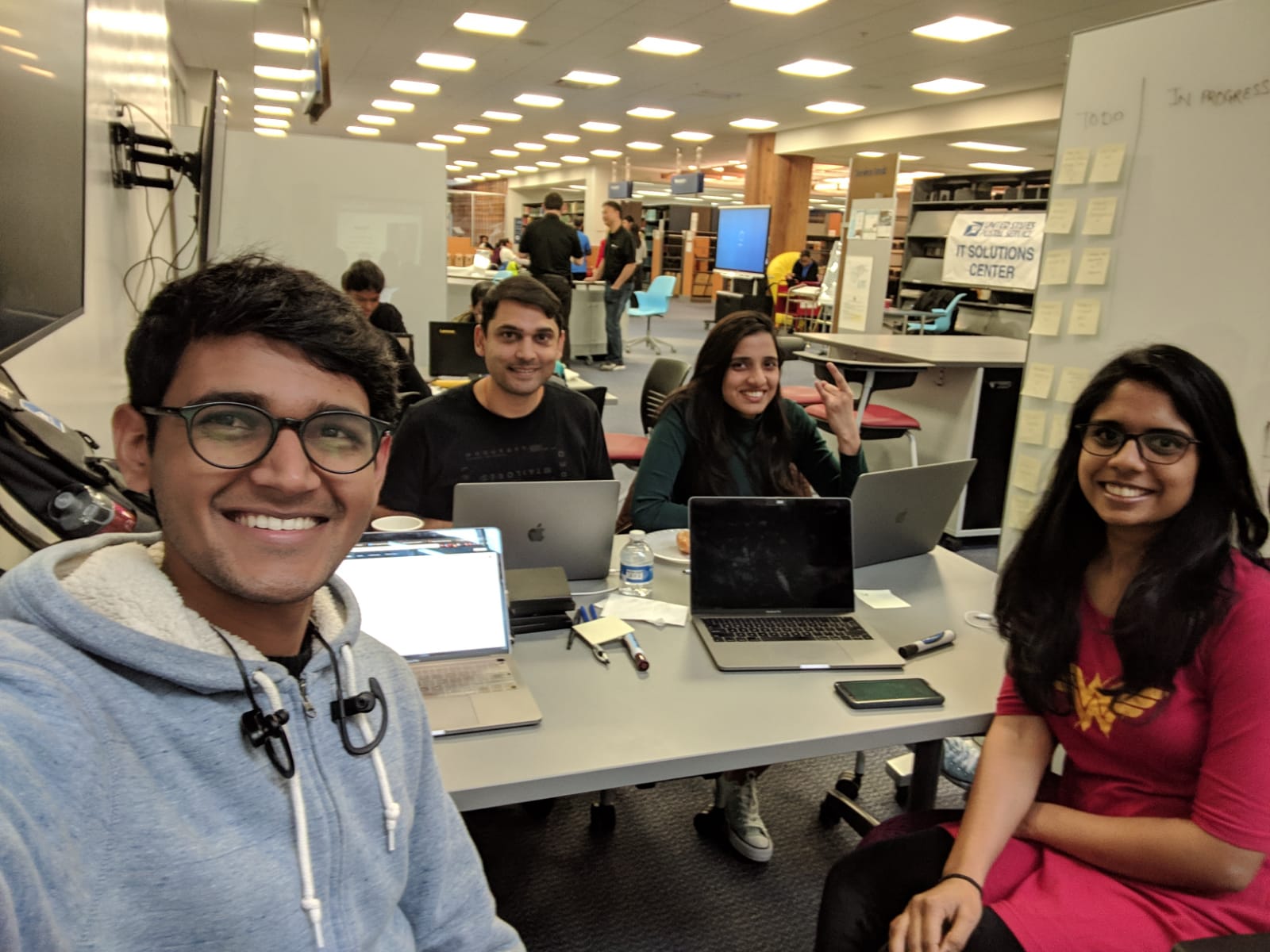
Integrated with production USPS APIs. Created a working software in few hours. Design that supports both mobile and web app. We applied agile methodologies for managing work. What we learned
Integration issues.
- Integration issues.
- Time management.
What's next for EasyReturns
- Enhancements for smart locker feature.
- Integration with USPS pickup service.
Built With
- angular.js
- css
- flask
- html
- javascript
- python
- reddis
- rest-apis


Log in or sign up for Devpost to join the conversation.