-
-
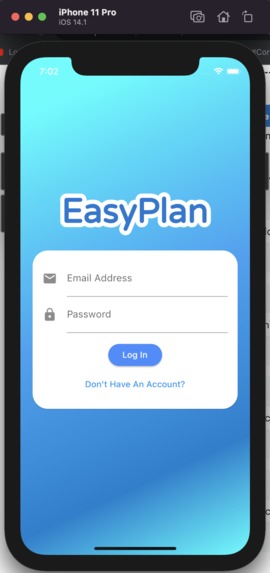
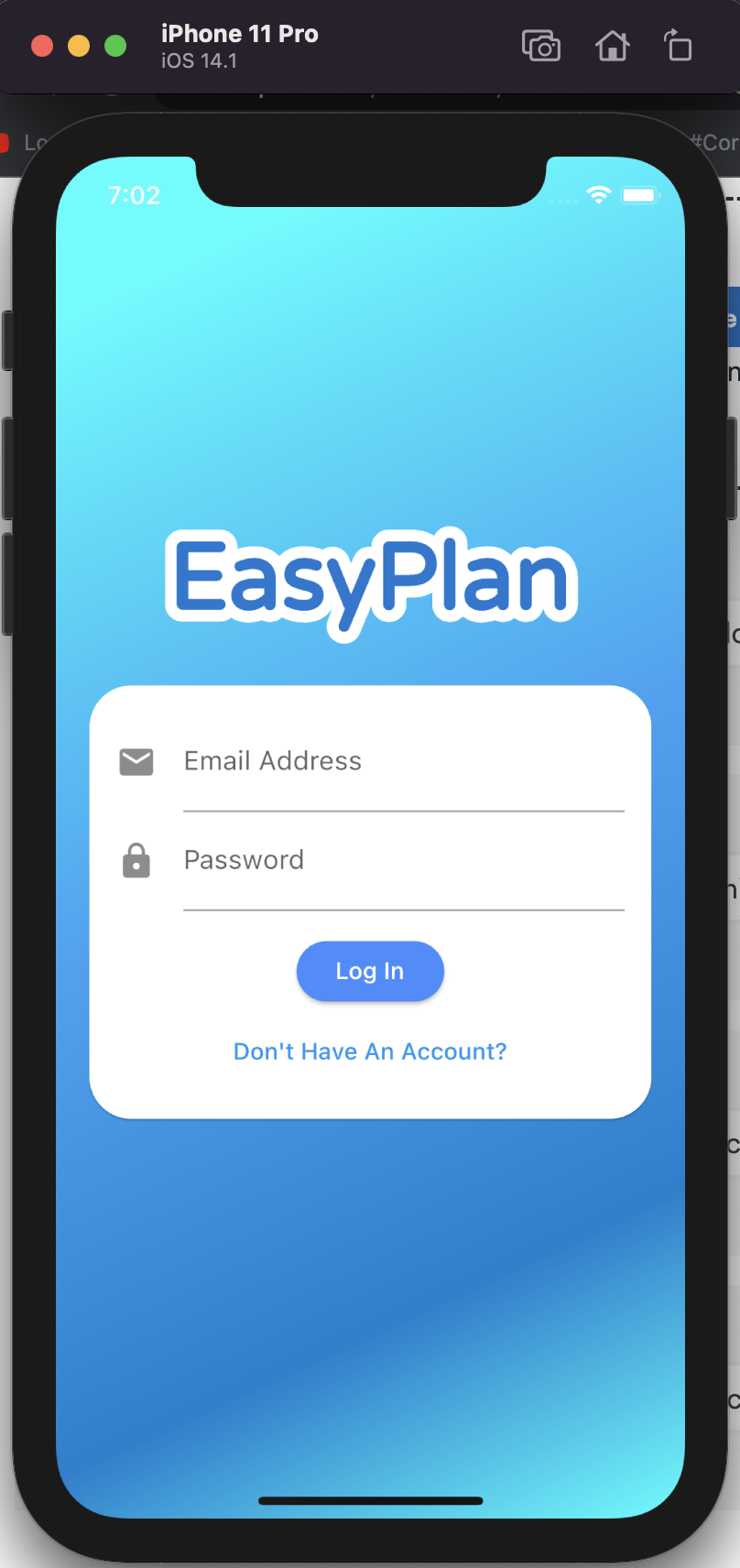
Sign In variation of Auth Screen
-
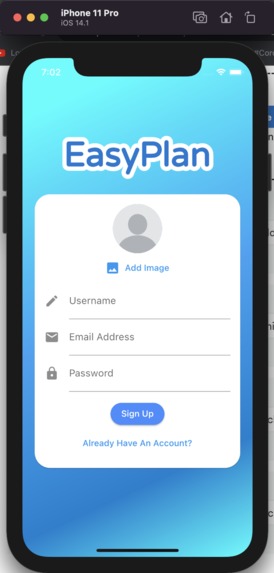
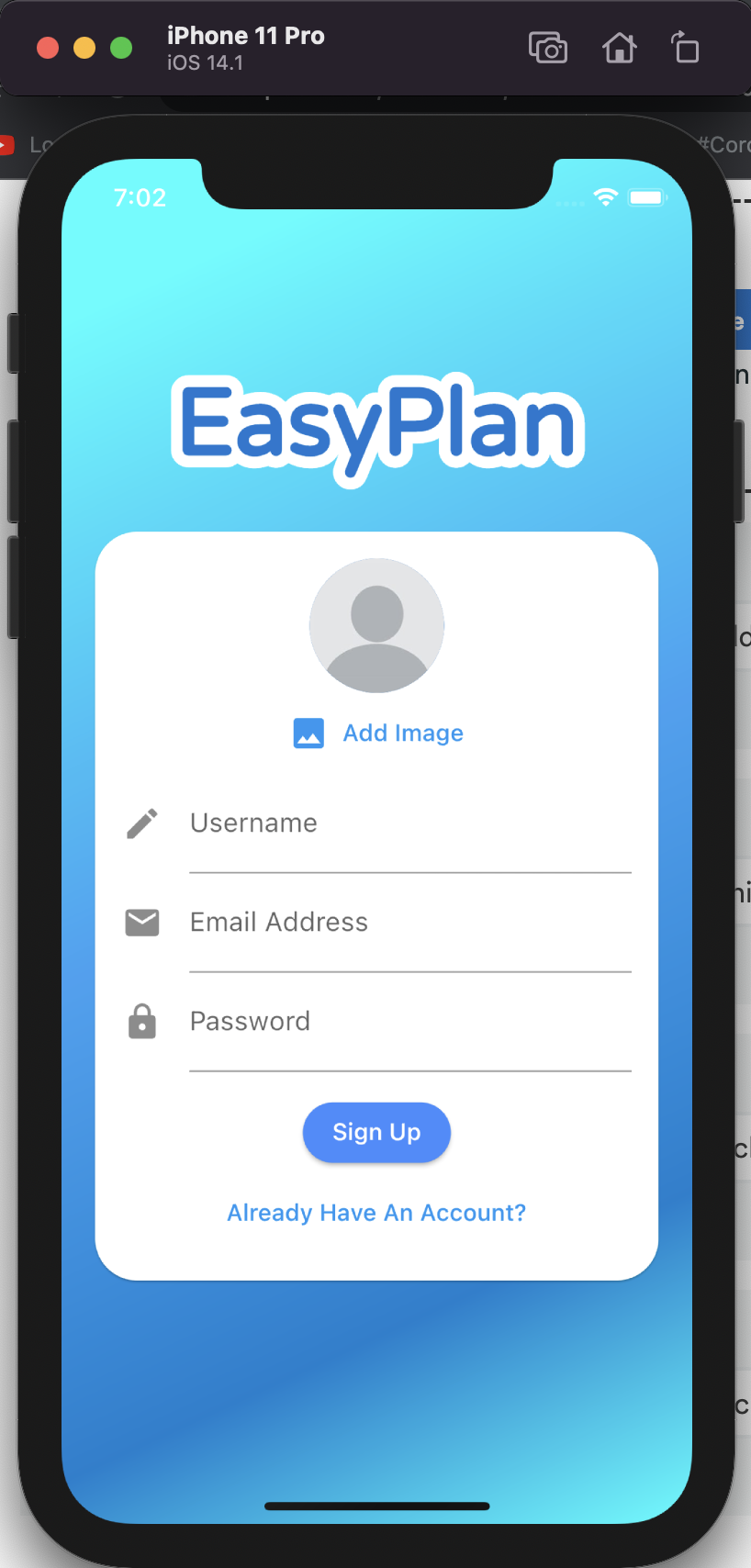
Sign Up variation of Auth Screen
-
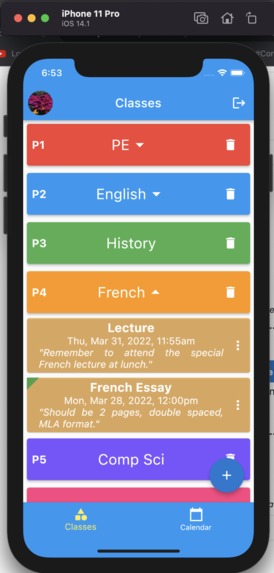
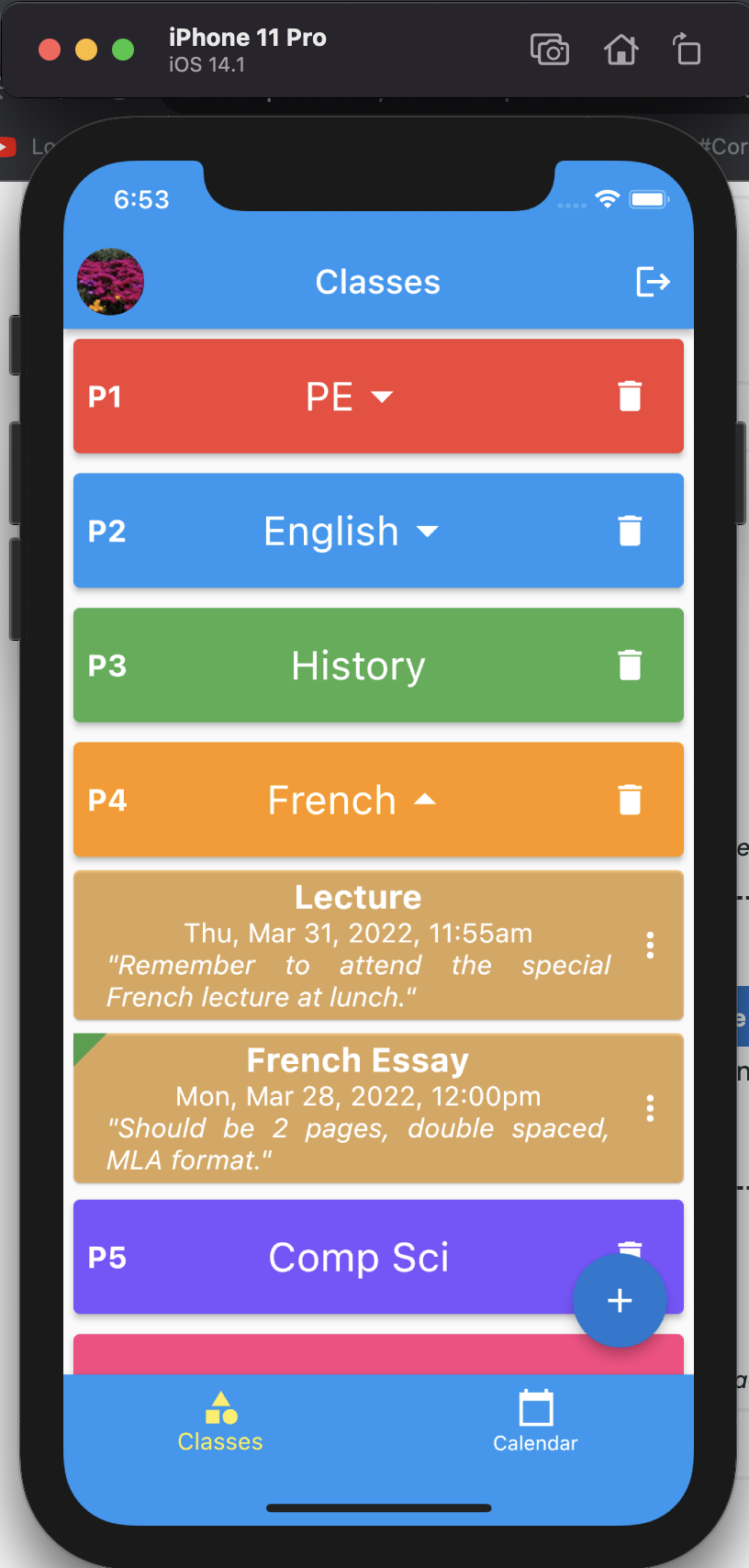
Homepage, viewing French reminders
-
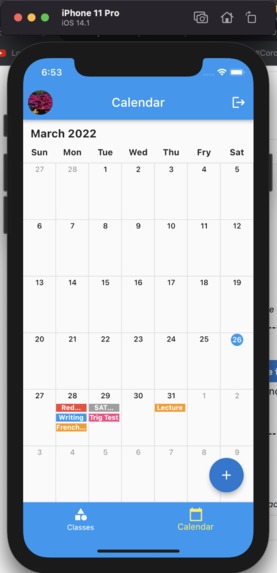
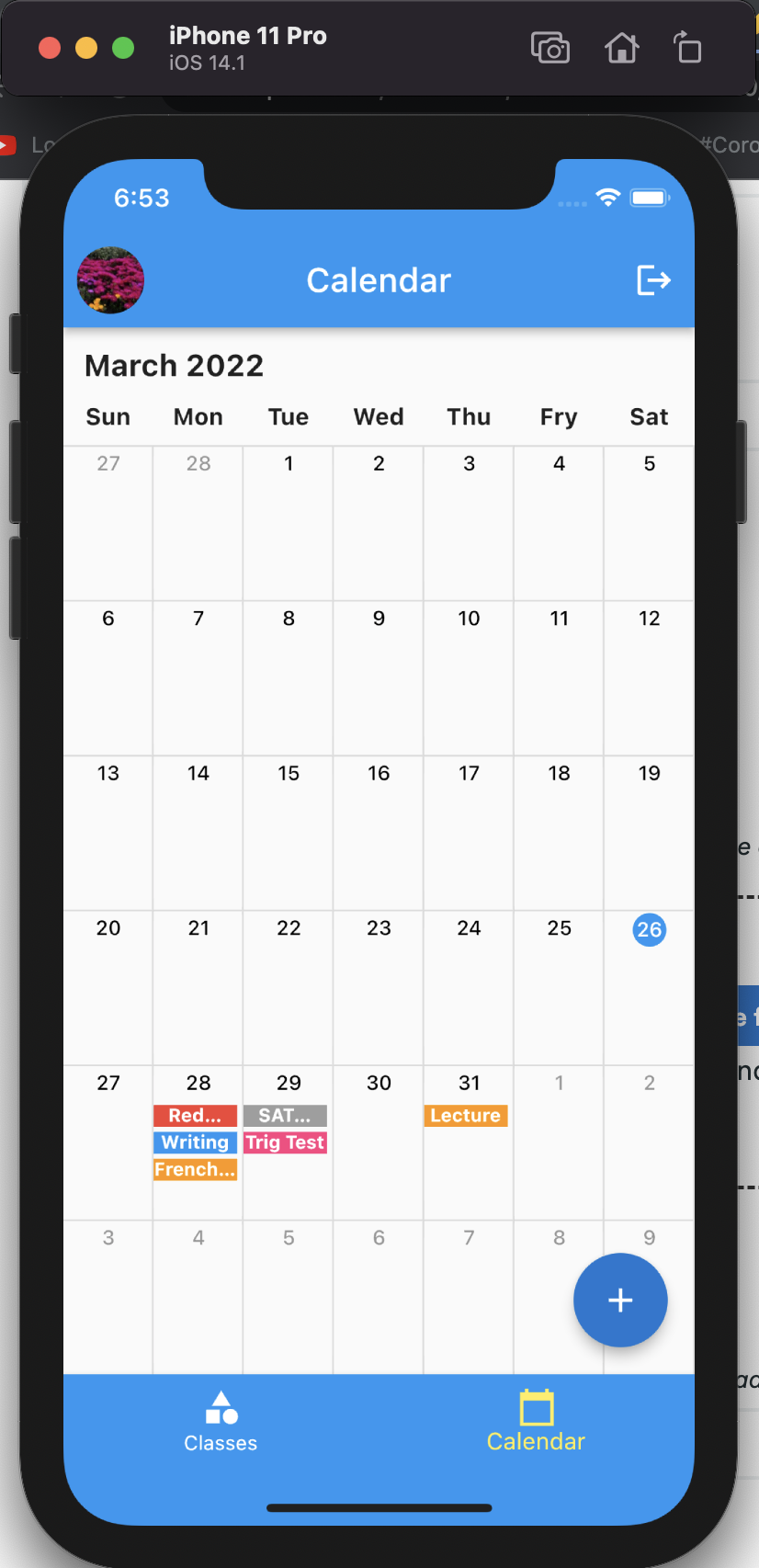
Calendar, viewing everything for the month
-
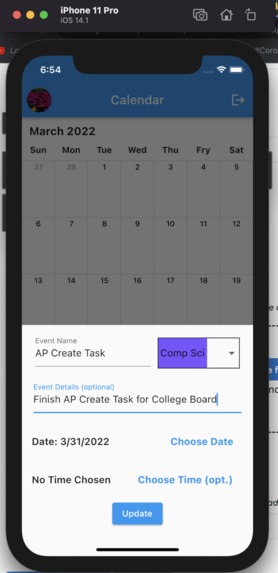
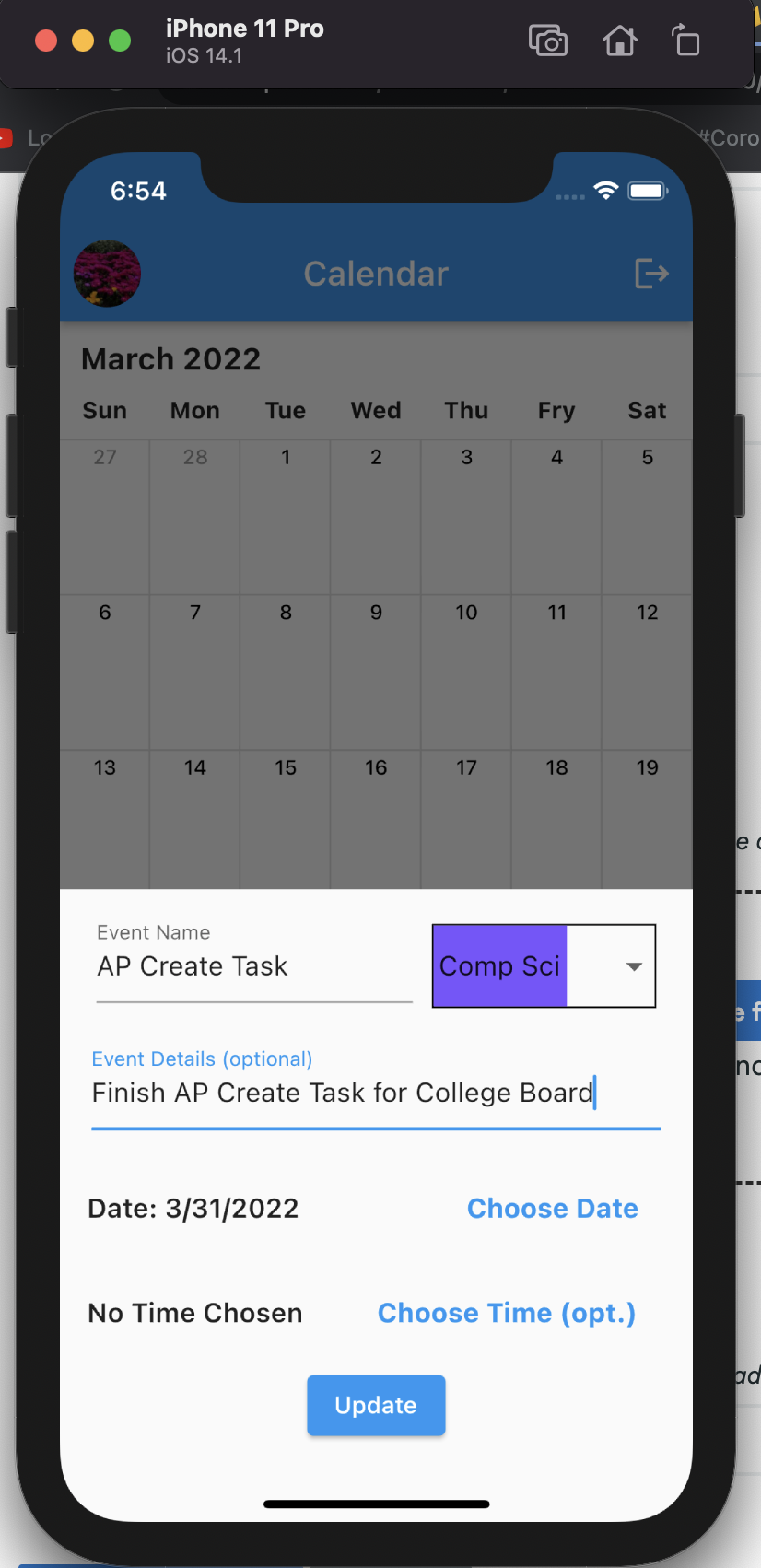
Calendar, preparing to add an extra reminder
-
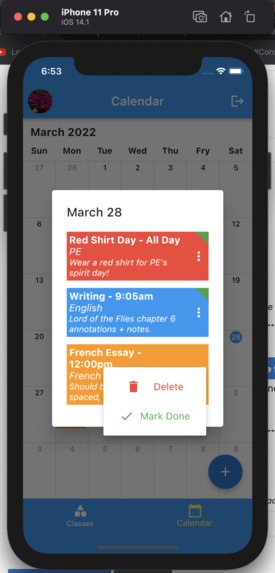
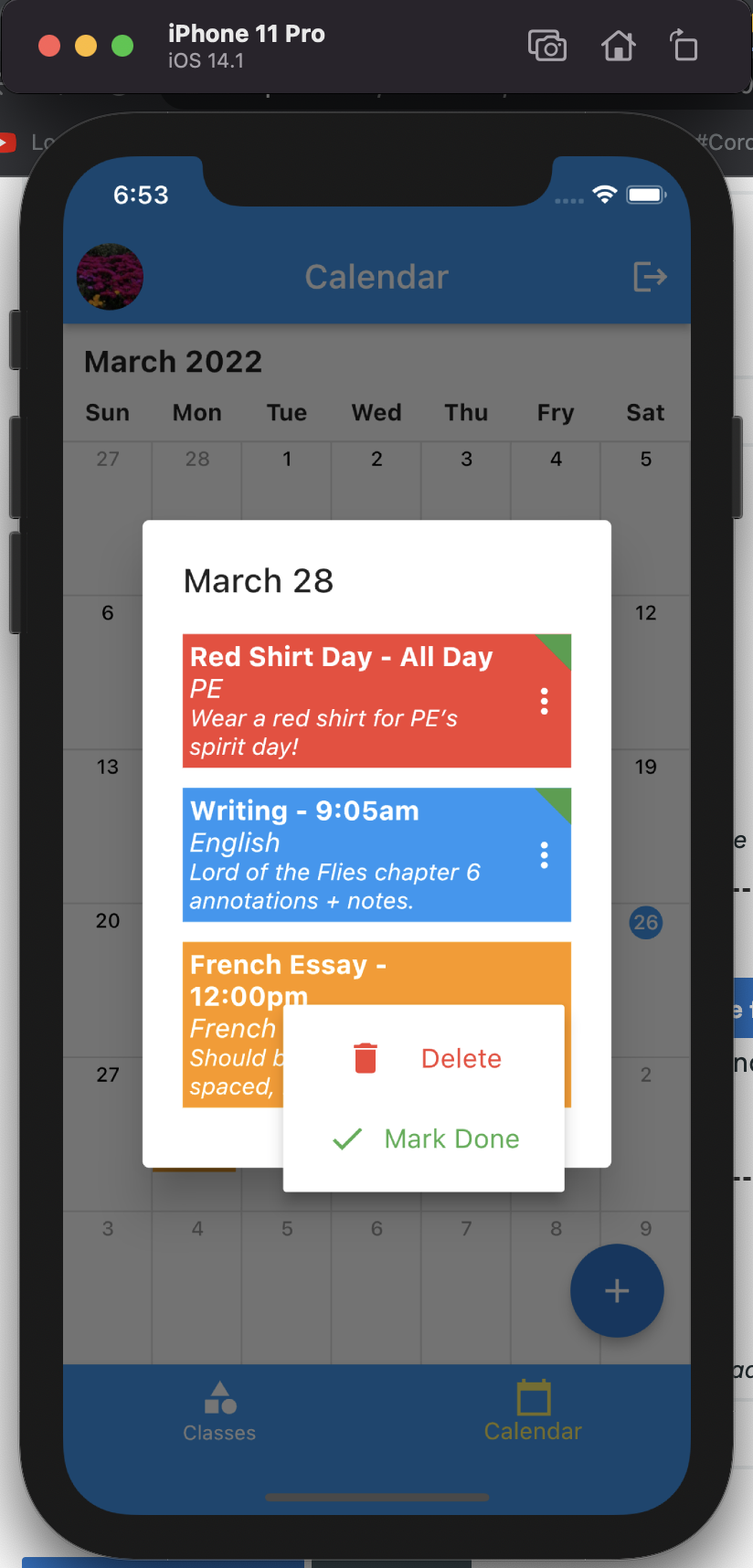
Calendar, viewing specific details/actions for a day
Inspiration
No one at Wilcox really uses their physical agenda but everyone loves to use their phones. If I were to digitize our agenda, maybe more people would actually use it.
What it does
Users are able to list what classes they are taking and afterward post reminders for each class which they are able to visualize on a calendar. From there they can delete reminders or mark them as complete. All data is stored in a Firebase which allows users to retrieve their agendas from multiple devices.
How we built it
I used Dart and a framework called Flutter, both of which were developed by Google, to create this project. What I do is I create screens and widgets using Flutter's preexisting widgets which I then render to the screen to create my UI. I then use Dart in the background for all sorts of application functionality. This app is connected to a Firebase (database also hosted by Google) which stores all of the user data.
Challenges we ran into
The calendar screen posted plenty of issues as I was unable to get the widget tree to rebuild on its own. As a work around, I broadcasted a notification to a parent widget that force called setState() thus causing the widget tree to rebuild and update.
Accomplishments that we're proud of
This is the first time I've made a full functioning app in a mere 24 hours. It's a testament to my newly found time management skills.
What we learned
I learned more about how Firebase connects to Flutter and how to utilize StreamBuilders and FutureBuilders in conjunction more easily in the future.
What's next for EasyPlan
There are some minor bugs such as the workaround for the calendar screen that I mentioned before not always working. Some more customization is also something that I'm looking at.
Built With
- dart
- firebaseauth
- firebasefirestore
- flutter


Log in or sign up for Devpost to join the conversation.