-
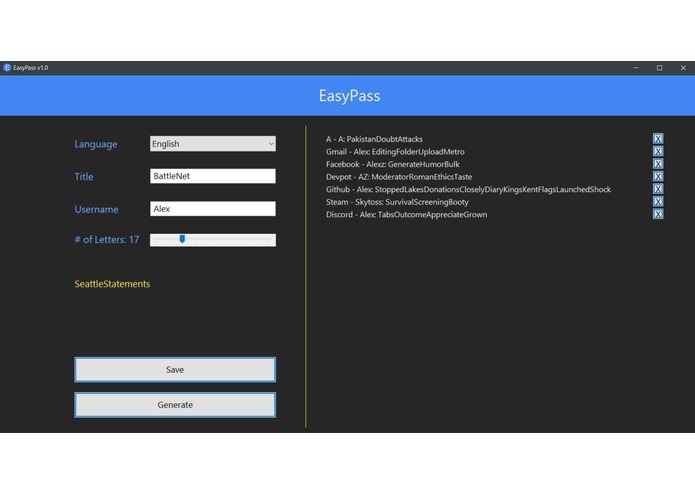
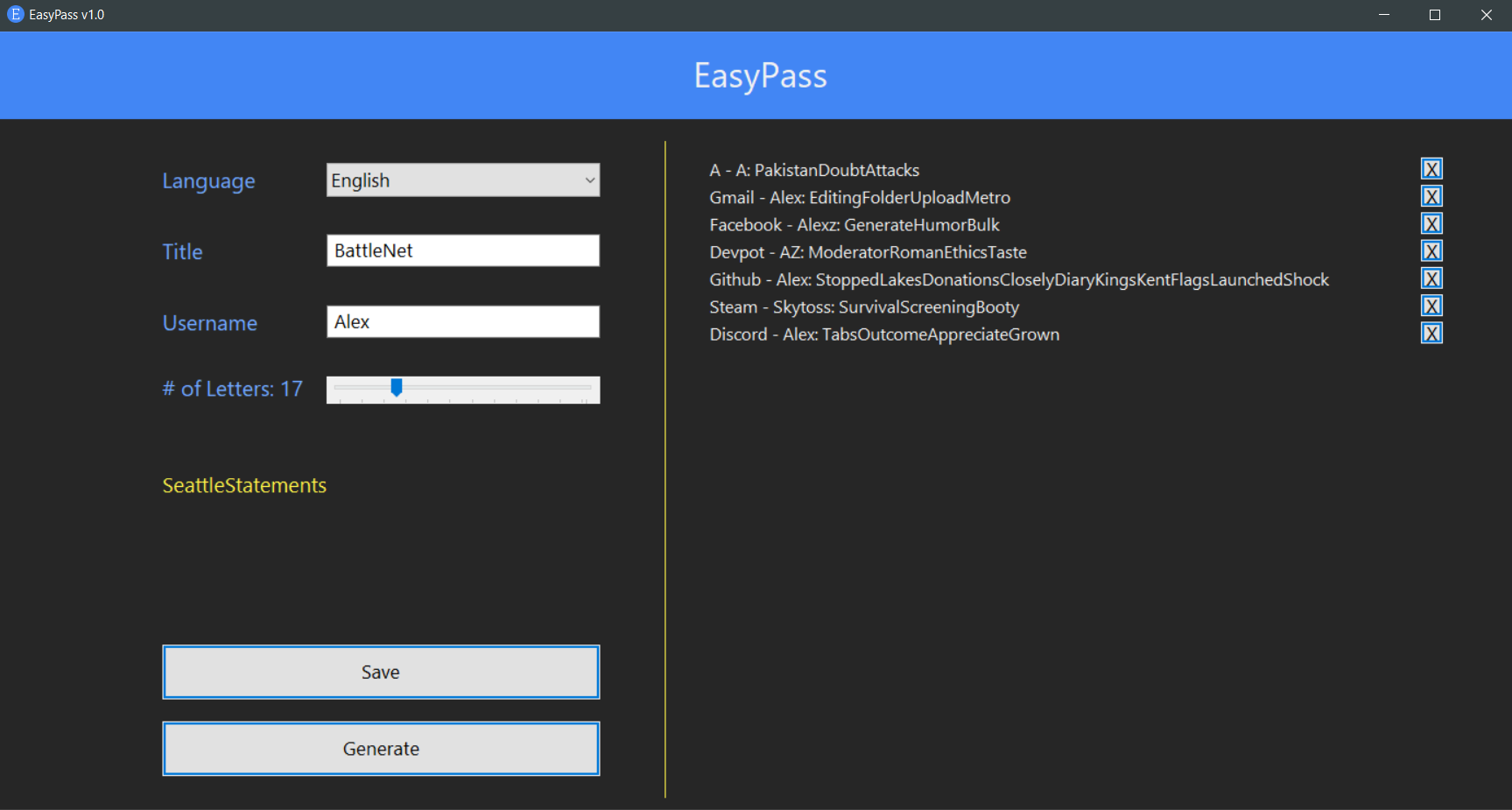
Application view of EasyPass
-
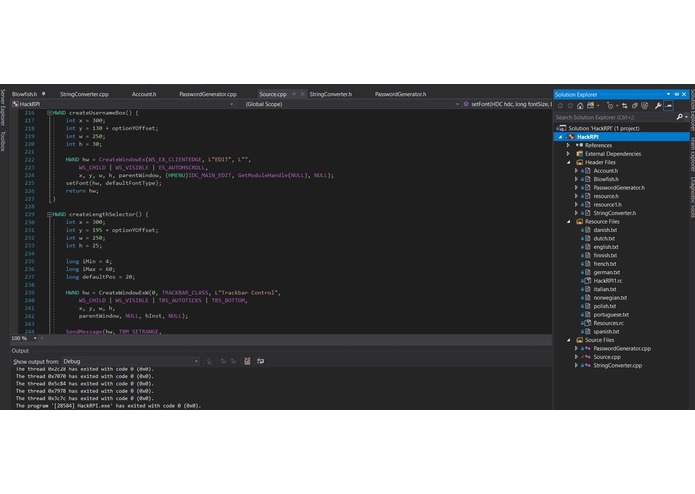
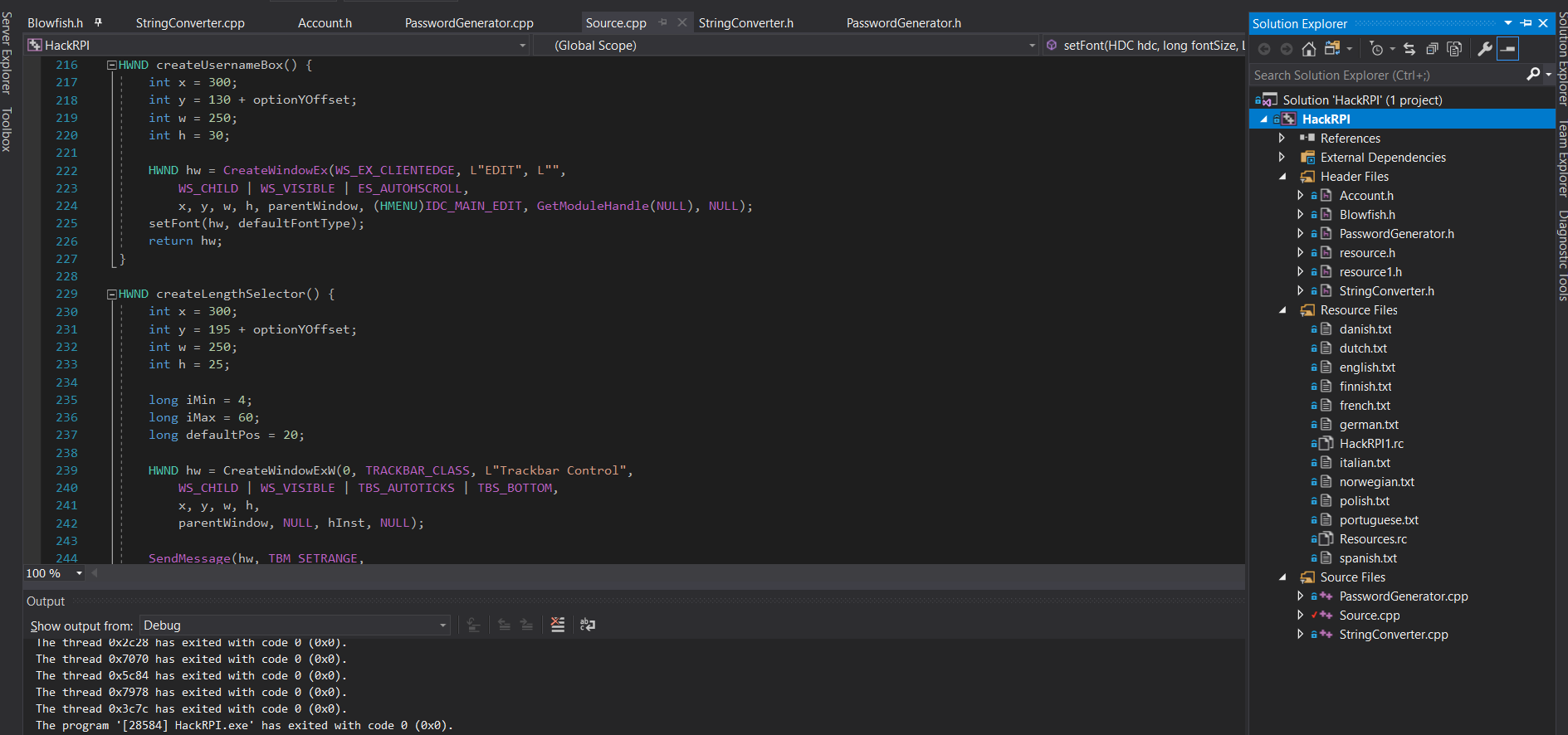
An excerpt of our source code
Inspiration
The vast majority of people often rely on very few passwords for their numerous accounts, leaving them vulnerable to data leaks impacting their other accounts. Those who wish for better security of their data often download some form of password manager. Unfortunately for them, they are locked out of their accounts without it. This is a problem that we, and I'm sure many others have run into in the past. Building off the idea of secure, unique passwords and the ability to maintain access to your accounts without a password manager, we created EasyPass.
What it does
Unlike traditional password generators, EasyPass combines words from any one of 12 different languages into a mnemonic password of your chosen length in order to create passwords that are not only easy to remember but hard to crack due to their long length. The software also assists in saving the passwords in a local database securely encrypted by your Master Password.
EasyPass is lightweight, with a file size of just 357kB.
How we built it
We wrote the software as a windows desktop application using win32, with all the source code written in c++. All the stored data are encrypted using the Blowfish Encryption algorithm and placed into .epass files inside your local directories. These can later be decrypted with a .key file - the master password to unlock your other passwords.
Challenges we ran into
Having done at most rudimentary C++ before this project, we struggled with adapting to pointers, dynamic variables, and other intricacies within the language. Several things that normally would have taken minutes to write instead cost us much longer to research and solve.
Accomplishments that we're proud of
After this project, we now have a much better grasp of C++, and has added another item into our skill set. Having never made a standalone desktop application before, we also learned a lot from developing this project using minimal outside resources.
What we learned
- Pointers, dynamic binding, and memory management for C++
- Control flow, GUI creation, database encryption, and icon creation for desktop application design. ## What's next for EasyPass In the future, we intend to add additional functionality, such as number substitution within the password, additional language support, and screen ratio adjustments for the GUI (anchor points) to allow for a wider variety of devices to use this software. We hope to implement sorting and searching through your accounts, copying and auto-typing the usernames and passwords.
Built With
- blowfish
- c++


Log in or sign up for Devpost to join the conversation.