Inspiration
Writing technical notes often means switching between a Markdown editor, a browser, a diagram tool, and an export dialog. EasyMD brings those everyday tasks into one workspace while keeping documents as ordinary files on the user's Mac. The goal is simple: move from an idea to a readable, shareable document with less friction.
What it does
EasyMD is a local-first Markdown, HTML, and plain-text editor for macOS and desktop browsers.
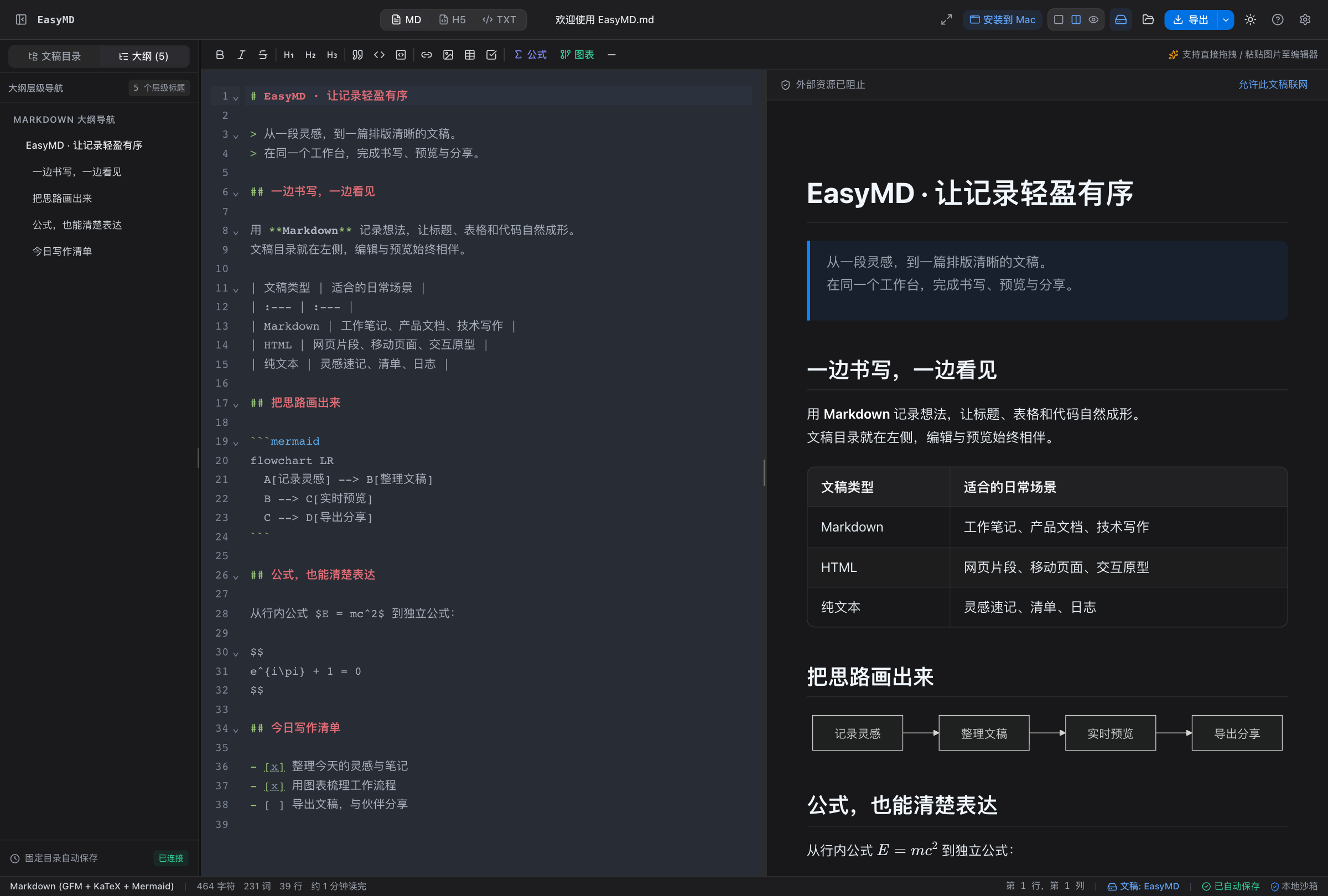
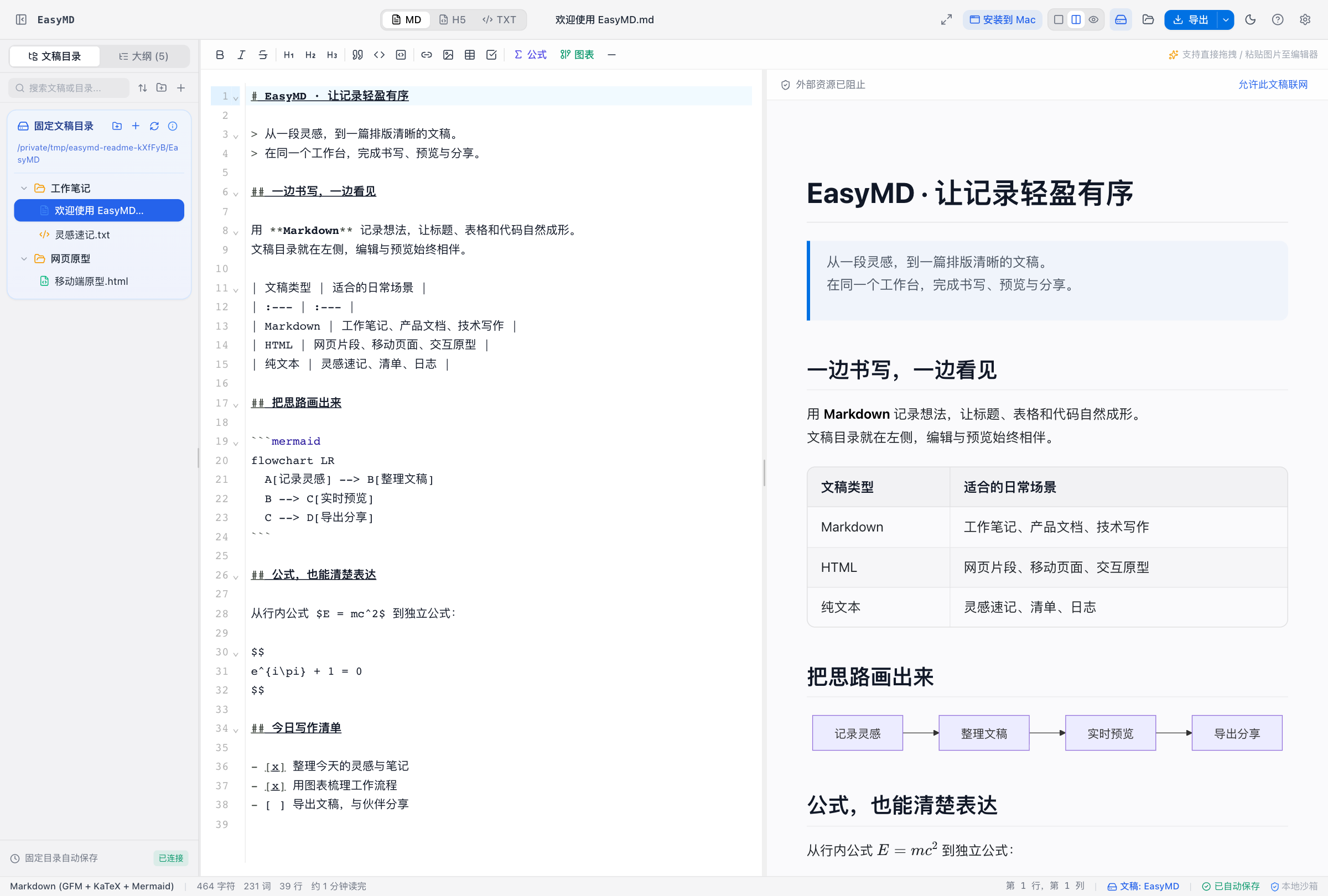
- Write and preview together: edit Markdown with a live preview, GitHub Flavored Markdown tables and task lists, syntax-highlighted code, KaTeX equations, and Mermaid diagrams.
- Keep work organized: browse files and folders, search documents, navigate a heading outline, and switch between light and dark themes.
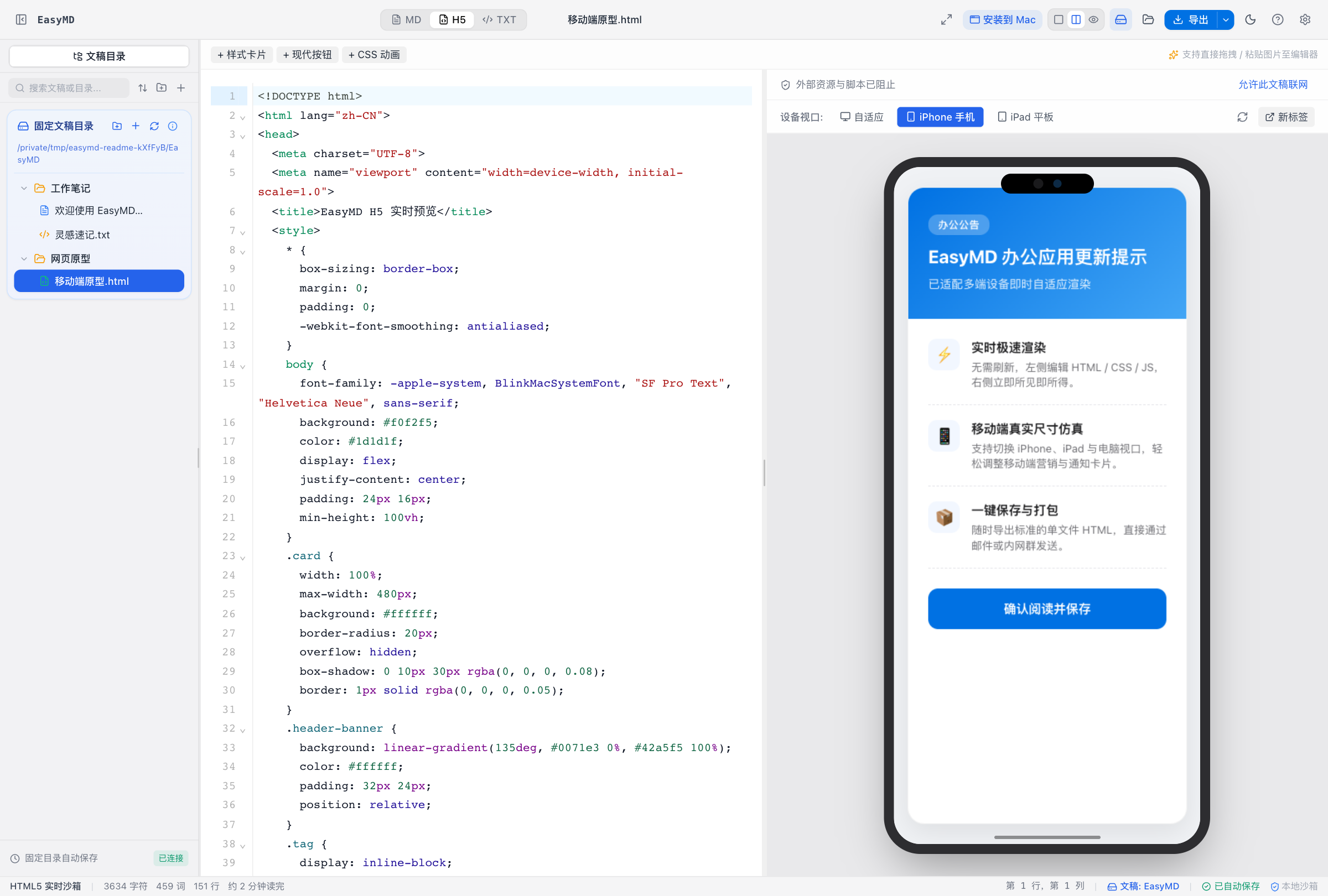
- Prototype HTML: edit HTML and preview it in desktop, phone, and tablet viewports, or open an independent preview window.
- Save locally: the macOS app uses a dedicated EasyMD document folder, automatically saves changes, detects external edits, and moves deleted documents to a recoverable trash folder.
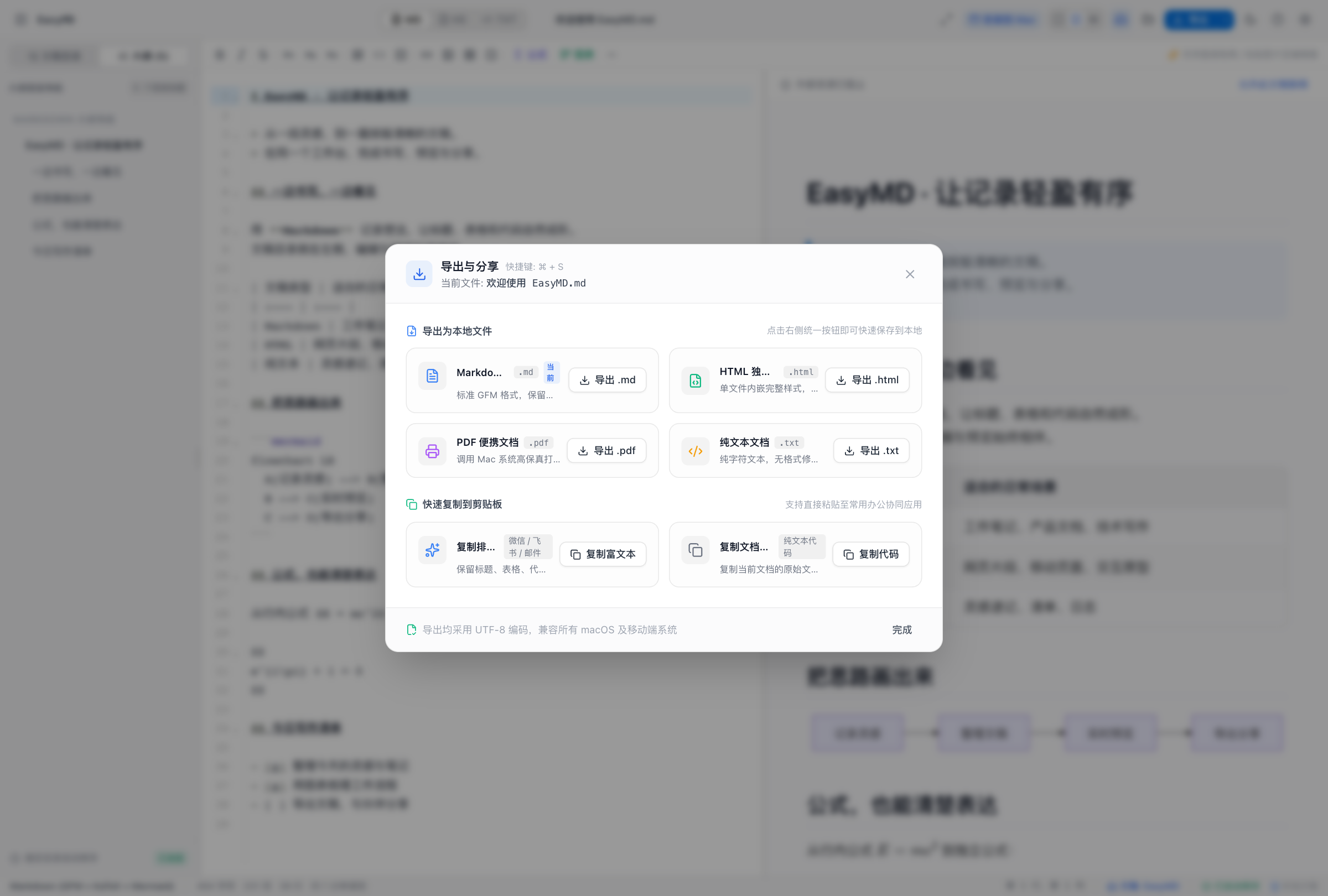
- Share in useful formats: export Markdown, HTML, and TXT; print or save as PDF; and copy source text or formatted content into other applications.
- Control external resources: document previews block external resources by default. HTML scripts and network access require an explicit, temporary permission for that document.
The application has no integrated analytics, advertising, or document-upload service. A standalone browser deployment keeps drafts in that browser; the macOS app adds access to its local document workspace.
How we built it
The interface uses React, TypeScript, Vite, Tailwind CSS, and CodeMirror. Marked handles Markdown parsing, DOMPurify sanitizes rendered content, KaTeX renders equations, Mermaid renders diagrams, and Highlight.js formats code.
The macOS application packages this interface with Electron and a local file service built with Node.js core modules. The file service uses version checks and atomic writes to reduce the risk of overwriting external changes. The desktop runtime limits native interactions, and document previews use a separate isolation boundary.
The public MIT-licensed repository includes source code, setup instructions, release packaging, third-party license notices, and regression tests for document handling, rendering, privacy controls, and desktop integration.
Challenges we ran into
The hardest part was making a rich preview useful while preserving clear boundaries around local files and network access. Those boundaries also had to hold in exported HTML, independent previews, printing, and rich-text copying.
Another challenge was handling documents opened from Finder or changed by another application. EasyMD distinguishes files already in its workspace from imported copies, checks for conflicting writes, and avoids replacing an existing file during import or rename.
Packaging for both Apple silicon and Intel Macs added another layer: file associations, startup requests, icons, runtime isolation, and license notices all need to work in the installed app.
Accomplishments we're proud of
EasyMD combines document writing, diagrams, equations, HTML prototyping, and export in one working application. It also provides standalone macOS preview builds for both chip architectures, so users can try the app without installing a development environment.
What we learned
A dependable editor needs more than a good-looking preview. Saving, importing, conflict handling, recovery, and export are part of the writing experience. Making those behaviors explicit helps users understand where their work lives and what an action will do.
What's next for EasyMD
Next priorities are improving English-language onboarding, refining export layouts, and expanding the collection of document templates. Developer ID signing and Apple notarization are also goals for a future macOS release.
Try it out
Source code and build instructions: https://github.com/Xchat1/EasyMD
macOS preview downloads: https://github.com/Xchat1/EasyMD/releases/tag/v1.0.4
The macOS preview requires macOS 13 or later and currently uses ad-hoc signing; it is not Apple-notarized. No application account is required. The current interface and included sample documents are primarily in Chinese.
Built With
- codemirror
- css3
- dompurify
- electron
- html5
- javascript
- katex
- marked
- mermaid
- node.js
- react
- tailwind-css
- typescript
- vite

Log in or sign up for Devpost to join the conversation.