Right now, powerful automation is stuck. On one side, you have simple tools that can't do multi-step tasks. On the other, you have enterprise platforms that require a team of engineers, complex APIs, and months of setup. There is no in-between.
Our platform changes that. We make AI agents easy. Forget coding. If you can write a simple sentence, you can create a powerful, 24/7 AI assistant.
"Watch this competitor's blog for new posts." Done. You just made a Watcher Agent. "Read this spreadsheet and email me a summary every Friday." Done. You just made an Excel Agent. "Apply to this job link using my attached resume." Done. You just made an Apply Agent.
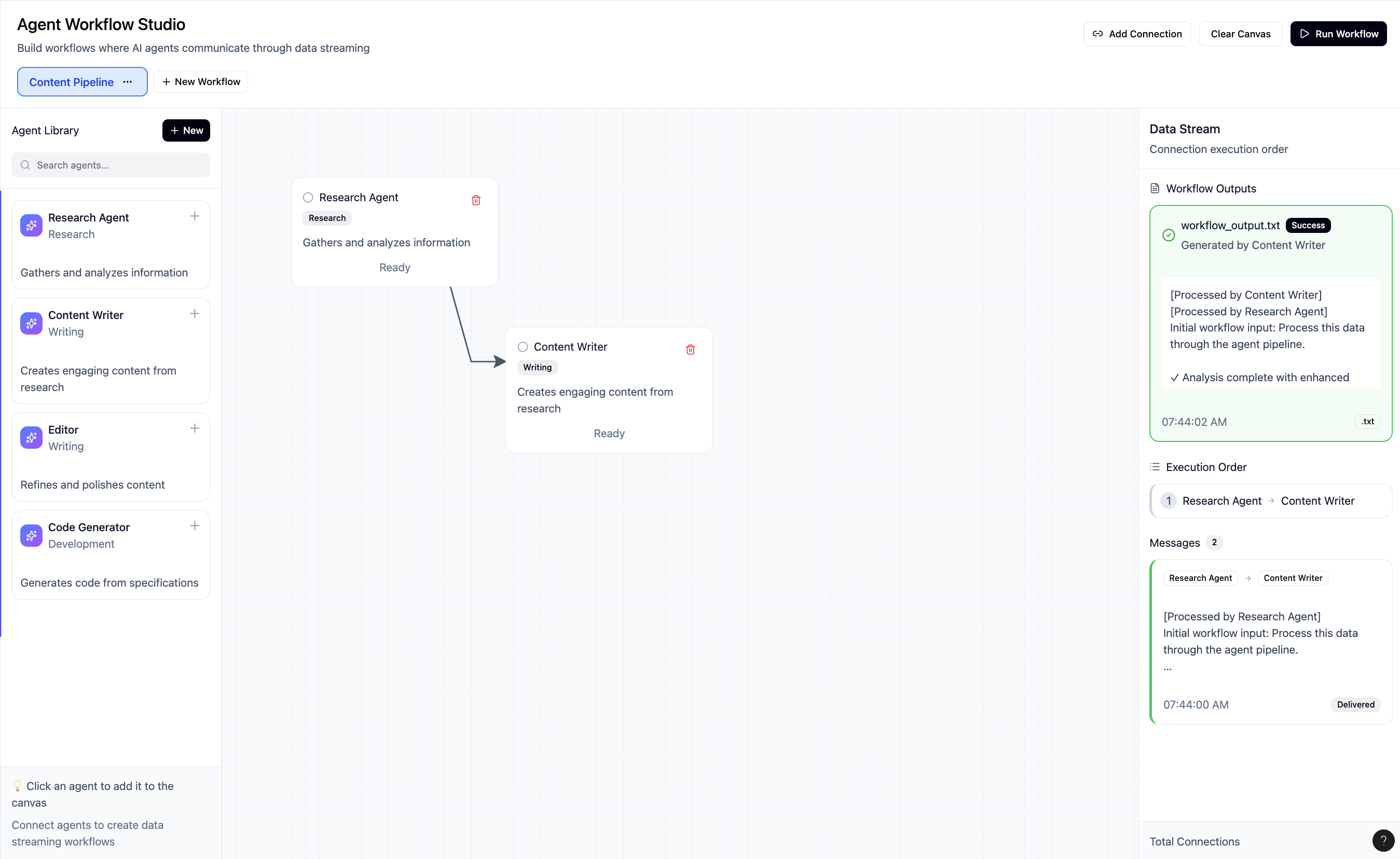
This is the one-stop shop for automating any task, fast. Creating one agent is good. But the real world is complex. You need multiple agents working together. That’s our second promise: We make AI workflows powerful.
Because you can create any agent you want, you can drag and drop them into any flow you can imagine. This is where our advanced orchestration, powered by a high-speed data hub, makes all the difference. This power isn't just for companies. It’s for people. Meet David. He’s a recent grad stuck in the "application void," spending 4 hours a day copying and pasting his info into forms and losing track of it all in a messy spreadsheet.
With our platform, he builds his own automated job-finding team: He creates an "Excel Agent" to monitor his jobs_to_apply.xlsx spreadsheet. He creates a "Job Apply Agent" and feeds it his resume and info. He creates an "Email Agent" to notify him of success. He connects them: Excel → Apply → Email. Now, David's job hunt is simple. He just finds a job he likes and adds the URL to a new row in his spreadsheet. That’s it.
Our orchestrator instantly detects the change, triggers the "Apply Agent" to fill out the application, and then triggers the "Email Agent" to send him a confirmation. He just automated the 10 most demoralizing, repetitive clicks of his job search.
Our platform isn't just another AI tool. It’s the first one-stop shop that gives you the ease of simple creation and the power of a complex, parallel-processing workflow.
🧠 How It Works
Text → Agent (Creation) User Input: A user provides a natural language prompt (e.g., "make an agent that reads CSVs and finds all expenses over $100").
Claude Parsing: This prompt is sent to Claude, which is instructed to parse the text and return a structured MCP blueprint.
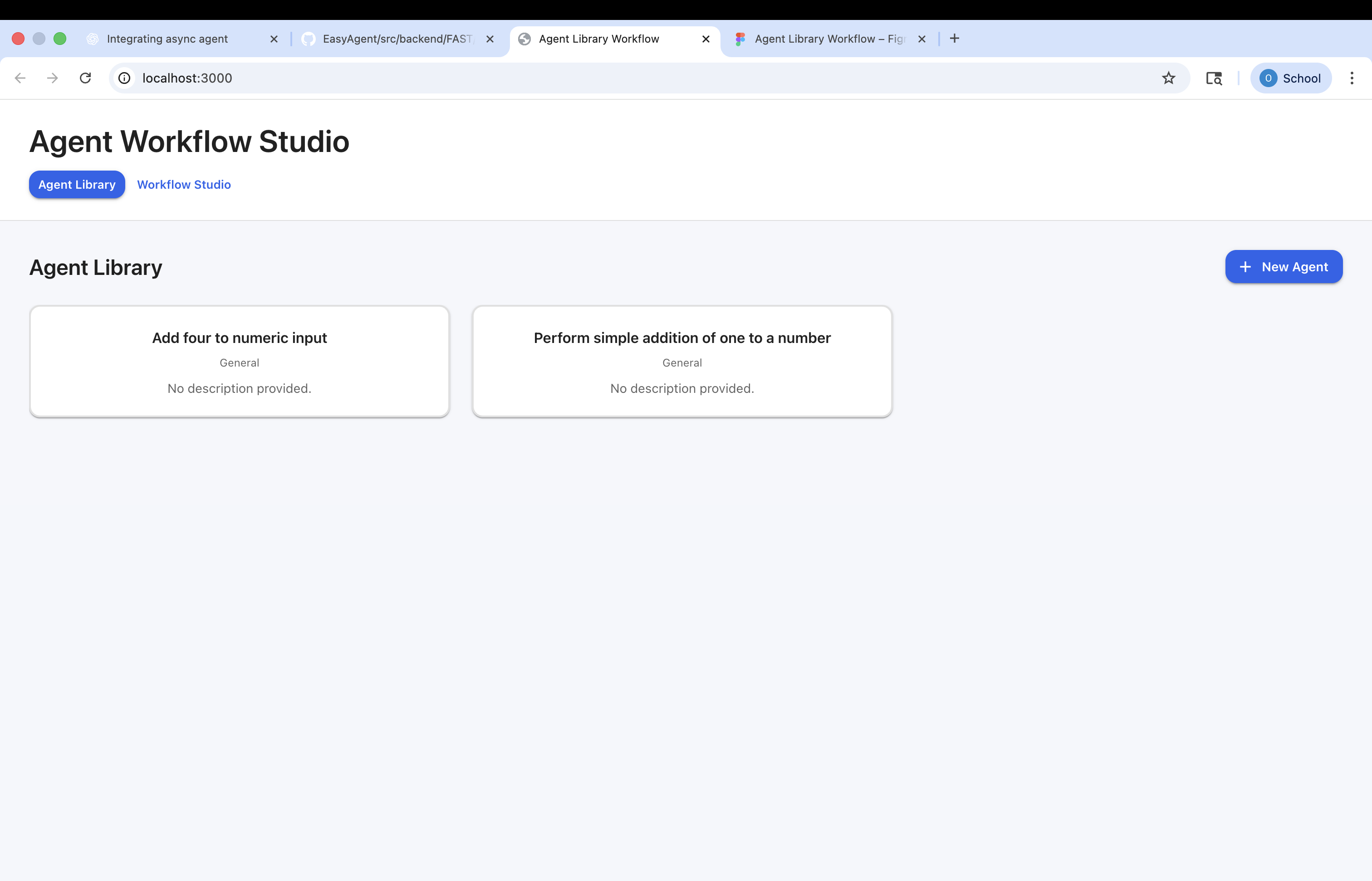
Registration: The blueprint is saved to the SQLite database. The agent is now available in the library and "attached" to the MCP Server, which allocates its required tools (like csv_reader).
Workflow → Run (Execution) Graph Analysis: When "Run" is clicked, the Execution Planner analyzes the visual graph of nodes and edges.
Queue Prioritization: It builds an execution queue by identifying all nodes with 0 inputs (depth 0). These are the starting points.
Orchestration: The planner instructs Red Panda to create the necessary data topics. It places the "depth 0" agents into the execution pool.
Streaming & Concurrency: As agents run (concurrently if independent), they publish their results to their designated Red Panda output topics. Red Panda, acting as the orchestrator, sees this new data and automatically triggers the next agents in the graph that were waiting for that specific data topic as an input.
Completion: The flow continues until all data has streamed through the graph and the final output topics have data. The UI, which is subscribed to these topics, displays the final results.
Built With
- claude
- dedalus
- gemini
- javascript
- mcp
- multi-agent
- openai
- python
- react
- redpanda
- sqlite
- typescript


Log in or sign up for Devpost to join the conversation.