Inspiration
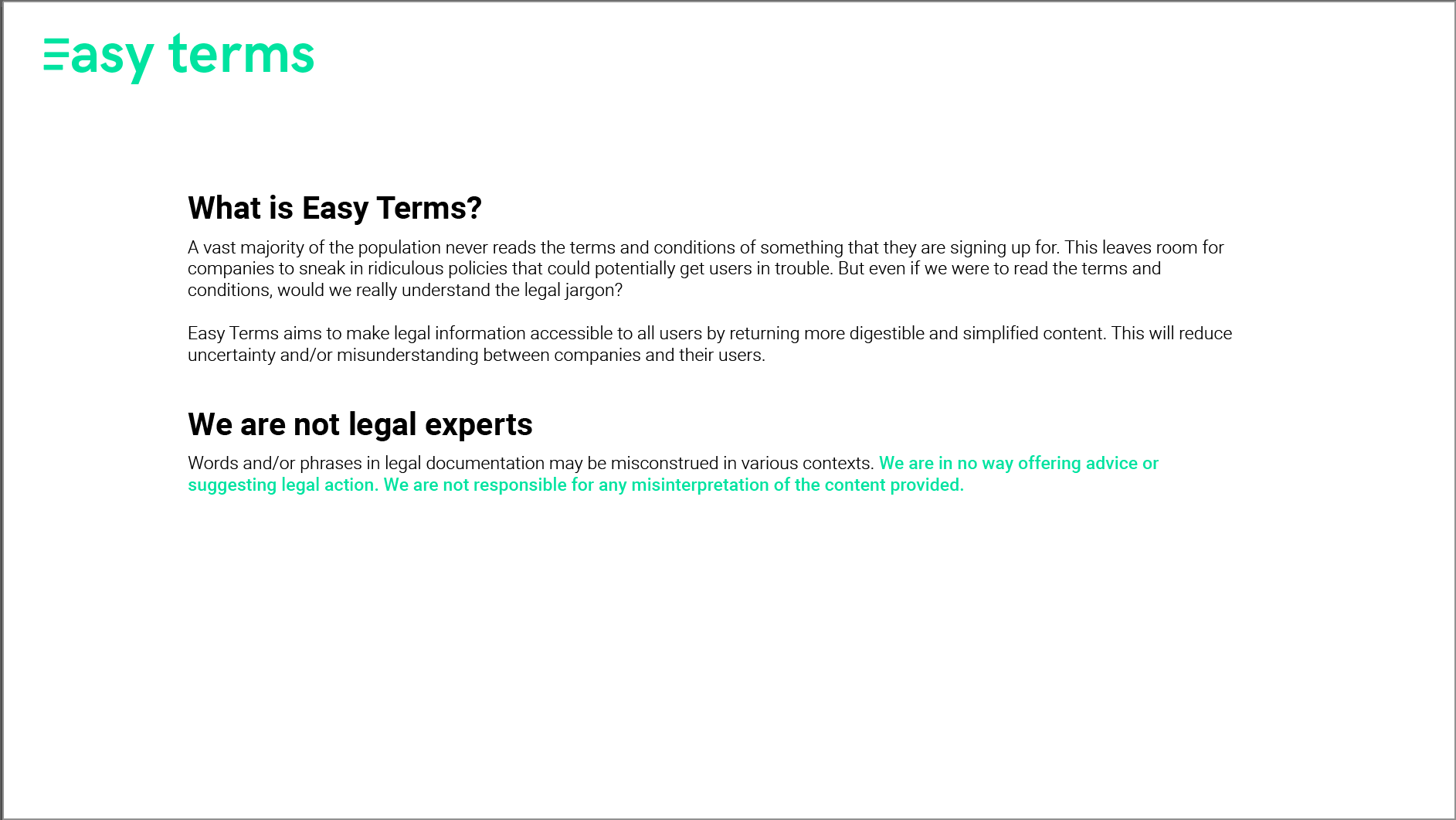
According to a 2017 Deloitte Study, "91% of people consent to legal terms and service conditions without reading them" link. Companies exploit this by incorporating certain terms or clauses that they know a user will likely not catch. This can lead to misunderstanding, frustration, and mistrust.
What it does
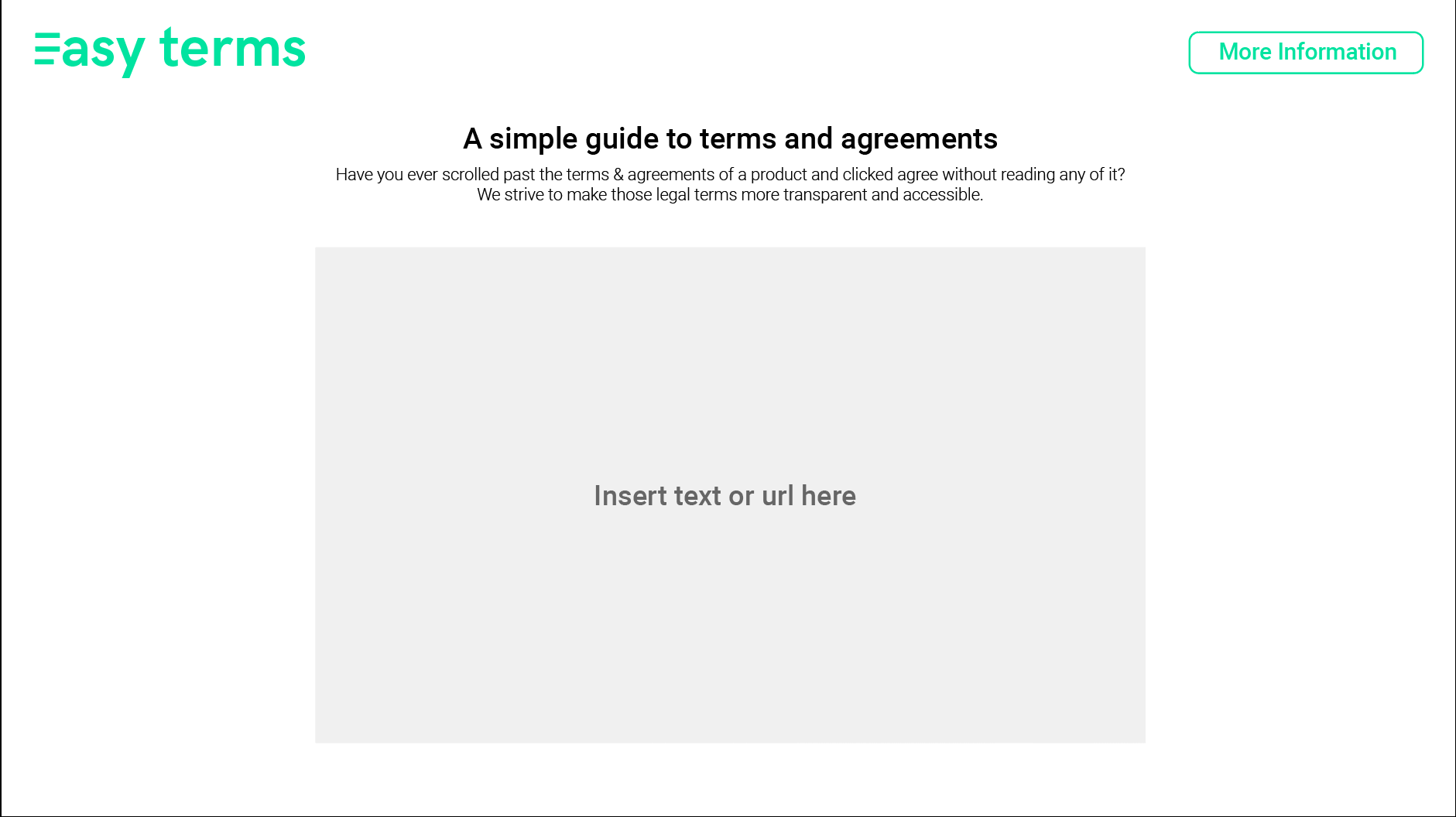
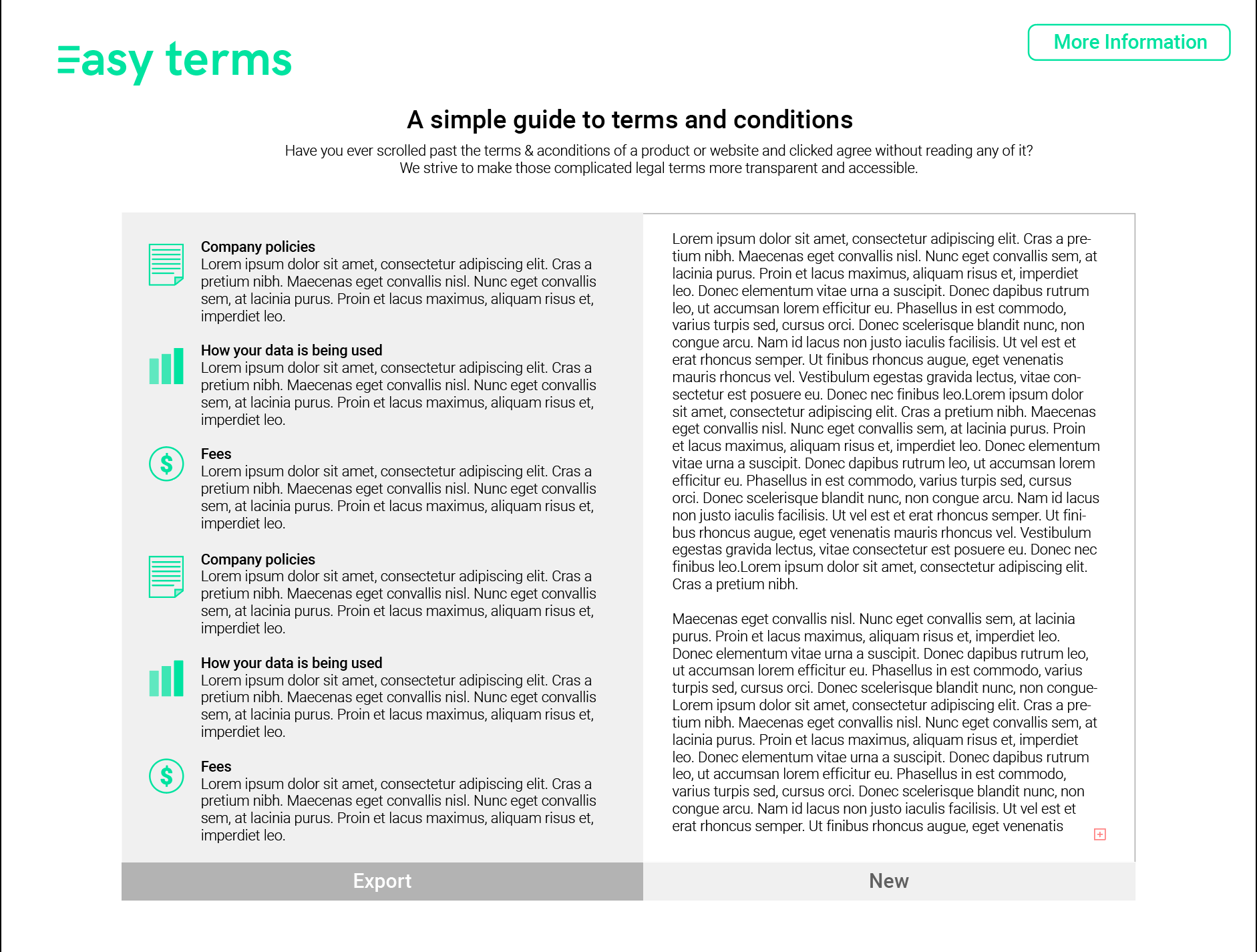
Users can input either text or a URL into the textbox. Easy Terms will analyze the content and provide a summarized version.
How I built it
The interface was created with React. Backend combines Python (Beautiful Soup e.g.) for web scraping, the use of Google Cloud Natural Language API for processing the raw text data, and we set up a Flask server to send and retrieve REST API responses.
Challenges We ran into
Our biggest challenge was coming up with a topic. We struggled to imagine the scope of every idea we came up with. Finally, we landed on a topic that we felt was an important issue to bring to light.
During development, we ran into problems when testing the fetching server API from the client-side. This is due to the modern browsers' security feature on CORS. This was later solved by adding appropriate headers in fetch APIs.
Accomplishments that we are proud of
Creating a website that we can envision actually being integrated and useful in society.
What we learned
Designer: I learned how important it is to be clear and concise in my designs and writing. Also, it is okay (and encouraged) to not have the final solution envisioned right away. This project reminded me to trust the process and seek feedback constantly in order to keep iterating/improving.
Developers: We learned about the basic implementation and usage of NLP machine learning as well as pre-processing data (web scrapping e.g.) before training the machine learning model with it.
What's next for Easy Terms
We intend to continue working on Easy Terms so that we can implement all of our proposed features:
- A feature where a user can highlight a section in the translated text and they will be able to see where that information was pulled from the original text.
- Chunking information into related sections and intuiting the corresponding icon for each section.
- A mobile version and/or chrome extension
Built With
- beautiful-soup
- flask-server
- google-cloud-natural-language-api
- react

Log in or sign up for Devpost to join the conversation.