Inspiration
We looked at ways for detect a package being stolen and we thought hardware solutions would best so we thought using detection of a "key" while the package is being moved as a solution and moving the package without the "key" would be unauthorized and count as being stolen.
What it does
The gps tracker(phone in our case) would connect with a phone that has an app that would detect if any device once connected with it disconnects then the app would send a message to potential a server or police (another phone in our case).
How we built it
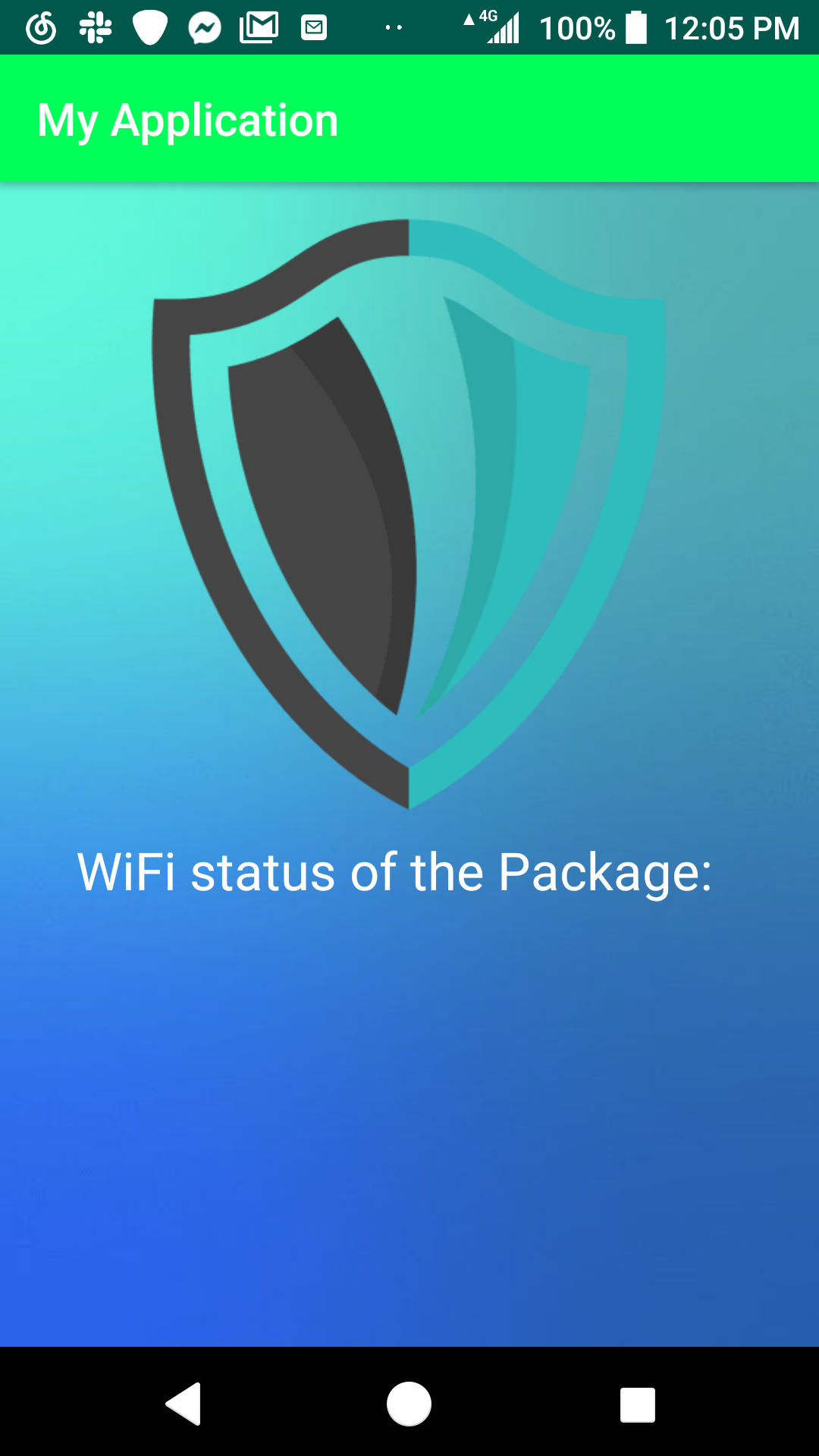
We used Android studio to create the app itself and format the UI. For the Connection portion of our device we got permission to access the devices WIFI component and we got the network information to check if the phone has WIFI and we used the "connectivity" command to check network information type this allows us to tell if a connection is present. For the Automated messaging we got the permission to use the phones SMS, then used the "IntentActionCall" command to actually call another person and used "SMSManager" command to send and SMS to another phone.
Challenges we ran into
A challenge was getting the automation of both the message sending and the status check of the package (in range or out of range).
Accomplishments that we're proud of
We are proud that we got to connect 2 devices over a network and be able to do something using them.
What we learned
ALOT.
What's next for easy, safe cargo
Code
package com.example.myapplication;
import android.bluetooth.BluetoothAdapter; import android.content.Context; import android.content.Intent; import android.net.ConnectivityManager; import android.net.NetworkInfo; import android.net.Uri; import android.net.wifi.WifiManager; import android.os.Bundle; import android.support.v7.app.AppCompatActivity; import android.view.View; import android.widget.Button; import android.widget.TextView; import android.widget.Toast;
public class MainActivity extends AppCompatActivity {
static int bluetoothStatus = -1;
BluetoothAdapter Adapter;
TextView Status;
TextView Fail;
TextView Exception;
Button check;
@Override

protected void onCreate(Bundle savedInstanceState) {

    super.onCreate(savedInstanceState);
    setContentView(R.layout.activity_main);


    Status = findViewById(R.id.statusBluetooth);
    Adapter = BluetoothAdapter.getDefaultAdapter();
    Fail = findViewById(R.id.failAlert);
    Exception = findViewById(R.id.TurnOnRequest);
    check = findViewById(R.id.check);

    ConnectivityManager conn = (ConnectivityManager) getSystemService(CONNECTIVITY_SERVICE);

    check.setOnClickListener(new View.OnClickListener() {
        @Override
        public void onClick(View v) {
            boolean wifi = false;

            int connectStats = WifiManager.WIFI_STATE_ENABLED;

            ConnectivityManager conn = (ConnectivityManager) getSystemService(Context.CONNECTIVITY_SERVICE);
            NetworkInfo info = conn.getActiveNetworkInfo();

            if(connectStats==WifiManager.WIFI_STATE_ENABLED) {
                wifi = info.getType() == ConnectivityManager.TYPE_WIFI;
                if (!wifi) {
                    Status.setText(null);
                    Exception.setText(null);
                    Fail.setText("The package is stolen, please report!");
                    Toast.makeText(MainActivity.this, "Message Send",
                            Toast.LENGTH_SHORT).show();

                    String messagephone = ""; //insert the number between the quotations
                    Intent intent = new Intent(Intent.ACTION_CALL, Uri.fromParts("tel", messagephone, null));
                    startActivity(intent);

                } else {
                    Fail.setText(null);
                    Status.setText("The package is safely in transportation");

                }
            }


        }


    });

}
}

Log in or sign up for Devpost to join the conversation.