Inspiration
IRL streamers need to remain present with their audience while paying attention to what they are doing and what is happening around them. Reading a fast-moving Twitch chat usually means repeatedly looking down at another screen.
That becomes especially disruptive during hands-on streams. While presenting my stamp collection, for example, I need to handle delicate items, explain their history, and maintain eye contact with the audience at the same time.
Easy Earpiece explores a different interface for chat: instead of requiring the streamer to constantly read it, AI transforms the most useful conversations into short, private spoken whispers.
What it does
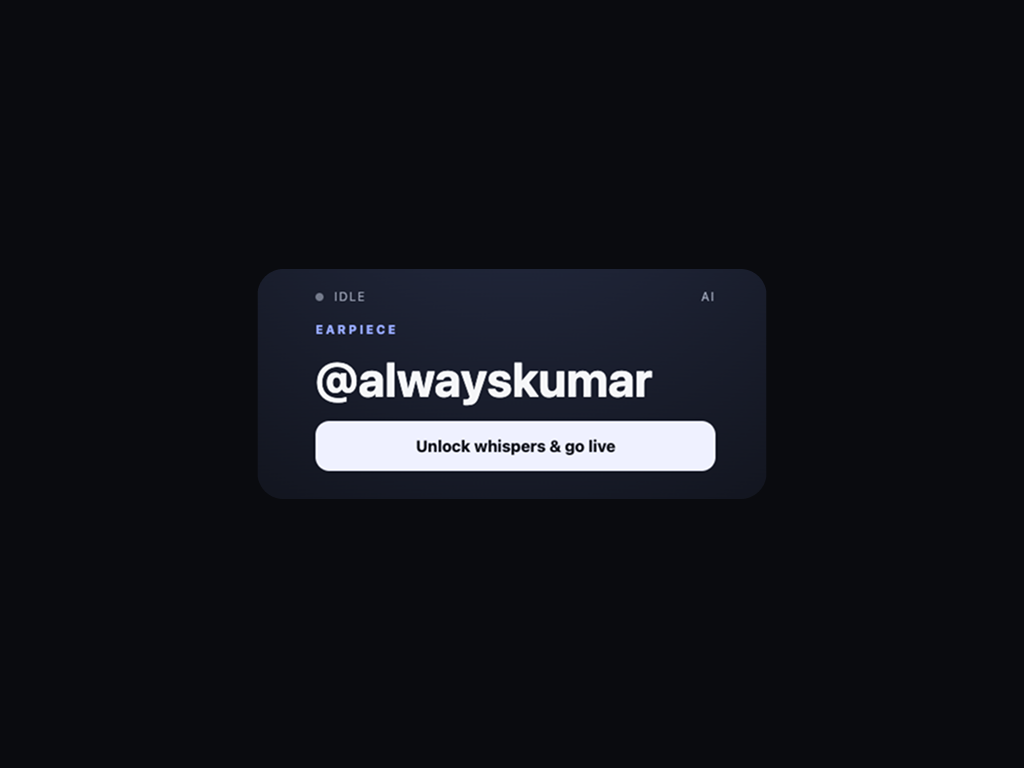
Easy Earpiece is an AI-powered attention interface for Twitch IRL streamers.
Viewers continue using normal Twitch chat. Easy Earpiece collects messages during a ten-second window, removes noise, groups related messages, separates unrelated topics, and converts useful conversations into concise whispers.
For example:
- “What is the oldest stamp in your collection?”
- “Which stamp is your oldest?”
- “When was your oldest stamp issued?”
These become one whisper:
“Which stamp is oldest, and when was it issued?”
The streamer hears the whisper privately through wired headphones, Bluetooth earbuds, USB audio, or the device’s selected audio output.
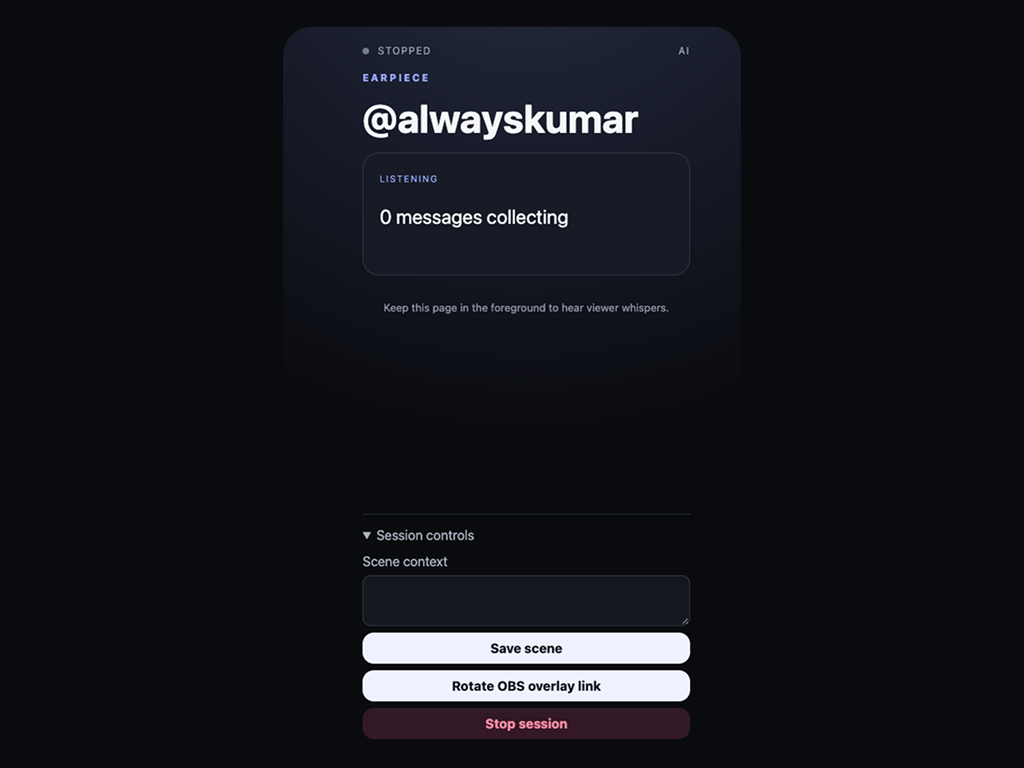
A synchronized Twitch Extension and OBS browser overlay show the lifecycle:
collecting → queued → speaking → heard
“Had been selected by AI” is not treated as “heard.” The overlay changes to heard only after browser speech playback actually completes.
Rapid messages about different subjects remain separate. The queue allows only three items, plays one whisper at a time, and expires old items after twenty seconds.
An explicit moderator command can interrupt the normal queue:
!earpiece safety <message>
Ordinary viewer directions remain suggestions and cannot trigger the moderator safety path.
How we built it
Easy Earpiece is a TypeScript modular monolith deployed as one always-on Render Web Service with Render PostgreSQL.
The backend uses:
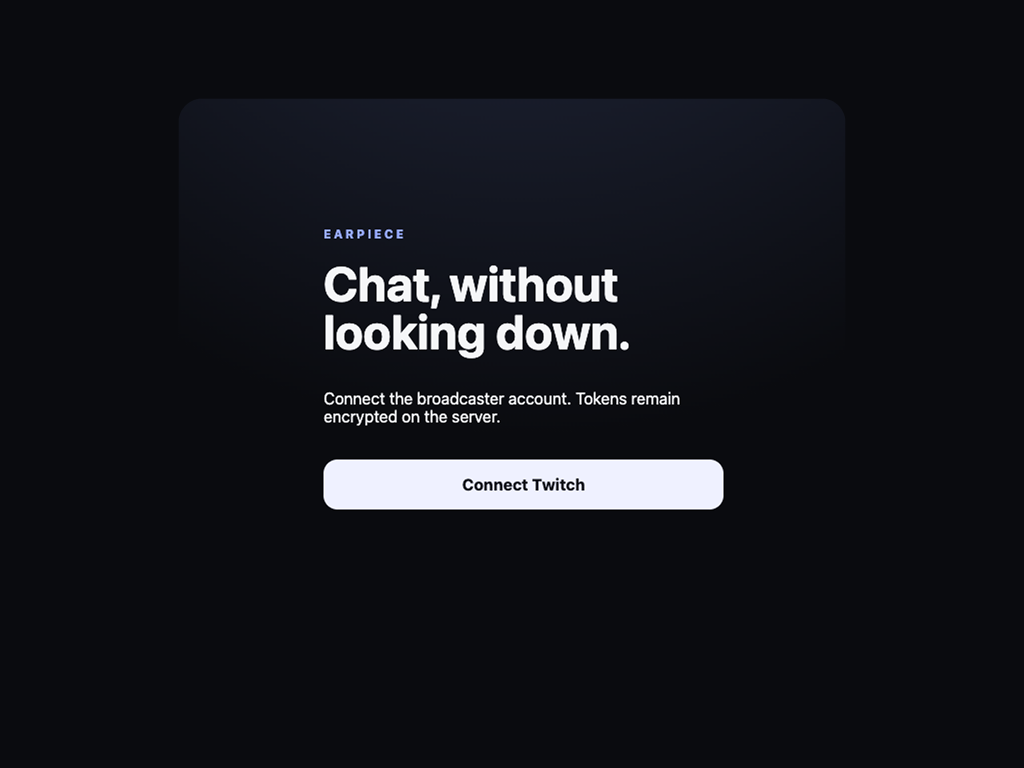
- Twitch Authorization Code OAuth
- Twitch EventSub WebSocket for real-time chat
- Encrypted server-side OAuth token storage
- Filtering, sanitization, duplicate detection, and ten-second batching
- Gemini structured output for semantic topic clustering
- Local Zod validation of every model response
- Deterministic rules fallback when AI is unavailable
- A three-item queue with twenty-second expiration
- Authenticated Server-Sent Events for real-time presentation updates
The private React controller uses the browser Speech Synthesis API to deliver whispers. It sends playback acknowledgements back to the server, allowing the overlays to distinguish between queued, speaking, and genuinely heard messages.
The same presentation state powers:
- An authenticated OBS browser-source overlay
- A Twitch Video — Fullscreen Extension in Hosted Test
The Twitch Extension validates Twitch-signed JWTs through the backend. Extension secrets and Twitch OAuth tokens never enter the client bundle.
Chat messages are processed ephemerally and are not stored as persistent chat history.
How we used OpenAI Codex
OpenAI Codex was our engineering collaborator throughout the project.
We used Codex to:
- Turn the initial product concept into a scoped technical architecture
- Define the Twitch, AI, controller, overlay, and security boundaries
- Build the pnpm TypeScript workspace
- Implement Twitch OAuth and EventSub lifecycle handling
- Create the filtering, batching, clustering, ranking, and queue pipeline
- Build the React controller, OBS overlay, and Twitch Extension
- Add encrypted token persistence, CSRF protection, JWT validation, and redacted logging
- Diagnose production failures using deployment logs and live browser verification
- Migrate from an unavailable Gemini model and validate structured output against real prompts
- Write regression tests for batching, multi-topic clustering, and session shutdown
- Configure and verify the Render deployment
- Prepare the Twitch Extension Hosted Test and review documentation
Codex was especially valuable during live debugging. When repeated questions were reduced to the latest raw message, Codex traced the behavior to an unavailable AI model and rules fallback—not simply to the clustering prompt. It then updated the provider configuration, resolved a structured-output compatibility issue, tested the exact chat batch against the live model, and verified the production deployment.
Challenges we ran into
Making “heard” truthful
Initially, a message could have been considered heard as soon as the AI selected it. That was not enough. We changed the contract so the phone reports when speech starts and when playback actually completes. Only then does the viewer-facing overlay show heard.
Avoiding arbitrary batch timing
A repeating timer allowed a message arriving near the end of an interval to be processed almost immediately. We replaced it with a first-message-anchored ten-second collection window so every new batch gets a predictable collection period.
Handling related and unrelated messages
The system needs to combine variations of the same question without merging unrelated conversations. We added explicit semantic clustering instructions, opaque message membership, unique-chatter validation, and local schema enforcement.
Keeping AI failure visible and recoverable
AI output is never trusted directly. Responses are schema constrained, locally validated, time limited, rate limited, and retried only once. If AI fails, Easy Earpiece visibly switches to deterministic rules mode.
Building a safe stop operation
Stopping a session must do more than close Twitch EventSub. Easy Earpiece also cancels speech, releases Wake Lock, clears pending and queued whispers, and prevents an in-flight AI result from reappearing after the session has stopped.
Twitch Extension delivery
The Twitch Extension requires Twitch-hosted assets, signed JWT validation, strict domain allowlists, and a formal review lifecycle. We completed the Hosted Test build while retaining the OBS browser source as the immediately available overlay.
Accomplishments that we are proud of
- Built a complete Twitch-to-whisper-to-acknowledgement loop
- Received real chat through Twitch EventSub
- Produced useful AI topic clusters from rapid viewer messages
- Kept unrelated conversations separate
- Made “heard” dependent on completed audio playback
- Implemented a deterministic and visibly labelled fallback
- Delivered both OBS and native Twitch Extension overlays
- Reached Twitch Extension Hosted Test
- Deployed the complete system to Render with encrypted credentials
- Added automated tests for the critical pipeline and security behavior
What we learned
The most important lesson was that summarizing chat is not enough. A useful attention interface needs strict limits, predictable timing, honest state transitions, and a clear acknowledgement loop.
We also learned that AI should be treated as a constrained component rather than the authority. The server owns message membership, validation, ranking, expiration, rate limits, and safety rules.
Finally, browser audio is practical for this experience because it follows the operating system’s selected output. However, audio unlocking, foreground behavior, Wake Lock, playback completion, and device testing all need to be treated as product features—not implementation details.
What’s next for Easy Earpiece
- Complete Twitch Extension review and public release
- Add configurable whisper cadence and category controls
- Add multiple overlay themes
- Add lightweight session metrics without storing chat history
- Explore multilingual chat and speech
- Continue testing across more phones, browsers, headphones, and IRL streaming environments
- Explore multi-channel support after the single-channel experience is fully hardened
Easy Earpiece’s goal is simple:
Let streamers hear the crowd, acknowledge viewers, and stay focused on the moment.
Built With
- api
- codex
- drizzle
- events
- eventsub
- extensions
- fastify
- gemini
- node.js
- openai
- orm
- playwright
- pnpm
- postgresql
- react
- render
- server-sent
- speech
- twitch
- typescript
- vite
- vitest
- web
- zod

Log in or sign up for Devpost to join the conversation.