-
-
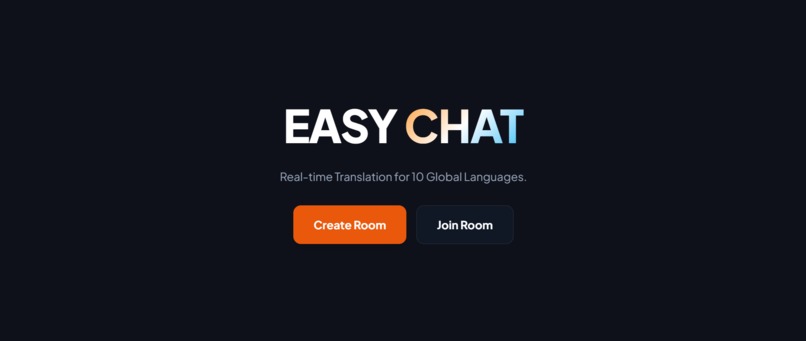
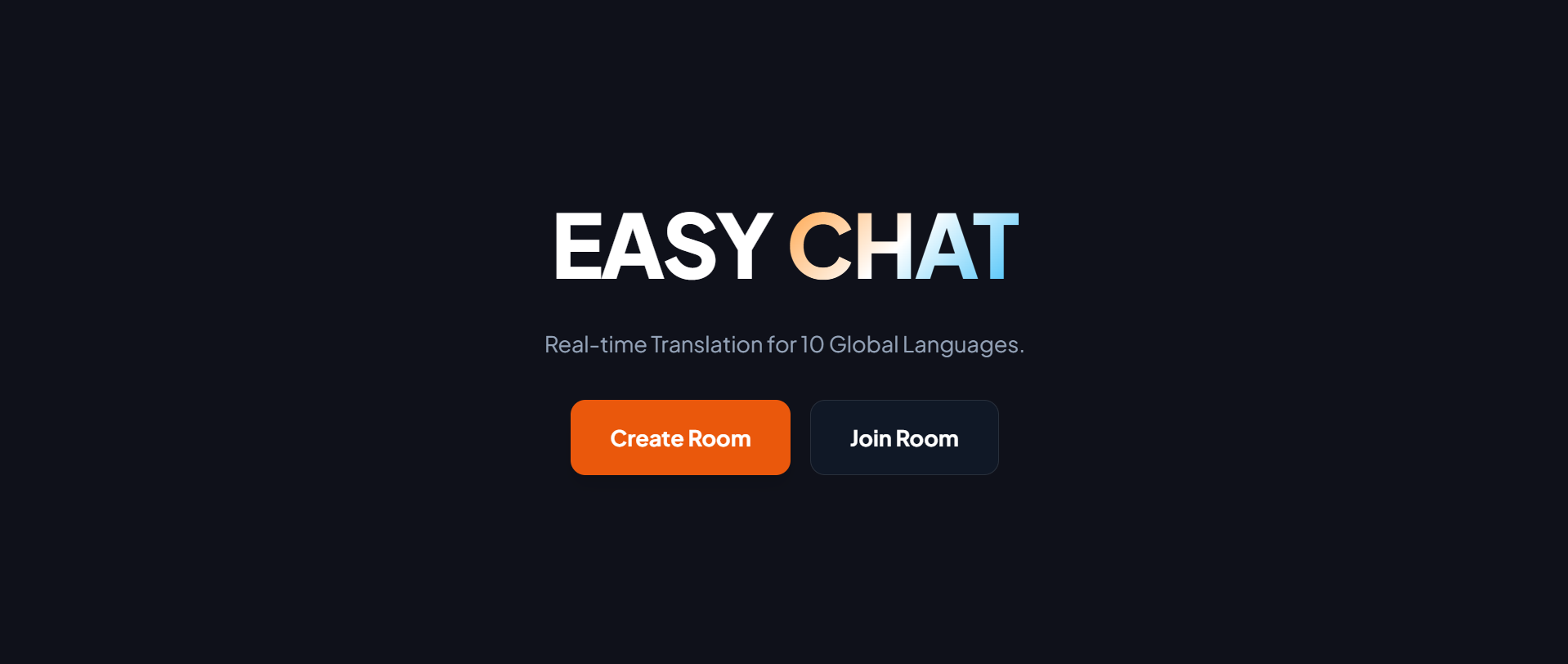
Home Screen
-
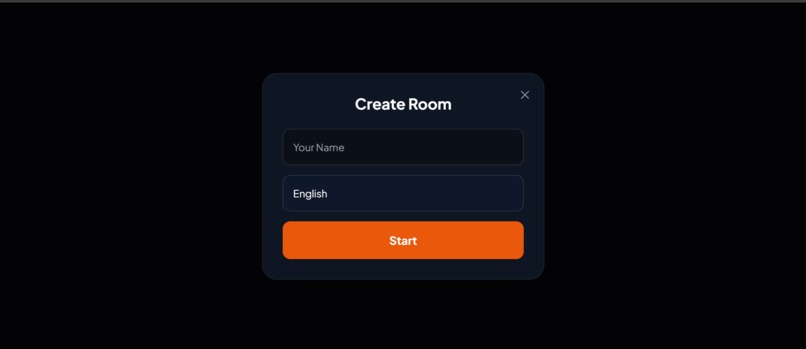
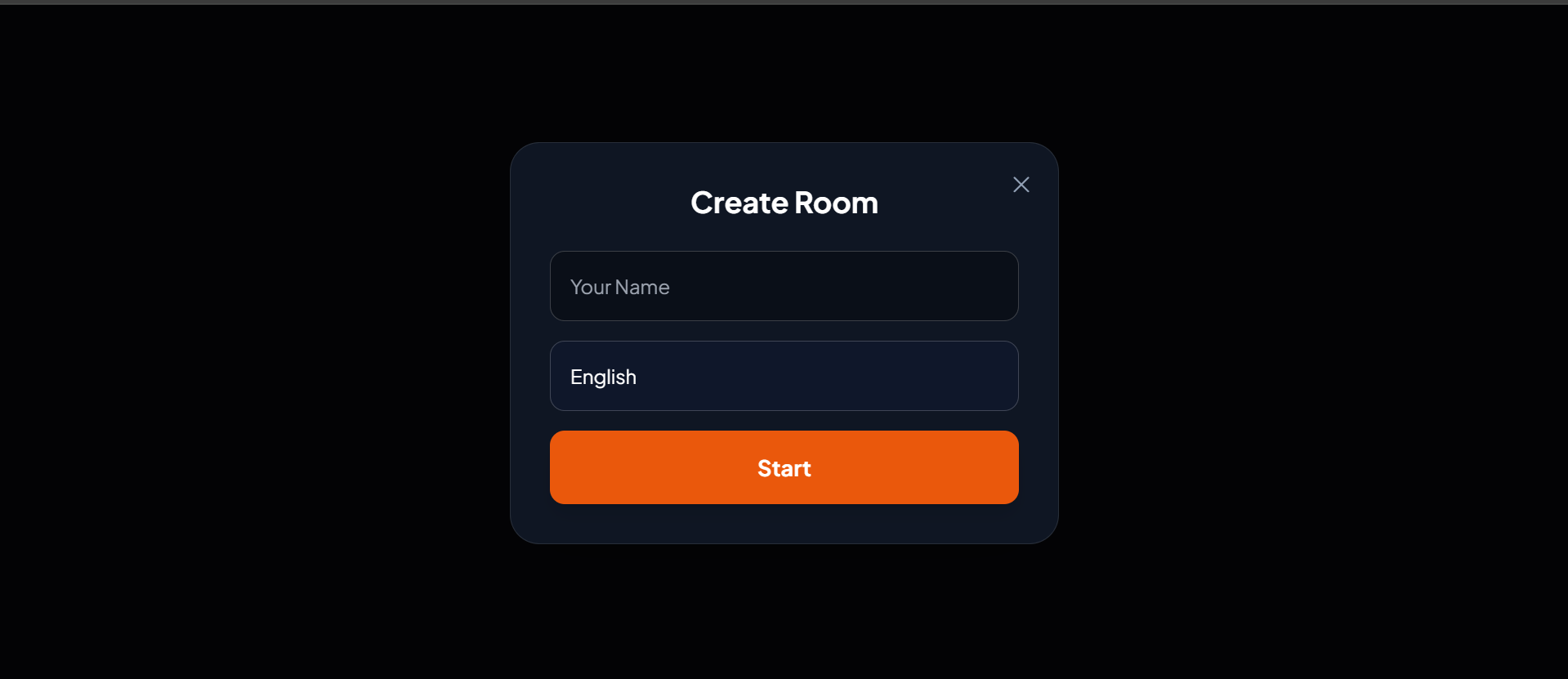
Create Room
-
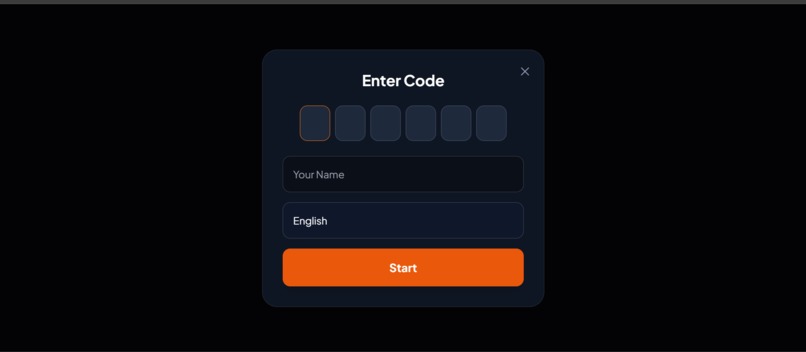
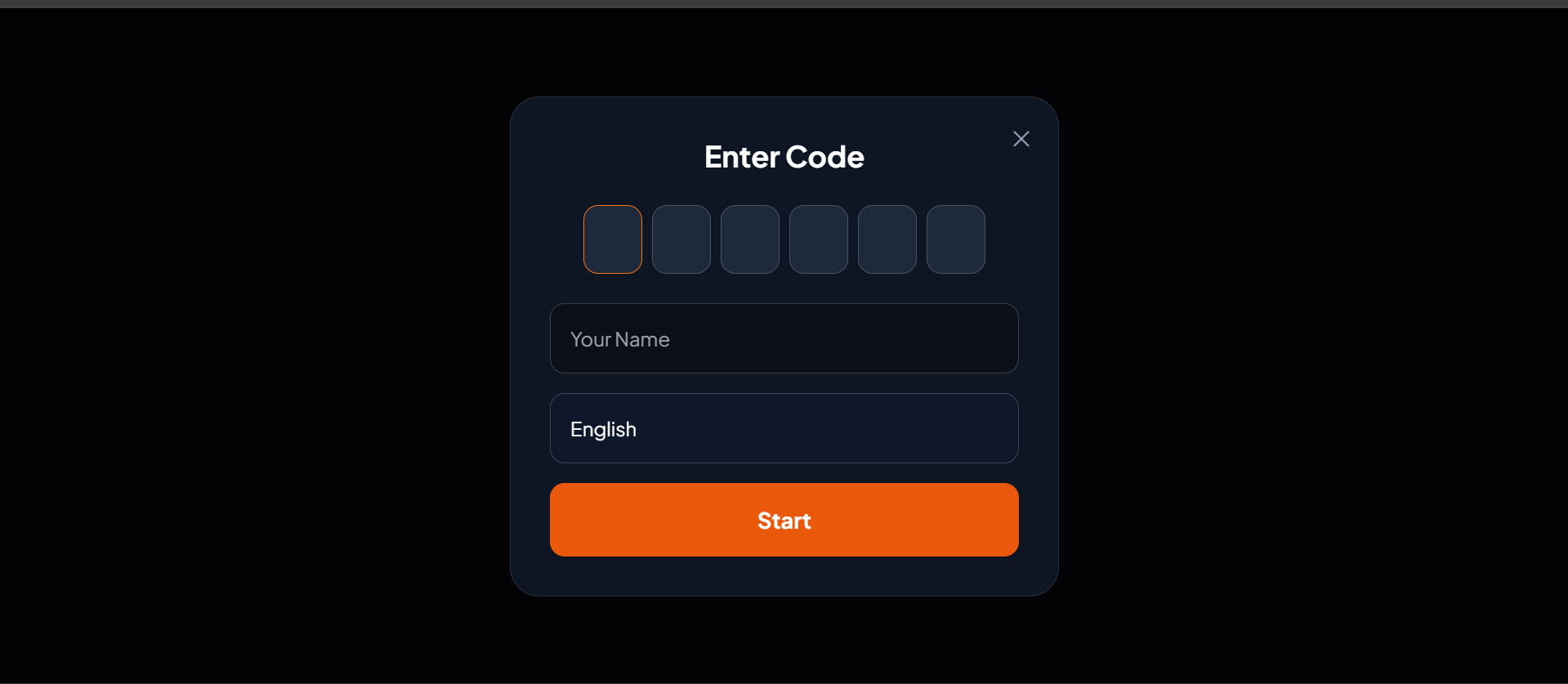
Join Room
-
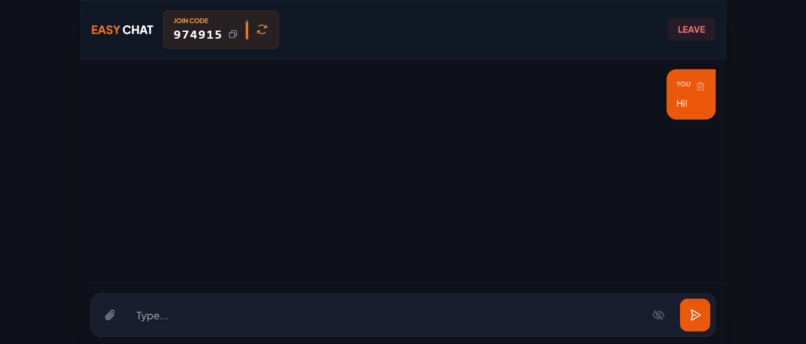
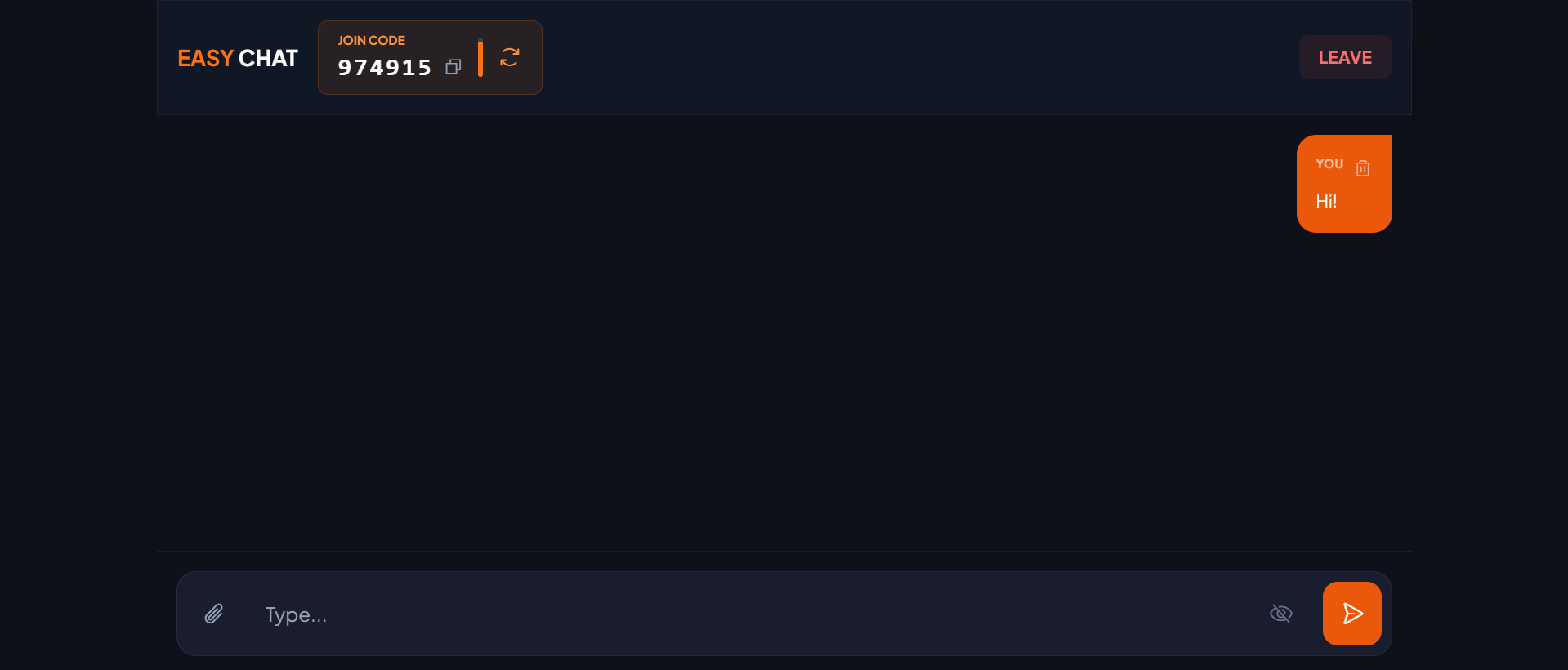
Chat UI
Inspiration
I am a software engineer originally from West Bengal, currently working in Kochi, Kerala. Living in a diverse linguistic environment, I see language barriers daily, but the spark for this idea came from my landlord. He runs an international battery distribution business and speaks fluent English, yet struggles immensely when communicating with his French and German clients. I watched him painstakingly copy-paste every single message into Google Translate before sending it, which killed the flow of negotiation and conversation.
I looked for existing solutions to help him, but everything was either behind a paywall, required complex sign-ups, or was too "enterprise" for a quick chat. I realized there was a need for a frictionless, ephemeral communication tool. I wanted to build something where he could just share a link, type in English, and have his client see it in German instantly—no login, no fees, just connection.
What it does
Easy Chat is a real-time, web-based messaging platform that breaks down language barriers.
- Instant Translation: Users select their native language (e.g., Hindi, Bengali, German), and incoming messages are automatically translated to that language in real-time.
- Zero-Friction Access: No sign-up or login required. Users join via a secure 6-digit room code.
- Dynamic Security: The room code automatically regenerates every 30 seconds (visible only to the host), preventing removed users from re-joining with old codes.
- Privacy First: It supports "View Once" for photos (images blur and vanish after viewing) and allows senders to delete their messages or files from everyone’s screen.
- Admin Control: The room creator (Host) has exclusive rights to Kick or Block users (ban by IP) to maintain a safe environment.
How we built it
We adopted a lightweight, event-driven architecture to ensure speed and low latency.
- Backend: Built with Node.js and Express. We used Socket.io to handle the bi-directional communication needed for real-time chatting and room management.
- Translation Engine: We integrated a translation API layer that intercepts messages on the server, detects the target user's language preference, and translates the text payload before broadcasting it to the specific socket ID.
- Frontend: A responsive UI built with Vanilla JavaScript and Tailwind CSS for rapid styling. We used the HTML5 Canvas API for client-side image compression to ensure fast uploads.
- File Handling: We implemented a custom binary stream handler over Socket.io to support file uploads (PDF, Docs, Images) with a strict 1MB limit for documents and auto-compression for images.
Challenges we ran into
- The "Ghost" Animation: We initially used CSS transitions for the 30-second OTP timer bar. However, when the host manually regenerated the code, the CSS animation would get out of sync or "freeze." We had to rewrite the timer logic using JavaScript's
requestAnimationFramefor millisecond-perfect synchronization. - Heavy Payloads: Early tests showed that sending large images (5MB+) crashed the socket connection on slower networks. We solved this by implementing Client-Side Compression—resizing and compressing images in the browser before they ever reached the server.
- Deployment Confusion: We initially tried hosting on Netlify, but the app failed because Netlify handles static sites, not persistent WebSocket connections. We pivoted to Render, which supports long-running Node.js processes, allowing us to host both the backend and frontend seamlessly.
Accomplishments that we're proud of
- The "View Once" Logic: Successfully implementing a WhatsApp-style "View Once" feature where the image is destroyed from the DOM immediately after the timer expires was a tricky but satisfying UX win.
- Seamless Translation: Seeing a message typed in Bengali appear instantly as French on another screen felt like magic.
- Robust Security: Implementing the IP-based Ban list that persists for the session duration ensured that if a host blocks a user, they truly cannot return, solving a major harassment loophole found in simple chat apps.
What we learned
- WebSockets vs. HTTP: We learned that for real-time translation, WebSockets are superior to REST API polling because they reduce server load and latency.
- State Management: Managing room states (who is host, who is banned, current OTP) purely in memory taught us the importance of efficient data structures.
- The Power of "No": We learned to say no to features like "User Accounts" to keep the app true to its "Easy" nature—sometimes removing friction is the best feature.
What's next for Easy Chat
- Voice-to-Text: We want to allow users to speak in their native language and have it converted to text and translated.
- Video Calls: Adding WebRTC support for video calls with live translated captions.
- PWA Support: Turning the site into a Progressive Web App so it can be installed on mobile devices for an app-like experience.

Log in or sign up for Devpost to join the conversation.