-
-
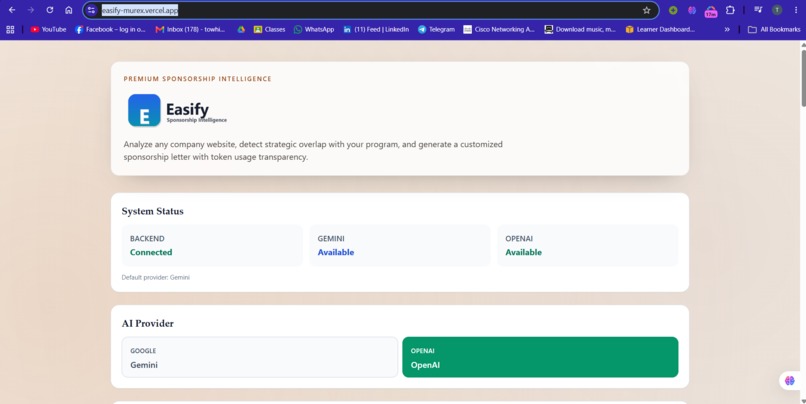
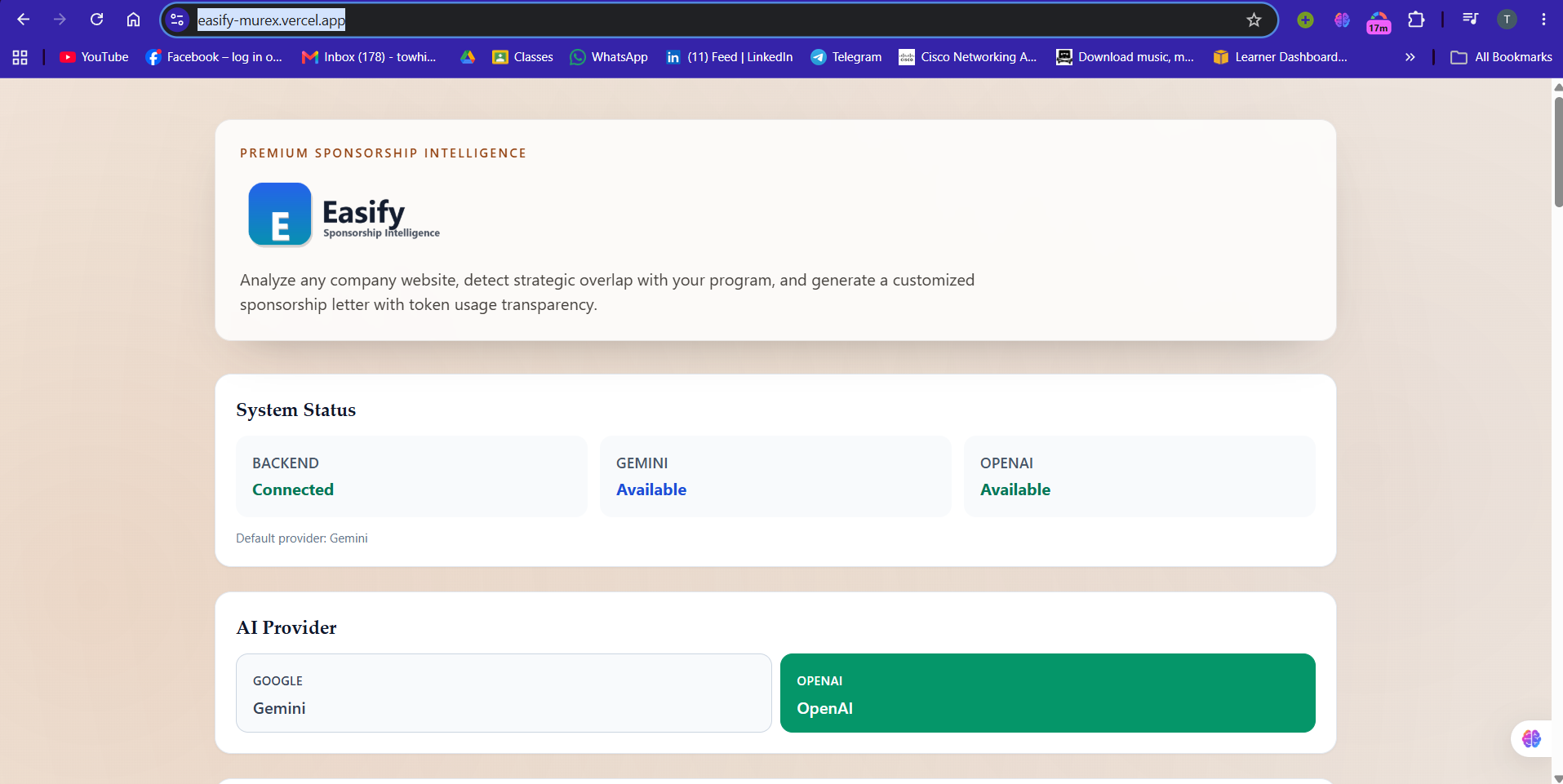
Landing Page
-
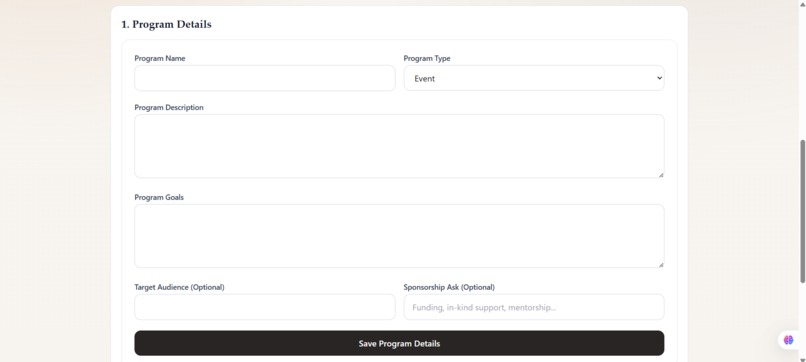
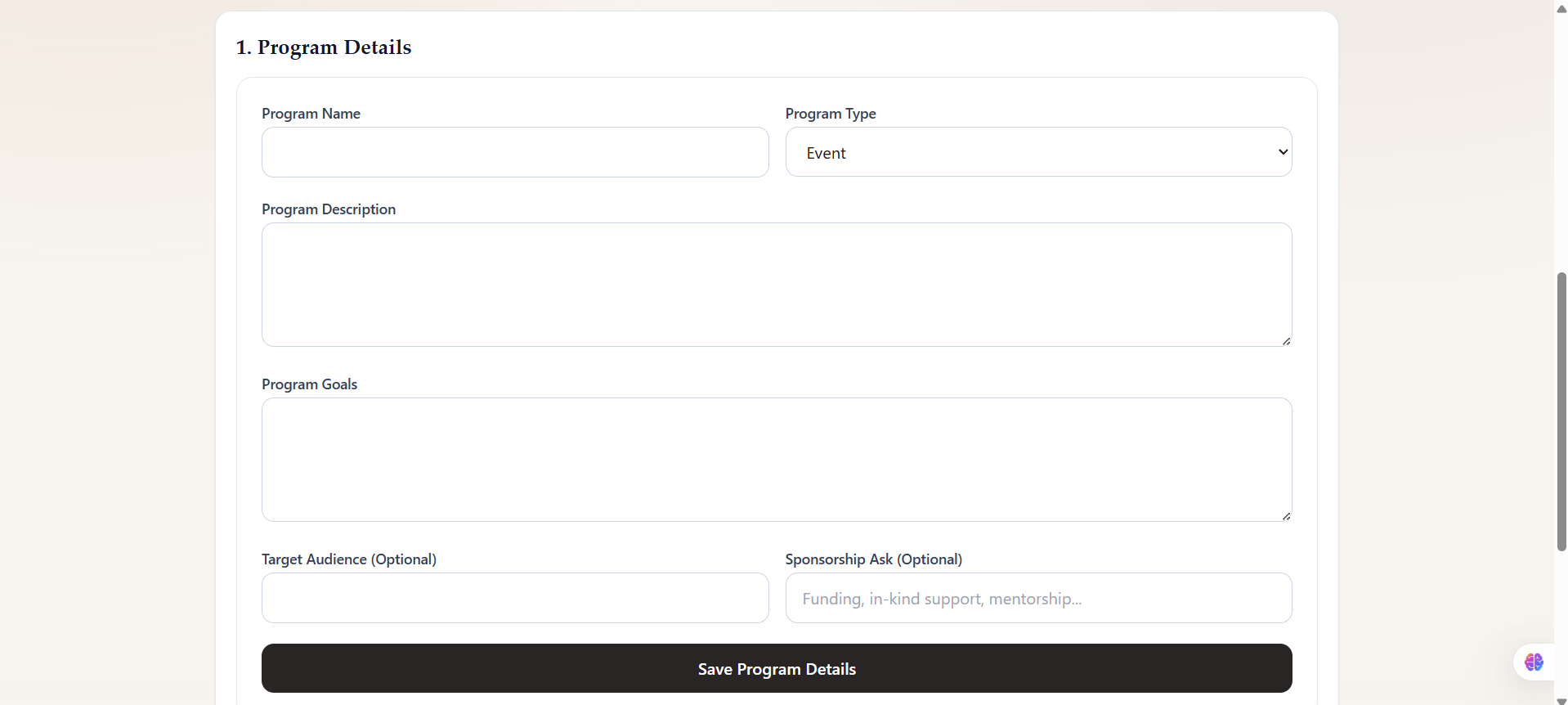
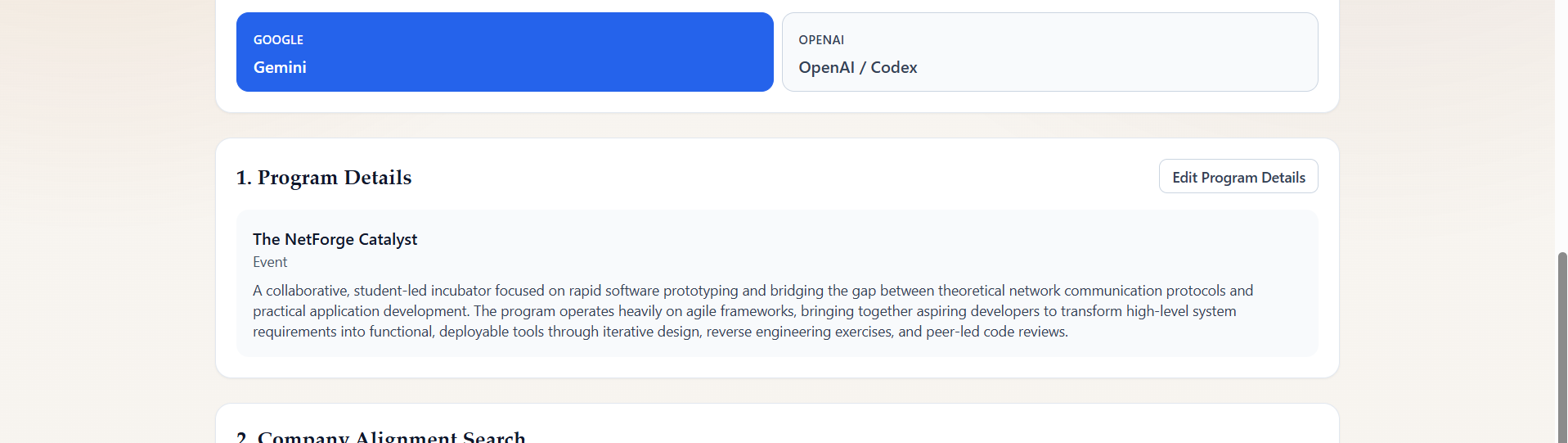
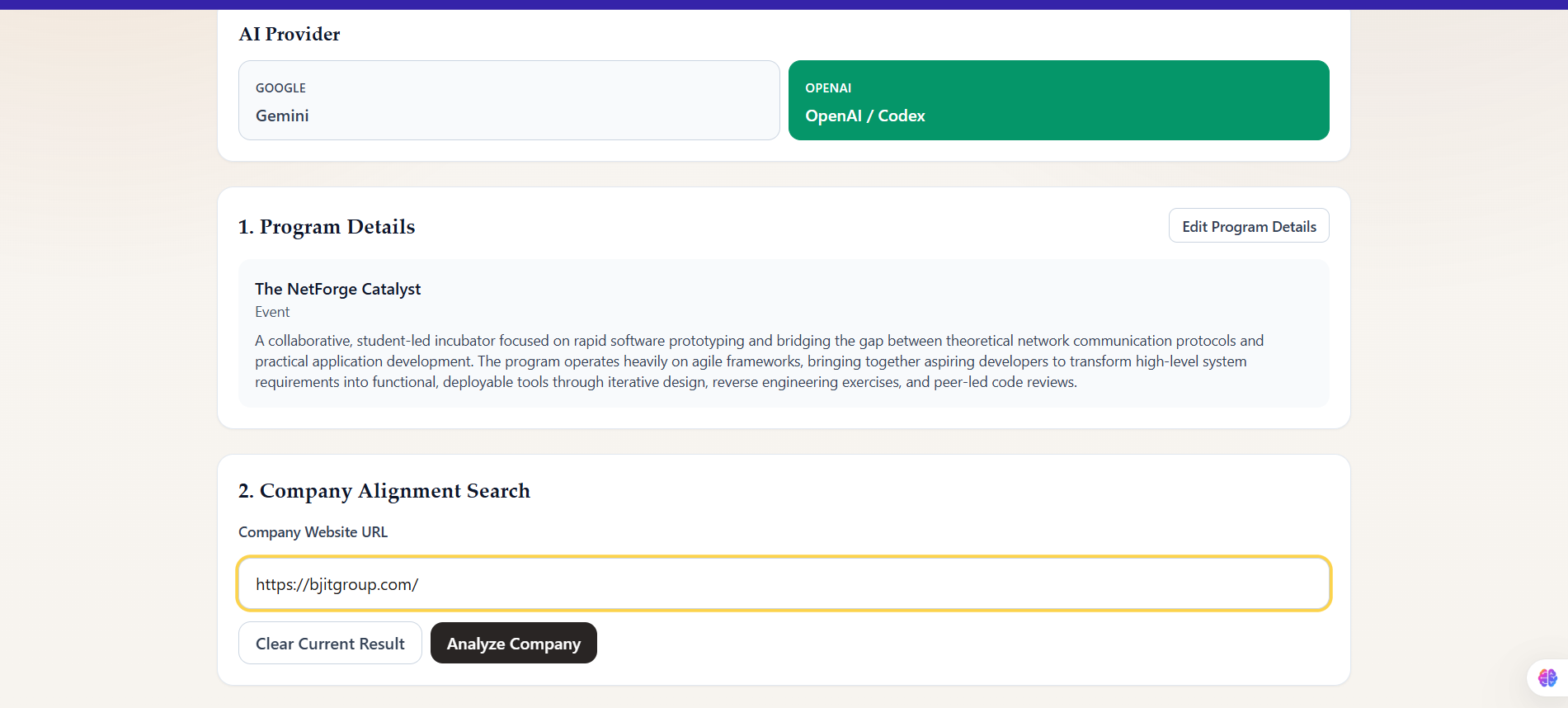
Program Submit Detail Section
-
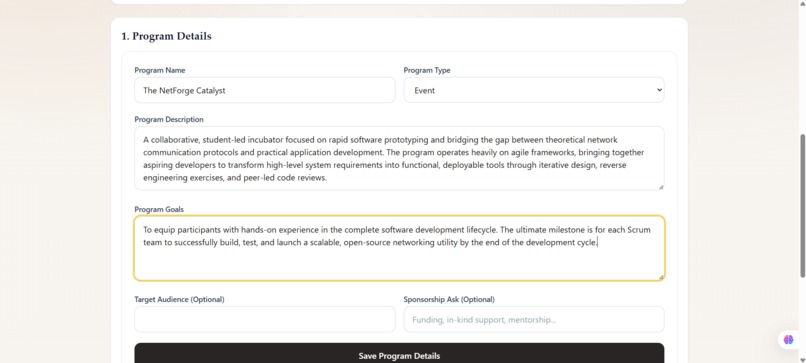
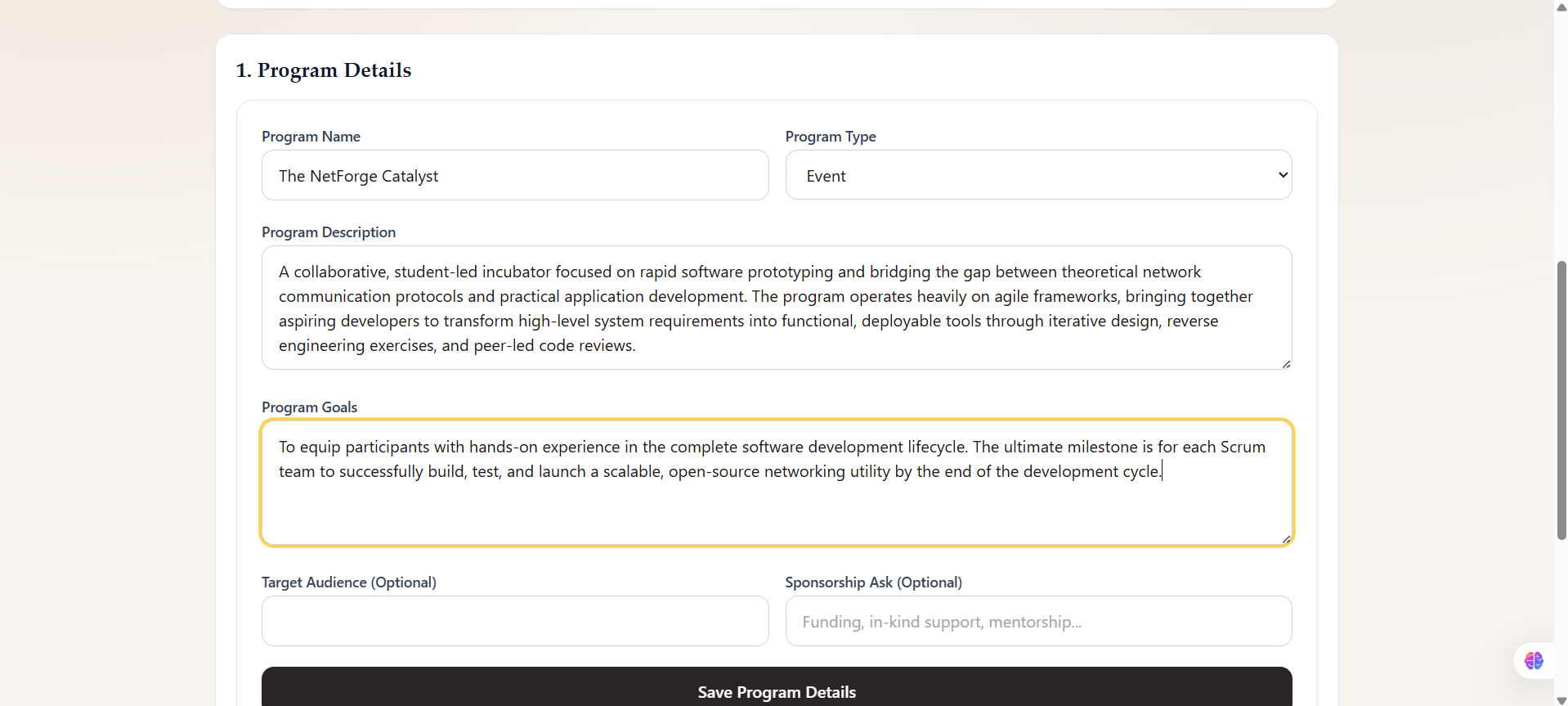
Filling out Data
-
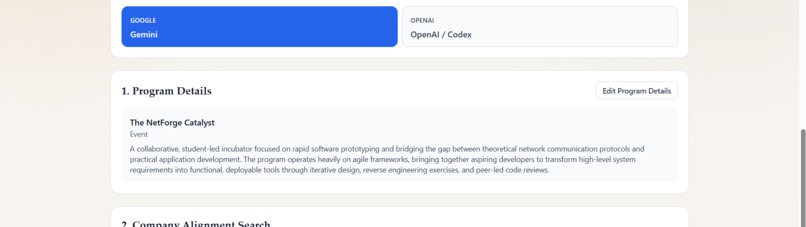
Save program details
-
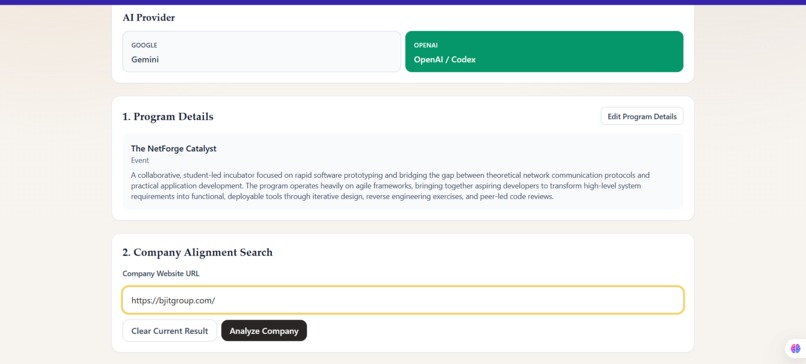
Submitting Compnay website link
-
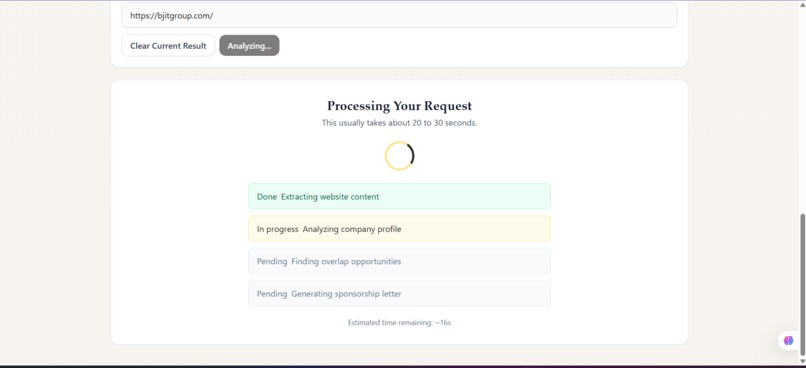
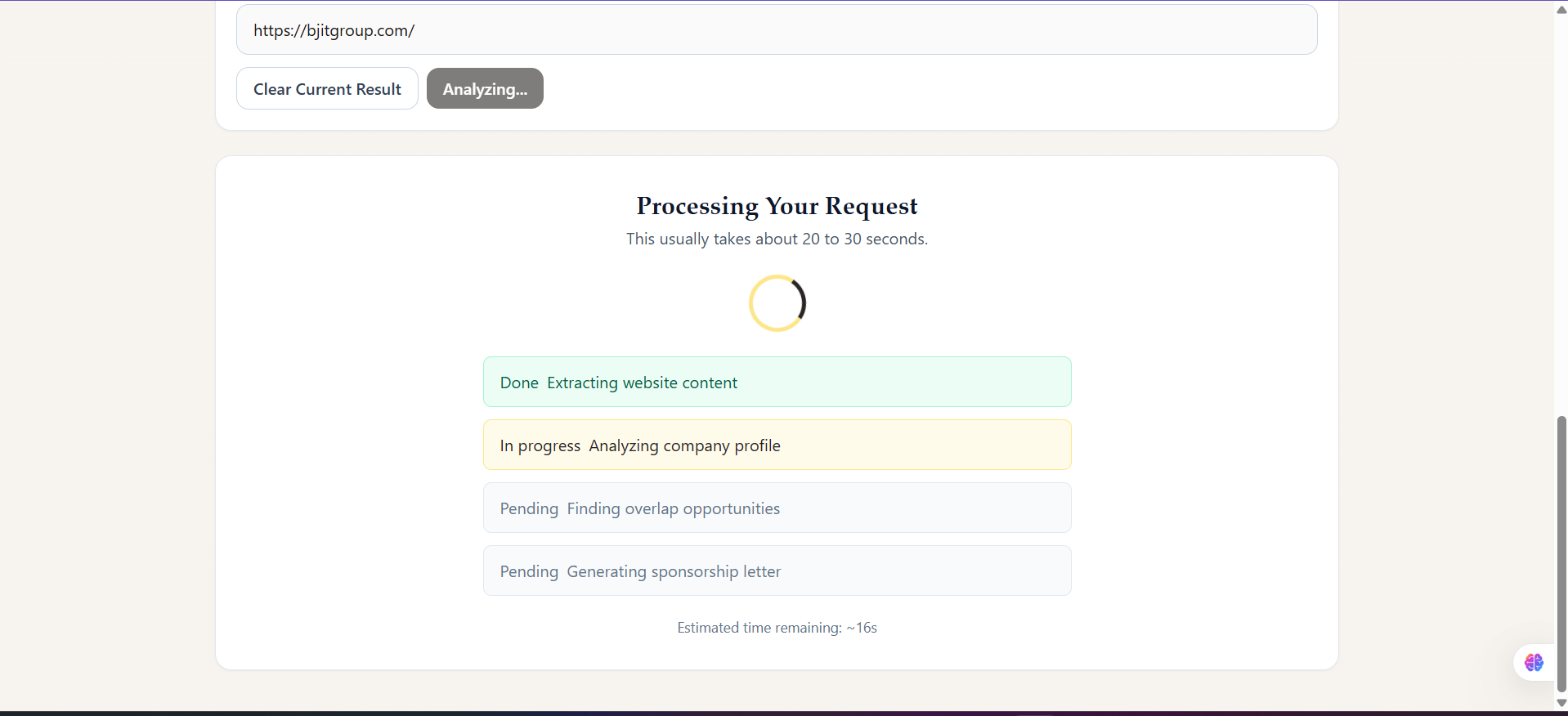
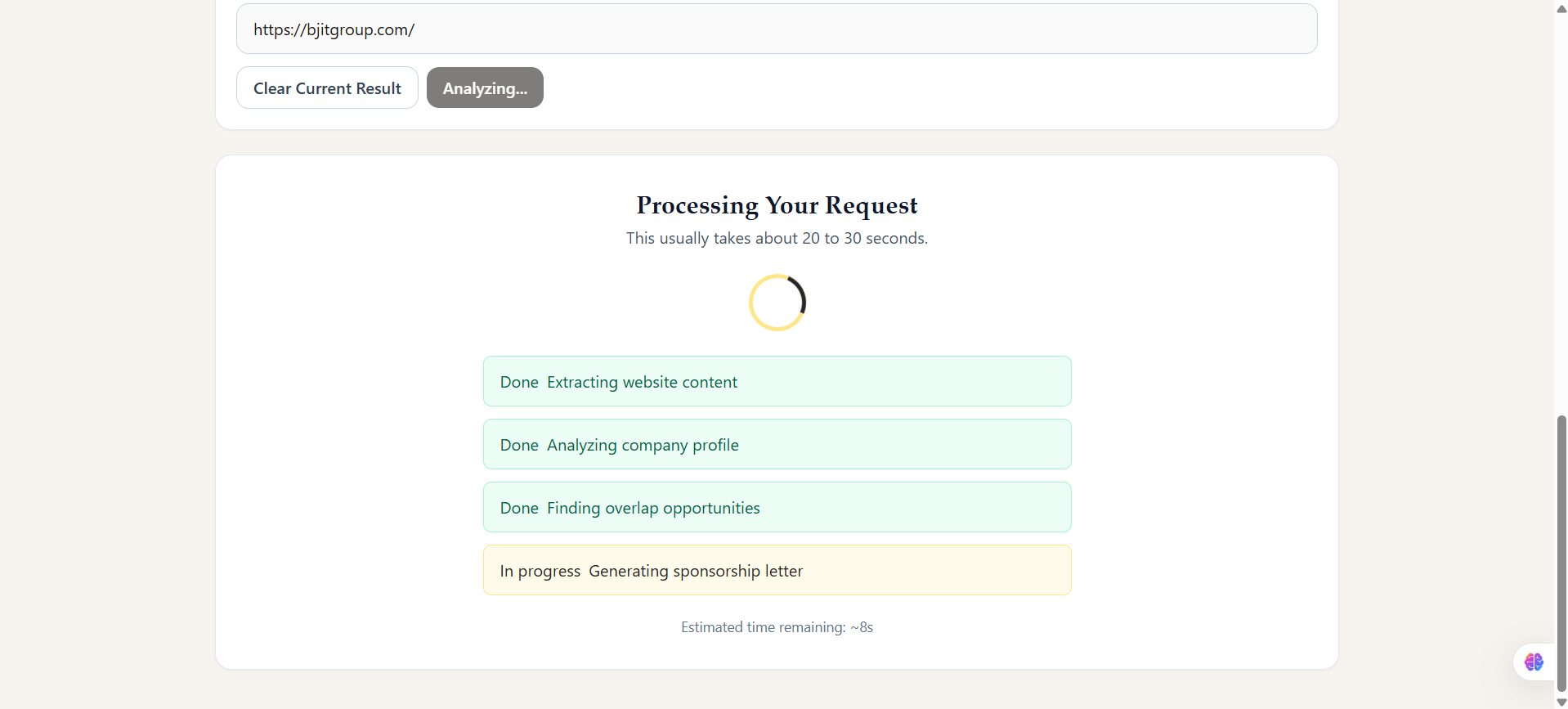
Extracting, Analyzing and Matching Factors
-
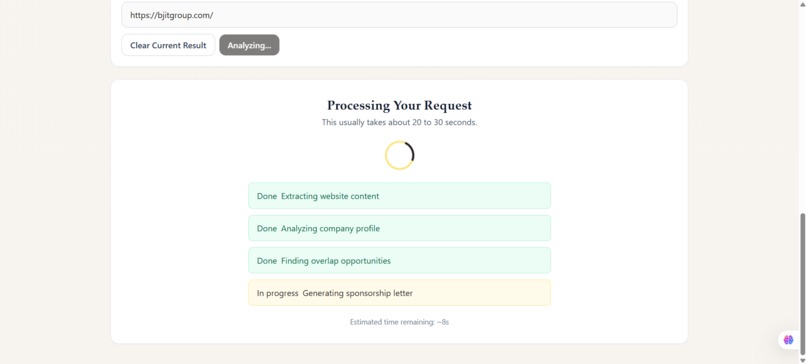
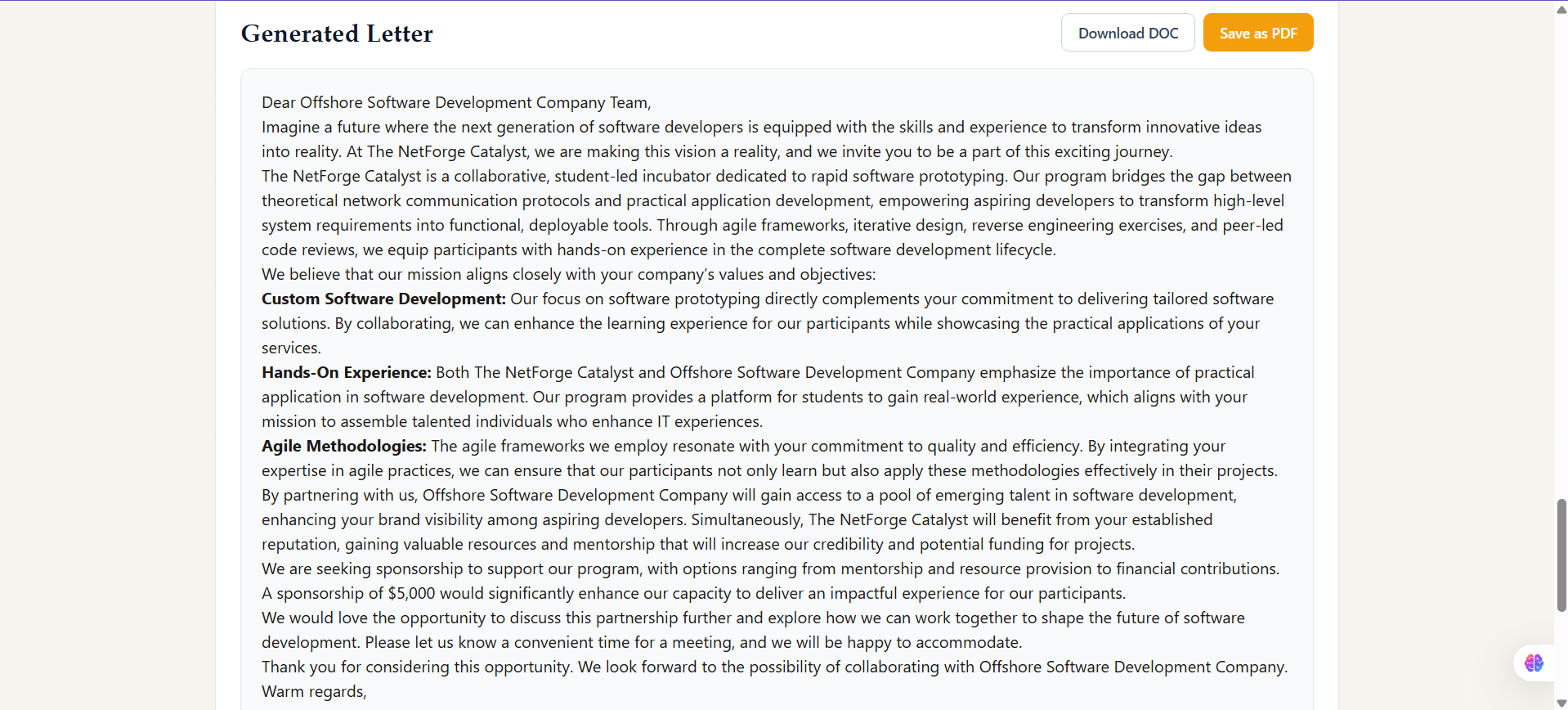
Generating a Sponsorship letter for that specific company
-
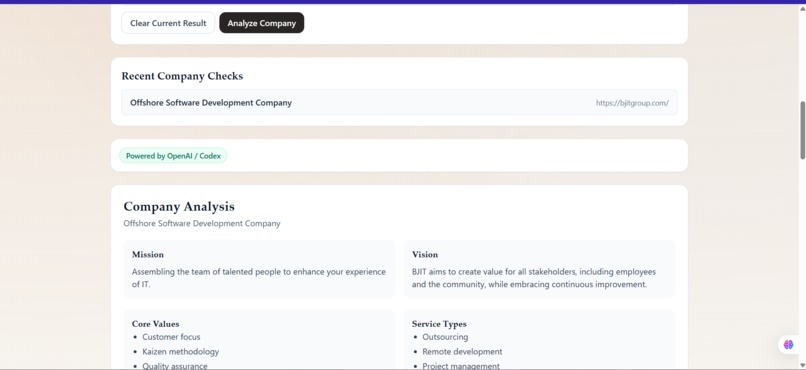
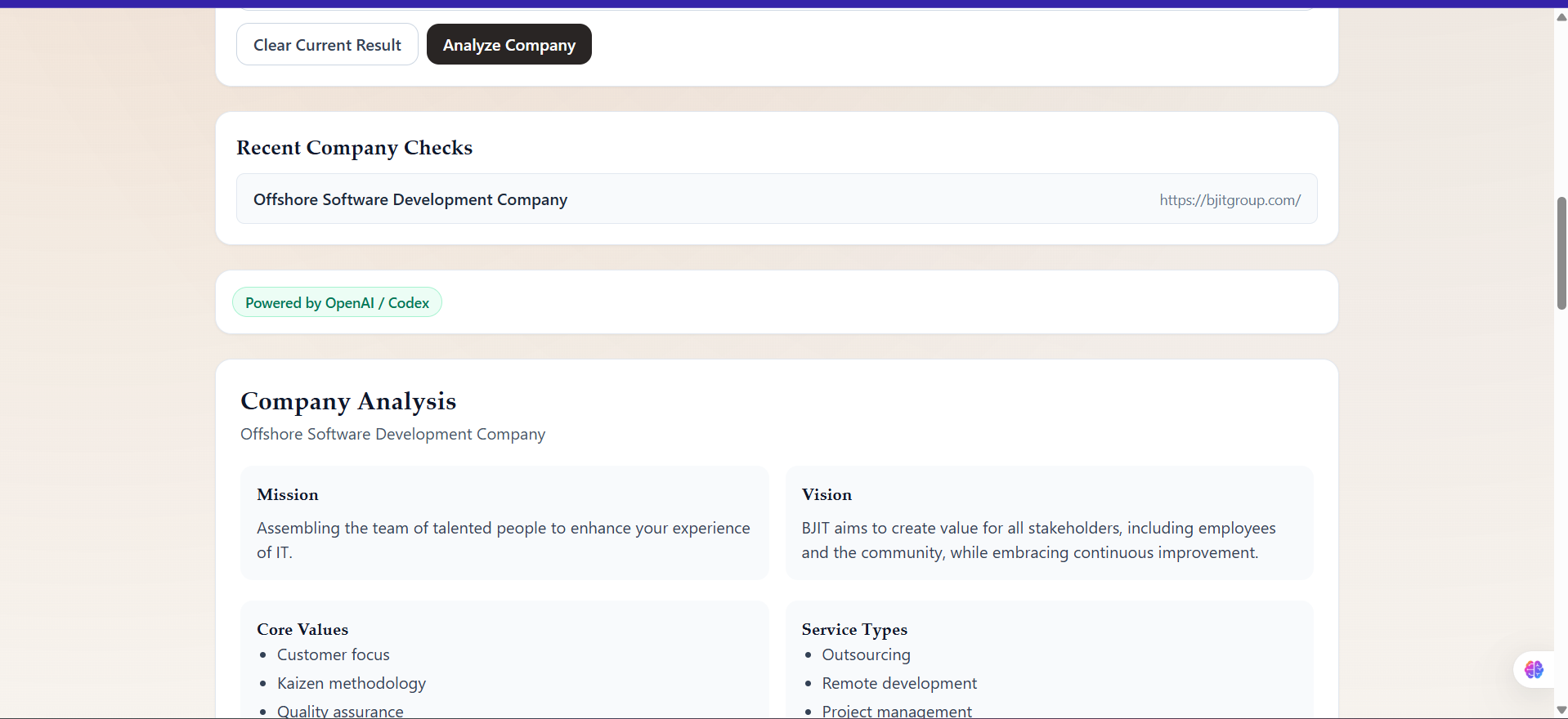
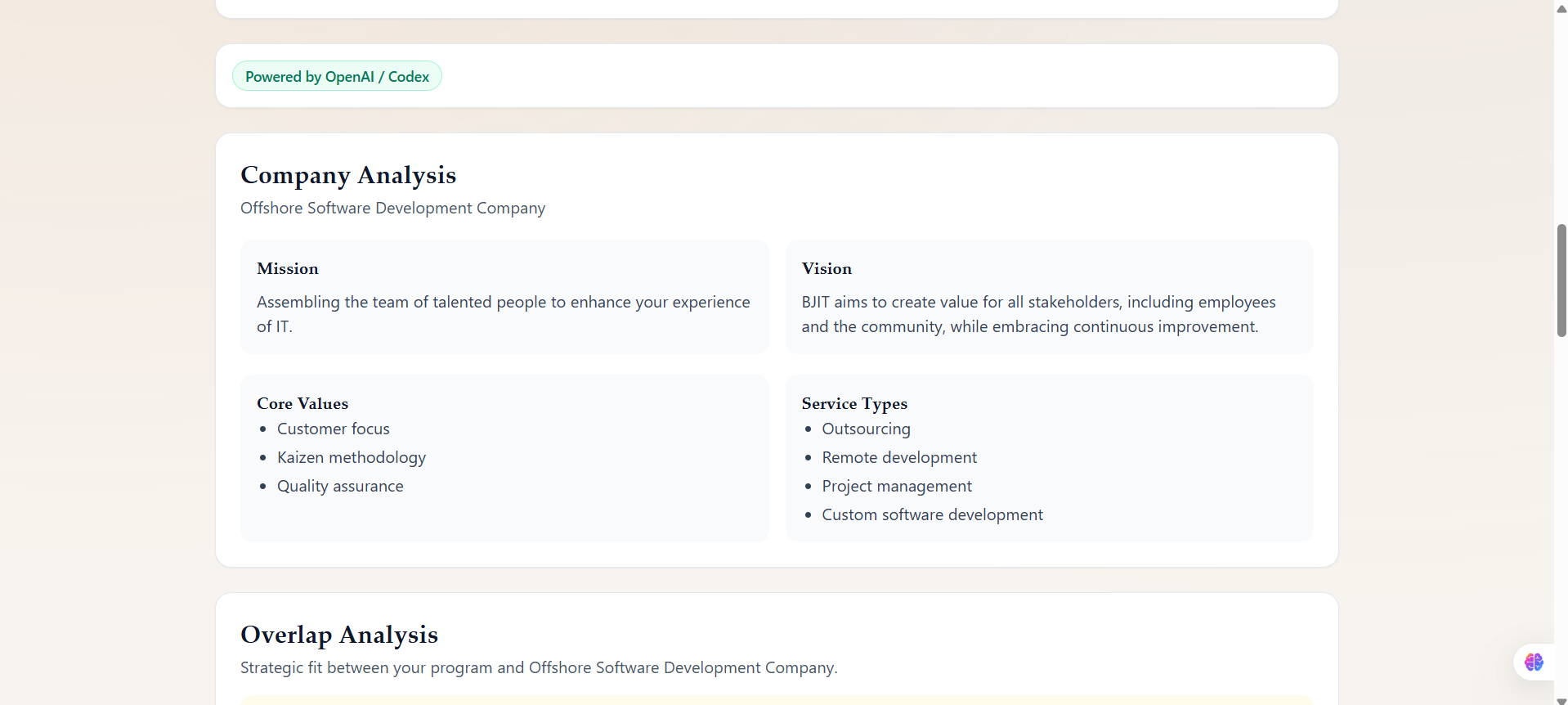
Showing company details that have been extracted 1
-
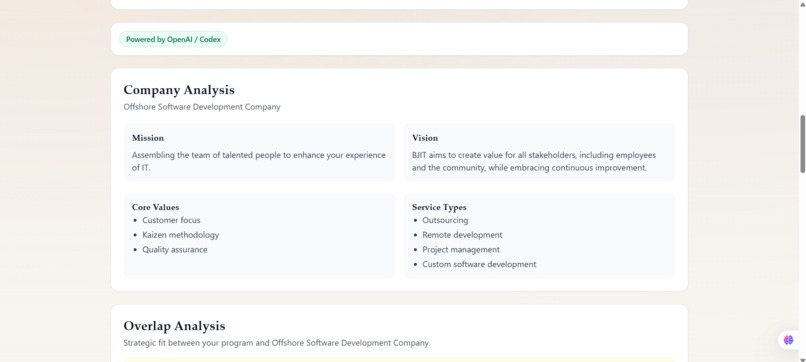
Showing company details that have been extracted 2
-
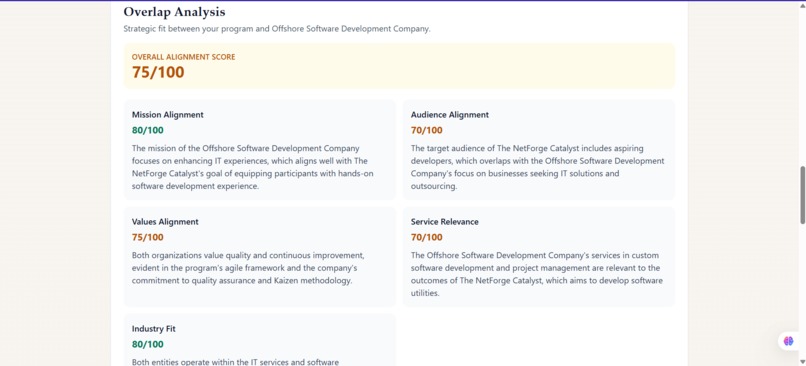
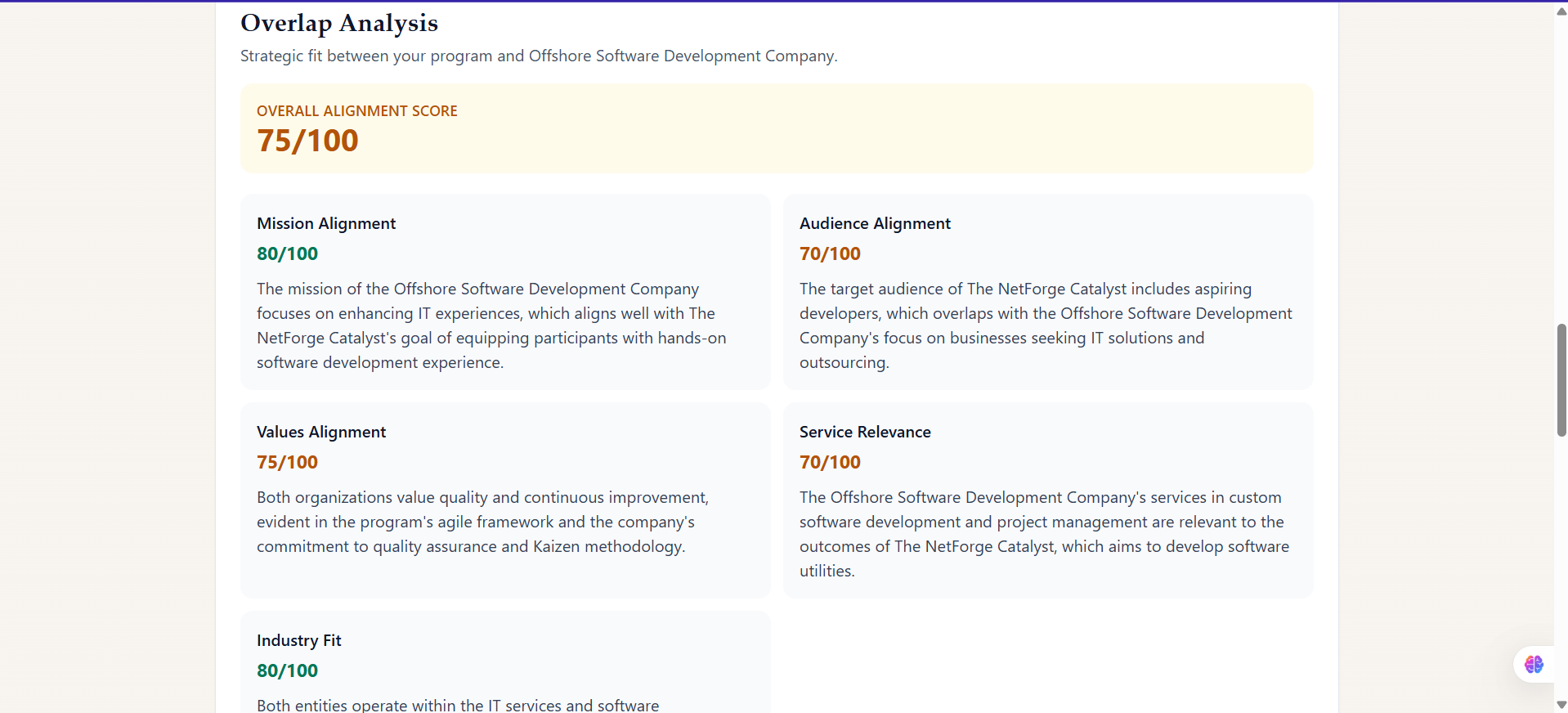
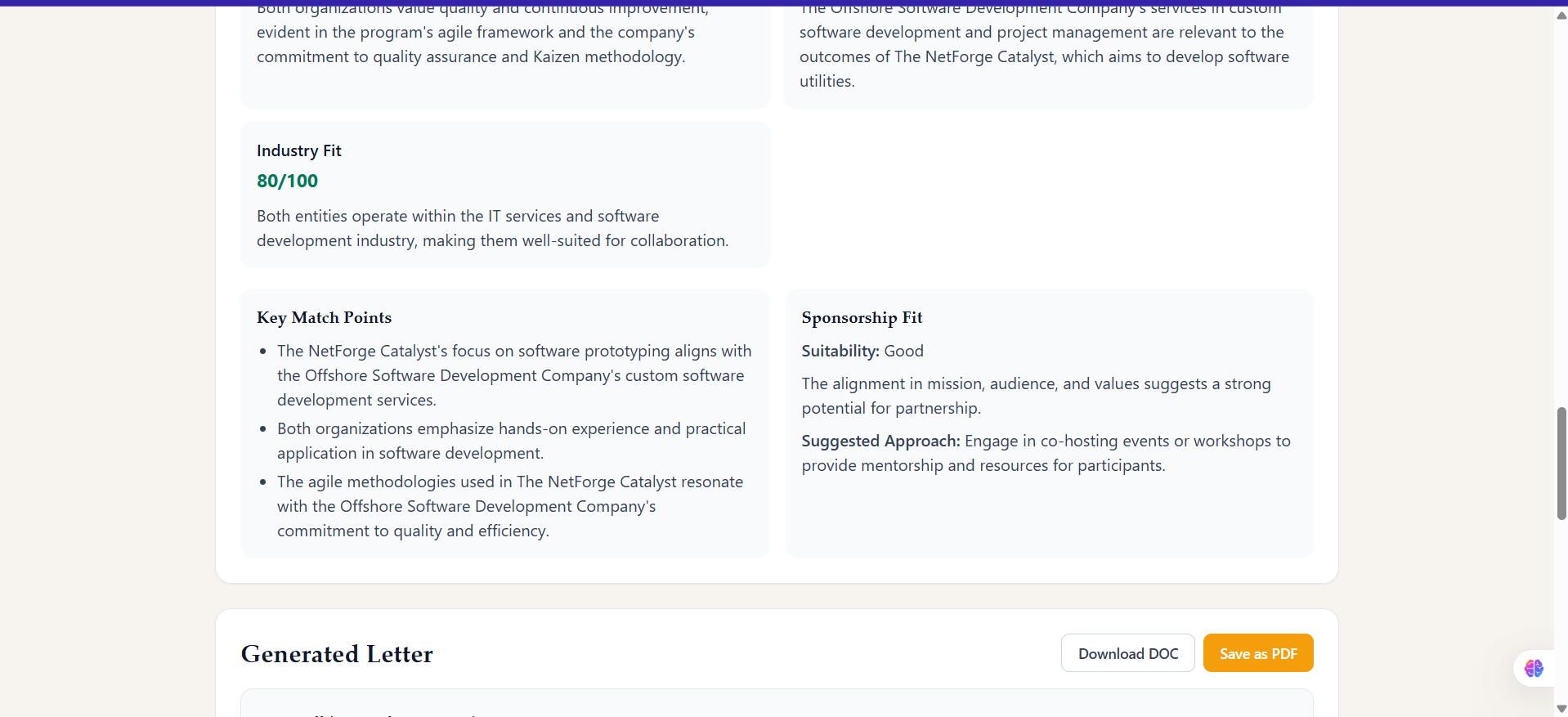
Showing matching factors that our program and the company have
-
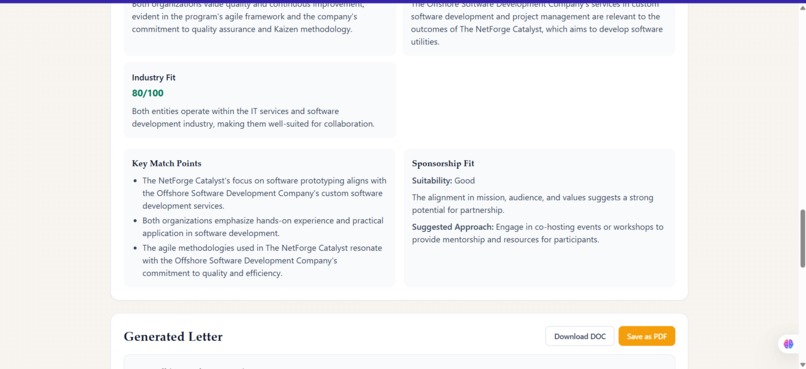
Showing matching percentage
-
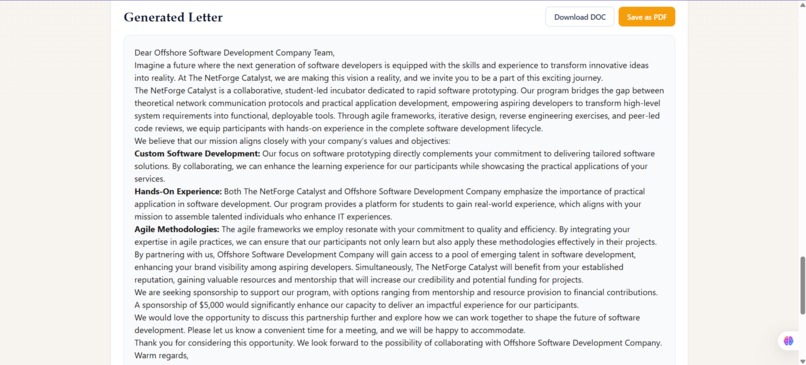
Generates a dedicated sponsorship letter that make high chances to get sponsorship
-
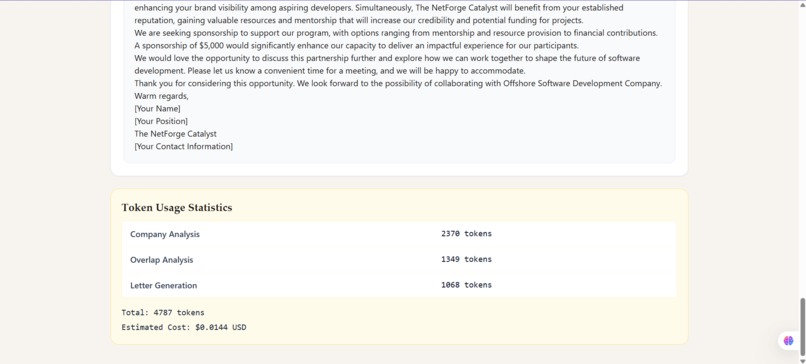
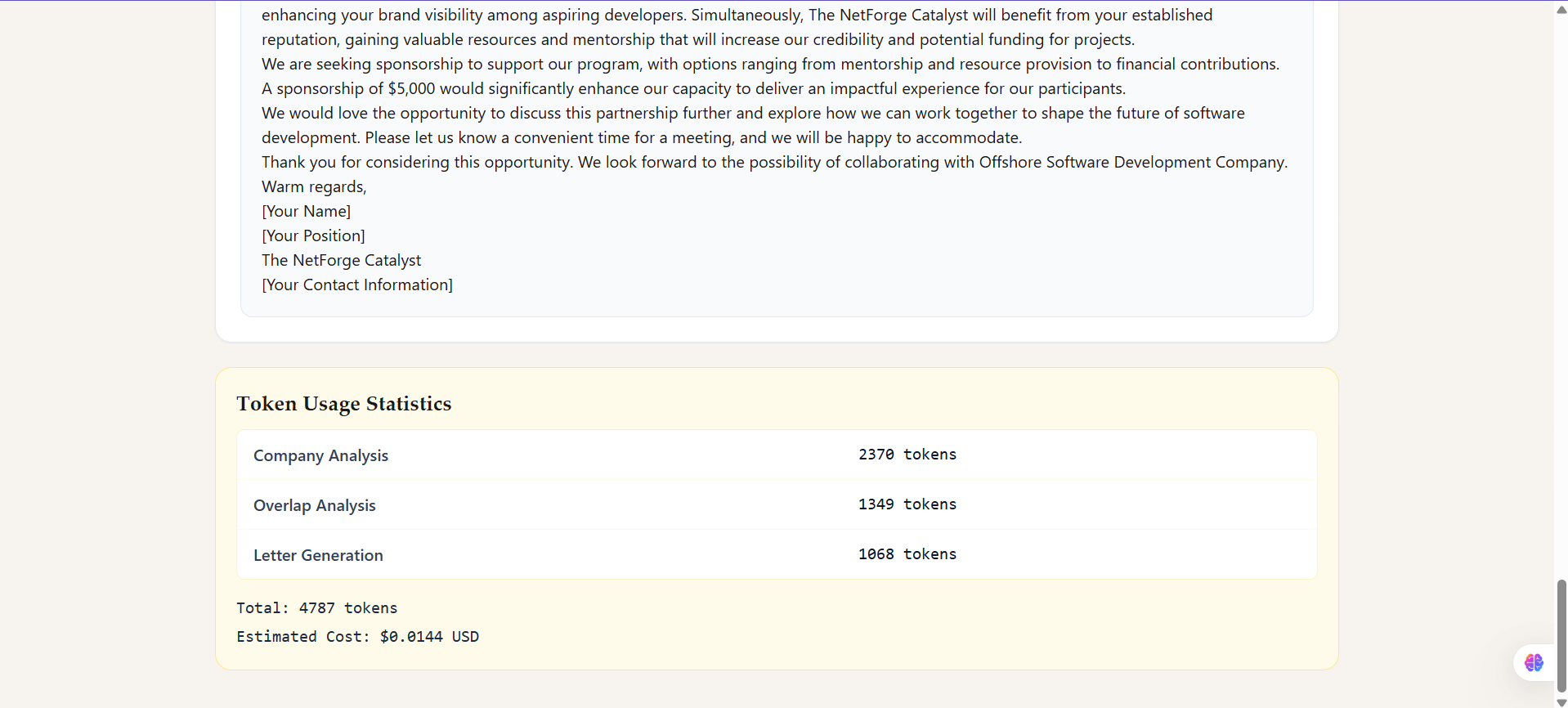
It also allows us see the token usage and cost analysis per request is made.
Inspiration
Sponsorship outreach usually starts with a lot of manual work: searching company websites, reading scattered pages, guessing whether a partnership will fit, and then writing outreach emails from scratch.
I wanted to build something that turns this process into a faster, data-driven workflow, especially for students, organizers, and early teams who do not have a dedicated partnerships team.
That idea became Easify: an AI-powered sponsorship intelligence platform that helps users quickly understand company-program fit and generate a tailored sponsorship letter.
What It Does
Easify takes two inputs:
- A sponsorship program profile (name, type, goals, target audience, ask)
- A target company website URL
It then:
- Extracts surface-level website signals
- Analyzes alignment between the company and the program
- Returns structured match insights
- Generates a ready-to-send sponsorship letter
- Shows token usage and estimated cost transparency
How I Built It
I built Easify as a full-stack app:
- Frontend:React + TypeScript + Vite
- Backend: Node.js + Express + TypeScript
- Extraction layer:** Axios + Cheerio
- AI layer: Gemini (primary), with optional multi-provider-ready architecture
- Deployment: Vercel
Core flow
- User saves program details once
- User enters company URL
- Backend extracts key website sections (mission, projects, methods, outreach, etc.)
- AI generates:
- company profile summary
- sponsorship overlap analysis
- personalized letter
- Frontend shows results + token usage breakdown
I also added product polish:
- provider status checks via
/api/health - retry/fallback behavior for unstable network/provider responses
- a cleaner iterative UI for checking multiple companies without re-entering program info
- visual branding updates (logo + improved deck/screenshots)
Challenges I Faced
1) Noisy web data
Websites are inconsistent and messy. Extracting useful text without pulling too much irrelevant content was difficult.
I solved this by limiting crawl depth and using targeted keyword-based section extraction.
2) Cost and token limits
Early prompt flows were too expensive for free-tier usage.
I reduced token usage by:
- compacting extracted input
- reducing output limits
- combining expensive analysis steps
- enforcing concise JSON output formats
3) Reliability in deployment
Cross-origin issues, endpoint failover, and intermittent backend connectivity created real-world friction.
I fixed these by tightening CORS, improving fallback API resolution, and adding clearer frontend health/error states.
4) AI output quality
Generic responses were not useful enough for real sponsorship outreach.
I improved this by making prompts stricter and evidence-focused so outputs stayed specific and actionable.
What I Learned
This project taught me that building with AI is not just “call model, get answer.”
The real work is in:
- data shaping
- prompt engineering
- reliability under deployment constraints
- user experience for iterative workflows
- cost-performance tradeoffs
I also learned how important observability is. Even a simple token display helps users trust and control AI usage.
A Small Formula I Used
I used a simple token-cost estimate in the app:
$$ \text{Estimated Cost} \approx \text{Total Tokens} \times 0.000003 $$
This keeps AI usage transparent for users testing under limited budgets.
What’s Next
Planned next steps:
- CRM/email integrations
- better multi-company comparison views
- improved sponsor recommendation scoring
- proposal/PDF generation pipeline
Built With
- api
- axios
- cheerio
- css
- express.js
- fetch
- gemini
- git
- github
- javascript
- node.js
- openai
- react
- tailwind
- typescript
- vercel
- vite


Log in or sign up for Devpost to join the conversation.