Inspiration
A problem I’ve often faced when designing is that everything I need is scattered across different apps. The details might be in Notion, assets in Google Drive, feedback in Slack or Gmail, and references in Canva or Figma. Bringing it together means constantly switching apps, copying information, and making changes manually.
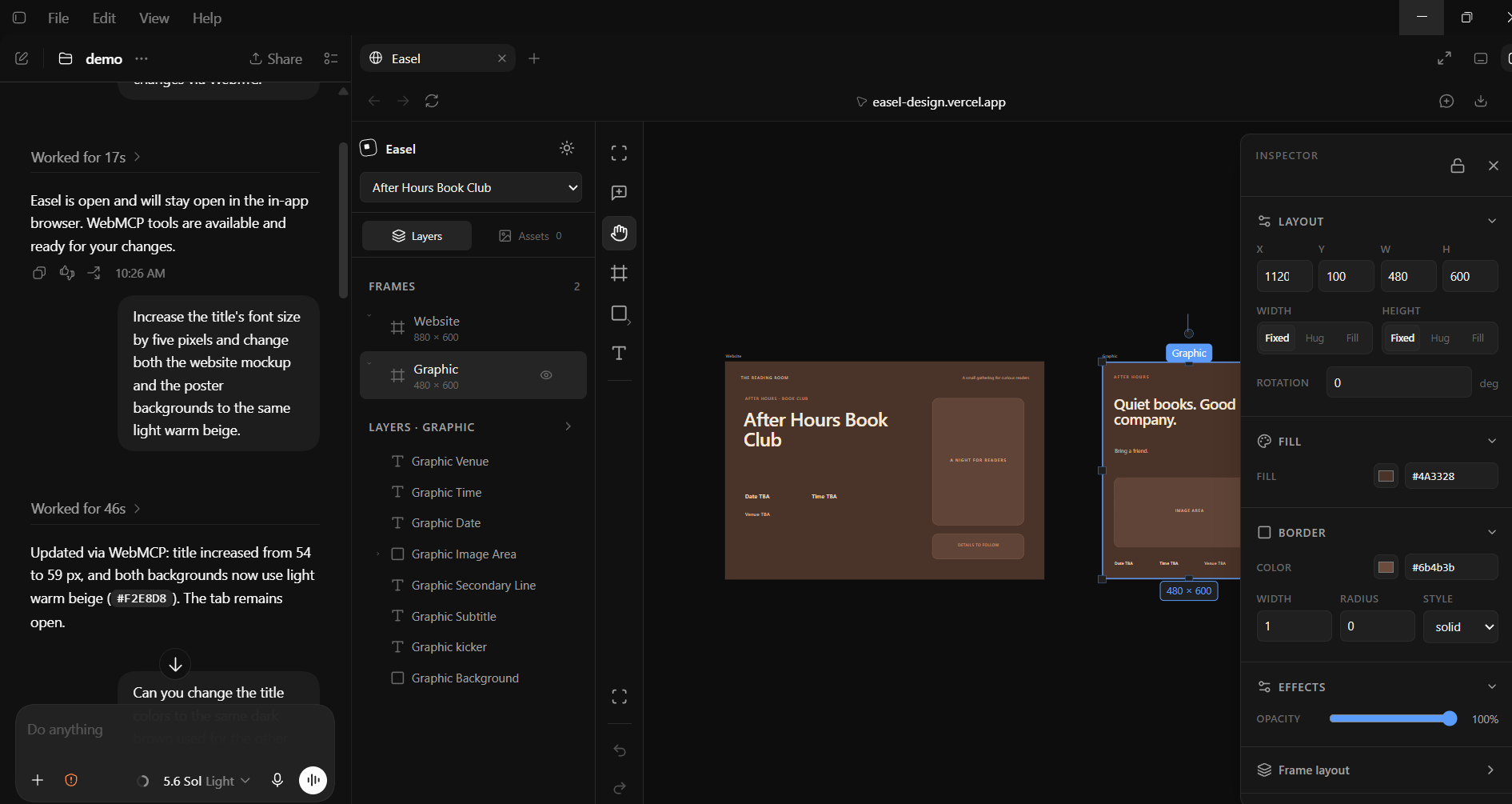
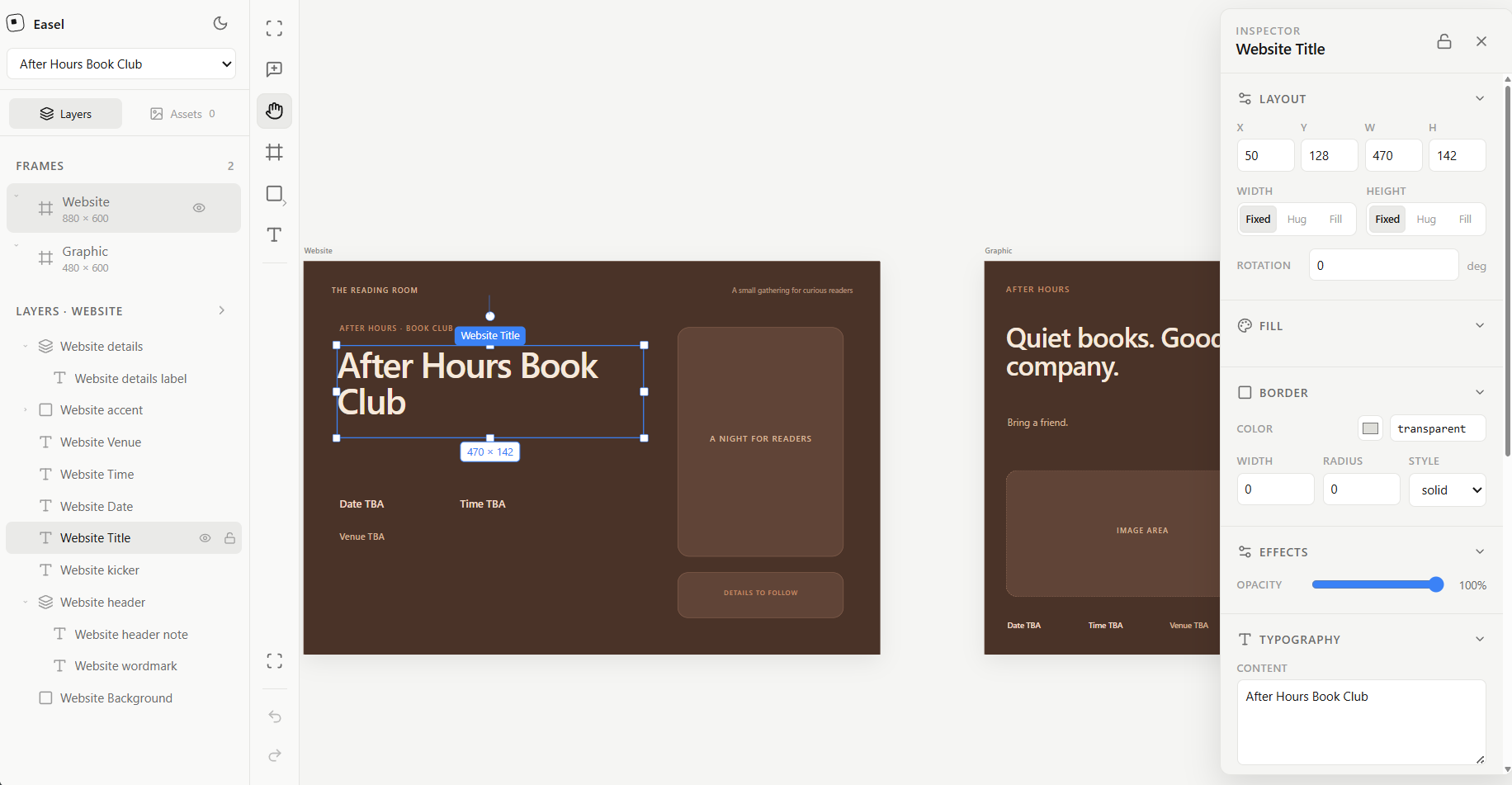
I wanted an agent that could work alongside me—not just generate a design and hand it over. That’s why I built Easel: a shared canvas where we can collaborate through WebMCP and use context from the apps I’ve already connected in Codex.
What it does
Easel lets you create website mock-ups, posters, and graphics with an agent while still editing everything yourself.
Select a title and ask the agent to make it bigger. Annotate a paragraph you want rewritten. Ask it to find a photograph in Drive, apply feedback from Gmail, or use confirmed details from Notion to update matching information across your designs.
The demo follows a book-club organizer working on a website mock-up and poster. It starts with small edits, brings in context as needed, and ends with an exported poster. Everything stays editable throughout.
How I built it
I used React, TypeScript, and Vite, with Vercel for hosting and browser-local file storage. Human edits and agent actions go through the same command system, with shared validation and undo history.
WebMCP exposes operations for inspecting selections, editing layers, placing assets, updating shared fields, and exporting. Codex handles the connected apps; Easel receives the relevant information without needing their credentials. I used Codex for planning, implementation, and debugging.
Challenges I ran into
The hardest parts were the everyday interactions: moving an entire frame, selecting an image rather than its placeholder, and making text wrap correctly. These details matter when a person and an agent are both editing.
I also worked on reducing unnecessary agent calls. Named layers, selection-aware targeting, and batch updates make a small change more direct.
What I’m proud of
The agent doesn’t just look up information or produce a separate result. It uses that information inside the design I’m already working on, and I can keep making changes myself.
What I learned
Useful agent tools need clear targets and reversible changes, not just lots of functions. Sometimes selecting a layer and saying “change this” communicates more than a long prompt.
What’s next
I want to improve layout handling, accessibility, and performance on larger files. For now, website frames are deliberately mock-ups, not fully functioning websites: I want to get the collaborative design experience right first.
Built With
- css
- indexeddb
- openai-codex
- react
- typescript
- vercel
- vite
- webmcp


Log in or sign up for Devpost to join the conversation.