-
-
-
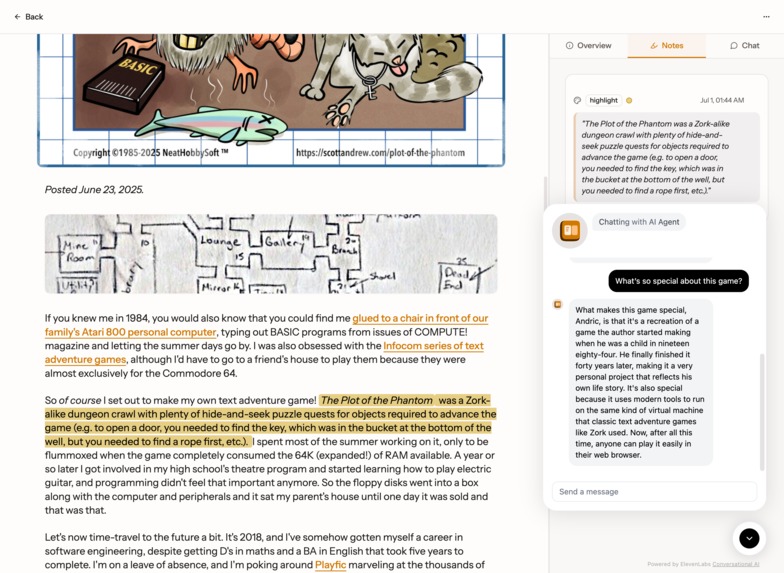
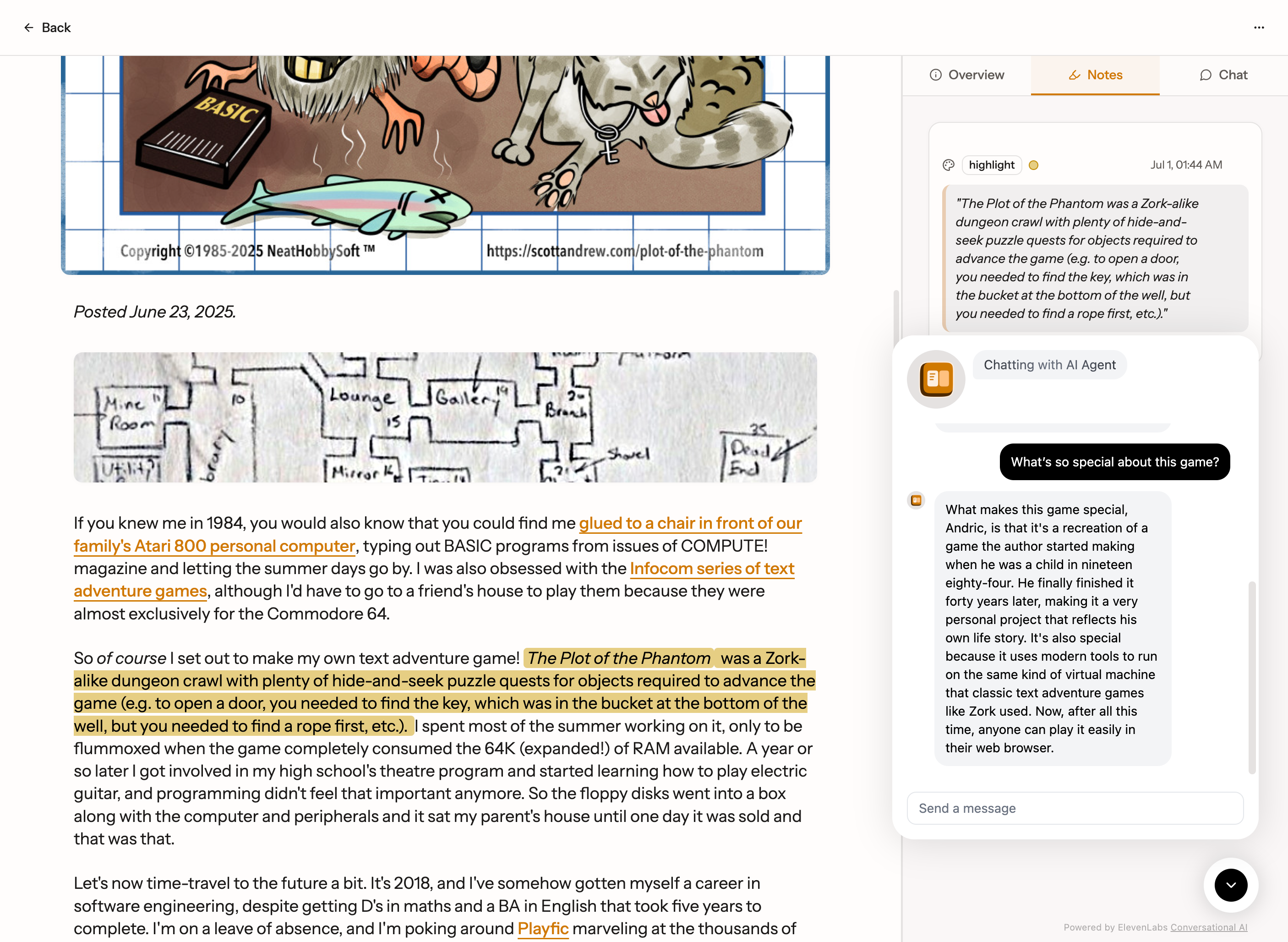
Chat with AI while you read
-
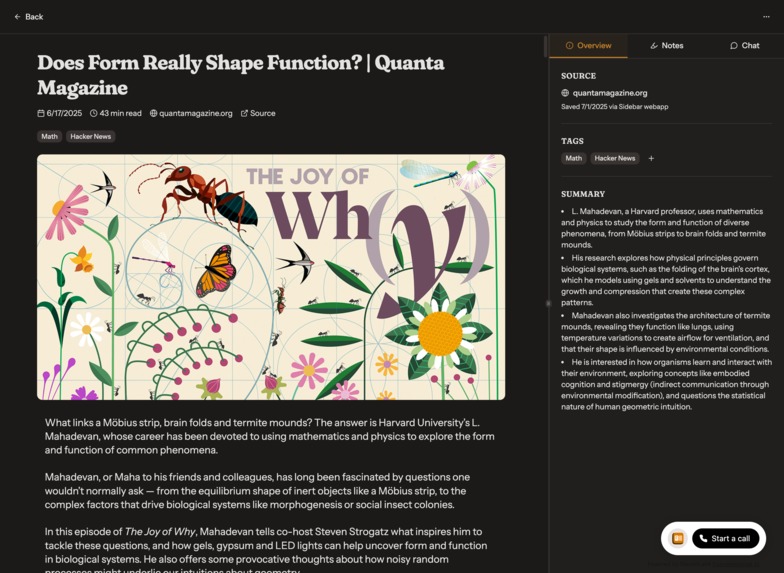
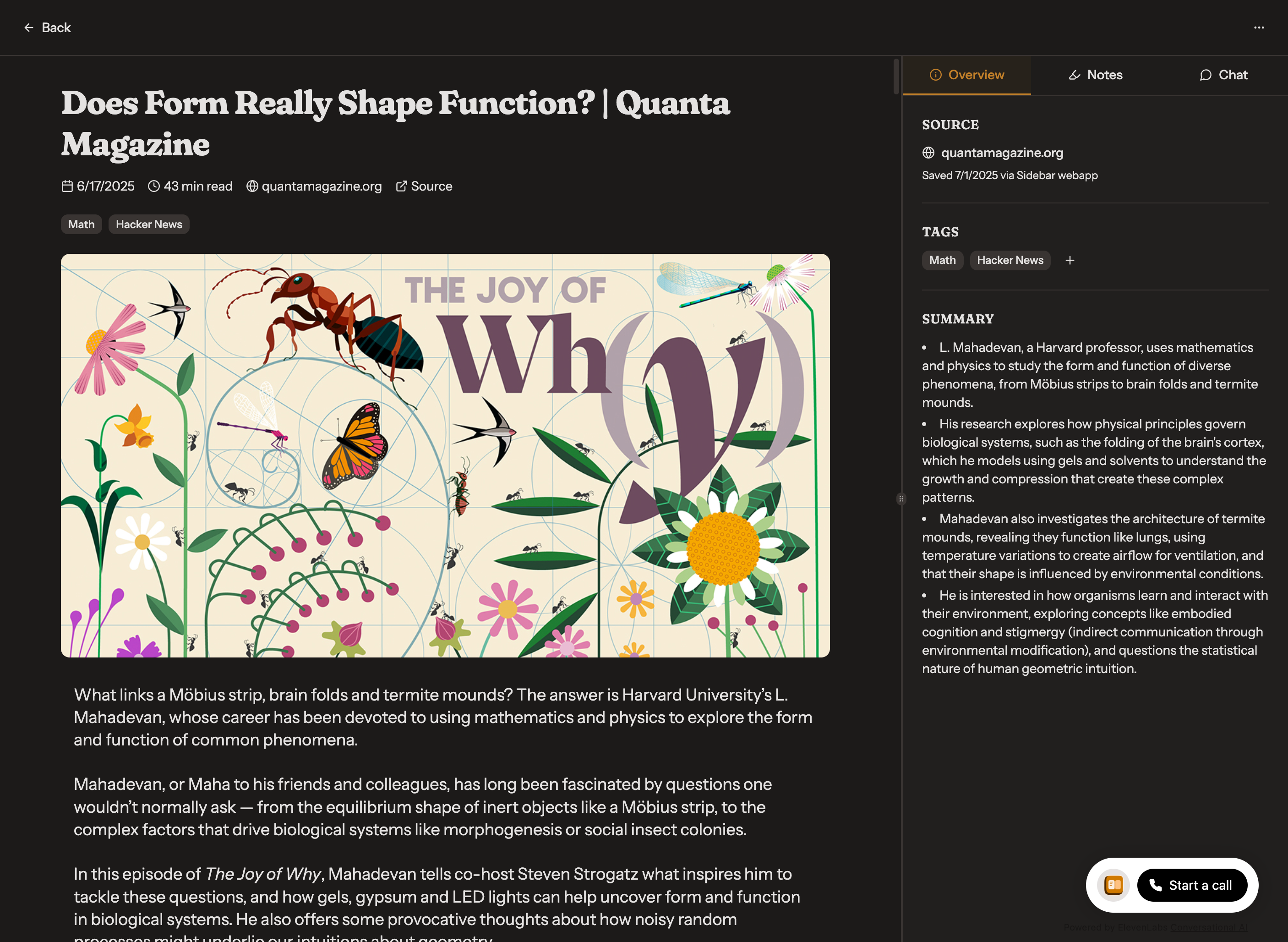
Reading at night? Read in dark mode!
-
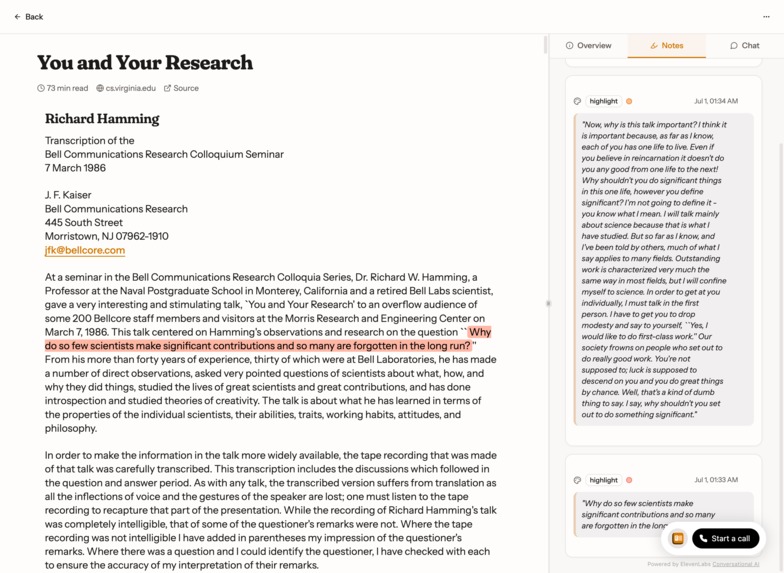
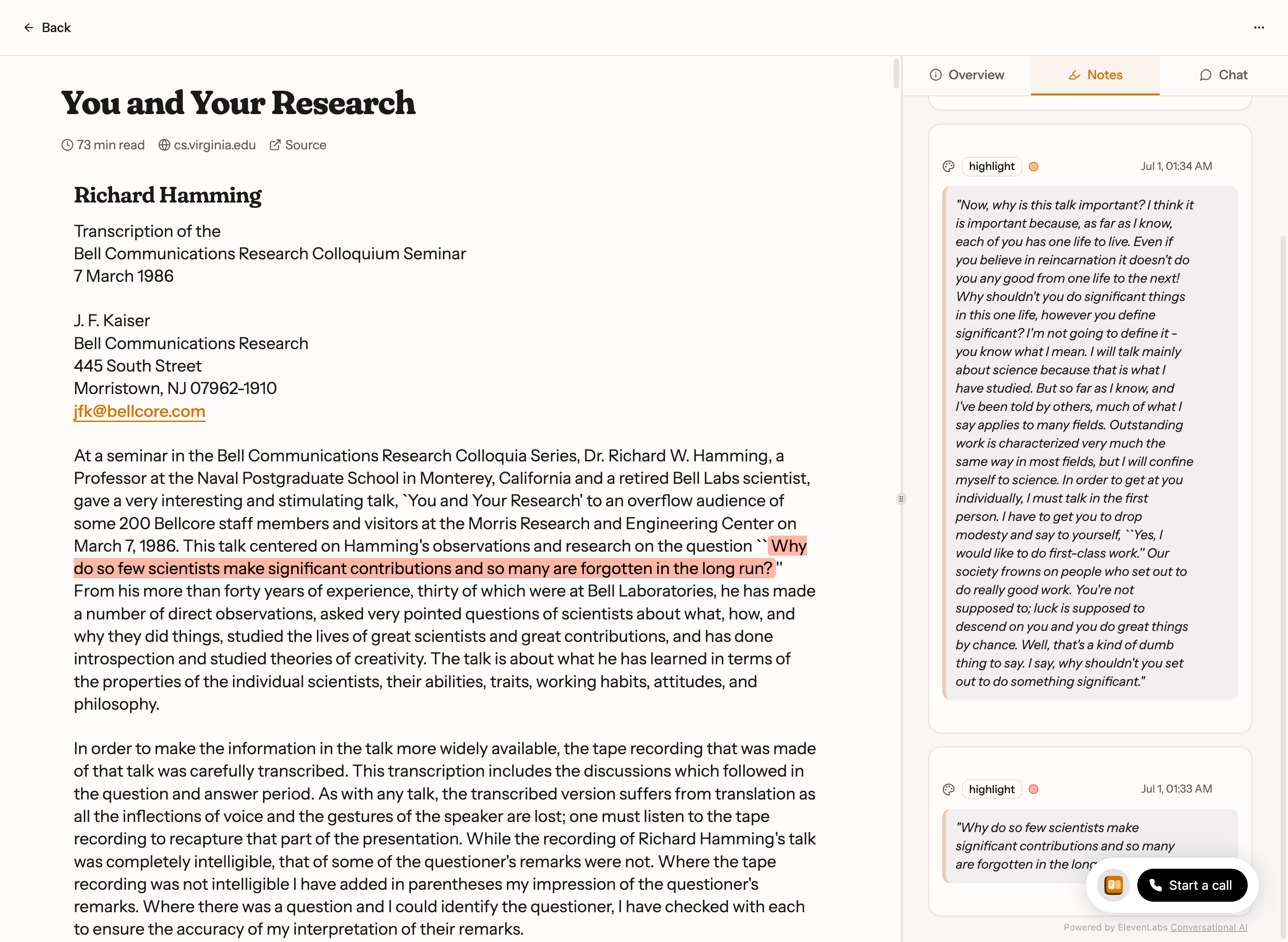
Highlight your articles
-
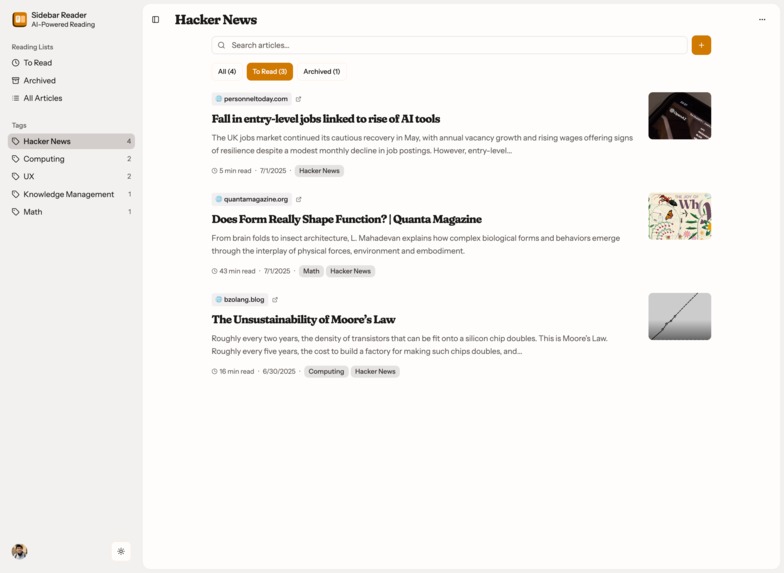
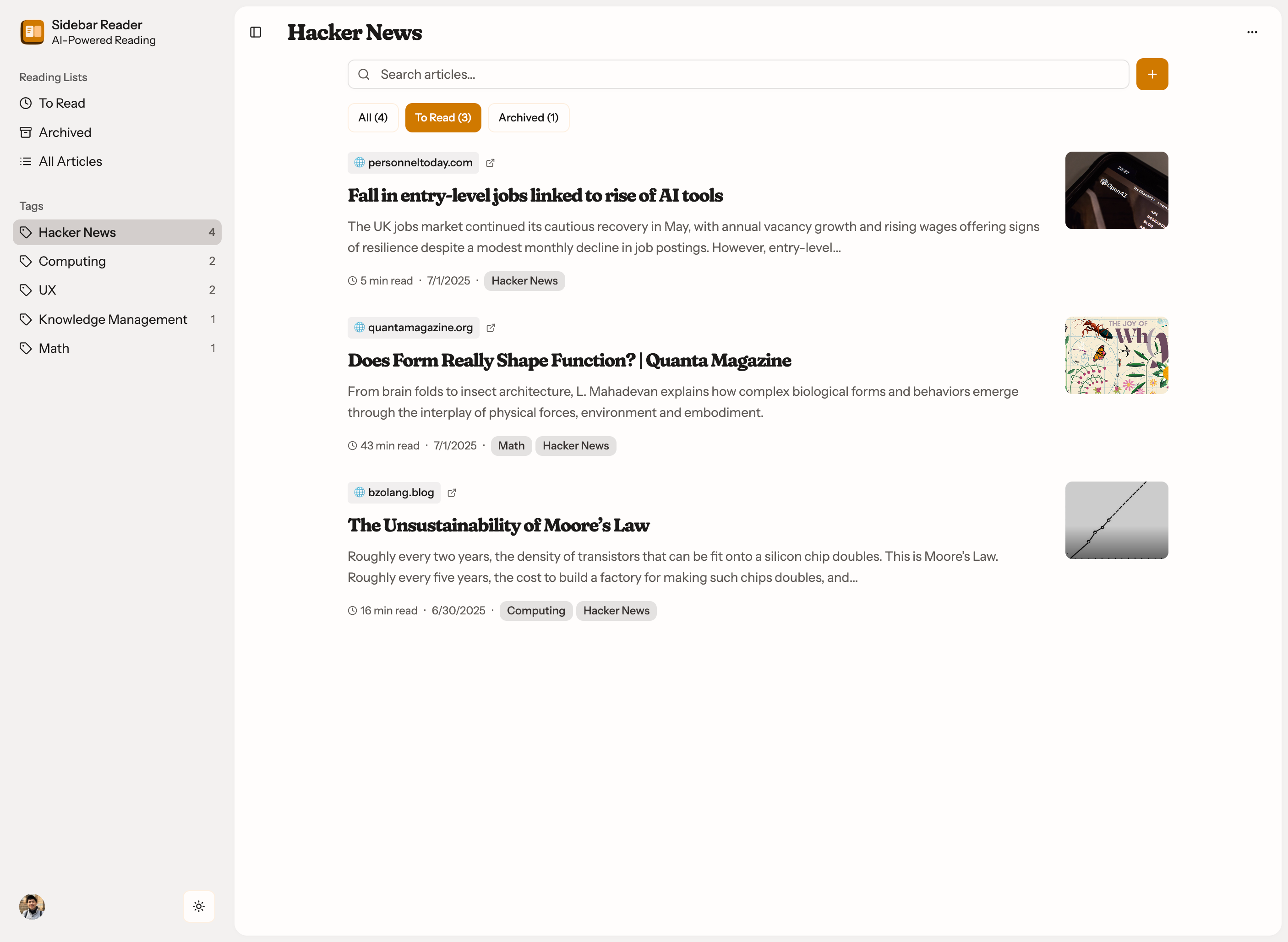
Search, tag, and organize all your articles
-
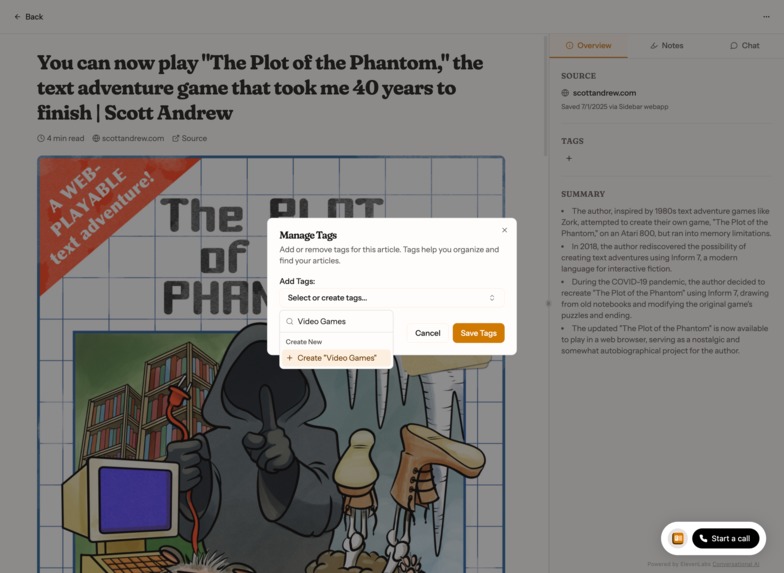
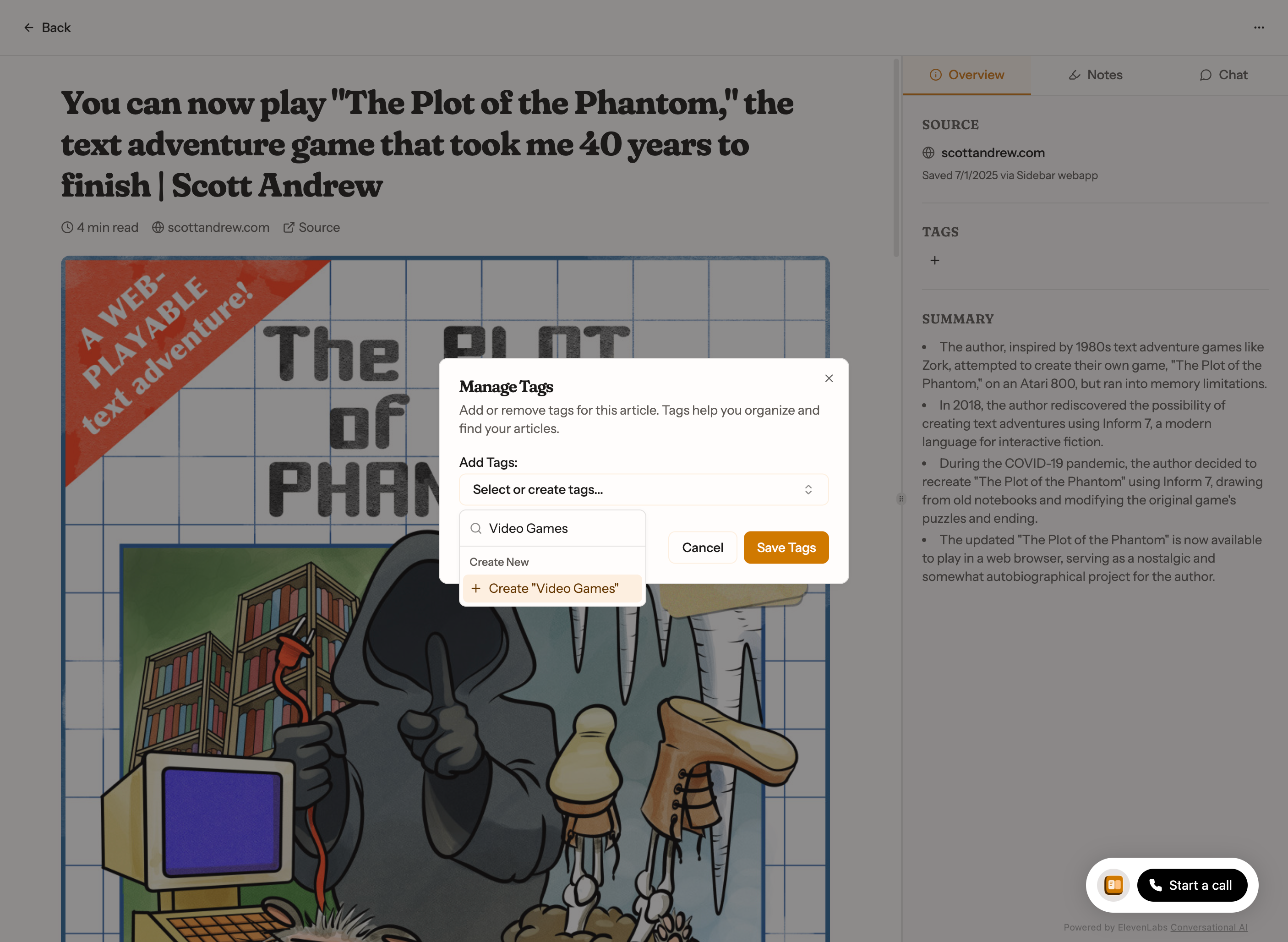
Easily add tags to your article
-
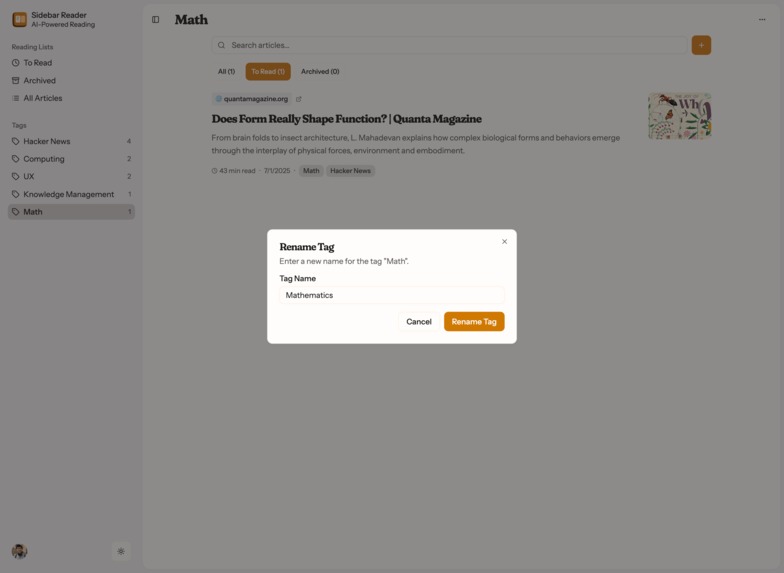
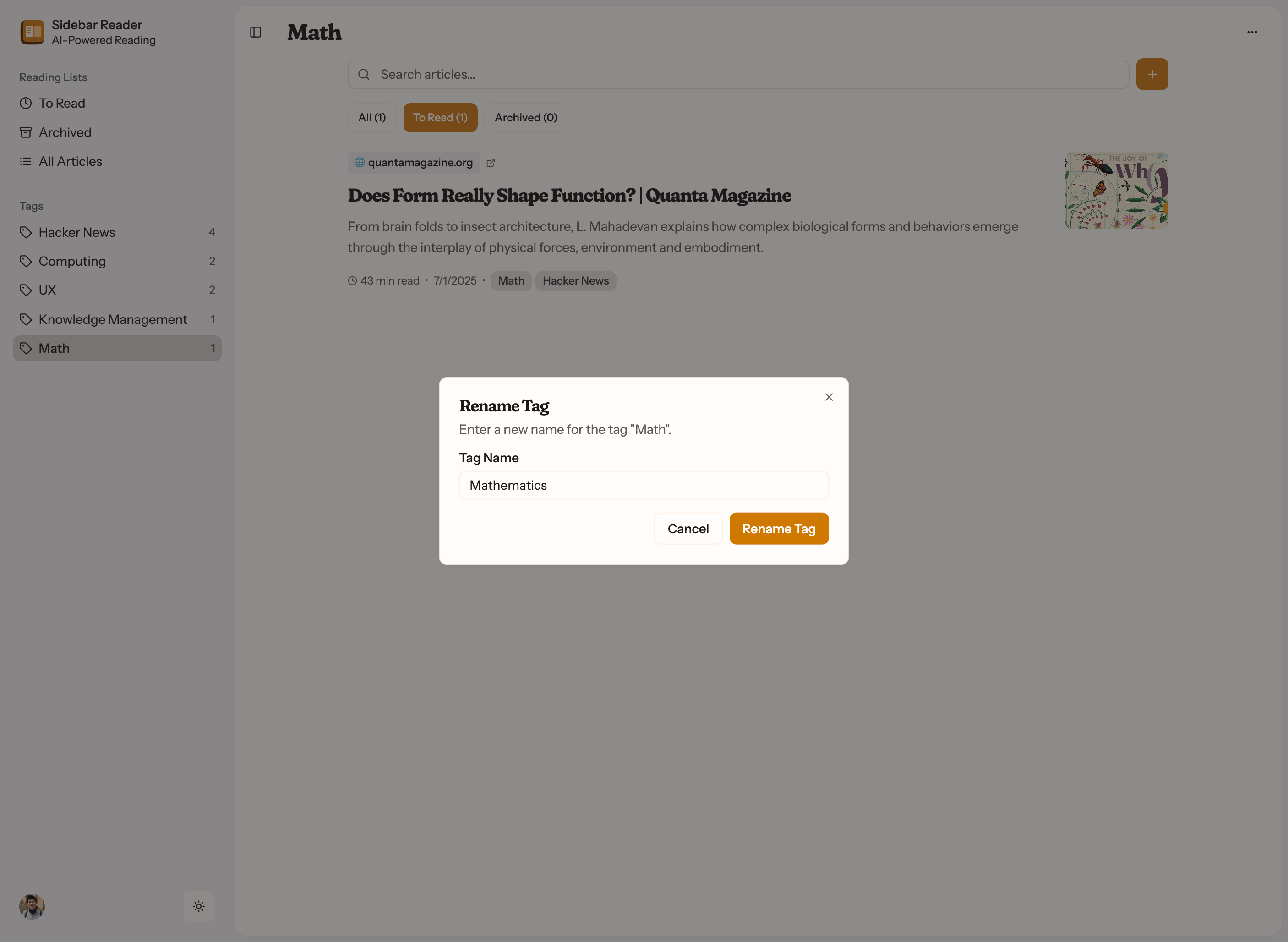
Easily rename tags
Inspiration
Both of us (Angel and Andric) read plenty of articles for learning and leisure, so naturally we’re long time users of apps like Pocket, Instapaper, and Raindrop.
These apps are super useful for helping you save your articles for reading later, highlighting and writing notes while you read them, or organizing your article stash using tags.
But these apps are unloved. Pocket was acquired by Mozilla, then shut down unceremoniously. Instapaper hasn’t improved much since it launched a decade ago. They feel dated now that most of us talk to ChatGPT while we read articles, either to summarize the article’s key points, to ask clarifying questions, or to explore and explain unfamiliar concepts or terminology.
This gap between unloved read-it-later apps and our desire for a modern post-ChatGPT version is what inspired us to build Sidebar.
What it does
Unlike Pocket or Instapaper which were built in the pre-ChatGPT era, Sidebar is built with AI in mind.
Every article you saved is processed in the background to extract the cleanest Markdown text possible. This is not only used to present the article’s content in a clean distraction-free design, it’s also auto-summarized by an LLM to extract the key points.
The text is also fed into a conversational AI agent as context (powered by ElevenLabs), so that you can discuss the article with AI, either by voice or by text.
Sidebar also works like a traditional read-it-later app, with standard features you expect: you can tag articles, archive articles, search and filter, and add highlights and notes.
How we built it
We’re both designers, so we started designing Sidebar with a bespoke brand identity.
We hand-designed the logo, as well as the color palette you see in the logo and the app, picking each shade of each color family for both light and dark mode, in a process that flowed across Tweakcn, Atmos, and Figma.
In Figma, we also designed each screen for both mobile and desktop, as well as for light and dark modes.
We also carefully wrote custom prompts for Bolt.new to bootstrap our project with the tech stack we wanted. Our Bolt project was initialized with React, Vite, and shadcn/ui.
But the default Bolt template isn’t to our liking, so we wrote detailed prompts and fed Bolt detailed docs (derived from official docs or from Context7) to teach Bolt how to setup the rest of our stack: Tailwind v4 (the default template used Tailwind v3), TanStack Router, Convex, and Clerk.
We built the rest of the app solely by prompting Bolt.new, except for one pesky bug that Bolt couldn’t solve (we turned to OpenAI’s Codex for that). Both of us used our personal Bolt accounts linked to GitHub, and we worked off of separate branches which were merged on GitHub.
To deploy the app, we had to setup a custom netlify.toml file so that SPA redirects worked, and so that we could deploy our Convex functions at the same time as our Vite SPA.
Challenges we ran into
Bolt’s ephemeral environment
Working with hosted services like Convex and Clerk within Bolt’s ephemeral web container is challenging, as these services expect a non-ephemeral .env file in your local dev environment to be present (which gets reset if they are gitignored).
Additionally, Convex also stores authentication credentials in the local environment (which gets wiped out on container restarts).
It turns out that container restarts are quite frequent when working with Bolt, whether it’s switching branches, duplicating a Bolt project, or just letting your computer go to sleep for a while.
Reviewing changes and ensuring Bolt’s updates didn’t break existing features
Because this was a hackathon project that we had to build completely in Bolt.new, and we were working primarily off of the web-based environment, we didn't end up setting up unit tests, end-to-end tests, or CI tasks like linting and type-checking, making changes that didn’t break existing functionality was challenging.
Bolt doesn’t provide diffs or have an review/accept/reject flow, unlike Cursor, Windsurf, or Codex, so making sure changes worked and didn’t remove or alter existing code. It’s hard to tell what changed in the code after you prompted for something, especially for changes that aren’t visual in nature or where it was only apparent if you got into a certain state.
Moreover since Bolt’s changes are made in a constant stream of granular commits rather than PRs (like Codex), it was challenging to know when a change ends and another begins.
We tried to maintain branches to make this easier, but because each branch switch causes Bolt’s ephemeral environment to be wiped out, we didn’t do that too often in practice.
In practice, we had to test everything manually and things often broke when we prompted for new features (and often in ways that can’t be fixed by further prompting). We had to revert changes by manually setting our branch’s head to an earlier commit and force pushing. This was frustrating.
Accomplishments that we're proud of
This was the first time we built an app that was almost completely done through prompting (except for small interventions like manually installing packages or editing copy).
Ultimately, we’re proud that we managed to build what is essentially a better version of Instapaper and Pocket, with a custom brand that we designed, in two weeks, without writing a single line of code!
What we learned
Despite challenges with debugging and getting the design exactly how we wanted it, we loved how well it turned out. It’s definitely not production ready, but it was encouraging to us that about 2 weeks of effort led to a functioning and deployed app with a backend that we could use daily.
We can see a tool like Bolt being a mainstay in our product design and dev toolkit, by helping us build the alpha or prototype version of our app that we can test privately in order to uncover edge cases that we can then build for more intentionally.
“Vibe coding”, or developing software purely by prompting, is a viable way to prototype apps, and an interesting one at that, especially when backend code is involved, and you’re able to spike the integration of specific libraries or services in ways that a traditional UI prototype would not have afforded.
What's next for Sidebar
We’ll clean up the UI, add tests, fix type and linter errors, find edge cases and bugs, improve article extraction, Markdown rendering, and highlighting.
Then we’ll launch a first version of Sidebar!
Follow us @ideosyncretic and @astralwave for updates 🤓

Log in or sign up for Devpost to join the conversation.