-
-
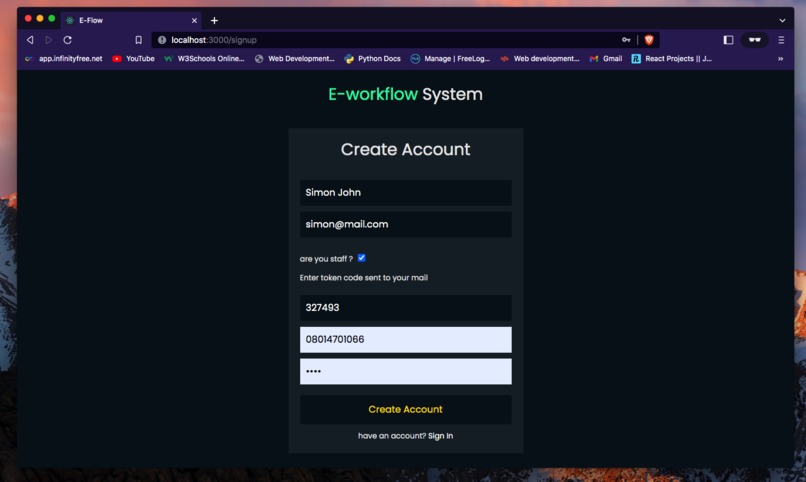
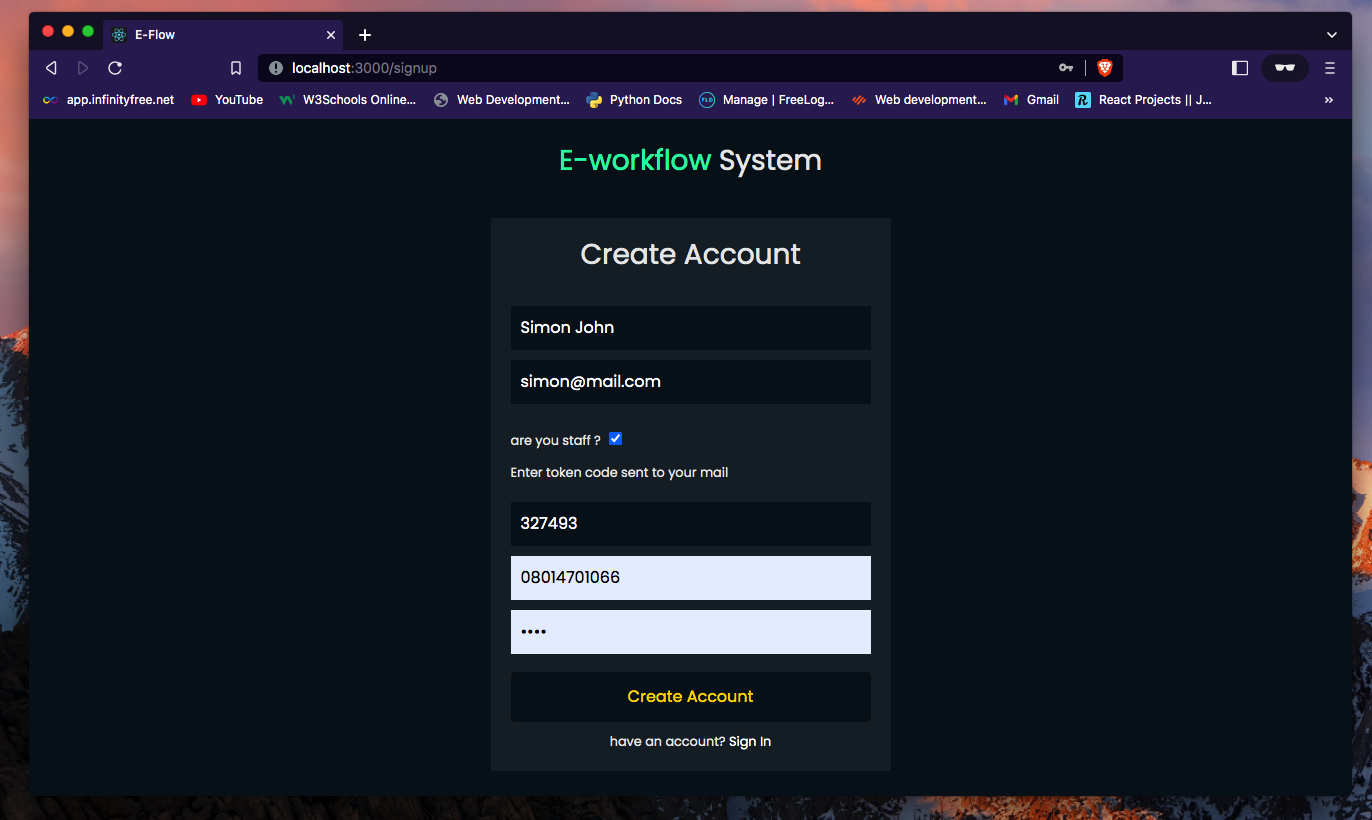
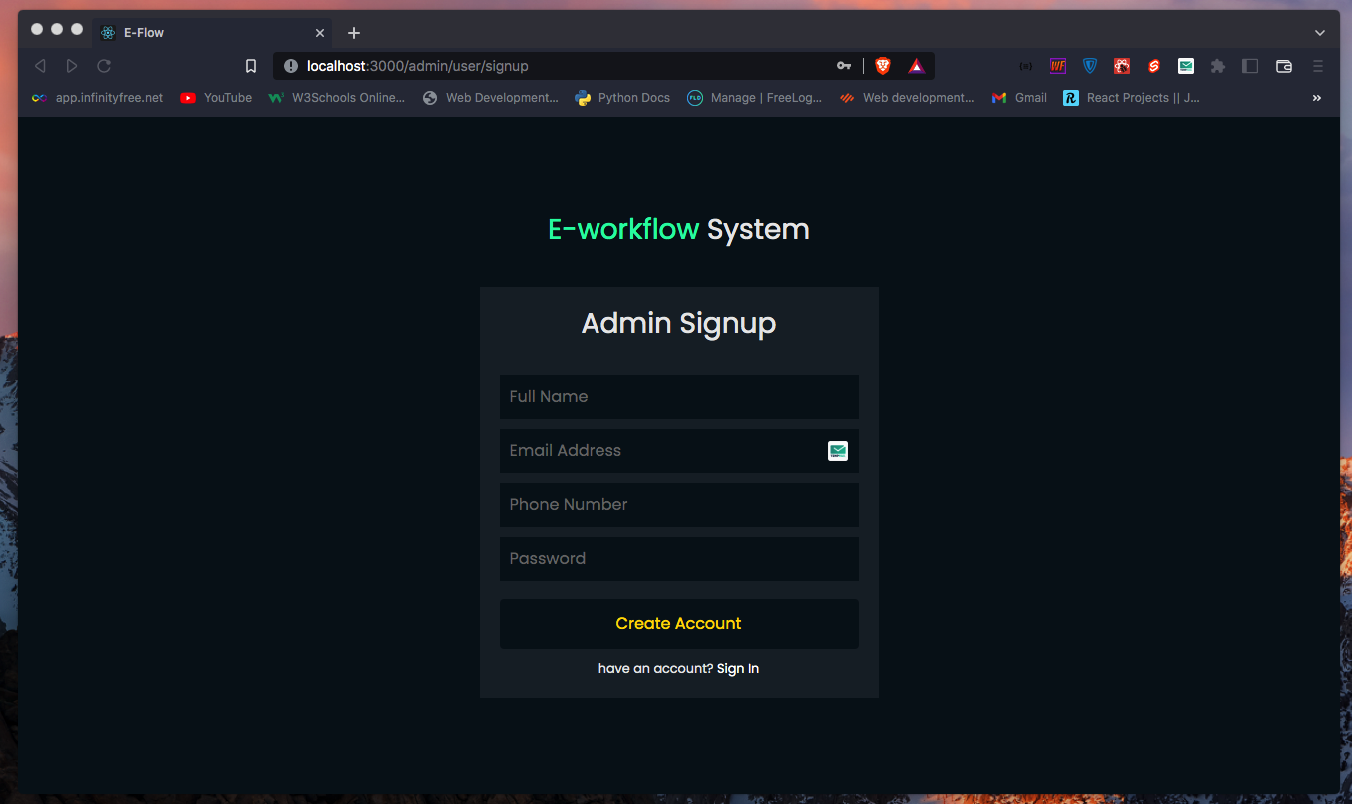
Staff Registeration
-
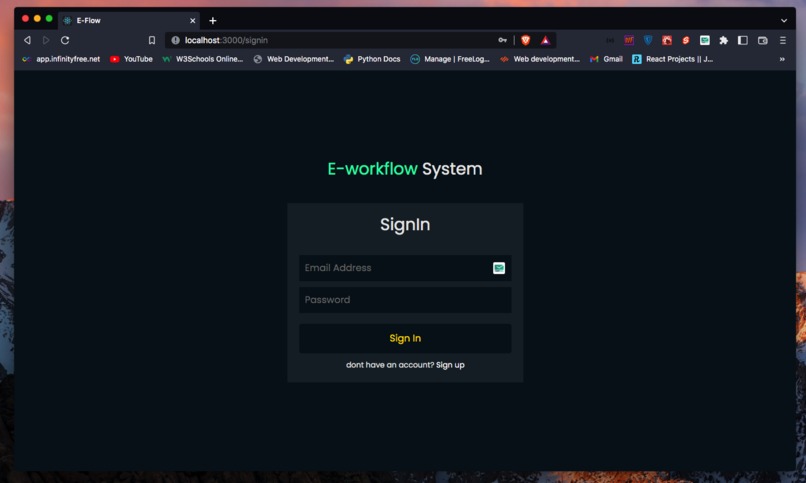
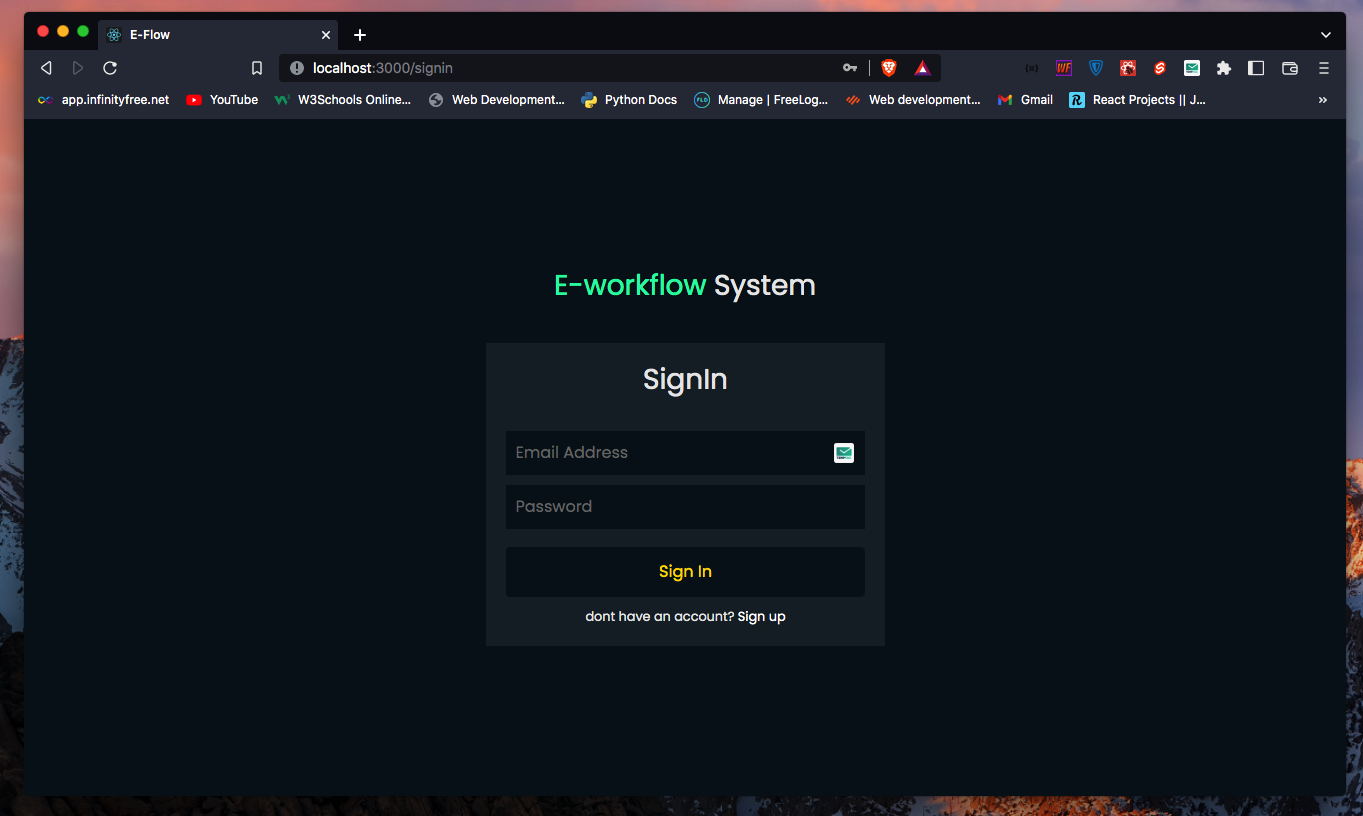
Signin Screen
-
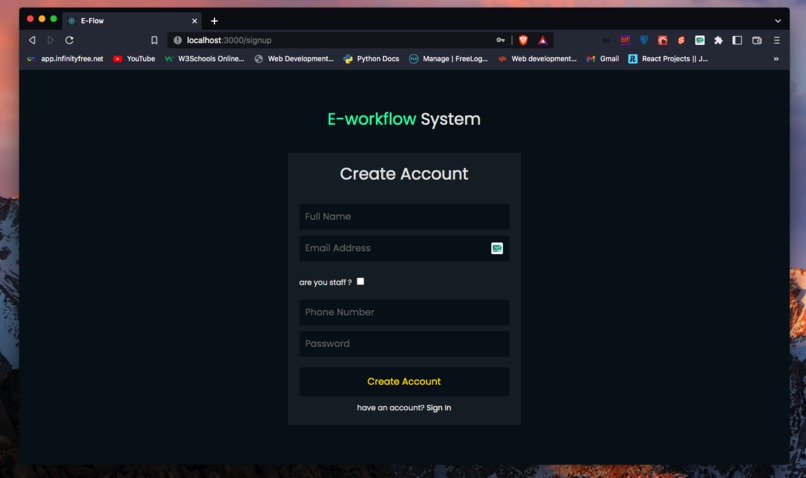
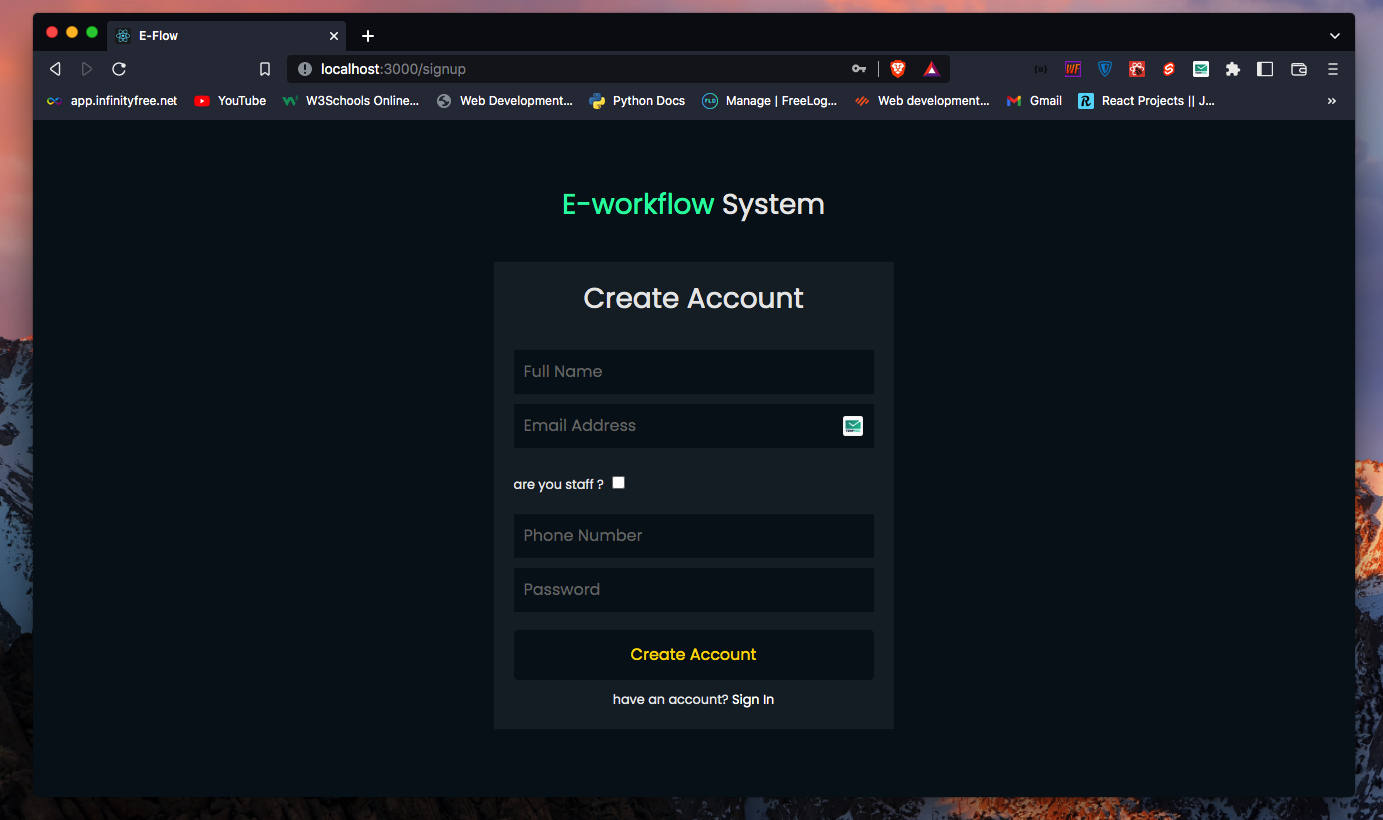
Signup Screen
-
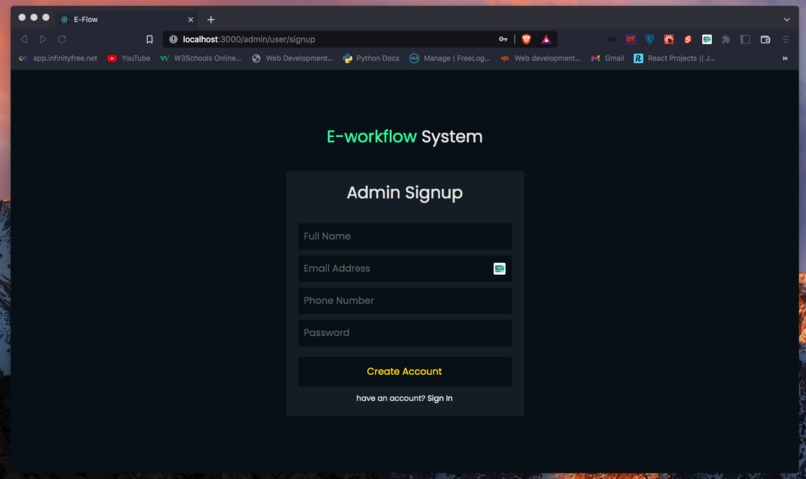
-
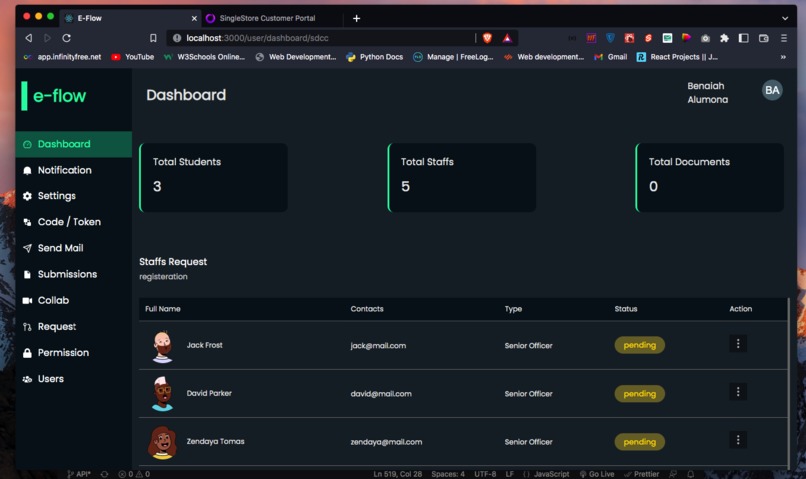
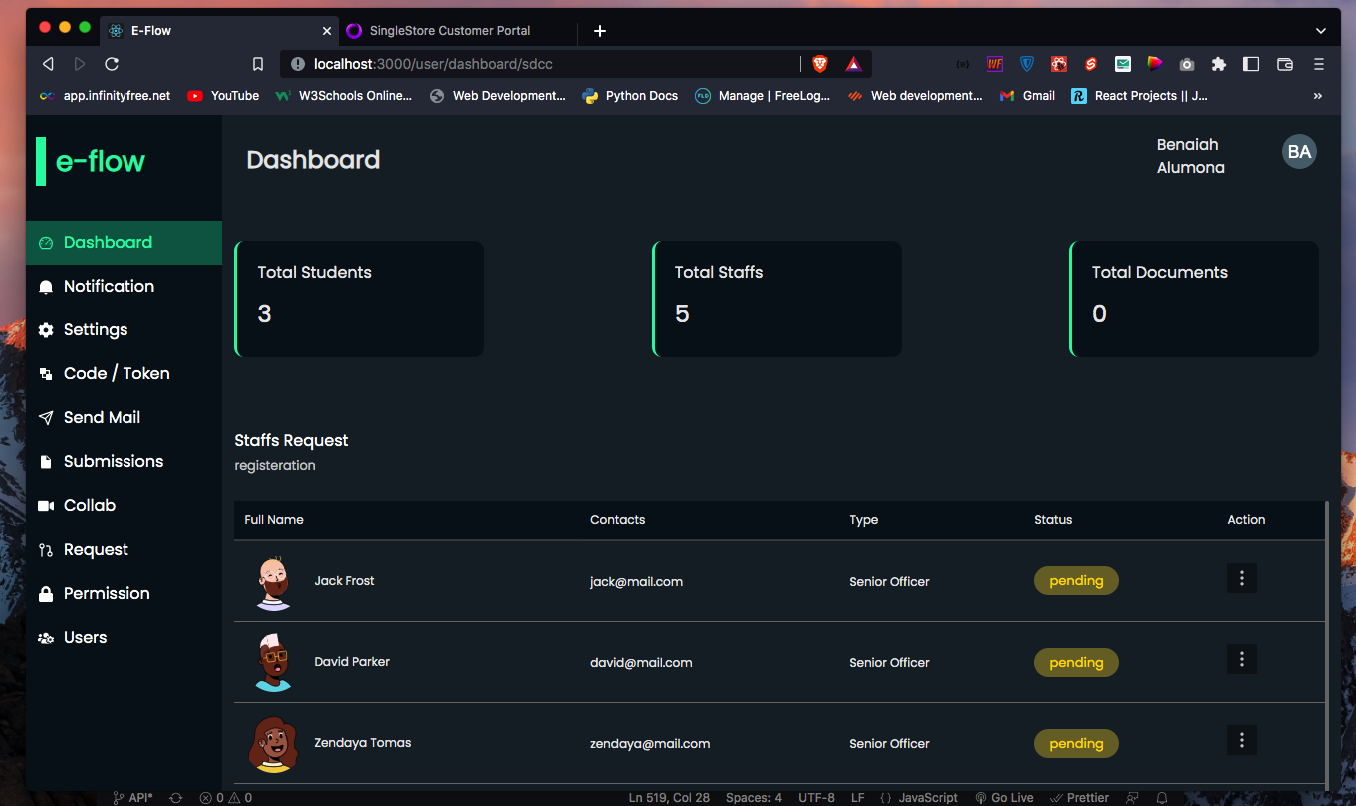
Dashboard
-
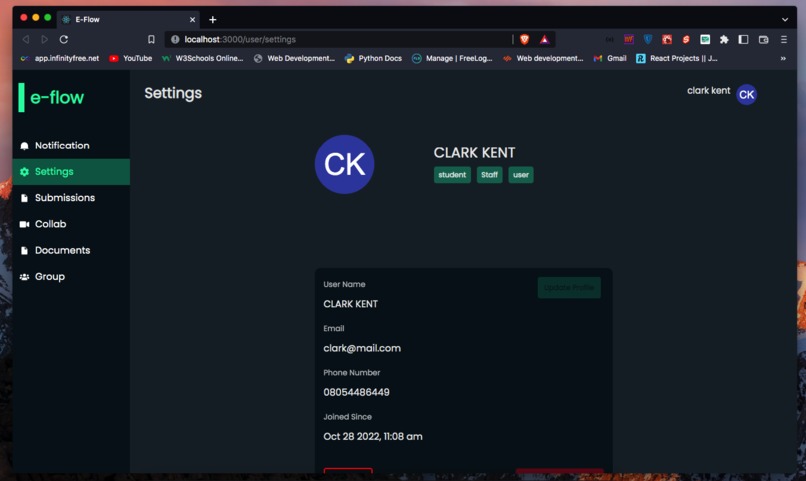
-
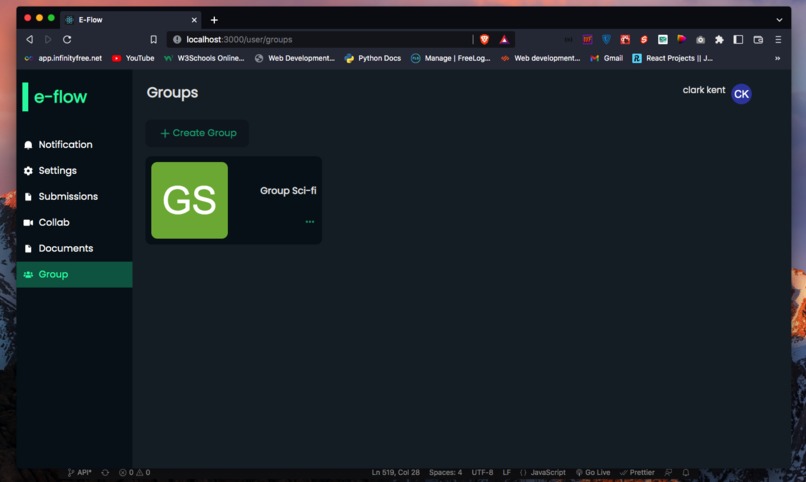
-
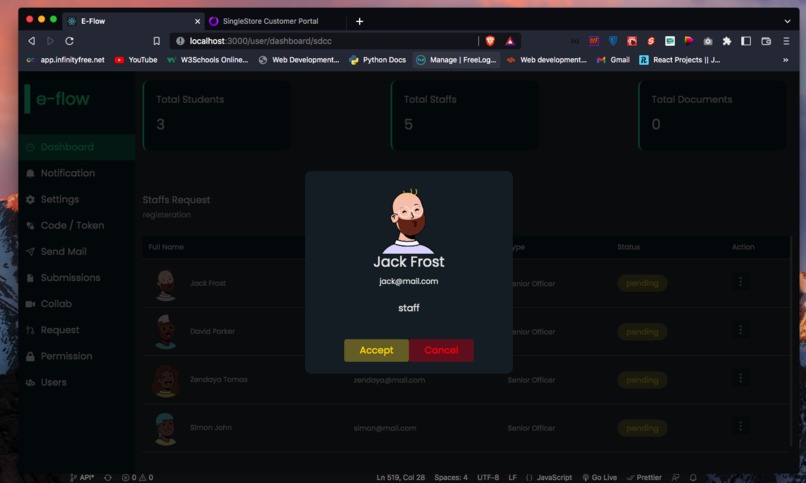
-
-
-
-
-
-
-
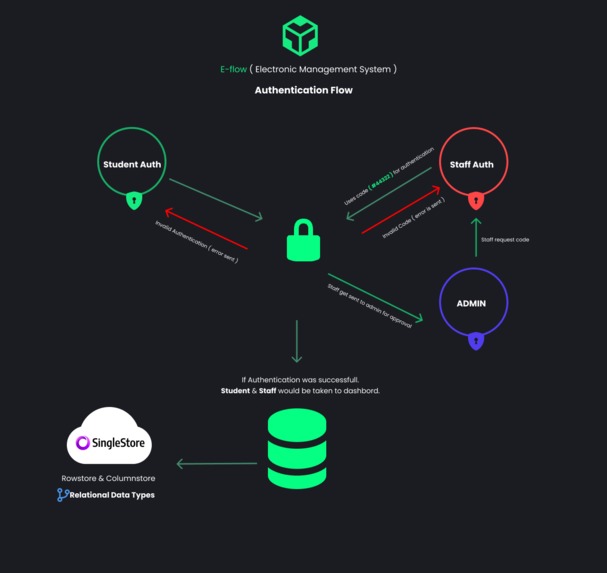
Authentication Architecture
-
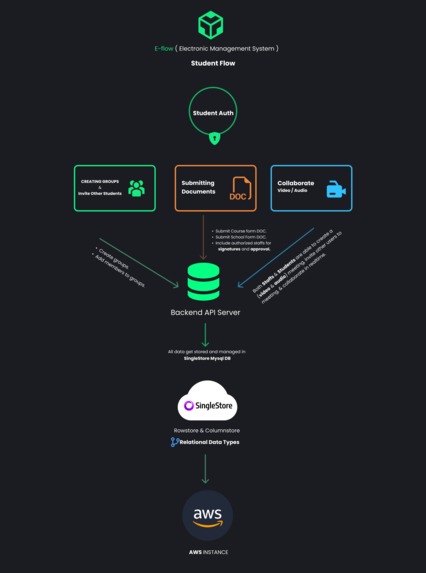
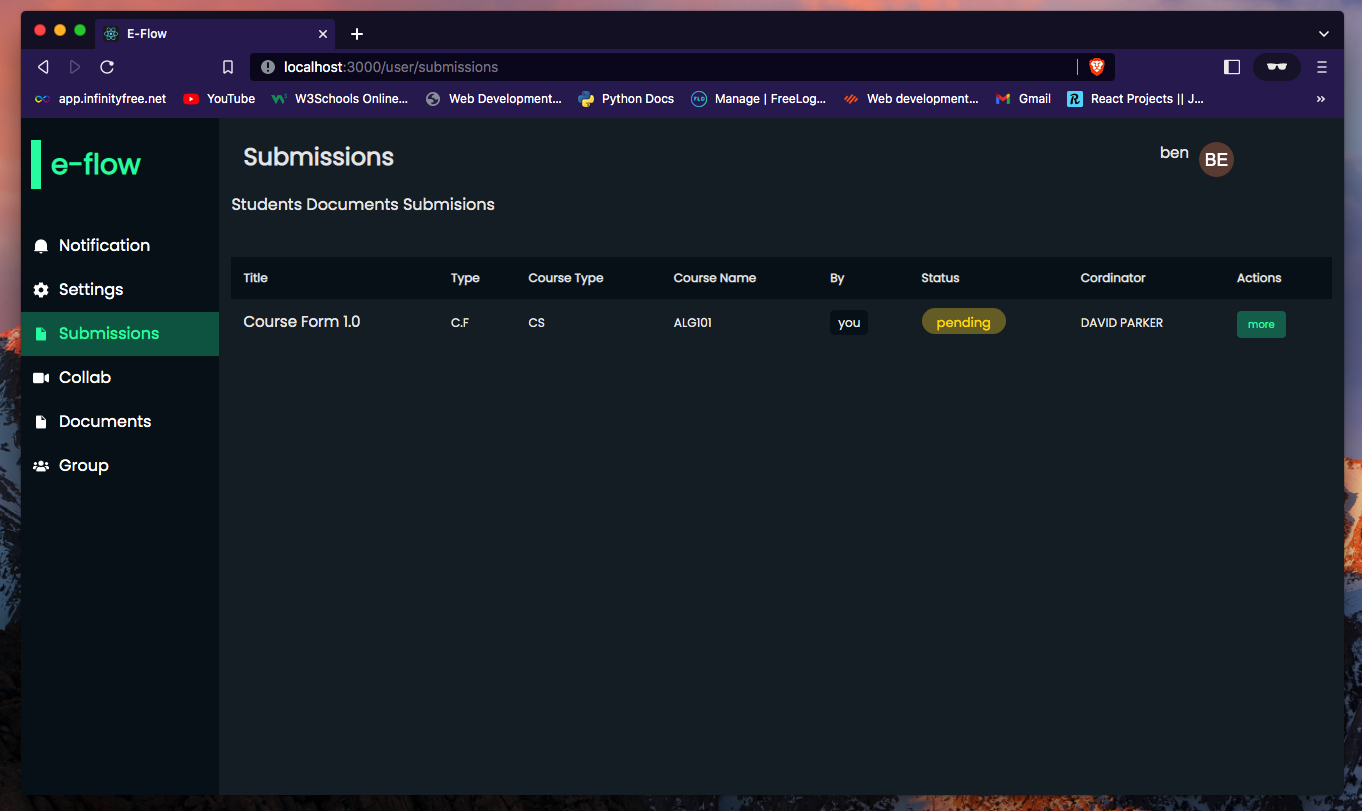
Student Flow Architecture
-
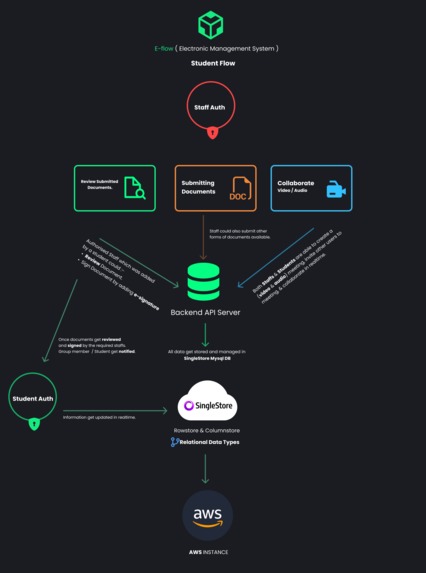
Staffs Flow Architecture



Inspiration
Efforts are been made among global companies and institutions to move away from the traditional way of transferring documents from one office to another for approval, into a paperless environment where documents and files are been transferred and approved virtually through the use of different software technologies. This project is based on a virtual working environment where users work with electronic documents and forms distributed via an e-workflow or e-distribution. Organizations usually have a number of internal processes for tasks take for example a university environment which have schools and departments, each departments usually have tasks to fulfill like the approval of students course forms, approval of official documents and so on. Approval process is a type of workflow, which can be described as any sequence of work from the start to completion that users can create to ensure work is approved the same way every time, it standardizes an organization’s internal process and also saves time by creating a reliable, repetitive system.
What it does
E-flow ( electronic workflow ) is a system meant to ease the process of document submission and approval from a ( students and lecturer ) perspective within a particular organization.
How we built it
Eflow was built using React.js, Nodejs / Express.js and Singlestore Realtime Unified Database.
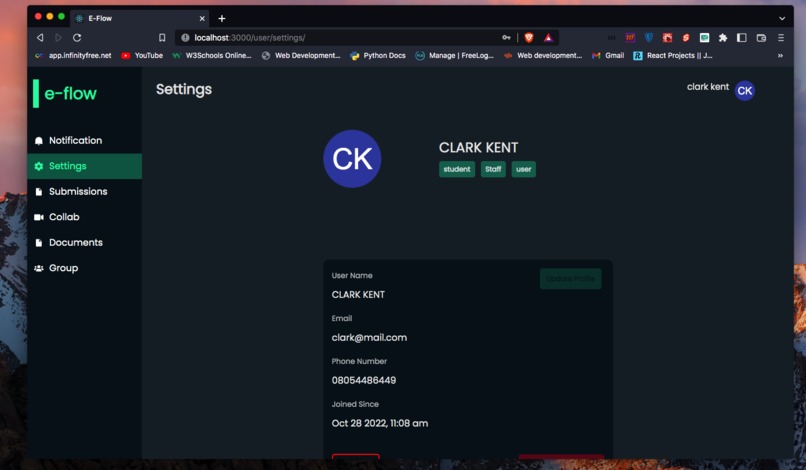
This system is made up of two different users having different roles
staffs (this can also be an admin) and students.
The system can have multiple admins having level of permissions to take certain actions.
Before allowing other users to get registered into the system, staff are sent a one time code which would be used when creating a new account. If the code expires, request would lead to failure making it more secure from allowing fake users signing up as a staff.
The admin would then be able to grant staff request or reject request.
Permissions
This are the list of permissions present in the system
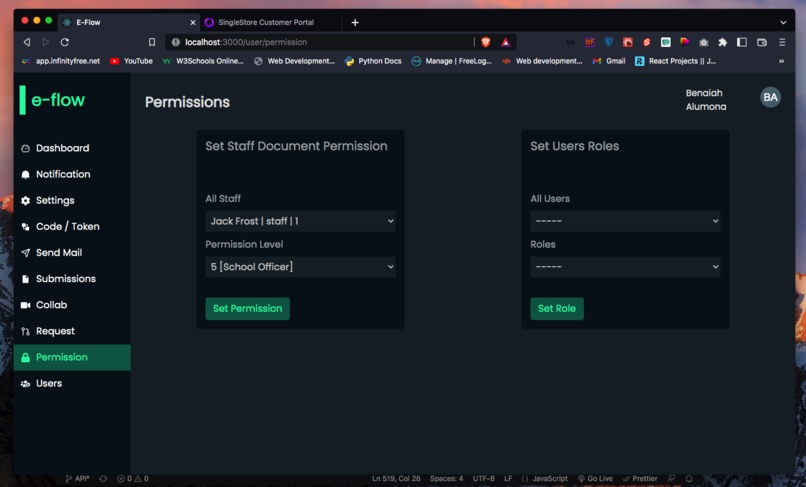
Admin- [x] Grant other staffs requests when registering.
- [x] View all staffs within the system.
- [x] He would be able to set course form reviews for individual registered staffs.
- [x] Assign roles: he/she would be able to assign roles to individual users (
users -> admin,admin -> user) - [x] View all registered students.
Staffs- [x] Notifications
- [x] He/she would be able to view submitted
documentsspecifically to the staff permissions. - [x] he/she would be able to view all
rejected/approved/pendingform reviews.
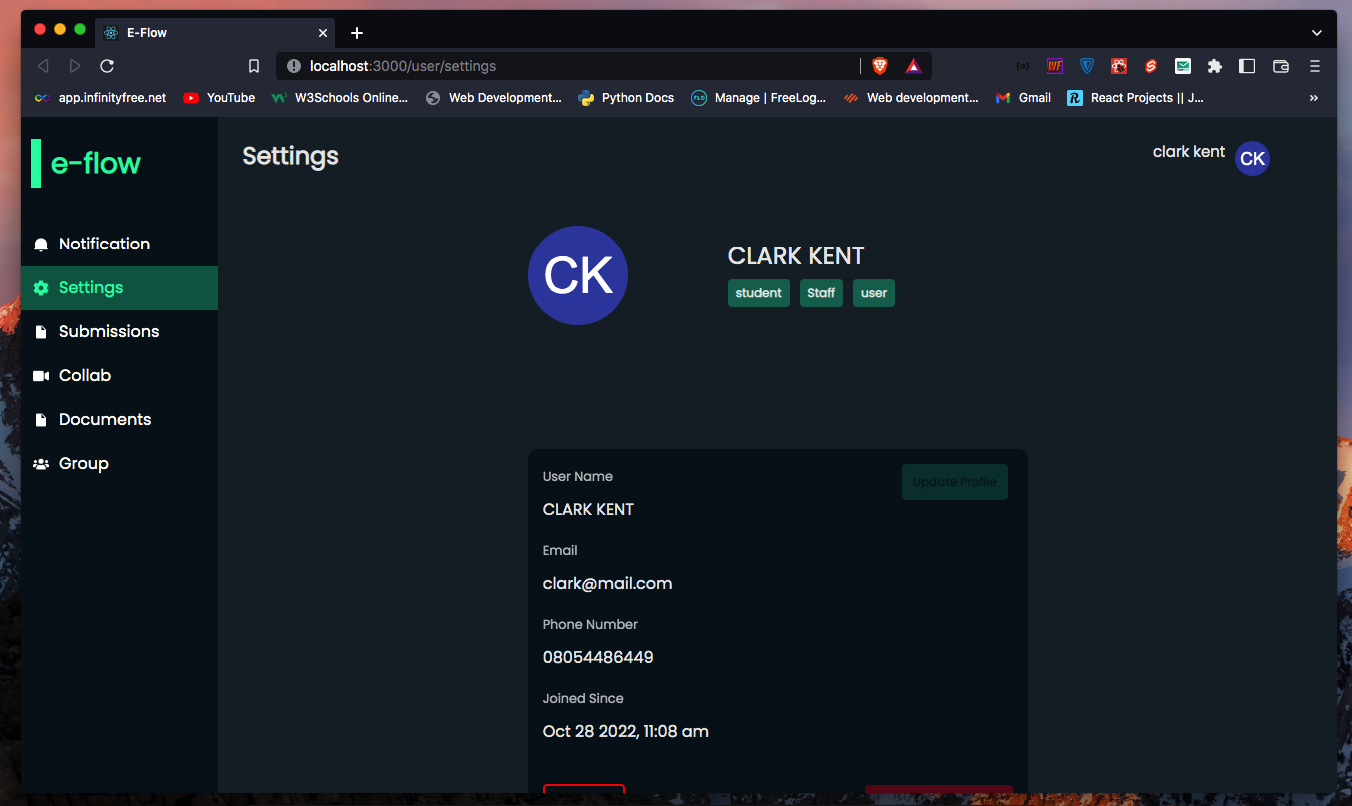
Students- [x] Notifications
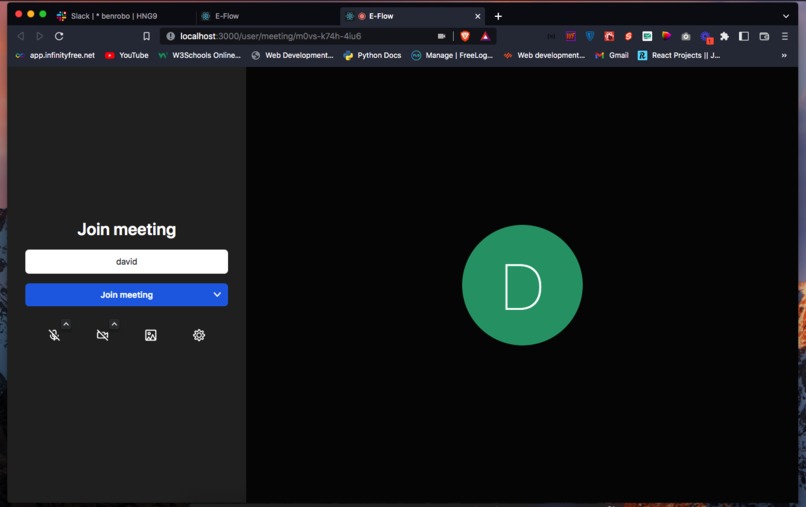
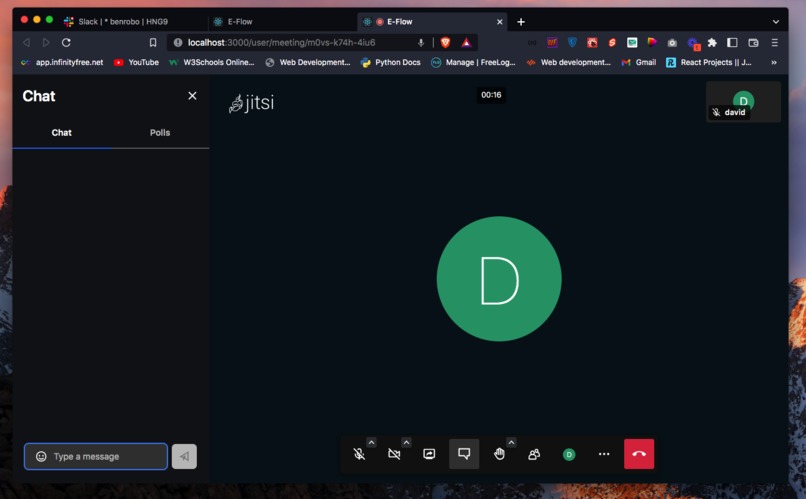
- [x] Collaboration
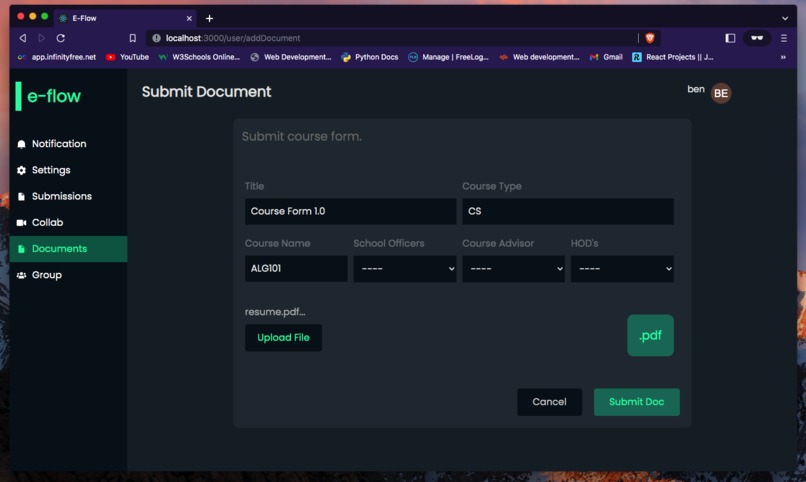
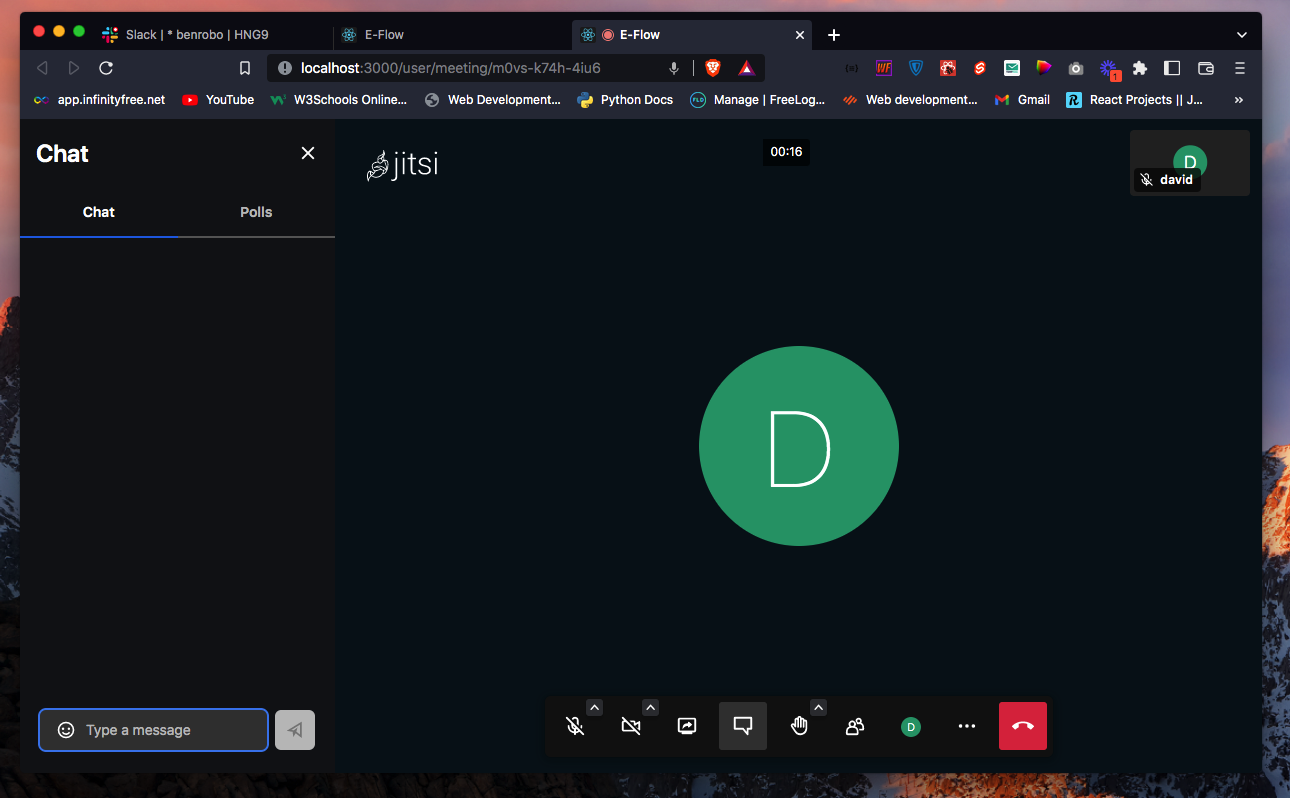
video / audio. students would be able to have realtime audio / video collaborations. - [x] This enable student to submit different documents.
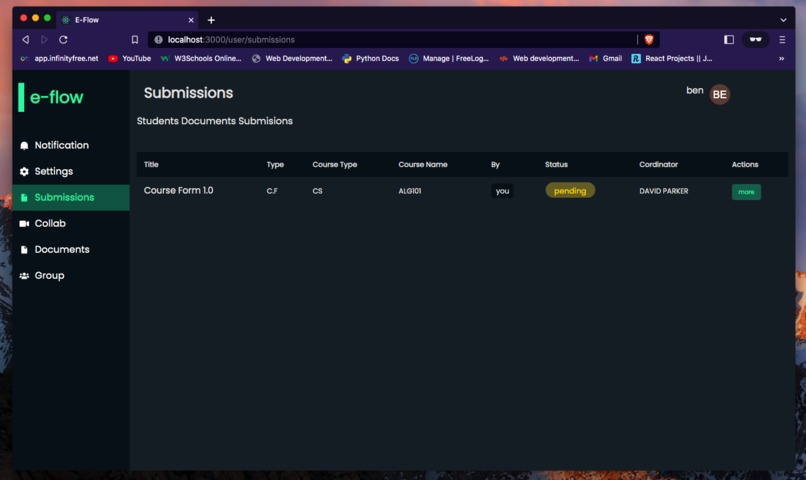
- [x] He/she would be able to view submitted
documentsspecifically to the staff permissions. - [x] he/she would be able to view all
rejected/approved/pendingform reviews.
System Architecture Flow



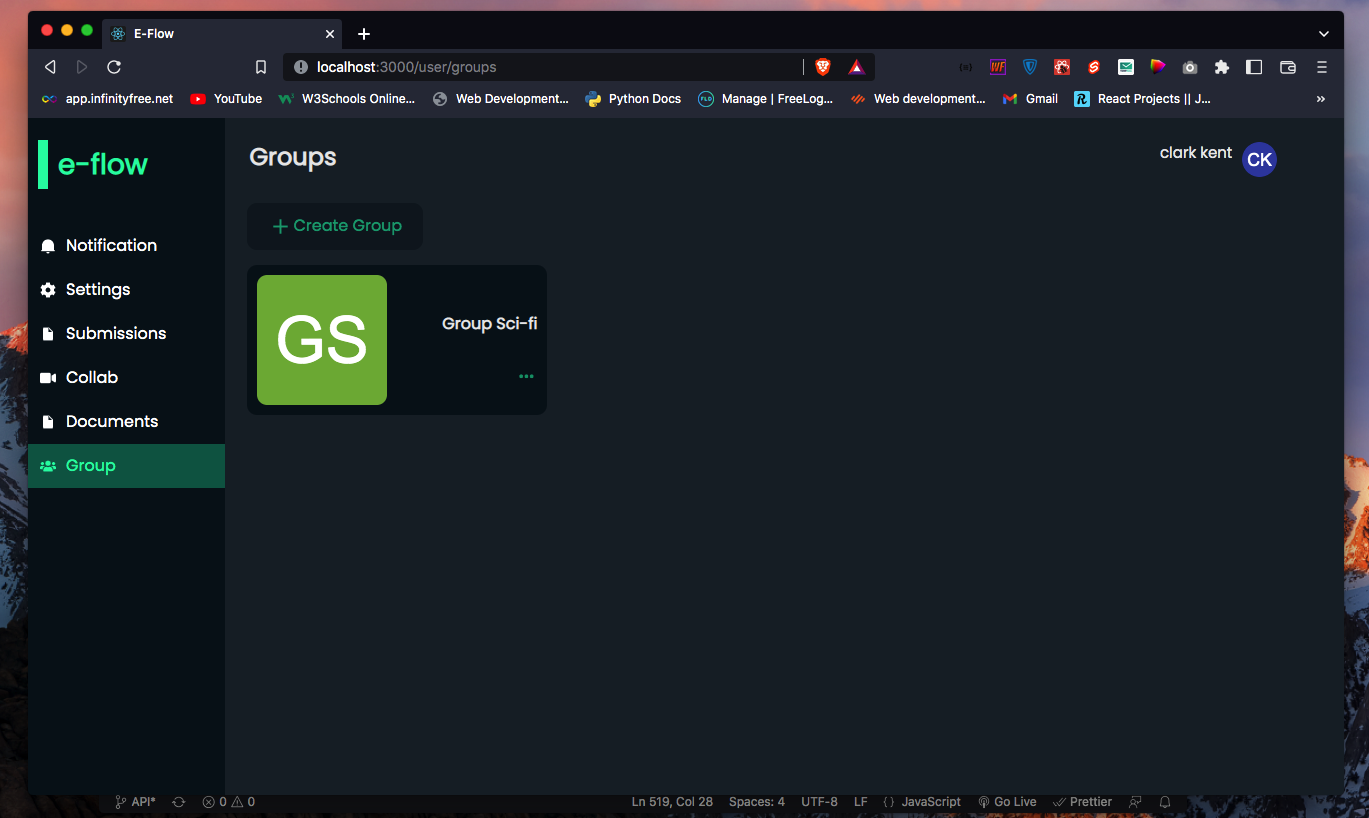
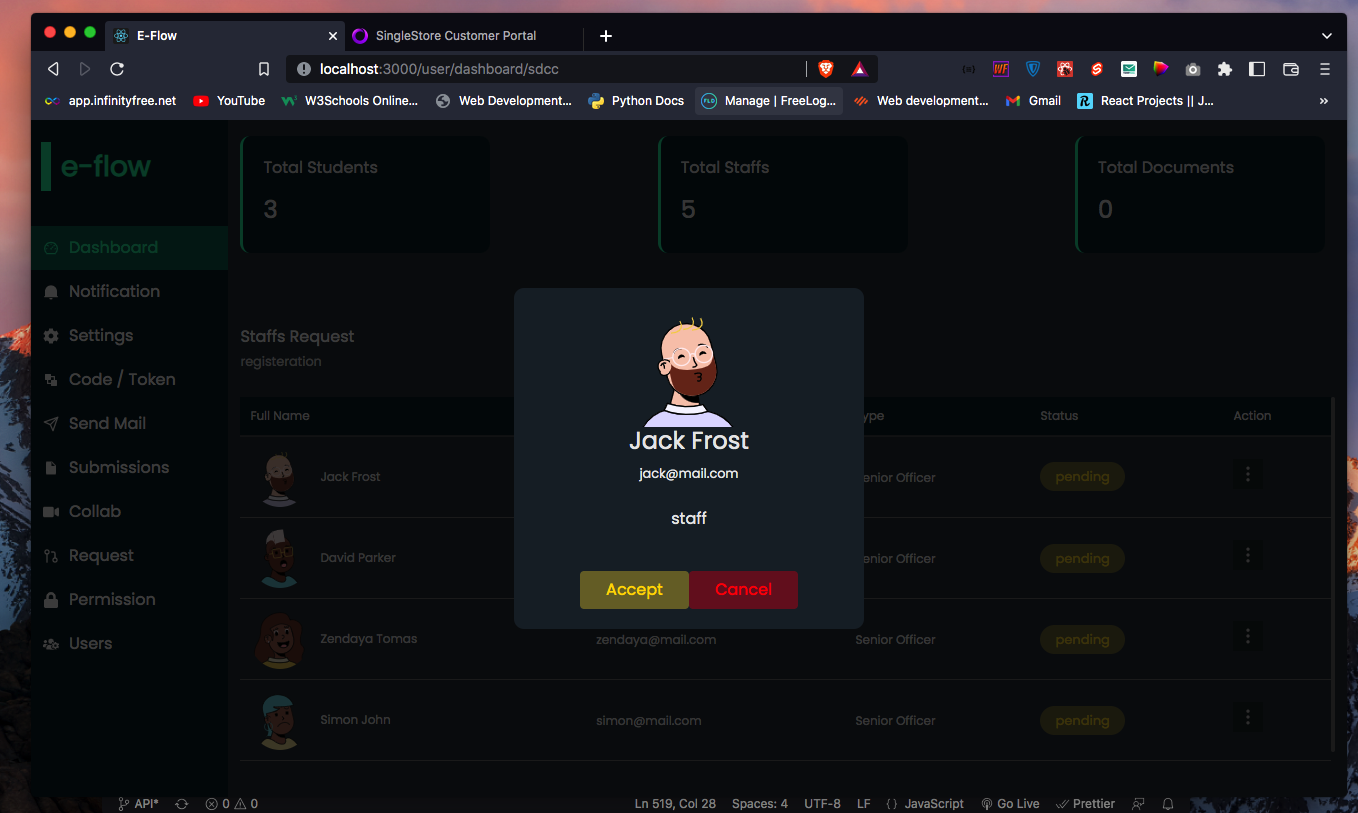
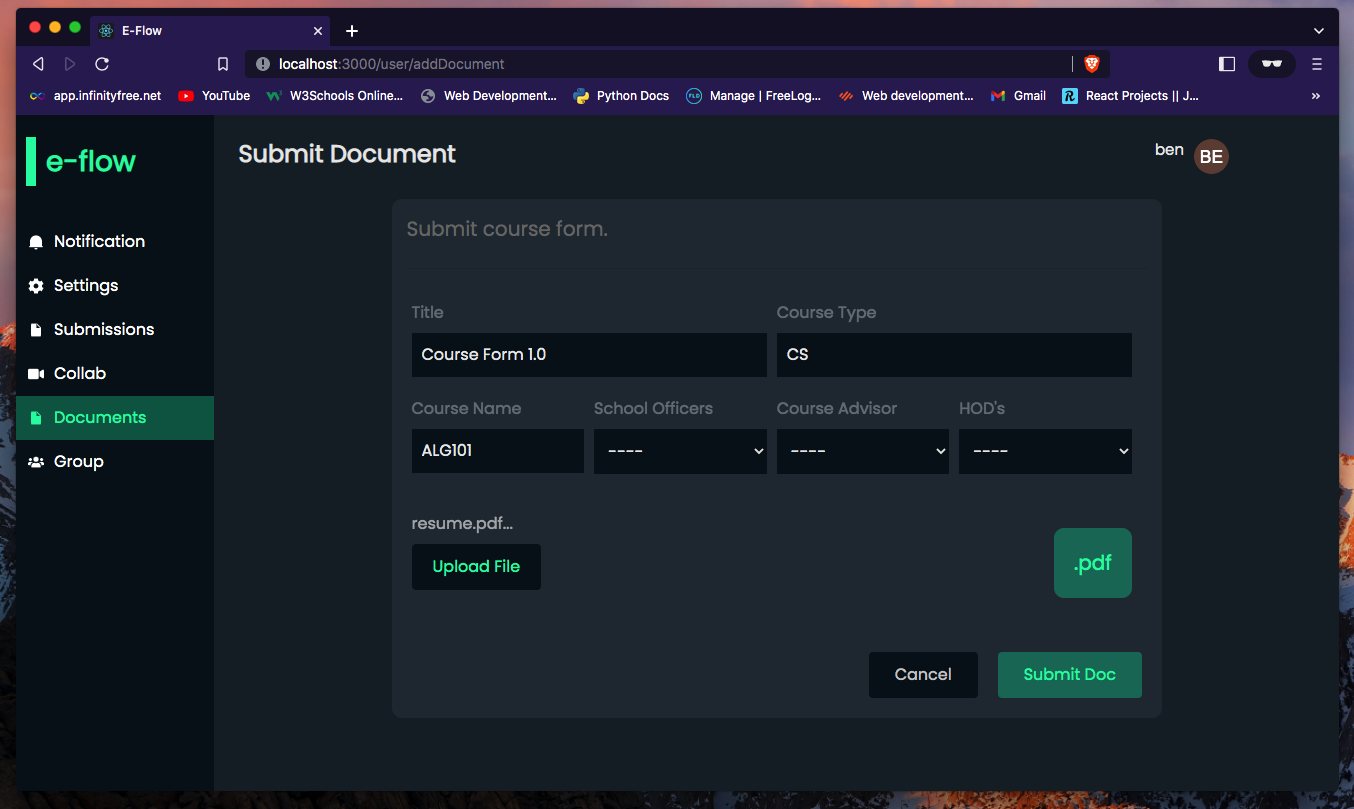
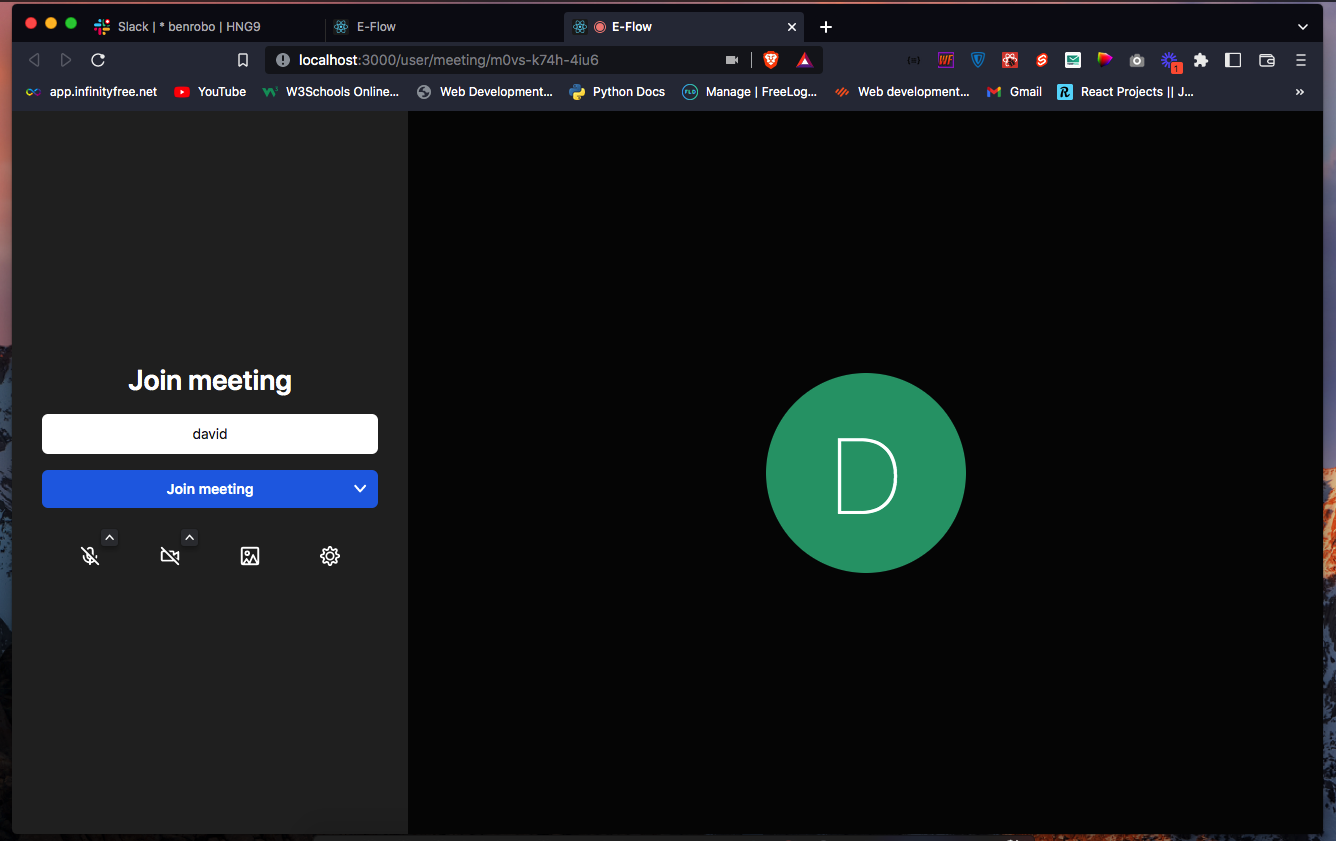
Challenges we ran into.
Having Been the first time working with singlestore db, I had to go through the singlestore documentations about migrating database as the initial database used for this project was built on postgresql and not mysql. which lead me in re-writting the backend system along with integrating singlestore database on this application.
Accomplishments that we're proud of.
One of the accomplisments i'm proud of is that, singlestore really increased my development time as I dont have to spend extra time setting up my local database. Also, I was able to build this application to an MVP stage.
What we learned
During this past weeks of developing this project, I had the privilege of working with some new technologies and how database migration could be done.
What's next for E-workflow Management System
Built With
- express.js
- mysql
- node.js
- singlestoredb
- webrtc

Log in or sign up for Devpost to join the conversation.