-
-
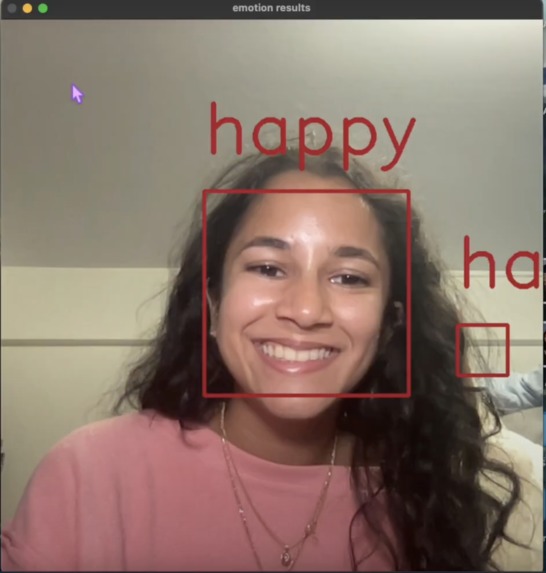
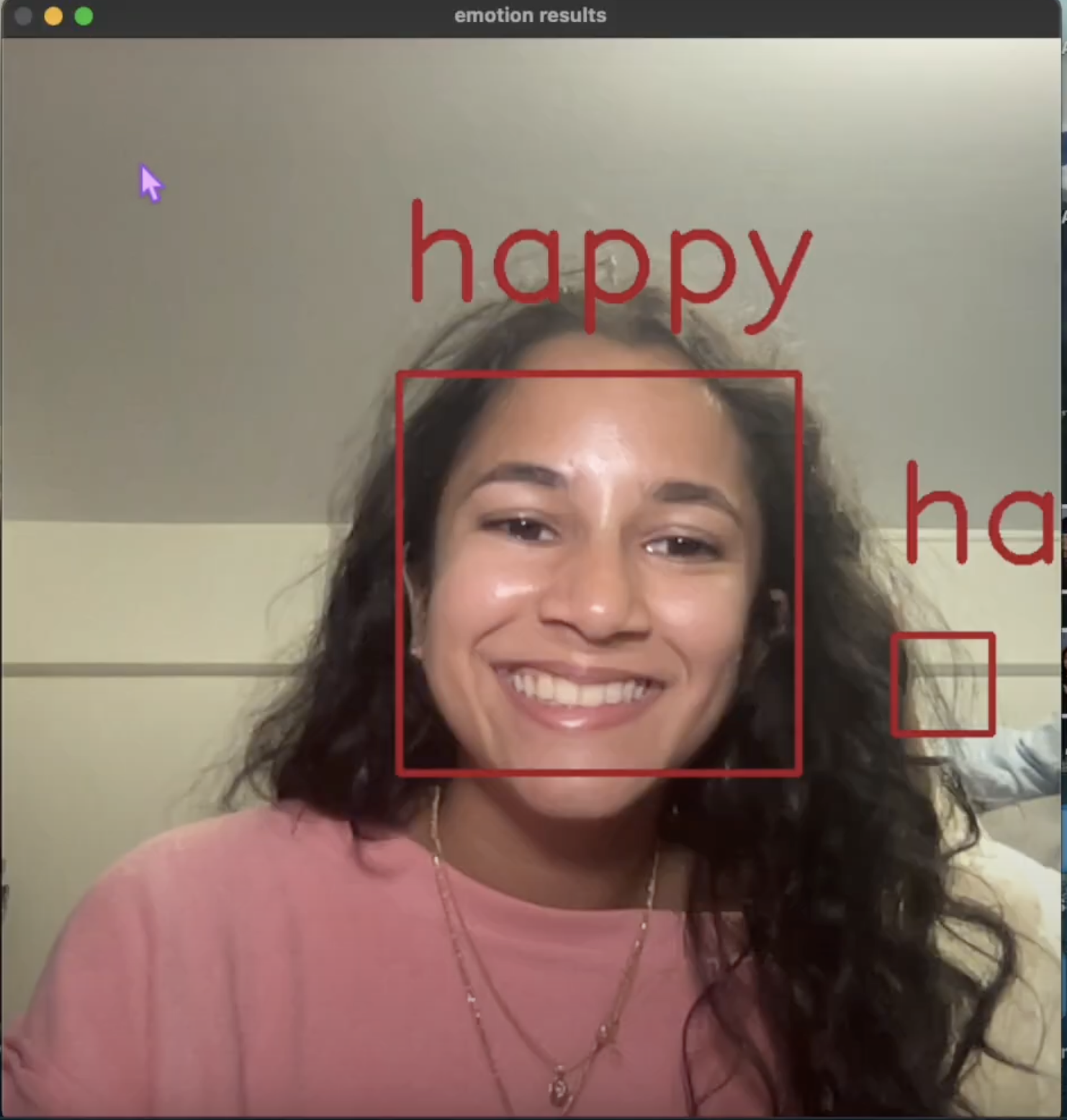
Detected happy
-
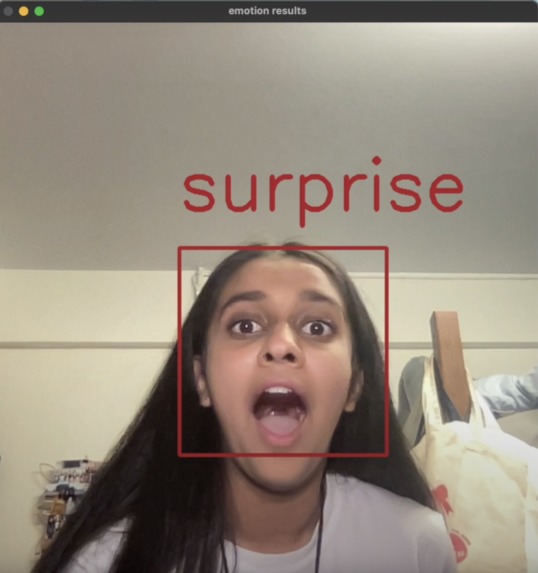
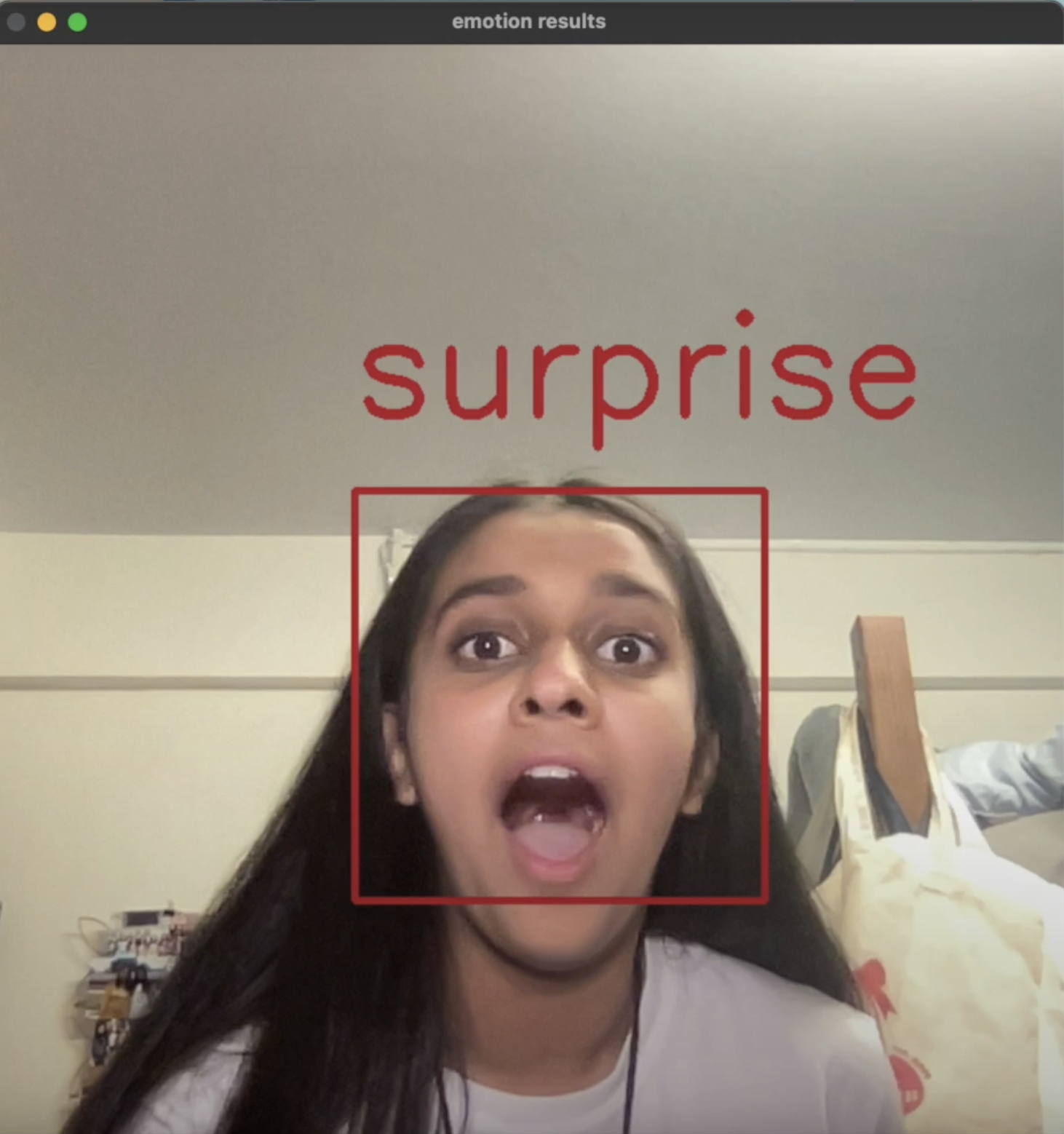
Detected surprised
-
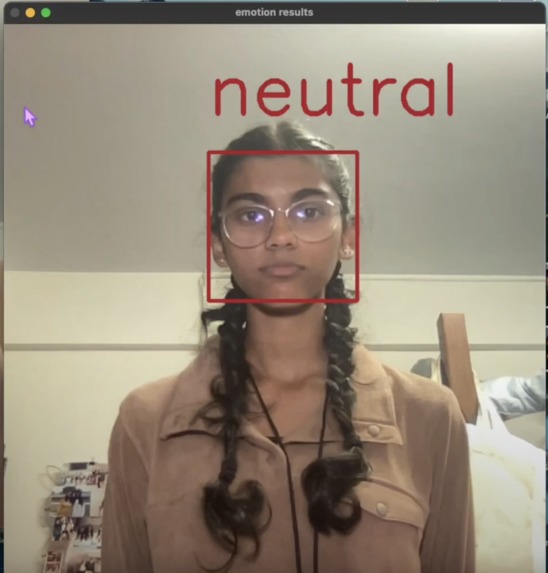
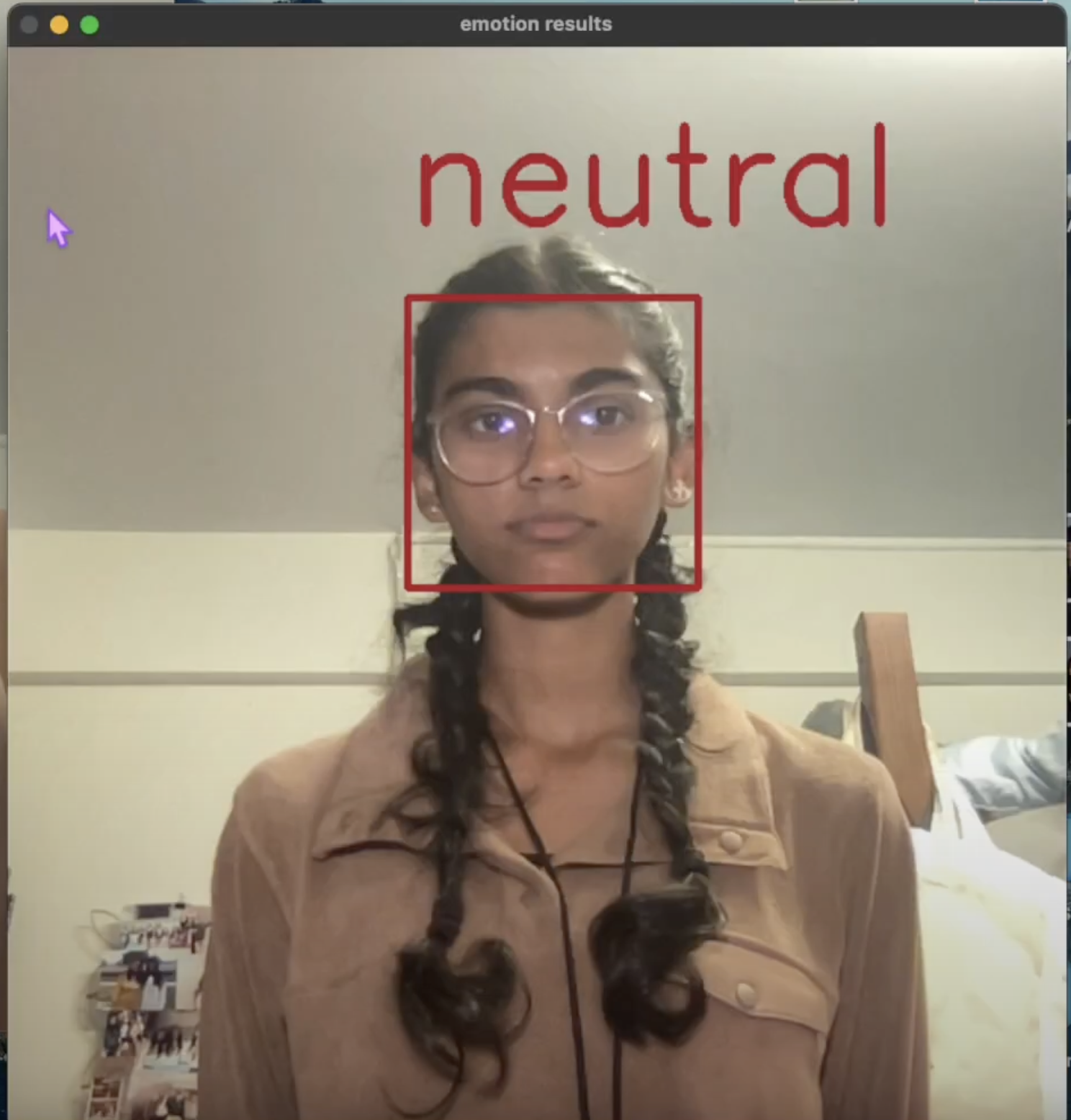
Detected neutral
-
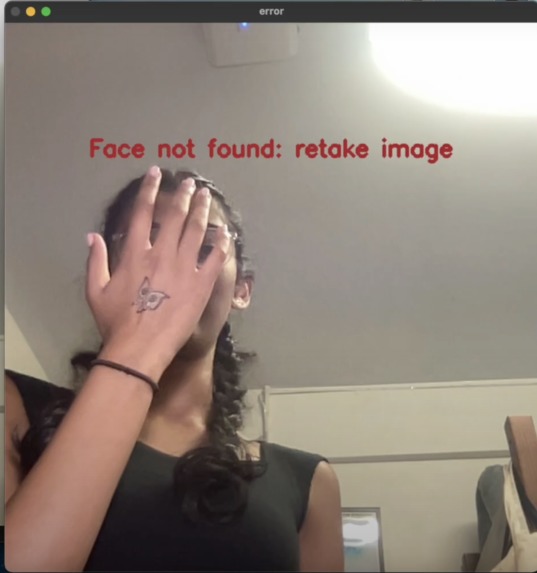
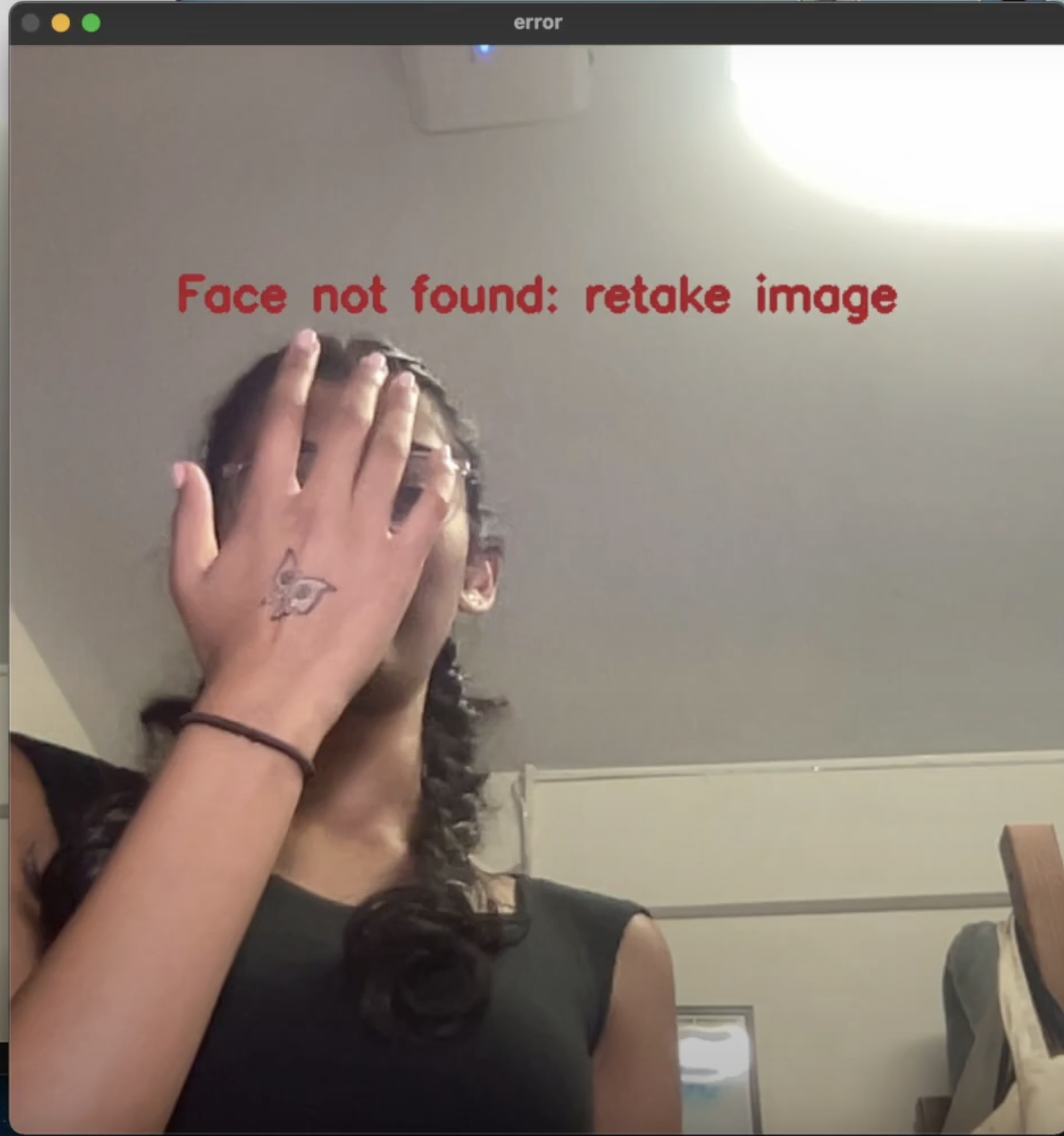
Face not detected
-
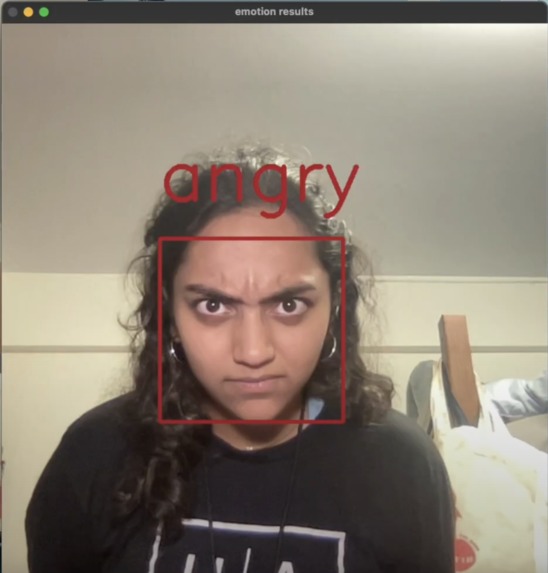
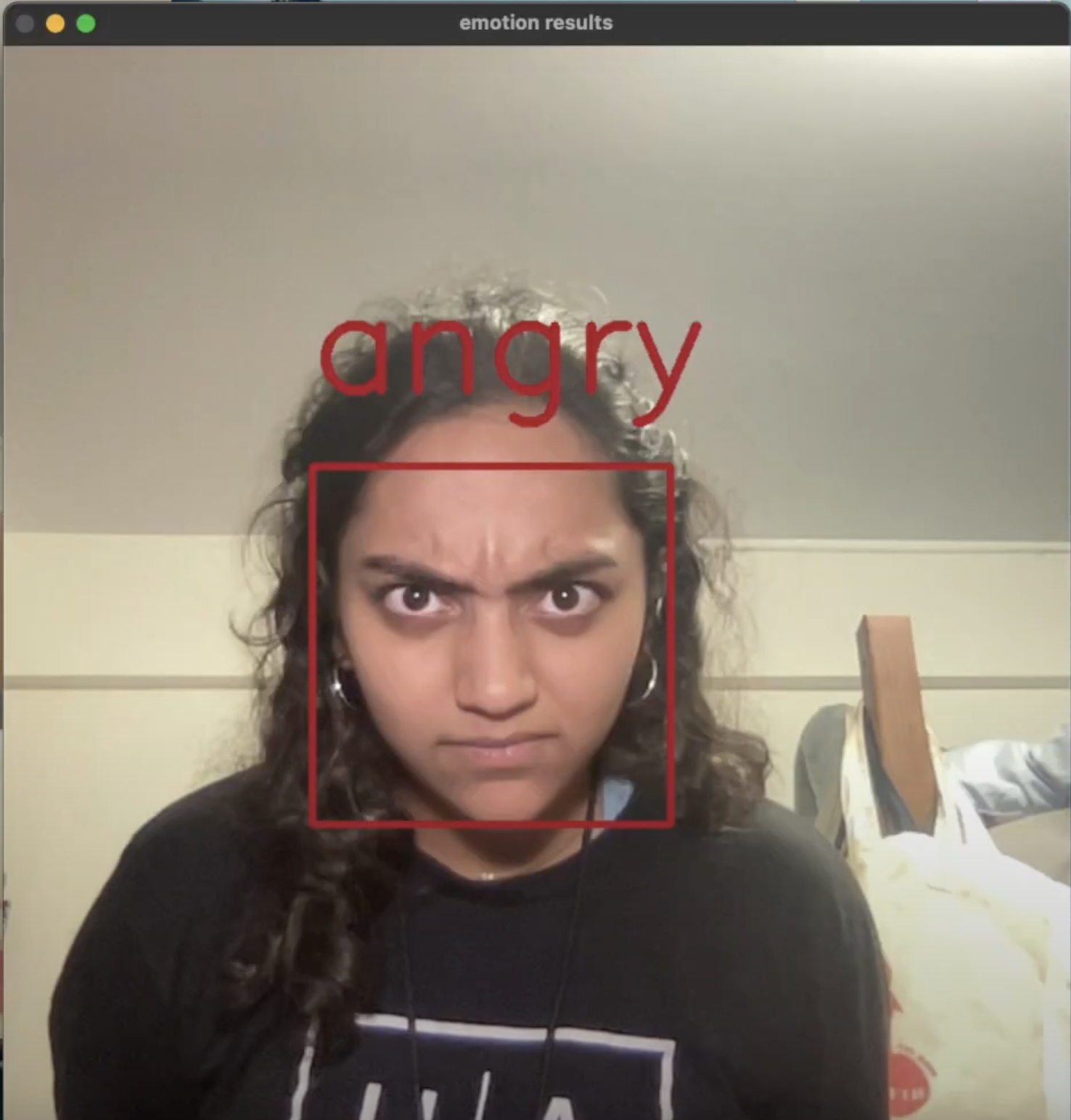
Detected angry
Inspiration
It all started with a silly conversation about clowns with heavy makeup that strongly expresses their emotions. We realized that although it might be easy for us to understand what emotions these clowns are demonstrating, it isn’t as easy for some people. To be specific, kids with autism often struggle with understanding the emotions people express on their faces, and this is linked to kids facing social isolation and struggling to make friends. We want kids with autism to be equipped with tools that can help them socialize and connect with others. Our team wanted to help solve this social issue using machine learning!
What it does
Our machine learning model helps kids with autism by providing software that can be used to help them match facial expressions to emotions. By using Deepface, a model trained in facial recognition, we implemented their facial emotion recognition into a Jupyter notebook. Users can access the software through our website. The user takes a photo using the software which calculates the dominant emotion and displays it on the screen. Users can continue to take photos and see what emotion the face they are making is expressing. By utilizing this software, users can gain a better understanding of how their facial features correspond to different emotions.
How we built it
We implemented Deepface into a Jupyter notebook and changed the default input from a photo file to a live camera feed. We wrote code that specified the dimensions of the camera so only the user’s face would fit on the screen. Then, we coded the specific keys that interact with the software. To elaborate, we set the spacebar to take the picture, ‘r’ to take another photo, and ‘q’ to quit the camera feed. Next, we coded the rectangle to appear around the detected user’s face, along with the dominant emotion the Deepface software found. We also had to consider exception handling, as the taken photo needs to have a detected face; if there isn’t a face, then an error message is shown to retake the picture. Once we went through this entire process, we put the model into our Wix website through Google Collab.
Challenges we ran into
With our limited experience, we came into this Hackathon knowing that we would have to work harder to learn how to implement open sourced code and learn from online resources. The first challenge that we had was learning the semantics with the open sourced code we used and learning the application of the code. Learning the semantics of the code was a challenge as we had to understand what we were importing and how we used it in our code. After we understood how we were coding, implementing a quit button and reset button proved to be quite difficult. We had to restructure the code several times in order to have the program run smoothly. Our main issue with this task was having the camera stay open after we took one photo, which we were able to do through a while loop and splitting our code into different functions. Another issue we had was that when resetting or quitting the program, the computer would lag out, causing the rainbow spinner to appear. After much research, we realized that we needed to account for the lag, which we fixed with cv2.waitKey().
Accomplishments that we're proud of
As beginners and first-years attending a hackathon, we are proud of the fact that we were able to follow through with our plan and create a minimum viable product. We are also proud of going through the process of creating a product, from ideation to final solution.
What we learned
As a team, we learned how to leverage multiple tutorials and resources on the internet and consider multiple solutions to problems we encountered.
What's next for E-Mote Learning
Our next steps are to connect our machine learning model to our website. We had some trouble implementing this because Google Colab doesn’t support cv2.imshow. In terms of next steps for this product, we plan on implementing our model into glasses that the children with autism can wear. Similar to Snap Spectacles, the glasses would be meant for AR so that the user of the glasses can see their surroundings and the boxes that are labeled with the designated emotion around people’s faces.
Built With
- cv2
- deepface
- os
- pip
- python
- urllib

Log in or sign up for Devpost to join the conversation.