Inspiration
Exhibitions are serious undertakings. They involve many moving parts and require an interdisciplinary team of committed experts in diverse fields such as art history, design, education, and marketing to plan and execute a great installation for the public.
Hot Body, Cool Tech: Performative and Choreographed Bodies in New Media was an exhibition at the Taiwan National Museum of Art from September to November 2017. It was co-curated by Francesca Albrezzi and I-Wen Chang. Their international curatorial collaboration (with Francesca based in the US and I-Wen in Taiwan) included artists from five different countries to create an exhibition of digital art. While digital collaboration has made it easy to communicate and share documents in real time, curators are lacking the ability to share environments for organizing objects within space remotely. Unable to attend the exhibition space in preparation, Francesca found herself feeling detached from the key design decisions and heavily reliant on museum staff and I-Wen to share photos and videos when possible of the exhibition’s progression and installation. If only she could have entered a virtual recreation of the exhibition space and been able to digital hang the works on the walls in conversation with her collaborators!
Chasing her wish for a virtual exhibition editor, Francesca and John teamed up to envision a better way, creating a short video mock up for a platform that could be used to create exhibitions virtually for collaboration, posterity, and pedagogy.
During the workshop portion of the Creating Reality Hackathon, the E-mmersive Exhibition Editor was re-envision as a mixed reality application in order to utilize the Microsoft Hololens’ capability of scanning and mapping an environment of the fly. Watch the project pitch in 360 here.
What it does
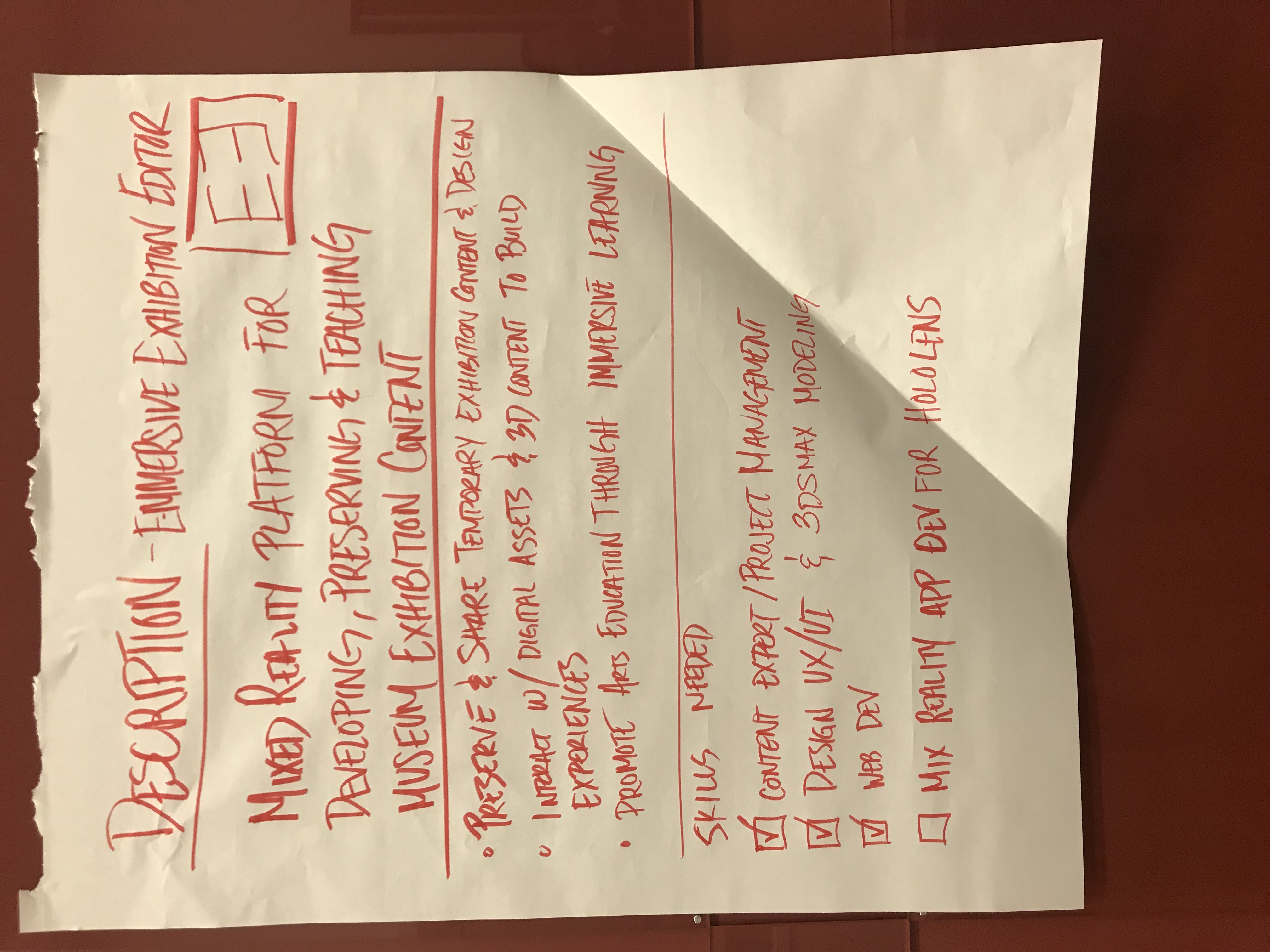
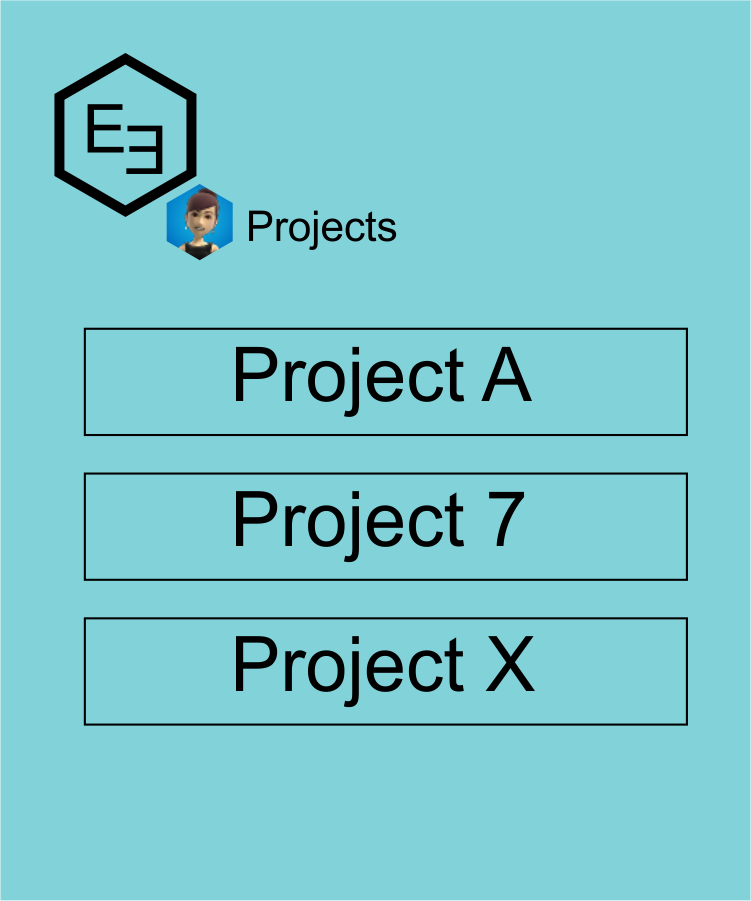
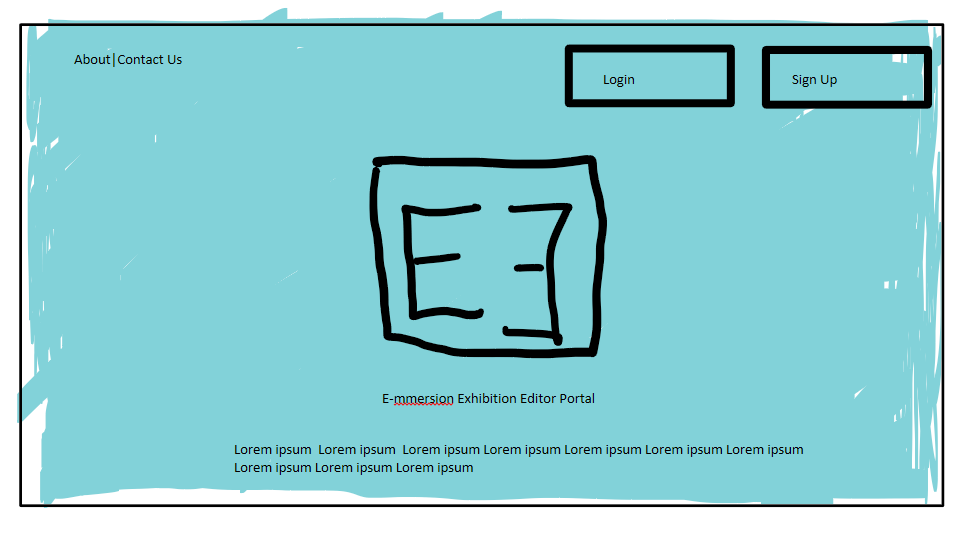
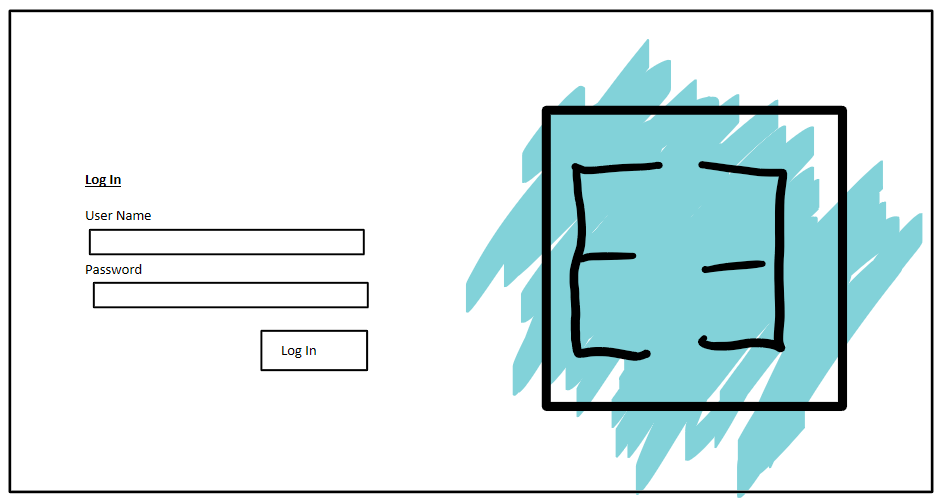
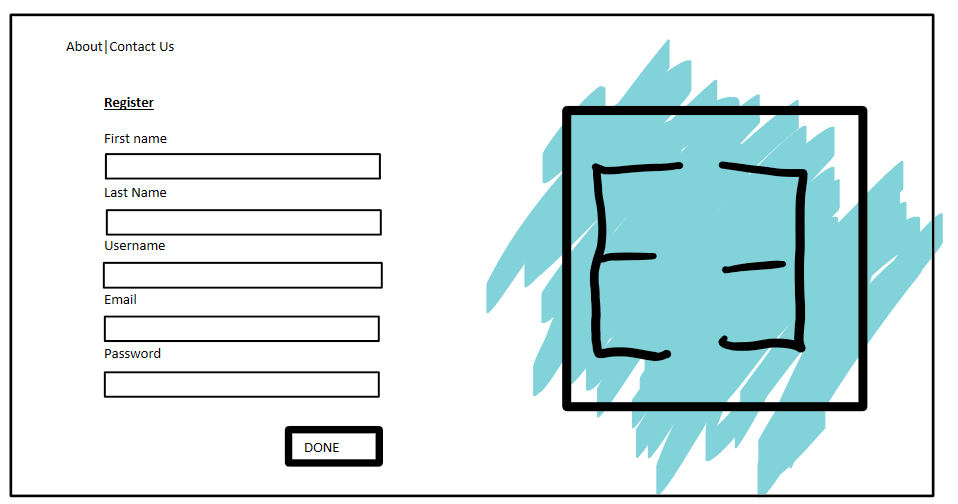
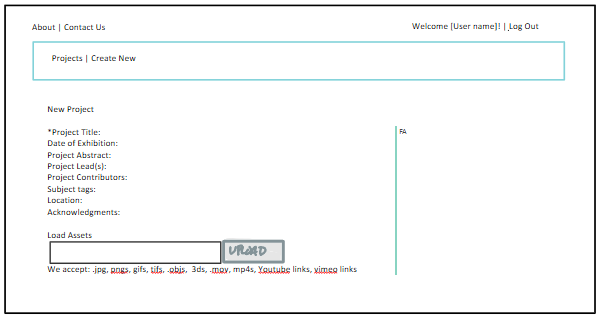
The E-mmersion Exhibition Editor (EEE or E3) is a mixed reality platform for developing, preserving, and teaching museum exhibition content. Using a web portal, users will register online for an account and create their project. This allows users to add specific metadata about the project. The fields currently include:
- *Project Title
- Date of Exhibition
- Project Abstract
- Project Lead(s)
- Project Contributors
- Subject tags
- Location
- Acknowledgments
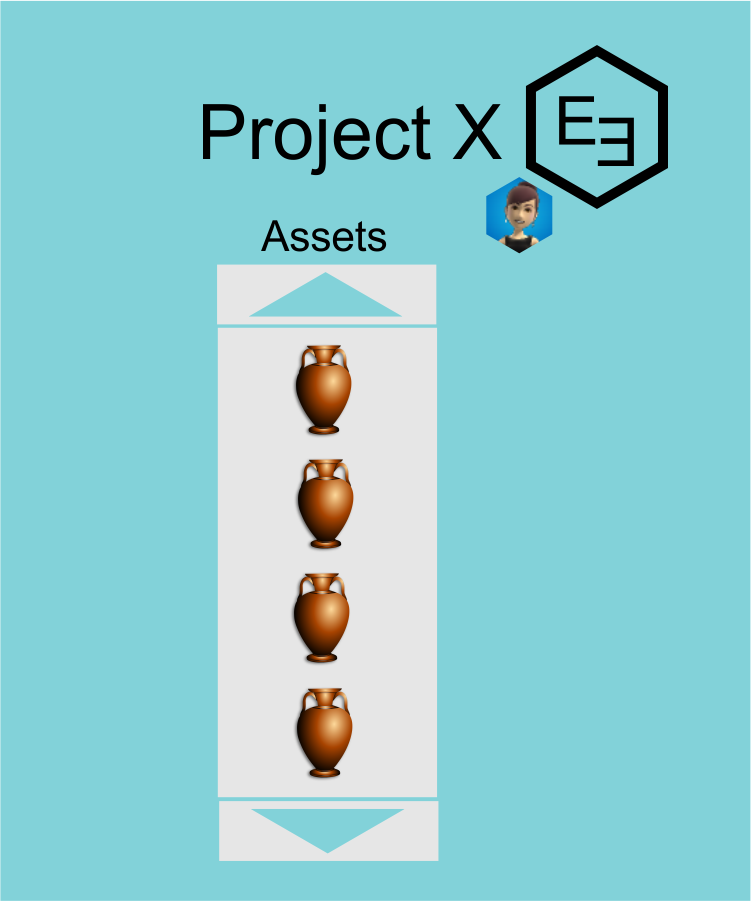
Next, users can upload assets that they are considering or working with for their exhibition. Due to the log in, assets remain private, so that copyright and licensing doesn’t need to impede the creative work at this stage. For the current prototype, we focused on enable users to work with the following file types as assets:
- .jpg
- pngs
- gifs
- tifs
- .objs
- 3ds
- .mov
- mp4s
- Youtube links
- vimeo links
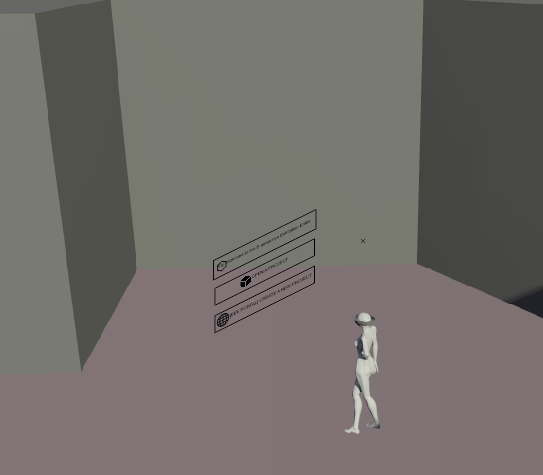
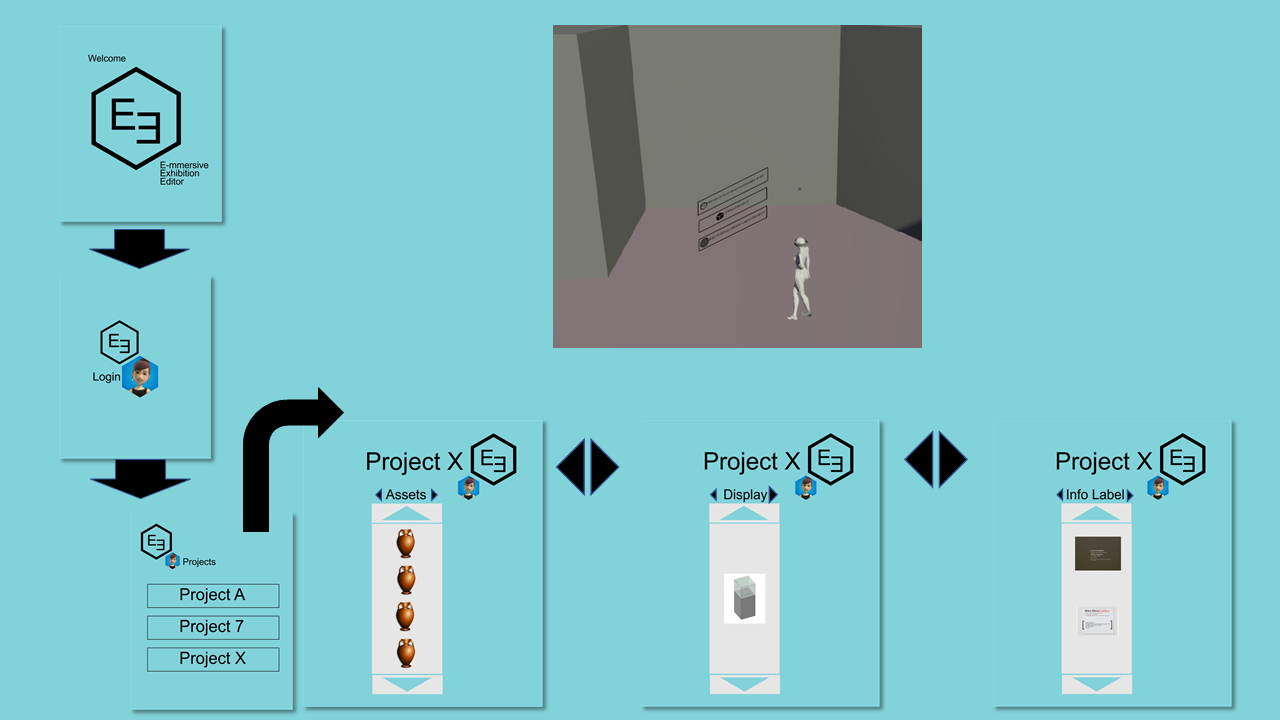
Once assets are loaded, users can move over to the Microsoft Hololens and open the E3 application to begin designing the exhibition within the future installation space.
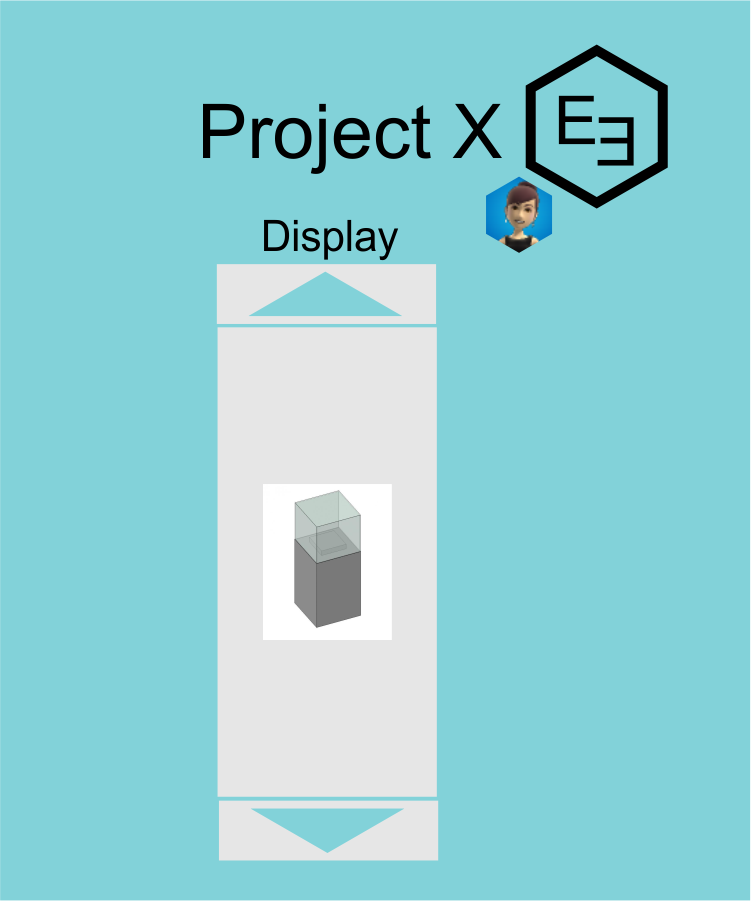
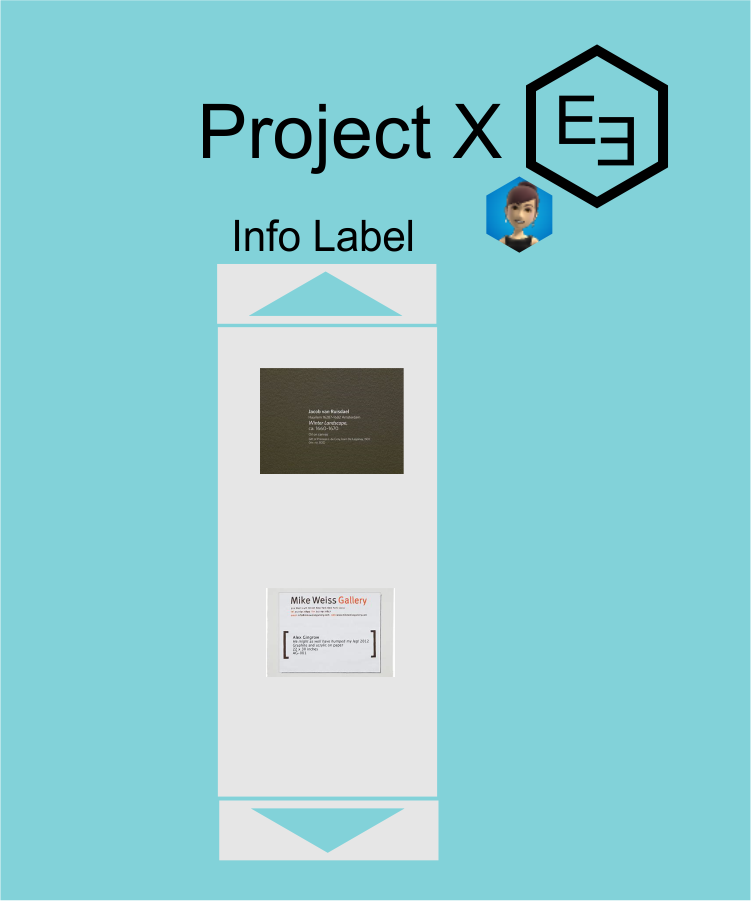
When users open a project within the E3 application, they will be presented with their assets in a tray. Users can drag and drop assets from the tray and place them within their current environment. Additionally, users can switch from their “assets” tray to a “display” tray to select from pedestals, display cases, vitrines, frames, and the like to support users installation designs. Finally, users can select from a “info label” tray to add tombstone information, section labels, and extended wall labels.
How we built it
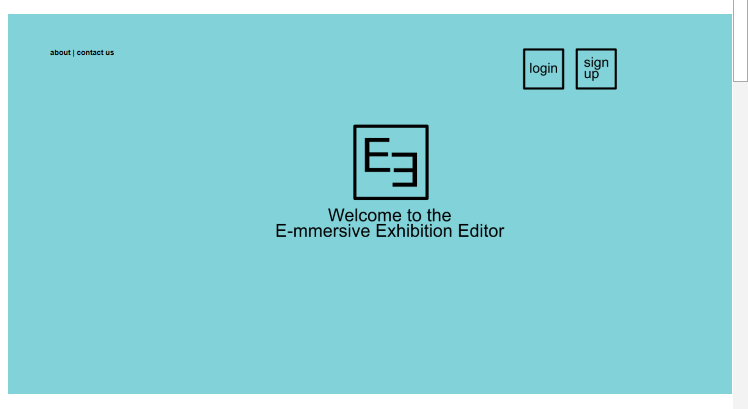
We started with several discussions about the applications information architecture and user interface design. We built out wire frames and then generated detailed mock ups using OneNote, Corel Draw X8, and Adobe PhotoShop CS2017.
We used JQuery react and python3.6 using asycio to build the web portal of the site. We will use a JSON REST API, but it has not been configured yet.
For the hololens application we used Unity and the Holotool kit. Designing our own UI using photoshop.
Challenges we ran into
None of the project team members had worked with the hololens before, so we were brave, bold, and maybe a little crazy to take this on for the hackathon. We did so because we were all excited for the chance to work with the technology and felt it was the best choice for the project based our project goals. (See our image gallery for our project goals.)
Basak had used 3dsmax before and wanted to learn more Unity, so she volunteered to lead up the hololens development. She decided, for learning and what she thought were practical purposes, that she would download everything herself rather than check out a surface laptop. The installation and confirguration requirements took a full day, so we lost significant development time.
Our portal has been developed with minimal functionality and very little of the UI design integrated (See our image gallery for UI mockups). We developed the wireframes, UI, and web portal in parrallel and never managed to get to an agile workflow going successfully, as we spent a significant amount of time specking the project and troubleshooting the downloads needed for the hololens. With more time, we believe we would have been able to make a working prototype.
Accomplishments that we're proud of
- Thoroughly scoping the project. We feel we’ve come up with a solid concept for a field in need of a solution.
- We feel we have a strong, executable UI that given more time, we can achieve.
- Becoming familiar with the technologies. We feel like we crashed learned Unity and Holotoolkit and could participate in future hololens app development projects. -Successfully linked up hololens with Unity.
What we learned
- We learned about the potential and feasibility of the E3 application
- We learned more about connectivity for developing multiuser applications
- We learned what is needed to develop for hololens
- We learned how to work with the hololens UI and hololens emulator
What's next for E-mmersive Exhibition Editor
We hope to further develop the application using the hololens emulator. We would like to explore building out the application to allow for the sensing and mapping to create a VR map of the space

Log in or sign up for Devpost to join the conversation.