-
-

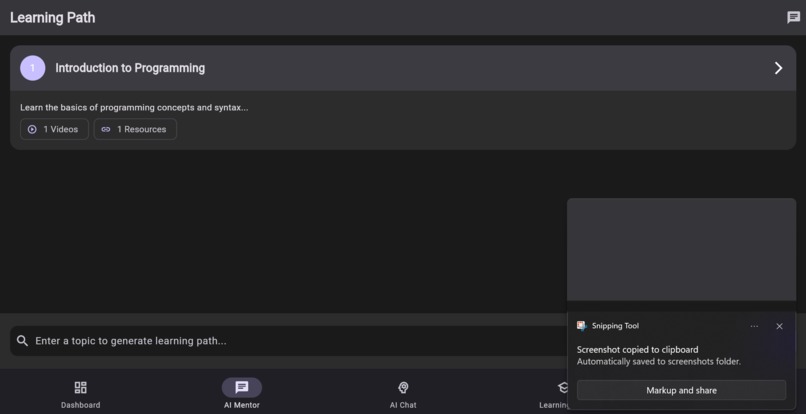
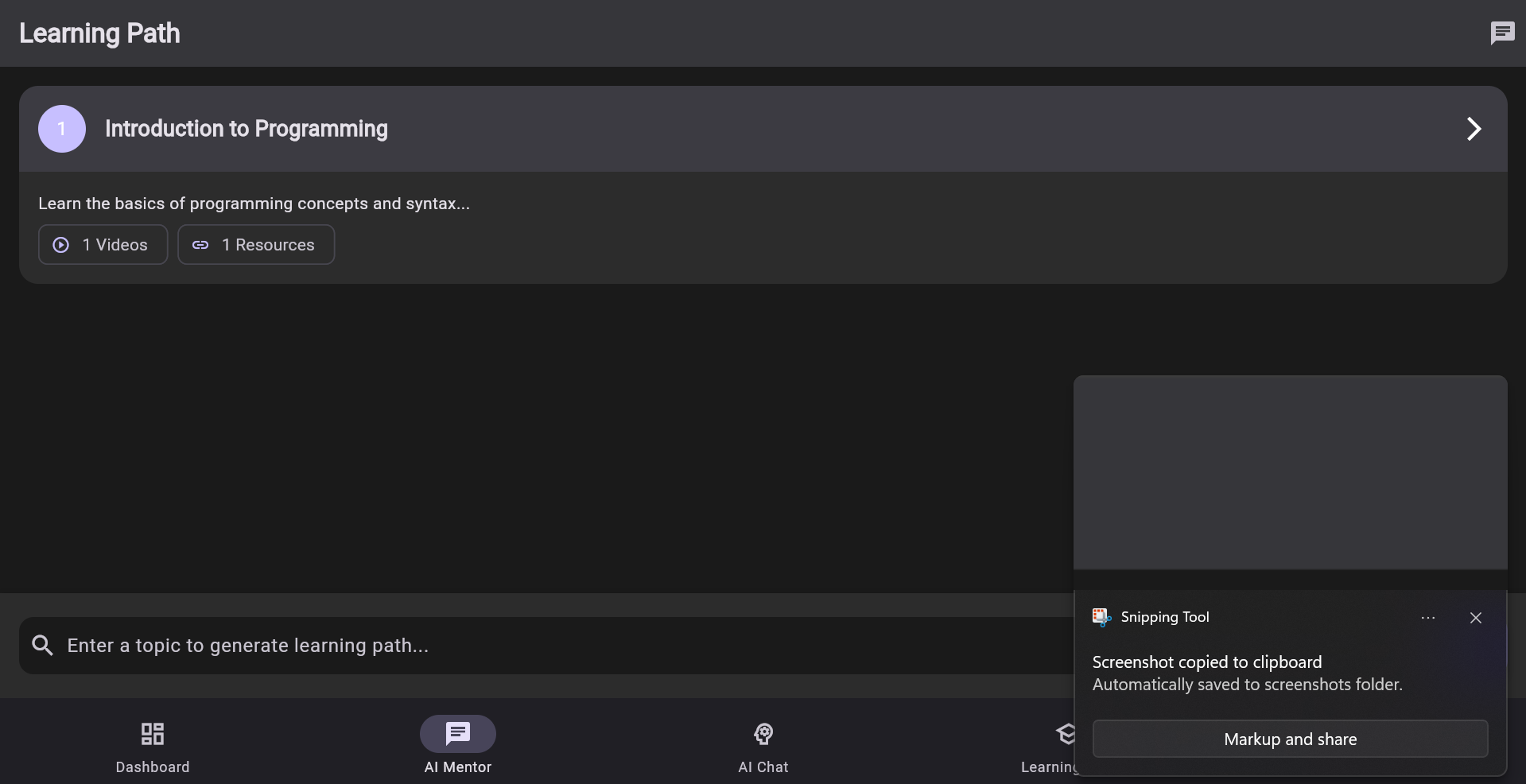
As we click this in Ai mentor the top icon we can switch to Ai study path an even to mentor chat
-
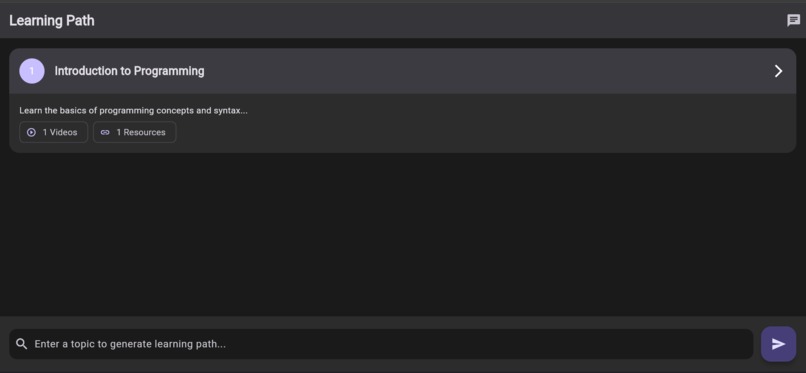
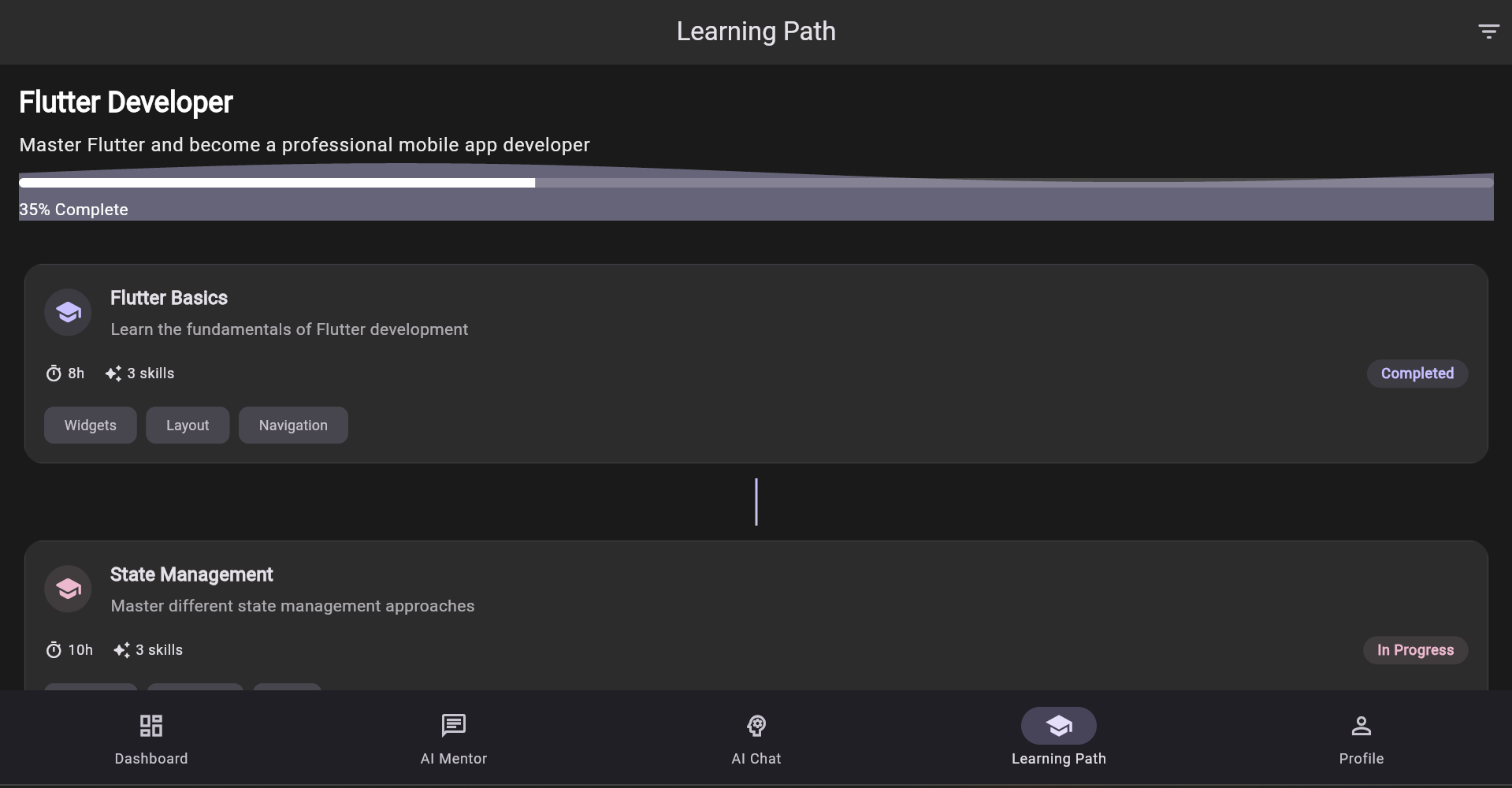
Ai Learning paths routes
-
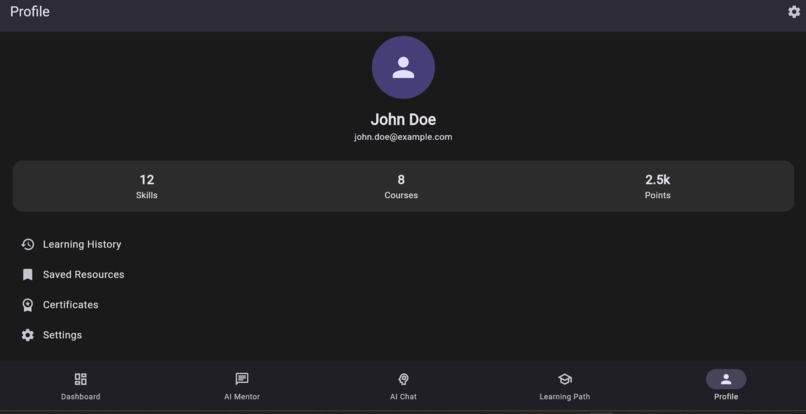
Profile
-
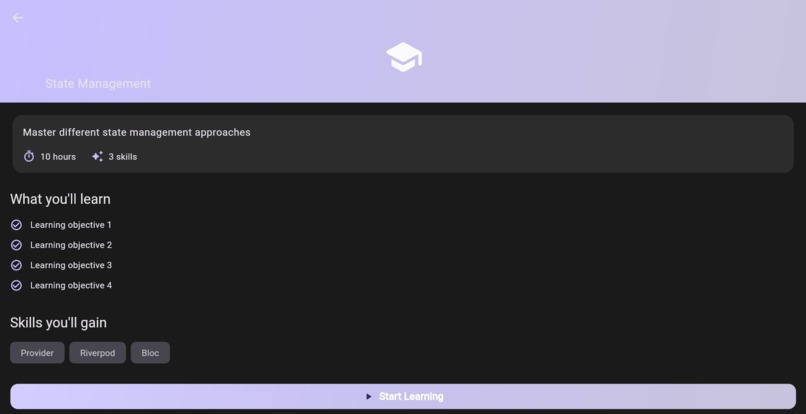
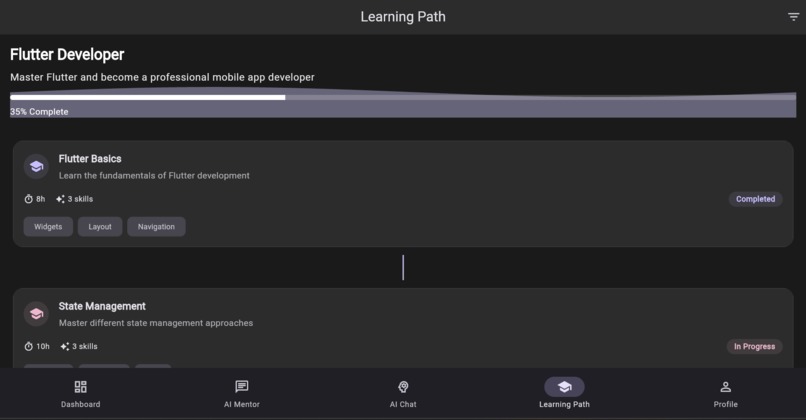
Learning Paths
-
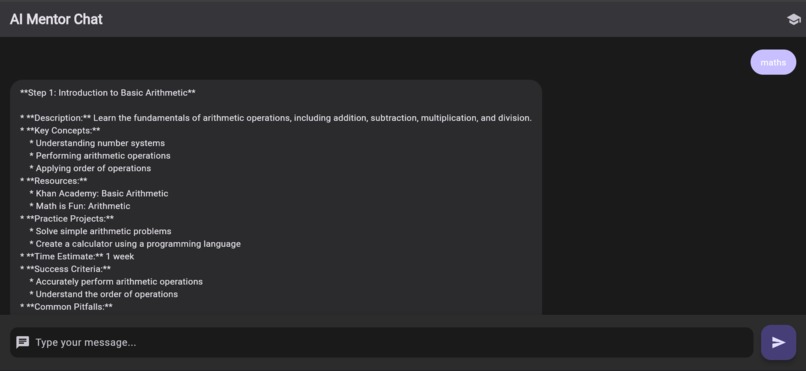
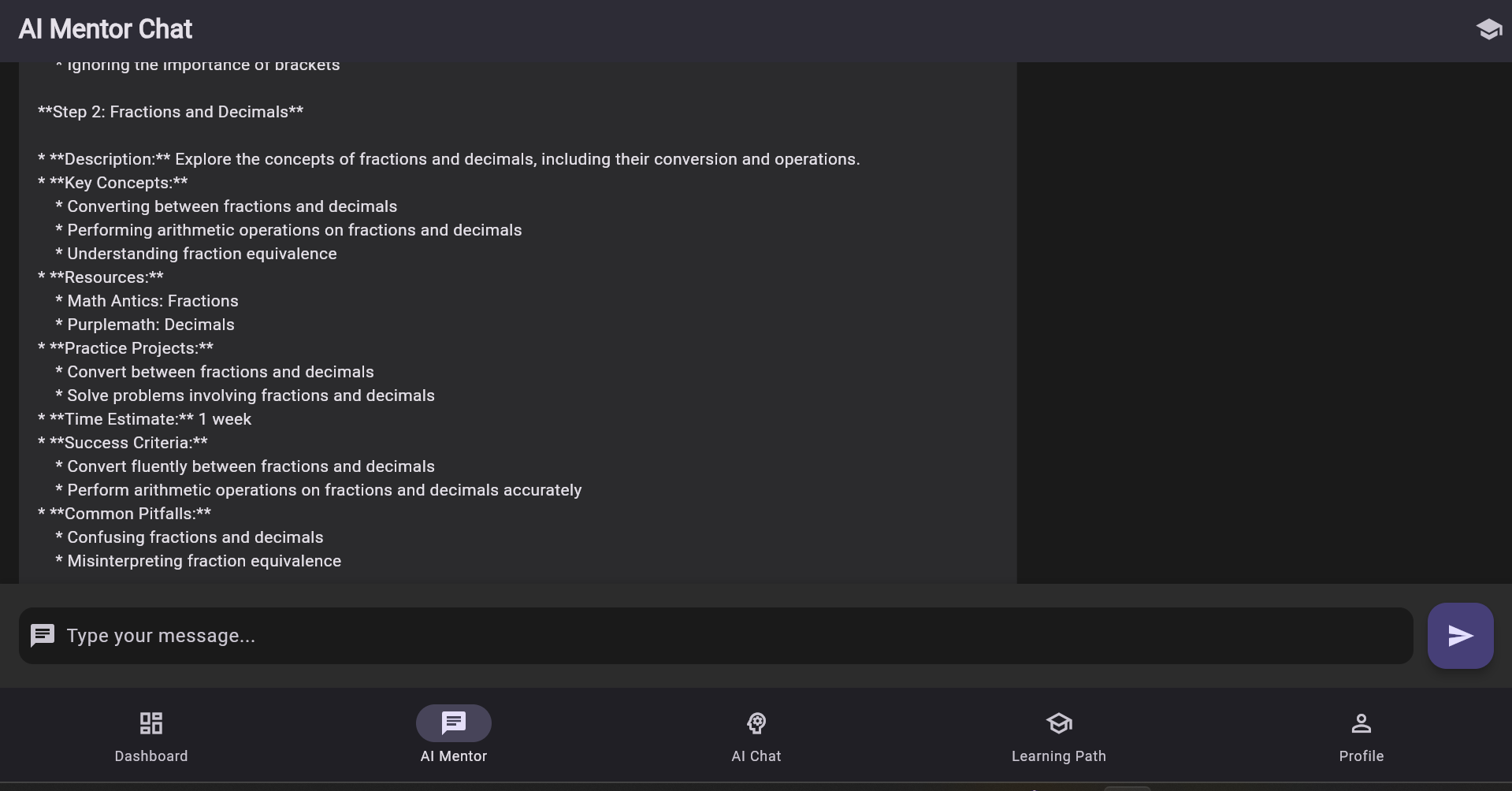
Ai Mentor chat
-
-
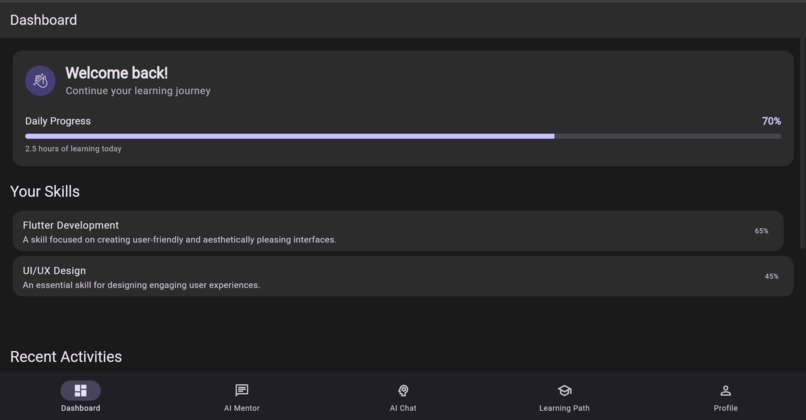
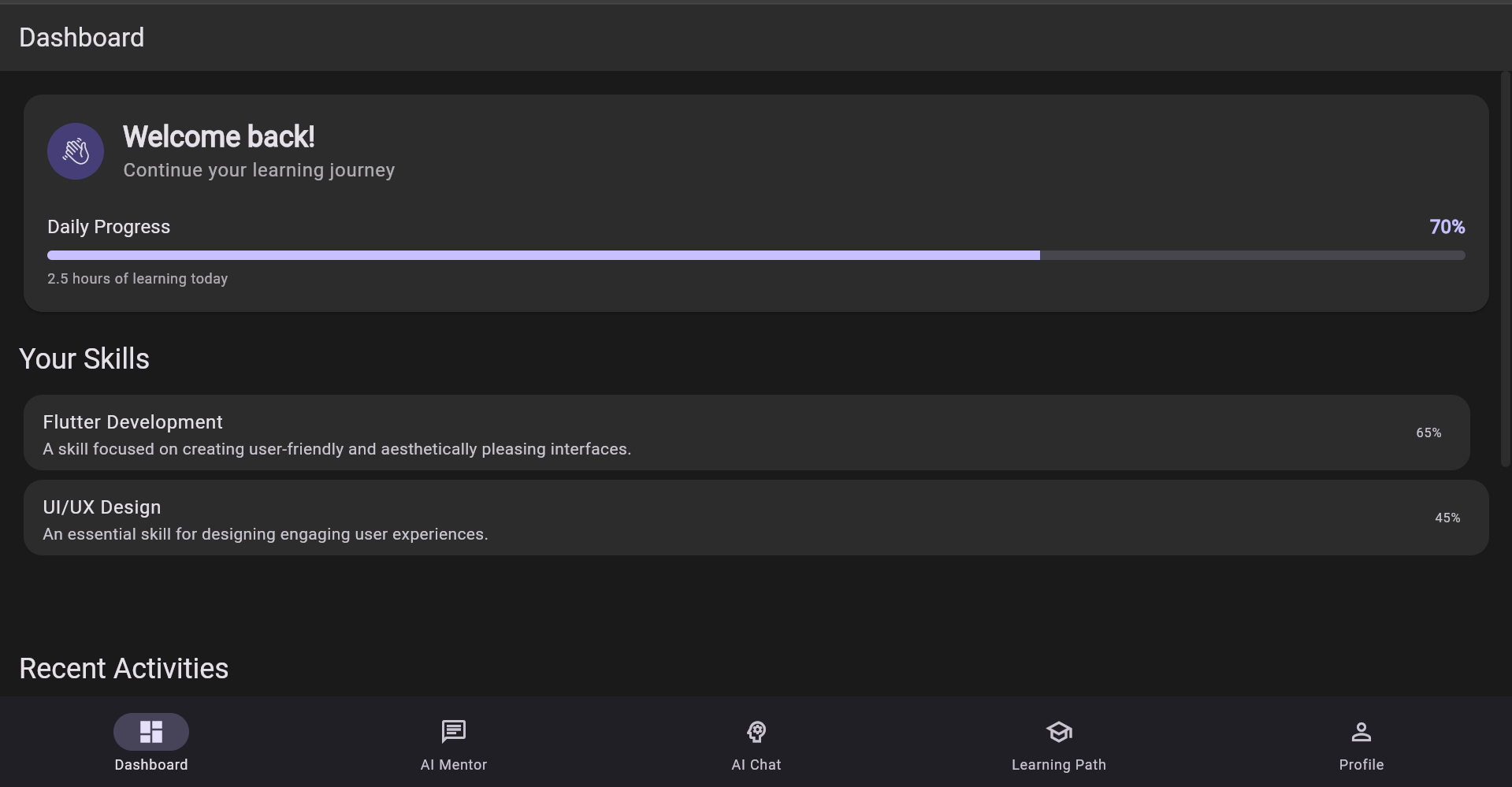
Dashboard
-
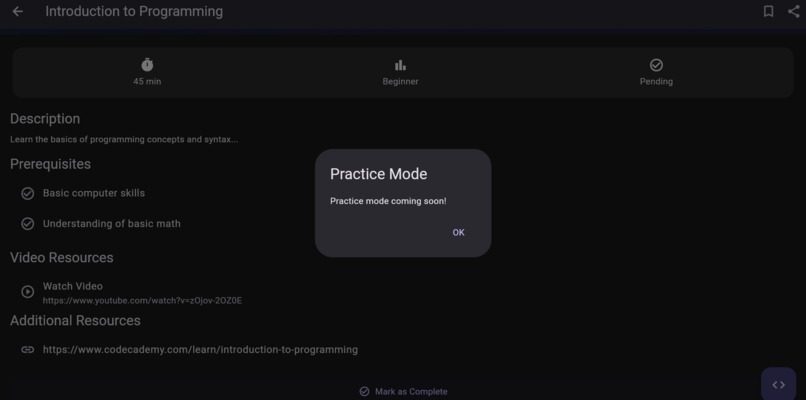
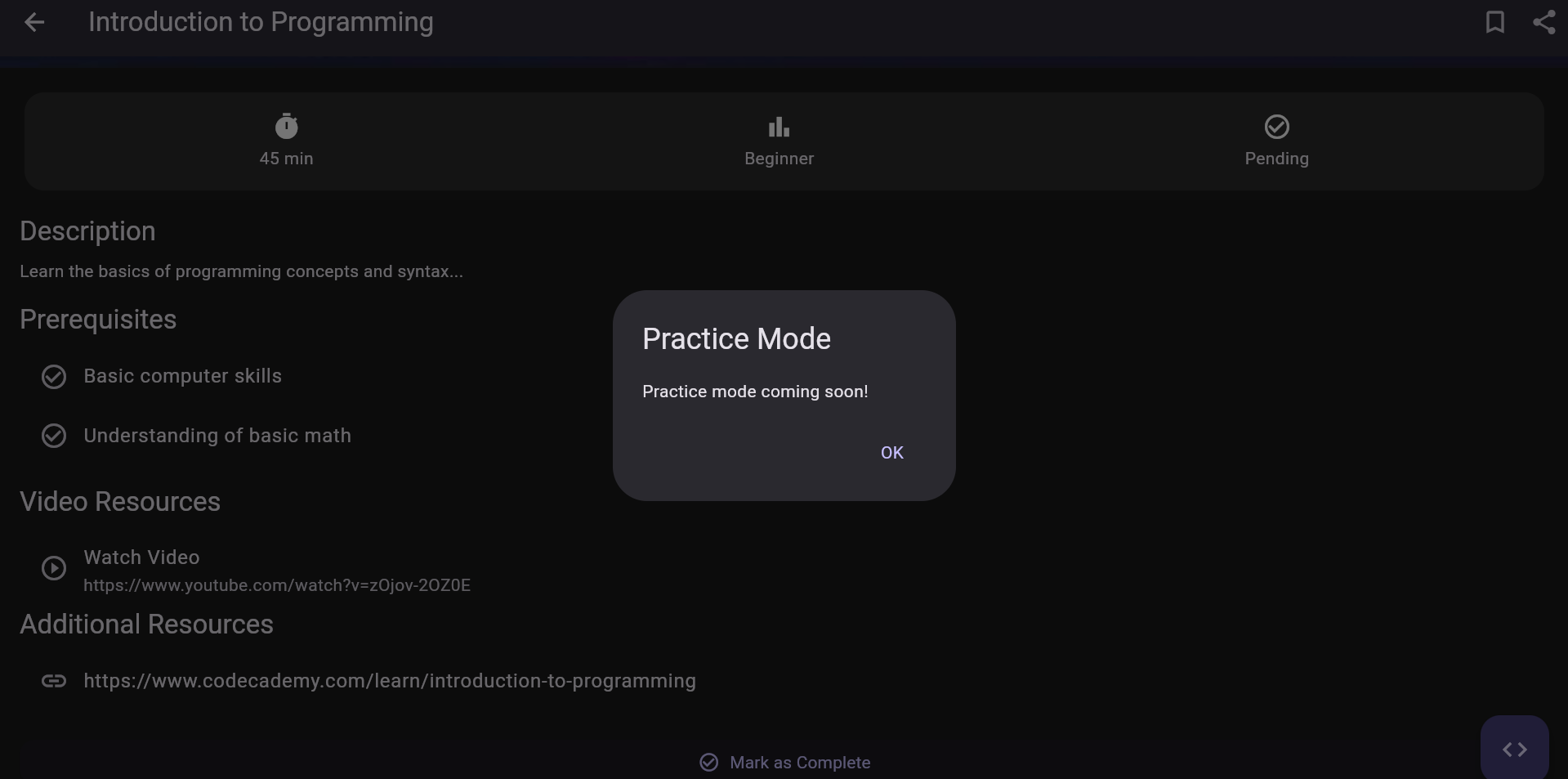
Quizz Session
-
-
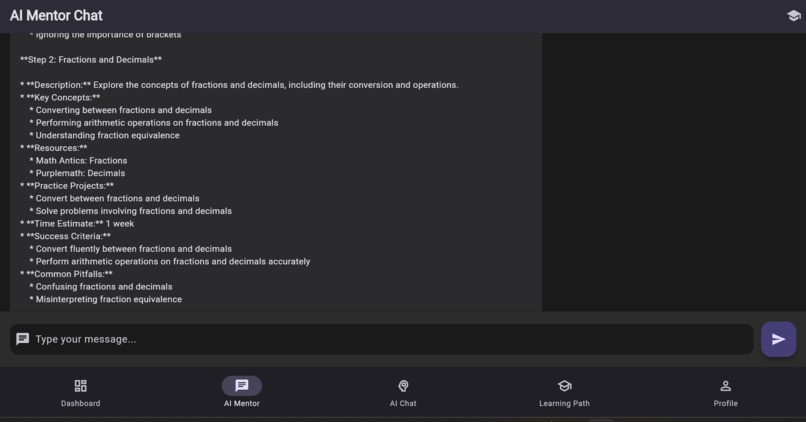
Ai mentor chat
-
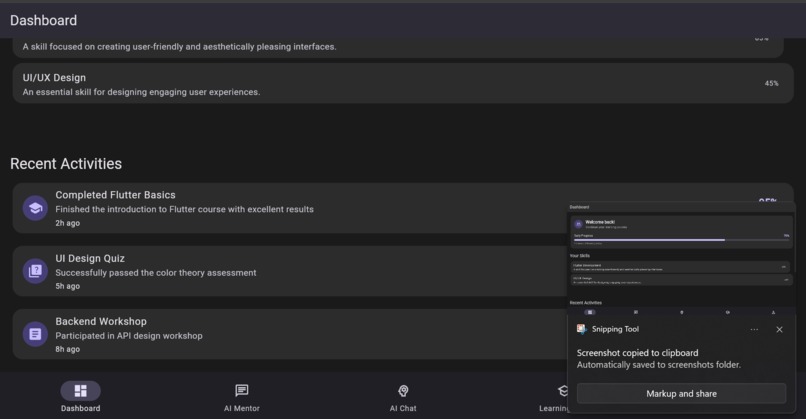
Dashboard



Inspiration
The inspiration for the Learning Path application came from the growing need for accessible and structured learning resources in the digital age. With the rise of online education, we aimed to create a platform that not only provides users with learning materials but also helps them track their progress and stay motivated. The idea was to empower learners to take control of their educational journey, making learning more engaging and personalized.
What it does
The Learning Path application serves as a comprehensive tool for users to enhance their programming skills through structured learning paths. Key functionalities include:
User Authentication: Secure login and registration for personalized experiences.
Dashboard: A central hub displaying skill progress, recent activities, and learning statistics.
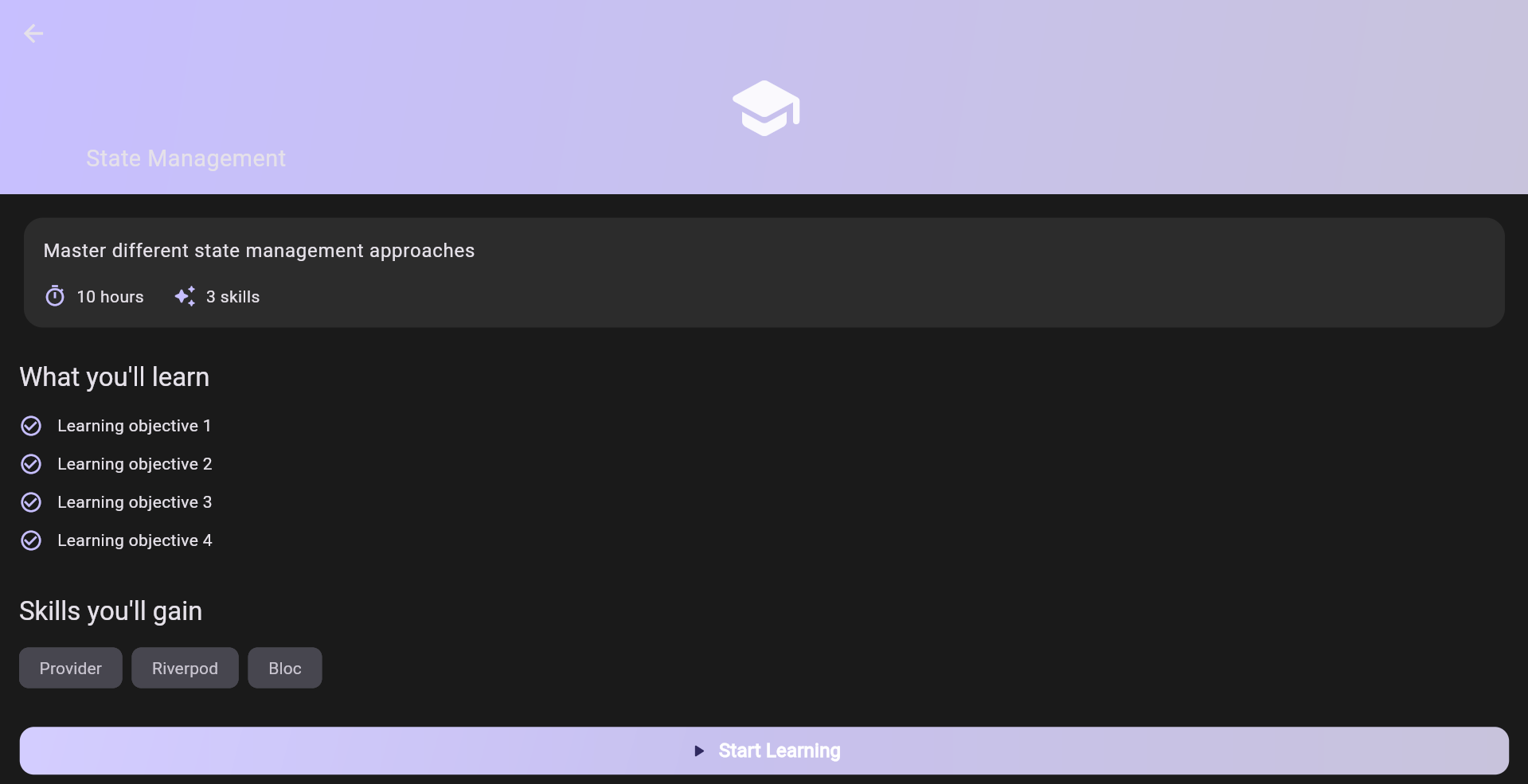
Learning Paths: Users can generate customized learning paths based on their interests and goals.
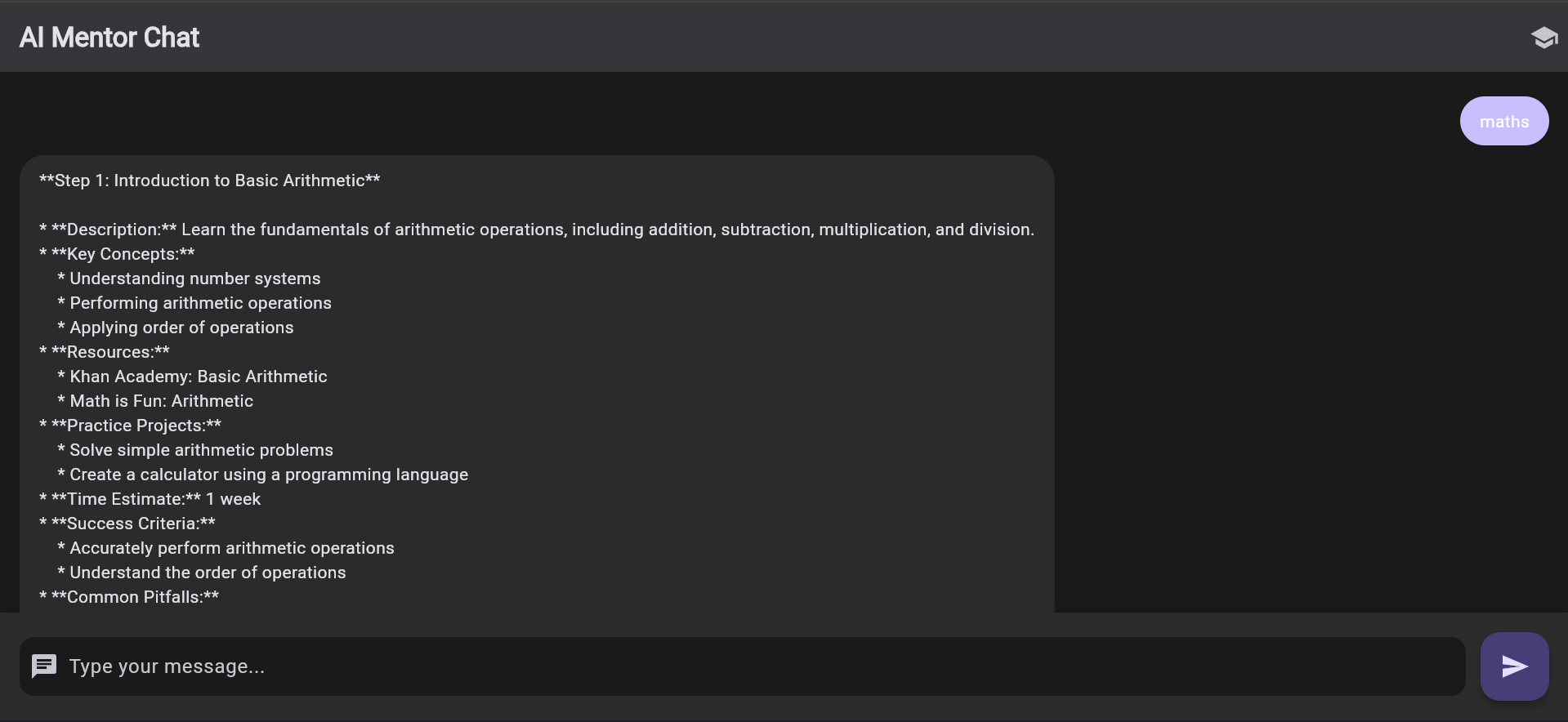
AI Mentor Chat: An interactive chat interface for guidance and support.
Skill Tracking: Monitor progress in various skills and access detailed statistics.
How we built it
The application was built using the Flutter framework, which allows for cross-platform development for both mobile and web. Key steps in the development process included:
Designing the UI: We created wireframes and prototypes to visualize the user interface and user experience.
Implementing Models: Defined data models for skills and learning activities to structure the application’s data.
Developing Screens: Built various screens for user interaction, including the dashboard, skill details, and chat interface. Integrating State Management: Used the Provider package for state management to ensure a responsive and dynamic user experience.
Testing: Conducted thorough testing to identify and fix bugs, ensuring a smooth user experience.
Challenges we ran into
State Management: Managing state across multiple screens and components was initially complex, requiring careful planning and implementation.
API Integration: Integrating external APIs for fetching learning resources posed challenges in terms of data handling and error management.
Responsive Design: Ensuring the application looked good on both mobile and web platforms required additional effort in layout design and testing.
Accomplishments that we're proud of
We are proud of several accomplishments in the development of the Learning Path application:
Cross-Platform Functionality: Successfully built a fully functional application that works seamlessly on both mobile and web platforms.
User-Centric Design: Created an intuitive and engaging user interface that enhances the learning experience.
AI Mentor Feature: Developed an interactive chat interface that provides users with real-time assistance and guidance.
What we learned
Importance of User Feedback: Early user testing helped us identify pain points and improve the overall user experience.
Effective State Management: Understanding the nuances of state management in Flutter was crucial for building a responsive application.
Collaboration and Communication: Working as a team highlighted the importance of clear communication and collaboration in achieving project goals.
What's next for E-Learning Path
Feature Enhancements: We aim to add more features, such as gamification elements to increase user engagement and motivation.
Content Expansion: Expanding the library of learning resources and integrating more diverse topics to cater to a wider audience.
Community Building: Creating a community platform where users can share their learning experiences, tips, and resources.
Performance Optimization: Continuously improving the app's performance and user experience based on user feedback and analytics.
Built With
- dart
- flutter

Log in or sign up for Devpost to join the conversation.