-
-
e-ink-sim-cover
-

logo

Inspiration
As web developers, we've always been fascinated by e-ink displays - those paper-like screens that make reading so comfortable and battery-efficient. But here's the problem: how do you develop and test web applications for e-ink devices when you don't have the hardware? Most developers are building for traditional LCD/OLED screens, completely unaware of how their sites perform on e-ink readers, tablets, and emerging e-paper displays.
We realized there was a massive gap in the developer toolchain. While we have responsive design tools, accessibility checkers, and performance analyzers, there was nothing to help developers optimize for the unique constraints of e-ink displays - slow refresh rates, grayscale-only rendering, and the characteristic "flash" during screen updates.
What it does
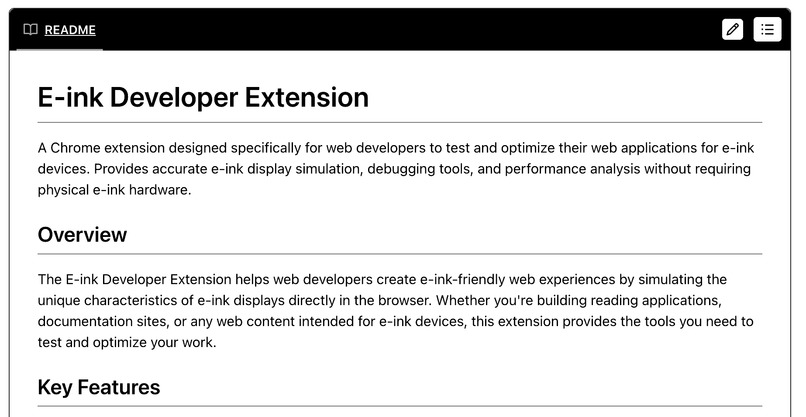
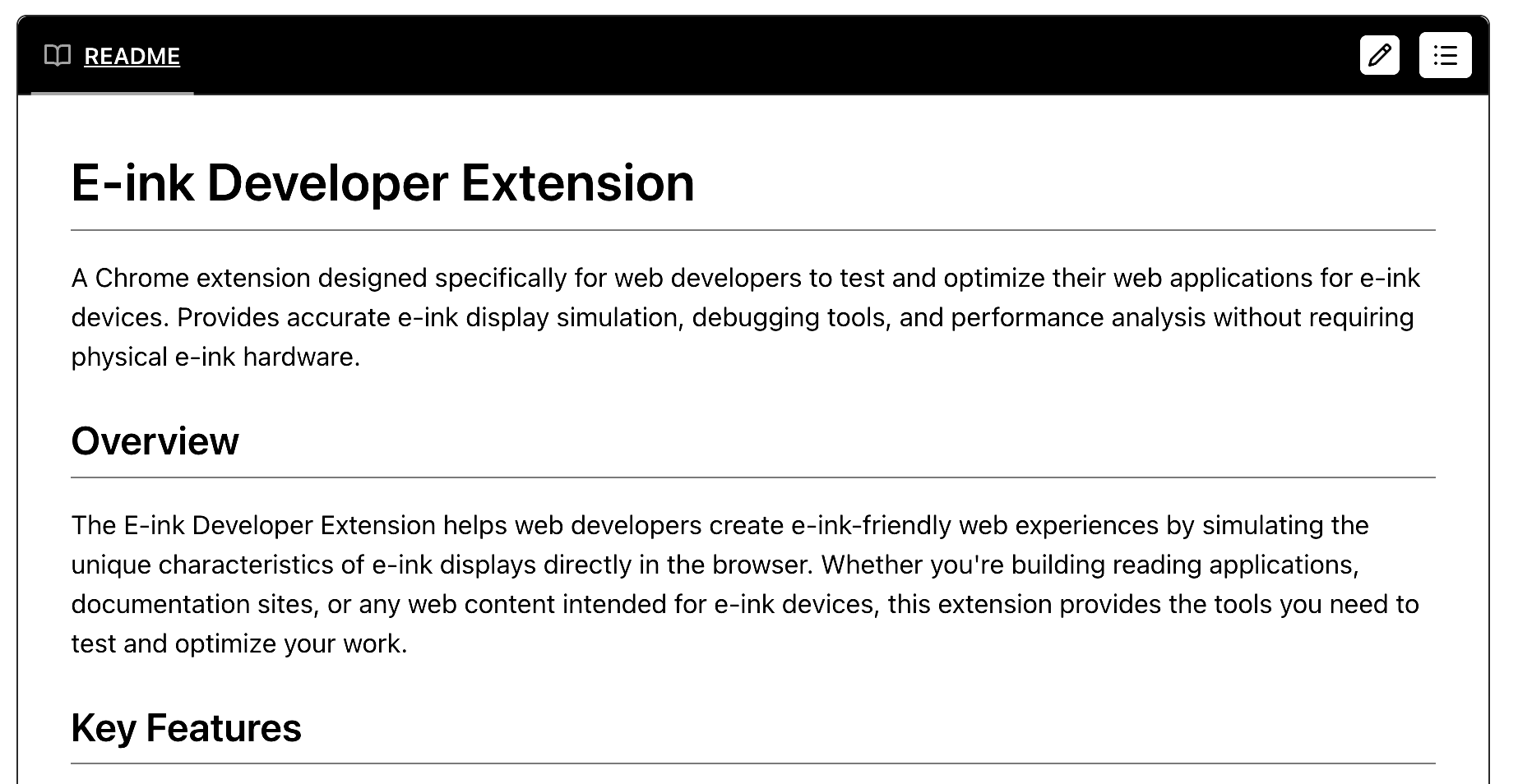
E-ink Developer Extension transforms any Chrome browser into an accurate e-ink display simulator, giving web developers the power to test and optimize their applications for e-ink devices without needing physical hardware.
Core Features:
- Realistic E-ink Simulation: Converts web pages to grayscale with device-specific contrast adjustments, simulates 1-15 Hz refresh rates, and recreates the characteristic white/black flash during screen refreshes
- Device Profiles: Pre-configured settings for popular e-ink devices (Kindle Paperwhite, Kobo Clara HD, reMarkable 2) with authentic refresh rates and visual characteristics
- Developer Tools: Real-time FPS monitoring, e-ink compatibility analysis, and performance metrics specifically designed for e-ink optimization
- API Overrides: Intelligently throttles JavaScript animations, modifies scroll behavior, and adjusts timing functions to match e-ink hardware limitations
- Seamless Workflow: One-click toggle between normal and e-ink modes, keyboard shortcuts for rapid testing, and independent settings per browser tab for A/B testing
The extension doesn't just apply a grayscale filter - it fundamentally changes how web pages behave to match the real constraints and characteristics of e-ink displays.
How we built it
We built this as a modern Chrome extension using TypeScript and Manifest V3 architecture, focusing on creating an authentic e-ink simulation experience.
Technical Architecture:
- Service Worker: Handles settings persistence, cross-tab communication, and extension lifecycle management
- Content Scripts: Inject into web pages to override JavaScript APIs, modify CSS, and simulate e-ink display characteristics
- React UI Components: Clean, developer-focused popup and options interfaces
- CSS Filter Engine: Device-specific grayscale conversion with precise contrast adjustments
- Animation Override System: Intercepts
requestAnimationFrame, CSS animations, and scroll events to throttle them to e-ink-appropriate speeds
Key Implementation Challenges We Solved:
- Realistic Scroll Flash Effect: Created a full-viewport overlay that simulates the white-to-black flash sequence that occurs during e-ink screen refreshes
- Frame Rate Limiting: Override
requestAnimationFrameto throttle JavaScript animations from 60fps down to 5fps (typical for e-ink displays) - Cross-Origin Compatibility: Graceful fallbacks for Content Security Policy restrictions and iframe limitations
- Performance Optimization: Minimal overhead (~5MB memory, ~2-5% CPU) while maintaining accurate simulation
Development Process: We followed a rapid prototyping approach, building the MVP in 2 days with a focus on core simulation features that would create the most visual impact for demonstration.
Challenges we ran into
Browser API Limitations: Chrome extensions can't control everything - we discovered we couldn't directly modify video frame rates or override native touch scrolling physics. We had to get creative with workarounds like slowing video playback rates and intercepting wheel events.
Content Security Policy (CSP) Restrictions: Many websites block content script modifications. We implemented graceful fallbacks and alternative injection methods to ensure the extension works across different security contexts.
Authentic E-ink Simulation: Creating a realistic e-ink experience required deep research into actual e-ink hardware behavior. We studied refresh patterns, ghosting effects, and timing constraints from real devices to make our simulation as accurate as possible.
Performance vs. Accuracy Trade-offs: Balancing realistic e-ink simulation with browser performance was tricky. We had to optimize our CSS injection and animation overrides to avoid impacting the developer's workflow while maintaining simulation fidelity.
Cross-Browser Compatibility: Manifest V3 requirements and modern extension APIs meant we had to architect everything from the ground up, but this gave us a solid foundation for future development.
Accomplishments that we're proud of
🎯 Authentic E-ink Experience: We didn't just apply a grayscale filter - we created a comprehensive simulation that includes refresh rate limiting, scroll flash effects, and device-specific visual characteristics that match real e-ink hardware.
⚡ Developer-First Design: Built specifically for developers, with performance metrics, debugging tools, and workflow integration that feels natural in a development environment.
🔧 Robust Technical Foundation: Clean TypeScript codebase, modern Chrome extension architecture, and extensible design that can grow into a comprehensive developer tool.
📱 Real Device Accuracy: Our device profiles are based on actual hardware specifications from Kindle, Kobo, and reMarkable devices, providing authentic testing scenarios.
🚀 Immediate Usability: Works out of the box on any website - developers can start testing e-ink compatibility immediately without setup or configuration.
🎨 Visual Impact: The scroll flash effect and frame rate limiting create a genuinely impressive demonstration of e-ink display characteristics that makes the simulation feel authentic.
What we learned
E-ink Hardware is Fascinating: Diving deep into e-ink display technology taught us about the unique constraints and opportunities of these devices. The refresh limitations aren't just technical constraints - they fundamentally change how users interact with content.
Browser Extension Development Has Evolved: Manifest V3 and modern extension APIs are powerful but require a different architectural approach. The service worker model and declarative APIs actually made our extension more robust.
Developer Tools Need Specialization: Generic performance tools don't address the specific needs of e-ink development. There's real value in creating specialized tools for emerging display technologies.
Simulation Fidelity Matters: Small details like the timing of scroll flash effects and the specific contrast adjustments make the difference between a gimmicky filter and a useful development tool.
Open Source Potential: This project has the foundation to become a valuable open source tool for the web development community, especially as e-ink displays become more common in tablets, e-readers, and emerging devices.
What's next for e-ink-sim
🏪 Chrome Web Store Release: Polish the UI, add comprehensive error handling, and publish to the Chrome Web Store for widespread developer adoption.
🔧 Advanced Developer Tools:
- DevTools panel integration for seamless workflow
- Element-level e-ink compatibility analysis
- Visual regression testing integration
- Performance benchmarking suite
📱 Expanded Device Support:
- Community-contributed device profiles
- Custom device profile creation
- Support for emerging e-ink technologies
- Mobile browser compatibility
🤝 Open Source Community:
- GitHub repository with contribution guidelines
- Plugin system for custom e-ink effects
- Crowdsourced e-ink compatibility database
- Integration with popular development frameworks
🚀 Enterprise Features:
- CI/CD integration for automated e-ink testing
- Team collaboration features
- Advanced analytics and reporting
- Multi-browser support (Firefox, Safari)
🎯 Long-term Vision: We see this becoming the standard tool for e-ink web development, helping create a more accessible and battery-efficient web as e-ink displays become mainstream in tablets, smart displays, and IoT devices.
The future of web development includes optimizing for diverse display technologies, and we're excited to lead that charge with tools that make e-ink development accessible to every web developer.
Built With
- kiro
- react
- typescript


Log in or sign up for Devpost to join the conversation.