-
-
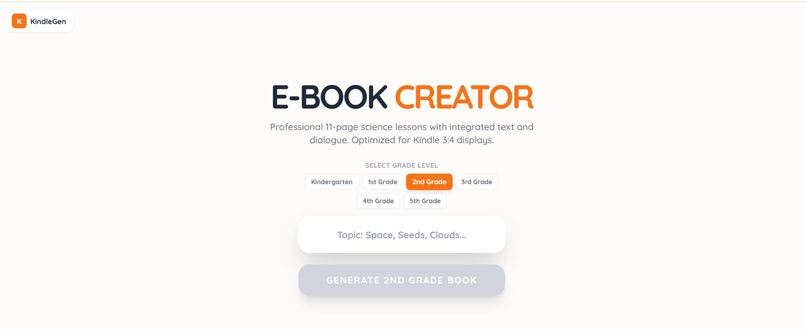
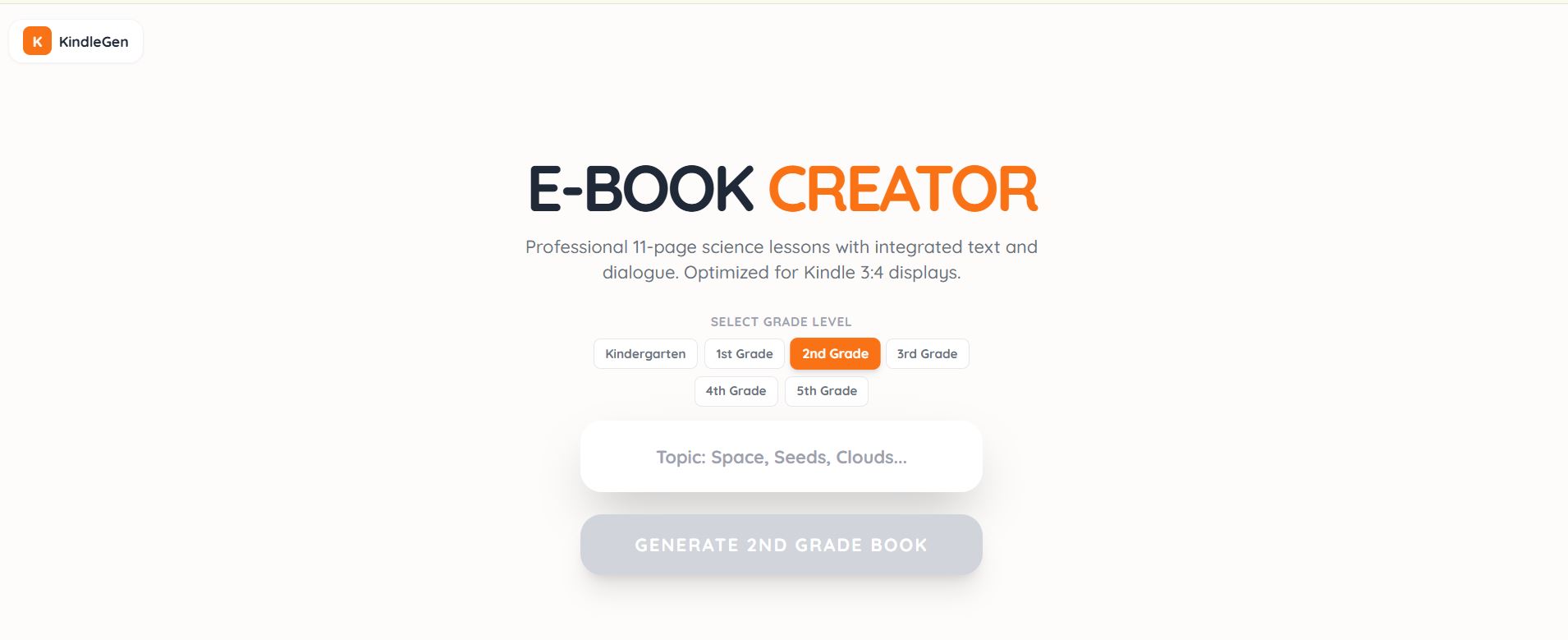
project homepage
E-BOOK CREATOR FOR KIDS : Project Story
Inspiration
Many students find science lessons intimidating or dull, especially at early grade levels. I wanted to create an interactive, engaging e-book that simplifies complex concepts and presents them through structured text and dialogue, making learning fun while remaining academically accurate. The goal was to provide something accessible on Kindle devices, where students could learn anytime, anywhere.
What it does
E-BOOK CREATOR produces 11-page science lessons for grades kindergarten to 5th grade. Each lesson includes:
- Age-appropriate explanations
- Dialogue-based interactions between characters
- Illustrative examples and simple math where needed, e.g.,
[ \text{Total Apples} = 5 + 4 = 9 ]
The e-book layout is optimized for 3:4 Kindle screens, ensuring clarity and readability.
How we built it
We followed a structured approach:
- Designed lesson templates with clear sections and dialogue prompts.
- Simplified scientific language for young learners.
- Integrated short dialogues to simulate classroom interactions.
- Tested layouts for Kindle’s 3:4 display, making sure text, math, and examples fit naturally on each page.
We used a combination of AI-assisted text generation for drafting content and manual editing to ensure accuracy and age-appropriateness.
Challenges we ran into
- Balancing simplicity and accuracy: It was hard to explain concepts without losing scientific correctness.
- Screen optimization: Making lessons readable on small Kindle screens required multiple layout adjustments.
- Engagement: Finding the right tone in dialogues to keep children interested without being too informal.
Accomplishments that we're proud of
- Developed a consistent, professional lesson format.
- Lessons are fully optimized for Kindle devices.
- Created content that blends dialogue, text, and math examples to make learning fun and effective.
What we learned
- Dialogue enhances understanding: Students grasp concepts faster when presented in conversational form.
- Structure matters: Breaking lessons into clear sections improves readability.
- Testing on devices is essential: What looks fine on a computer may not work well on a Kindle.
What's next for E-BOOK CREATOR
- Expand to higher grade levels with more advanced topics.
- Add interactive quizzes and exercises.
- Include visual elements and diagrams to complement text-based explanations.
- Explore AI-assisted illustration generation to enhance engagement.
Built With
- gemini3
- react
- typescript

Log in or sign up for Devpost to join the conversation.