-
-
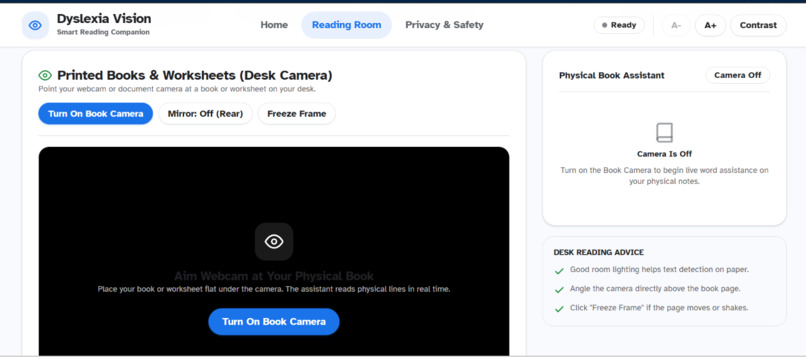
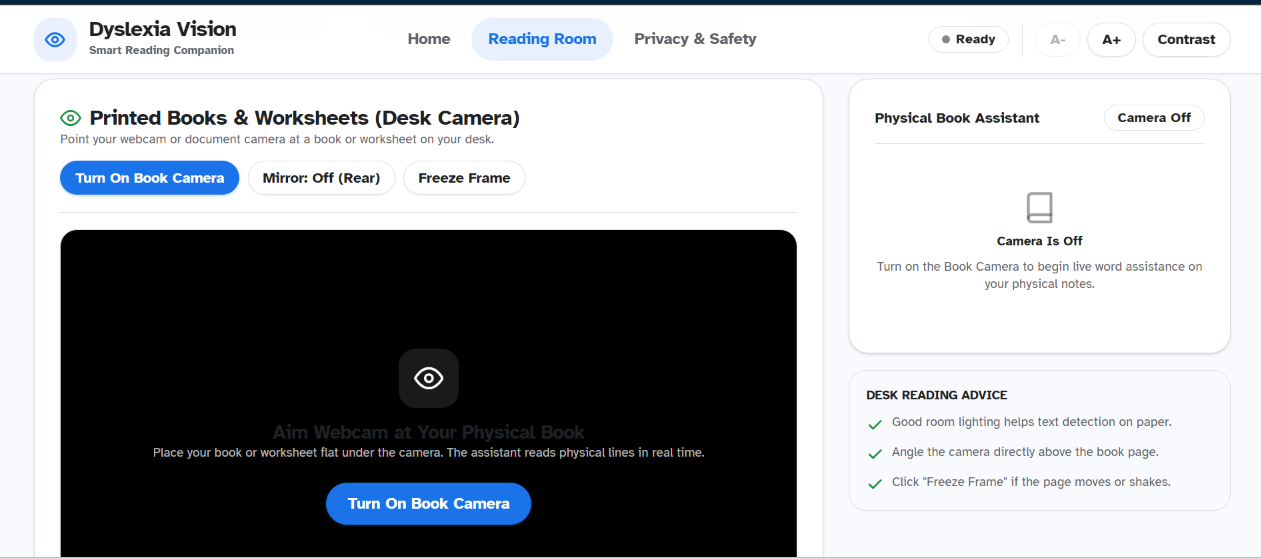
Reading Room > Printed Books and Web Cam
-
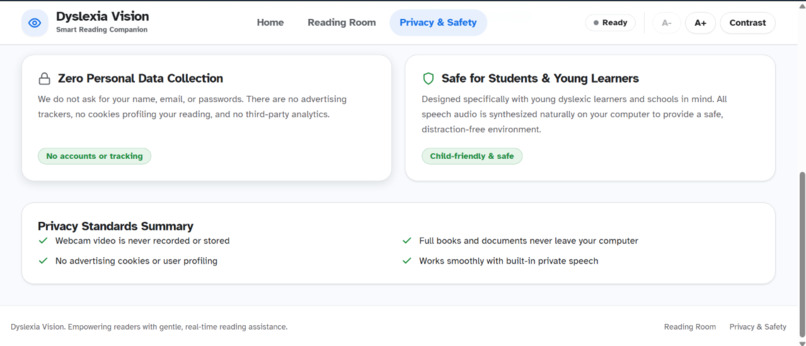
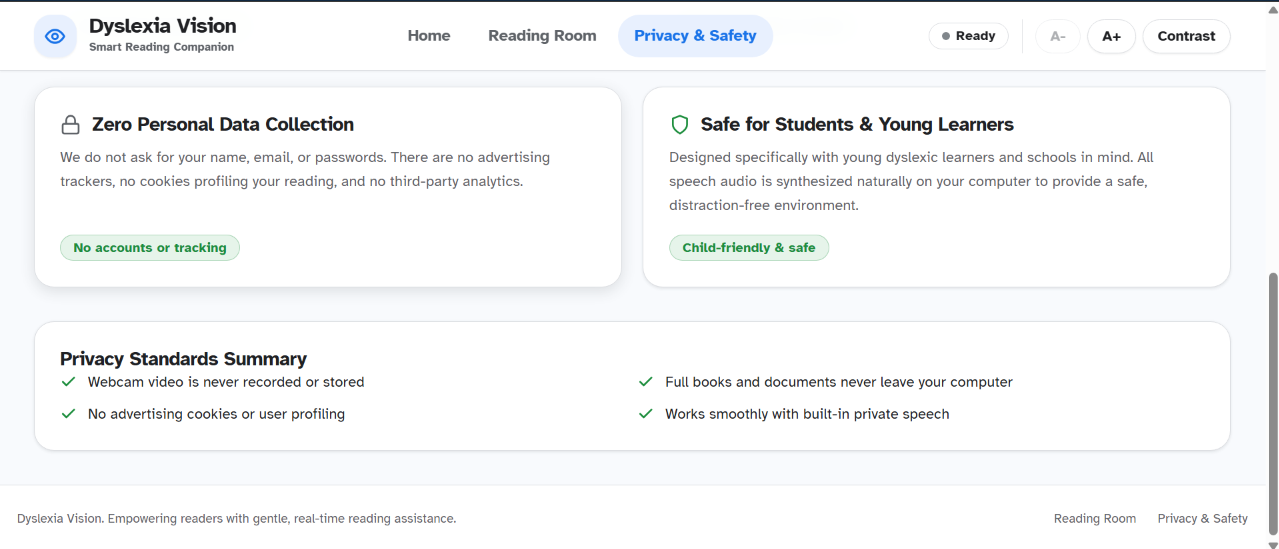
Privacy And Security 2
-
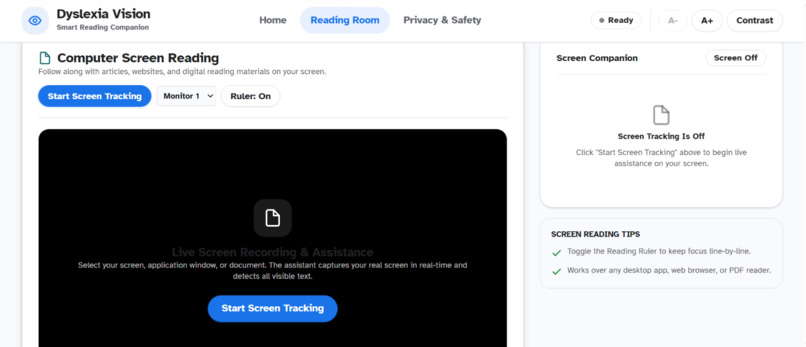
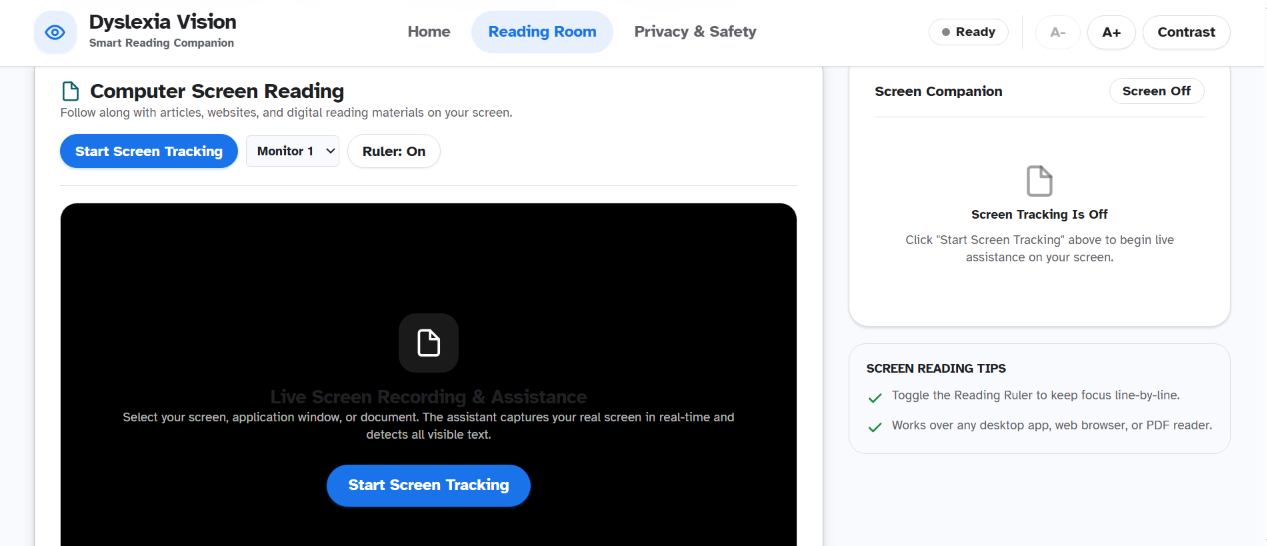
Reading Room > Computer Screening
-
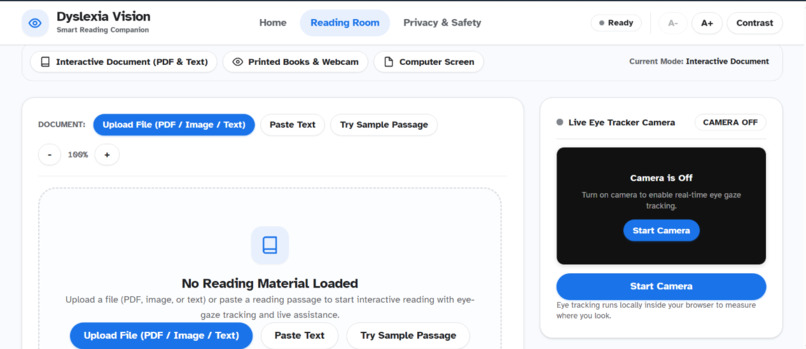
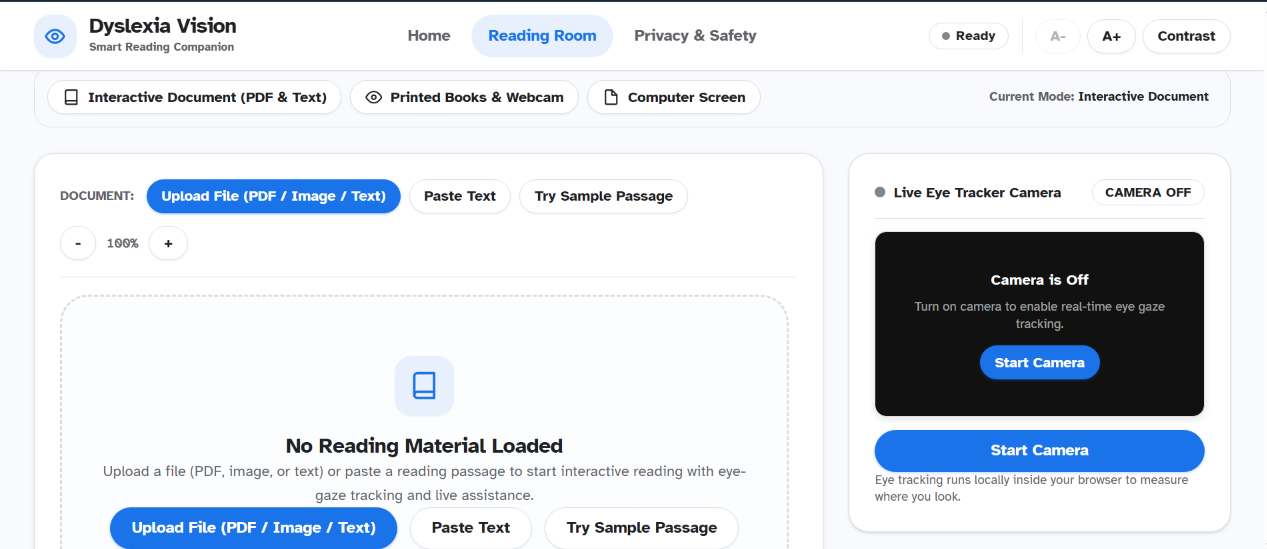
Reading Room > Upload pdf/document/text, paste text, image
-
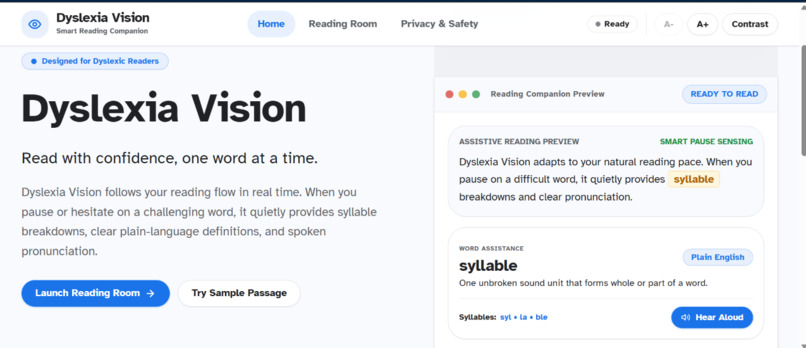
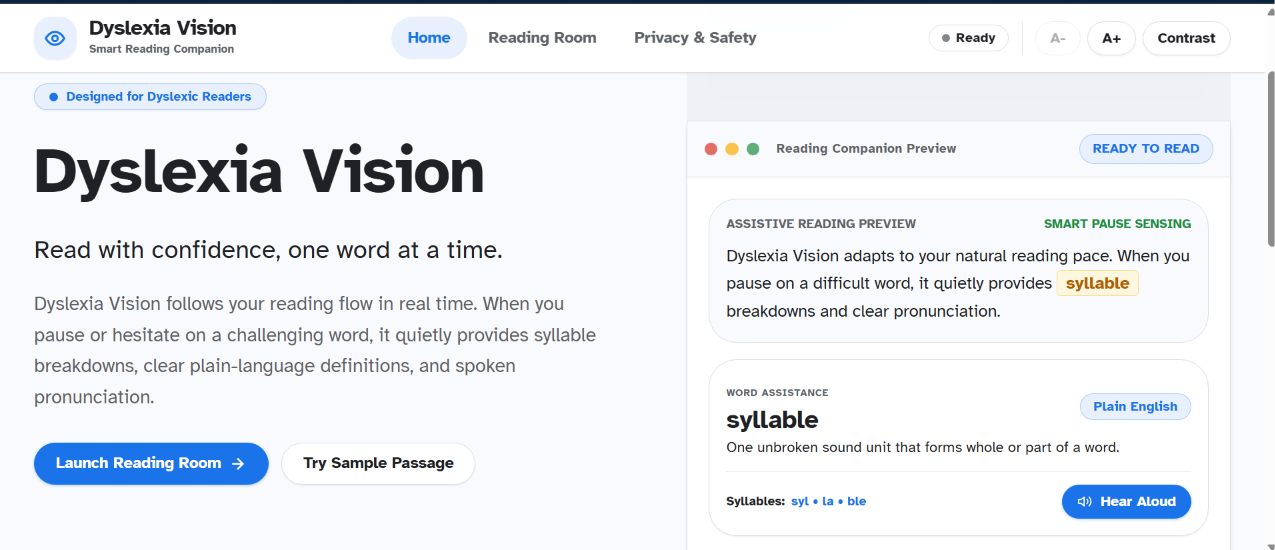
Home page or Landing page
-
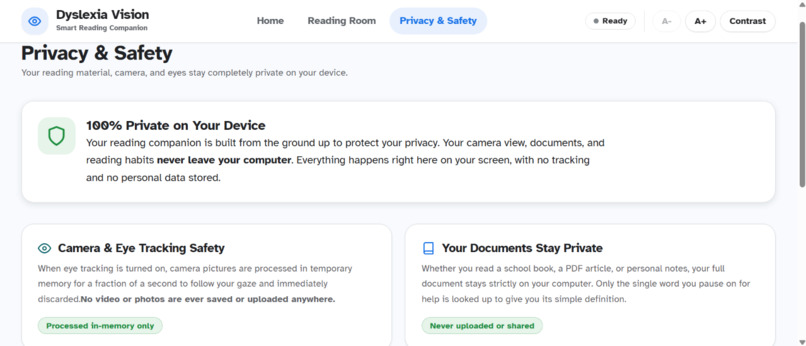
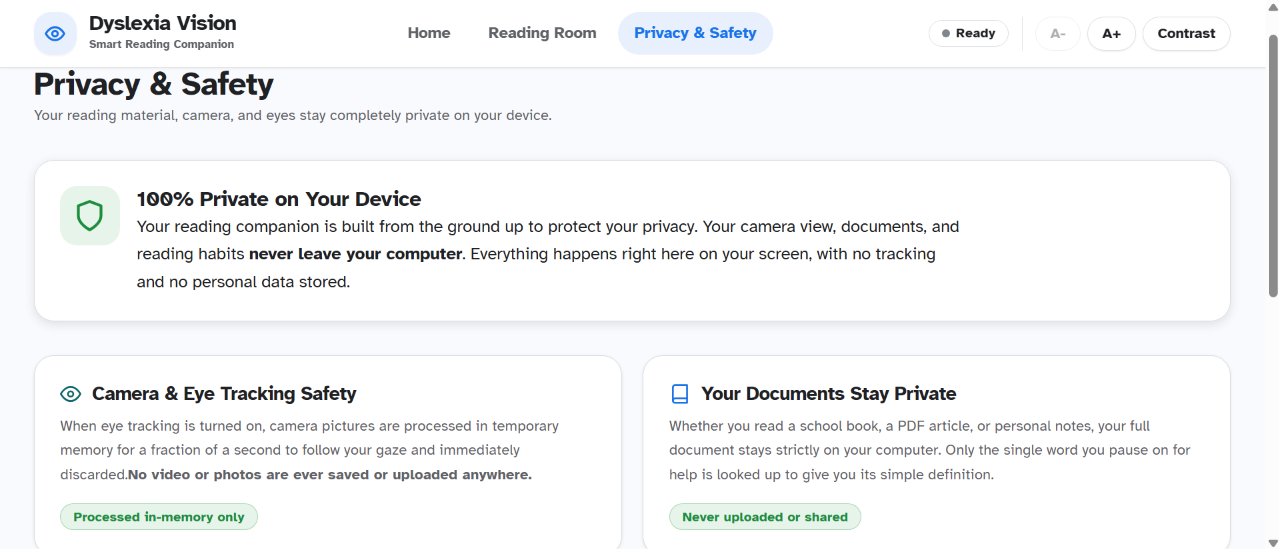
Privacy And Security 1
Inspiration
During a hackathon at Coimbatore Institute of Technology, my team explored different problem statements, including an app designed to support people with dyslexia. Although our project did not win, it sparked my curiosity about dyslexia, its impact on reading and learning, and the misconception that it affects intelligence. This inspired me to build ** Dyslexia Vision**, an AI-powered reading companion that makes reading more accessible and independent.
What it does
Dyslexia Vision helps neurodivergent learners read digital and physical text with greater confidence through: Eye-Gaze Reading Ruler: Tracks reading flow using a standard webcam to help prevent line skipping. Focused Reading Mode: Uses Atkinson Hyperlegible typography, adjustable spacing, and contrast to reduce visual crowding. AI Word Assistance: Uses Google Gemini to provide simple definitions and syllable breakdowns for difficult words. Audio Support: **Reads challenging words and definitions aloud. **Multi-Source Reading: Supports PDFs, pasted text, physical books through a camera, and desktop screen capture.
How I built it
I built Dyslexia Vision using** React, TypeScript, Vite, and Tailwind CSS for the frontend, with Python and FastAPI ** for backend orchestration. Browser-based computer vision processes webcam frames locally for gaze estimation, while OCR extracts text from documents and camera feeds. The Google Gemini API generates accessible word explanations, and text-to-speech provides pronunciation support. The privacy-first approach keeps webcam processing on the user's device rather than transmitting raw video to the cloud.
Challenges I ran into
Eye-Gaze Accuracy: Handling blinks, involuntary eye movements, and lighting changes required calibration, smoothing, and dwell-time thresholds. False Triggers: **I refined reading controls to avoid accidental movements and support a smoother experience. **Accessible AI Responses: I optimized prompts to produce short, simple, reader-friendly definitions instead of complicated dictionary explanations. OCR and Reading Order: Extracting text from physical pages and multi-column documents required careful text segmentation and line ordering.
Accomplishments that I'm proud of
Built a privacy-focused reading assistant using everyday hardware. Combined eye-gaze tracking, OCR, generative AI, and speech assistance in one application. Designed a distraction-free interface focused on accessibility and user comfort. Created a unified reading experience for digital documents, physical books, and on-screen content
What I learned
This project taught me that accessibility requires more than adding features. Simple interactions, readable typography, reliable feedback, and user privacy are essential. I also learned how to combine local computer vision with cloud-based AI to create a practical, responsive assistive technology.
What's next for Dyslexia Vision
I plan to introduce phoneme and syllable highlighting, optional Bionic Reading mode, a cross-platform browser extension, and a personalized vocabulary notebook to support continued learning.
Built With
- browser-apis
- computervision
- fastapi
- gemini-api
- html
- html5canvas
- javascript
- python
- react
- rest-api
- tailwind-css
- tesseract-ocr
- text-to-speech-api
- typescript
- vite
- web
- webcam-api
- webrtc/screen-capture-apis-(if-implemented)
- websockets

Log in or sign up for Devpost to join the conversation.