-
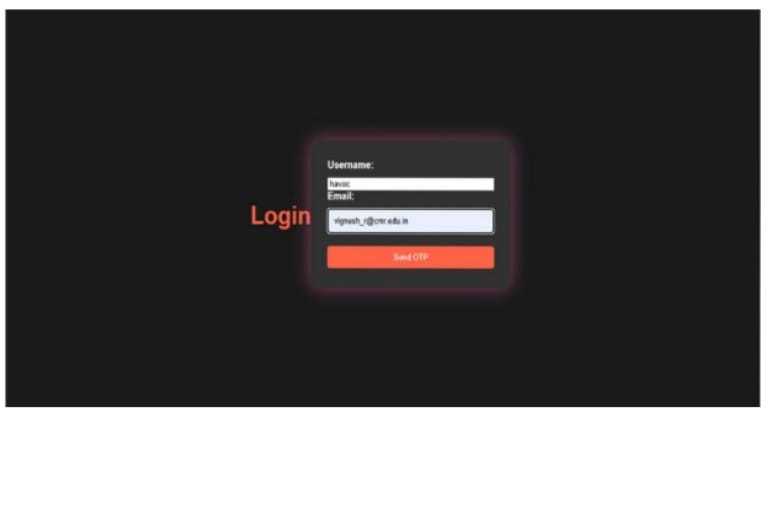
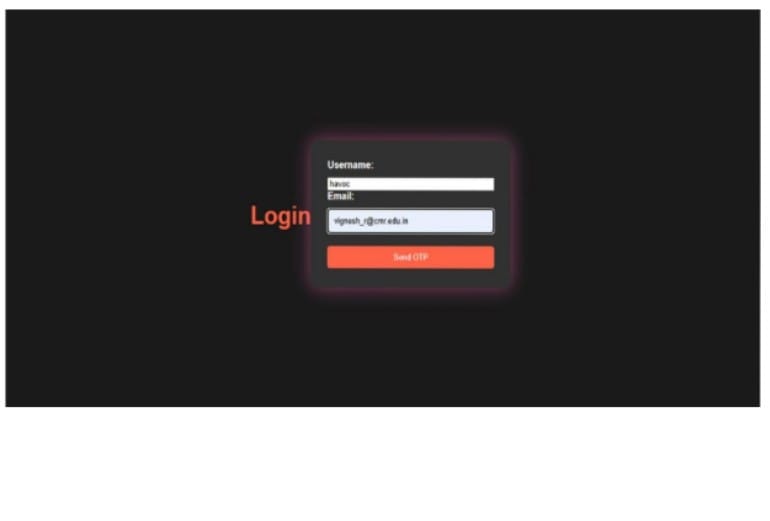
A login page with OTP verification
-
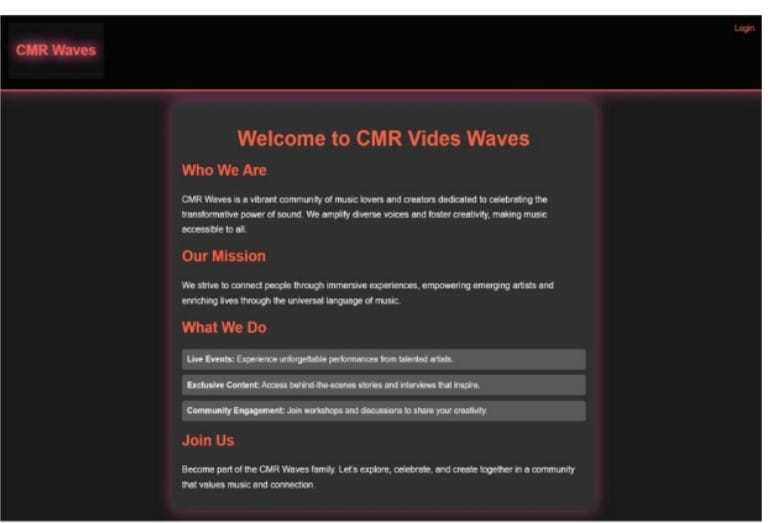
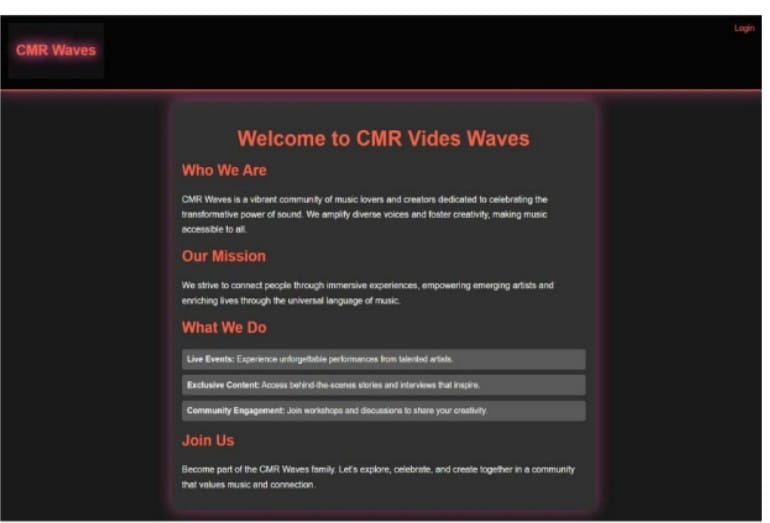
This is the landing page
-
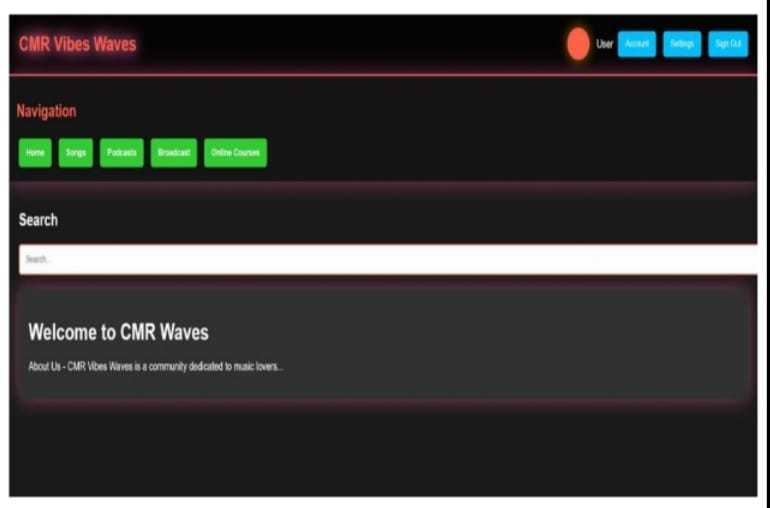
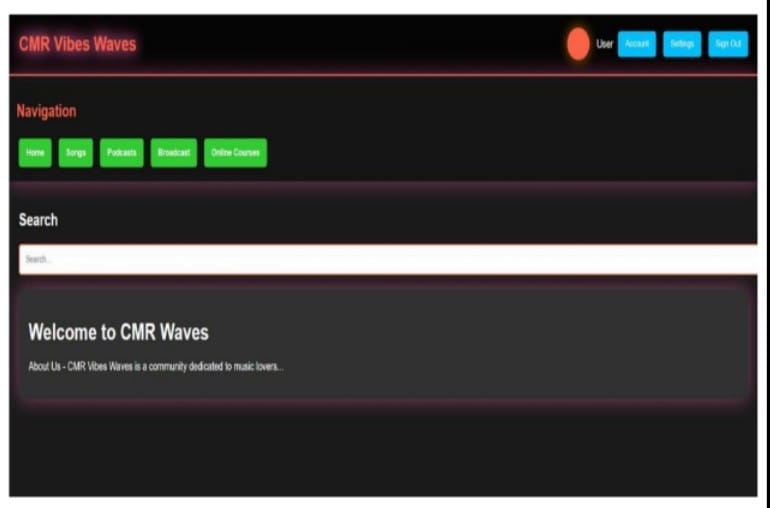
This is the dashboard
-
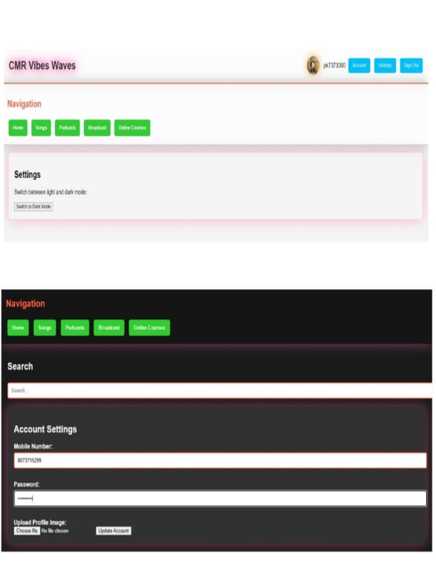
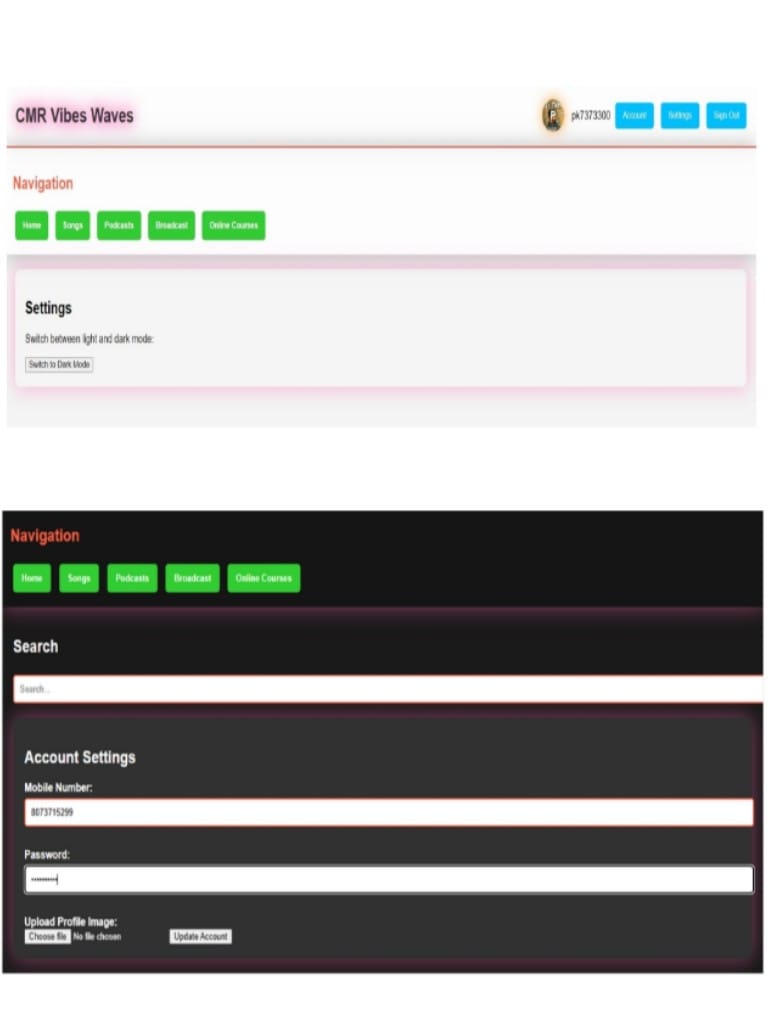
This is a dark mode and light mode and profile image upload
-
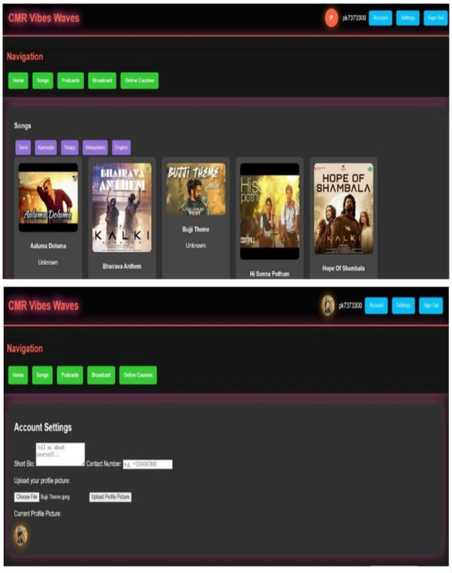
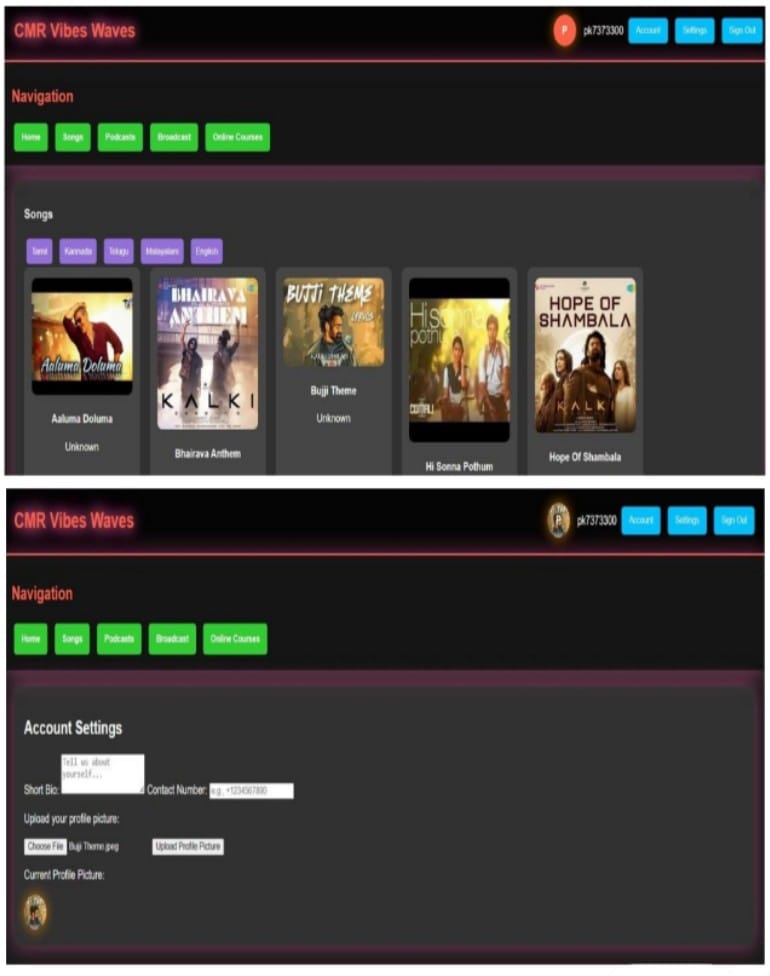
This is the music component
Inspiration
What it does🔁 Full Application Flow
🏠 1. User Lands on index.html They see the welcome page introducing CMR Waves.
A “Login” button in the header navigates to login.html.
🔐 2. User Submits login.html Form Inputs: username and email
Username is stored in localStorage for later display on the dashboard.
Form posts the email to send_otp.php.
📧 3. send_otp.php Generates & Sends OTP A random OTP is generated (using rand()).
OTP and email are saved in $_SESSION.
PHPMailer sends the OTP to the provided email address.
User is redirected to verify_otp.php.
🔑 4. User Proceeds to verify_otp.php (You currently have OTP resend logic here—consider replacing this with a verification form.)
Proper flow:
User enters the OTP.
The script checks if it matches $_SESSION['otp'].
On success: $_SESSION['verified_user'] = true
Redirect to dashboard.html
🎧 5. Accessing dashboard.html On load, user info is pulled from localStorage:
Email prefix becomes the username
First letter becomes user profile circle
Page includes:
Header with user info + sign out
Navigation panel (Home, Songs, Podcasts, Broadcast, Courses)
Music player and category-specific sections
🎶 6. Exploring the Songs Section User selects a language (e.g., Tamil, Telugu…)
JavaScript dynamically loads songs from the predefined object
Clicking a song plays it in the custom audio player at the bottom
⚙️ 7. Account Settings + Theme Toggle Users can:
Upload a profile image (shown on dashboard)
Fill in contact info and a short bio
Switch between light and dark modes
🔚 8. User Clicks Sign Out Currently shows an alert()
(Recommendation: clear localStorage + redirect to login.html)
🧭 Summary of the Flow plaintext index.html → login.html → send_otp.php → verify_otp.php → dashboard.html ⤷ (OTP sent) ⤷ (OTP verified) ⤷ (Content, music)


Log in or sign up for Devpost to join the conversation.