-
-
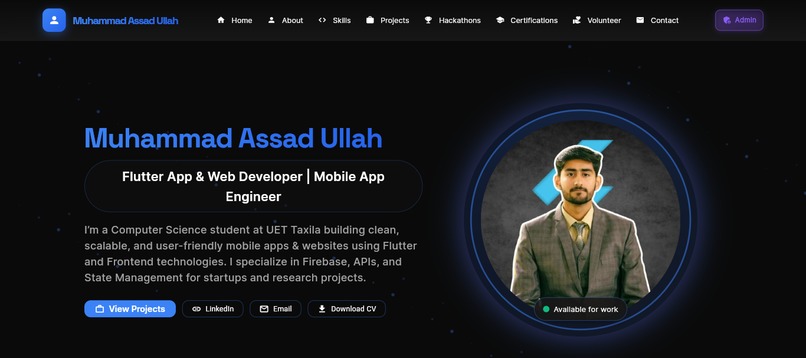
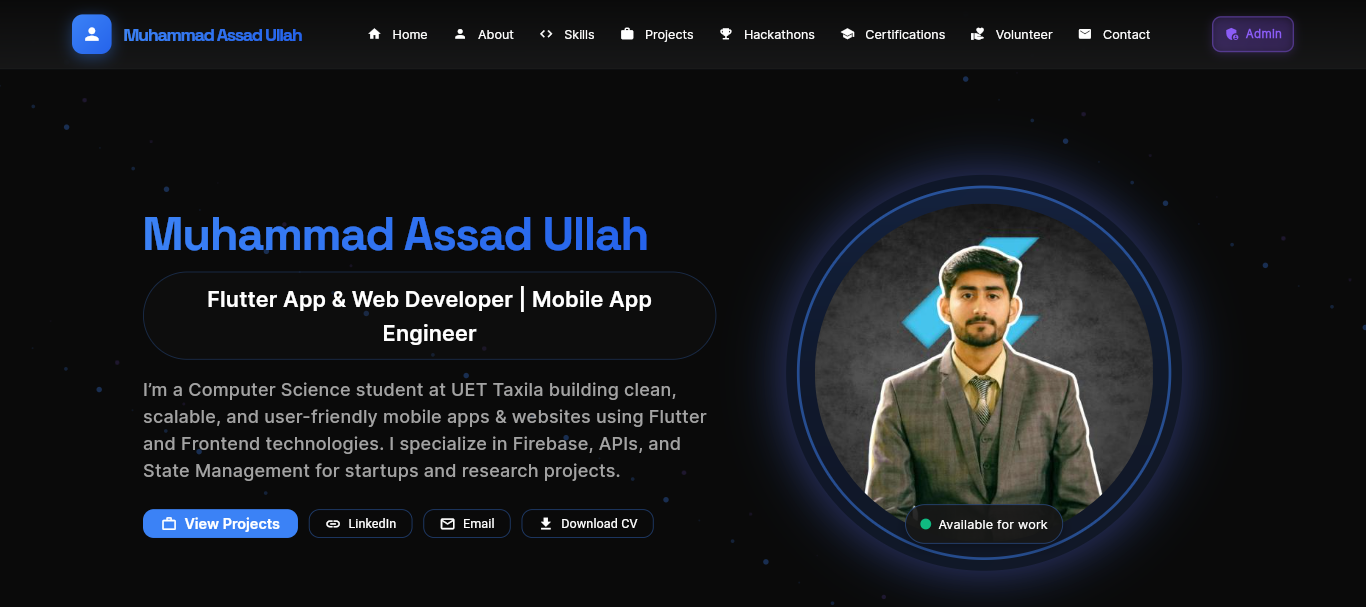
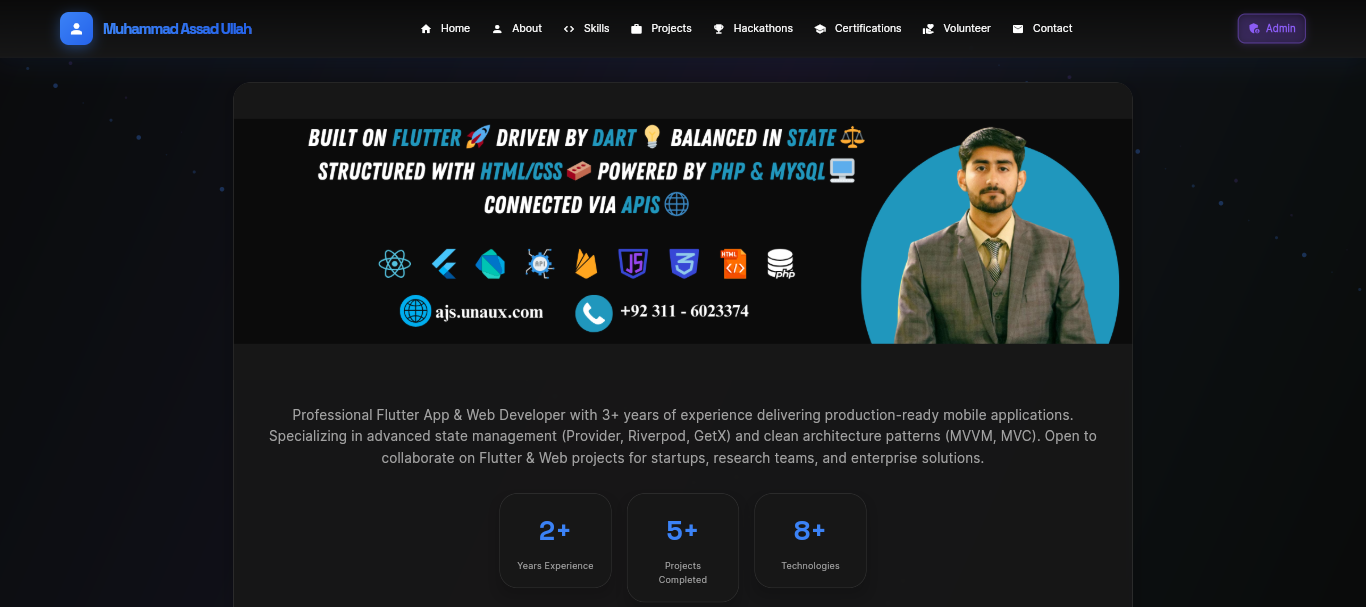
Home Section
-
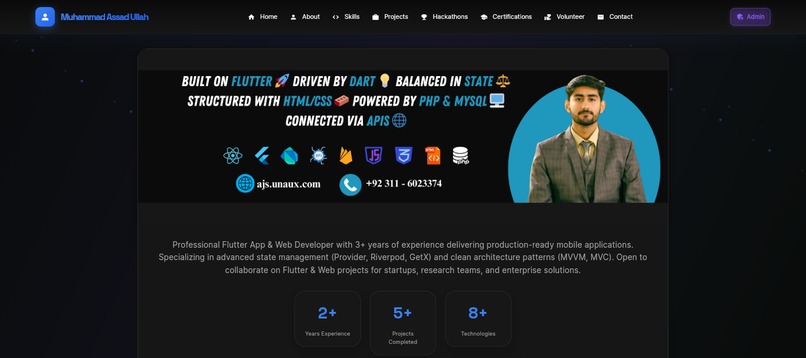
About Section
-
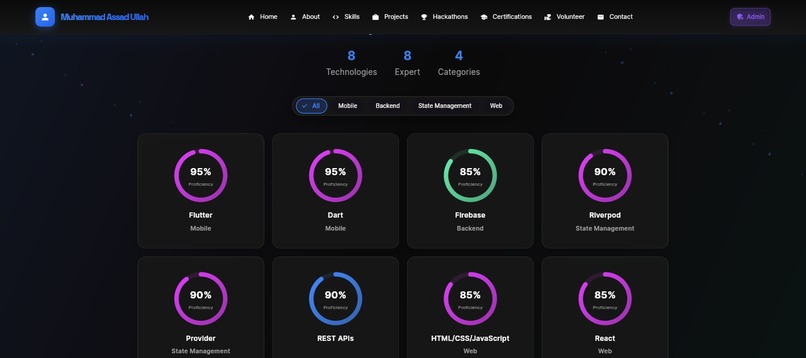
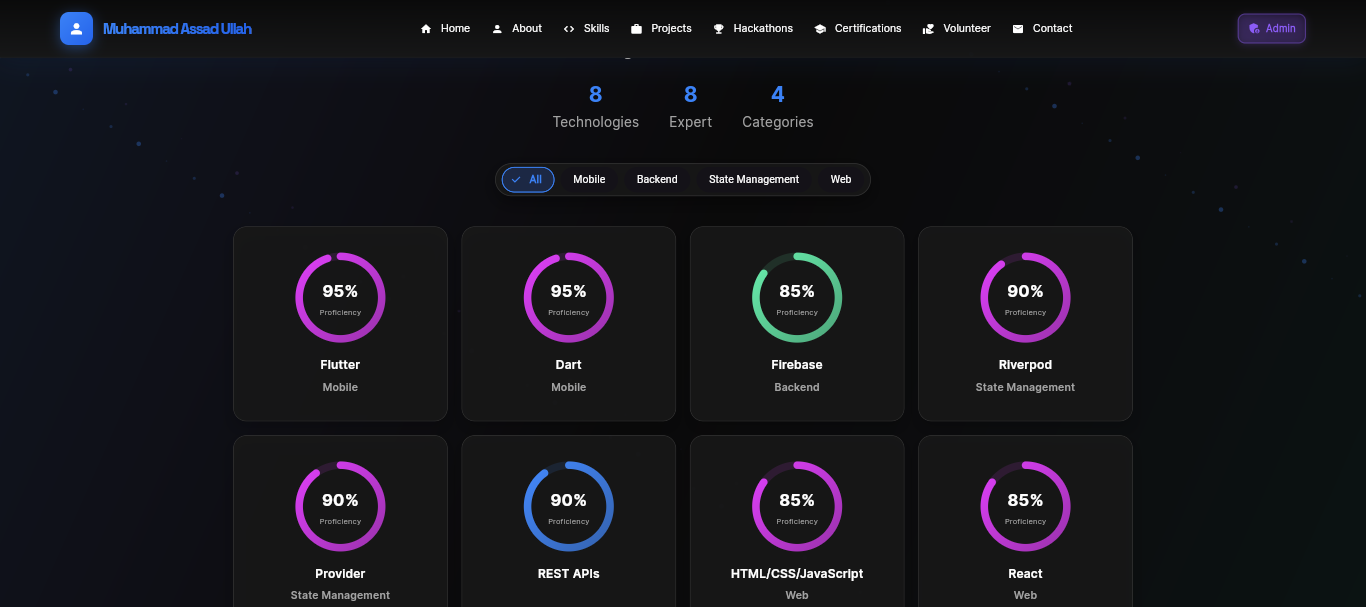
Skills Section
-
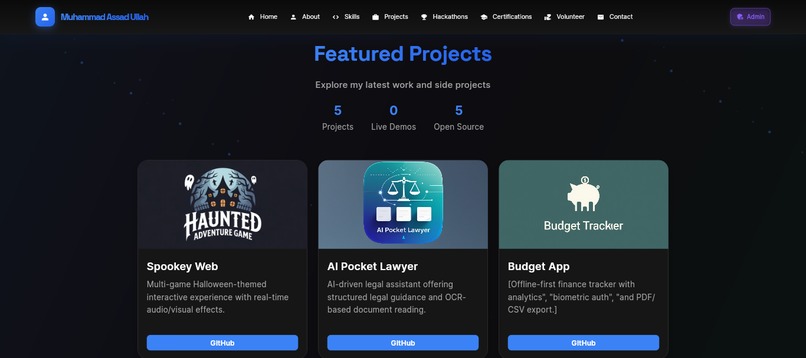
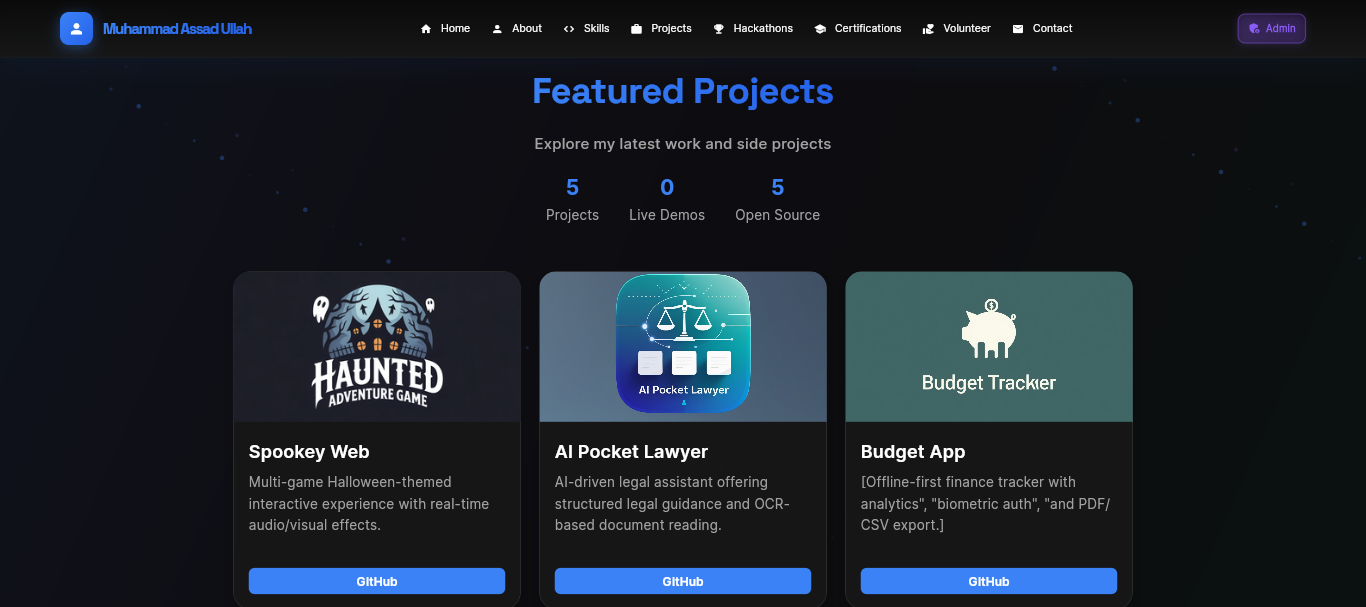
Projects Section
-
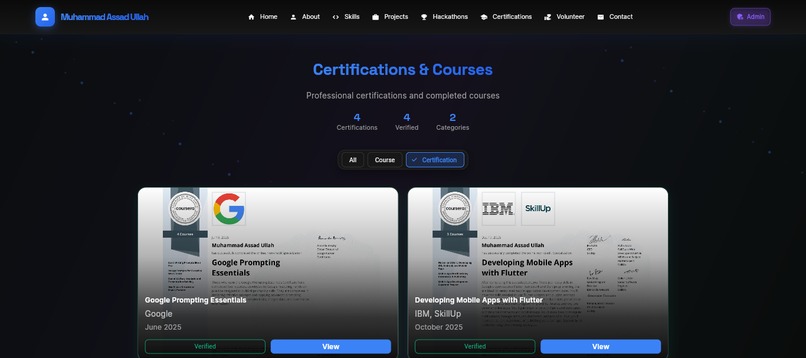
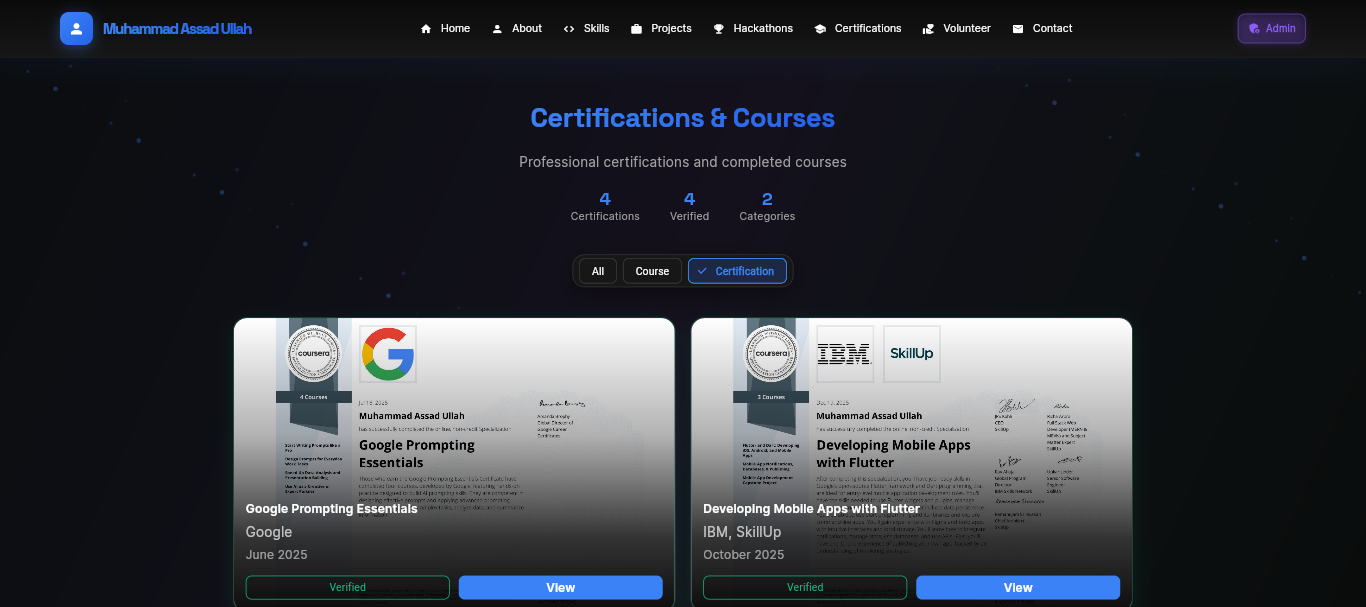
Certificate Section
-
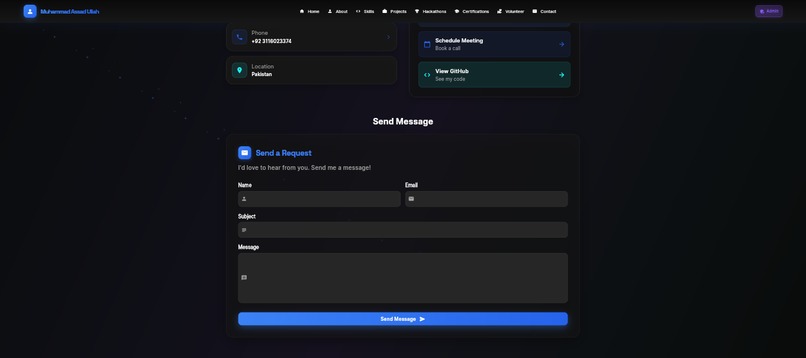
Contact Section
-
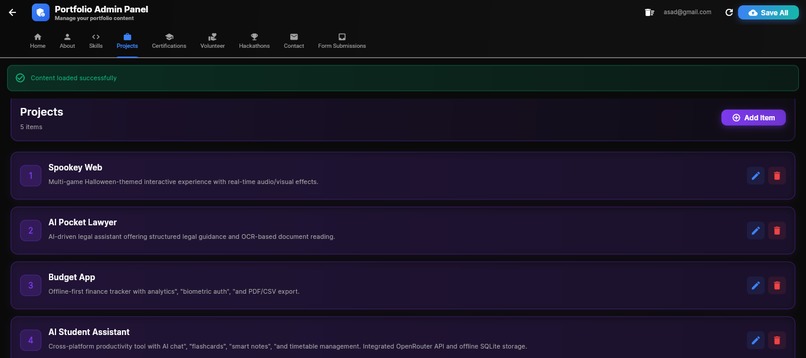
Admin Panel
Inspiration
As a developer, I realized that keeping a portfolio updated is often a friction point. We usually hardcode our projects, skills, and certifications, meaning every small update requires code changes, commits, and redeployments. I wanted to solve this by building a system where the content is completely decoupled from the code—just like a CMS, but custom-tailored for a developer's needs.
What it does
This is a dual-interface application:
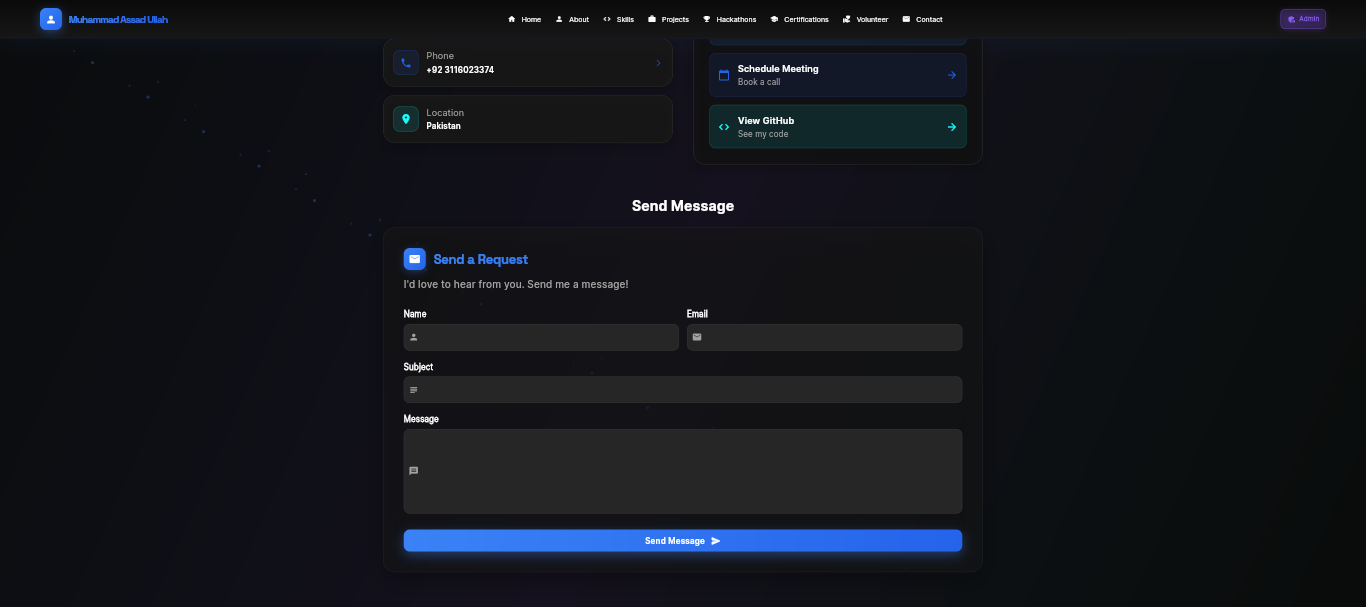
- The Public Portfolio: A highly responsive, animated, and professional website that showcases my skills, projects, hackathon wins, and experience. It features glassmorphism UI effects, interactive animations, and a clean layout.
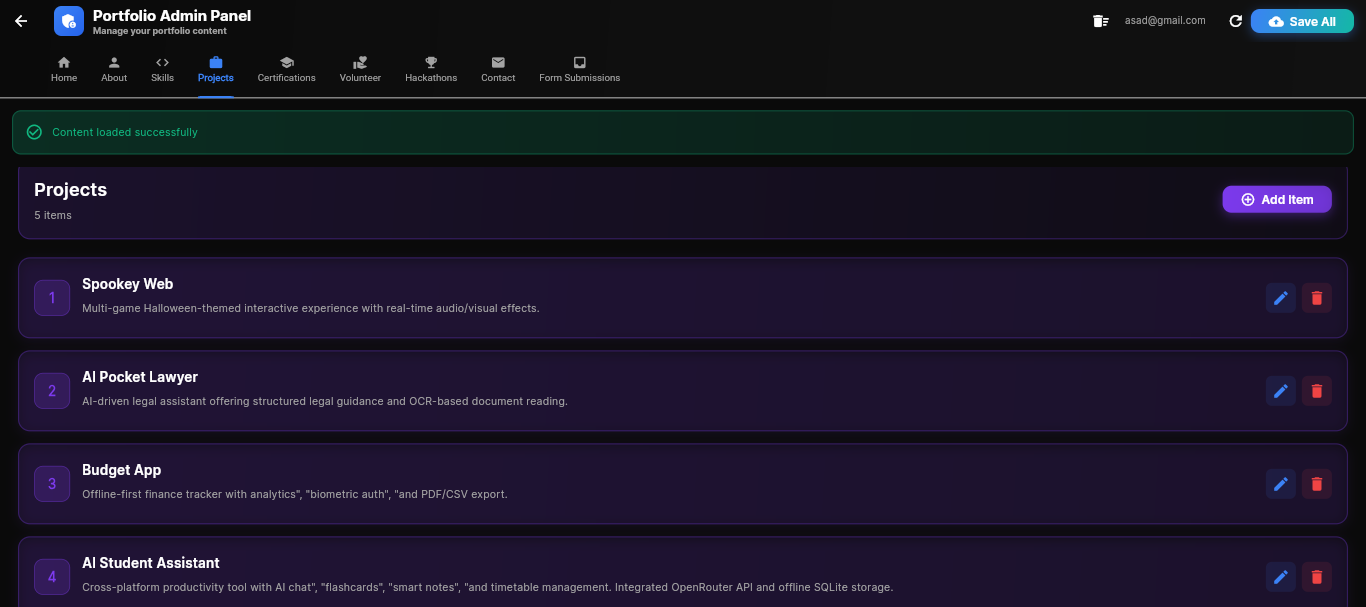
- The Admin Panel: A secure, password-protected dashboard where I can add, edit, or delete any content on the site. Whether it's a new certificate, a hackathon victory, or a job update, I can publish it instantly to the live site without touching a single line of code.
How we built it
- Frontend: Built using Flutter Web to ensure a consistent, pixel-perfect design across all screen sizes. I used advanced widgets for animations and layout handling.
- Backend: Powered by Firebase Firestore to store all portfolio data (projects, skills, experience) in real-time.
- Authentication: Implemented Firebase Auth to secure the Admin Panel, ensuring only I can modify the data.
- Deployment: Hosted via Vercel/Firebase Hosting for fast global access.
Challenges we ran into
- State Management: Ensuring the UI updates instantly when data changes in the Admin Panel required a robust state management approach.
- Responsive Design: Making complex Flutter layouts (like the timeline and grid views) look perfect on both large desktop monitors and mobile screens took significant fine-tuning.
- Security: Locking down the Admin Panel so that the database write rules are secure while keeping read access open for the public site.
Accomplishments that we're proud of
- Successfully creating a "No-Code" update experience for my own portfolio.
- Achieving a high-performance score on the web build.
- Designing a UI that feels modern and interactive, moving away from static HTML/CSS templates.
What's next for Dynamic Flutter Portfolio
- Adding a blogging section to write technical articles directly from the Admin Panel.
- Implementing analytics to track visitor engagement.
- Open-sourcing the template so other developers can spin up their own dynamic portfolios easily.


Log in or sign up for Devpost to join the conversation.