-
-
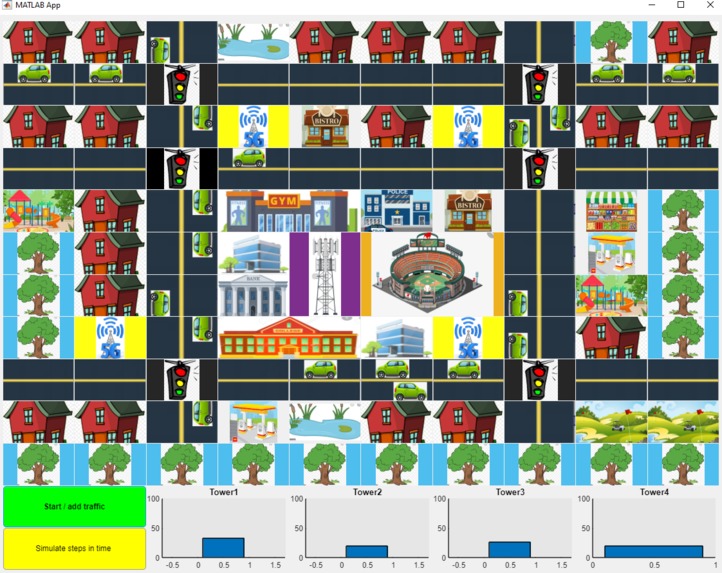
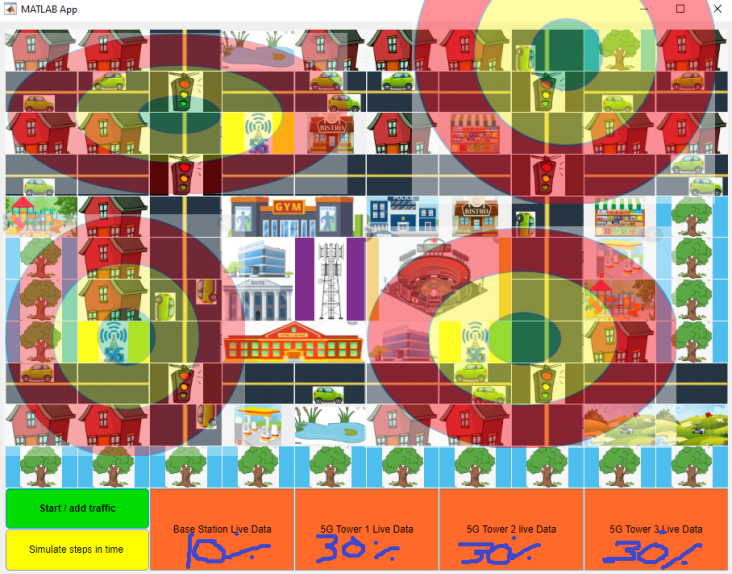
Overhead view with bar graphs shown
-
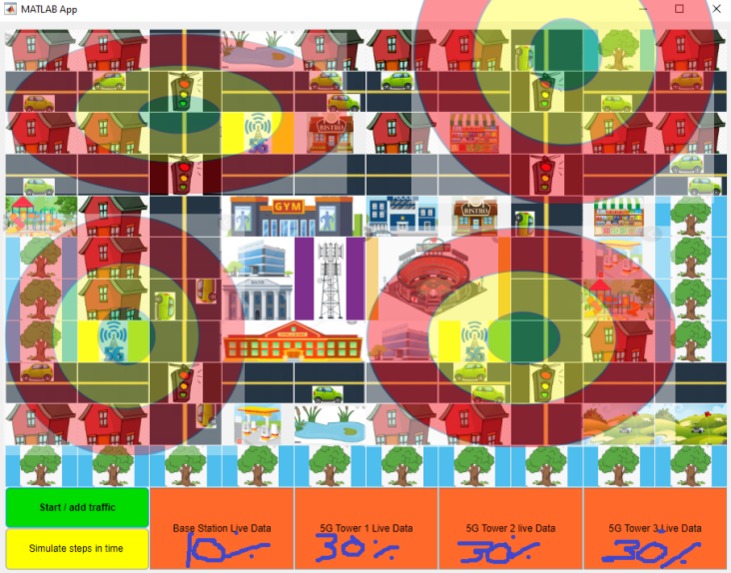
Coverage map of cell towers
-
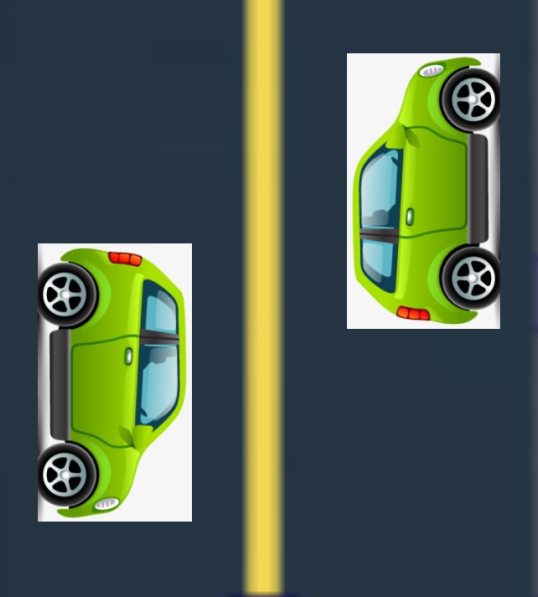
cars going both ways, remove stickers and adjust orientation for use
Inspiration
After taking a course on computer networking and communication theory at Wayne state in the previous semester, the challenge presented by this hackathon was right up my alley!
Bandwidth is a hot commodity, and network engineers work hard to ensure the utilization and cost of service are optimized. In the future, connected autonomous vehicles could utilize the 5G network to send and receive data from others CAV's in real-time. In order to support this most effectively, programmers need a system in place that can dynamically allocate the right amount bandwidth to cell towers. If too little is present, the AI driving systems could be more prone to mistakes in the case of CAV's. On the other hand if an excessive amount of bandwidth is not being utilized, the system is not optimally leveraging its resources.
What it does
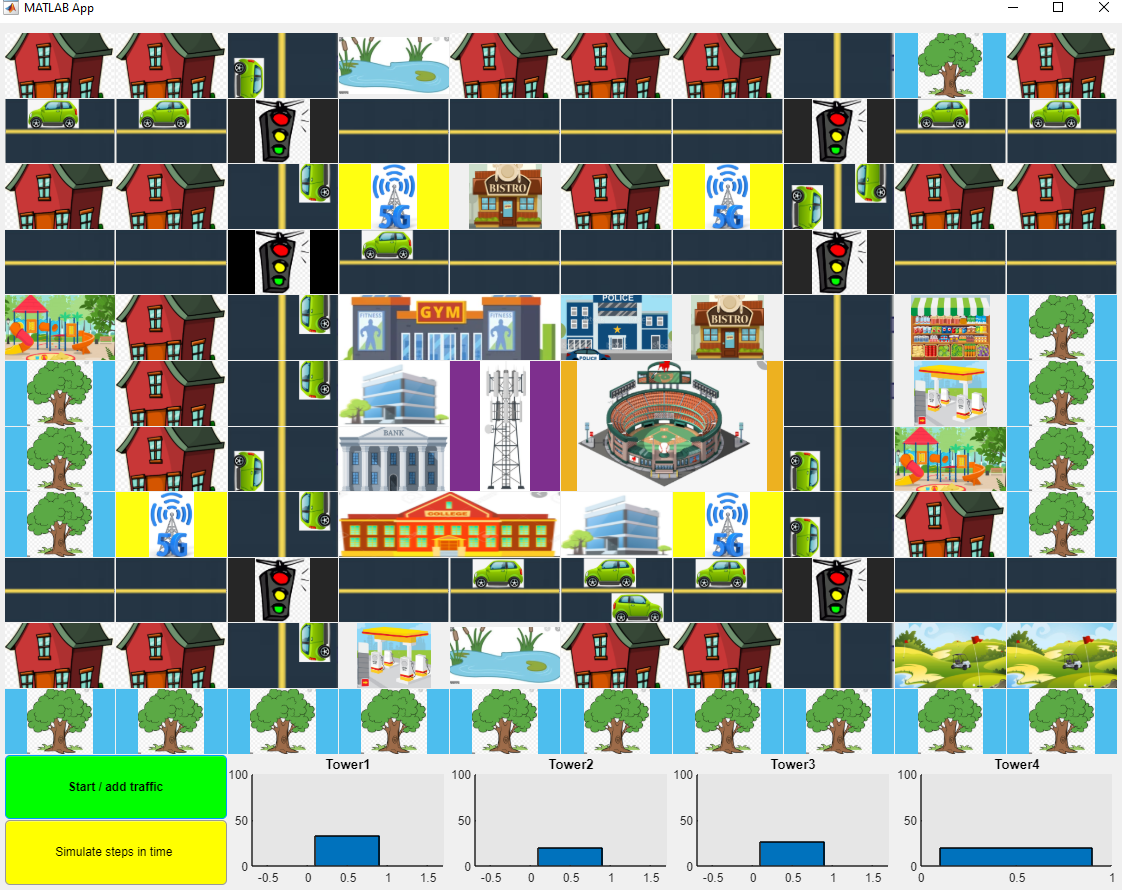
The app contains an overhead view of a small town (created using grid layout and free animated images from the internet). After pressing start, traffic gets added to the streets. Based on the amount of CAV traffic within a cell towers range, an optimal amount of bandwidth is available for use. In this simulation, the base station acts as a controller. The base station is given a total amount of bandwidth and distributes it to the "child" cell towers.
As more traffic gets added into the simulation, and as cars move in and out of different cell tower coverage zones, the base station reallocates bandwidth to each 5G tower appropriately. To emphasis this dynamic allocation, graphs for each cell tower are present.
How I built it
I started by breaking the tasks into smaller steps
Phase 1, Setup: This entailed correctly setting up the grid layout. This meant fetching open source images from the internet, combining them in such a way that will display a city from a city, and orienting the cell towers to maximize coverage
Phase 2, Add Traffic: In order to replicate traffic, squares in the grid layout that previously had the image of an empty road, now may appear as an image of the road with a sticker of a animated car on top of it, making it look like a car is now driving on that road.
Phase 3, Manage and display resources of cell towers : Each cell tower can cover a 4x4 grid of its own. Each cell tower will count the number of cars that are present in its zone. Based on both total traffic of entire network, and based on traffic local the base station dynamically allocates bandwidth availability to the base station, that then can distribute to the clients within its zone.
Challenges I ran into
Being able to correctly show traffic all flowing simultaneously in the proper direction, based on the pushed button callback function was tricky, but necessary. App designer automatically sets up classes and properties when adding components in design view, however it does not always behave as expected, it took a lot of digging through built in app designer functions, as well as indexing arrays and the grid correctly to make progress.
Time also became a concern.
I started by using a 25x25 grid layout, opposed to the 10x10 I stuck with. MATLAB became leggy with the large app, and a 10x10 grid sufficed for for displaying this concept
Accomplishments that we're proud of
Completing my first Hackathon!
What we learned
Conceptualized 5G and networks in general better Considered different algorithms for allocating bandwidth Many new tricks in MATLAB app designer keep prototypes simple
What's next for Dynamic Cell Tower Adaptation
Add in autonomous self driving components. After the cell tower is awarded bandwidth capabilities, then the cars in the zone will use it when they need it. In the future perhaps with CAV's instead of stoplights all vehicles that are next at an intersection via 5G, communicate with the other cars, determine who was first, and allow the car to the right go first otherwise. When the cars make these decisions, it will require accessing the data from other clients in the zone.
Perhaps running with this app and building a sorta of network engineering tycoon application!

Log in or sign up for Devpost to join the conversation.