-
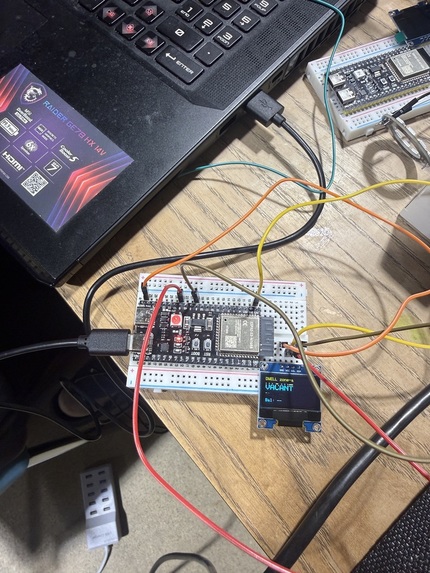
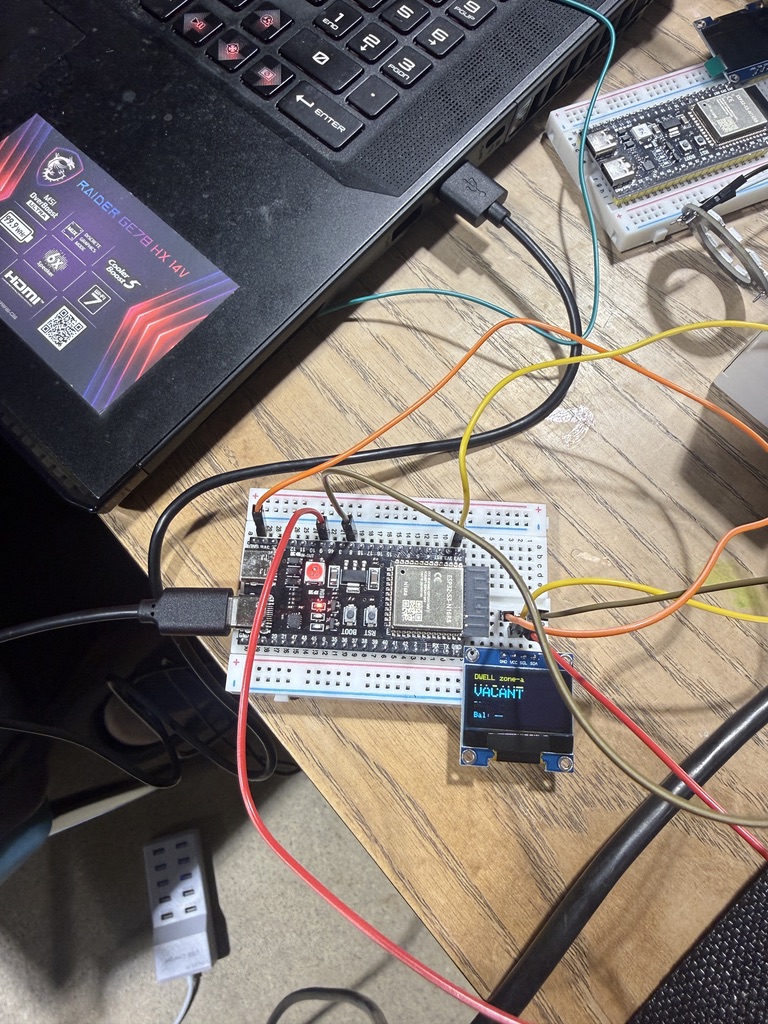
Vacant state
-
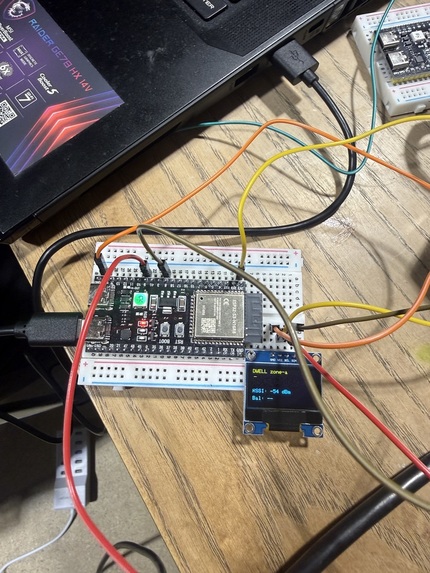
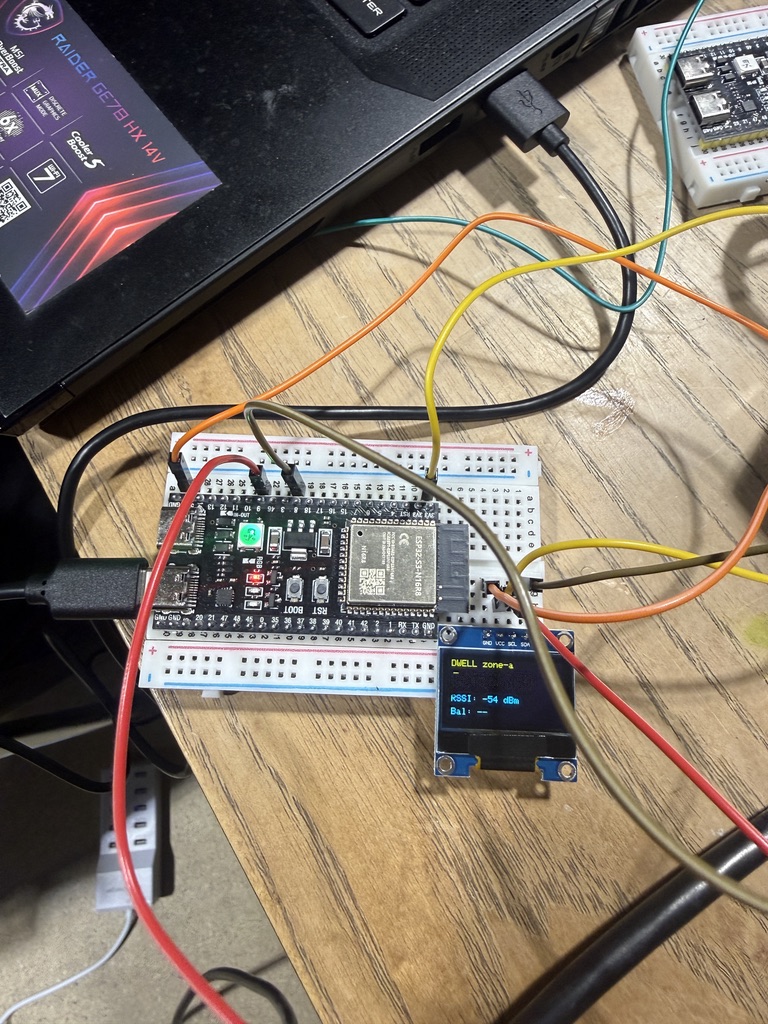
Occupied state
🏢 The Dwell Protocol
Decentralized, IoT-Verified Workspace Micro-Billing Powered by Solana & QuickNode
The Dwell Protocol turns physical workspace presence into a real-time micropayment stream. By bridging off-the-shelf IoT hardware (ESP32) with high-performance blockchain infrastructure (Solana Devnet), Dwell converts real estate into streamable, permissionless digital infrastructure.
🚀 Live Dashboard: https://dwell-protocol-six.vercel.app
📄 PRD & Hackathon Blueprint: https://dwell-protocol-six.vercel.app/prd
⚡ Problem & Opportunity
- The Problem: Shared offices, hacker houses, and coworking spaces rely on rigid monthly leases. Casual visitors face high friction to access workspaces, and traditional card rails cannot support sub-cent, minute-by-minute physical presence payments due to high fees and slow settlements.
- The Solution: Users connect a Solana wallet and deposit $DWELL tokens into a secure server-managed session escrow. An ESP32 hardware device placed inside the workspace scans for the user's BLE radio signals (RSSI). As long as the user is verified inside the room, micro-transactions of $DWELL tokens are streamed on-chain to the workspace owner. When the user leaves or ends the session, the remaining escrow balance is immediately refunded.
🏛️ System Architecture
sequenceDiagram
    autonumber
    actor User as Coworker (Phone BLE)
    participant HW as ESP32 Presence Node
    participant BE as Next.js Server (Backend)
    participant DB as local session-store.json
    participant Chain as Solana Devnet (Blockchain)
    actor Provider as Workspace Owner

    User->>BE: Connect Wallet & Deposit $DWELL (Start Session)
    BE->>Chain: Verify Deposit transaction
    BE->>DB: Initialize active session (Balance: 100 DWELL)

    loop Every 5 seconds
        HW->>User: Scan BLE Advertisement (MAC / UUID)
        HW->>BE: POST /api/presence { wallet, rssi: -55 dBm }
        alt RSSI >= -65 dBm (Occupied)
            BE->>Chain: SPL Transfer 1.0 $DWELL (Vault ATA -> Owner ATA)
            BE->>DB: Deduct 1.0 $DWELL, save tx signature
            BE-->>HW: Return { status: occupied, balance: 99.0 }
        else RSSI < -65 dBm or Away (Vacant)
            BE->>DB: Log "Away", pause billing
            BE-->>HW: Return { status: vacant, balance: 99.0 }
        end
    end

    User->>BE: Click "End Session" (Web UI)
    BE->>Chain: Transfer remaining $DWELL from Vault back to User
    BE->>DB: Set status: ended, balance: 0
🏆 Hackathon Sponsor Integrations
1. 🟣 Solana Network
- Micro-Billing streams: Dwell leverages Solana’s sub-second finality and sub-cent fees to execute real-time SPL Token transfers for physical presence.
- SPL Escrow Protocol: Implemented a secure session escrow flow that locks tokens in a vault and programmatically bills usage or refunds balances.
2. 🔵 QuickNode Infrastructure
- Solana RPC client: Powered by high-speed QuickNode Solana Devnet RPC to submit token transfers and verify transactions instantly.
- QuickNode Streams: Configured to monitor DWELL token transfers on the blockchain, sending real-time webhooks back to
/api/webhooks/quicknodeto sync UI states in under 1 second.
3. 🔴 Superteam / DePIN Narrative
- Physical-to-Digital Bridge: Uses cheap, accessible $4 ESP32 hardware to verify physical location (Proof-of-Presence), enabling anyone to monetize their space on-chain.
💻 Tech Stack
- Hardware: ESP32 Dev Module (C++/Arduino Core BLE)
- Backend: Next.js App Router, API Routes
- RPC/Network: QuickNode Solana SDK & Streams Webhooks
- Blockchain: Solana Devnet, SPL Token Program, Web3.js
- Frontend: React, Tailwind CSS, Solana Wallet Adapter, Lucide Icons
🚀 Installation & Local Setup
Prerequisite: Install dependencies
Clone the repository and install the npm packages:
npm install
1. Setup the $DWELL SPL Token
Run the deployment script to generate keypairs, request devnet SOL airdrops, deploy your custom $DWELL token mint, and auto-generate the .env.local configuration:
npx tsx scripts/setup-token.ts
Note: If the devnet faucet is rate-limited, the script will automatically activate **Mock Solana Mode* (NEXT_PUBLIC_USE_MOCK_SOLANA=true) so you can test all features offline.*
2. Run the Next.js Development Server
Start the frontend web application locally:
npm run dev
Open http://localhost:3000 in your browser.
3. Flash the ESP32 Hardware
- Open the Arduino IDE.
- Open
hardware/dwell_node.ino. - Configure your WiFi credentials (
ssidandpassword) and insert your Next.js server IP address. - Input your phone's BLE MAC address under
targetBleAddress. - Connect your ESP32 board and click Upload.
🕹️ How to Demo (Fail-Safe Presentation Flow)
No hardware with you? No problem. The dashboard contains a built-in Fail-Safe ESP32 Simulator to let judges test the entire end-to-end flow from their browser:
- Connect Wallet: Click the Solana Wallet Adapter at the top right to connect Phantom.
- Airdrop Test Tokens: (If in Mock Mode) Click the Get 100 DWELL button to fund your local wallet.
- Deposit & Start: Enter
50$DWELL and click Start Presence Billing. - Trigger Presence:
- Under the Dwell Hardware Controller sidebar, toggle Simulate ESP32 Ping to ON.
- Watch the console: raw JSON packets will start pinging
/api/presence. - Watch the dashboard: the workspace status will glow green "OCCUPIED", and the balance ticker will start streaming down.
- Simulate Movement:
- Slide the RSSI slider down to -75 dBm (Weak/Away).
- The status will immediately flip to "VACANT", and billing will pause.
- Refund Remaining: Click End Session & Refund to retrieve your remaining tokens.