-
-
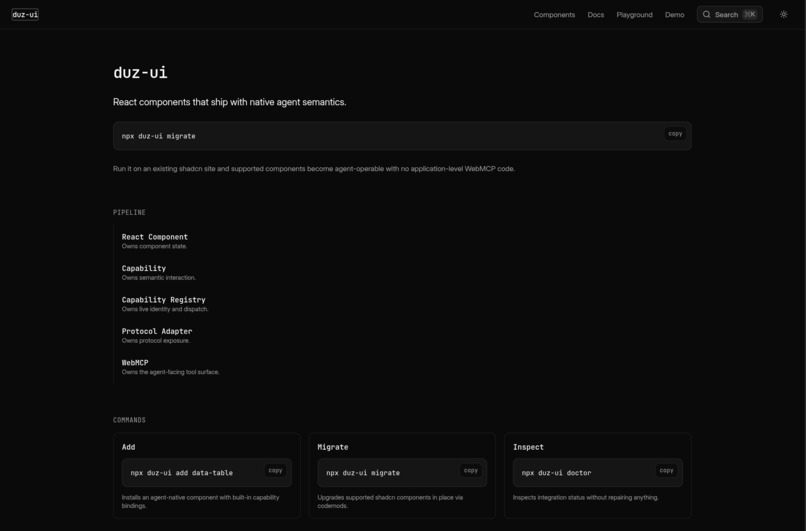
Home page
-
-
-
-
Inspiration
I started Duz UI because I kept thinking about what websites will look like when AI agents become normal users of the web.
Right now, agents often have to look at the DOM, guess what an element does, and simulate clicks or typing. It works, but it feels backwards. The application already knows that something is a dialog, a select, a table, or a form field. The agent should be able to use that information directly.
When I saw WebMCP, I really liked the idea of websites exposing structured tools to agents. But I also realized that manually writing WebMCP tools for every page and every component would become repetitive very quickly.
That made me think about shadcn/ui. Developers already build most of their app from reusable components, so what if the component itself could support both humans and agents?
That became the idea behind Duz UI:
One interface. Two users: humans and agents.
What it does
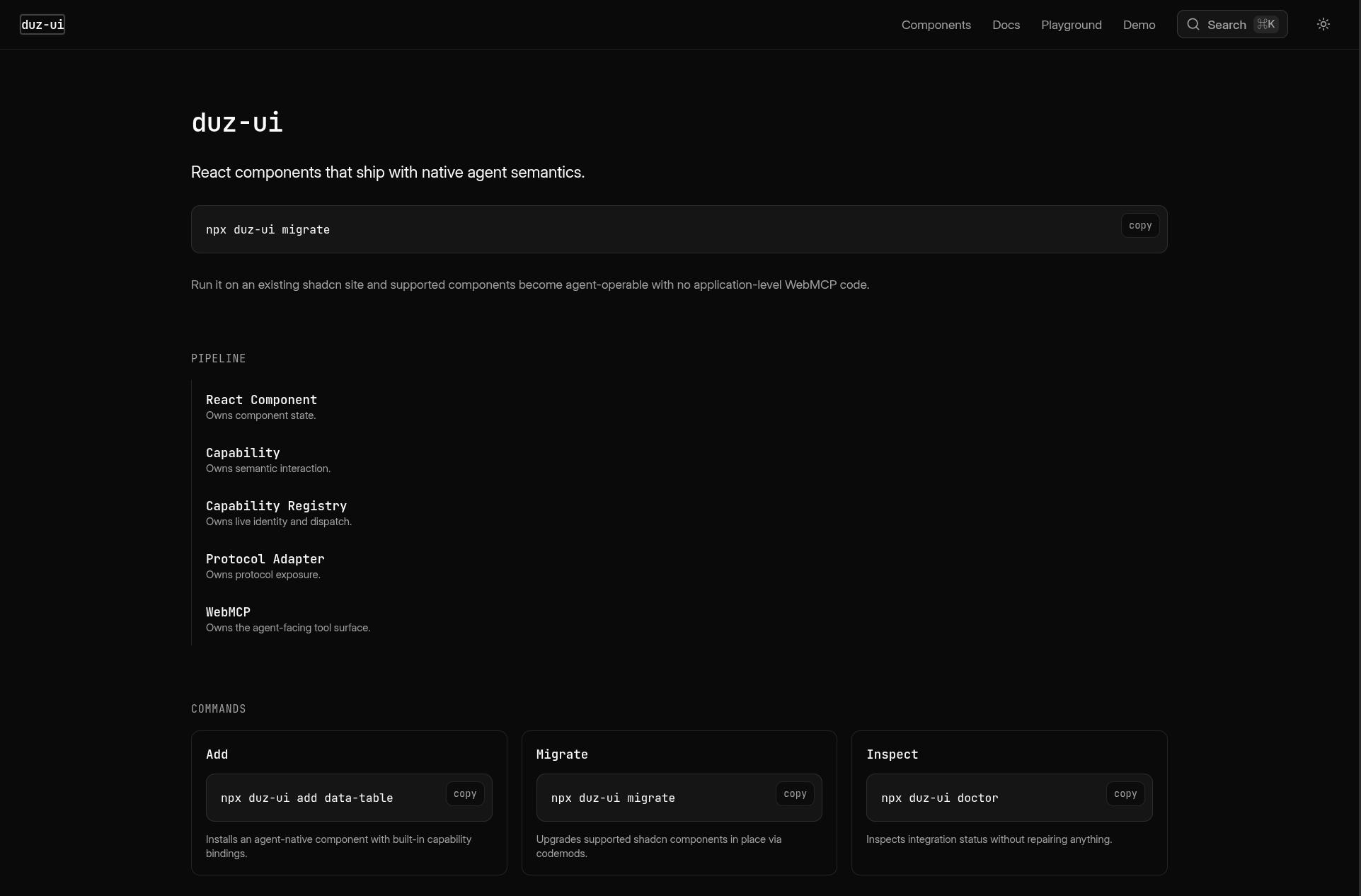
Duz UI is a shadcn-compatible React component system with built-in WebMCP support.
The components still work like normal UI components for humans, but they also expose structured capabilities that an AI agent can understand and call.
If you already have a shadcn project, you can run:
npx duz-ui migrate --overwrite
Duz UI upgrades supported shadcn components in place. You do not need to change your imports or rewrite all your existing component usage.
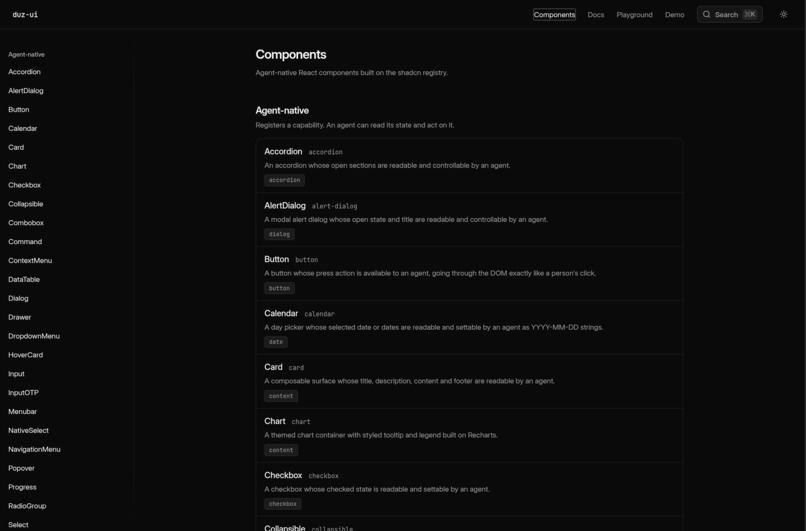
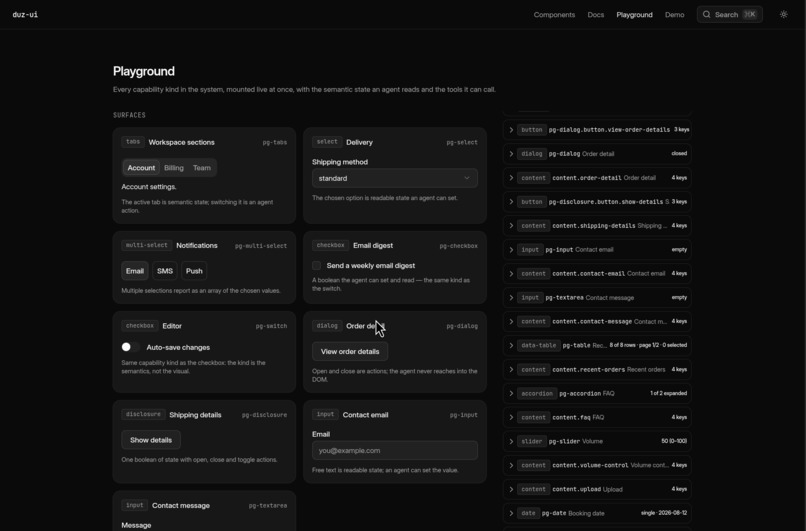
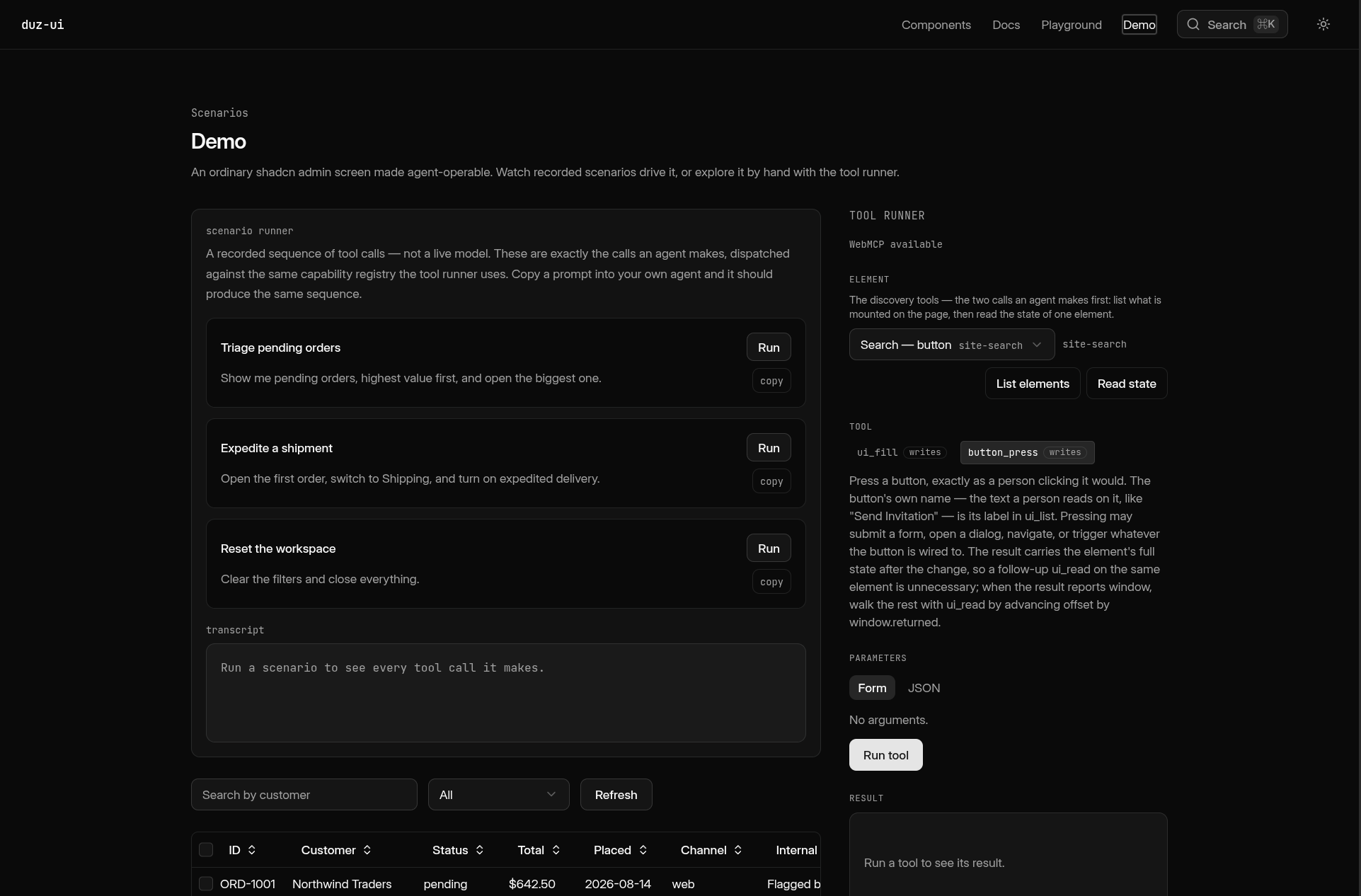
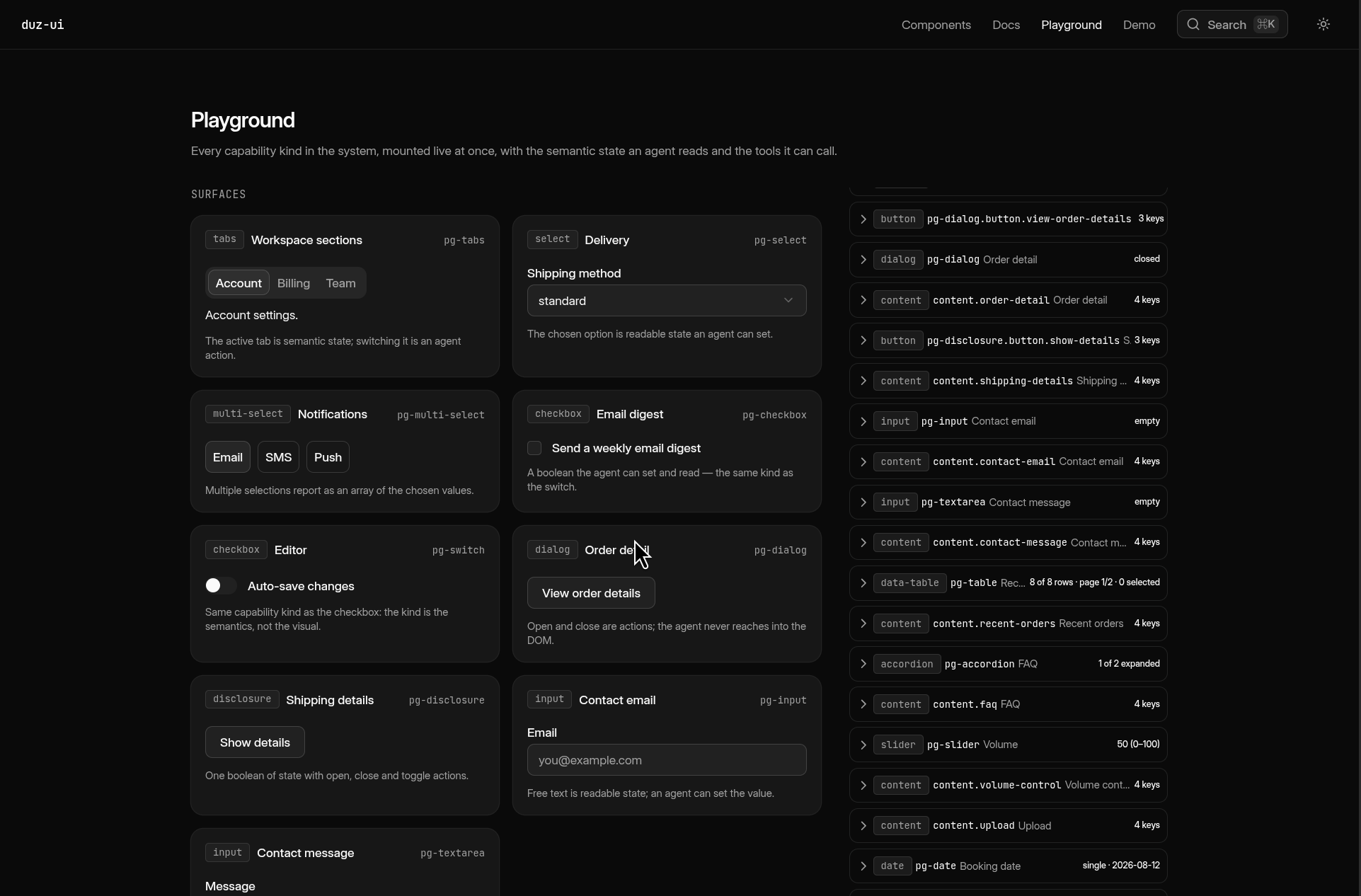
After migration, an agent can do things like select tabs, fill inputs, choose values from selects, open dialogs, toggle checkboxes, control tables, and read information directly from the UI.
There are also a few CLI commands:
npx duz-ui init
npx duz-ui add <component>
npx duz-ui migrate
npx duz-ui doctor
doctor checks whether the integration looks correct and points out problems without automatically changing anything.
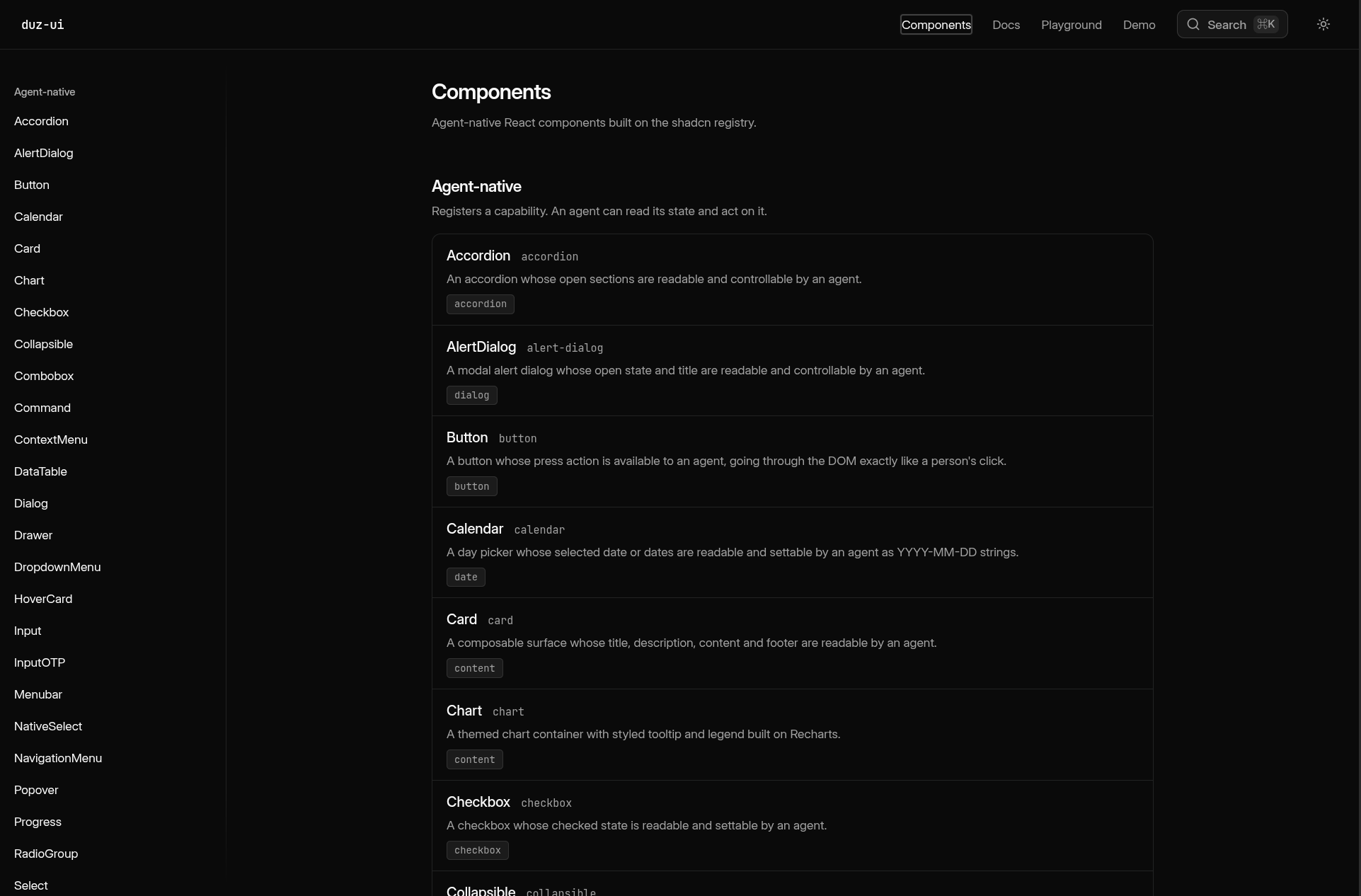
Duz UI currently supports both Radix UI and Base UI.
Developers can also build their own custom components on top of the same capability system instead of being limited to the built-in ones.
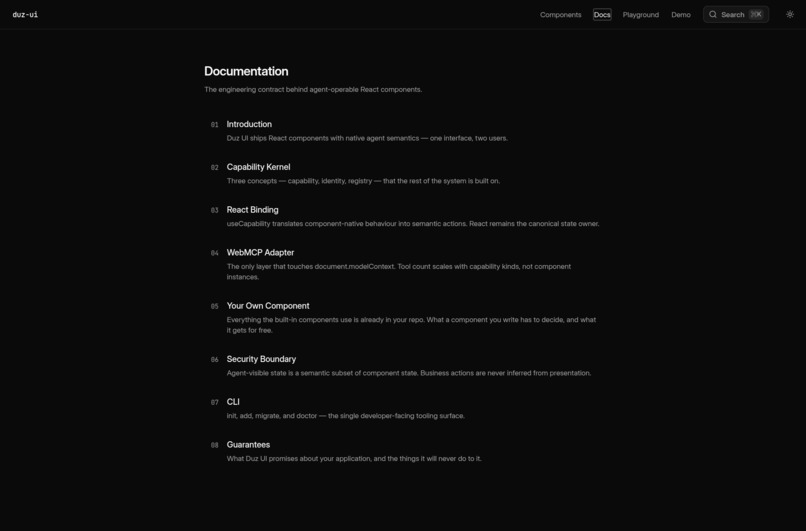
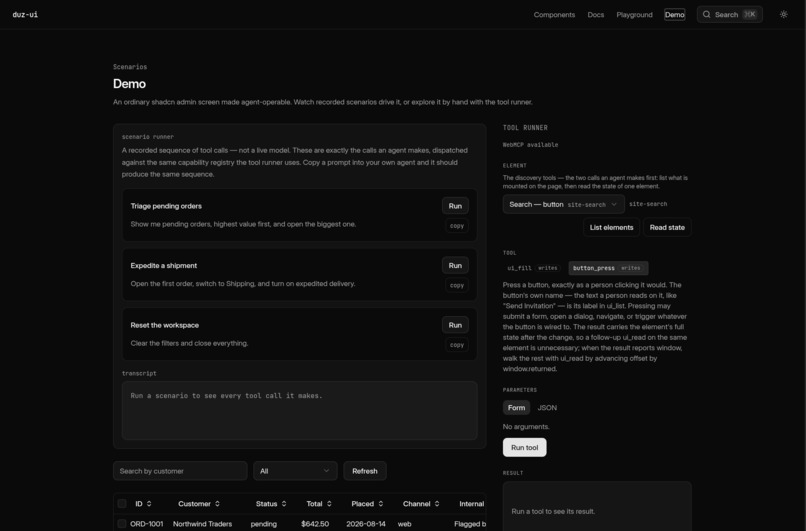
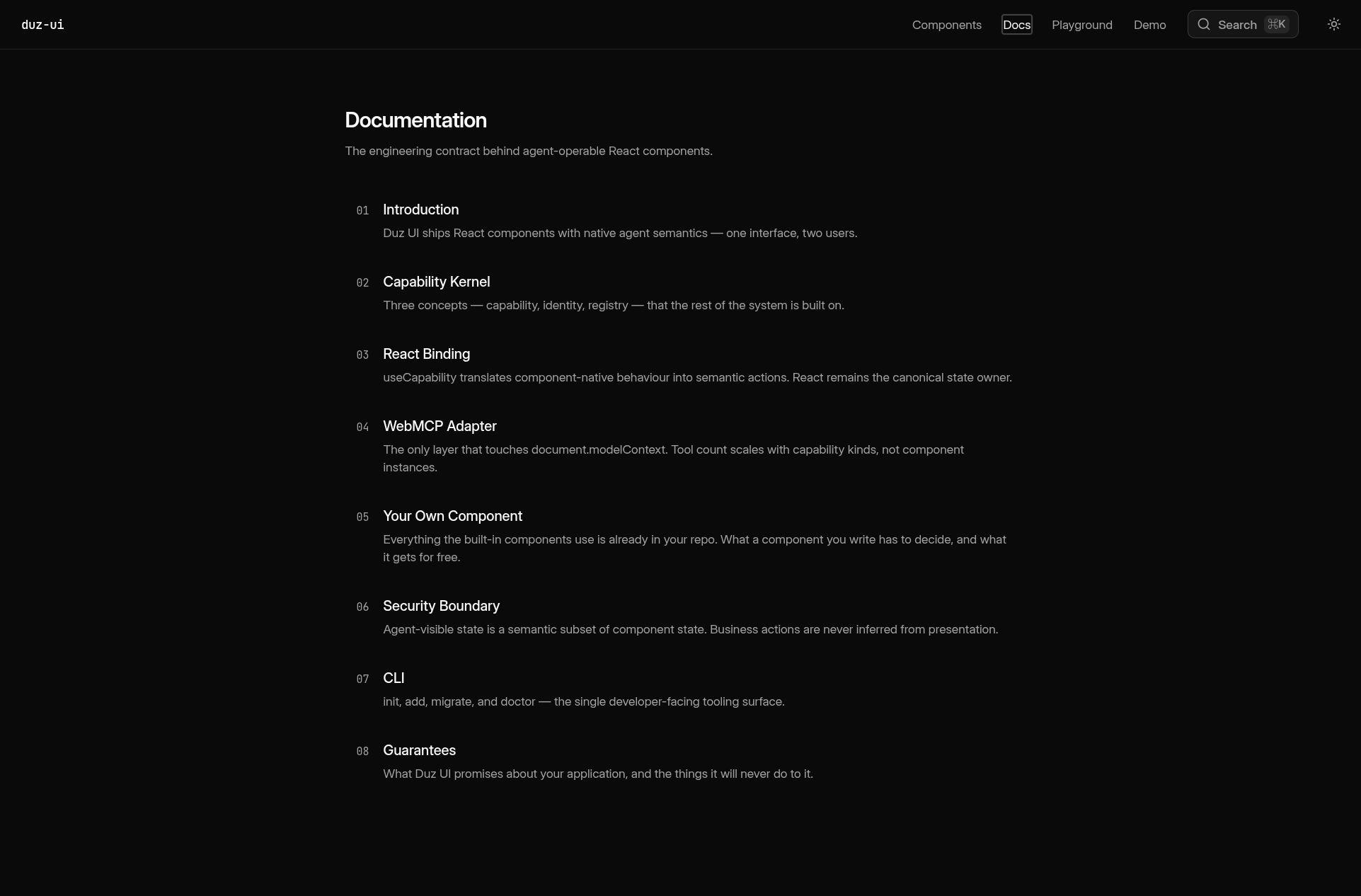
The documentation site also uses Duz UI itself. The docs, component pages, playground, and demo are running the same components and runtime that developers actually install.
How I built it
I built Duz UI as a TypeScript monorepo with three main parts: the component registry, the CLI, and the documentation/gallery site.
The runtime is split into a few layers:
React Component
      ↓
Capability
      ↓
Capability Registry
      ↓
WebMCP Adapter
      ↓
document.modelContext
The React component still owns the actual state.
A capability describes what an agent is allowed to read or do with that component. The registry tracks the capabilities that currently exist on the page, and the WebMCP adapter exposes them to the browser as tools.
One thing I cared about a lot was avoiding a second copy of the UI state. Duz UI always reads from the real React component state instead of maintaining a separate "agent state" that could get out of sync.
I also intentionally avoided using DOM automation as a fallback. If Duz UI does not know how to perform something semantically, it refuses the request instead of randomly trying to click or type into the page.
For existing shadcn projects, I built the migration CLI using TypeScript and ts-morph.
The migration system tries to recognize known shadcn component implementations. If it knows that the component is safe to replace, it upgrades it. If the source has been modified and Duz UI cannot confidently recognize it, it leaves the file alone unless the developer explicitly uses --overwrite.
The registry supports both Radix UI and Base UI implementations, while keeping the agent-facing behavior as similar as possible.
The gallery is built with React, React Router, Vite, Tailwind CSS, and Cloudflare Workers.
I also added tests for the runtime, WebMCP tool behavior, CLI migration, component behavior, and parity between Radix UI and Base UI.
Challenges I ran into
The hardest part was probably migration.
shadcn is different from a normal component library because the developer owns the source code after installing a component. They might change styles, imports, props, or even the component structure.
Because of that, I could not just say "if the file is called dialog.tsx, replace it."
I ended up making migration conservative. If Duz UI cannot prove that a component looks like a known shadcn implementation, it does not touch it by default.
Another challenge was state synchronization.
At first, it is tempting to keep some extra state for the agent because it makes the integration easier. But then React and the agent can disagree about what actually happened.
For example, an agent might request a new value, but a controlled React component could reject that value. Duz UI needs to report the value the component actually ended up with, not just what the agent asked for.
WebMCP itself was also an interesting challenge because it is still evolving.
While testing with Chrome, I ran into differences between the current browser behavior and the specification, including how tool inputs are passed to executeTool. I ended up handling that difference inside the WebMCP adapter so the rest of the project does not need to care about it.
Supporting both Radix UI and Base UI also took more work than I expected. They solve similar UI problems, but their APIs are not always the same. I had to make sure that the WebMCP-facing semantics stayed consistent even when the underlying implementation was different.
Another important challenge was deciding what should not be automatic.
Just because an agent can press a button does not mean it should automatically understand the business meaning behind it. For more important actions, Duz UI lets the developer explicitly expose the action instead of guessing based on the button text.
Accomplishments that I'm proud of
I am probably most proud that Duz UI can take an existing shadcn application and make it agent-capable without forcing the developer to redesign the whole application around AI.
The existing React code can stay mostly the same.
I also like that the project became more than just a small WebMCP demo. It now has a real CLI, a shadcn-compatible registry, migration support, Radix UI and Base UI support, custom component support, a diagnostics command, a live playground, documentation, and automated tests.
Another thing I am proud of is that the documentation site does not use a special demo-only implementation.
The gallery is generated from the same registry and installed using the same CLI path that real users get. So the thing I show in the demo is actually the thing developers can install.
What I learned
The biggest thing I learned is that agent interaction on the web is really a semantics problem.
A UI component already knows a lot about itself.
A select already knows its options. A table already knows its rows and columns. A tab system already knows which tab is active. A dialog already knows whether it is open.
It does not make much sense to throw all of that away and then ask an AI agent to rediscover it from the DOM.
I also learned that giving an agent access to a UI needs clear boundaries.
Not everything in application state should automatically be readable, and not every action should automatically become callable.
Another big lesson was that adoption matters.
Even if the WebMCP architecture is good, developers probably will not use it if they have to rewrite their application to get started. That is why migration and compatibility with the existing shadcn workflow became such a big part of Duz UI.
And because WebMCP is still changing, I learned that it is really useful to keep browser-specific behavior isolated behind one adapter instead of spreading it through the entire codebase.
What's next for Duz UI
The next step is supporting more agent-native components and improving the existing ones.
I also want migration to understand more shadcn versions and more real-world customized components, so developers can adopt Duz UI with less manual work.
I want to improve custom capability support too. Developers can already build custom components with the Duz UI runtime, but I would like the tool layer to become more extensible as well.
As WebMCP continues to evolve, I also want to add more real-browser compatibility tests and keep the project working across changes in the API.
Long term, I want agent support to feel like a normal capability of a component system, not something every application has to build from scratch.
Built With
- base-ui
- cloudflare
- commander.js
- recharts
- redix-ui
- shadcn/ui
- tailwind
- tanstack
- ts-morph
- typescript
- vite
- webmcp
- workers
- zod

Log in or sign up for Devpost to join the conversation.