-
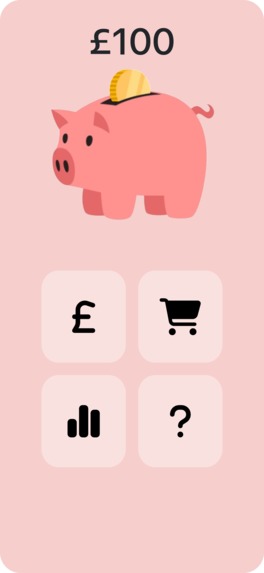
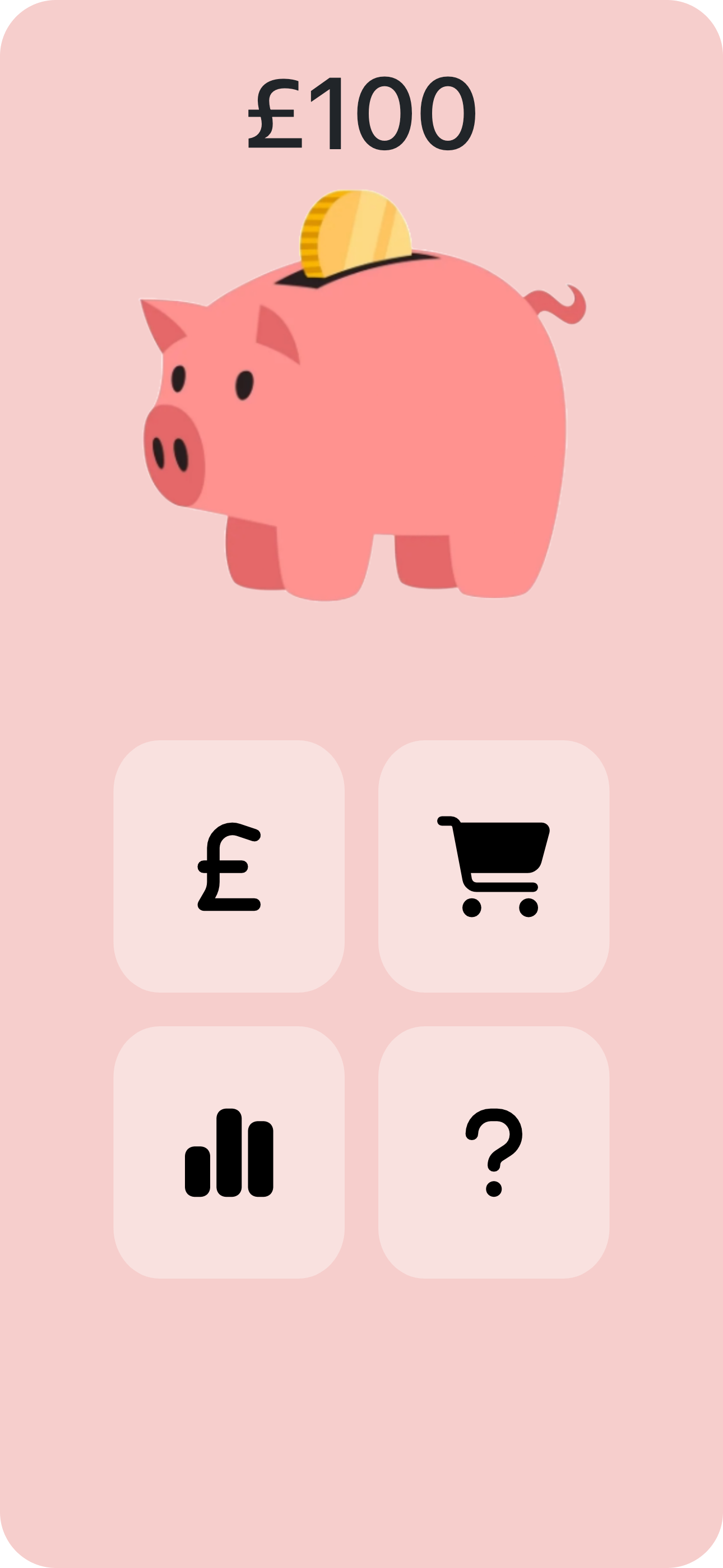
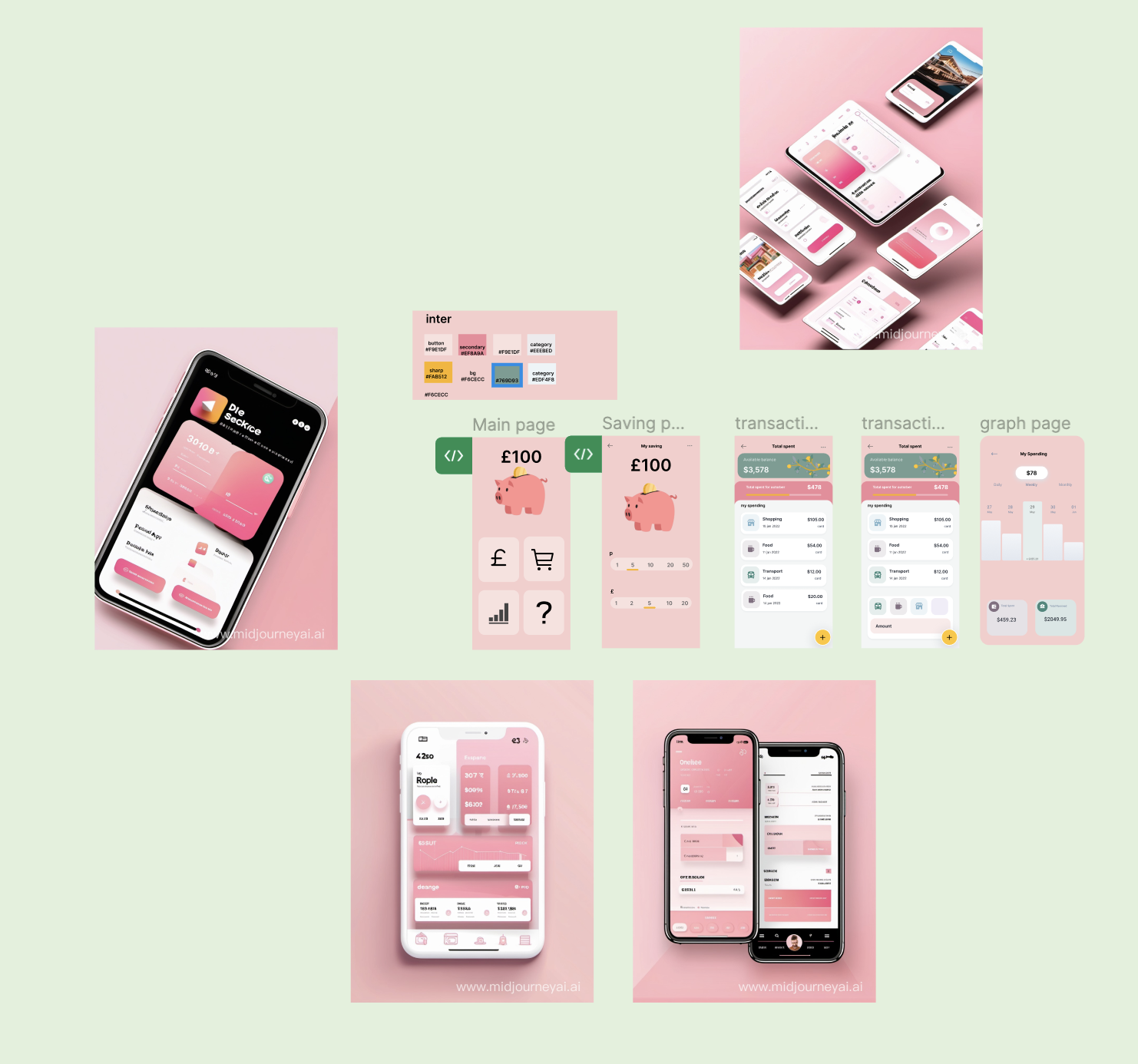
Main Page
-
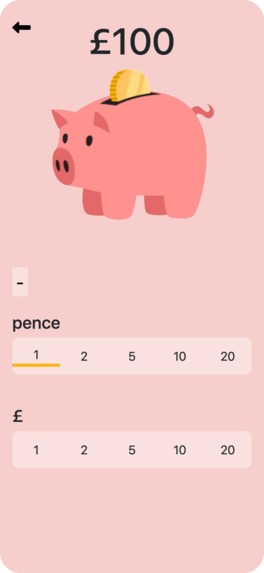
Saving Page
-
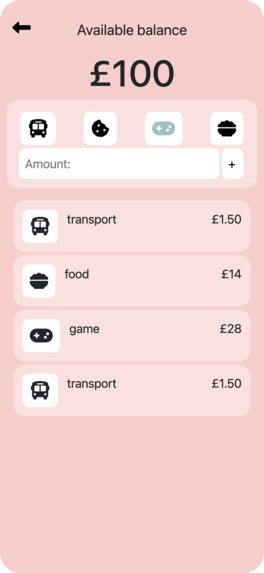
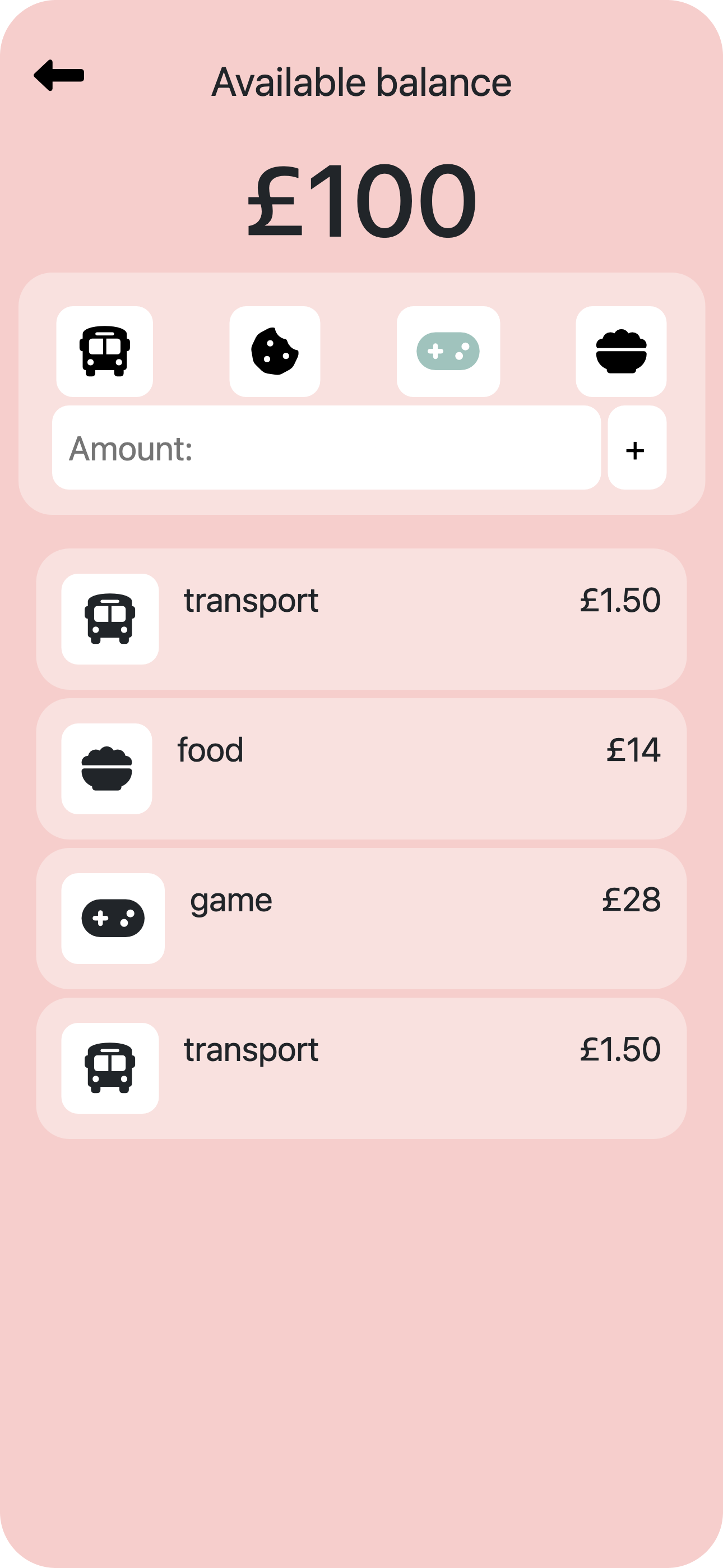
Transaction Page
-
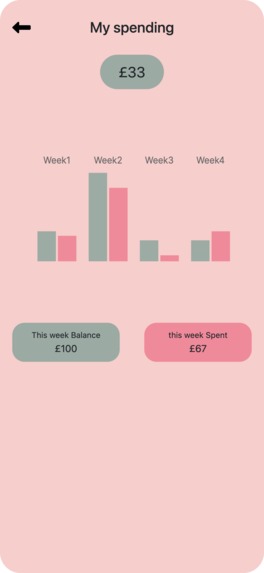
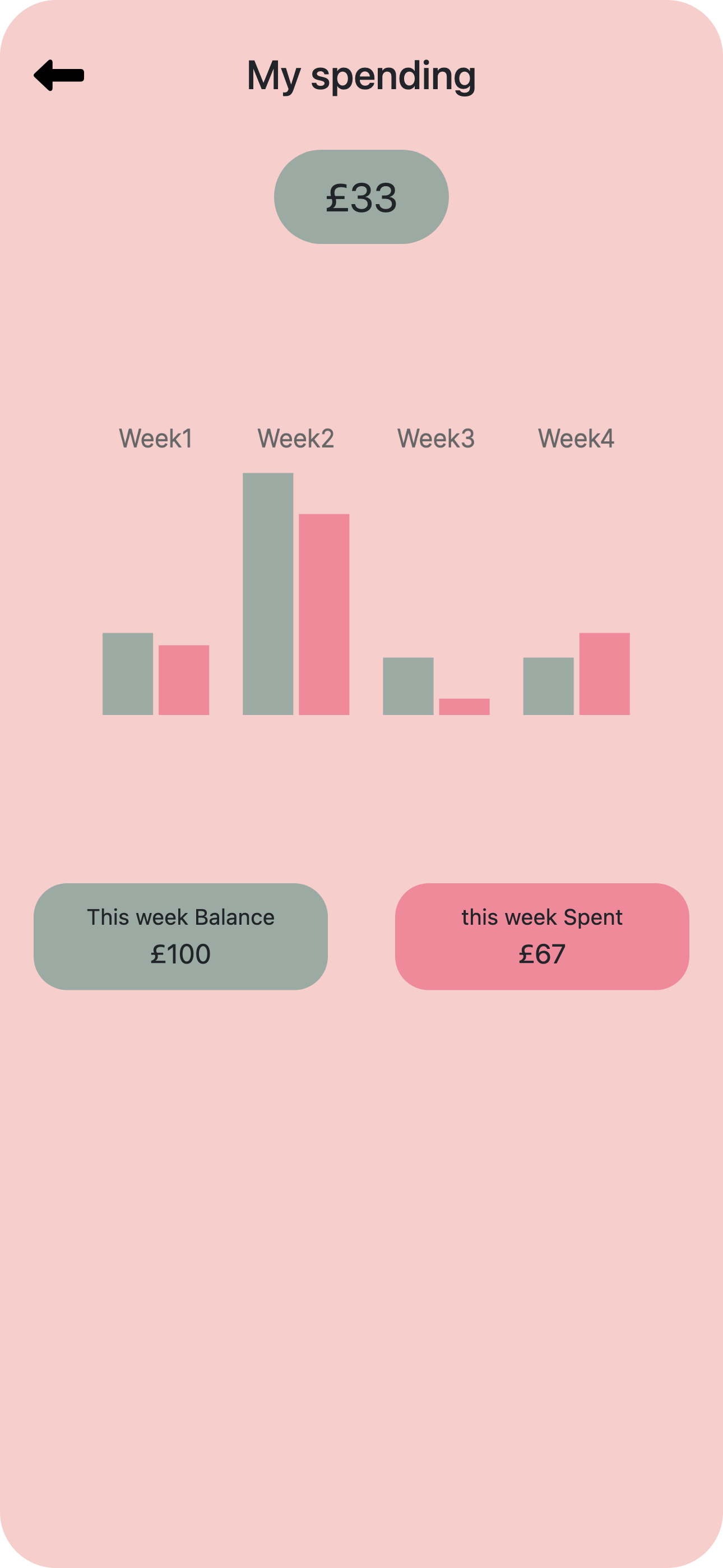
Analysts Page
-
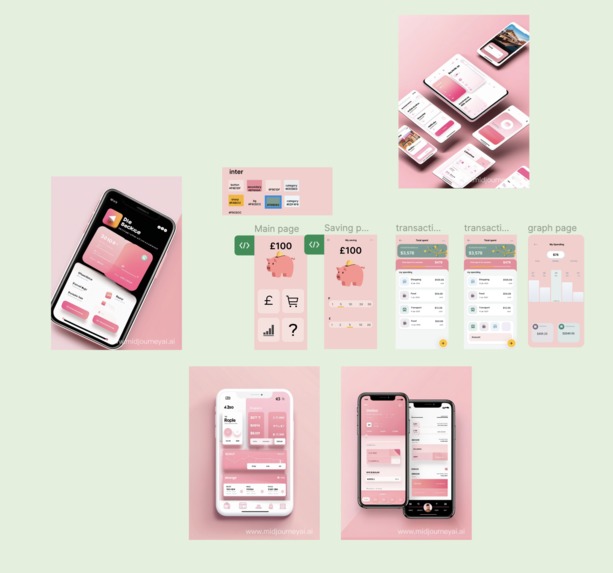
Figma design

Inspiration
We designed this budget app for toddlers that is intuitive, easy to use, and interactive. We paid particular attention to the features of the app, making sure that it is colourful, fun, and eye-catching so that young users are more than happy to use it. We also kept the functions relatively simple and minimal such that it would be more encouraging and welcoming for toddlers to build healthy financial habits.
What it does
The app is separated into 3 sections: Savings, Spending, and Analysis.
-Saving (the £ sign) is to keep a record of the money that the user receives. With saving, the user can simply select the dollar amount, and then TAP the piggy bank to 'store' the money. The app is designed to be interactive such that the piggy bank wiggles every time the user deposits money, as we believe that this is key to making it an educational yet enjoyable experience.
- Spending (the shopping cart sign), the user can choose the category that they spent on and the amount spent. It will also show the total amount spent in that month.
- Analysis shows the amount you spend and save weekly in a bar chart, making it easy to understand.
How we built it
It is built on JS, HTML5, and CSS
Challenges we ran into
Designing a minimalistic budget app but still making it useful and educational.
Accomplishments that we're proud of
We have designed an application and created the application functions properly.


Log in or sign up for Devpost to join the conversation.