-
-
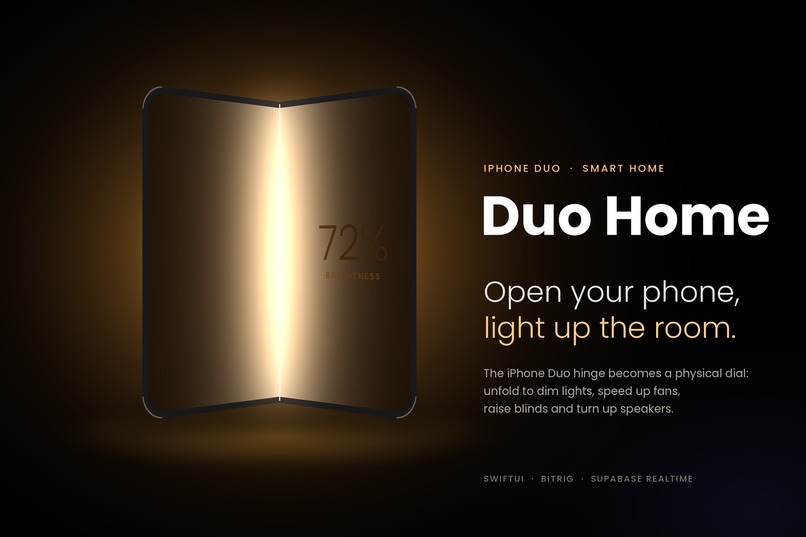
duo home
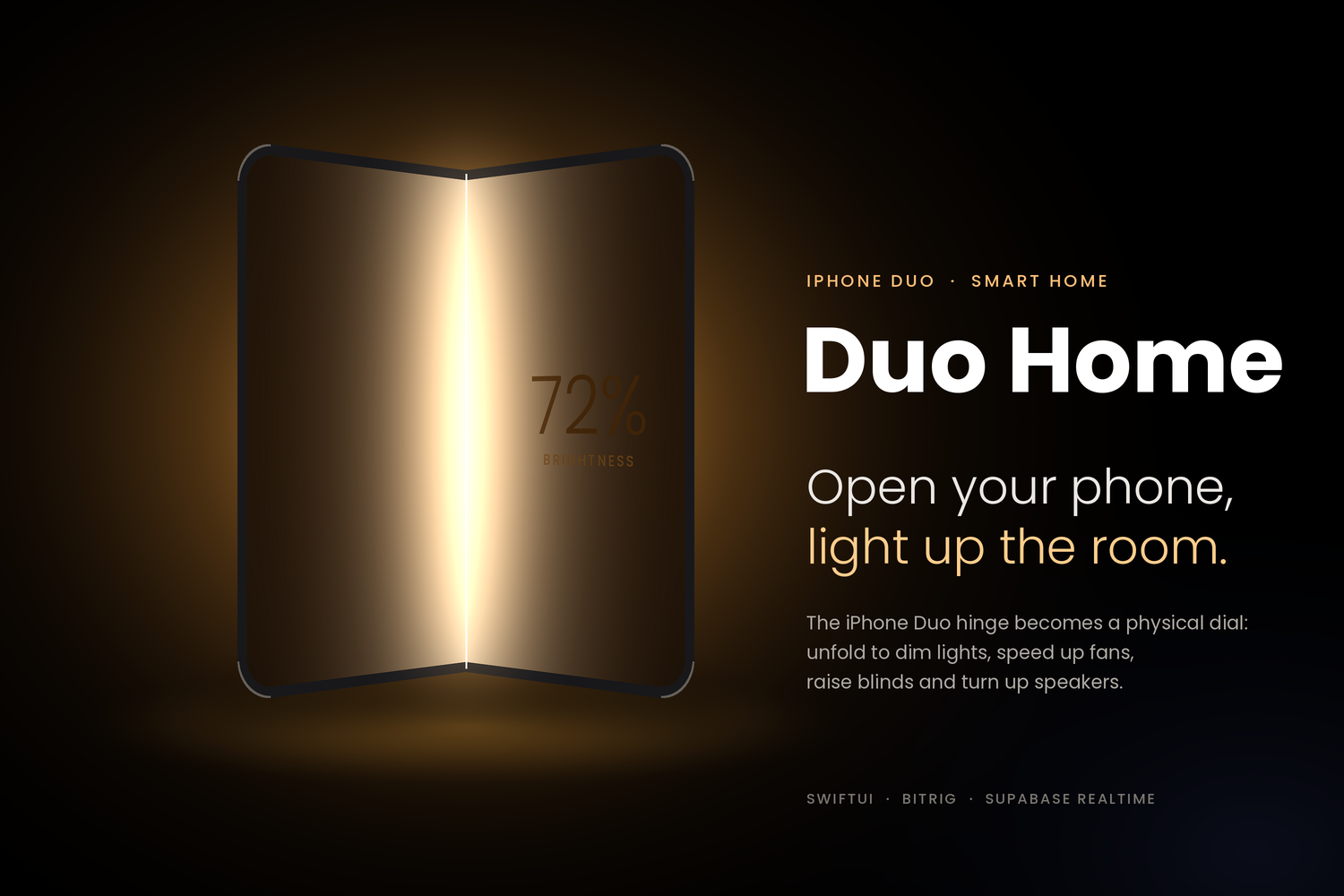
What it does
Duo Home turns the iPhone Duo's hinge into a physical dial for your home. Instead of hunting for tiny sliders in an app, you control a device the way you'd open a book or a lamp shade.
- Pick a device. While folded, the outer display shows the device you're about to control.
- Open to control. As you unfold, the hinge angle sets the value live. The more you open, the brighter the lamp gets.
- Hold still to set. Pausing for about a second locks the value, so you can keep opening without overshooting.
- Open fully for more. Flat, the whole inner display becomes a control panel with brightness, colors, scenes and a disco mode.
- Close to finish. Fold the phone and the light stays exactly where you left it.
The hinge angle $\theta$ maps to brightness $b$ like this:
$$ b(\theta) = \operatorname{clamp}\left(\frac{\theta - 20}{130} \times 100,\ 0,\ 100\right) $$
For this demo we built the full experience for a smart lamp. A laptop in the room stands in for the lamp and glows brighter in real time as the phone opens.
What's next
- Every appliance, one gesture. The same open-to-control motion extends to the whole home:
- fans stepping through speeds
- blinds rising
- speakers getting louder
- thermostats warming up
- TVs, air purifiers and smart plugs responding the same way
- Hold orientation as a modifier. How you hold the phone changes what the gesture does. Opening horizontally raises the blinds, while opening vertically tilts the slats to let light in without raising them. For a speaker, it switches from volume to bass.
- Point to select. Aim the folded phone at a device and the camera recognizes it, with no menus needed.
- Real homes. Replace the simulated lamp with real devices through HomeKit and Matter, so Duo Home works with the smart home people already own.
Built With
- arrangementview
- bitrig
- css3
- devicehinge
- home-automation
- html5
- ios
- iot
- iphone-duo
- javascript
- liquid-glass
- onhingechange
- postgresql
- react
- rest-api
- smart-home
- supabase
- supabase-realtime
- swift
- swiftui
- urlsession
- vite
- websockets
- xcode

Log in or sign up for Devpost to join the conversation.