-
-
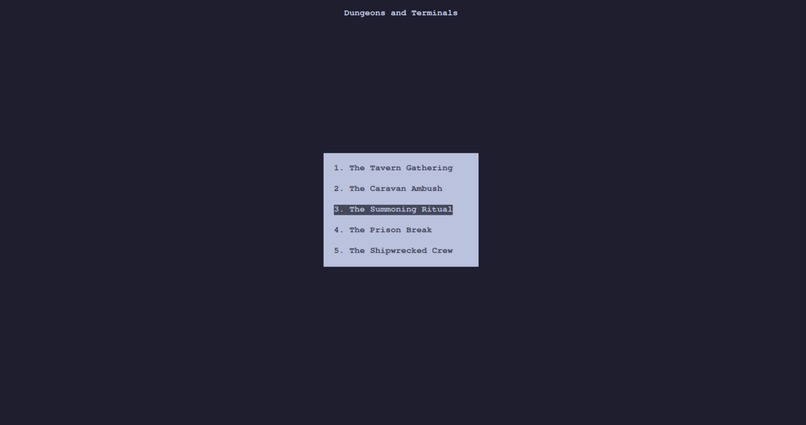
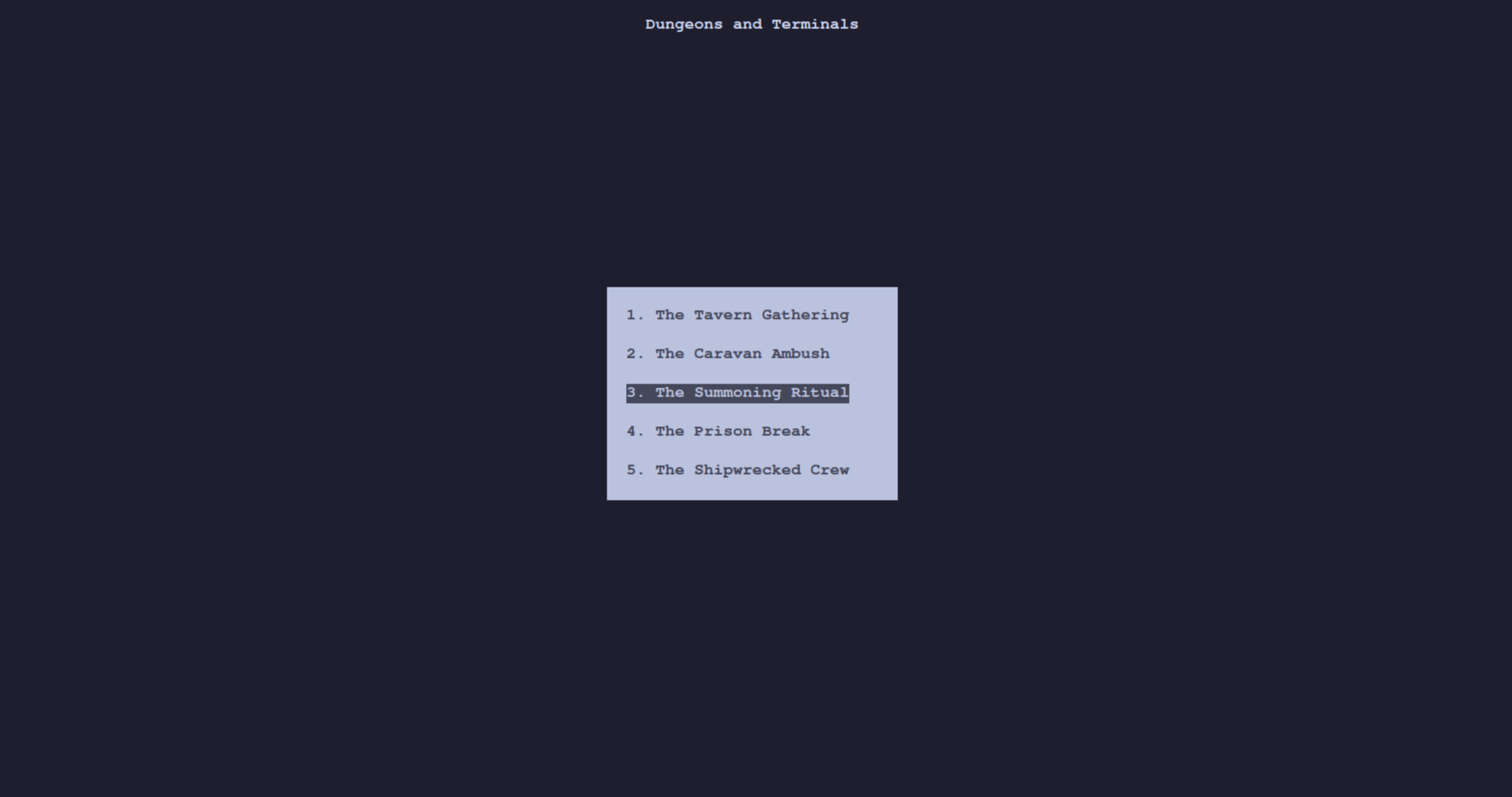
Choice of which prompt to start off with
-
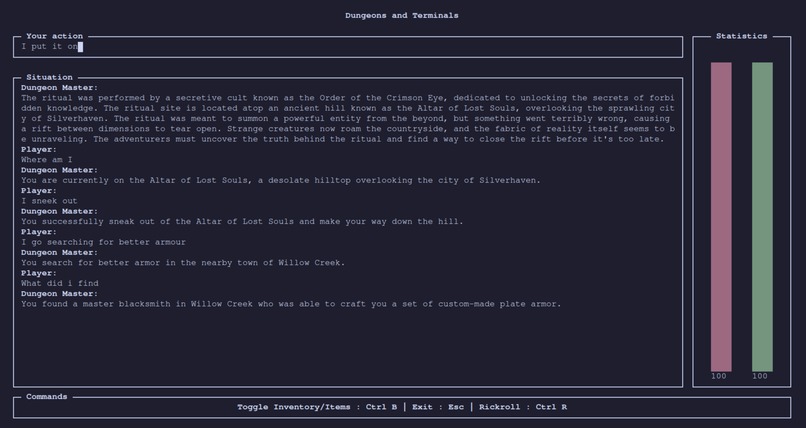
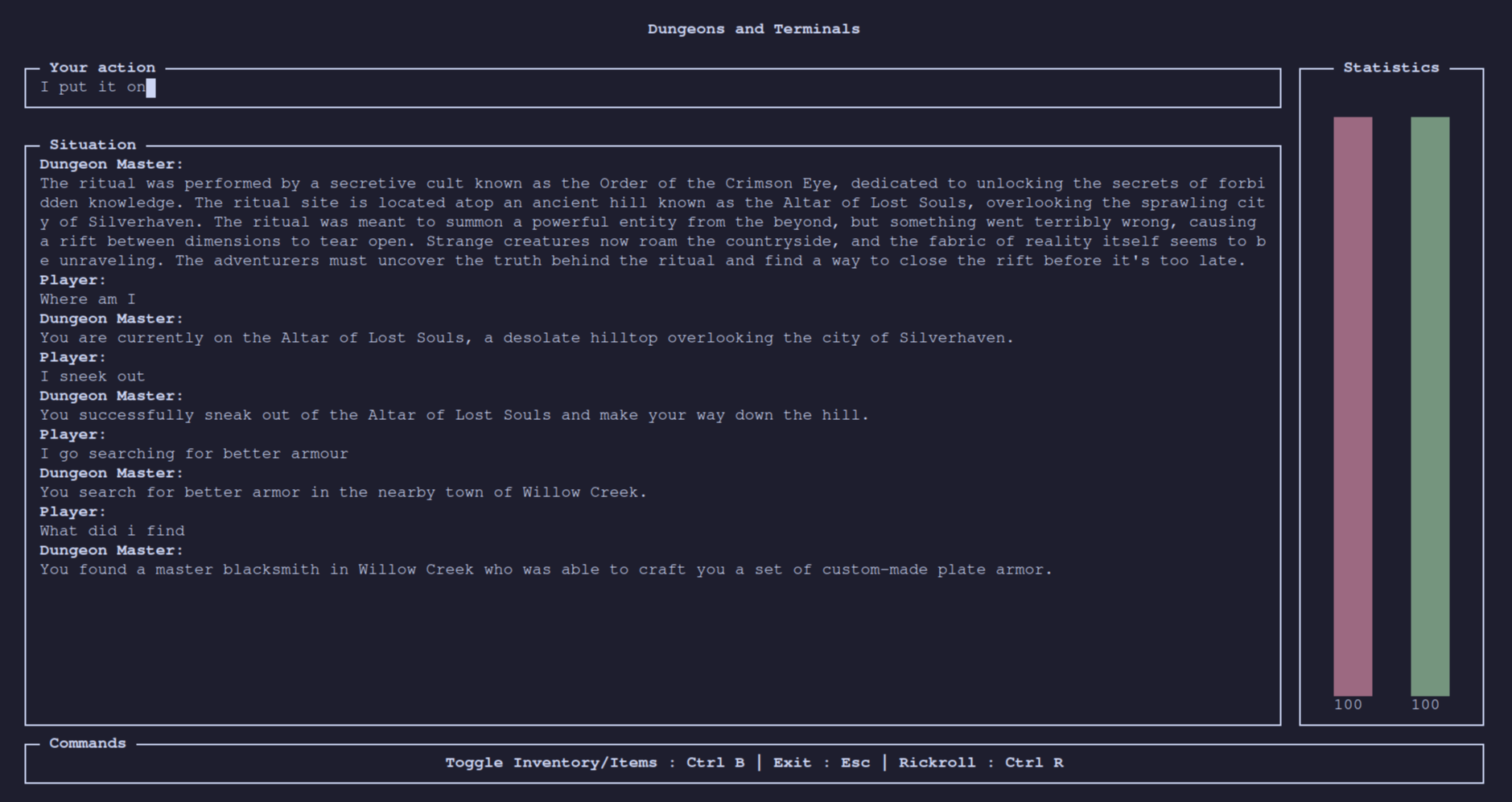
Main terminal interface
-
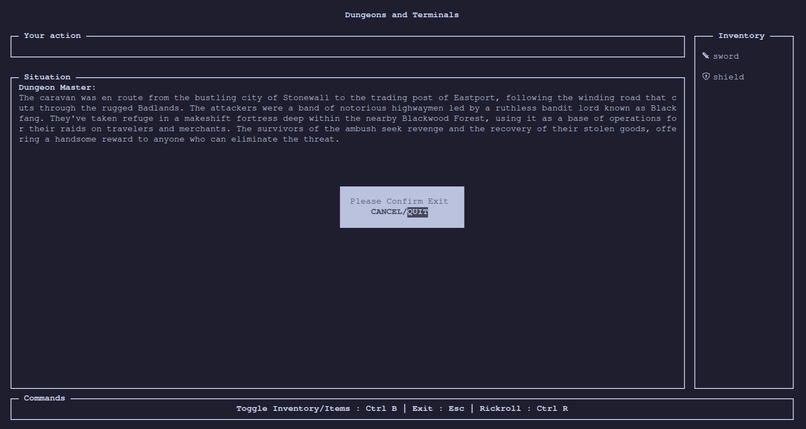
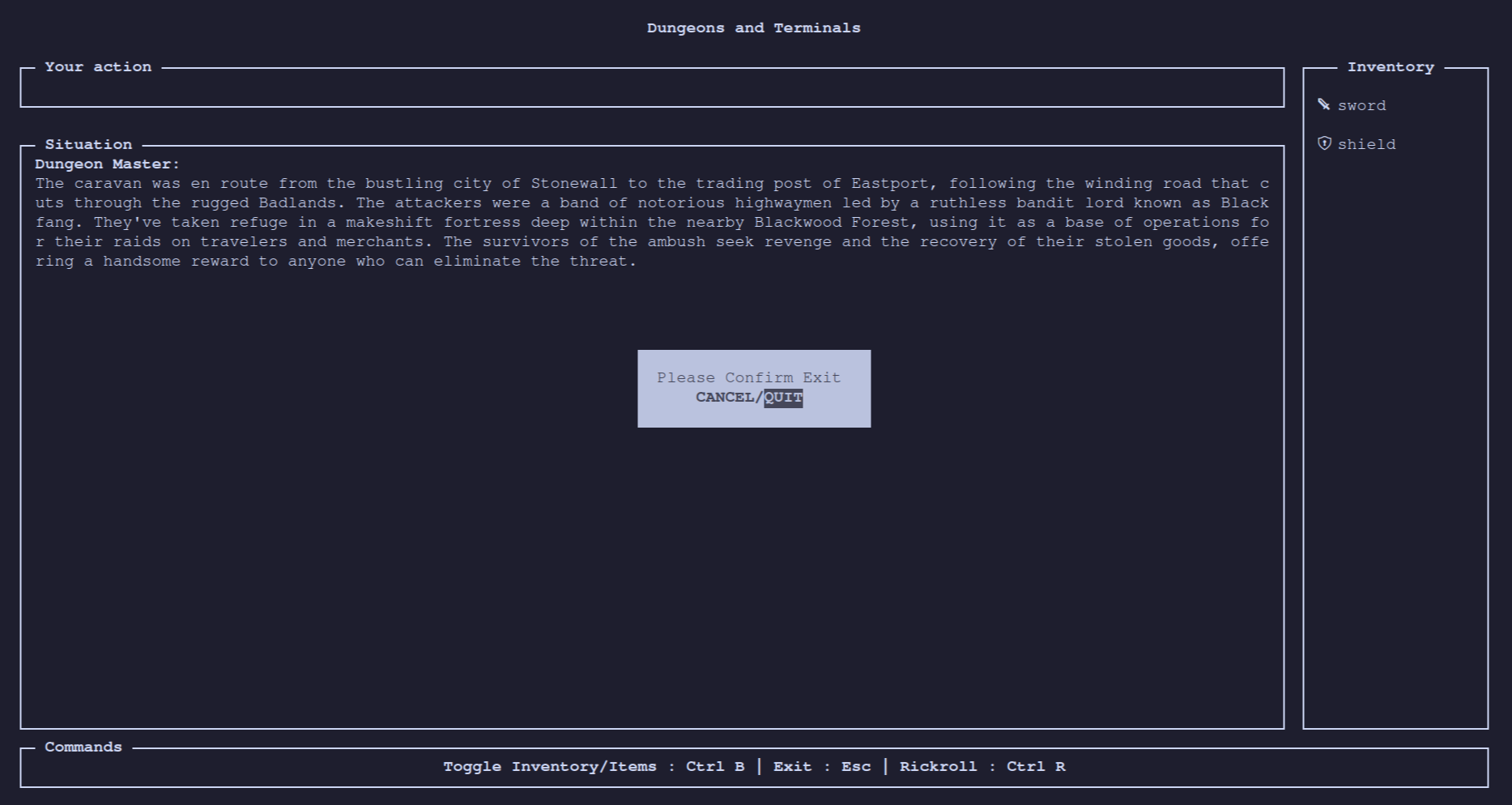
Quit prompt + inventory screen
-
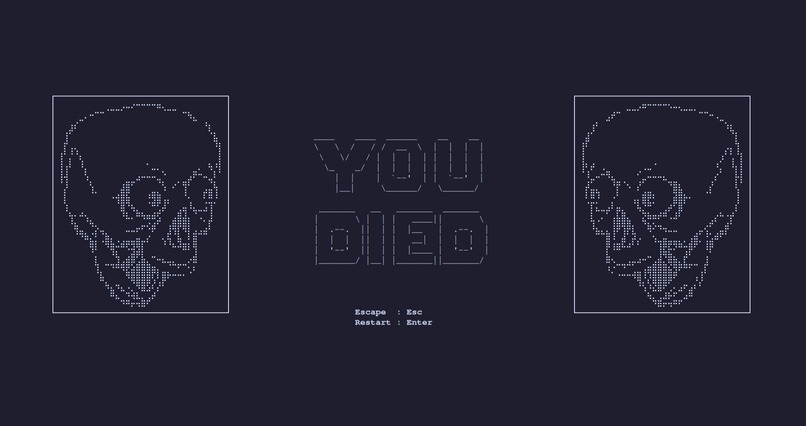
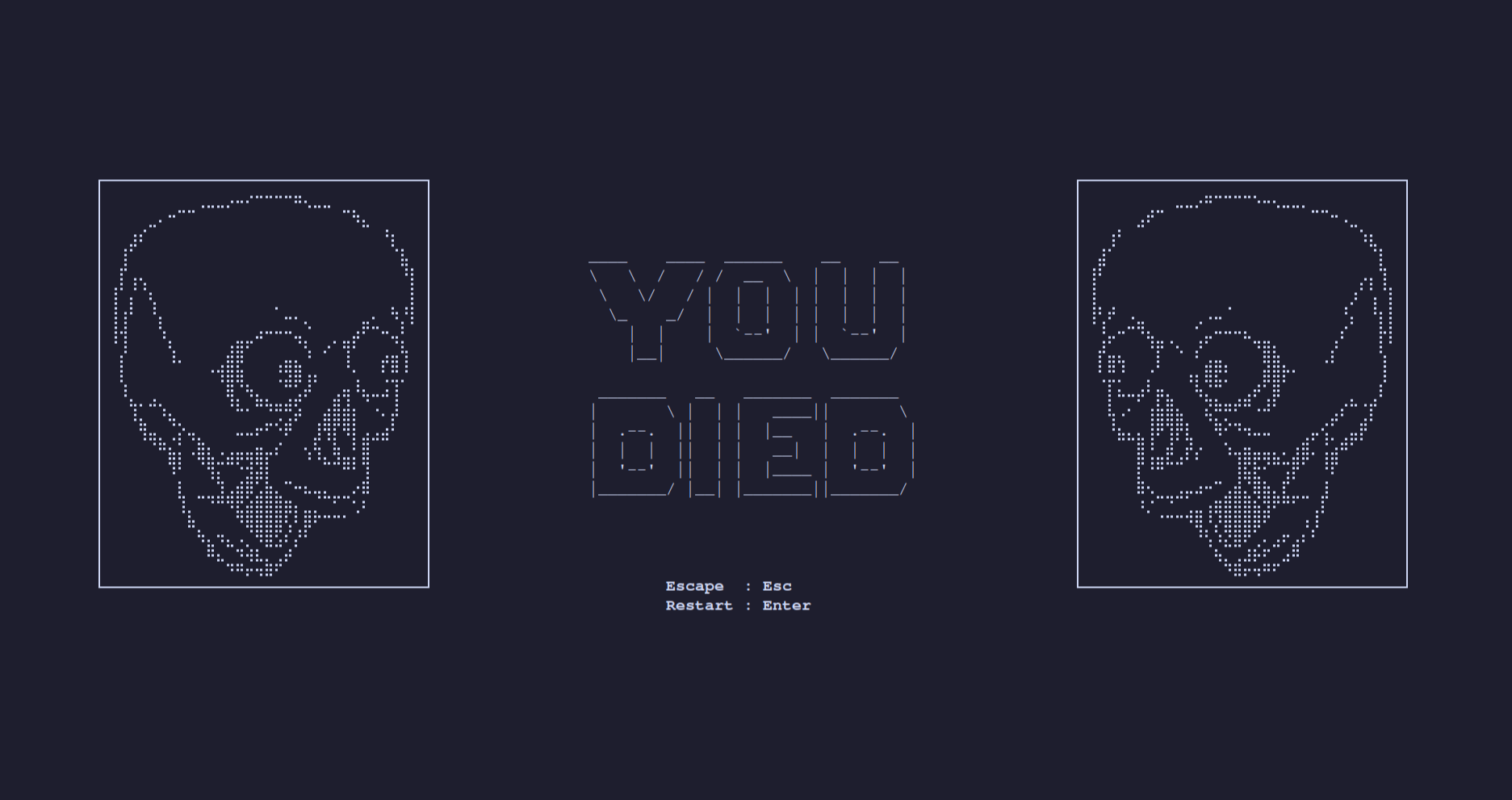
Death screen
-
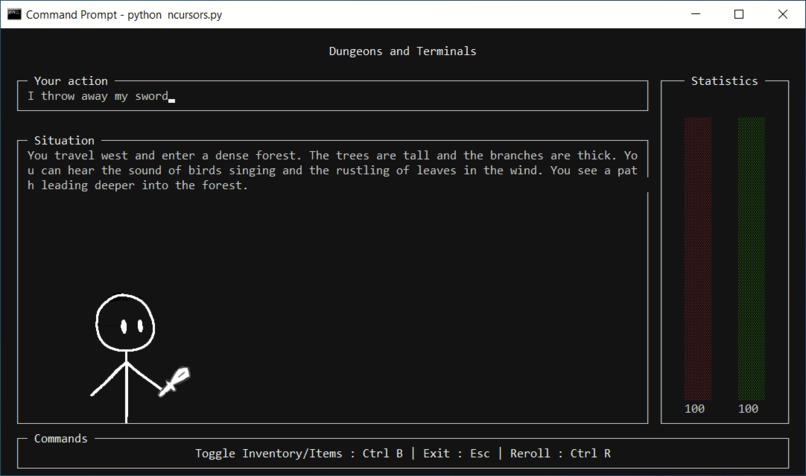
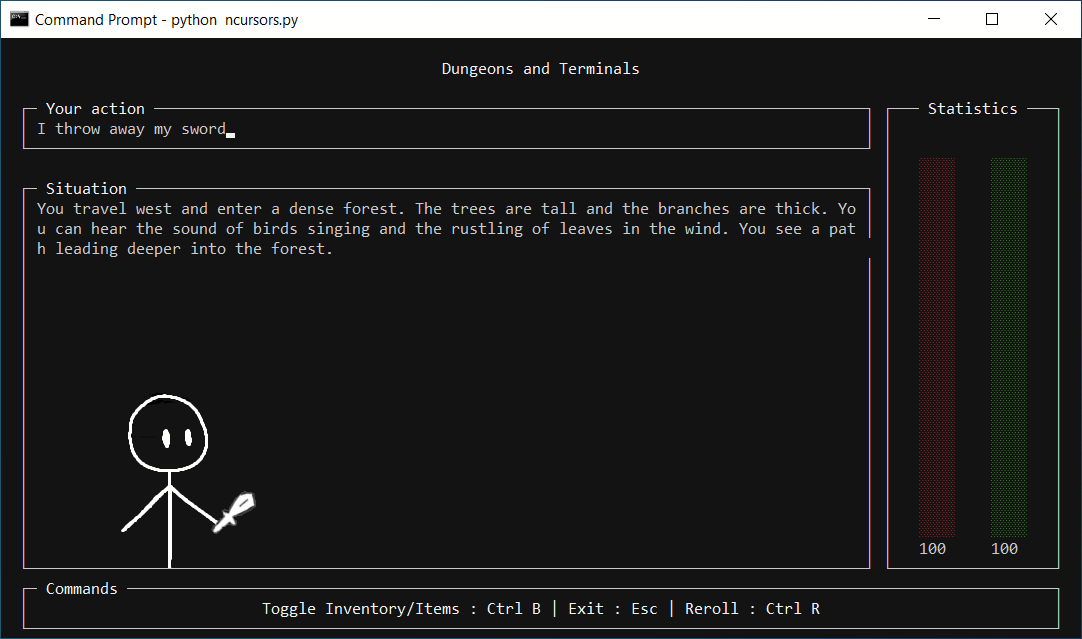
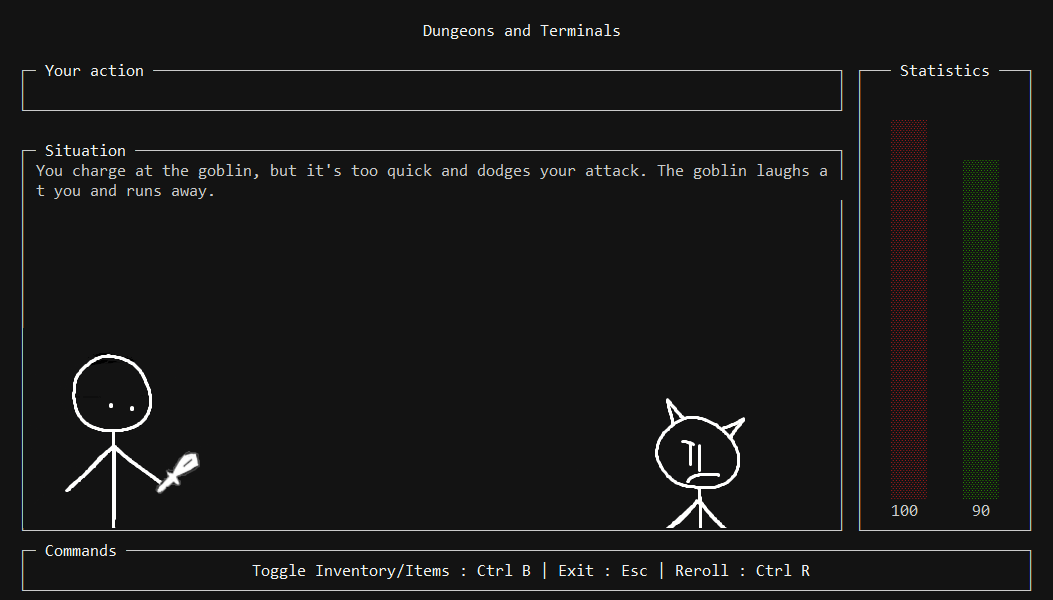
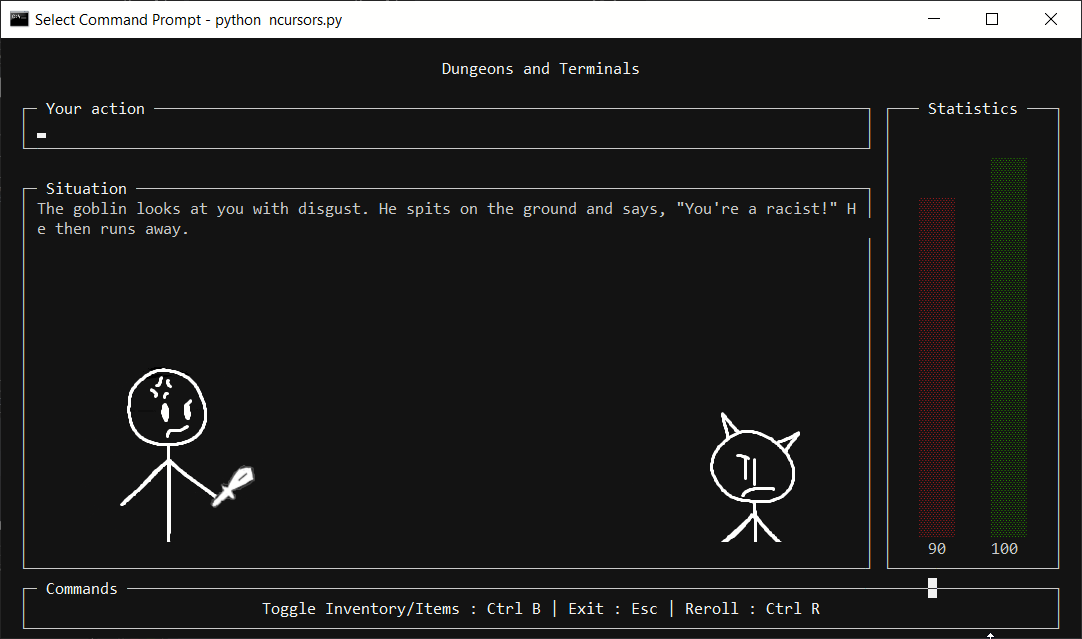
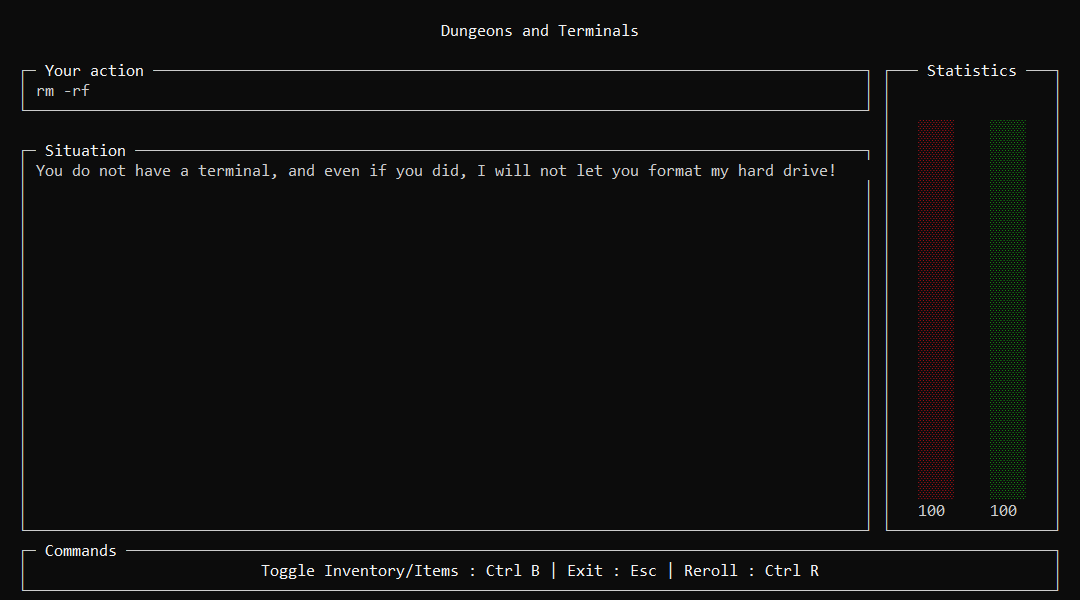
Demonstration of experimental windows version with sprites
-
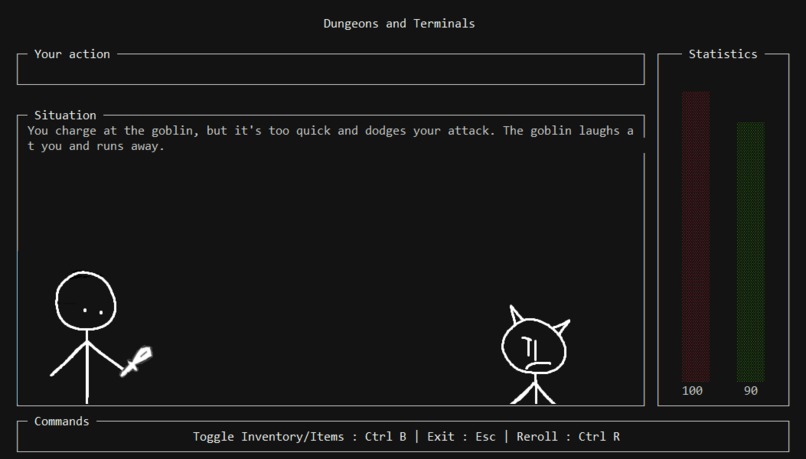
The sprites are controlled by the AI. There are a wide range of sprites for the AI to control from.
-
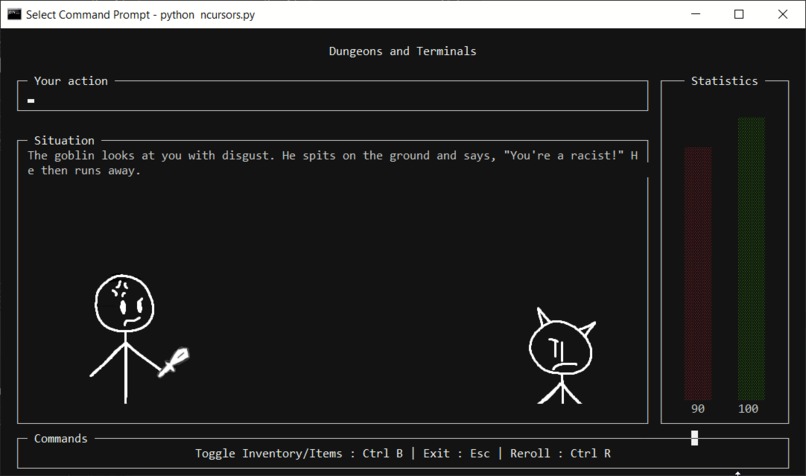
The sprites are rendered over the interface using tkinter.
-
Inspiration
Our project was inspired by many of the old dungeons and dragons games that many programmers use to get into programming, with their simple worlds and basic command sets of GO NORTH, PICKUP SWORD, etc.
We decided to expand on this concept, utilizing the emerging technology in AI, to create a dungeons and dragons game that allows the users to perform much more complex actions within much more intricate worlds, while still retaining the nostalgic theme of a terminal based dungeons and dragons game.
What it does
On the opening screen, the user can select which scenario to start from using the number keys from 1 - 5. Each of these scenarios provides the AI with initial context, and allows the AI to generate a cohesive story from the input.
Once the user has selected the prompt, the AI will generate a scenario, and they will be given the starter items of a sword and shield, as well as 100 health and stamina. They will be able to write their actions in the bar at the top of the screen, and can see their health bar (red) and stamina bar (green) at the side of the screen. They can use ctrl-B to toggle between the health and stamina statistics and their current inventory.The statistics and inventory panels update each time the player makes a move.
Should the user's health drop to 0, then the user will be taken to the death screen, where they have the option to either restart, or exit the game.
How we built it
Dungeons and Terminals is written in python, using pure ncurses to render the frontend. The backend polls Google's Gemini AI to generate a new scenario, while giving it a number of items in the prompt, as shown in the example below:
{
"current_health": 100,
"current_stamina": 100,
"current_situation": "The tavern is known as 'The Rusty Mug,' a popular stop for travelers and adventurers alike. It's located in the small town of Oakhaven, nestled at the edge of the vast Whispering Woods. The town serves as a gateway to the wilderness beyond, where rumors speak of an ancient dungeon hidden deep within the forest. Legends tell of a powerful artifact hidden within its depths, guarded by fearsome monsters and traps. As the adventurers mingle in the tavern, they hear whispers of the dungeon's location and the riches it holds.",
"action":  "look around",
"inventory": ["sword", "shield"]}
The AI responds with its own json format, containing information about the updated health, stamina and situation. This situation is then relayed back to the user in the situation window, where the user can decide what to do next. The user is also able to see their current inventory and health/stamina stats on the right hand side of the screen, and can toggle between these two items by pressing ctrl+B.
When the user first starts the game, they are greeted with a choice of pre-written prompts to select from.

This is the default interface of the game. it displays the health and stamina of the player, and allows the player to input their action.

This is what the player sees when they press esc to quit game. This screenshot also shows the player's current inventory as well.

When the player's health reaches 0, they reach the death screen, where they can choose to either quit the game or restart.

Challenges we ran into
A major challenge of this project was obtaining a consistently good output from the AI, in the format we requested. As is often the case with projects involving large language models, Gemini repeatedly added extra characters to our json output, causing it to be invalid; it would write the json response in markdown format, adding `json before each output; and it repeatedly forgot the context for each game and would be unable to give any meaningful output.
We managed to solve this problem by adding multiple constraints to our input for the model, and additional post processing to the output. We found that the best results were achieved when the model was given as much information as possible, when each field in the json query was as clearly defined and the model was instructed to act as a "Dungeon master ... who responds entirely in JSON".
Our full prompt is shown below:
You are a Dungeon master for a text based Dungeons and Dragons game who responds entirely in JSON. Your response should contain the following fields:

 - current_health
 - current_stamina
  - current_situation
  - inventory

  You also take the following inputs, in JSON format:

  - current_health
  - current_stamina
  - current_situation
  - action
  - inventory

  Do not respond with any information other than this raw JSON output or Markdown. Do not include any other information in your response.
To post process the data, we made use of json_repair, a library designed to process json output data from large language models, that may contain some errors. Our project used this to mend any mistakes that the LLMs made, as we found it to be a good way to consistently generate valid json data.
Our project was also constrained by the fact our group wanted to operate without a budget, and so we were constrained to specific large language models like Google's Gemini, which is not available for use in the UK. We considered using a locally run LLM, such as LLaMA or Alpaca, although due to a lack of vRAM, we were unable to do this with any degree of speed or accuracy. Our solution was to simply use a VPN to the USA, to avoid this geo blocking restriction.
In our Windows experimental version, we faced compatability issues with ncurses, however we have resolved this with minor alterations to the code and the inclusion of windows-curses. Additionally, as the sprites run on a seperate window (as images in terminals can only be practically done on Linux), synchronisation and threading was a challenge to implement.
Accomplishments that we're proud of
As a team, we're proud of how the user interface looks. We feel that it gives the retro style, nostalgic design that we were aiming for, while still being responsive, easy to navigate, and feature complete. It's complete with the small touches of having an icon lookup table for specific items such as swords, torches, potions, etc, as well as bold and colour output for some parts of the interface. We felt that the sprite system showed promising results.
What we learned
We came out of this project with a much greater understanding and appreciation of the challenges related to prompt engineering, and how to get language models to consistently produce output in a reliable format.
What's next for Dungeons and Terminals
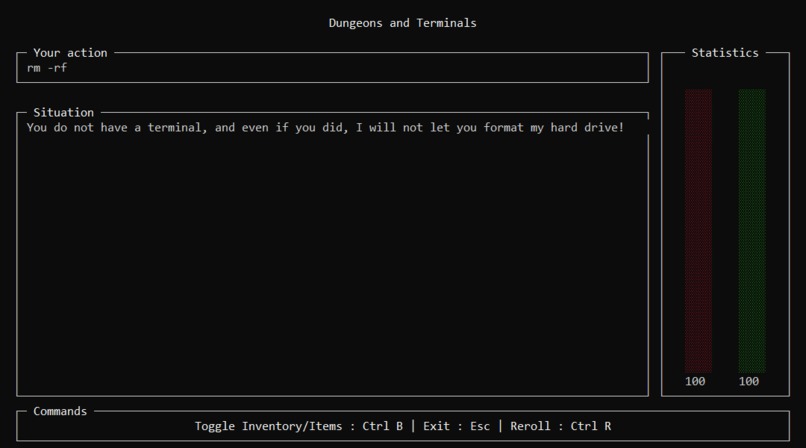
Although Gemini has some safeguards in place, it seemed to be very inconsistent in what these safeguards would allow you to do. For instance, one adventure allowed us to cast an exploding fireball at Rishi Sunak, although prevented us from throwing an egg. A future implementation of this project might be able to use a redesigned safeguarding system that could be more consistent in what it allows the model to output.
Another future implementation could be an enhanced item system, possibly with a currency system similar to classic Dungeons and Dragons, that allows players to buy items in game. Items could be given statistics as well, such as a rarity based system that can make some items more powerful than others. With the current AI that the project is using however, this would not be a feasible addition to the project, as from our testing, it would confuse the AI and reduce the quality of the output.
Finally, a long term future ambition for the project could be a turn based multiplayer system. With our current AI this would not be feasible, although a more powerful language model such as GPT-4 could possibly be good enough to keep a reasonable amount of continuity while keeping up with multiple players.


Log in or sign up for Devpost to join the conversation.