2D Game : Dungeon Crawler ⚠️ The game is actually hard to complete
Overview
This is my first ever Java project and my first game development experience! 🎉
As a learning journey into Java programming and game development, I created this 2D dungeon crawler where a hero navigates through multiple levels, avoiding deadly traps, outsmarting enemies, and racing against time to reach the exit. This project taught me fundamental programming concepts, object-oriented design, and the basics of game development.
What I Learned
Through building this game, I gained hands-on experience with:
- Java Fundamentals: Classes, objects, inheritance, and interfaces
- Game Architecture: Separating logic into engines (GameEngine, RenderEngine, PhysicEngine)
- Event Handling: Keyboard input and user interactions
- Graphics Programming: Using Java Swing for 2D rendering
- Collision Detection: Physics-based interactions between game objects
- State Management: Handling different game states (menu, playing, game over)
- File I/O: Loading level data from external files
- Audio Integration: Adding sound effects and background music
- Problem Solving: Debugging and optimizing game performance
Features
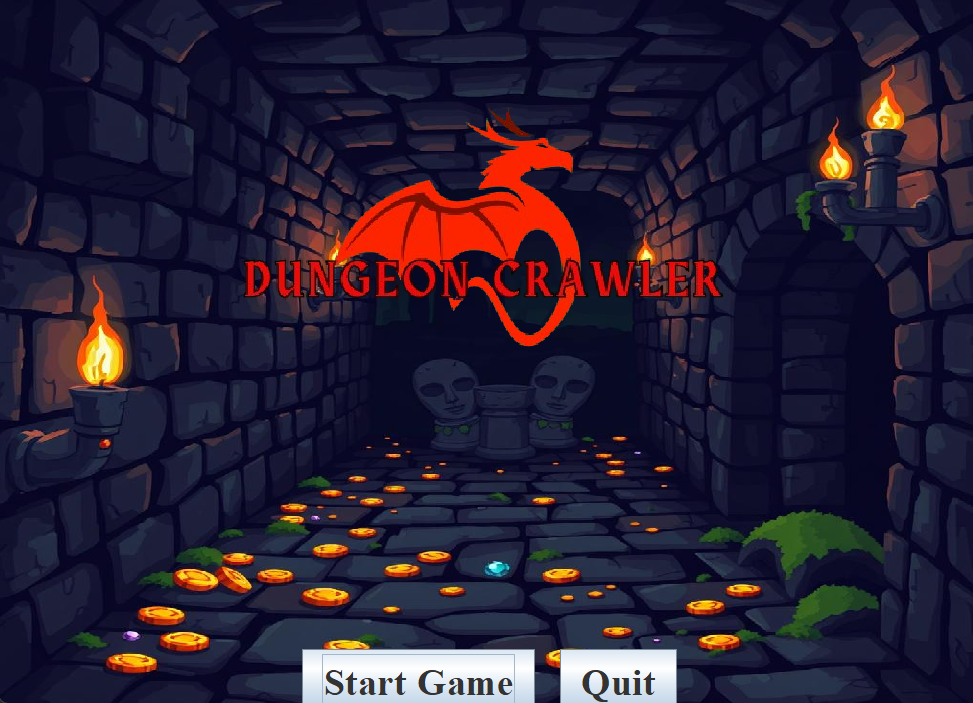
- Title Screen: Start the game by clicking a button
- Game Over Screen: Displays when the player loses
- Victory Screen: Celebrates successful level completion
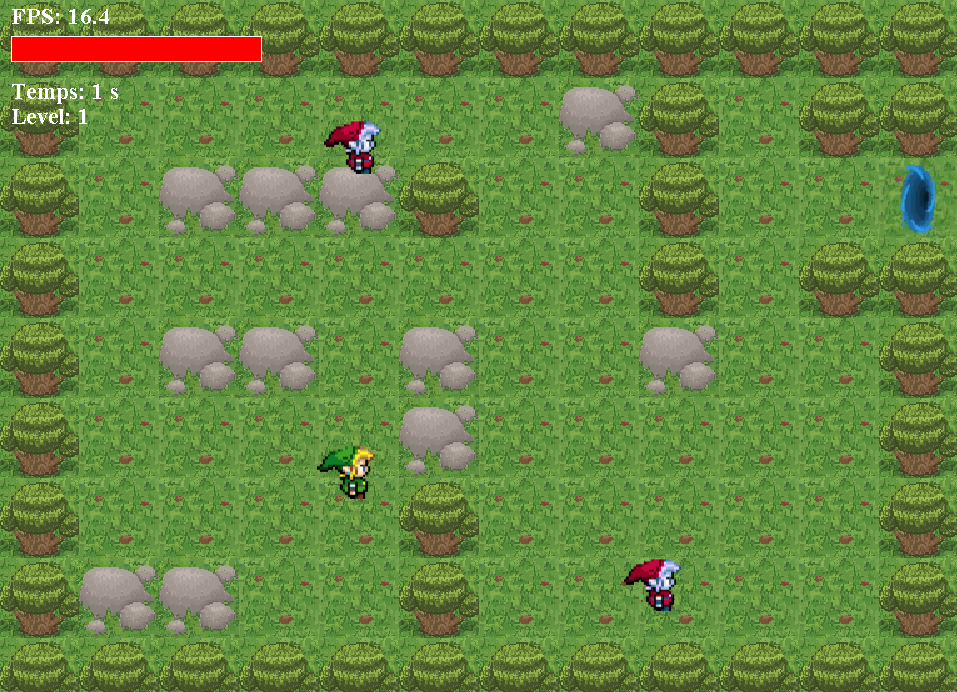
- Framerate Display: Real-time FPS counter for performance monitoring
- Health System: Visual health bar that decreases upon taking damage
- Static Traps (X): Environmental hazards that reduce hero's health
- Temporary Invincibility: 2-second immunity period after taking damage
- Timer Challenge: 60-second countdown to escape each level
- Multiple Levels: 5 unique levels with increasing difficulty
- Sprint Mechanic: Hold
CTRLfor increased movement speed - Smart Enemies: AI-controlled enemies that chase the hero within detection range
- Sound Effects: Immersive audio feedback for interactions and events
- Portal System: Progress through levels using exit portals
Controls
- Arrow Keys (↑↓←→): Move the hero in all directions
- CTRL: Hold to sprint for faster movement
Project Structure
As a learning project, I organized the code into different engines and classes:
- Main.java: Entry point of the application
- GameEngine.java: Core game logic and input handling
- RenderEngine.java: Graphics rendering and UI display
- PhysicEngine.java: Movement and collision detection
- Playground.java: Level loading and management
- DynamicSprite.java: Moving entities (hero and enemies)
- SolidSprite.java: Static environment objects
Future Improvements
Having completed my first game, I'm excited to continue learning and adding:
- More diverse enemy behaviors and AI patterns
- Power-ups and collectible items
- Enhanced level design with new mechanics
- Better graphics and animations
- Multiplayer functionality
- Level editor for custom content
Reflection
This project was an incredible learning experience that gave me confidence in Java programming and sparked my interest in game development. Every challenge I faced - from implementing collision detection to managing game states - taught me valuable problem-solving skills that I'll carry forward in future projects.
Built with ❤️ as my first step into the world of game development!


Log in or sign up for Devpost to join the conversation.