-
-
-
Duet Piano Studio
-
Agent created lesson
Inspiration
Duet began with a gap we kept running into: an agent could give us a good music lesson, but it could not reach the piano.
We could ask, “Can you help me practise these four bars?” and receive sensible advice—slow the piece down, isolate the right hand, repeat the difficult section—but the useful part stopped at the chat box. We still had to find the music, change the tempo, set the loop, remember the notes and rebuild the lesson ourselves.
We wanted the agent to meet the learner inside the instrument.
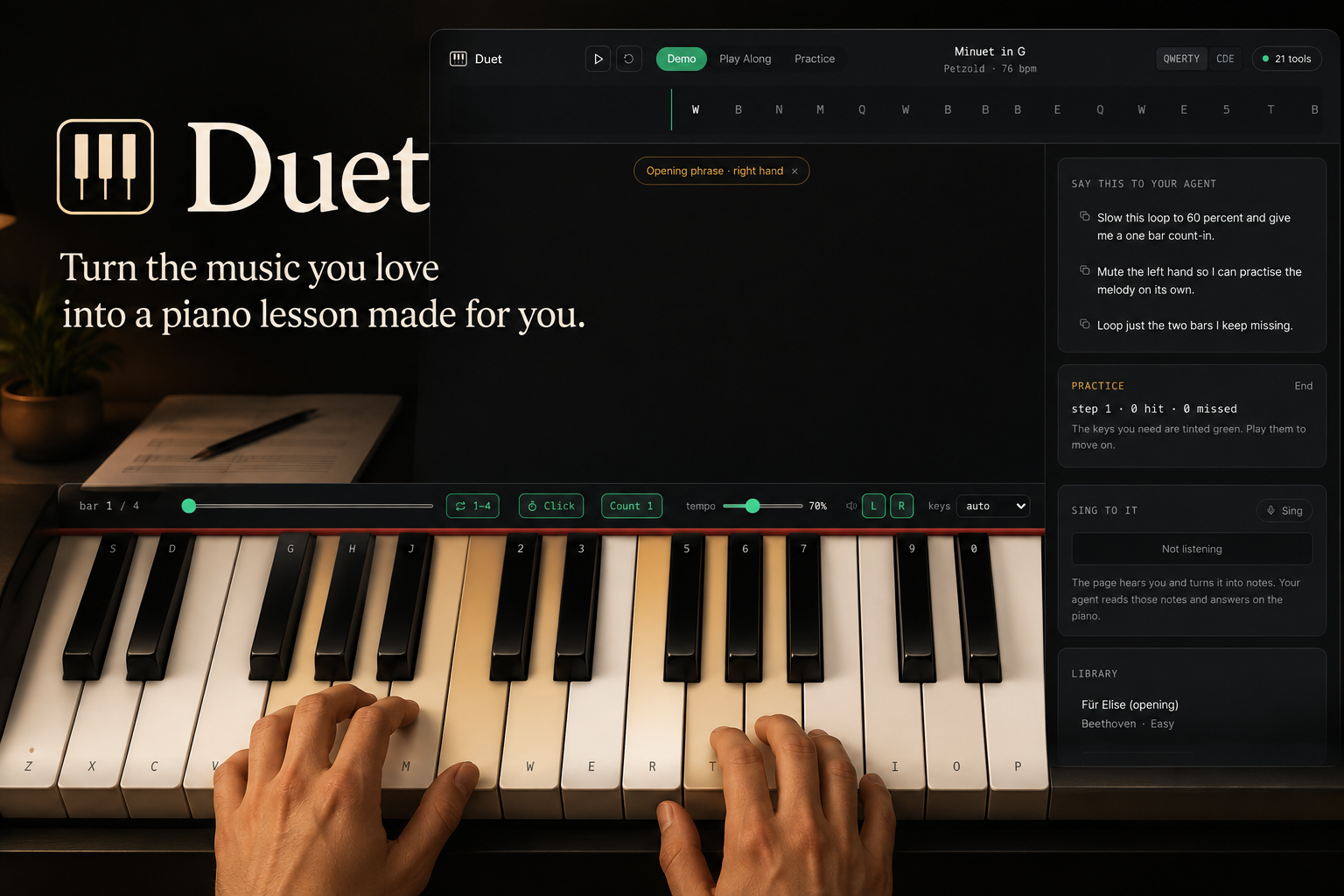
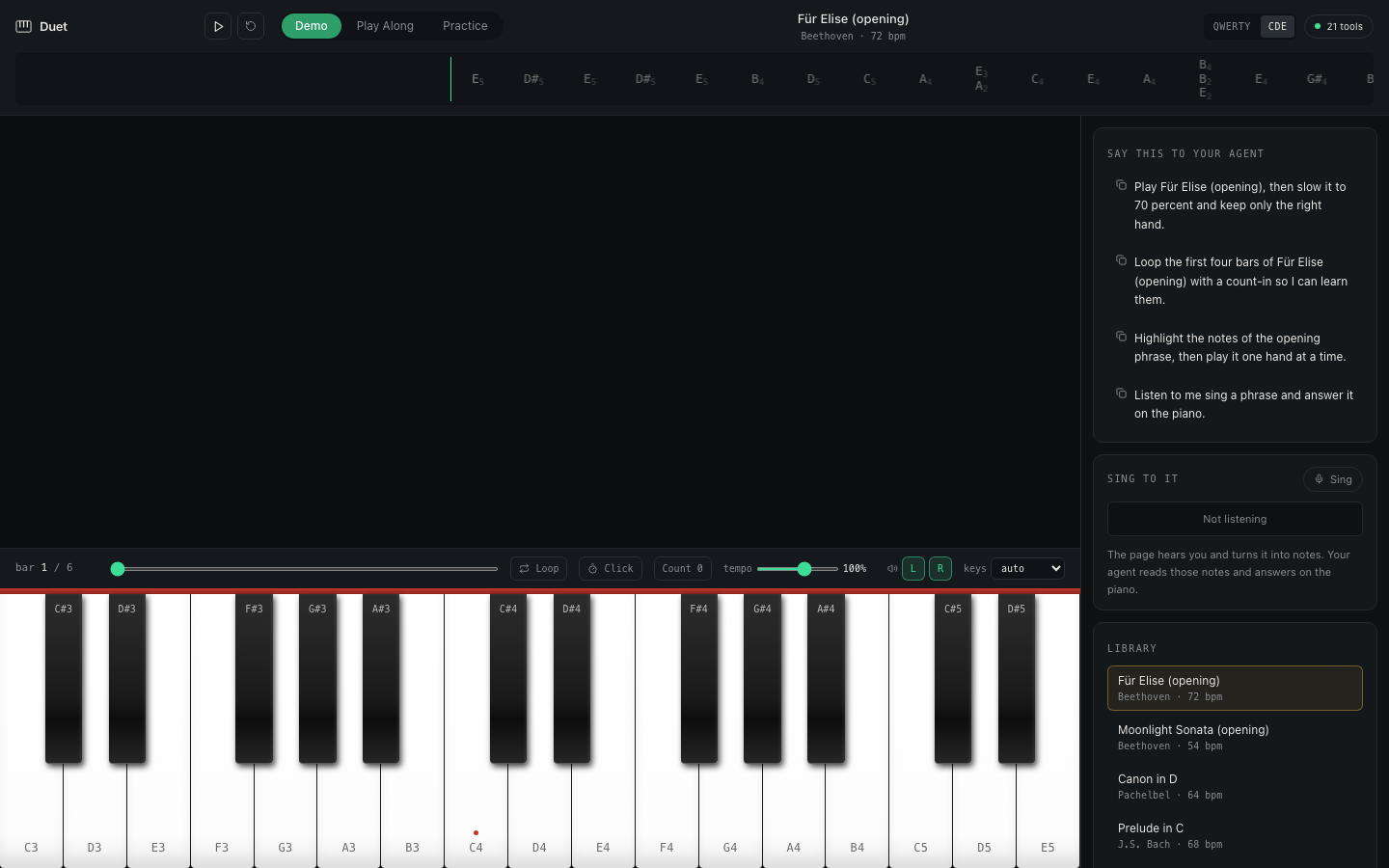
That became Duet: a browser piano where the learner and their agent work on the same piece, using the same transport and seeing the same lesson change in real time.
What it does
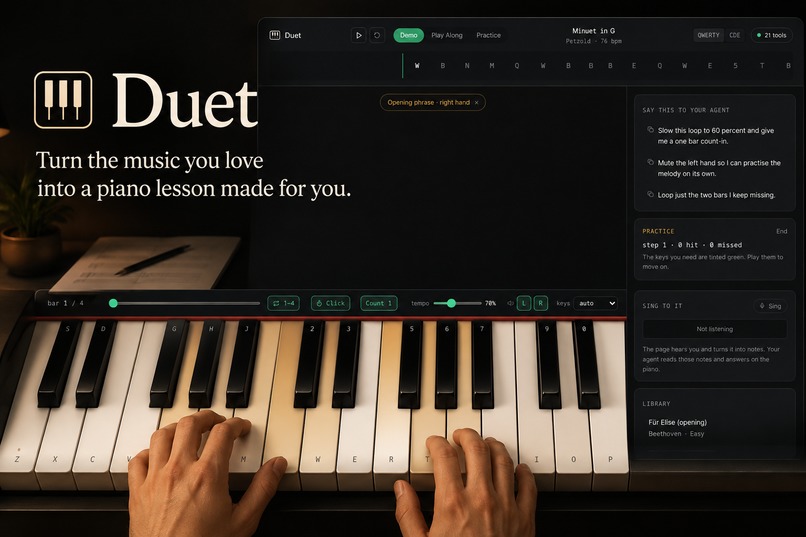
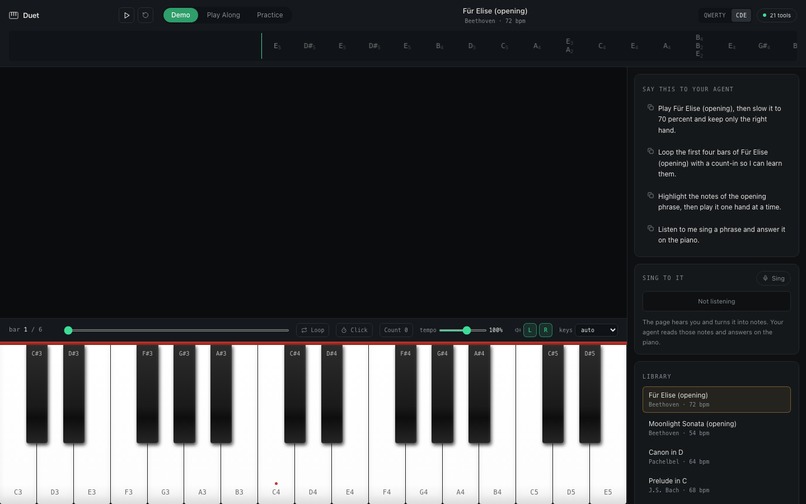
Duet turns a natural-language request into a visible, playable music lesson.
A learner can ask:
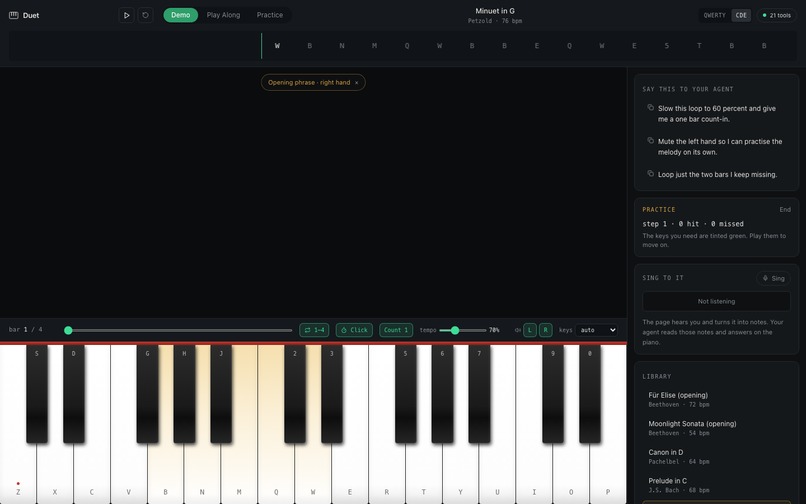
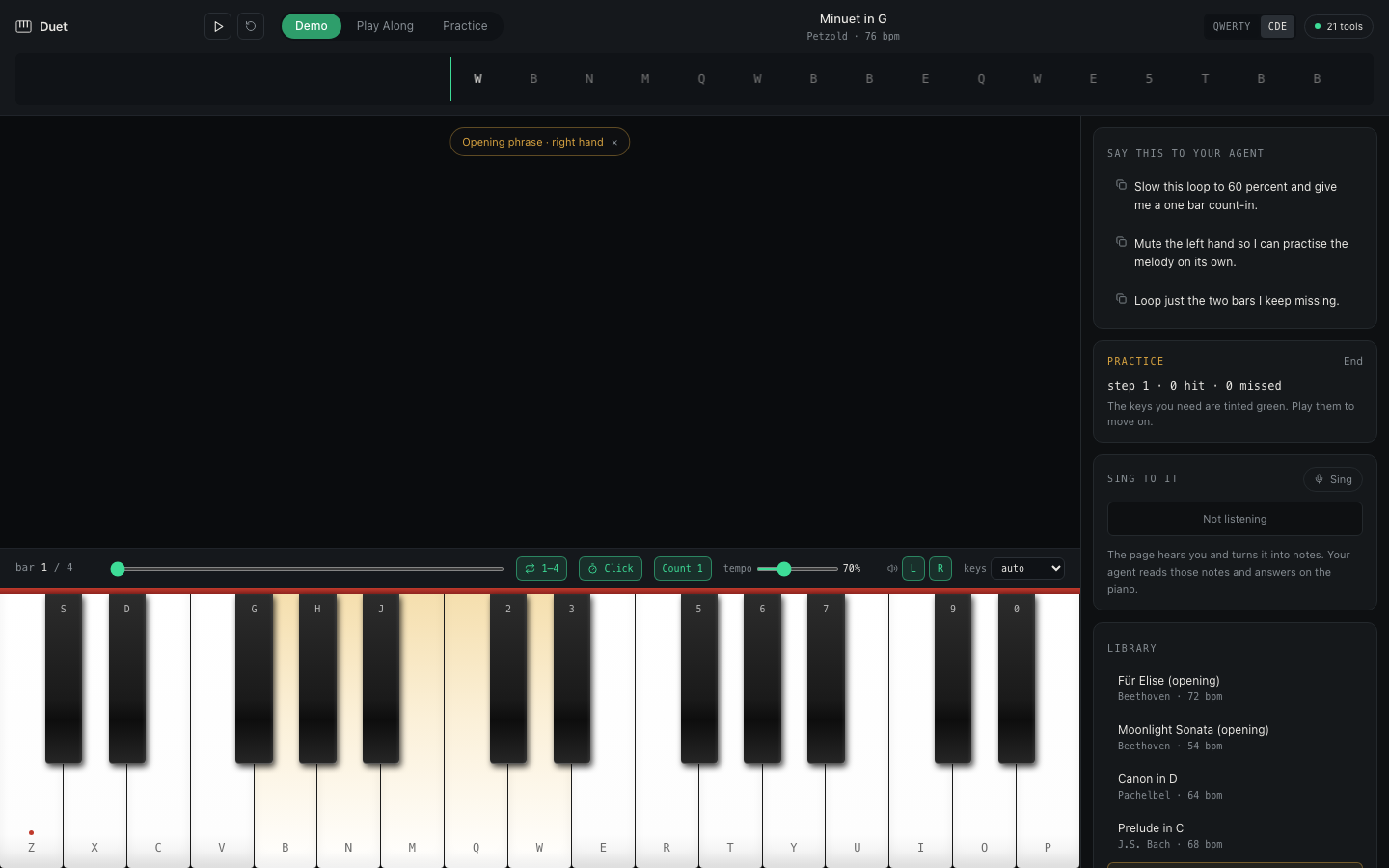
Load Minuet in G. Keep only the right hand, slow it to 70 per cent, loop bars 1–4, add a one-bar count-in and metronome, highlight the opening phrase, and start practice.
Through WebMCP, the agent can carry out each part of that request directly. The piece loads, the tempo changes, the left hand is removed, the loop and count-in appear, the requested keys light up and practice mode begins.
The learner does not receive another list of instructions. They receive a lesson they can immediately play.
Duet includes:
- A responsive browser piano playable with mouse, touch or A–Z/0–9 keys
- Fourteen public-domain pieces and exercises
- Demo, Play Along and Practice modes
- Tempo changes, transposition, simplification and hand isolation
- Bar-level slicing and looping
- Count-in, metronome, seeking and hand-mix controls
- Visible key highlights and expected-note practice
- Agent-supplied structured musical arrangements
- Microphone permission and monophonic phrase-capture support
- A shared activity history showing what the learner and agent changed
Why WebMCP matters
This would be a much weaker product if the agent were simply clicking buttons.
Music has meaningful concepts: pieces, bars, beats, notes, hands, tempo, loops and phrases. Duet exposes those concepts through 21 structured WebMCP tools.
The agent can ask what Duet supports, inspect the active piece, read a bounded section of the score, transform the music and verify the resulting transport state. It does not need to guess screen coordinates or depend on fragile DOM selectors.
The learner stays in control. Sound still requires a human gesture because of browser audio rules, and microphone access still requires explicit browser permission. Duet reports those boundaries honestly instead of pretending an action succeeded.
How we built it
Duet is a React and TypeScript browser application.
The interface and WebMCP tools share one Zustand command and state layer, so an agent action produces the same visible result as a human action. Zod validates tool inputs before they reach the music engine.
Playback uses the Web Audio API with an audio-clock transport. This supports reliable play, pause, resume, seek, looping, count-ins, metronome clicks and separate left- and right-hand mix controls.
The 21 tools register through document.modelContext.registerTool. They cover capability discovery, state and score reading, playback, transformations, highlighting, practice, transport configuration and captured phrases.
We tested the WebMCP experience with both OpenAI Codex and Anthropic Claude. This was important to us: Duet should present a clear musical tool surface to any compatible agent, not depend on behaviour unique to one client.
Challenges
The hardest part was keeping three realities synchronized: what the learner sees, what the agent reads and what the browser is actually playing.
Browser audio also introduced constraints that a normal interface can hide. Audio must be unlocked by a human interaction, scheduled voices must stop cleanly and pause/resume must preserve the real musical position.
Another challenge was returning enough score information for an agent without exceeding the WebMCP response budget. We added bounded pagination so an agent can read longer pieces safely rather than receiving silently truncated data.
We also had to resist adding visual effects that looked impressive but distracted from practice. The final interface focuses on a realistic keyboard, the active musical phrase and the controls a learner genuinely needs.
What we learned
The biggest lesson was that WebMCP works best when a website exposes the language of its domain rather than a list of UI actions.
“Click the third button” is brittle.
“Loop bars 1–4, isolate the right hand and start practice” is understandable, verifiable and useful.
We also learned that agent actions need immediate visual feedback. When the tempo, loop, highlights and practice state change on screen, the learner can understand what happened and continue from there. The agent becomes a collaborator rather than an invisible automation layer.
What is next
We would like to add MIDI and MusicXML import, score-image recognition, timing and dynamics feedback, richer sampled piano sounds, and saved practice history.
The current microphone pipeline handles monophonic phrases and has automated signal coverage, but real-world pitch recognition still needs broader testing across devices and environments.
Duet is our first step toward a music lesson that does not end when the agent finishes speaking.
Built With
- openai
- playwright
- react
- typescript
- vite
- vitest
- webaudioapi
- webmcp
- zustand


Log in or sign up for Devpost to join the conversation.