-
-
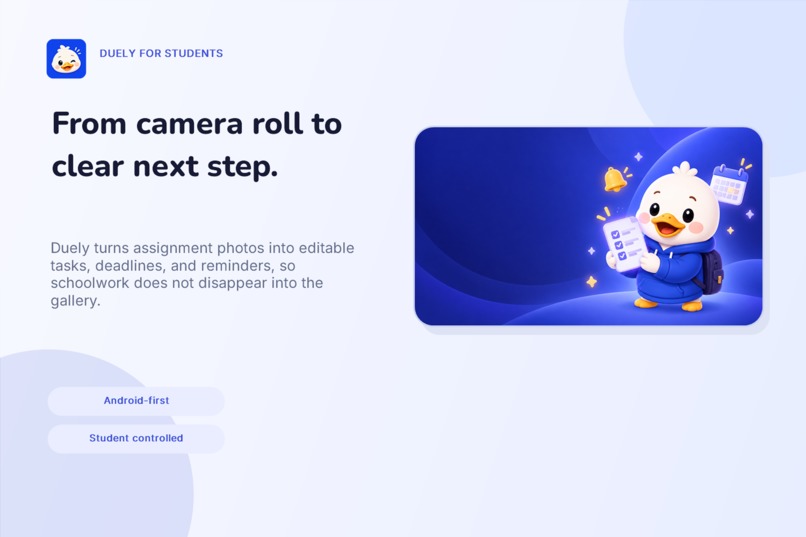
Overview
-
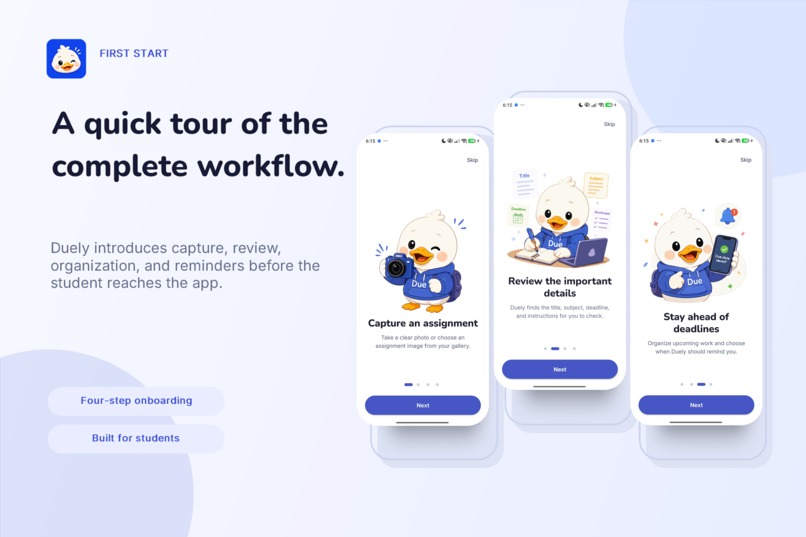
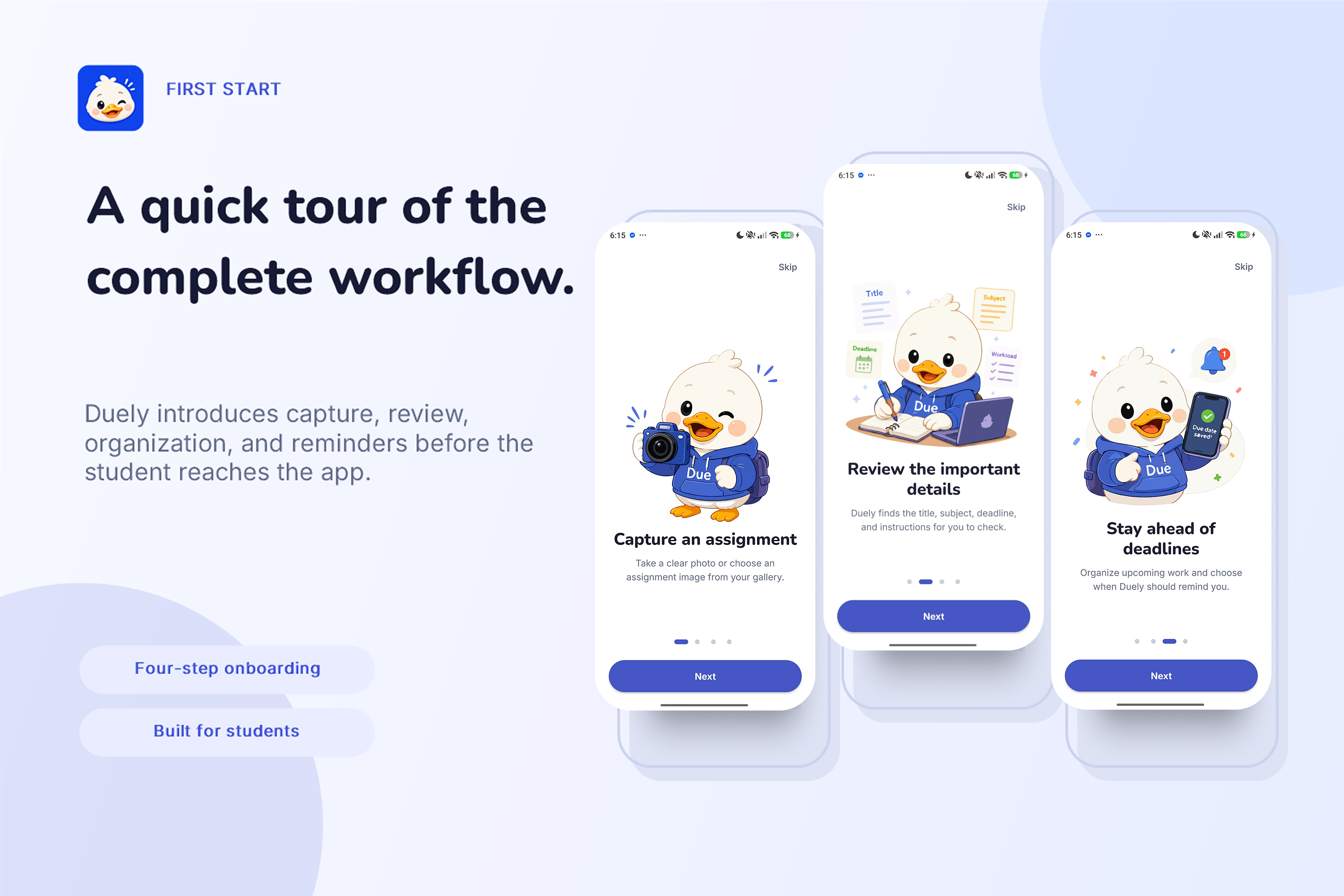
On Boarding
-
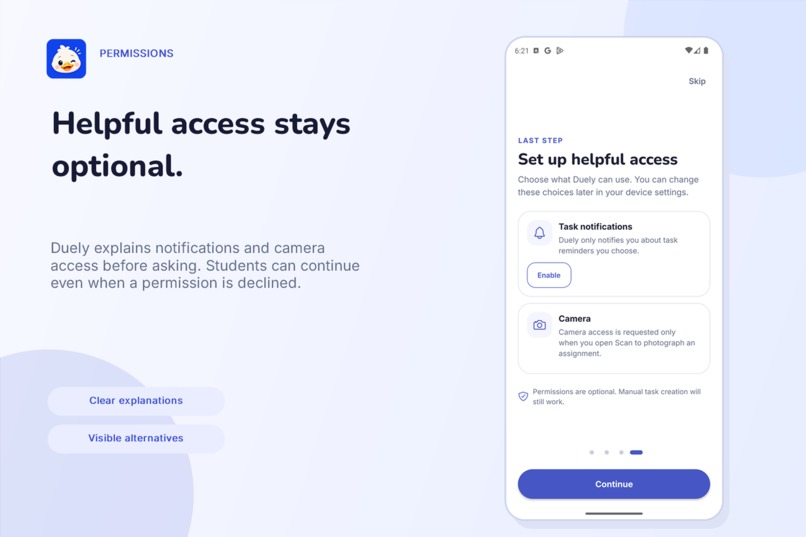
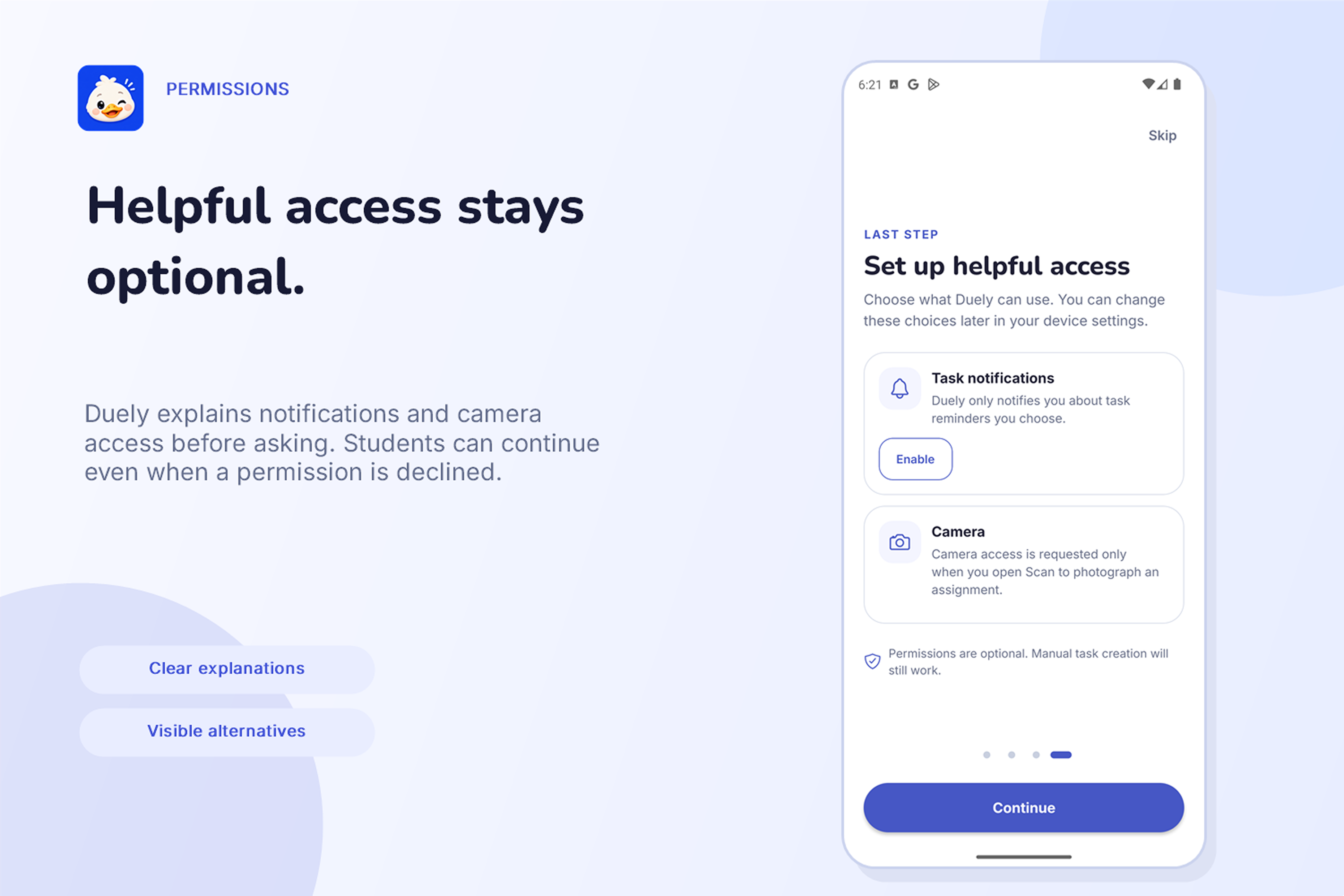
Clear Permissions
-
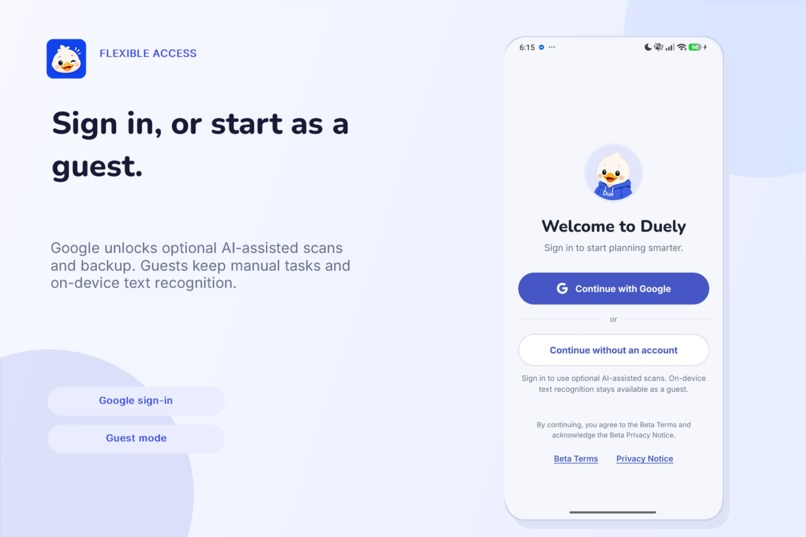
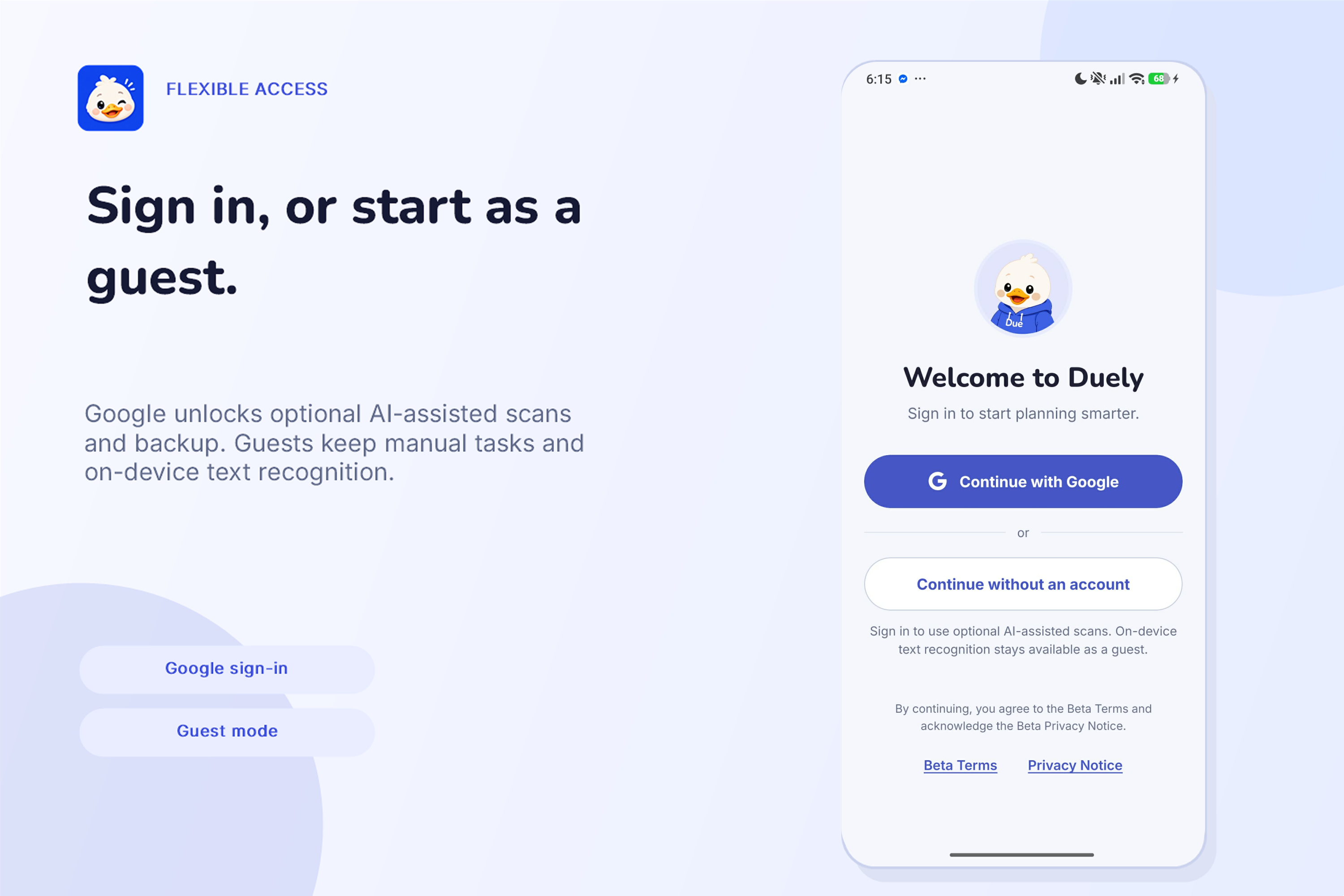
Log in with Google or Guest
-
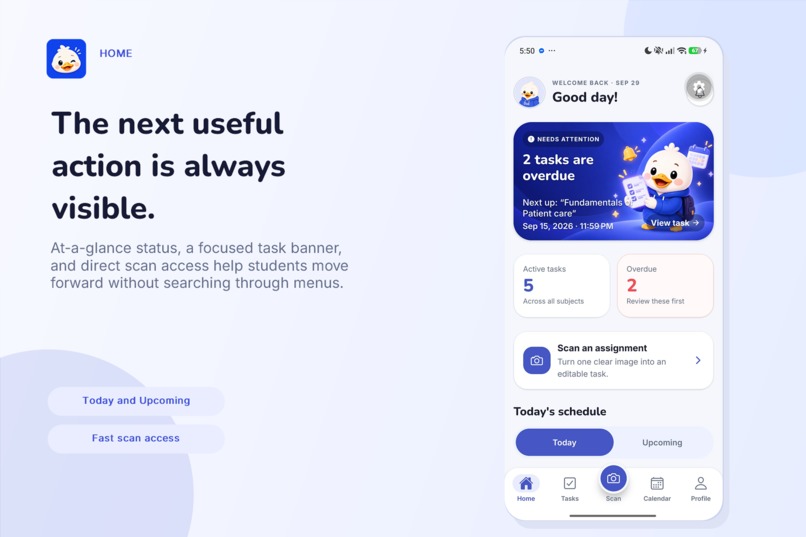
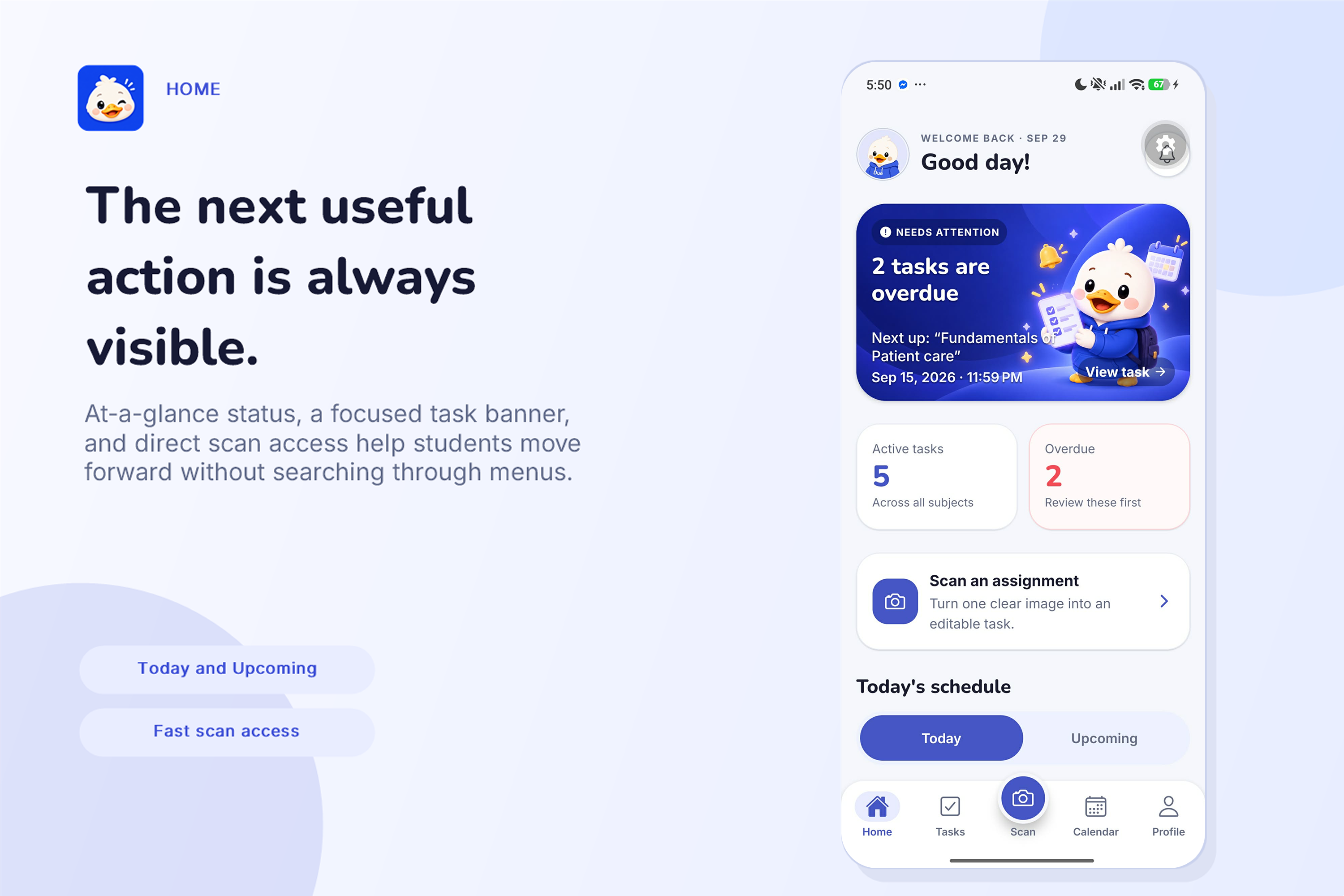
Home
-
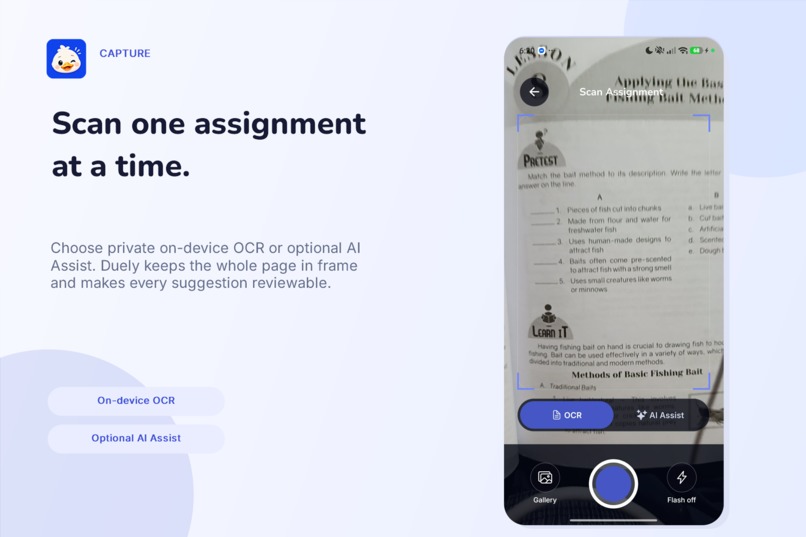
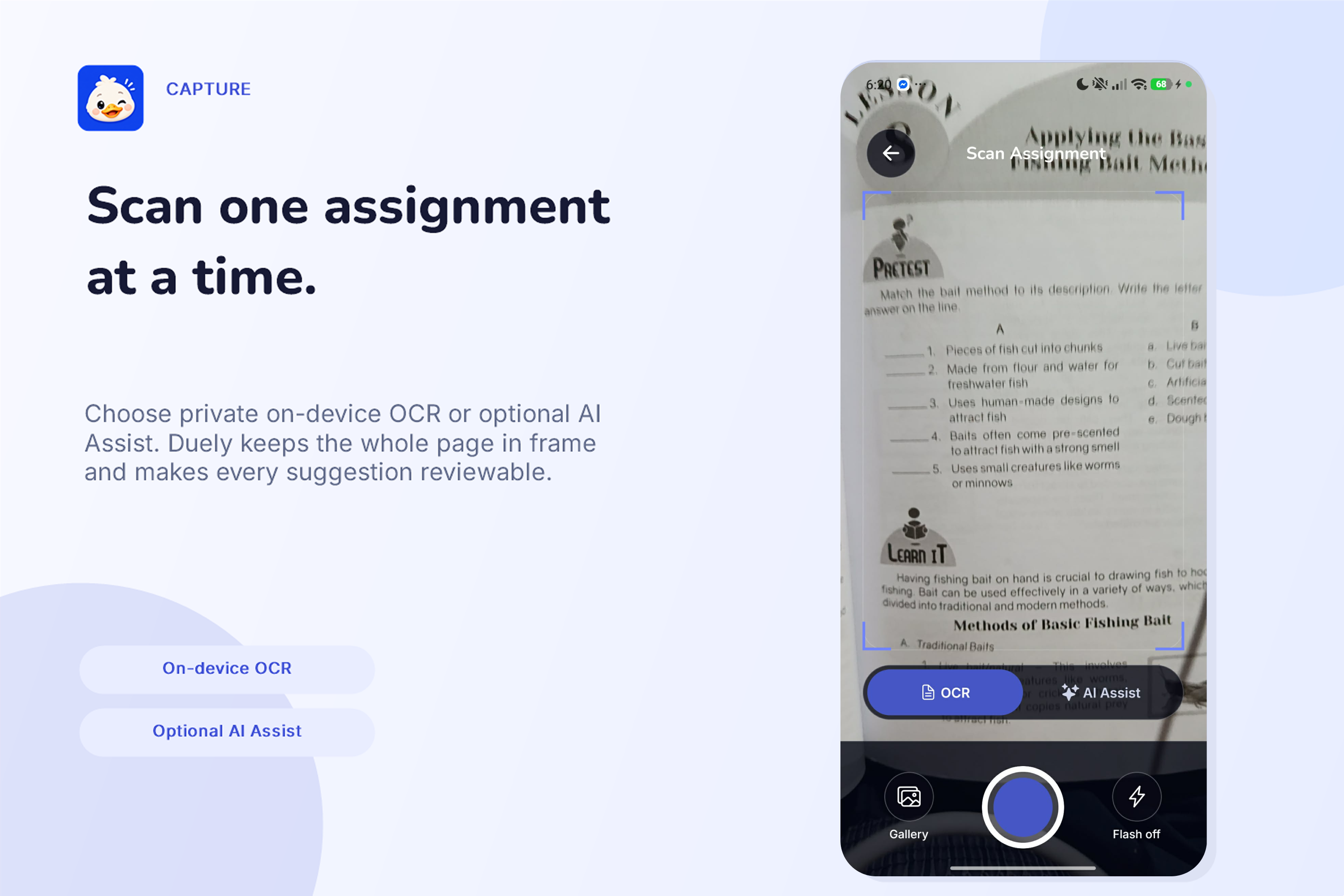
Scan with OCR or use AI assist
-
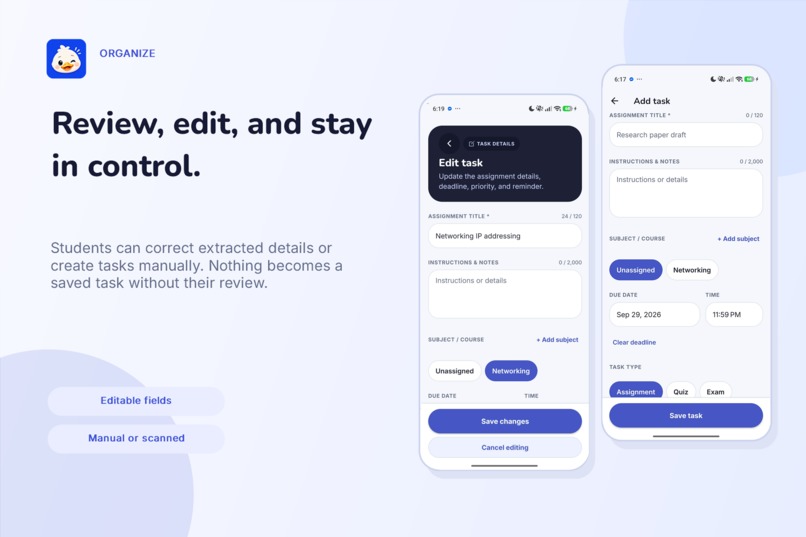
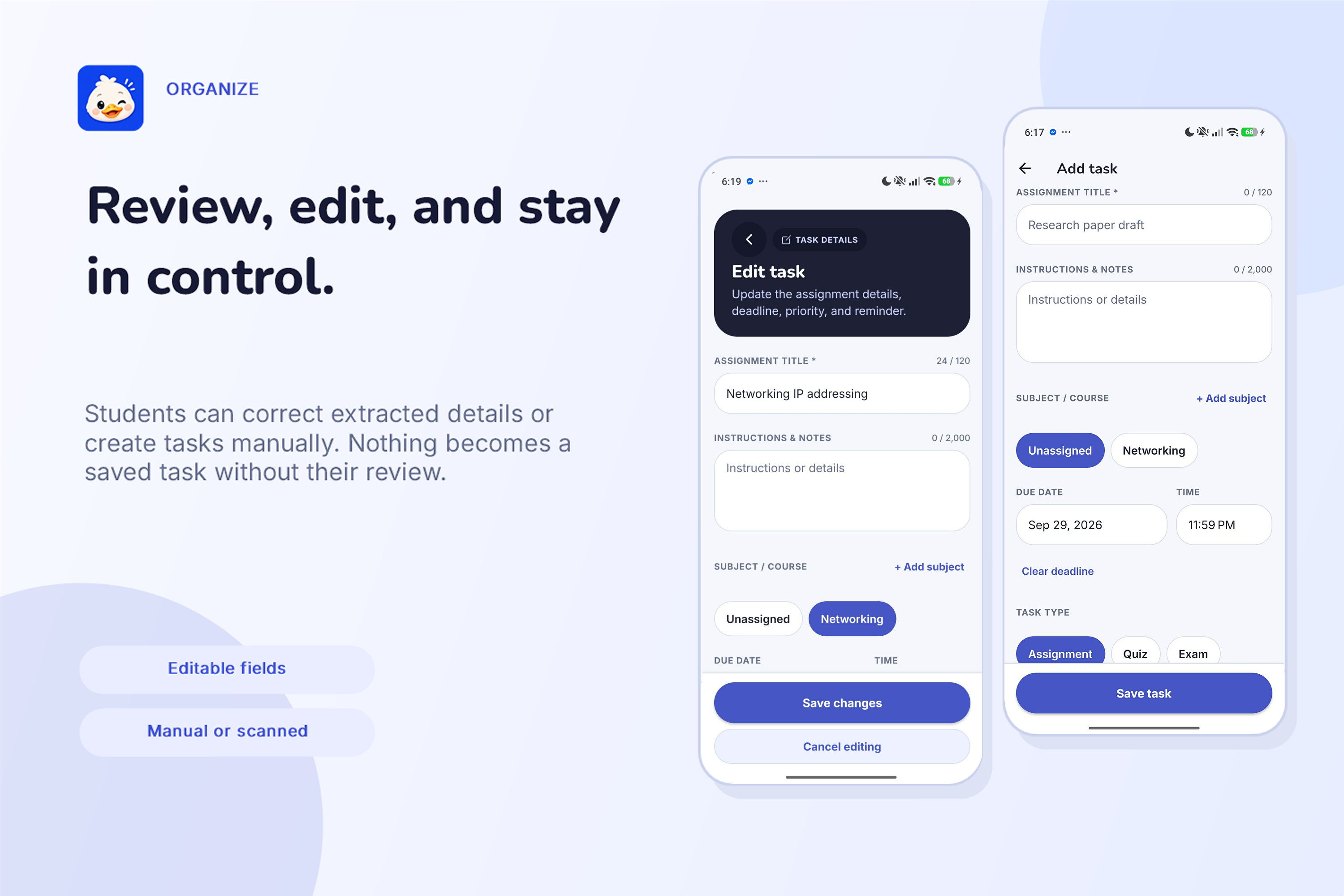
Review & Organize
-
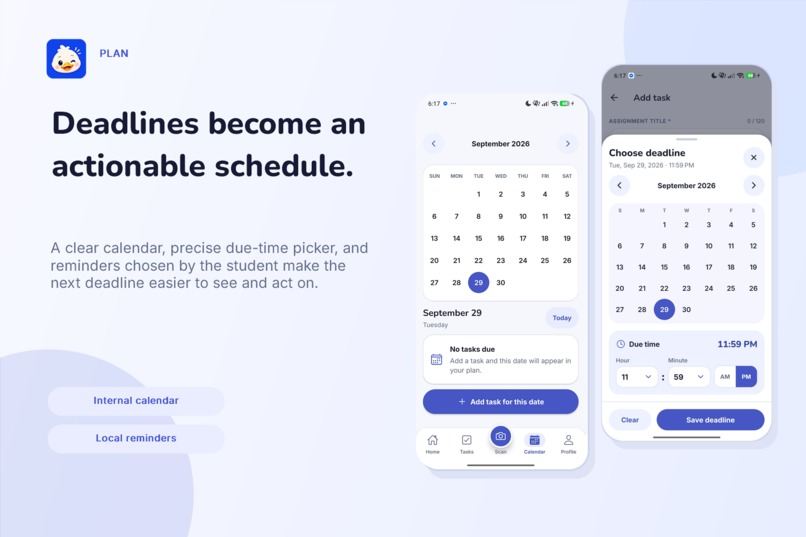
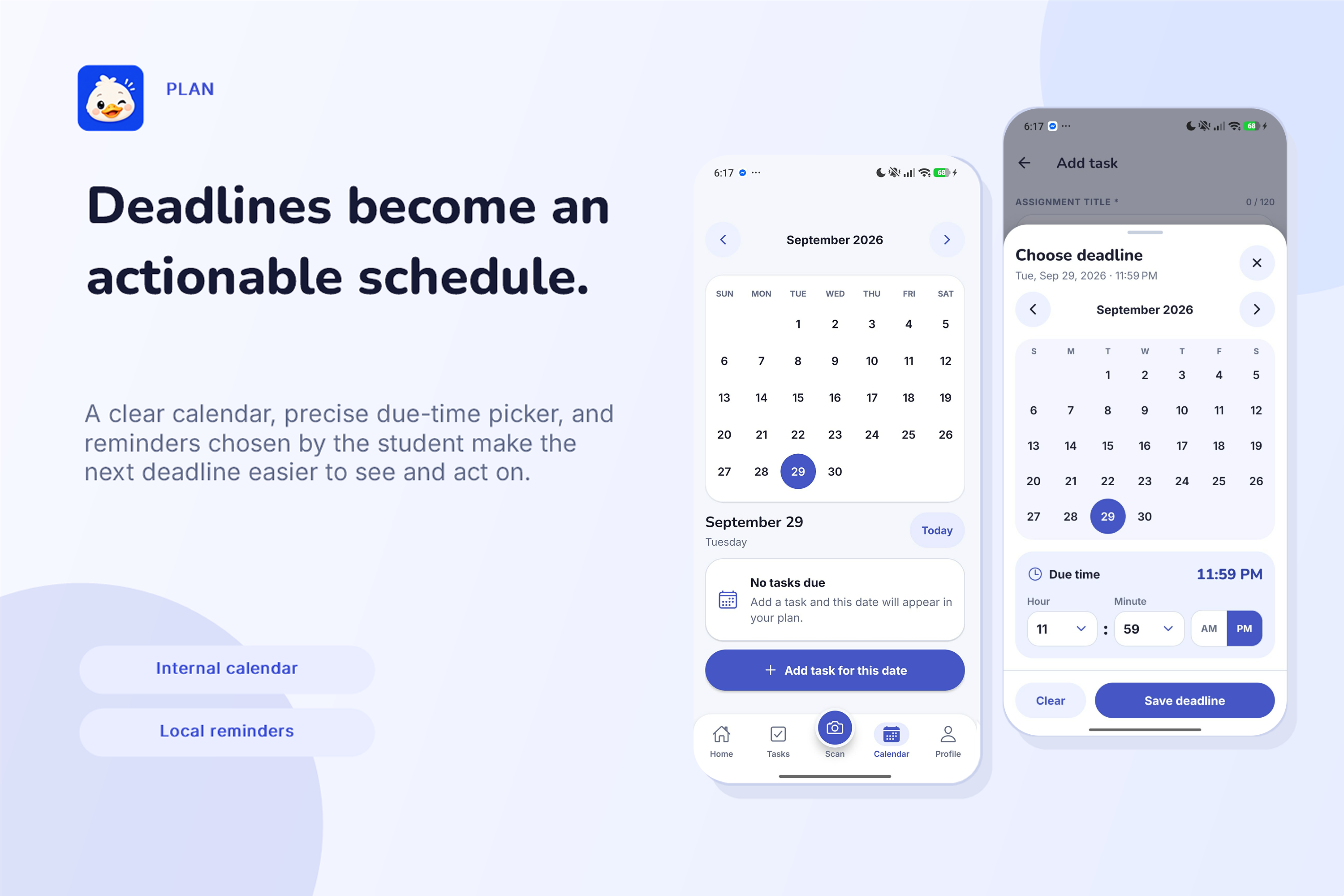
Deadlines
-
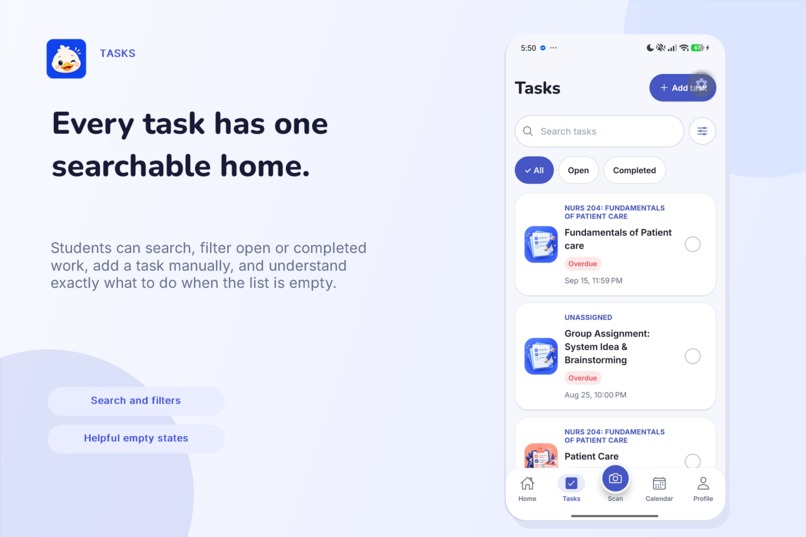
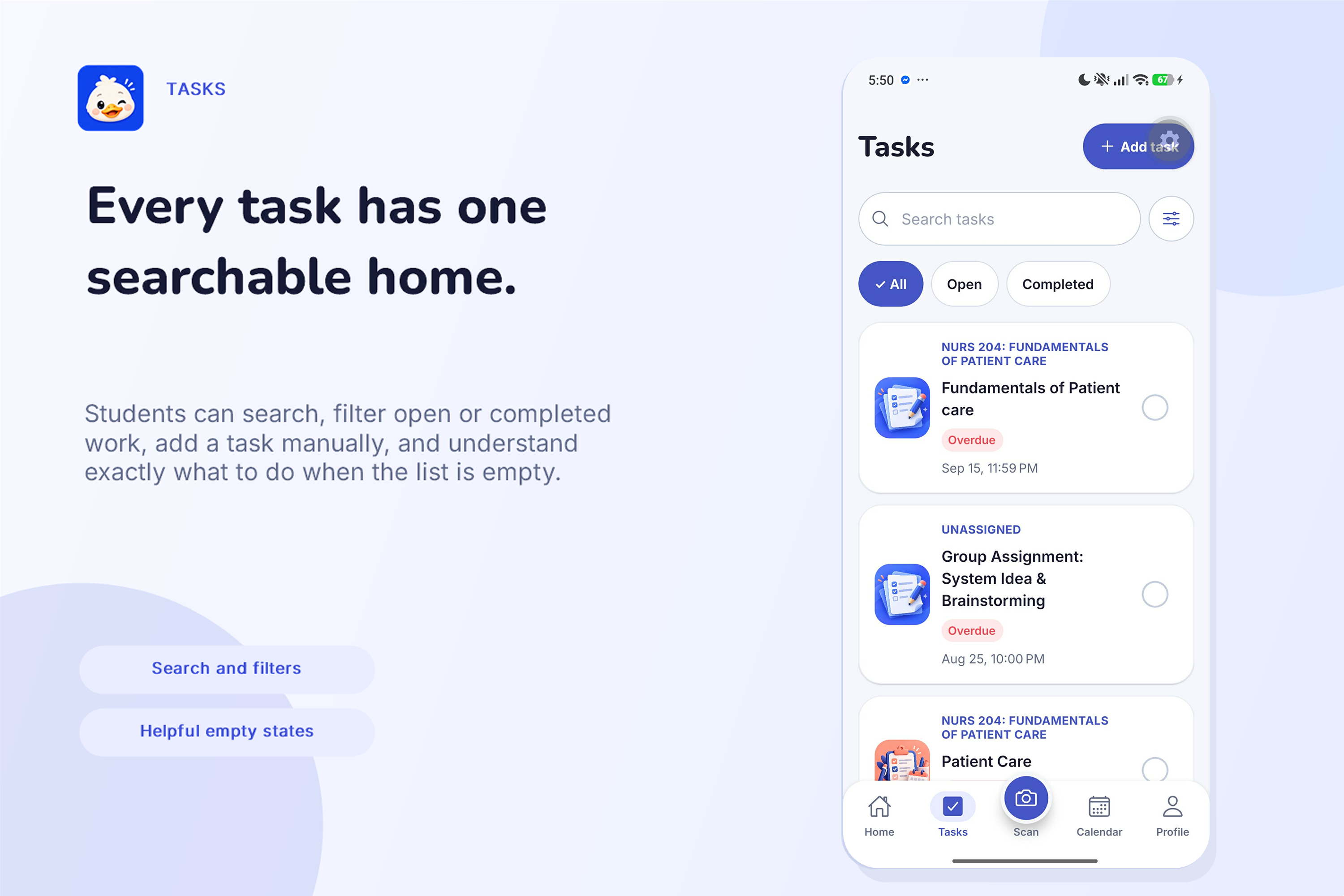
Tasks & Search
-
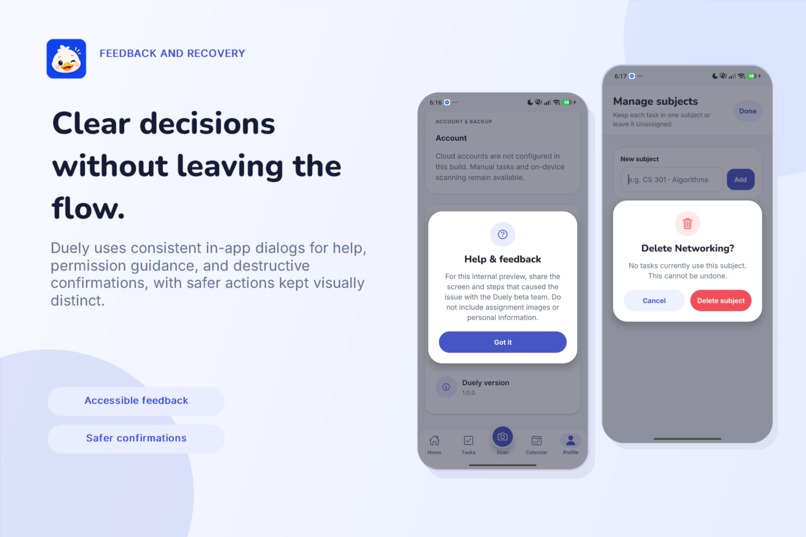
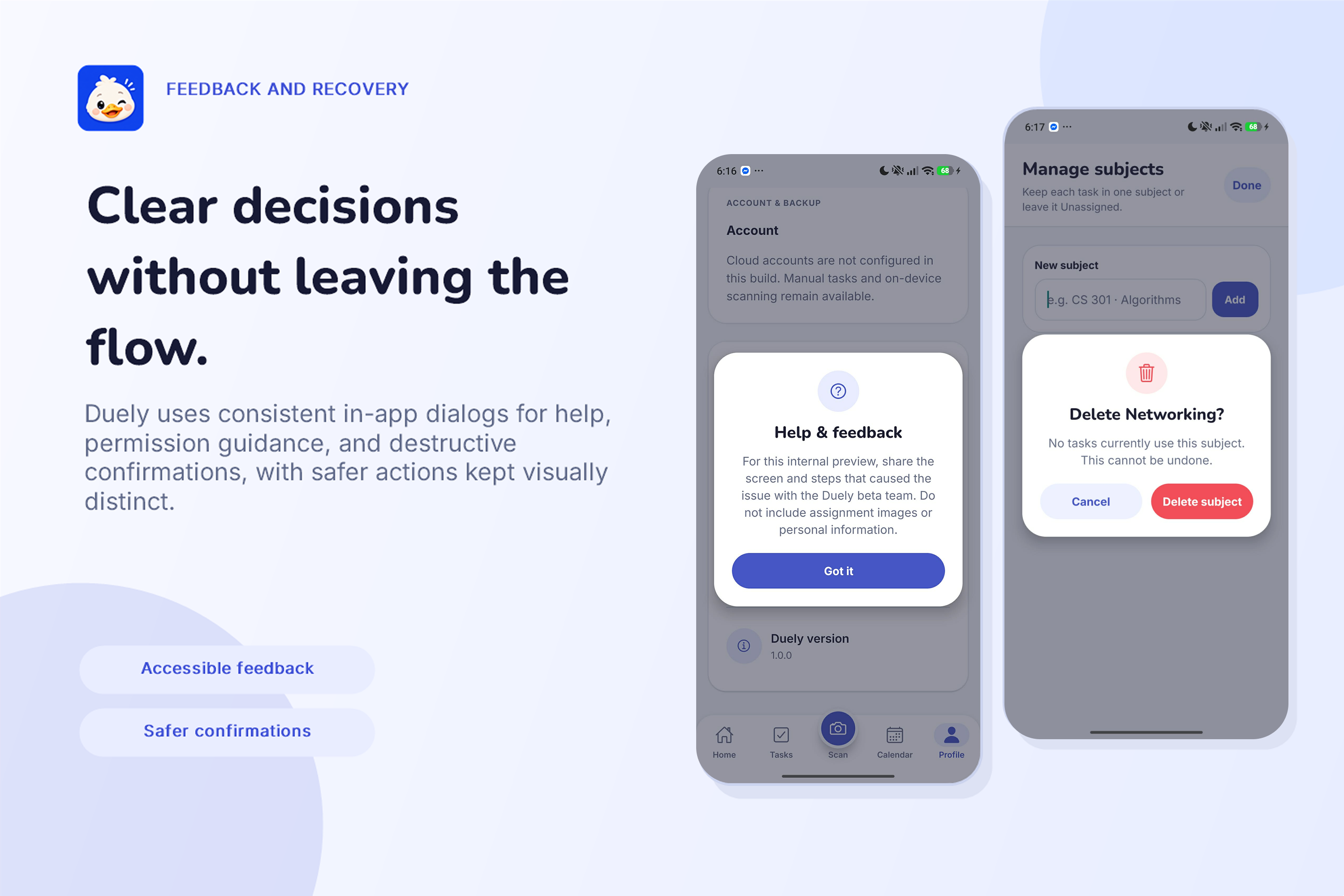
Dialogs & Safe Actions
-
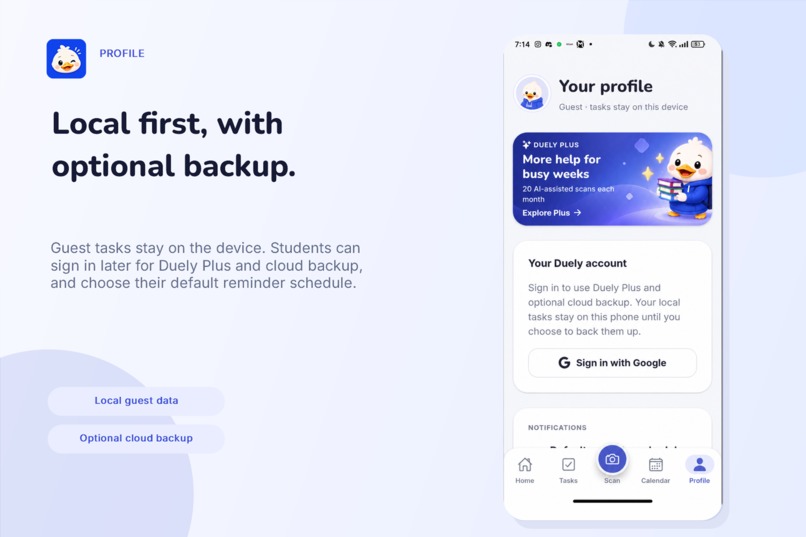
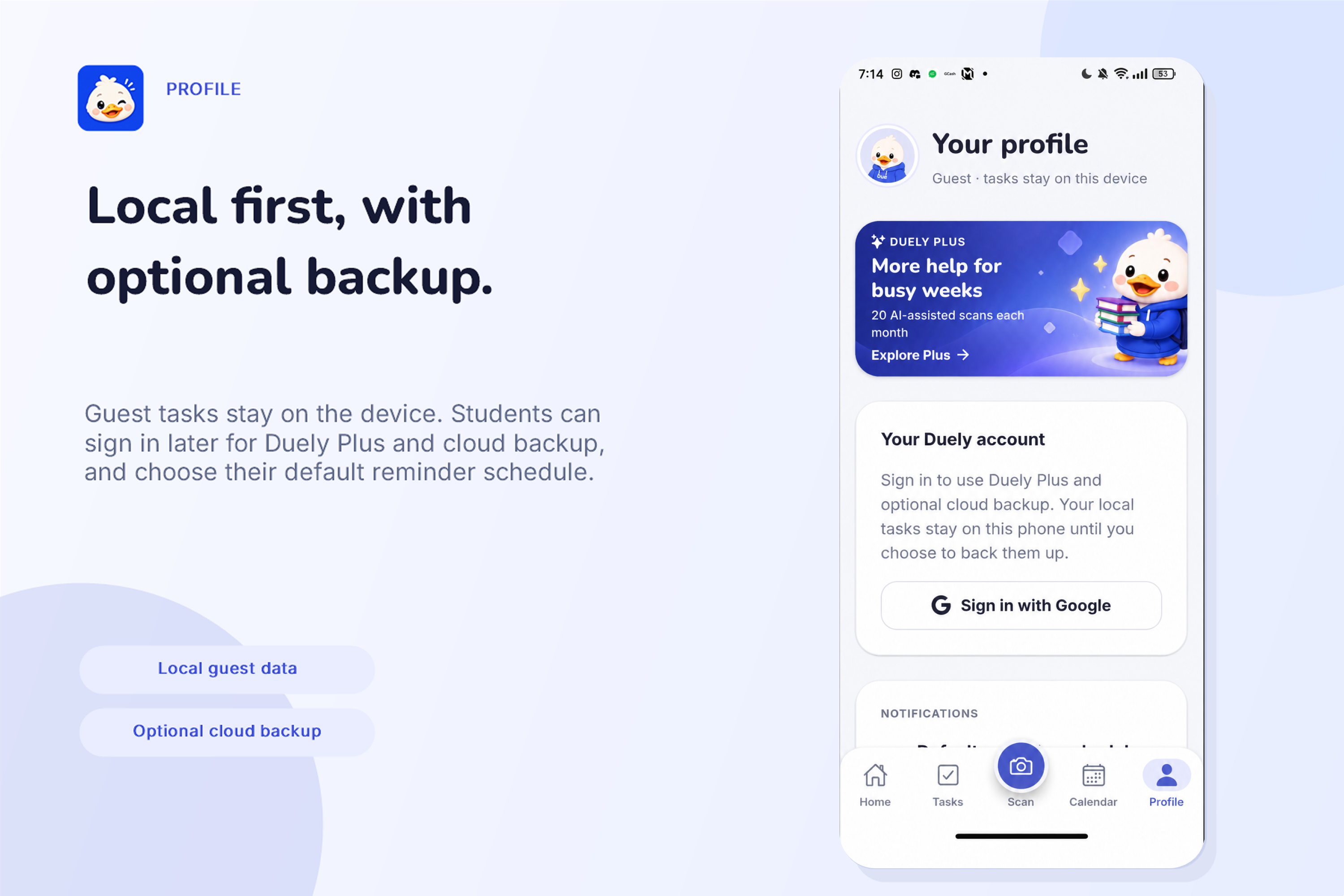
Profile Settings
-
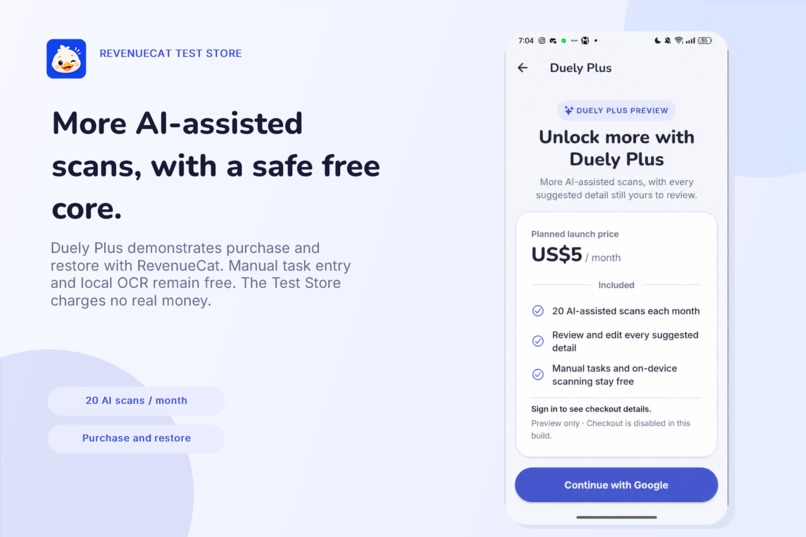
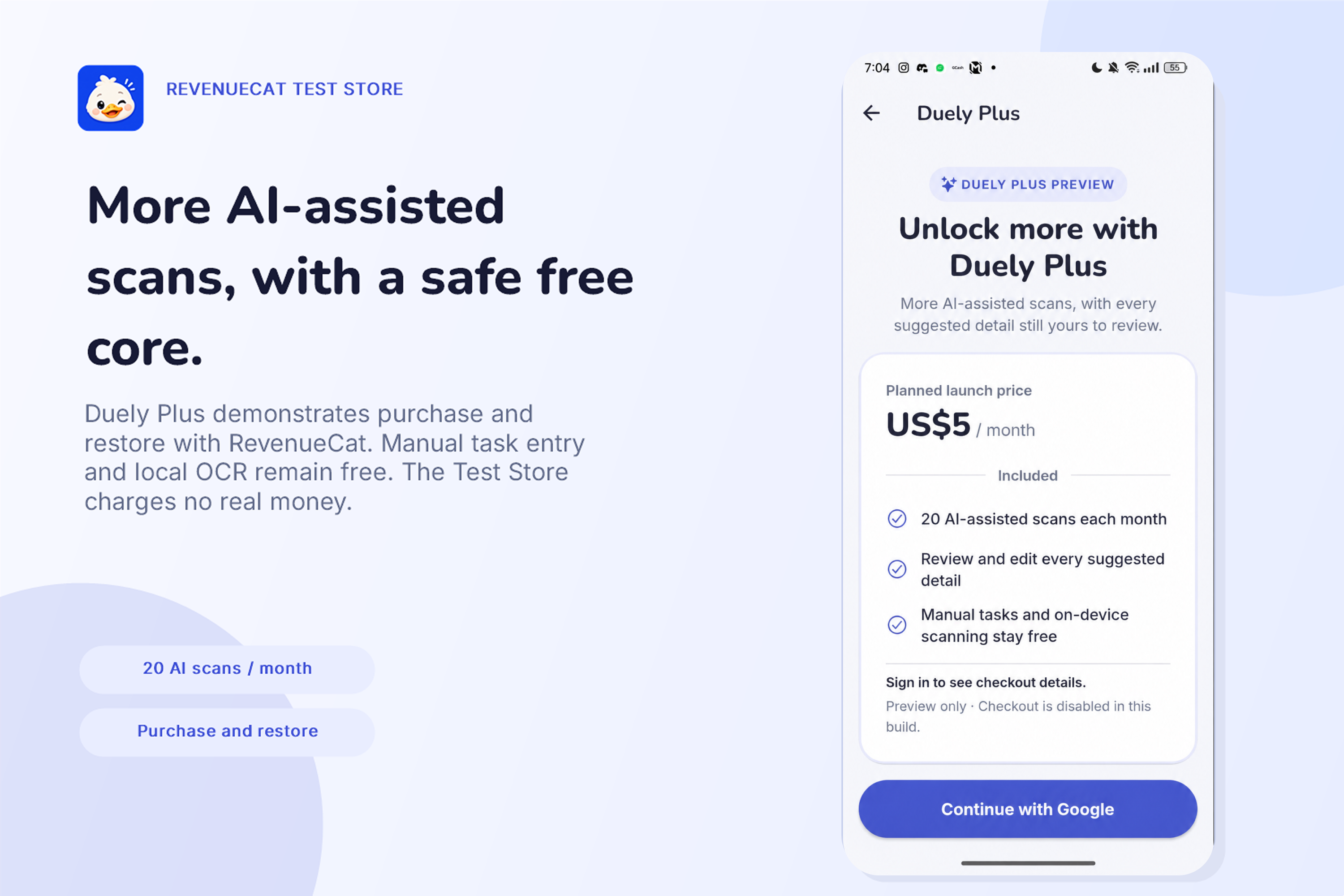
Duely Plus with RevenueCat
Inspiration
My friends and I often take photos of assignments, quizzes, classroom announcements, and instructions so we can remember them later.
The problem is that those photos quickly get buried in our galleries. When a deadline gets close, we either forget the task exists or spend time scrolling through old screenshots trying to find the original photo.
Before building Duely, I surveyed 107 respondents to see if this problem was common. 66.4% said they sometimes, often, or very often forget or nearly miss assignment deadlines, while 60.7% said they rely on memory to keep track of assignments.
Assignments also come from scattered sources. 72.0% receive them through Messenger or group chats, and 61.7% through professor announcements.
The idea itself also received strong interest: 86.9% rated the photo-to-task concept 4 or 5 out of 5, and 80.4% said they would be likely to use Duely if it were available today.
That led me to build Duely, an Android-first student organizer that turns an assignment image into an editable task with a deadline, reminder, and clear next steps.
What it does
Duely lets students take a photo of an assignment or choose one from their gallery.
The app reads the text, suggests task details, and lets the student review everything before saving.
It includes:
- On-device text recognition
- Optional AI-assisted extraction
- Editable suggested fields
- Warnings for missing or uncertain information
- Manual task creation and editing
- Search, filters, and deadline-based prioritization
- Today, Upcoming, and calendar views
- Local reminders
- Guest access
- Google sign-in with optional cloud backup
- Duely Plus through RevenueCat's Test Store
Duely never silently saves extracted information as final. The student can correct every suggested field first.
How I built it
I built Duely using React Native, Expo, and TypeScript.
Expo Router handles navigation, AsyncStorage stores tasks locally, and Expo Notifications manages reminders.
For scanning, Google ML Kit performs text recognition directly on the Android device. A deterministic parser then suggests details such as the task title, deadline, type, priority, workload, and reminder timing.
Students can also enable AI Assist after signing in and giving consent. In that flow, Duely sends the recognized text, not the original assignment image, to a server-side Gemini integration for better structured suggestions.
If AI Assist is unavailable or declined, the local OCR and parser still work.
Supabase handles authentication, optional cloud backup, consent records, usage allowances, and account-level authorization.
For monetization, Duely Plus uses RevenueCat's Test Store. During beta, Plus provides a configurable allowance of 20 AI-assisted scans per month, while manual tasks and on-device scanning remain free.
RevenueCat manages the Plus entitlement and restore flow, while the backend controls the related AI usage allowance.
Challenges I faced
One of the hardest problems was handling imperfect assignment images.
OCR can make mistakes, deadlines may be missing, and one image may contain several assignments. Instead of treating every extracted value as correct, I added conservative parsing, field-level warnings, and an editable review step.
If Duely detects multiple possible assignments, it asks the student to crop the image or choose one instead of automatically creating several unreliable tasks.
I also had to account for offline use, denied permissions, cancelled requests, and failed cloud services. Because of this, the core workflow stays local and does not depend on an account, subscription, or AI connection.
Subscription handling also required server-side checks rather than trusting client state. RevenueCat verifies the Plus entitlement, while the backend controls the AI-scan allowance tied to it.
Accomplishments
Duely now has a working Android beta covering the complete flow:
Assignment image → text recognition → review → saved task → schedule → calendar → reminder
The project currently has 316 passing automated tests covering areas such as extraction, reminders, storage, cloud backup, permissions, AI assistance, and Duely Plus entitlement handling.
I also ran a controlled OCR evaluation using 12 synthetic assignment images. Duely achieved 99.5% aggregate OCR token accuracy, and all 12 produced parser-ready text.
This is an early result from a small synthetic dataset, not a claim of accuracy across all real student assignments.
The survey also influenced the review flow. 81.3% of respondents said they would always or usually review AI-extracted information before saving it, which supported my decision to keep the student in control of the final task.
What I learned
Building Duely taught me that recognizing text is only part of the problem.
A useful scan-to-task system also needs to handle uncertainty, make corrections easy, and fail gracefully when information is incomplete.
I also learned how local storage, authentication, notifications, cloud backup, AI services, usage limits, and subscription entitlements interact inside one mobile app.
Most importantly, I learned that AI works better here as an assistant rather than the final decision-maker. Duely can suggest what an assignment says, but the student should decide what becomes a task.
What's next for Duely
Next, I plan to test Duely with a wider range of synthetic and consented assignment formats and improve extraction quality based on those results.
I also want to improve accessibility, privacy controls, data export and deletion, device compatibility, and account management.
The long-term goal is to release Duely publicly, starting with Android on the Google Play Store and later expanding to iOS.
Duely is currently an Android beta and is not yet published on an app marketplace.
The Shipaton build uses RevenueCat's Test Store, so all purchases shown in the demo are simulated and no real money is charged.
Built With
- asyncstorage
- expo-router
- expo.io
- gemini
- google-ml-kit
- postgresql
- react-native
- supabase
- typescript


Log in or sign up for Devpost to join the conversation.