-
-
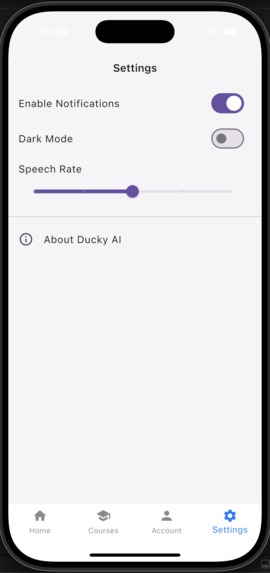
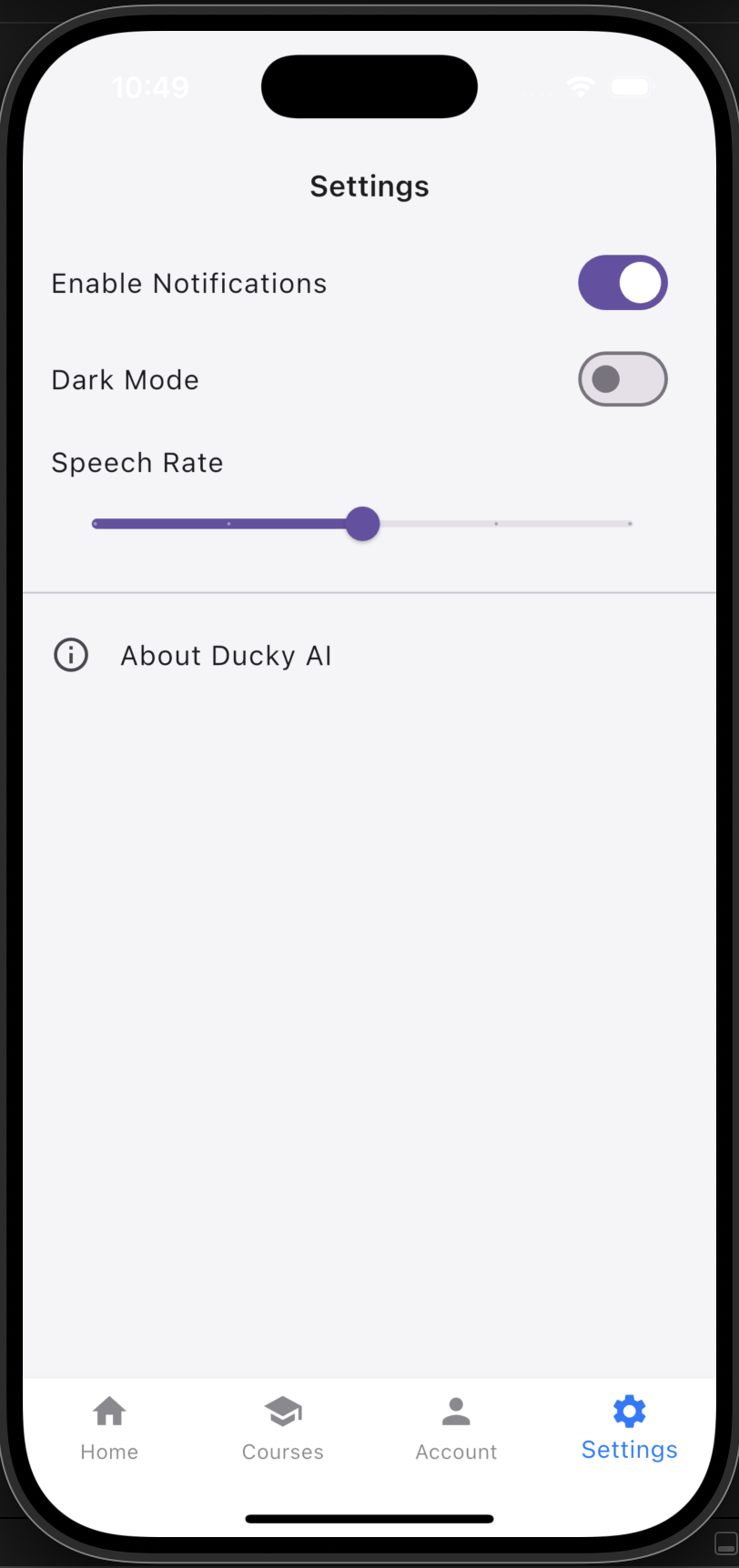
Settings
-
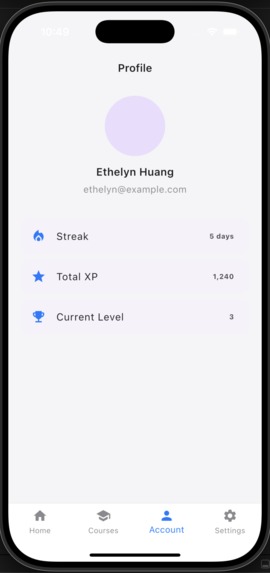
Account
-
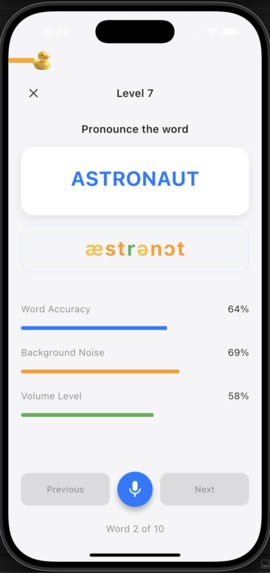
Level (Lesson) Fail
-
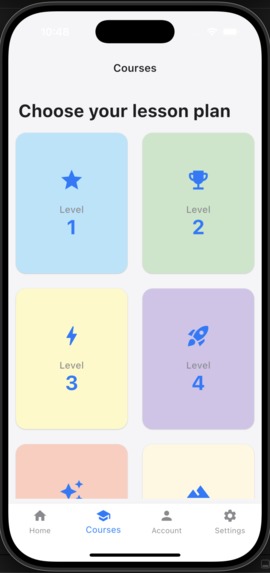
Courses
-
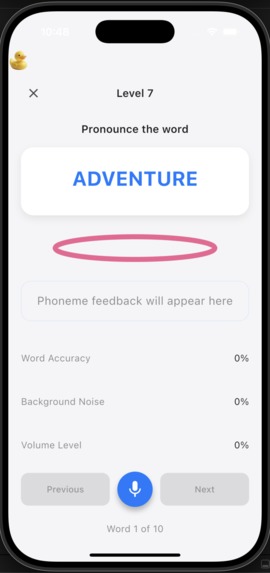
Level (Lesson)
-
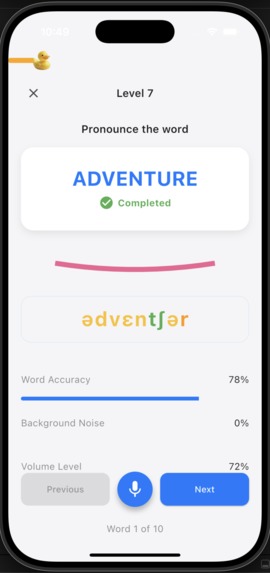
Level (Lesson) Success
-
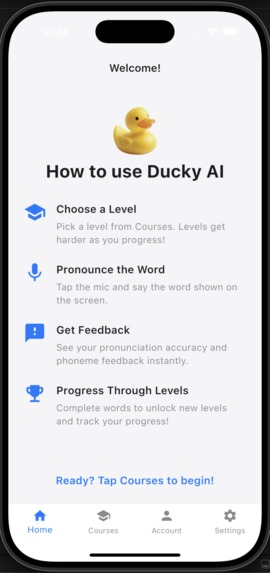
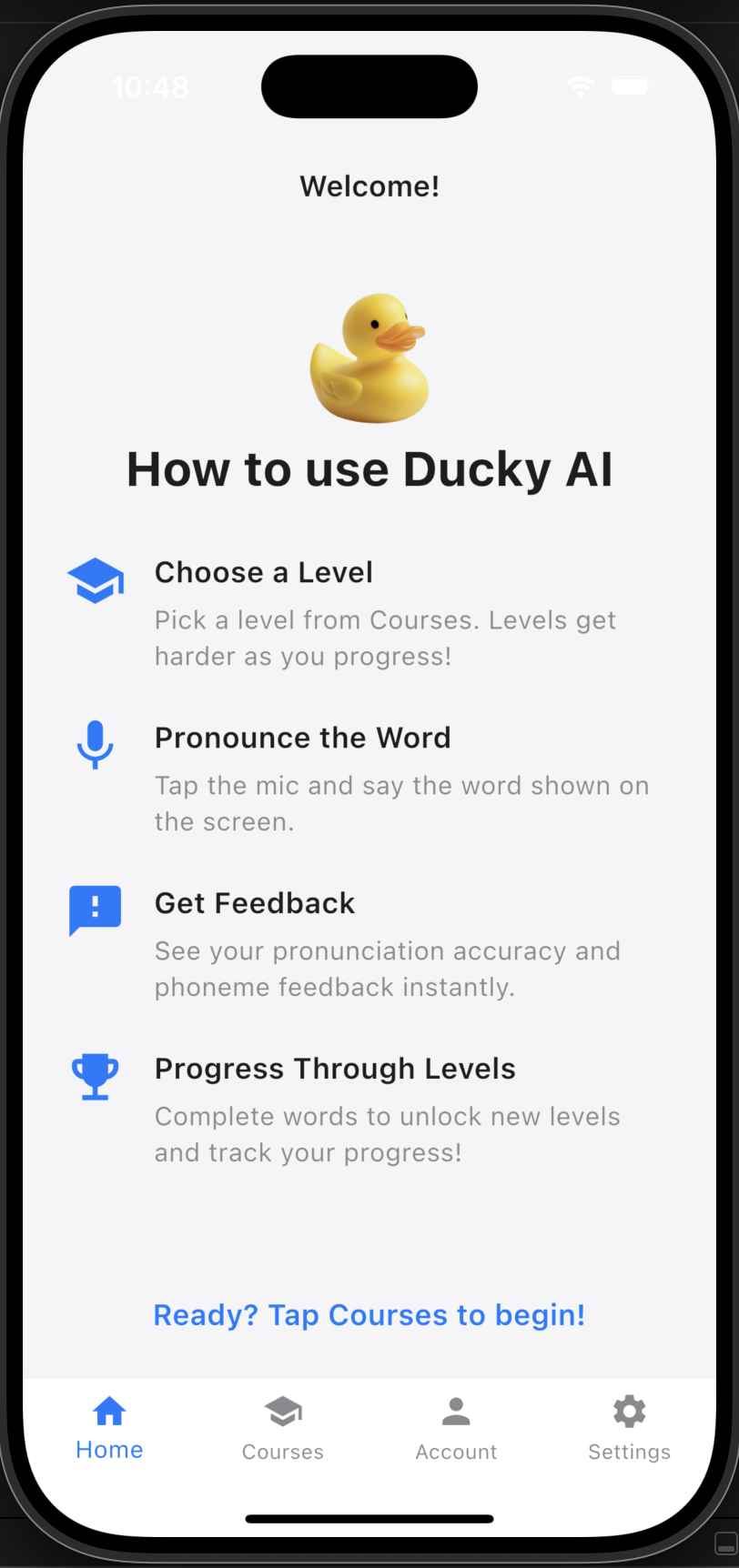
Home
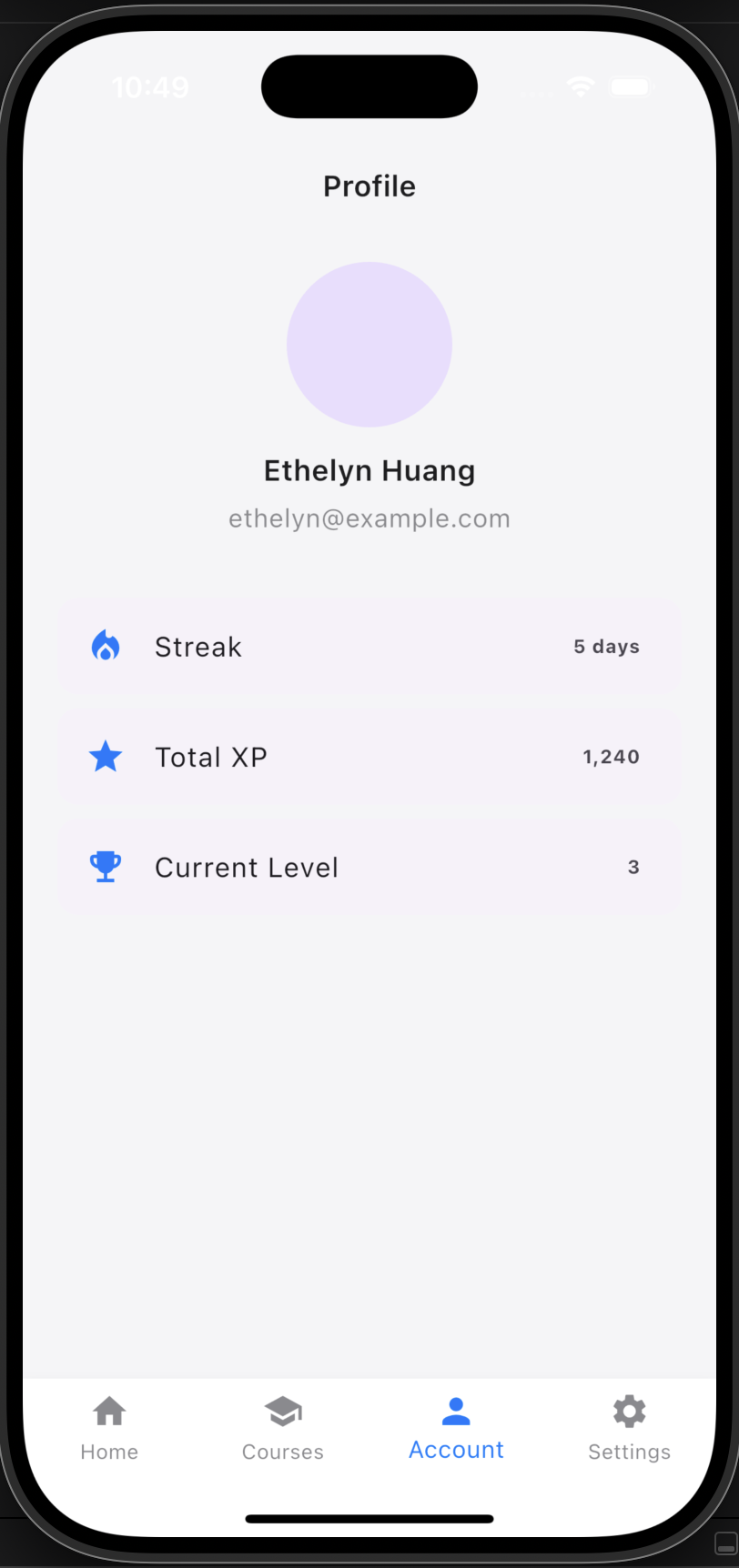
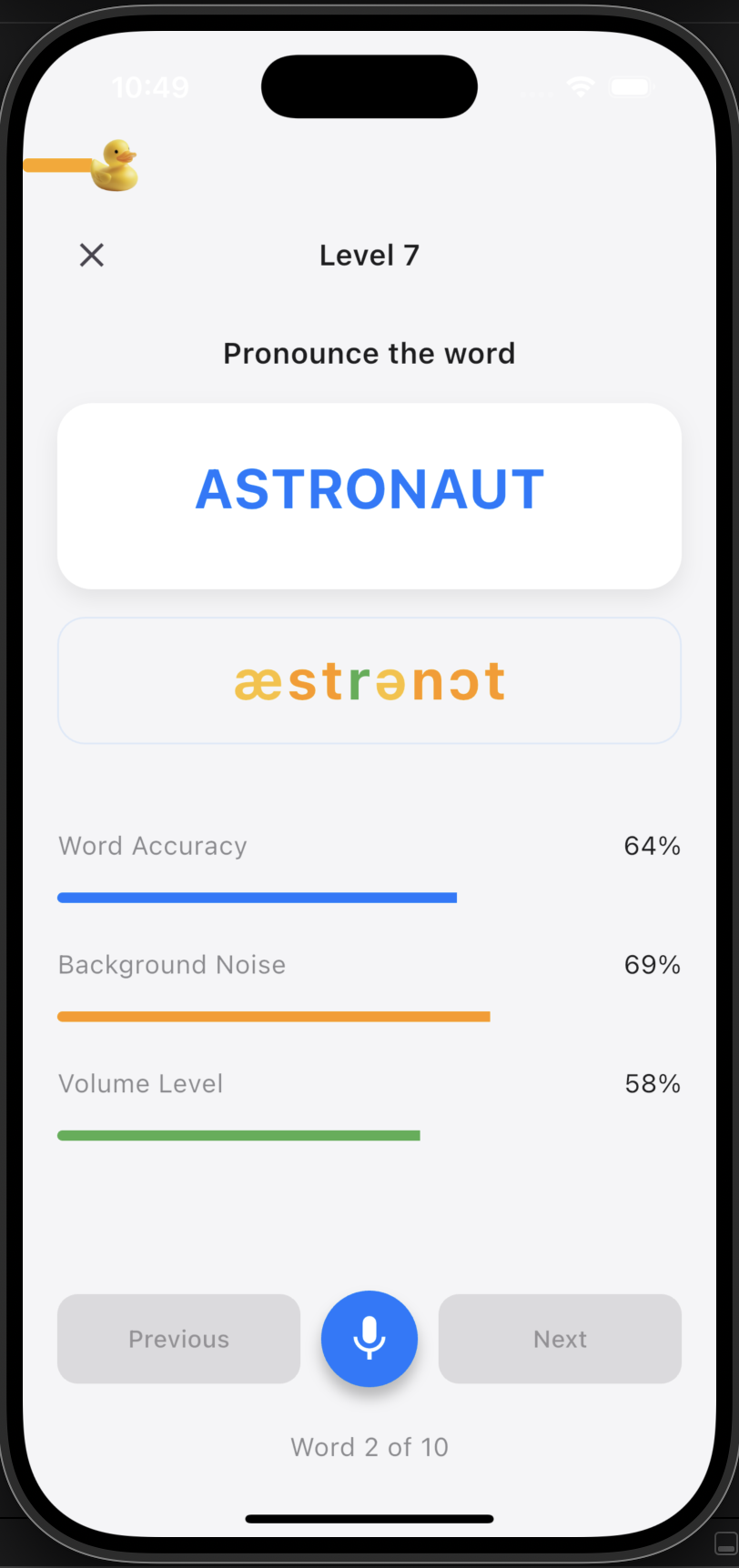
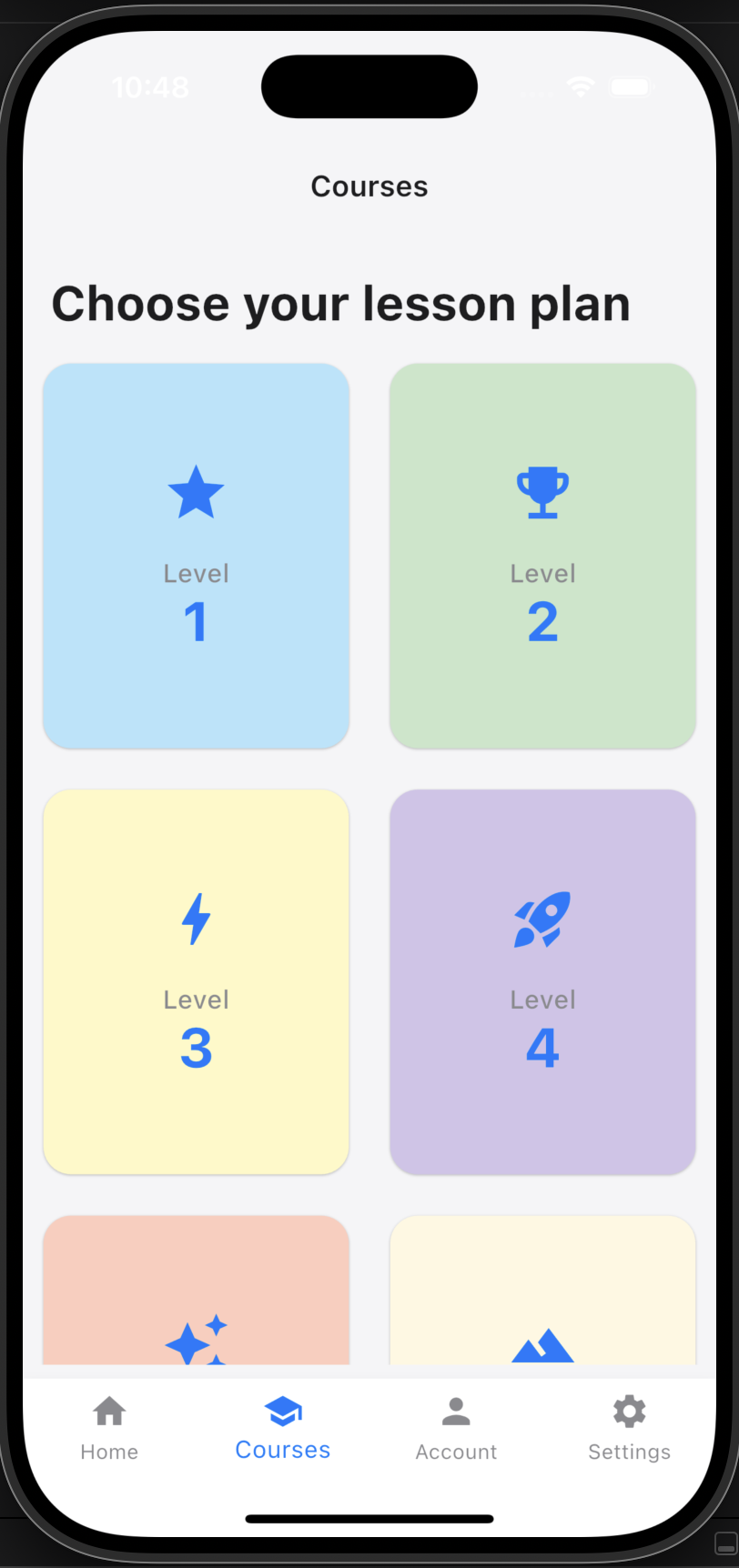
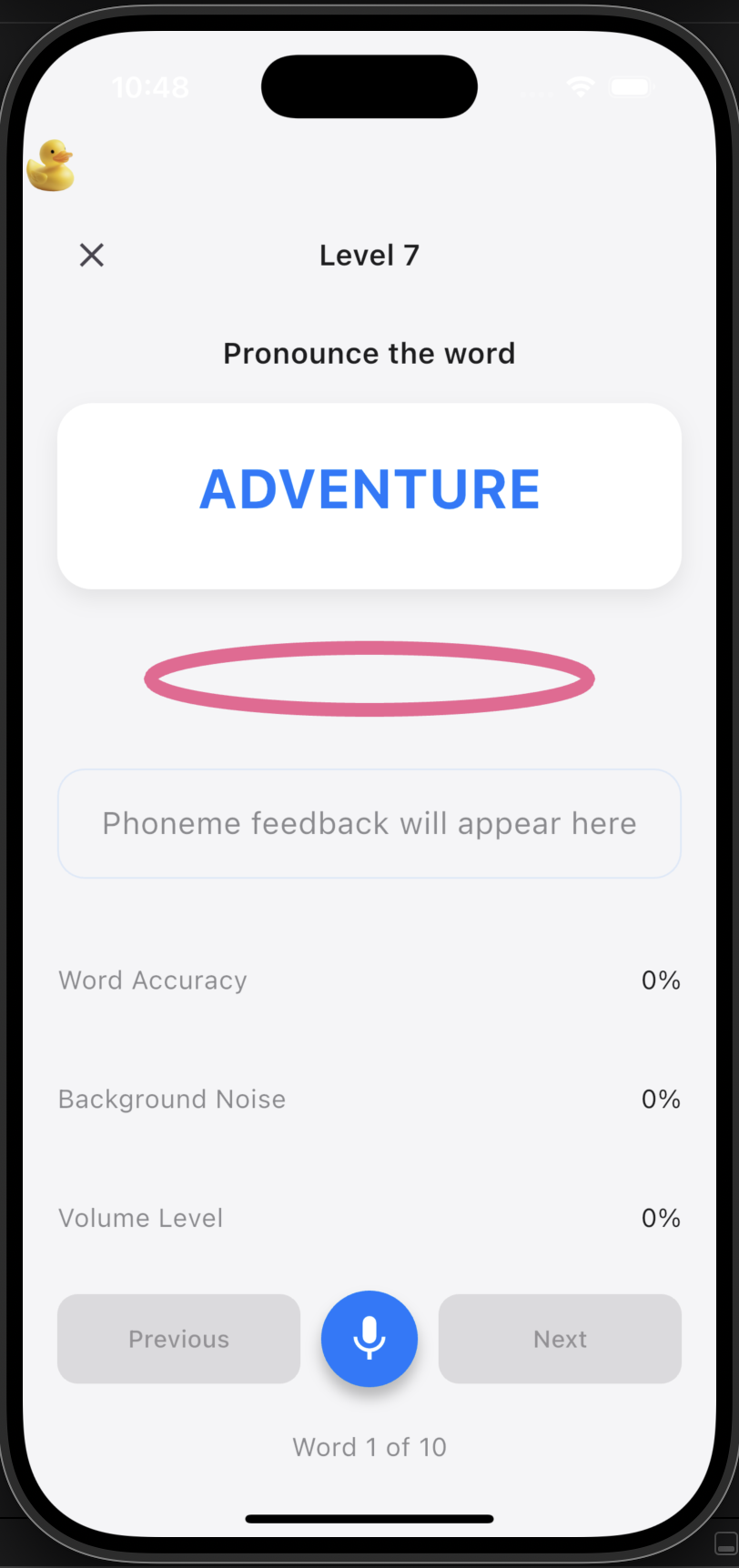
Inspiration / Problem
Learning to speak and understanding language is a challenge for deaf and hearing impaired individuals. Most language learning apps are designed for hearing users, relying on audio feedback and not providing accessible, visual cues for pronunciation. To add to that, human coaches are fairly expensive. Making it difficult for the average deaf individual to learn how to speak. We wanted to create a tool that empowers deaf users to practice spoken language in a way that’s fun, visual, and supportive, helping bridge the gap in language accessibility.
What it does / Solution
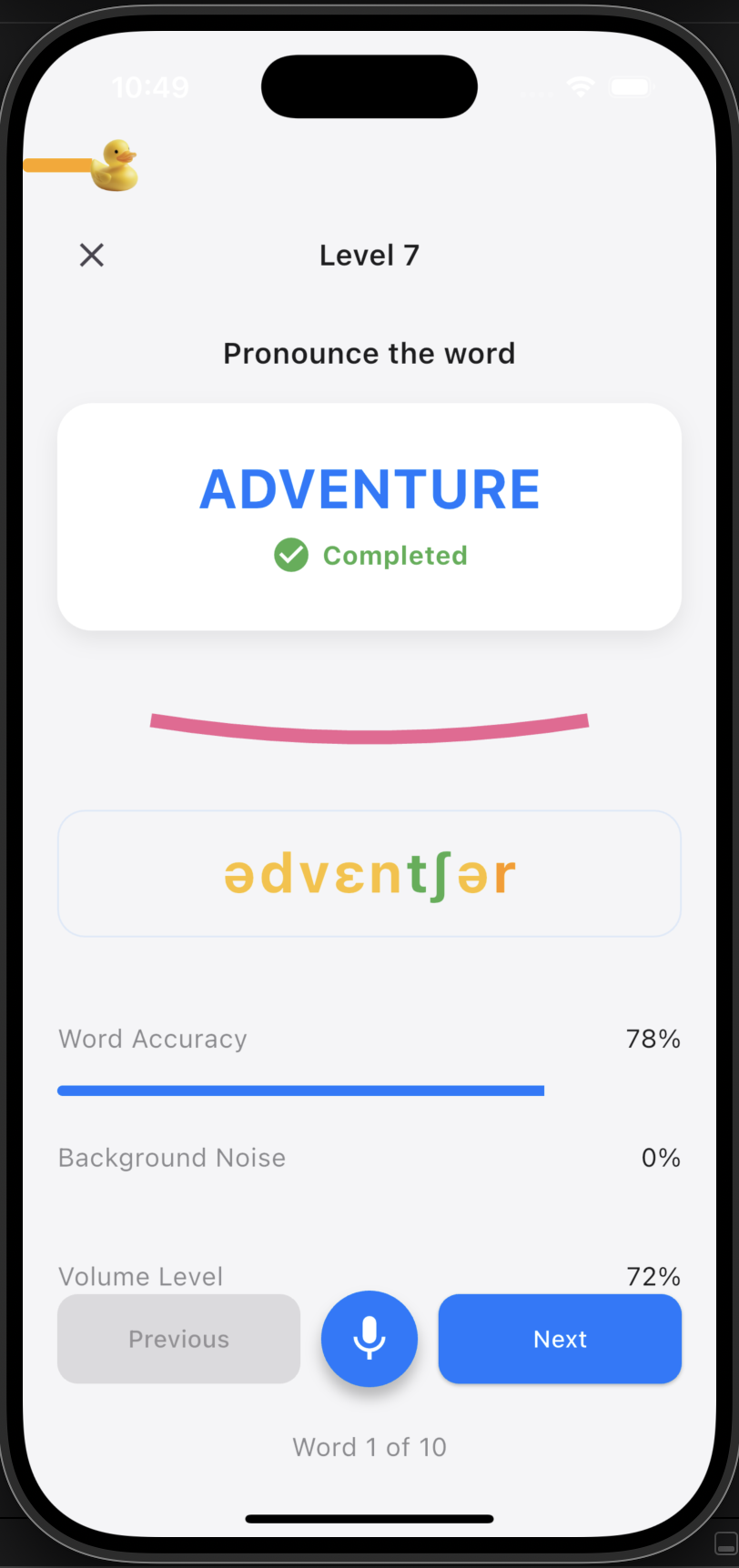
Ducky AI is a gamified language learning app that uses real-time speech recognition, visual feedback, and playful 2D lip animations to help users practice and perfect their pronunciation. Users progress through levels of increasing difficulty, receive instant feedback on their accuracy, and see animated mouth shapes (visemes) for each word, making the learning process both engaging and accessible. Each syllable is highlighted in different colors to show phoneme accuracy, garnered through Azure's Speech Text AI.
Market opportunity
Globally, 430+ million people have disabling hearing loss, and millions more struggle with speech clarity and articulation. The market for accessible, inclusive language learning tools is vast. Ducky AI not only addresses a critical educational gap but also opens up new opportunities for social and professional integration for deaf individuals.
Numbers at a glance
Globally,
- 430 million people worldwide have disabling hearing loss (WHO, 2024).
- 360 million people worldwide have a disabling hearing loss over 40 dB (WHO).
- Up to 5 in 1,000 infants globally are born with hearing loss.
How we built it
- We built the app in Flutter for cross-platform support (iOS, Android, macOS).
- For speech recognition and pronunciation assessment, we use Azure Cognitive Services, but to keep our API keys secure, we created a custom Node.js/Express backend as a proxy.
- The backend receives audio and text from the app, securely calls Azure, and returns the results.
- We designed a custom progress bar and UI, featuring a friendly yellow duck mascot and animated mouth shapes using Flutter’s CustomPainter.
- All user progress and feedback are handled in real time, with a focus on accessibility and visual clarity.
Challenges we ran into
- API Security: We had to ensure our Azure keys were never exposed in the app, so we built a backend proxy.
- Real-time Feedback: Mapping phonemes to visemes and animating them smoothly in Flutter required custom logic and creative use of the canvas.
- Accessibility: Designing a UI that’s both fun and accessible for deaf users meant rethinking traditional audio-based feedback.
- Cross-platform quirks: Ensuring consistent behavior and appearance across iOS, Android, and macOS took extra effort.
- Avatar Rendering: Rendering avatars for lip movement was a further challenge derived from animating 2d lip movement.
What we learned
The sheer importance of planning and designing before developing code How to securely integrate cloud APIs in a mobile app using a backend proxy. Advanced Flutter animation and custom widget techniques. How to rapidly prototype and iterate on a cross-platform app in a hackathon setting.
What's next for Ducky AI: Duolingo For Deaf Individuals
- Integrate Gemini API from better response on how to improve pronunciation
- Expand the word and level database for more comprehensive language practice. -Integrate more advanced lip sync and facial animation.
- Launch a public beta and gather feedback from the deaf and hard-of-hearing community.
- Funded by YC / Venture Capital :D


Log in or sign up for Devpost to join the conversation.