-
-
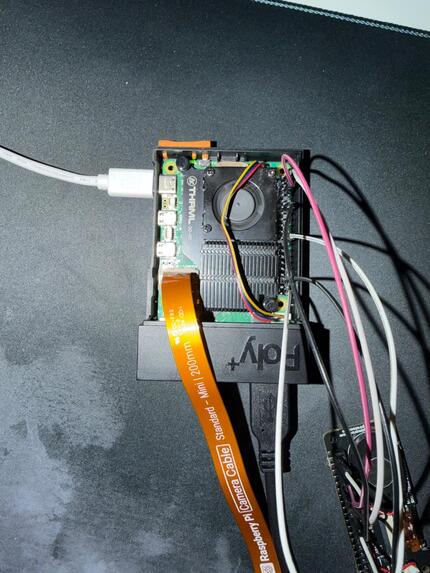
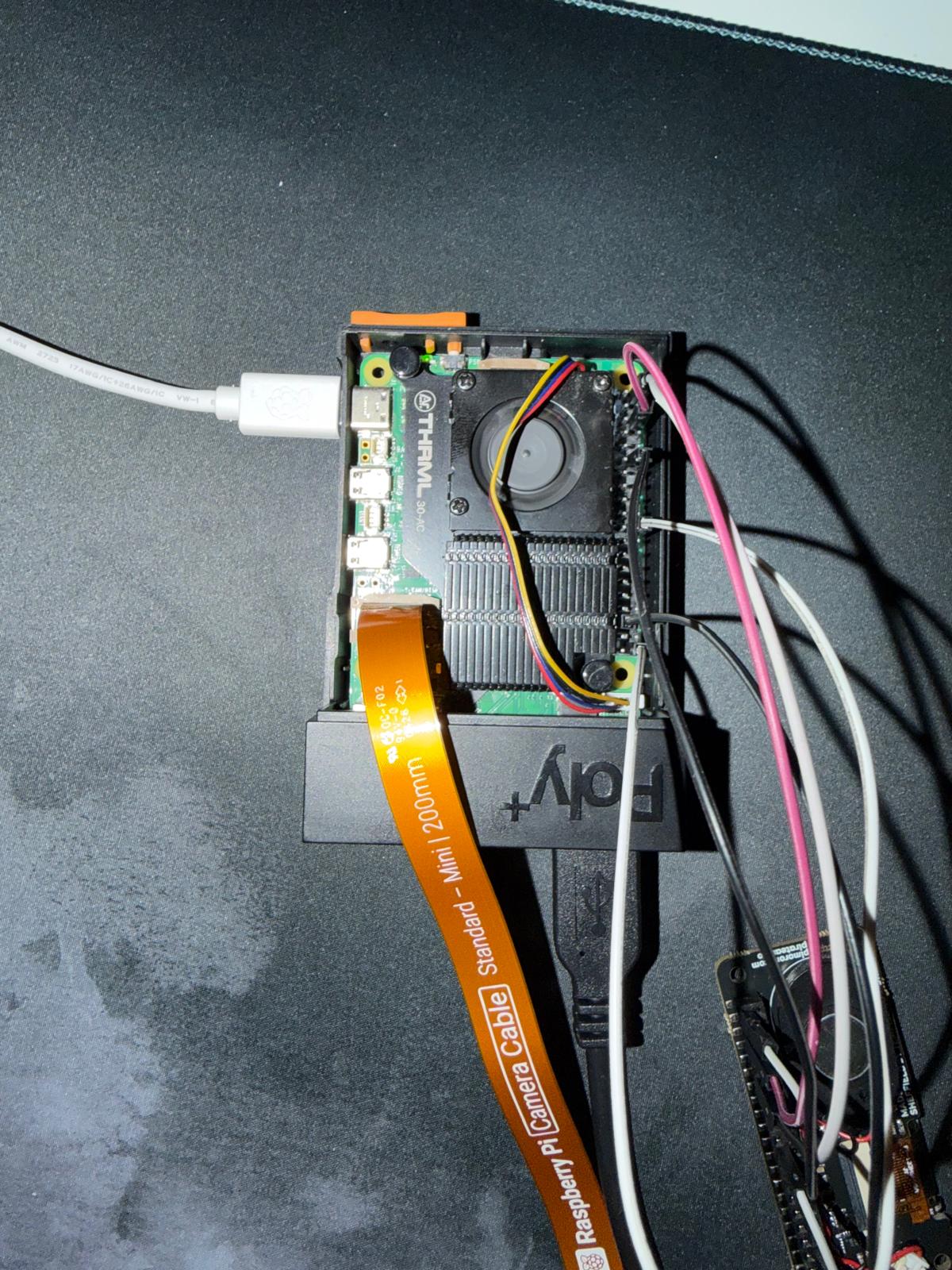
The Raspberry Pi
-
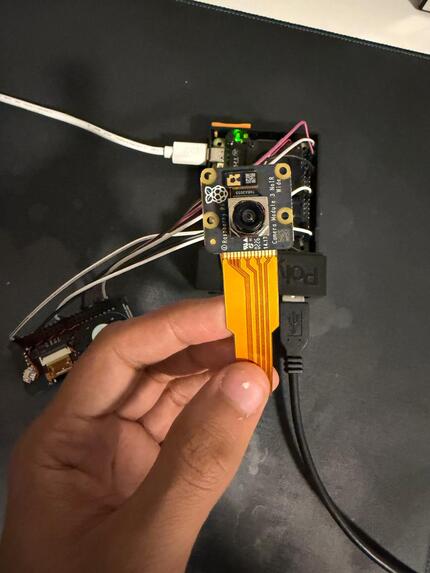
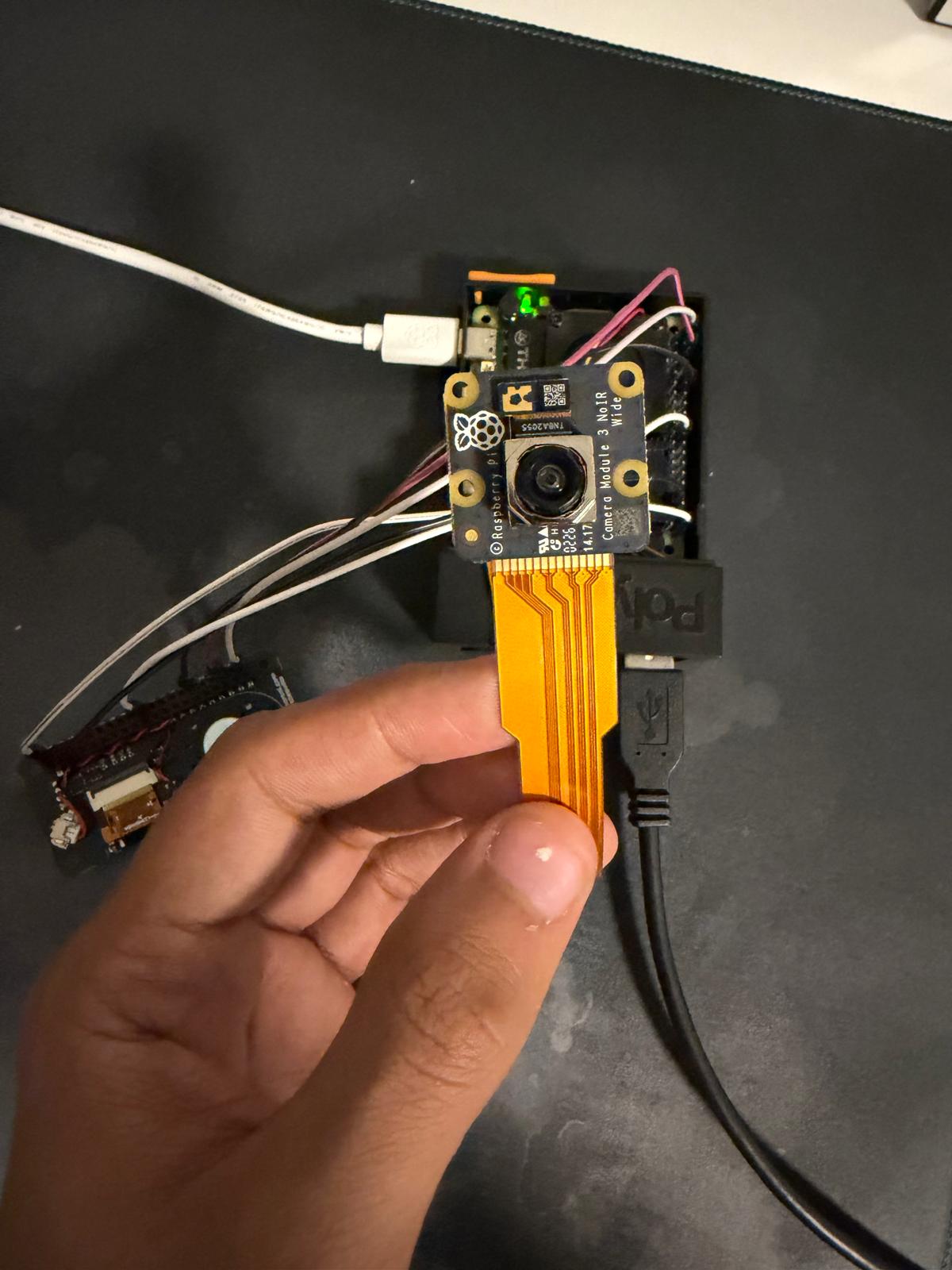
Camera we used in the duck
-
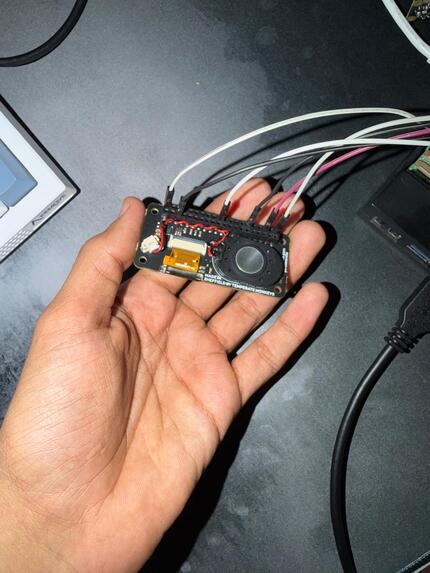
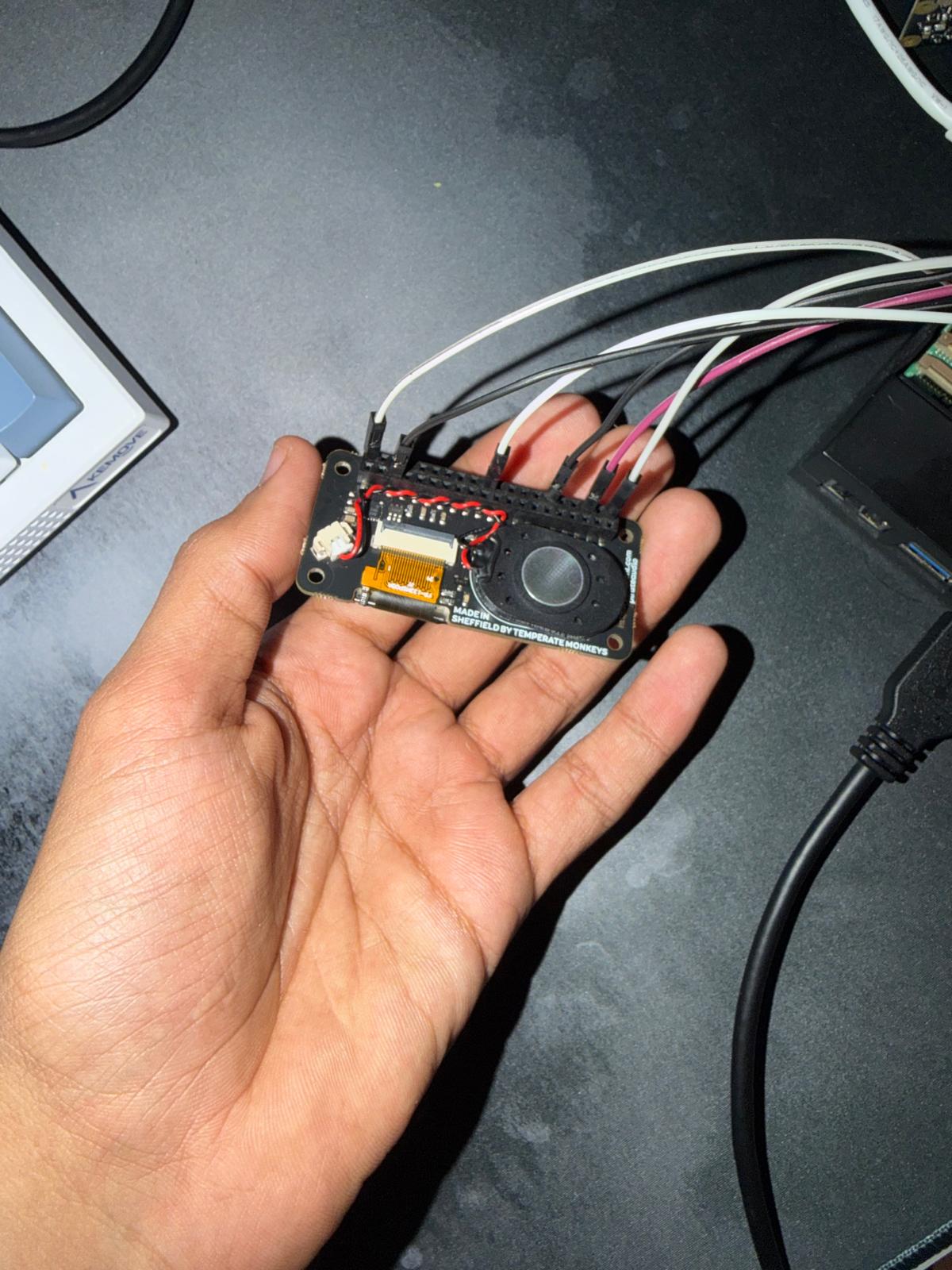
The speaker module
-
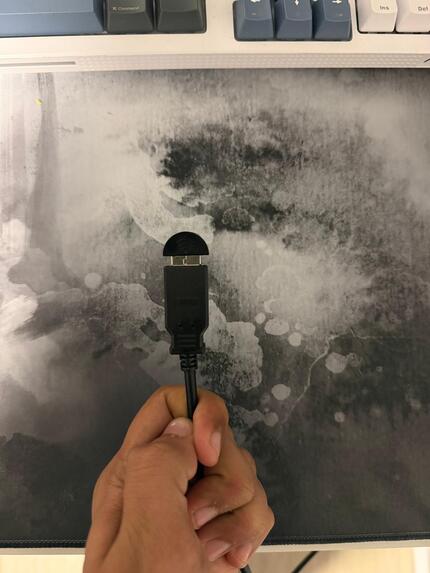
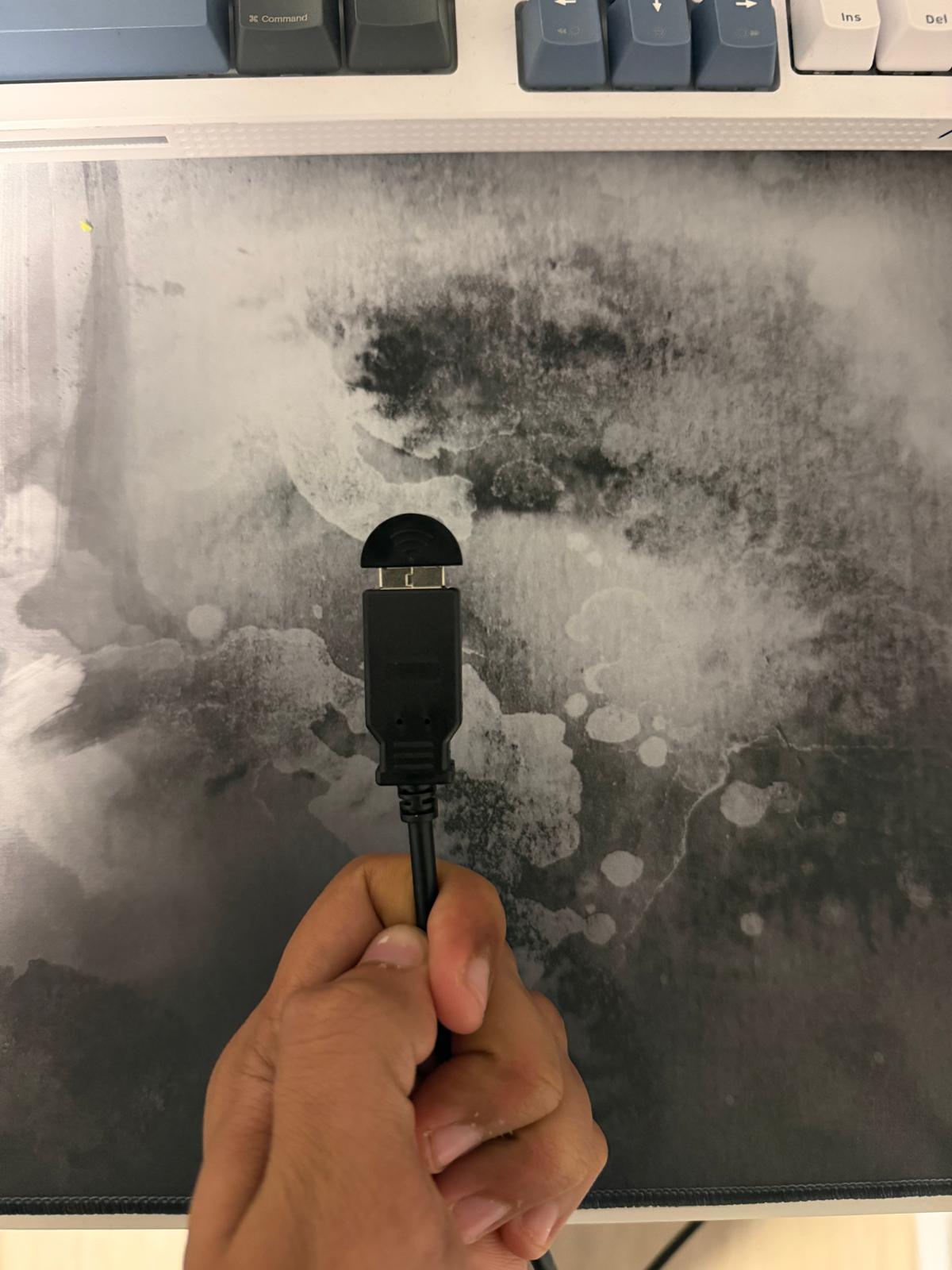
The microphone module
-
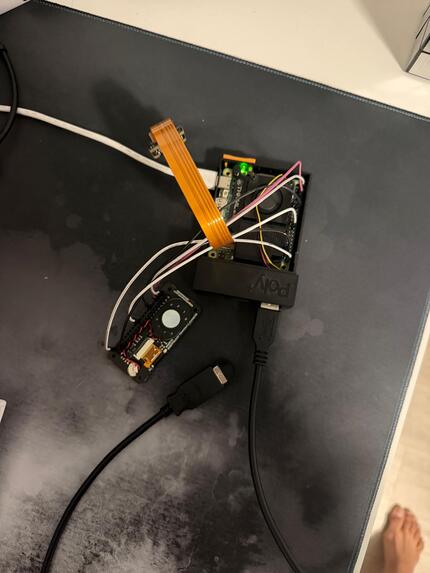
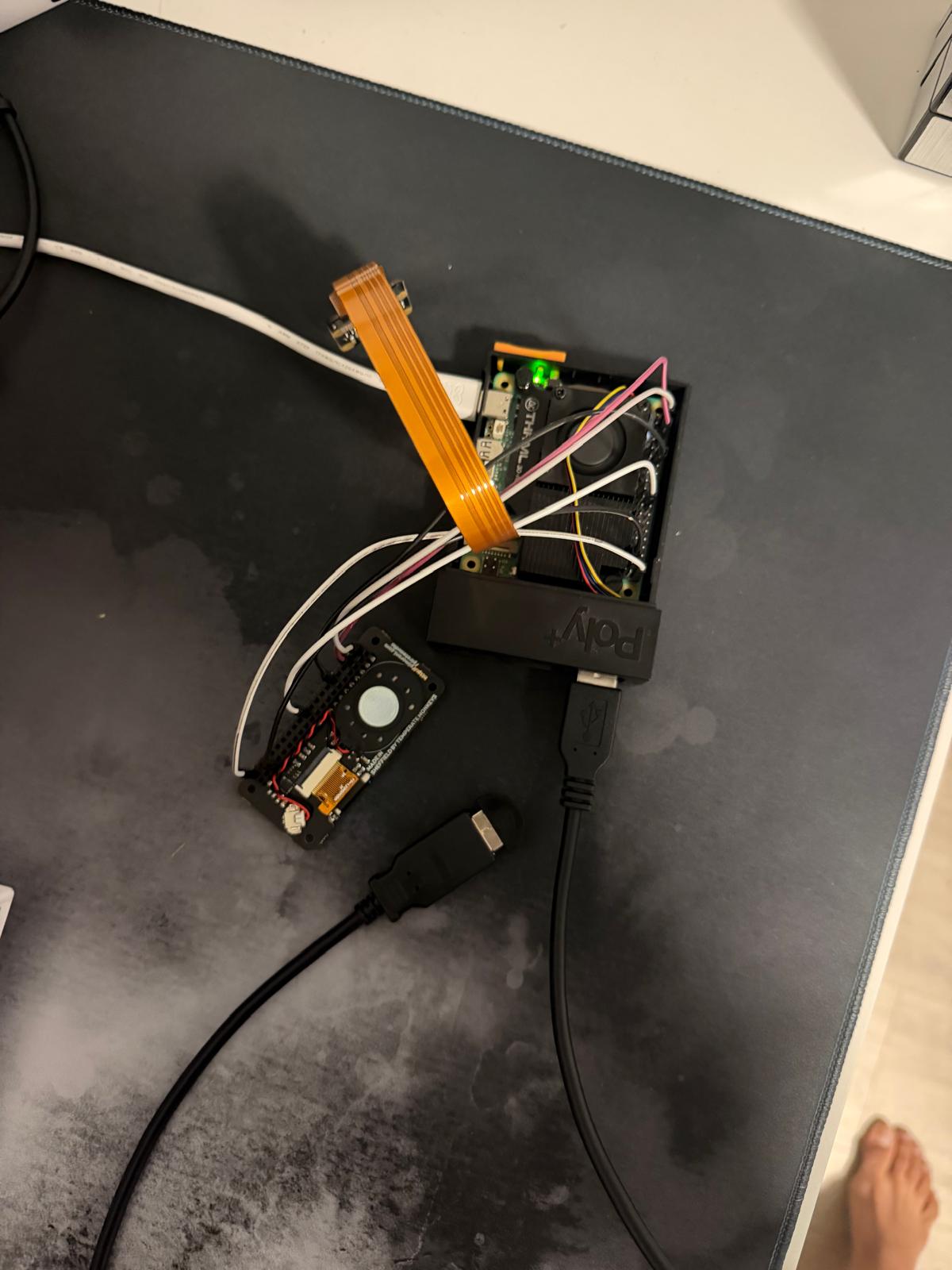
Electronics setup with microphone, speaker and the Raspberry pi
-
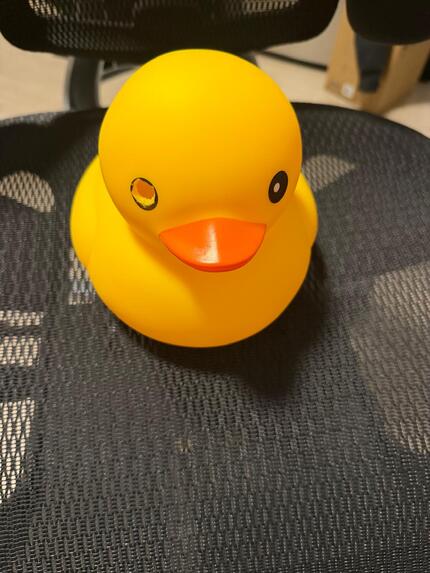
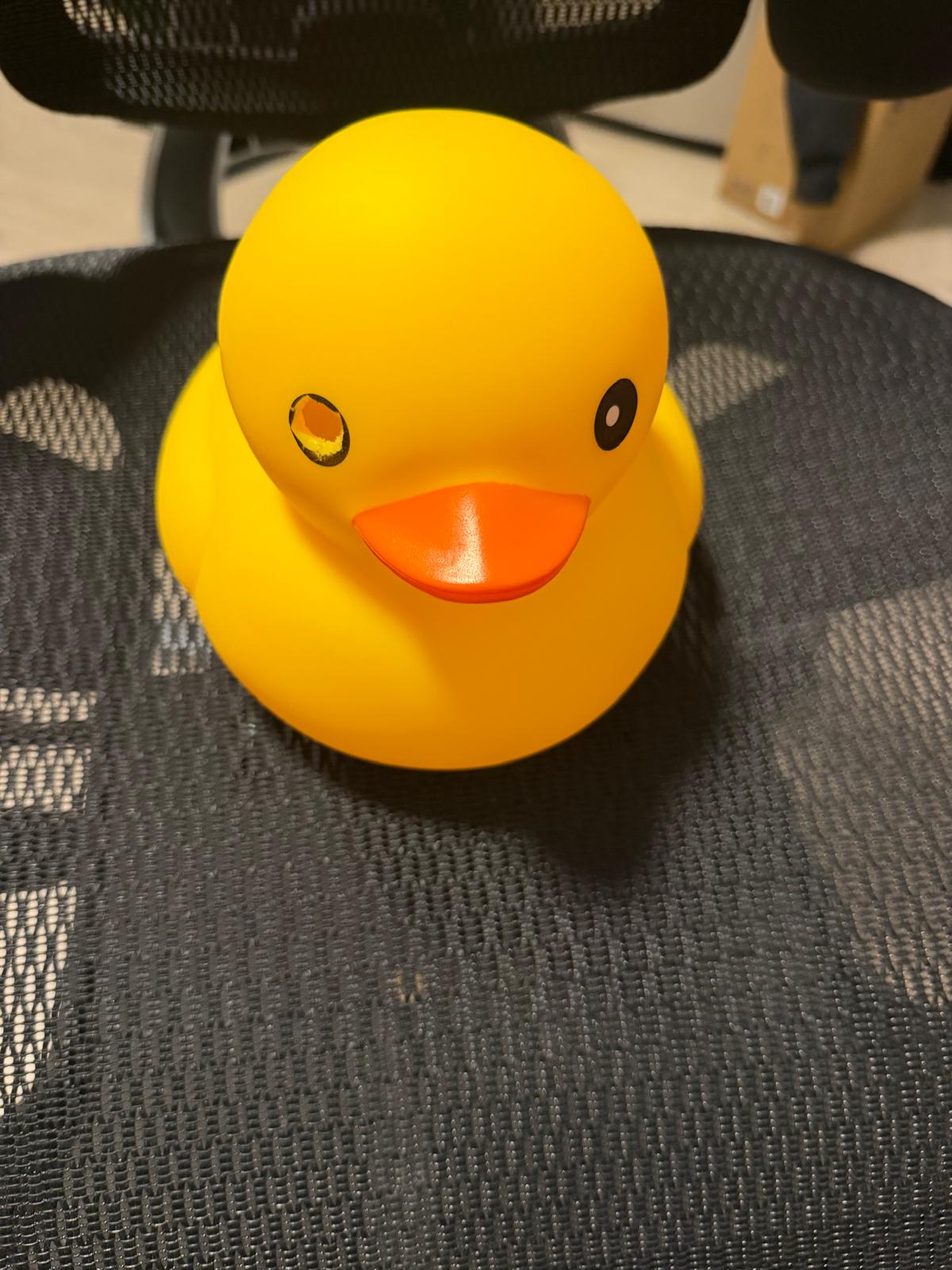
The duck without electronic components
-
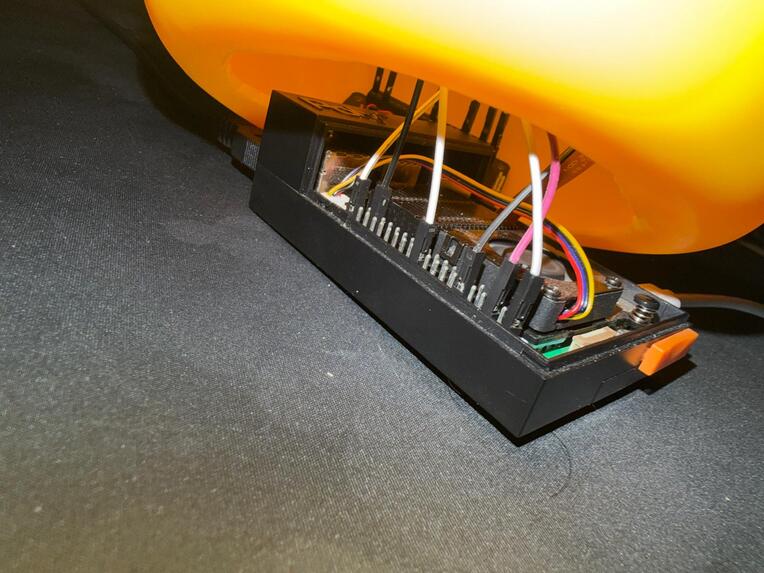
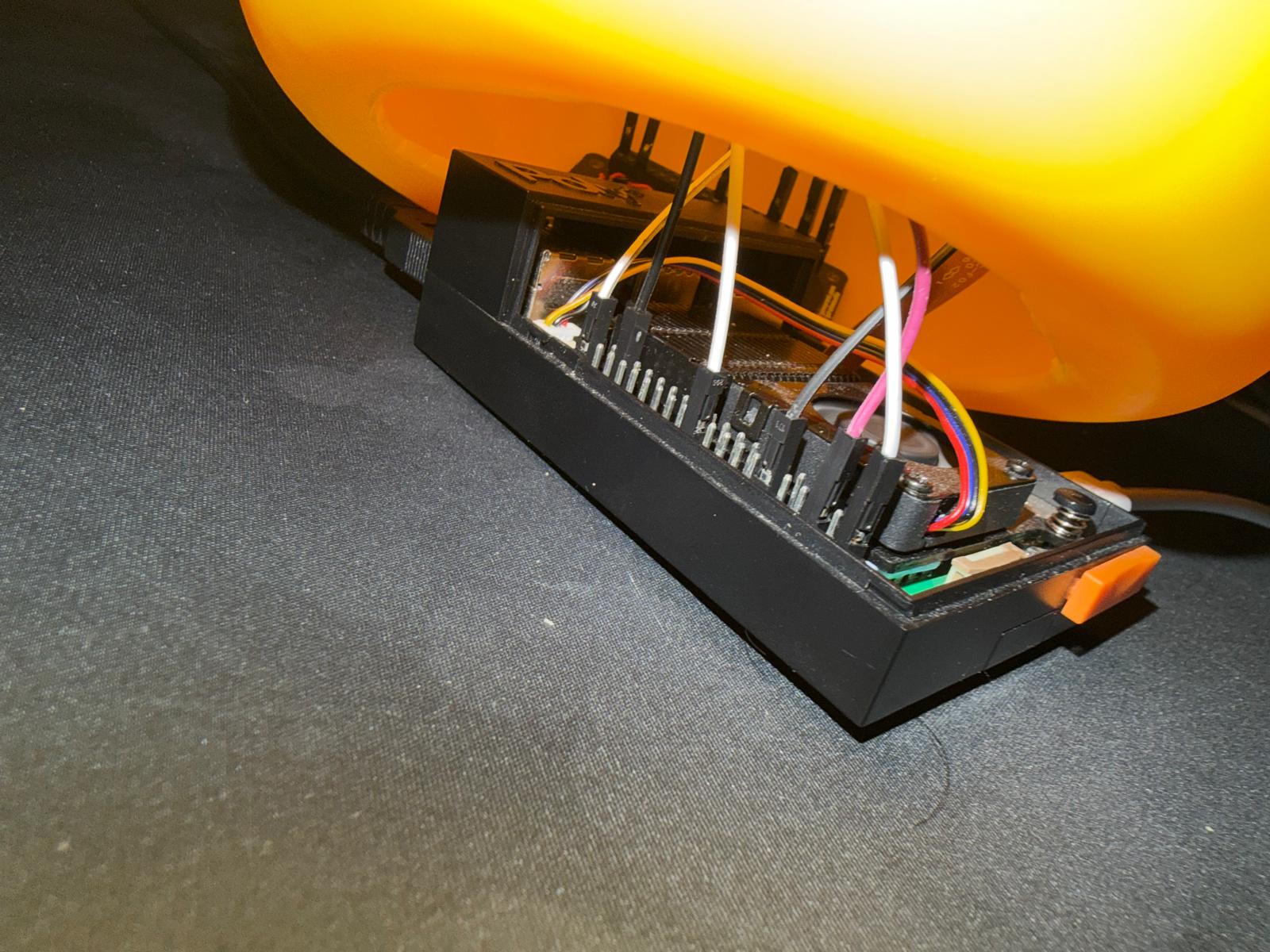
Base of the duck tech under the duck
-
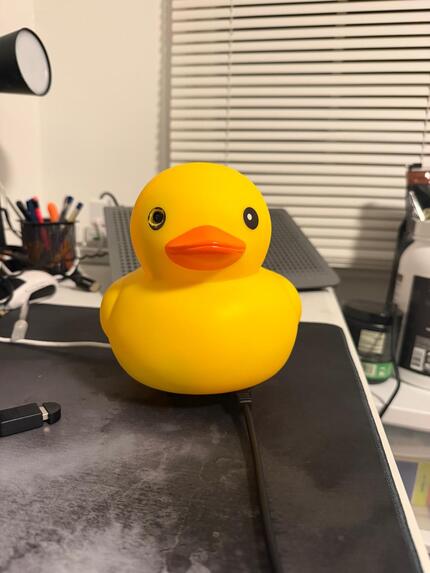
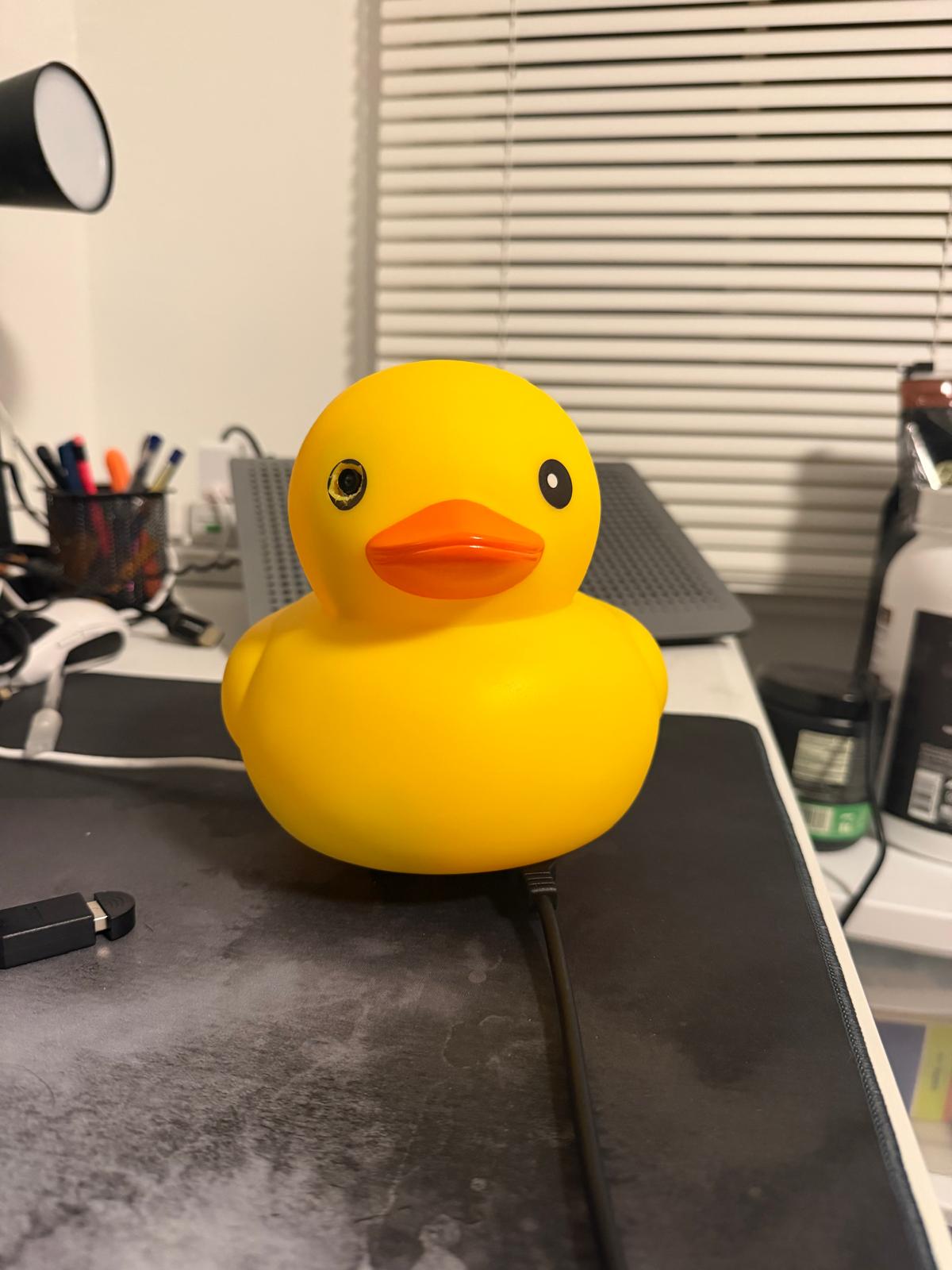
The final product with the duck on top of the raspberry pi
Inspiration
Last year, Akeen and I attended HackHarvard, where we had the opportunity to attend a CS50 lecture delivered by David Malan. During the lecture, he mentioned something that really stuck with us. As programmers, we often talk to rubber ducks to help us debug our code, but what if those ducks could actually talk back to us? This simple question sparked an idea that eventually became our project. We began wondering why a rubber duck should just sit on our desks and stare into oblivion when it could serve a much greater purpose. We wanted to transform the traditional rubber duck into an interactive assistant that could communicate with users, perform routine tasks, answer everyday questions, and improve productivity. Our goal was to create something that would not only help programmers with their work but also assist anyone looking to stay focused, manage tasks, and get things done more efficiently.
What it does
Posture detection. Using the camera, DuckMommy measures the angle of your neck. If you slouch for too long, she tells you out loud to sit up, and the slouch appears on your chart on the website.
Sign to Duck (ASL). You sign a word at the camera, and she says the sentence out loud. She recognizes 54 ASL word signs, and some of them work as commands, like starting a focus session.
Voice assistant (“hey duck”). You can talk to her by saying “hey duck.” She understands what you say and answers in her own custom ElevenLabs voice. She can also answer everyday questions, like the weather.
Nest (memory). She remembers whatever you tell her, like where you put something or a locker code, and repeats it whenever you ask. Your notes are saved on the website.
Reminders and calendar. You can ask her to remind you of something, or ask what is on your calendar. She connects to Google Calendar and Brightspace, and warns you before your deadlines.
Lock-in coach. She checks in on you, nudges you if you have stopped moving, and runs timed focus sessions. You can choose her personality: gentle, coach or savage.
Sound alerts. She listens for sounds you might miss, like a doorbell, a phone, an alarm or someone calling your name, and shows each one on the website.
Sentry mode. When you leave, she watches your desk. If she spots someone, she sends a message to your phone through Photon saying someone is in your room.
Website dashboard. A 3D duck floats on the water, and each user can log in and see their own stats, notes, calendar and activity.
How we built it
We built DuckMommy around a Raspberry Pi 5 placed inside the duck. The Pi takes in all of our inputs through a camera, a microphone and a speaker, and each sensor feeds a different feature. Depending on the data, the Pi switches between modes. For posture, for example, it measures the angle of the user’s neck and compares it against values we set for each angle. We used MediaPipe to track the body and hands and YAMNet to recognize sounds, and both run directly on the Pi, so video never leaves the duck.
To process all of this data, we set up an Ubuntu server as our backend and used Tailscale to connect it to the Raspberry Pi. The Pi sends its values to a Node relay on the server, which runs our code. We used Claude to interpret what the user says and ElevenLabs to give the duck its own voice, and we stored accounts and notes in Supabase. Once the processing finishes, the server sends a signal back to the duck, and the duck responds.
The same data is streamed to our website, built with Next.js and three.js, where each user can see their own personalized stats.
Challenges we ran into
The major challenges we faced were primarily related to setting up and optimizing the hardware components. One of our initial difficulties was configuring the camera and adjusting it to fit our frame properly. We also had to identify the correct GPIO pins and establish the connections between the speaker and the Raspberry Pi. Once the hardware was connected, installing the required libraries and individually testing each component became a tedious and time-consuming process.
However, one of our biggest challenges was latency, as there was a noticeable delay between giving a command and receiving a response. We had to optimize each component to reduce this delay and improve the system's overall responsiveness. Audio optimization was another significant challenge, as we needed to balance sound quality by adjusting the frequency and loudness to match the speaker's capabilities.
Another major challenge was training our American Sign Language (ASL) recognition model, which required a large amount of data to accurately recognize and interpret hand gestures. Collecting sufficient training data and ensuring that the model could reliably distinguish between different signs added another layer of complexity to the project.
One of our main technical limitations was the microphone, which required the user to speak very close to it for accurate voice recognition. To address this issue, we added an extension cable that allowed us to position the microphone closer to the audio source, making the system more practical and easier to use.
Accomplishments that we're proud of
We are proud that a single Raspberry Pi is able to handle posture tracking, sign language recognition, sound detection, the wake word, the coach and sentry mode all at the same time. Instead of running separate models for each feature, we found a way to analyze every camera frame once and share the result, which kept the duck fast enough to respond in real time.
We are especially proud of the accessibility features. The duck can read American Sign Language and alert users to important sounds, which means people who are deaf or hard of hearing can communicate with it without relying on sound. We are also proud of how personal the experience feels. Rather than using one fixed definition of good posture, the duck calibrates to each user, and it can remember notes, set reminders and answer questions in a voice and personality of its own.
Privacy was another priority. The wake word runs entirely on the duck, so no audio leaves the device until the user says “hey duck,” and the camera feed is never recorded. Lastly, we are proud that we shipped a complete product rather than just a demo, with a live website, secure user accounts, phone alerts and a duck that keeps working even when the internet connection drops.
What we learned
This project taught us how to decide which tasks belong on the device and which belong in the cloud. We chose to run vision, sign language and the wake word on the Pi for speed and privacy, while speech recognition, the duck’s voice and the AI run on our server. We also learned how important latency is for a voice assistant. Even a few seconds of delay can make the duck feel broken, so we learned to stop listening sooner, stream the voice as it is generated and have the duck say “let me look that up” while it searches.
We also learned that people are different. A single posture threshold did not work for everyone on our team, which led us to calibrate the duck to each user. Working with real hardware taught us patience, since only one program can use the camera at a time, microphones need to be close to the speaker and a NoIR camera still needs an infrared light to see in total darkness. Finally, we learned that deploying a project is a challenge of its own, from managing servers and domains to merging code from five teammates throughout the weekend.
What's next for DuckMommy
In the future, we want to add an infrared light so that sentry mode can see in a completely dark room. We also plan to connect more sensors, including an ultrasonic sensor so the camera only turns on when someone is present, a pressure pad so patting the duck makes it quack, and alert lights for sound notifications. We would like to make conversations faster by moving more of the speech processing onto the duck itself, and to expand our sign language vocabulary from single words to full sentences.
We also want to give users long-term insights into their posture and focus over weeks instead of only the last few minutes. Beyond the software, we hope to design a 3D-printed enclosure that fits the hardware more cleanly, and to finish our NFC focus tag so users can tap their phone on the duck’s beak to start a focus session that blocks distracting apps.
Built With
- auth-0
- elevenlabs
- github
- godaddy
- google-cloud
- javascript
- linux
- microphone
- nextjs
- node.js
- ntfy
- opencv
- photon
- picam
- python
- raspberry-pi
- speaker
- suppabase
- termius

Log in or sign up for Devpost to join the conversation.