-
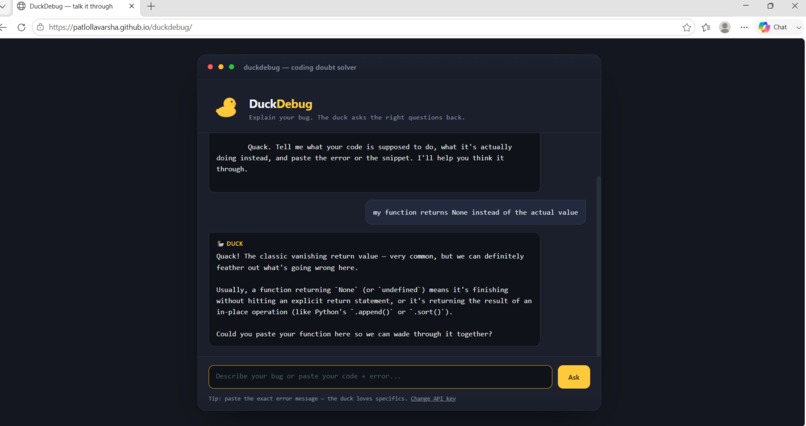
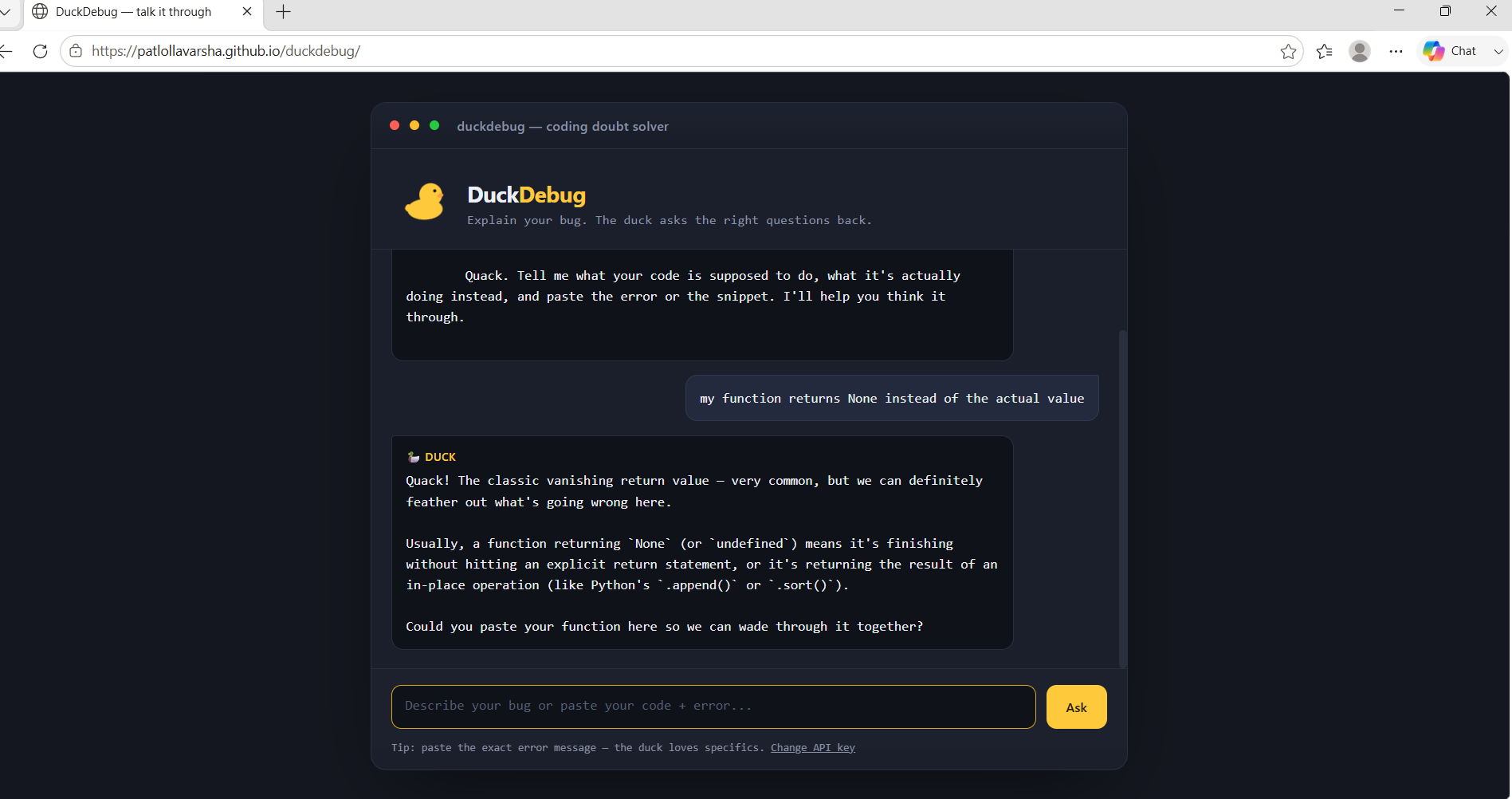
The duck asks a smart follow-up before jumping to a fix.
Inspiration
Every developer knows "rubber duck debugging" — explaining your bug out loud, even to an inanimate object, often helps you spot the problem yourself. We wanted to bring that idea to life with an actual AI duck that doesn't just listen, but thinks alongside you: asking the right follow-up questions, and only handing you the fix once it actually understands what's broken.
What it does
DuckDebug is a coding companion you chat with when you're stuck. Paste your buggy code, describe what's happening, or drop in an error message, and the duck:
->Asks a clarifying question if your bug report is vague, just like real rubber-duck debugging ->Diagnoses the issue directly when you give it enough detail (like a full error message) ->Explains why something broke, not just what to change ->Shows the corrected code in a clean, readable format
It's built to feel like a debugging partner, not a lookup tool.
How we built it
DuckDebug is a single-page web app built with plain HTML, CSS, and JavaScript — no frameworks, no build step. It's powered by Google's Gemini API for the actual reasoning and conversation.
The app is intentionally simple to run: on first load, it asks for a free Gemini API key (get one at aistudio.google.com, no credit card needed) and stores it locally in the browser, so there's no backend server or database required at all.
Challenges we ran into
Getting the AI integration wired up correctly took real trial and error — from API authentication formats changing, to keeping conversation history in the right structure for multi-turn chat, to handling the model being deprecated mid-build and needing to switch to a newer one. We also focused a lot on making error handling clear, so if something ever goes wrong (like temporary server overload), the duck tells you plainly instead of failing silently.
What we learned
Small details matter a lot when integrating with an external AI API — authentication headers, exact model names, and response formats all need to line up precisely. We also learned how much a strong "personality" in a system prompt (in this case, a patient, encouraging rubber duck) changes how useful and approachable an AI tool feels.
What's next for DuckDebug ->Syntax highlighting for code blocks in the chat ->Support for uploading whole files instead of pasting snippets ->A "history" of past debugging sessions saved locally ->Optional voice input, so you can literally talk to the duck
Built With
- css
- gemini-api
- google-ai-studio
- html
- javascript


