-
-
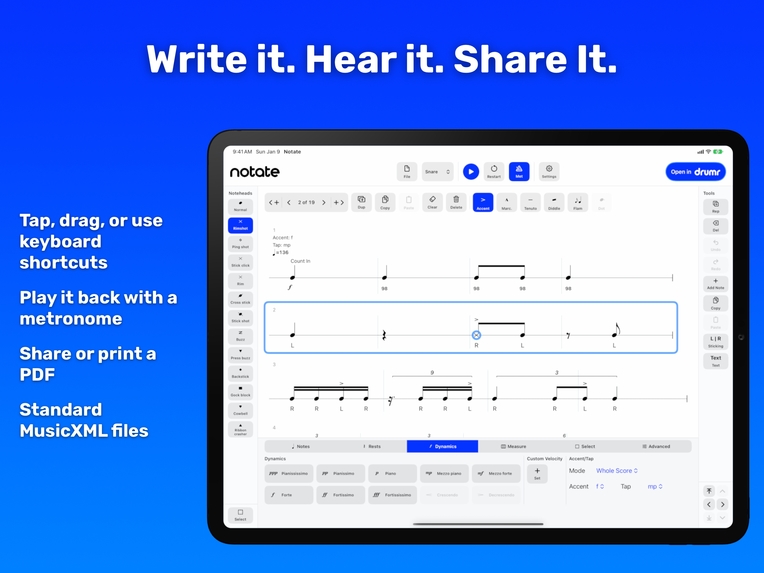
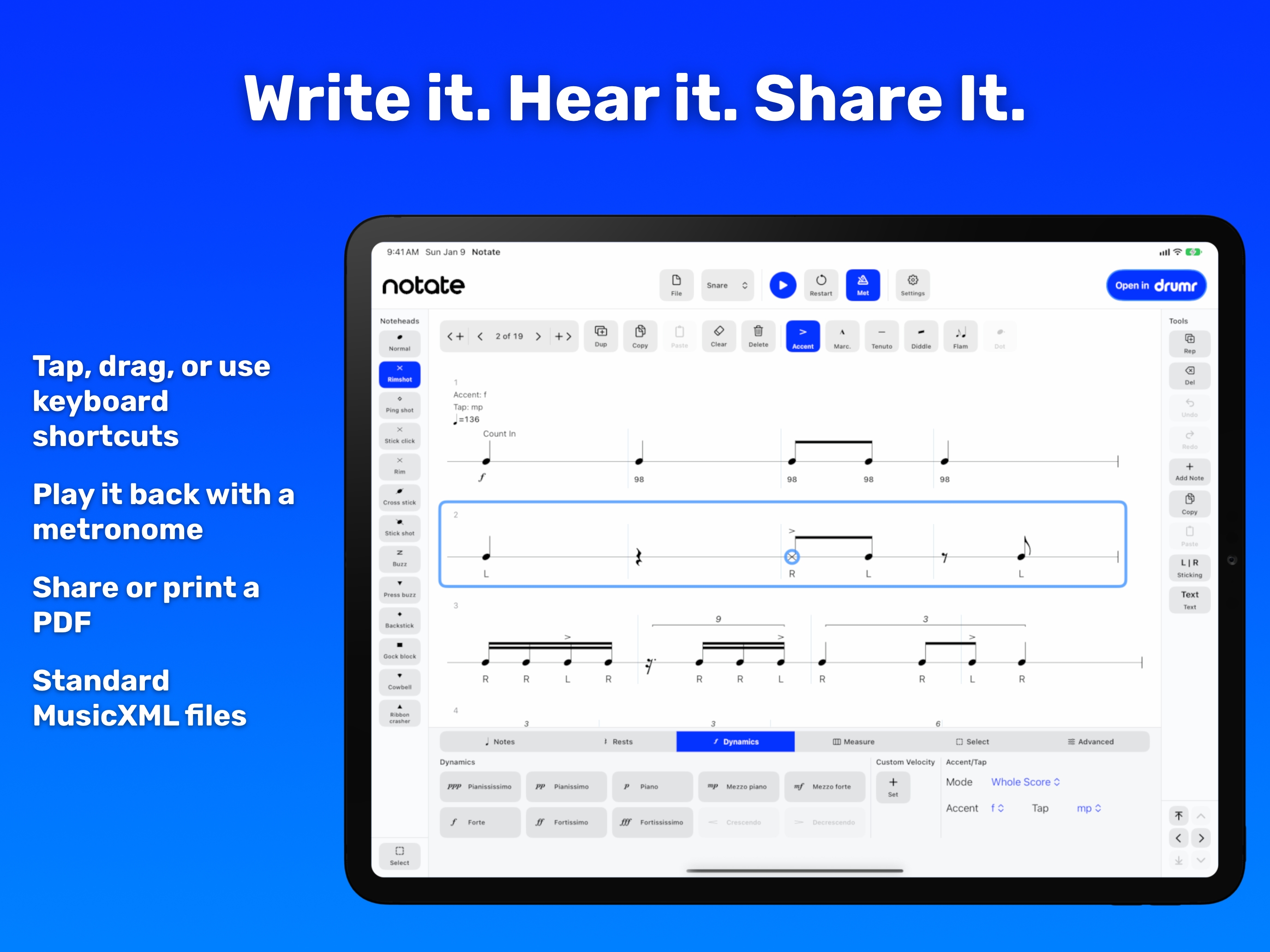
iPad: Write it. Hear it. Share it.
-
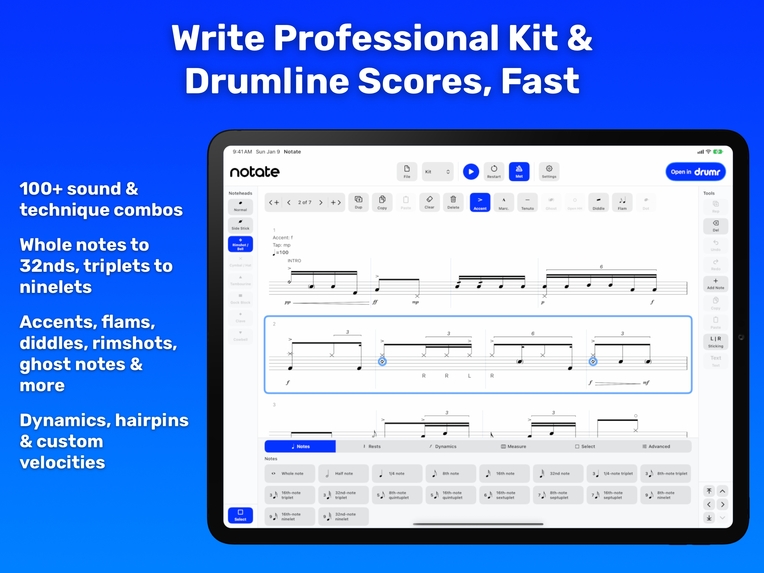
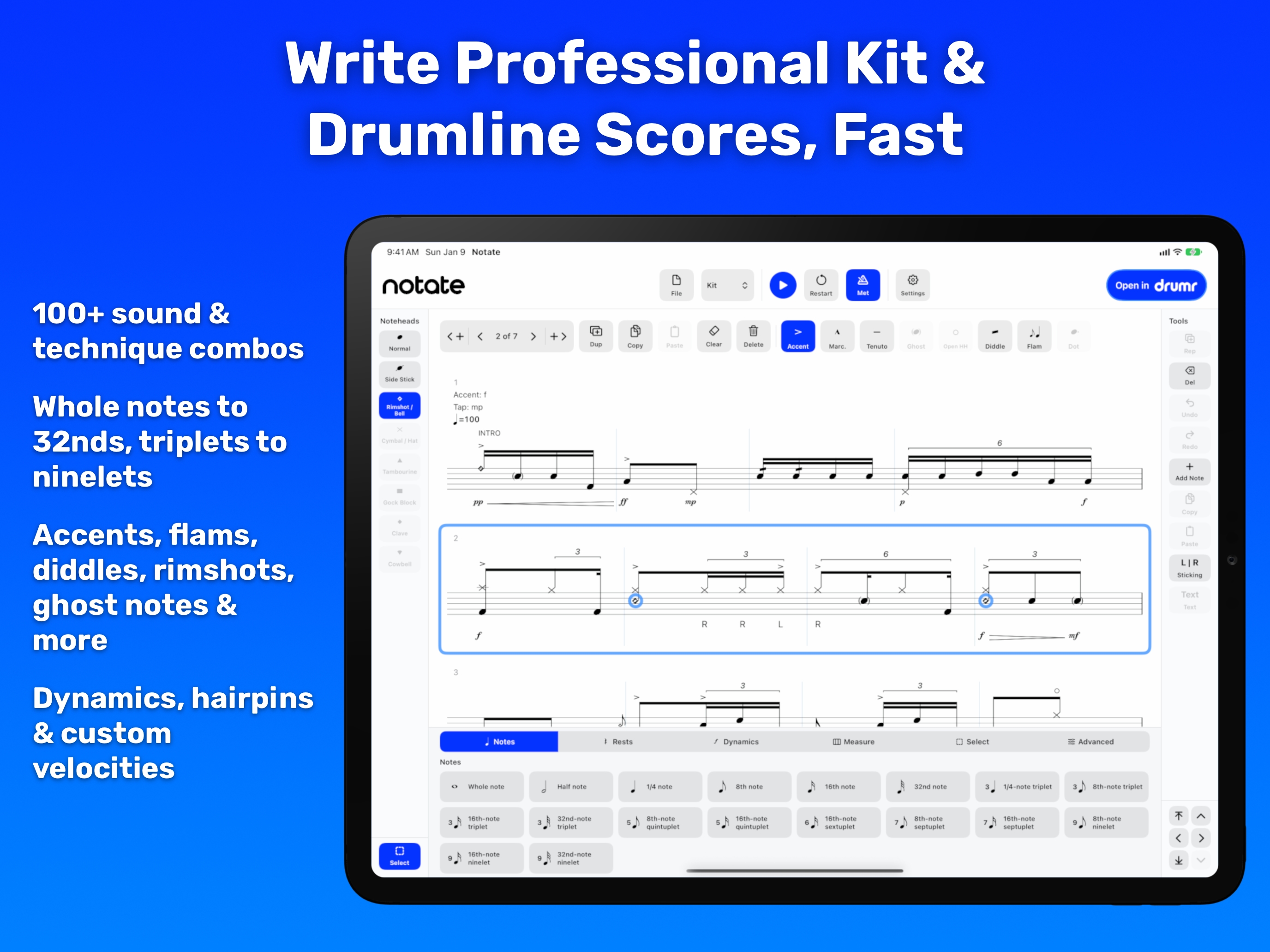
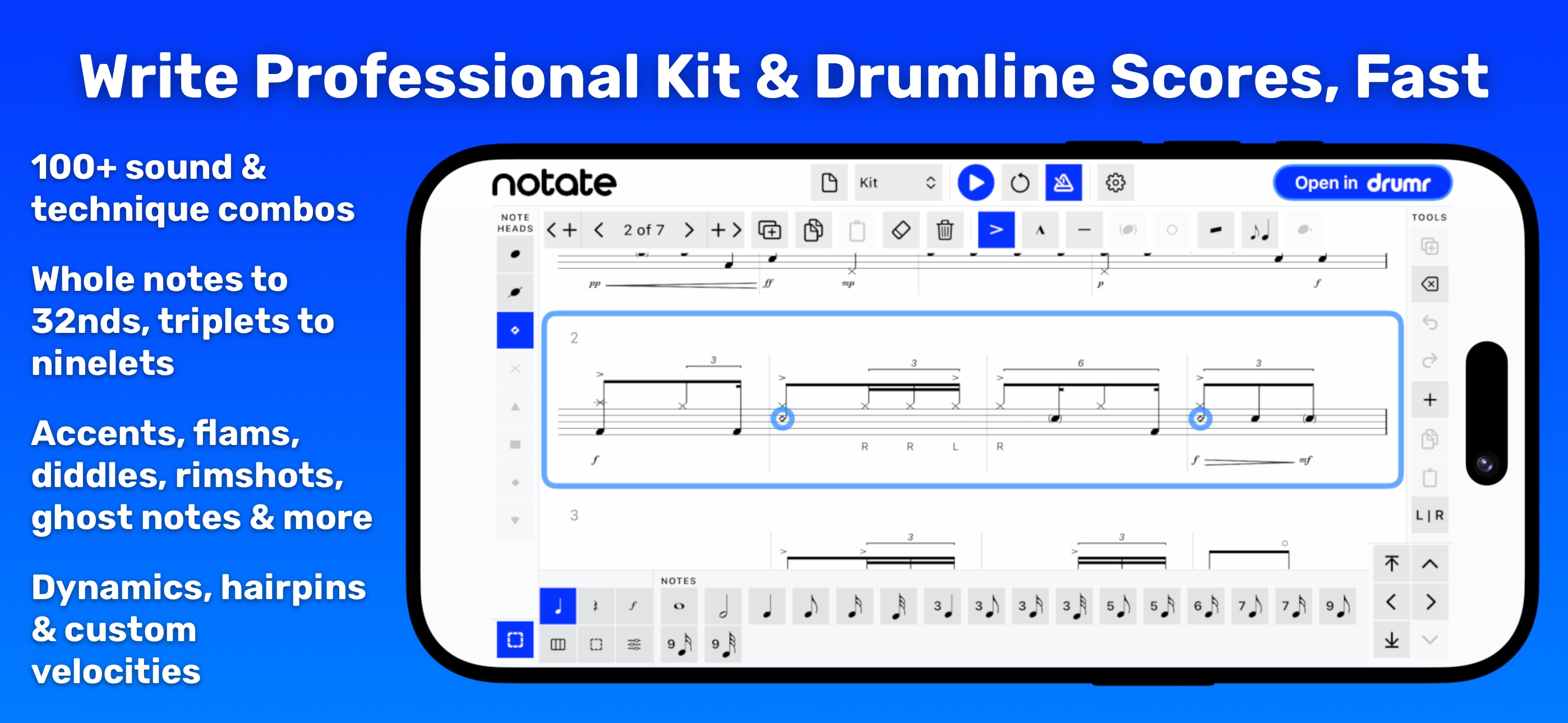
iPad: Write professional kit and drumline scores, fast
-
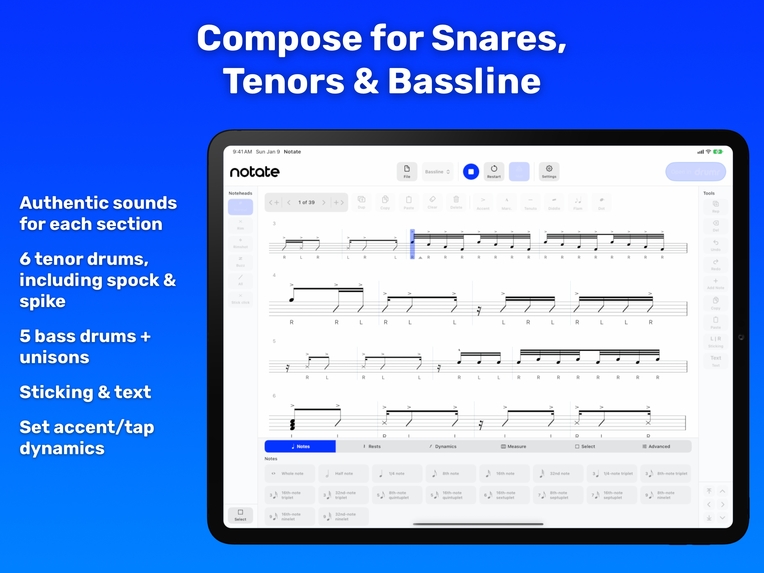
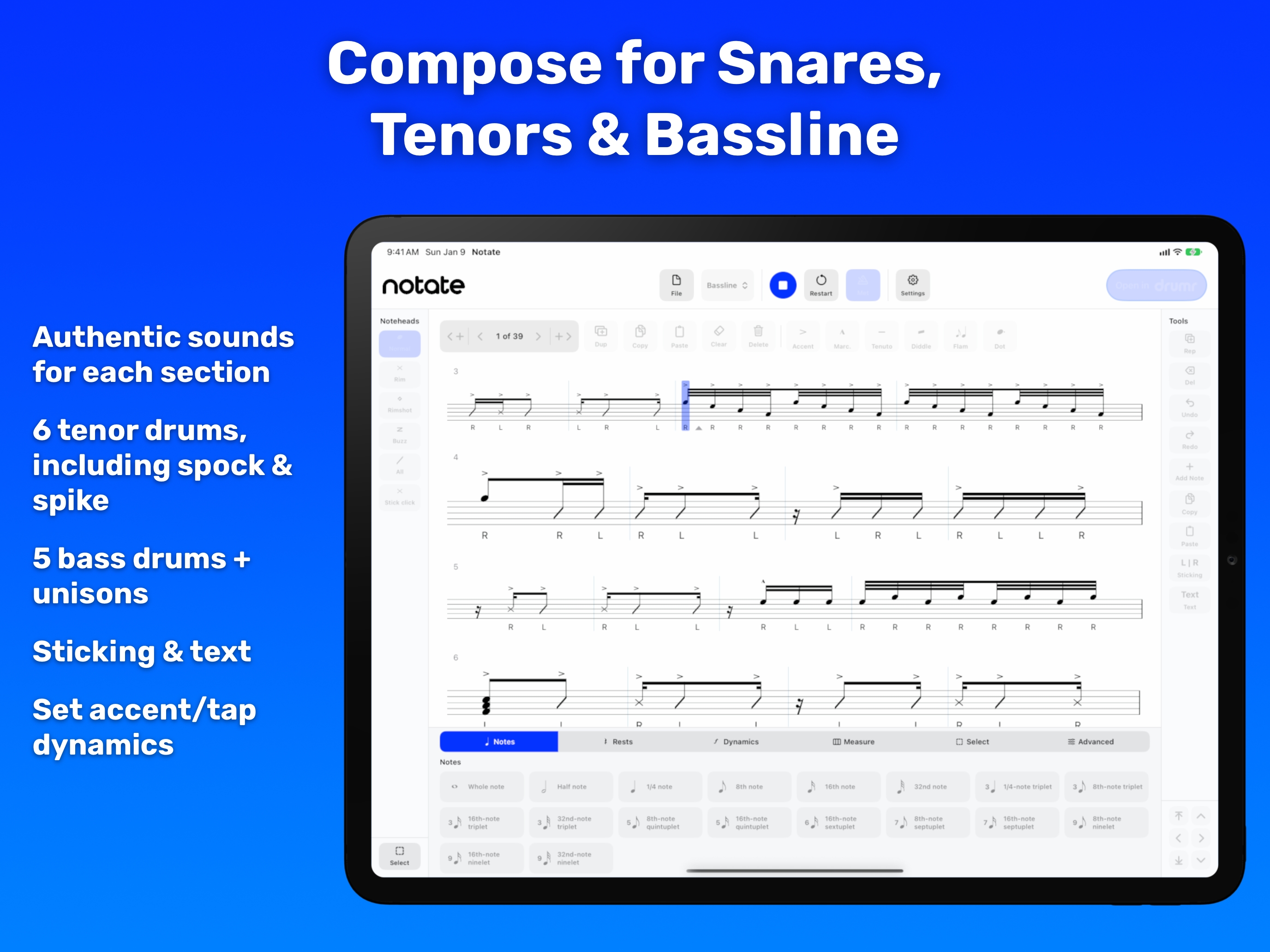
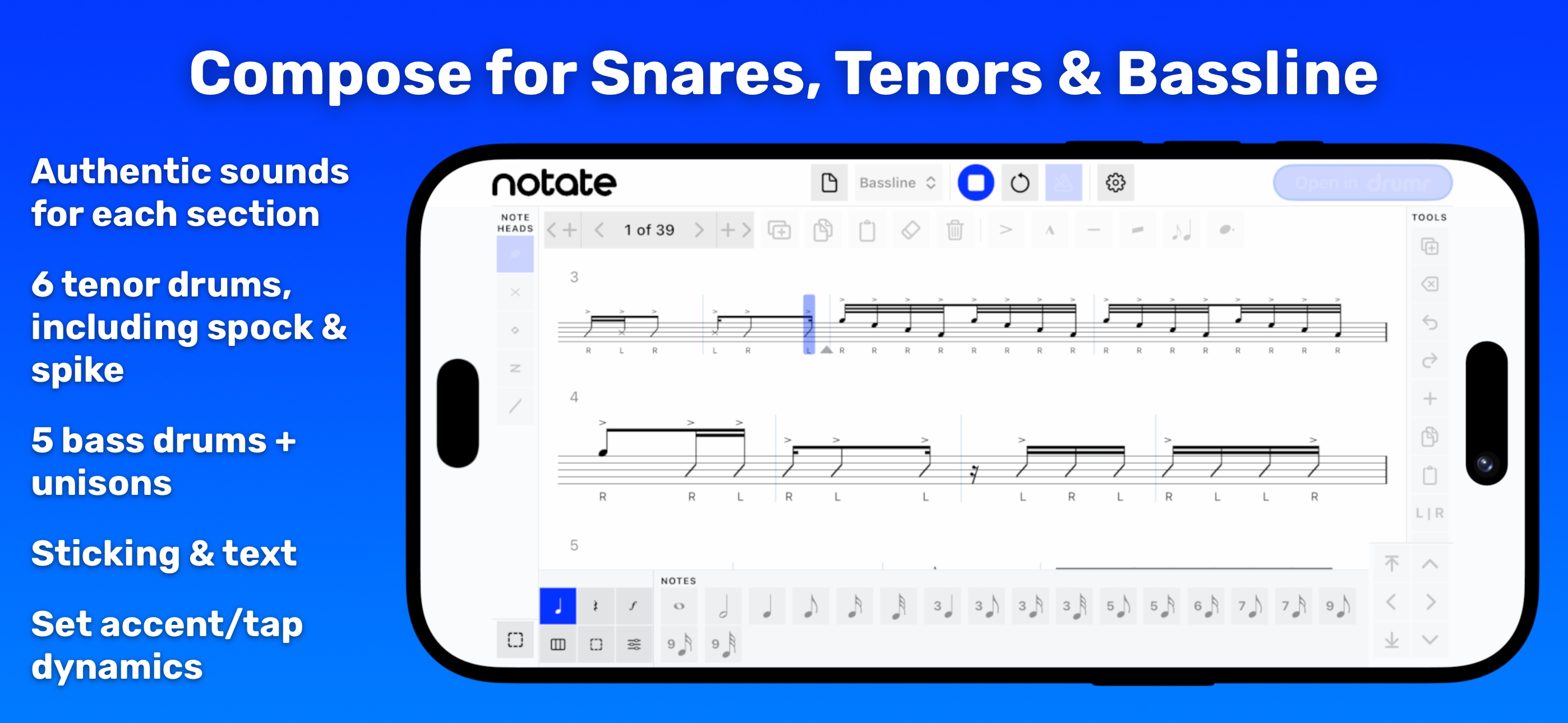
iPad: Compose for snares, tenors, and bassline
-
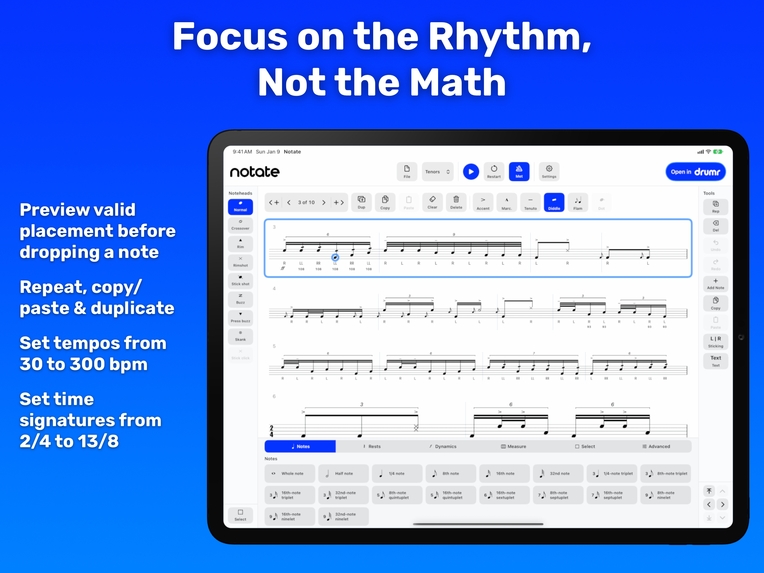
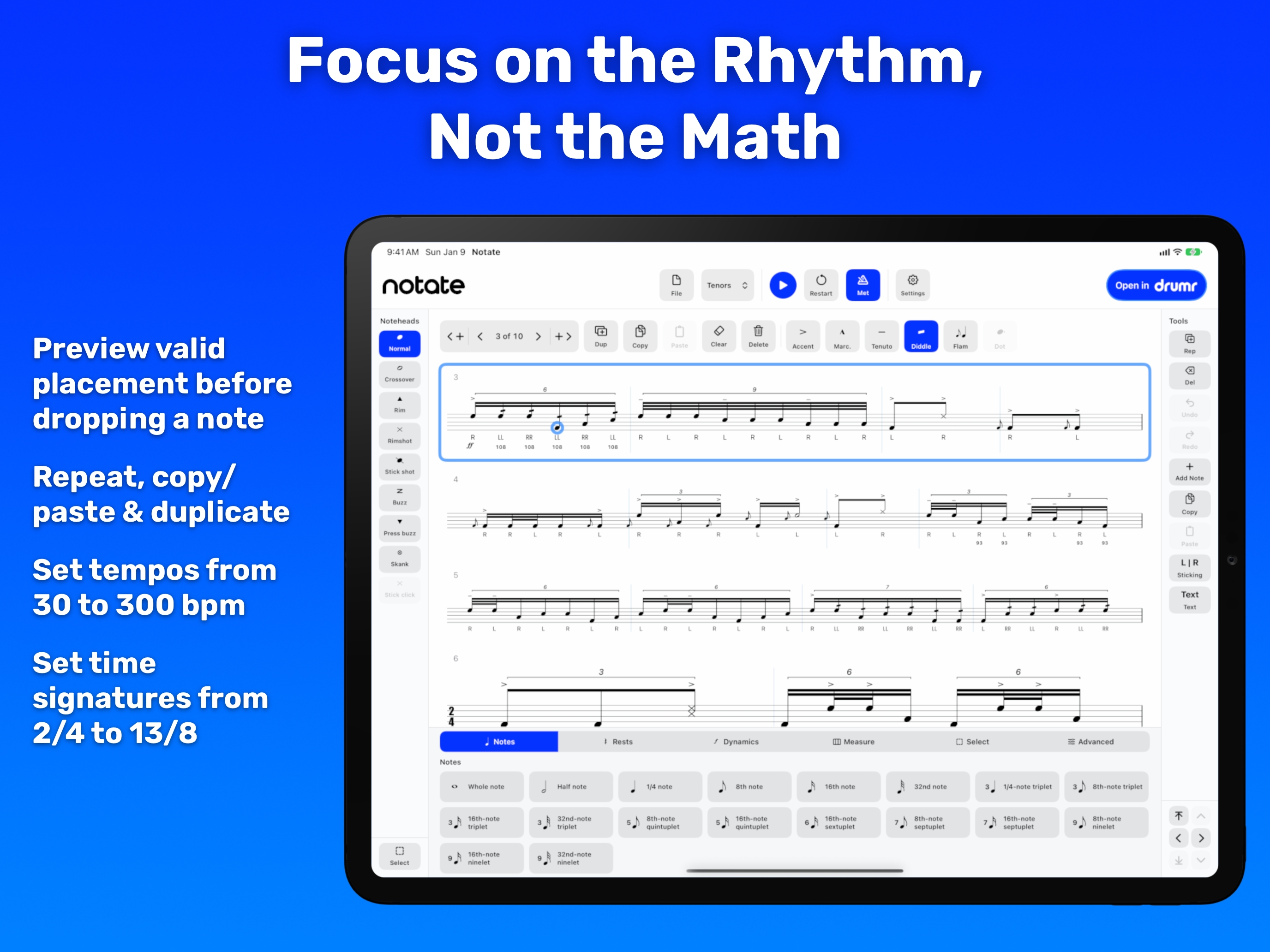
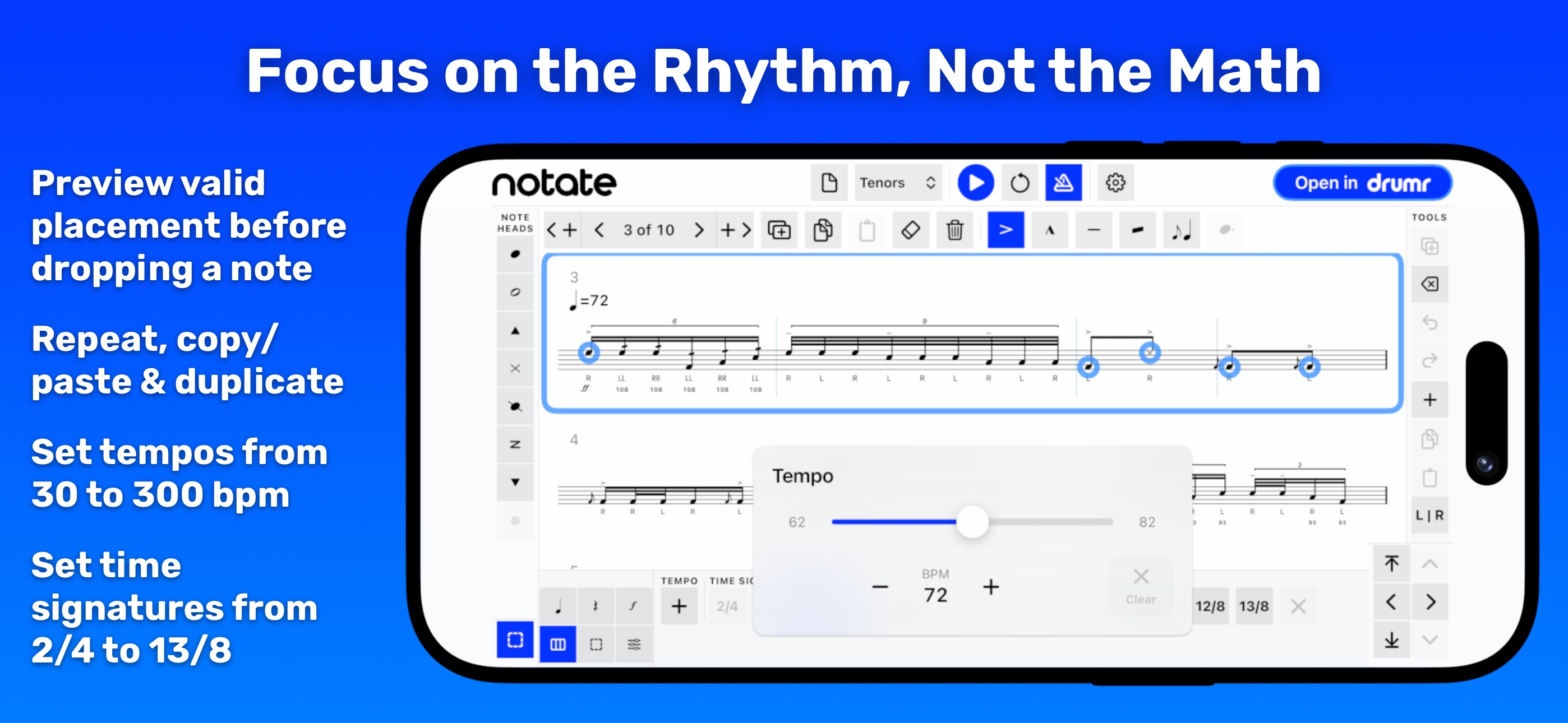
iPad: Focus on the rhythm, not the math
-
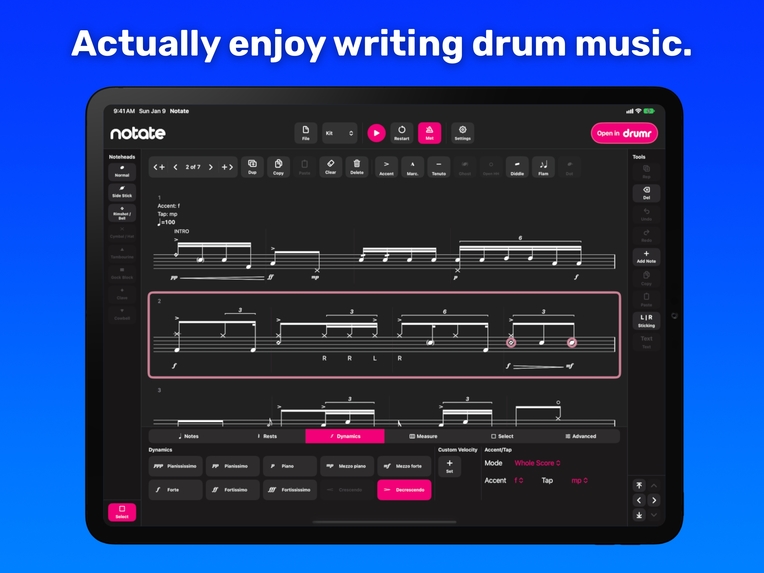
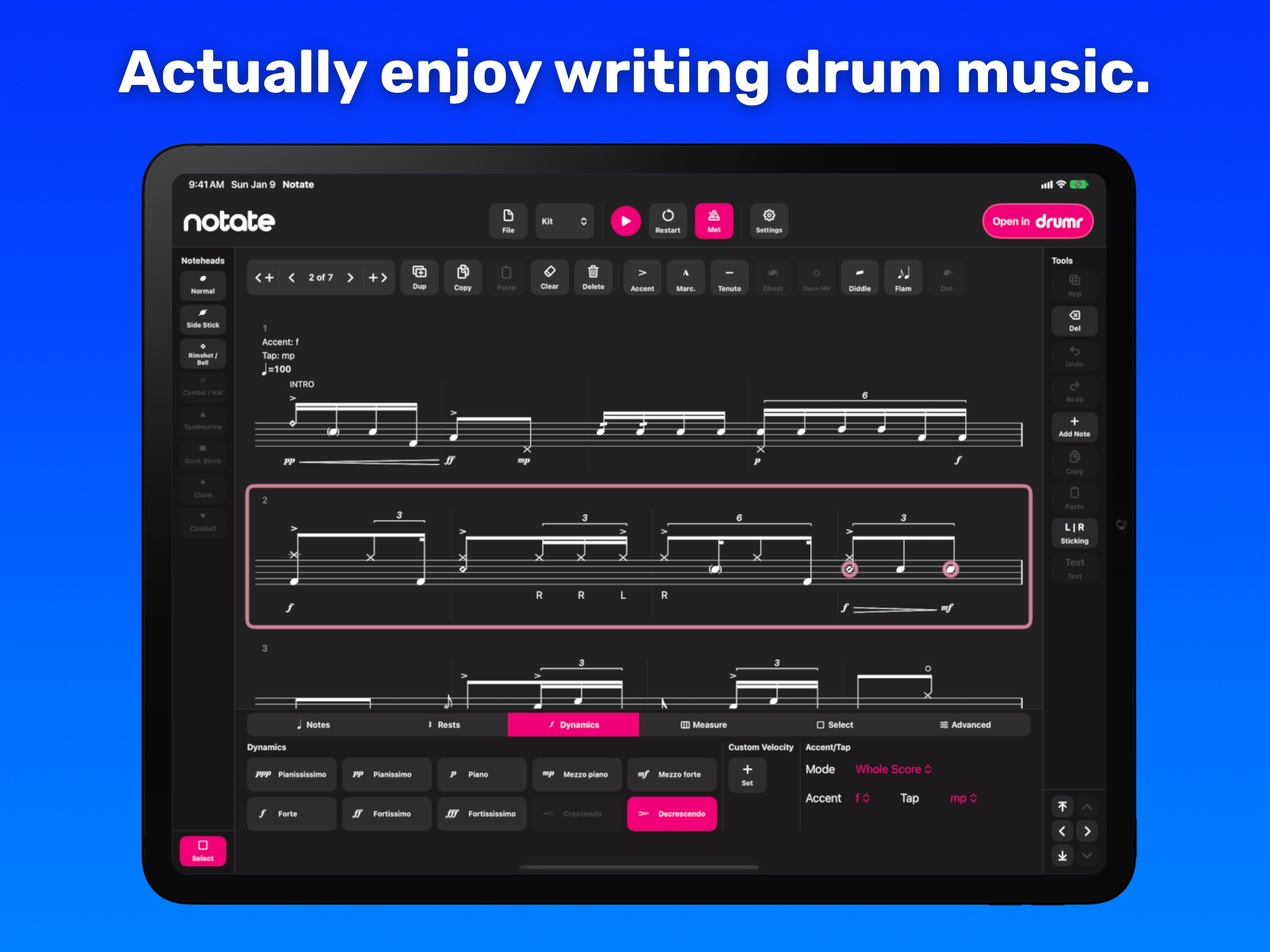
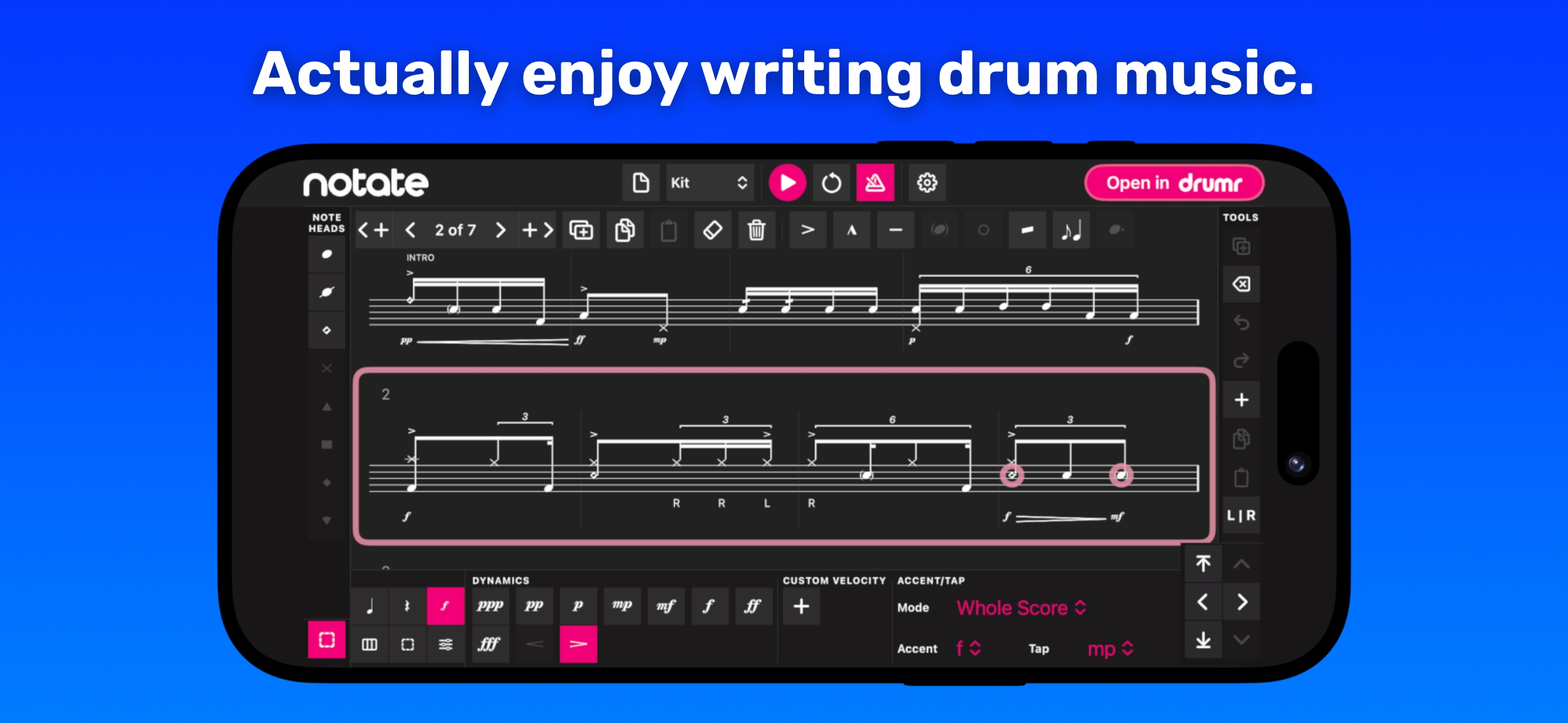
iPad: Actually enjoy writing drum music (dark mode, custom pink theme)
-
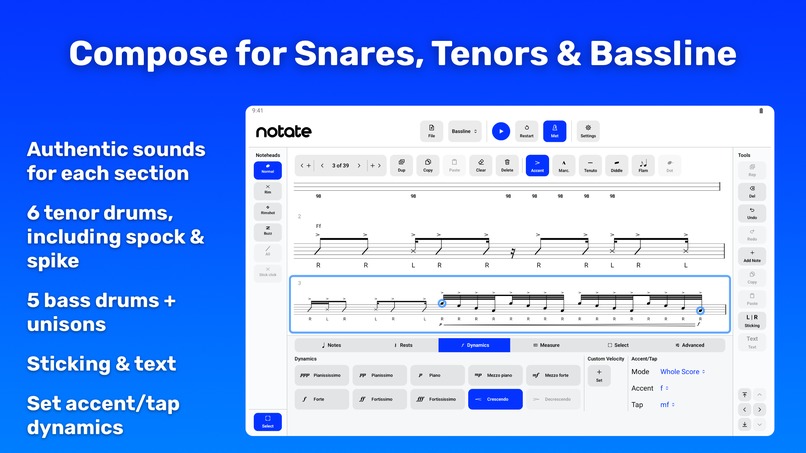
Android tablet: Compose for snares, tenors, and bassline
-
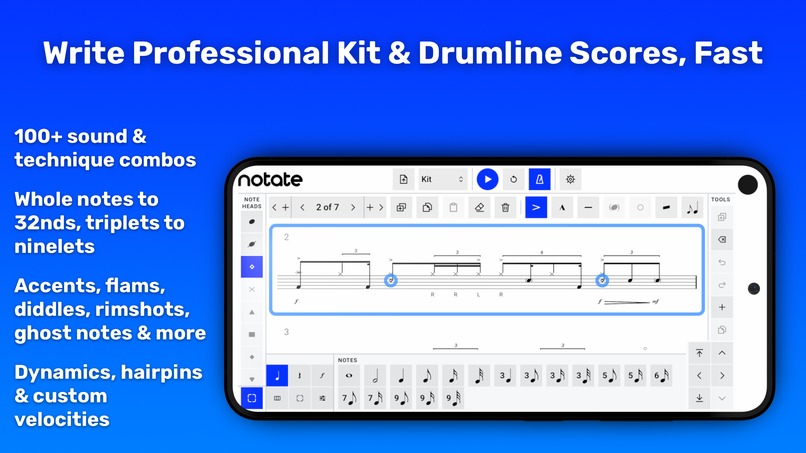
Android phone: Write professional kit and drumline scores, fast
-
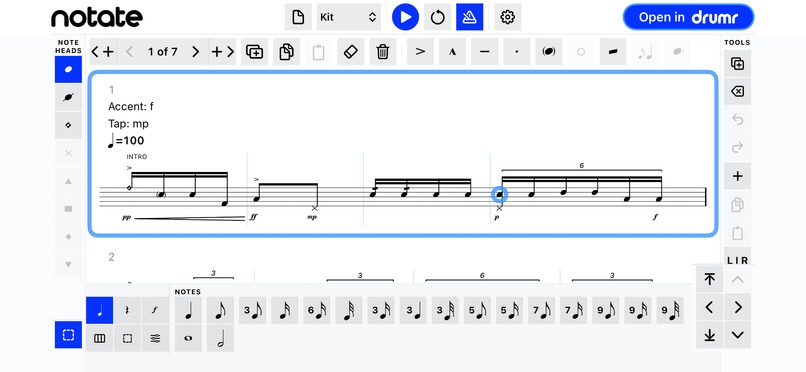
iPhone, frameless landscape screenshot: the Notate editor
-
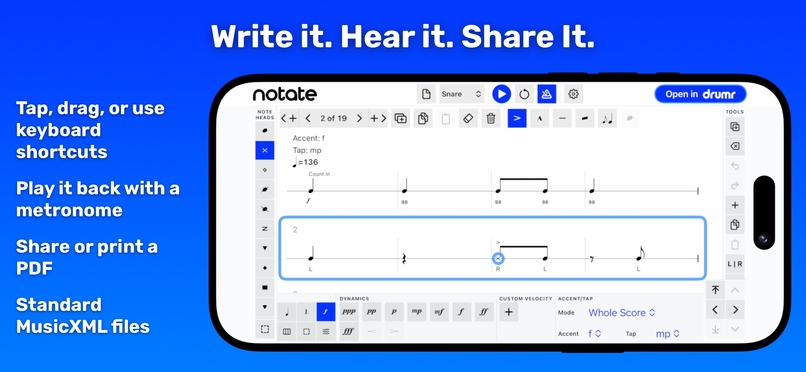
iPhone: Write it. Hear it. Share it.
-
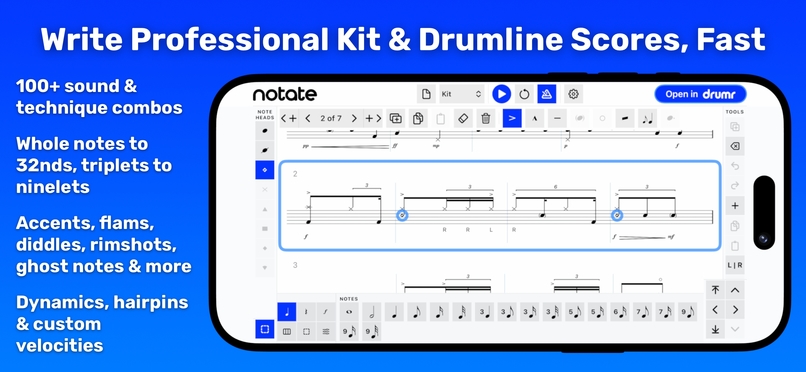
iPhone: Write professional kit and drumline scores, fast
-
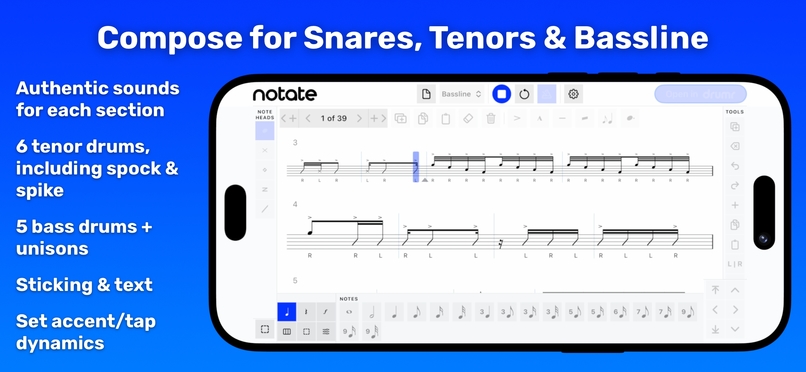
iPhone: Compose for snares, tenors, and bassline
-
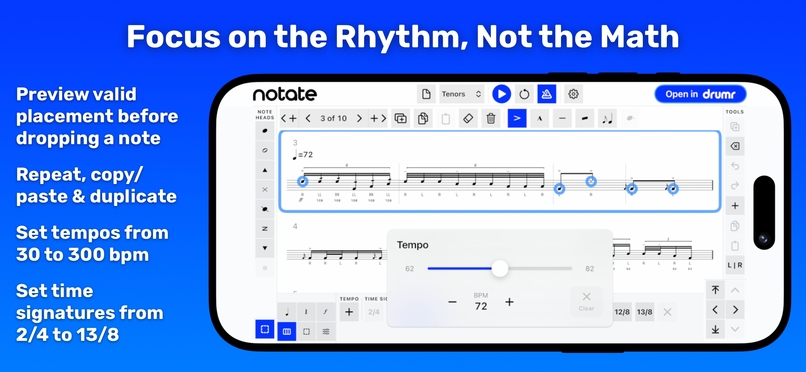
iPhone: Focus on the rhythm, not the math
-
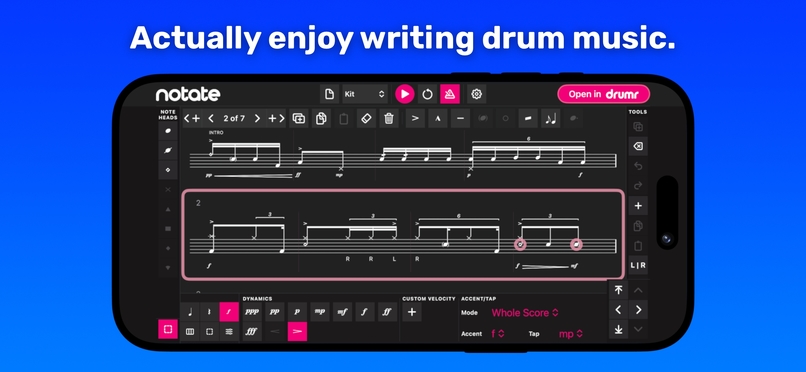
iPhone: Actually enjoy writing drum music (dark mode, custom pink theme)
-
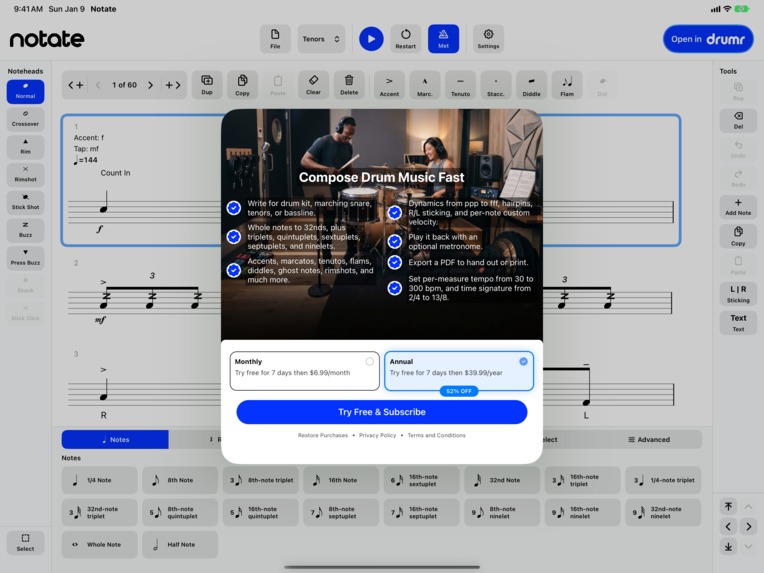
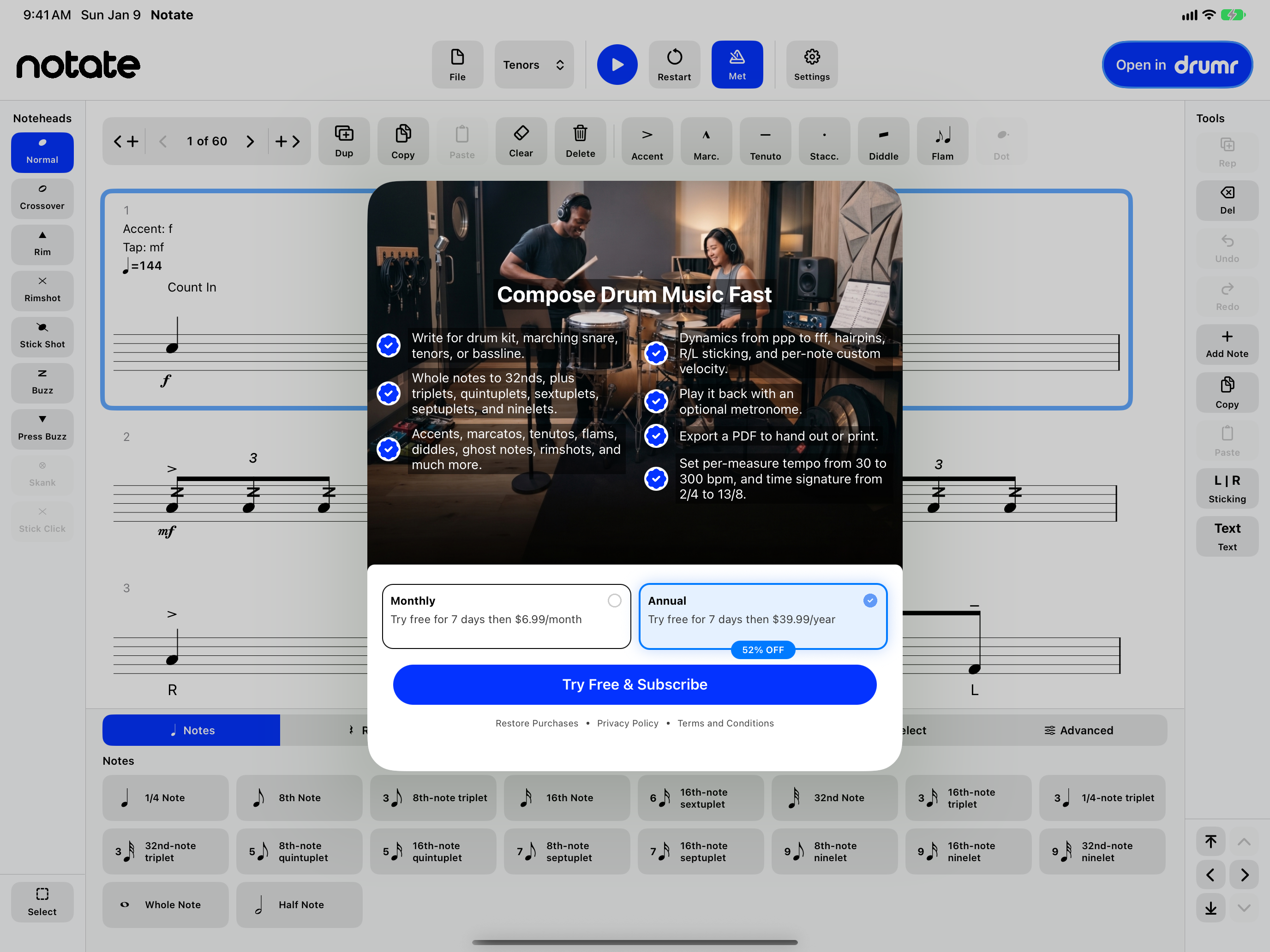
Drumr Notate subscription screen, built with RevenueCat Paywalls
-
Drumr Notate app icon
Inspiration
Getting a drum idea onto the page shouldn't be the hard part.
Drummers and percussionists don't need help having ideas. You hear a beat, a groove, a fill, an exercise, a cadence, even a full score. The hard part is getting it down before the idea is gone.
For a long time, writing drum notation meant paying serious money for notation software, learning the quirks of tools that weren't designed for drums, or reaching for something quick and hitting its ceiling. Drum notation isn't just "put notes on a staff." It carries rhythm, sound choice, noteheads, sticking, dynamics, accents, flams, diddles, tuplets, tempo, and feel, and drum kit and drumline each speak their own language. The tool has to be fast, and it has to be real.
That's Drumr Notate: the drum notation app we always wanted. Powerful enough for real scores, fast enough to catch an idea before it fades, and priced for drummers, with no account standing between you and the staff.
What it does
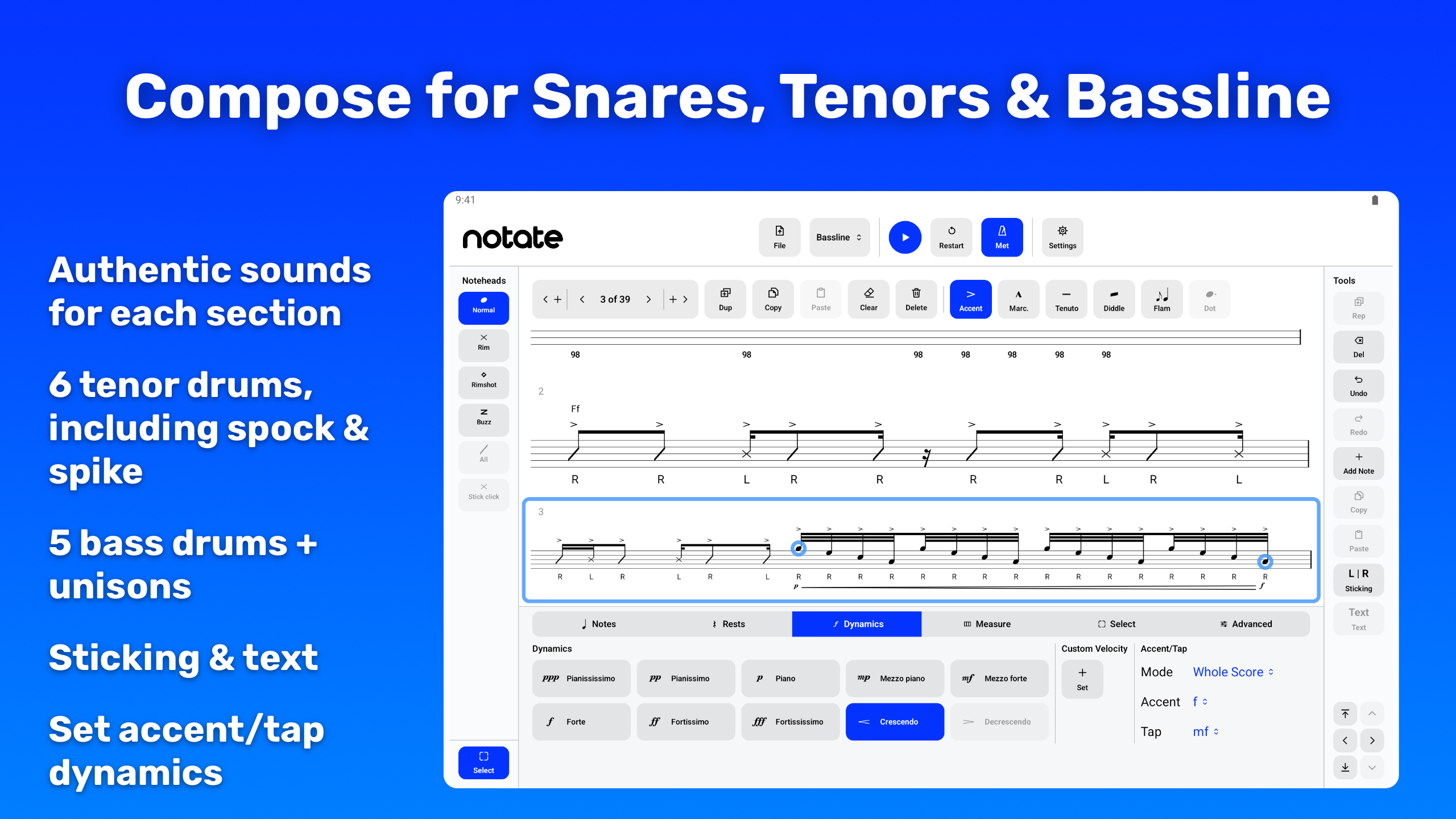
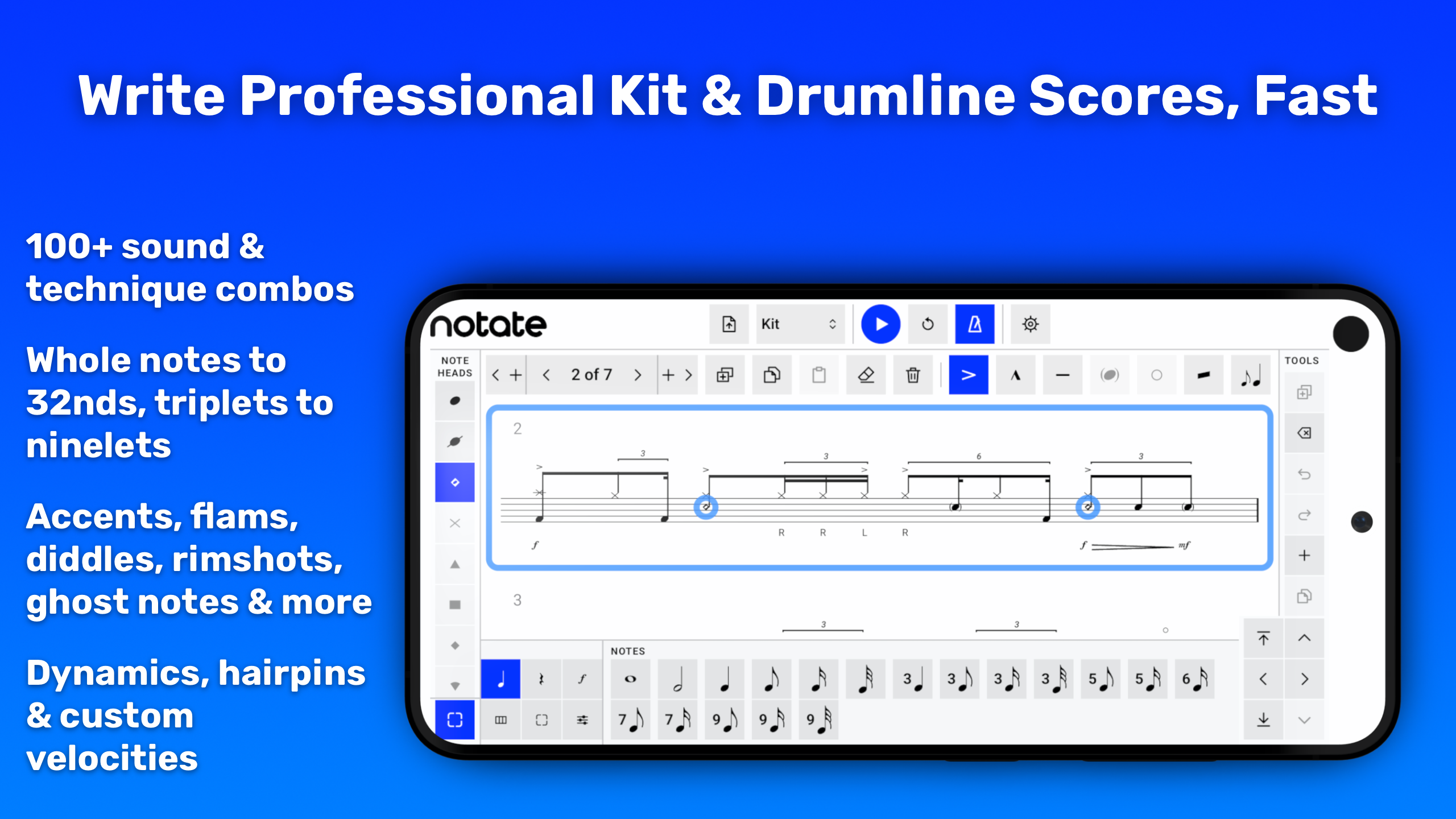
Drumr Notate is a composition app for writing drum music fast, on iPad, iPhone, Mac, and Android. It handles drum kit and drumline in one app: Drum Kit, Marching Snare, Marching Tenors, and Marching Bassline. Write a simple beat, build a groove, sketch a fill, create an exercise, or put together a full drumline part.
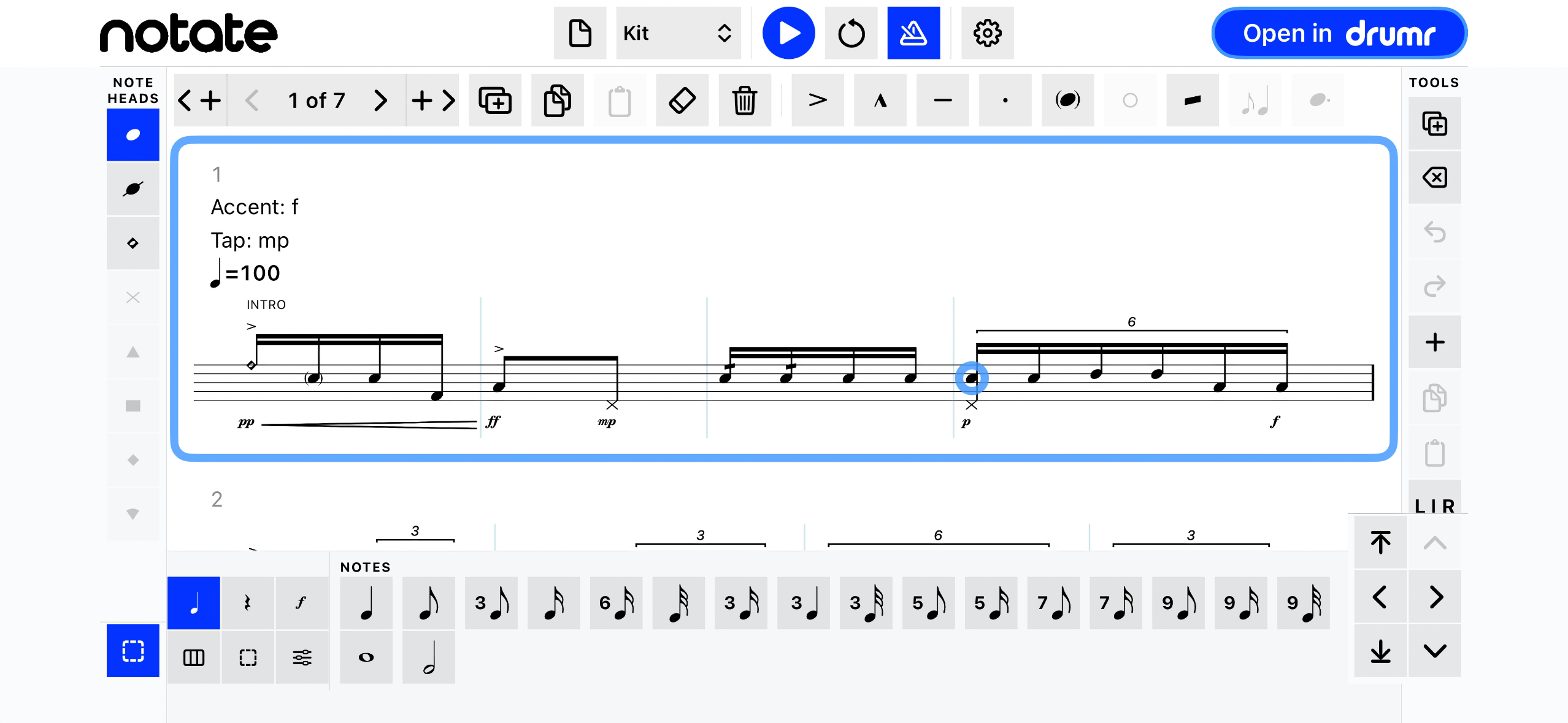
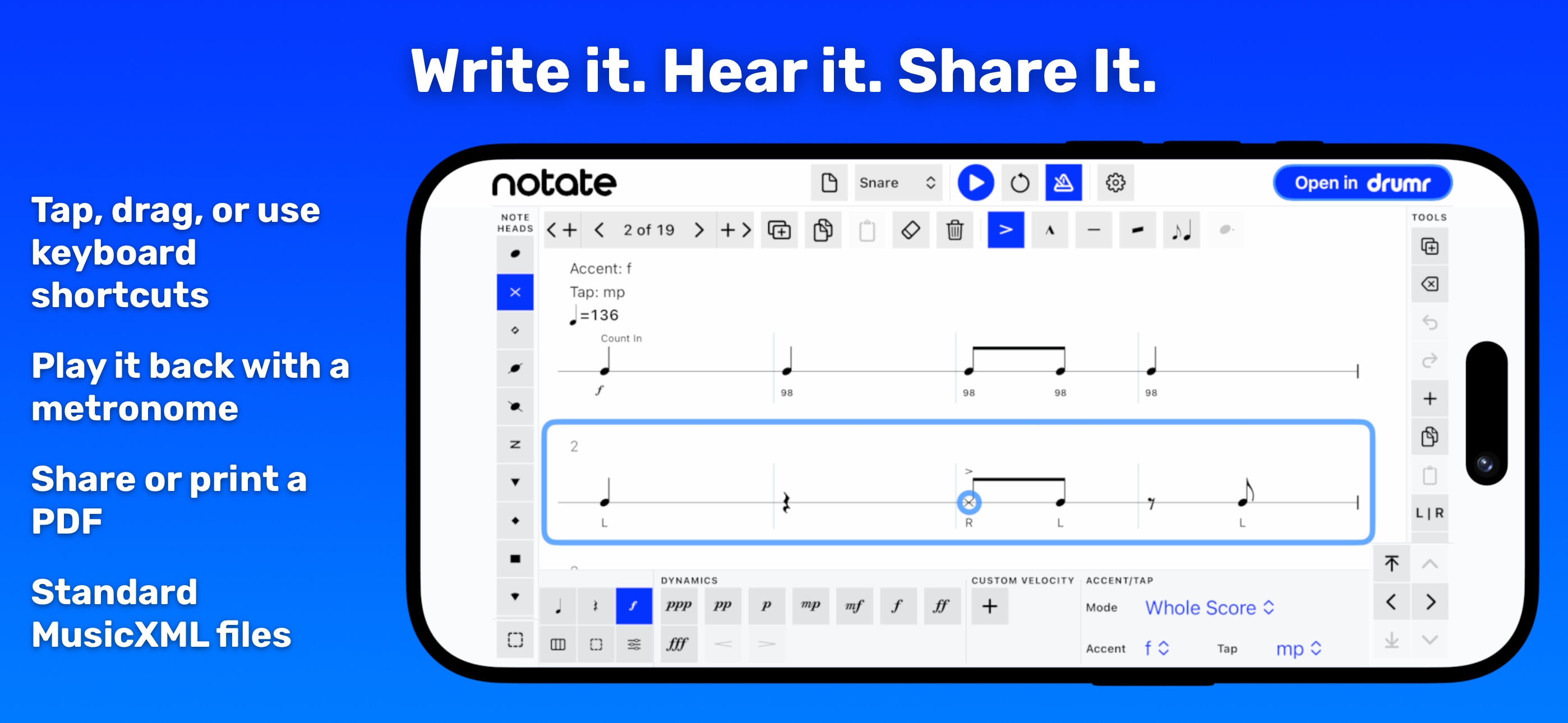
You write real notation: note values from whole notes to 32nds, tuplets, dynamics from ppp to fff with crescendo and decrescendo hairpins, accents, flams, diddles, ghost notes, open hi-hat markings, marcato, tenuto, staccato, time signatures, tempo marks, copy and paste, and hardware keyboard shortcuts. Instant playback uses built-in sounds for every instrument.
Notate saves every score as a standard MusicXML file, so you can share it, back it up, open it in compatible notation software, and keep it. Export a fully engraved PDF just as easily, ready to share or print.
Anyone can open, view, play, share, and export a score for free. Writing and editing take one subscription: $6.99 a month or $39.99 a year, each with a 7-day free trial, with Family Sharing on Apple platforms. Everyone who downloaded the Apple version before the subscription existed keeps full editing for free. There's no Notate account: your scores are files, and they stay yours.
On iOS, Open in Drumr adds a bonus: a score can open in Drumr, our companion practice app, for deeper practice tools. Drumr runs only on iOS, so the handoff exists only in Notate for iOS. Drumr Notate stands on its own. It's the writing app.
Watch the demo: https://www.youtube.com/watch?v=OXYfrbfUt5A
How we built it
The Apple app uses SwiftUI. It renders notation with DrumrNotationSystem, the same engraving engine behind Drumr's practice catalog, and plays scores on Drumr's precision playback engine. That shared foundation matters: Notate isn't a toy sketchpad. It writes real drum notation and plays it back immediately.
Notate manages its own scores. Its File menu creates, opens, renames, shares, duplicates, and deletes them. On Apple platforms, Notate stores scores in iCloud Drive when it's available, so they sync across your devices, and on the device otherwise. The editor is built for speed: drag and drop note entry, hardware keyboard shortcuts, instant playback, and focused instrument palettes for drum kit and each drumline part.
We built the Android app natively in Kotlin and Jetpack Compose. New scores live in the Notate folder in Documents, and the system document picker opens scores from device storage and cloud providers such as Google Drive. Tap and drag entry, placement previews, and Bluetooth or USB keyboard shortcuts keep writing direct.
RevenueCat runs the subscription on both platforms. The RevenueCat Purchases SDK handles purchases, restores, and the entitlement that unlocks editing. We designed the subscription screen with RevenueCat Paywalls in the Paywall Editor; RevenueCatUI renders it natively on Apple, and RevenueCat's PaywallDialog shows it on Android, so we can change its design, copy, and plans without an app update. Notate has no accounts, so it relies on RevenueCat's anonymous app user IDs: a subscriber's access follows their store account without anyone signing up. Apple and Google handle billing and subscription management, and a subscription stays with the store where you bought it. RevenueCat also powered the tip jar in Notate's first release, so the subscription built on an integration we already had in place.
Challenges we ran into
The real question: how do you make drum notation as easy as possible to write and read, especially for complex kit and drumline scores?
Notate handles the notation details automatically. Every instrument shares a single stems-up voice instead of splitting hands and feet into separate voices, so a reader can see at a glance how the whole kit lines up in time. Consecutive rests consolidate into the largest single value the time signature allows, except inside a tuplet bracket or under a rest anchored by sticking or cue text, where the normal collapse would be wrong. The goal: the score comes out right, however fast you write.
The harder problem was interaction, not rendering. Drag and drop note entry has to resolve two things from a single drop point at once, which drum line and which beat, while it shows a live preview of the actual notehead, stem, and flag in the real notation font (and for a tuplet, the real bracket) before you place the note. Drum kit and drumline share one engraving engine but need different instruments, noteheads, and writing habits, so both have to work in the same editor without stepping on each other.
The other challenge was the business model. Notate launched on Apple platforms completely free with a tip jar, and tips don't sustain a tool this deep. Moving to a subscription meant drawing the line in the right place: reading, playing, sharing, and exporting stay free, so a score anyone writes works for everyone who receives it, and only writing costs money. It also meant keeping our promise to the drummers who showed up first. On Apple platforms, Notate checks the App Store's original download version on the device, so anyone who installed before the subscription keeps editing for free, with no account, no code, and nothing to claim. Getting that right without a sign-in, across reinstalls and multiple devices, took more care than the subscription screen itself.
Accomplishments that we're proud of
Drumr Notate is live on the App Store for iPad, iPhone, and Mac and on Google Play for Android, with no account required. One app covers drum kit and every part of the drumline battery, with authentic built-in sounds for each instrument.
The app is fast without being shallow: real notation, instant playback, standard MusicXML files, and a clean path into Drumr for practice on iOS, while staying focused enough that someone can open it and start writing.
The subscription arrived without taking anything away. Every score stays readable, playable, shareable, and printable for free, so a subscription screen never locks anyone out of music written for them. Early adopters on Apple platforms kept everything.
The early numbers back up that line. In the subscription's first 20 days, 220 people reached the paywall and 41 of them started a free trial within three days. Of the trials that have run their course, 11 of 26 (42%) converted to paid, and 20 more are still in progress. Android joined on September 27 and added 7 free trials in its first five days. Notate now has 10 paying subscribers and $63 in monthly recurring revenue, and not one of them had to create an account.
What we learned
Speed isn't just performance. It's creative momentum.
When a drummer has an idea, every extra step makes it feel further away. The app has to be quick, and it has to make the next move obvious. That shaped everything: the instrument palettes, the note-entry flow, playback, keyboard shortcuts, file handling, and the decision to keep scores as standard MusicXML files.
We also learned where "free" has to live. If a teacher shares a score with students, every student should be able to open it, play it, and print it without paying. If someone wrote a groove in Notate last month, a plan change should never hold that groove hostage. So the file, the playback, and the export stay free, and the subscription pays for the part that costs the most to build: the writing. Keeping accounts out of the app was the other half of that lesson. Nobody should have to create a login to write a beat.
What's next for Drumr Notate
With Notate on iPad, iPhone, Mac, and Android, we'll keep making it faster, sharper, and more natural to use on every platform, shipping the way we have since launch: a release every day or two.
The goal is simple: when a rhythm is in your head, getting it onto the staff should feel immediate. More power, less friction, and the same commitment: no account, free to read and play, and a subscription that stays worth it.
Log in or sign up for Devpost to join the conversation.