
Inspiration
The alarming statistics of accidents caused by driver drowsiness inspired us to develop DrowsiGuard: Your Road to Safety. We wanted to leverage technology to make roads safer.
What it does
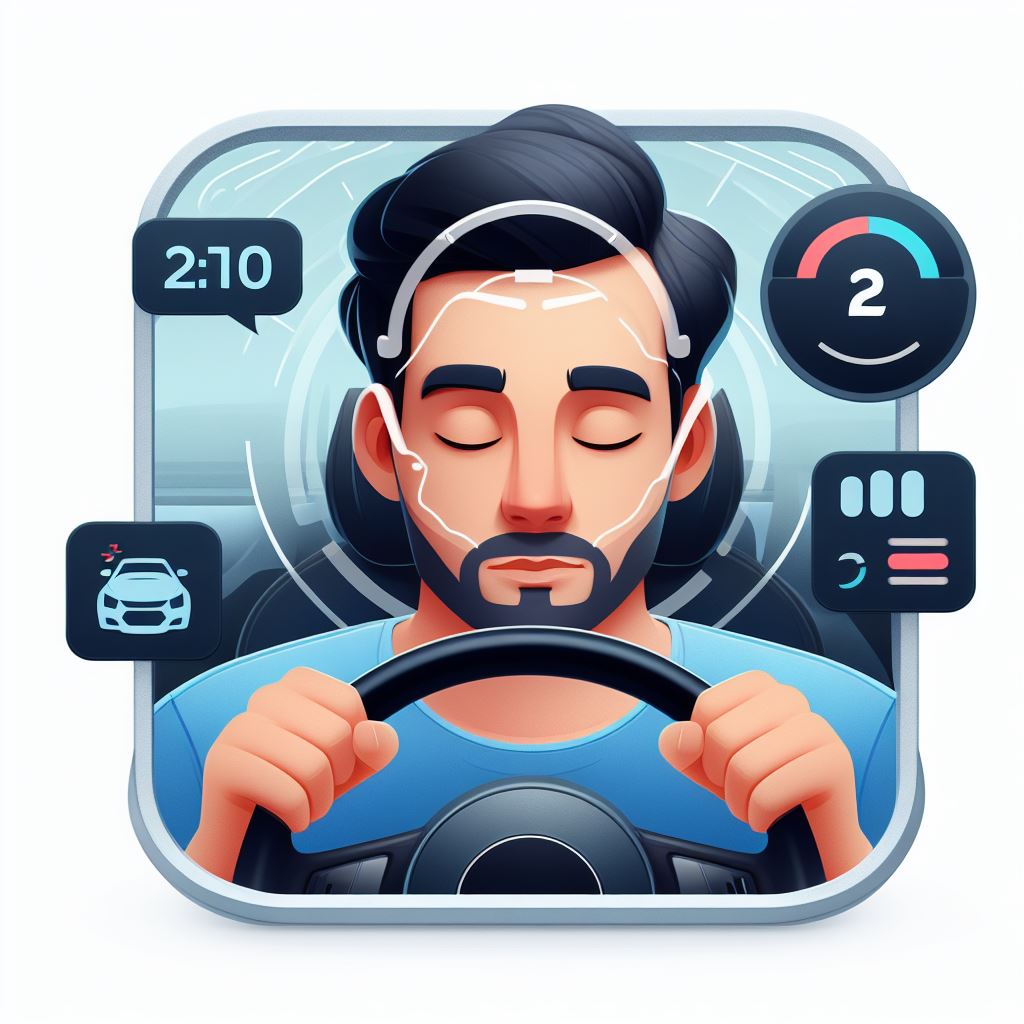
DrowsiGuard is a revolutionary app that combats driver drowsiness. It uses advanced algorithms and real-time monitoring to detect early signs of fatigue and alerts drivers before a potential accident.
How we built it
We built DrowsiGuard using cutting-edge machine learning techniques for real-time fatigue detection. Our focus was on developing a robust model that could accurately detect signs of drowsiness based on various sensor inputs. While we have not yet interfaced the app with a vehicle, we designed it with this integration in mind. Given the modular nature of our design, interfacing with a vehicle’s systems is a straightforward process that we’re confident can be accomplished easily. This approach allows us to ensure the effectiveness of our drowsiness detection before moving on to the integration phase.
Challenges we ran into
Balancing the sensitivity of fatigue detection was a challenge. We had to ensure the app didn’t give false alarms, while also not missing any critical signs of drowsiness. Also, this model of detecting drowsiness is purely on facial features, however if we had time to integrate real time physiological signals such as ECG, we could make it more accurate.
Accomplishments that we're proud of
In a very little time, we were able to develop an accurate model that can detect if a person is drowsy. We’re proud of developing a model that can potentially save lives.
What we learned
We learned a lot about machine learning algorithms and their application in real-world safety systems. We also learned about the importance of user experience in designing safety applications.
What's next for DrowsiGuard: Your Road to Safety
We plan to refine our algorithms based on user feedback and expand our app’s compatibility with more vehicle models. Secondly, we also plan to integrate other parameters such as heart rate to predict drowsiness. Our ultimate goal is to make DrowsiGuard a standard safety feature in all vehicles.
Steps to Run the application
Because we don't have SSL certificate to secure the Public IP address, additional permission needs to be given to the application (Google Chrome) to seamlessly run the application.
Please follow steps below to run the application.
- Open the link http://www.drowsyguard.tech:8501
- go to " chrome://flags/#unsafely-treat-insecure-origin-as-secure " and add this http://www.drowsyguard.tech:8501 to the header "Insecure origins treated as secure" and enable it.
- Now select a device and start .
- Wait for a while to let the camera get started.
- It should run seamlessly.
Let us know by discord, call or email if you run into any problems.

Log in or sign up for Devpost to join the conversation.