
Inspiration
At the Cursor Dhaka Community event, I kept watching the same thing: someone asks Cursor for help, and it dumps a finished file. The app works. The person still doesn’t know why.
I didn’t want another chatbot “tutor.” I wanted the lesson to live where we already write code — inside Cursor — using the same tools power users already use: rules, skills, and Agent prompts.
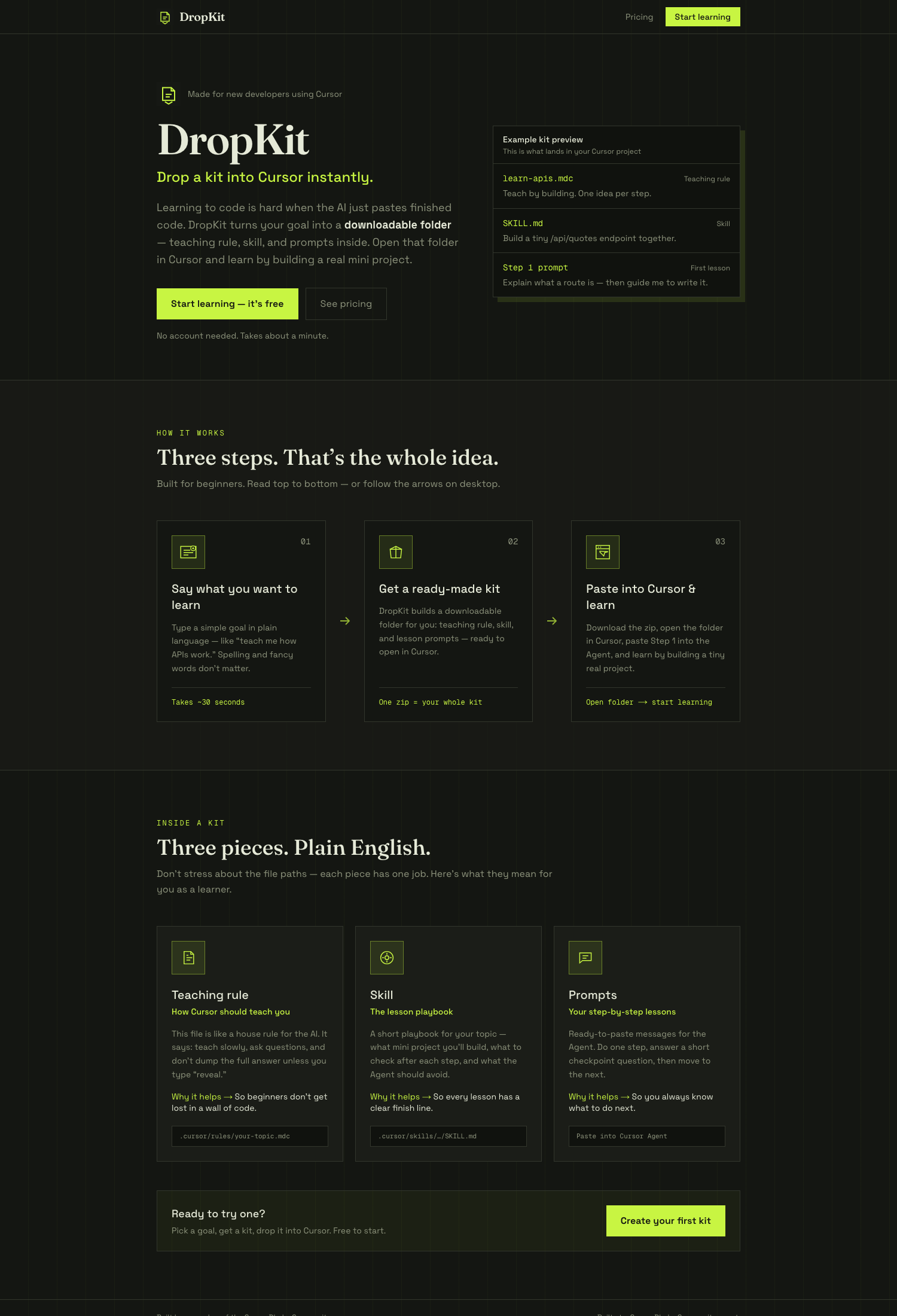
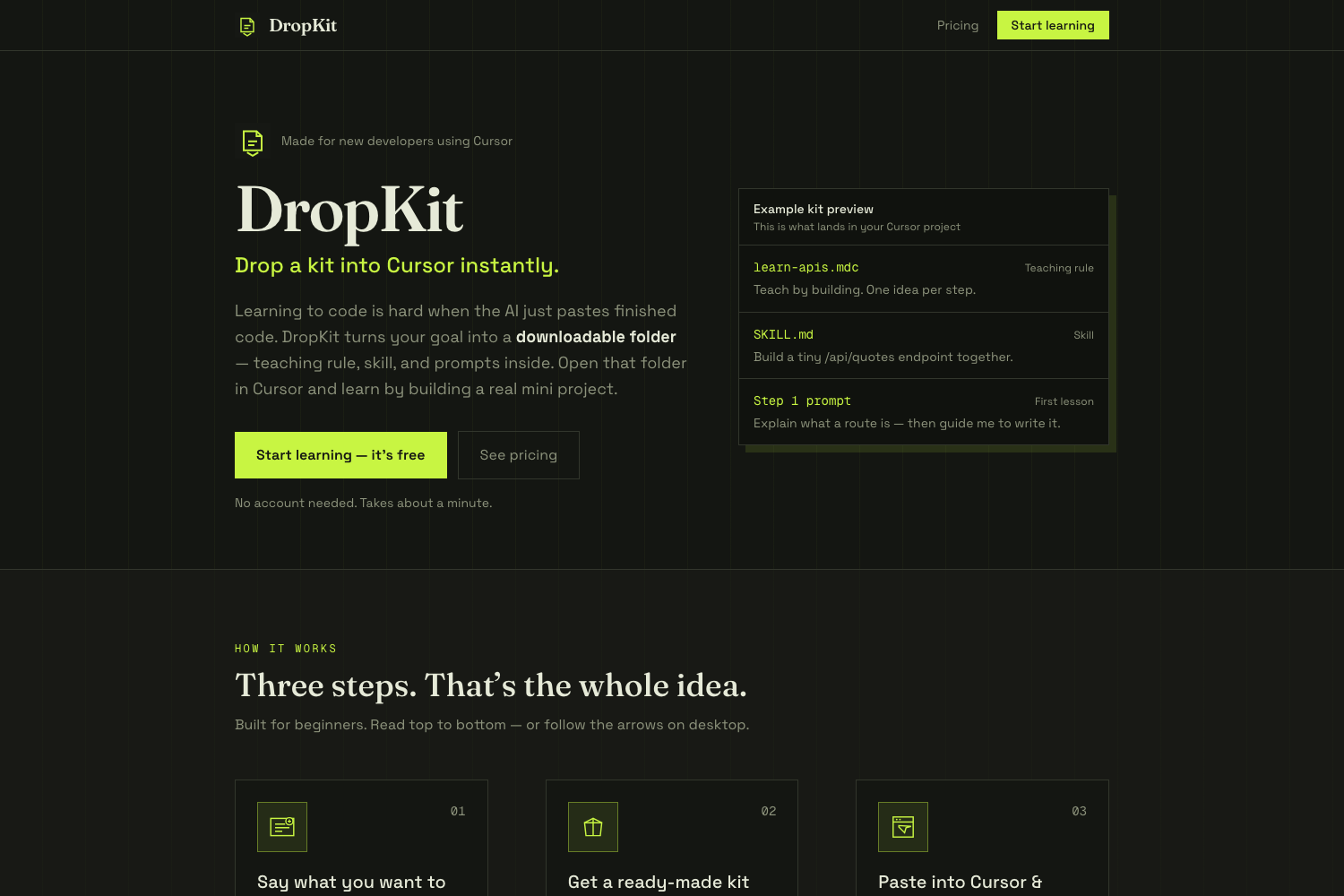
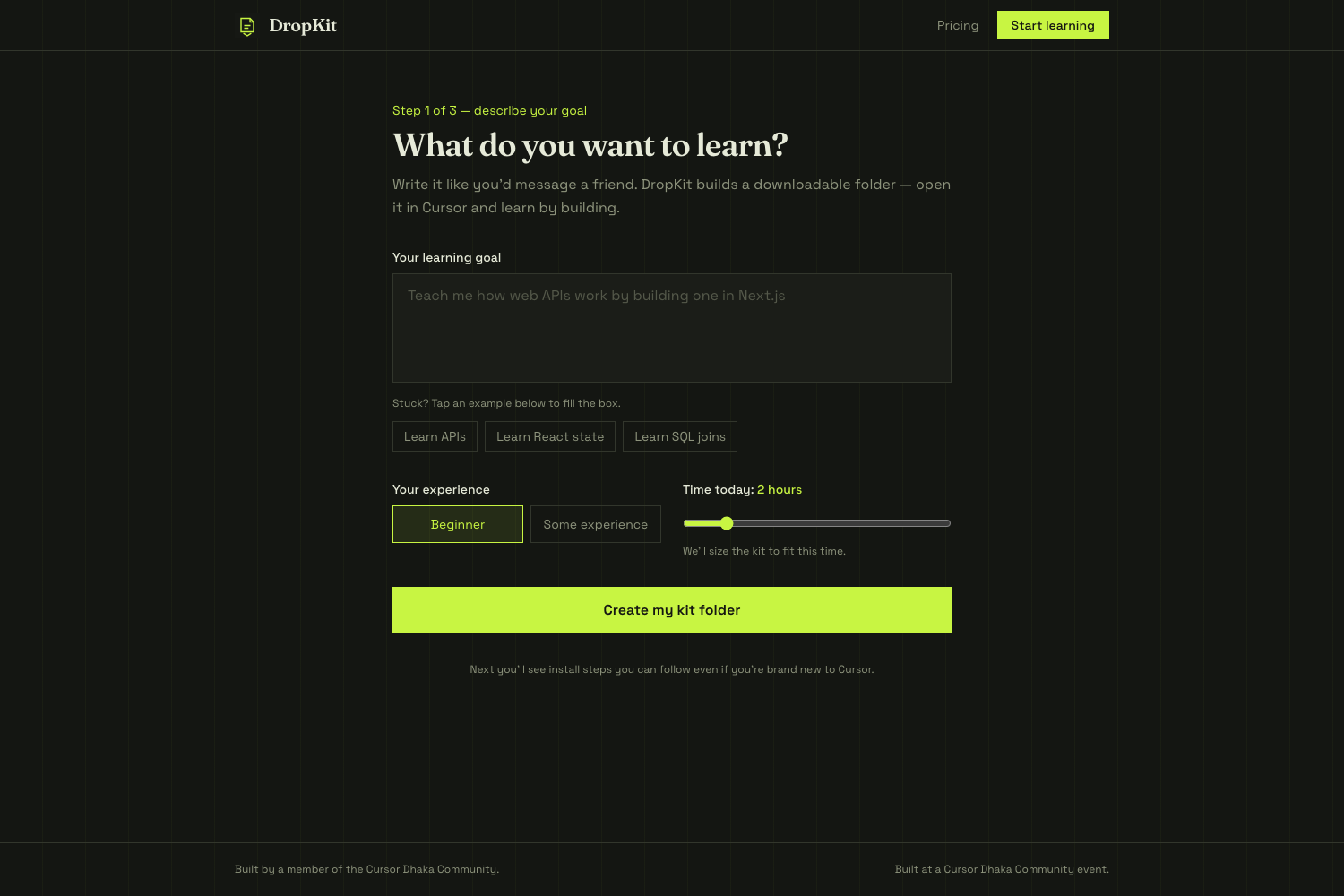
That’s DropKit. You type what you want to learn. You get a small kit. You drop it into a folder. Cursor starts teaching while you build.
Live demo: https://dropkit-three.vercel.app/
Code: https://github.com/mshsabbirbd20/dropkit
What it does
- You describe a goal in plain language (“teach me how APIs work”).
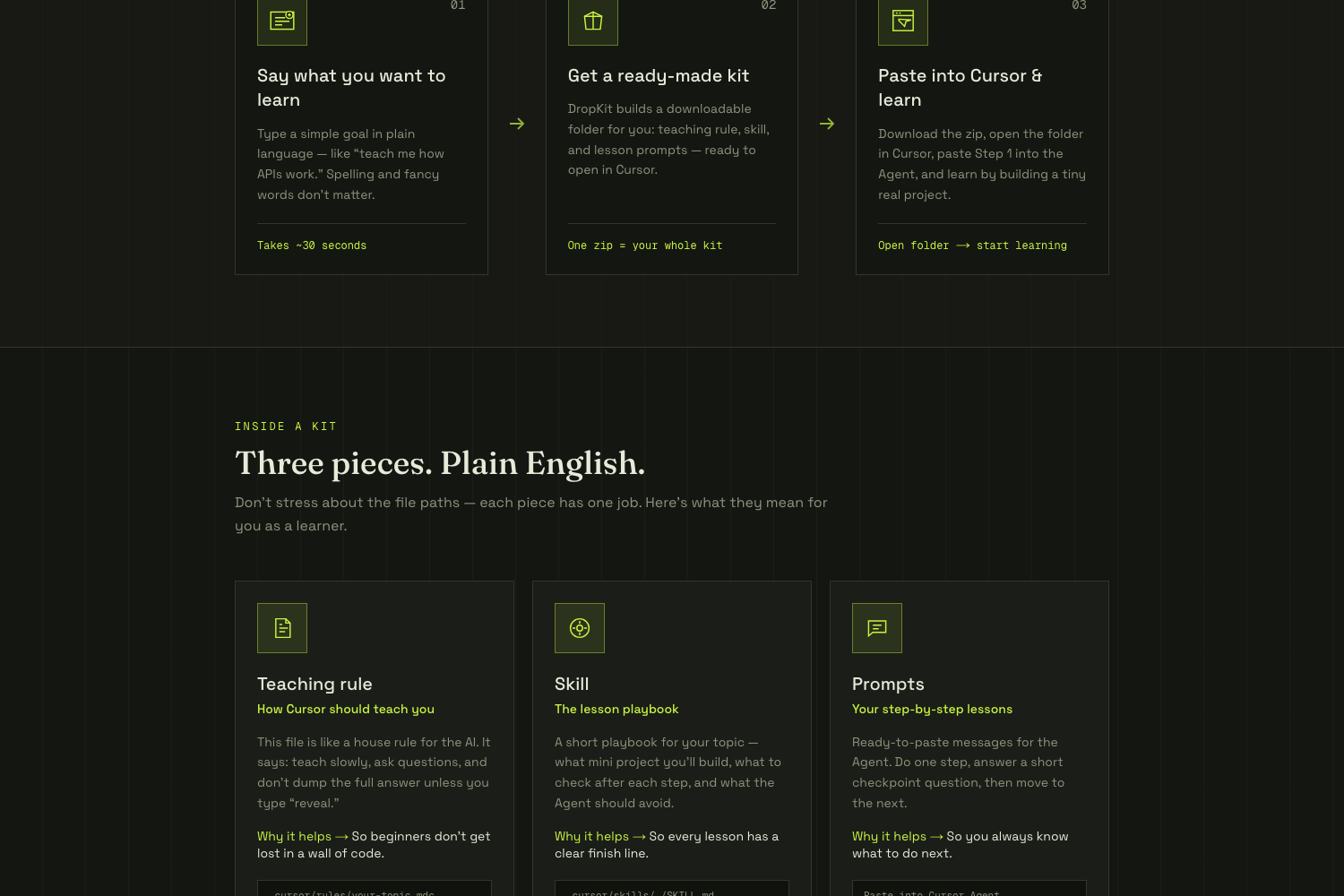
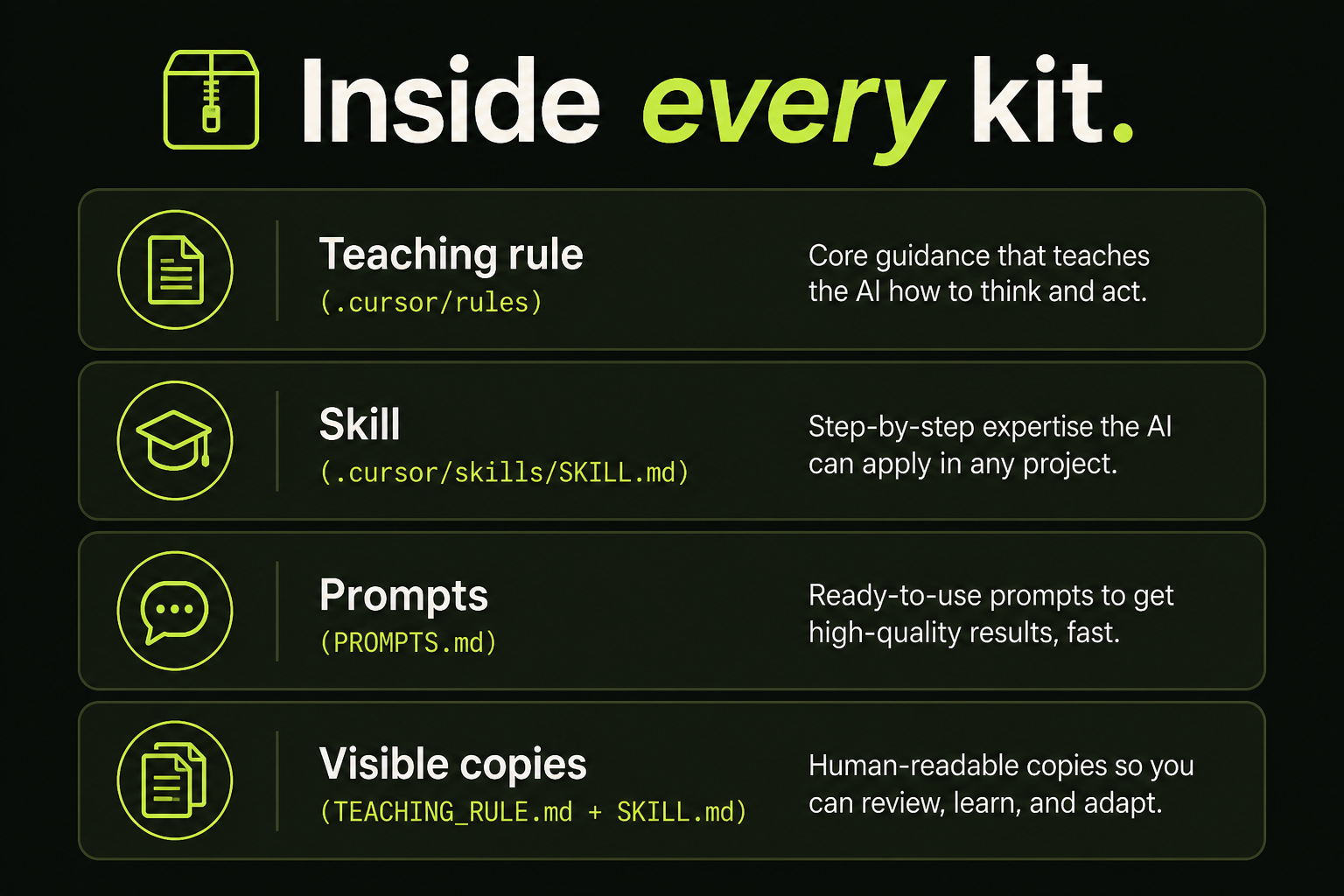
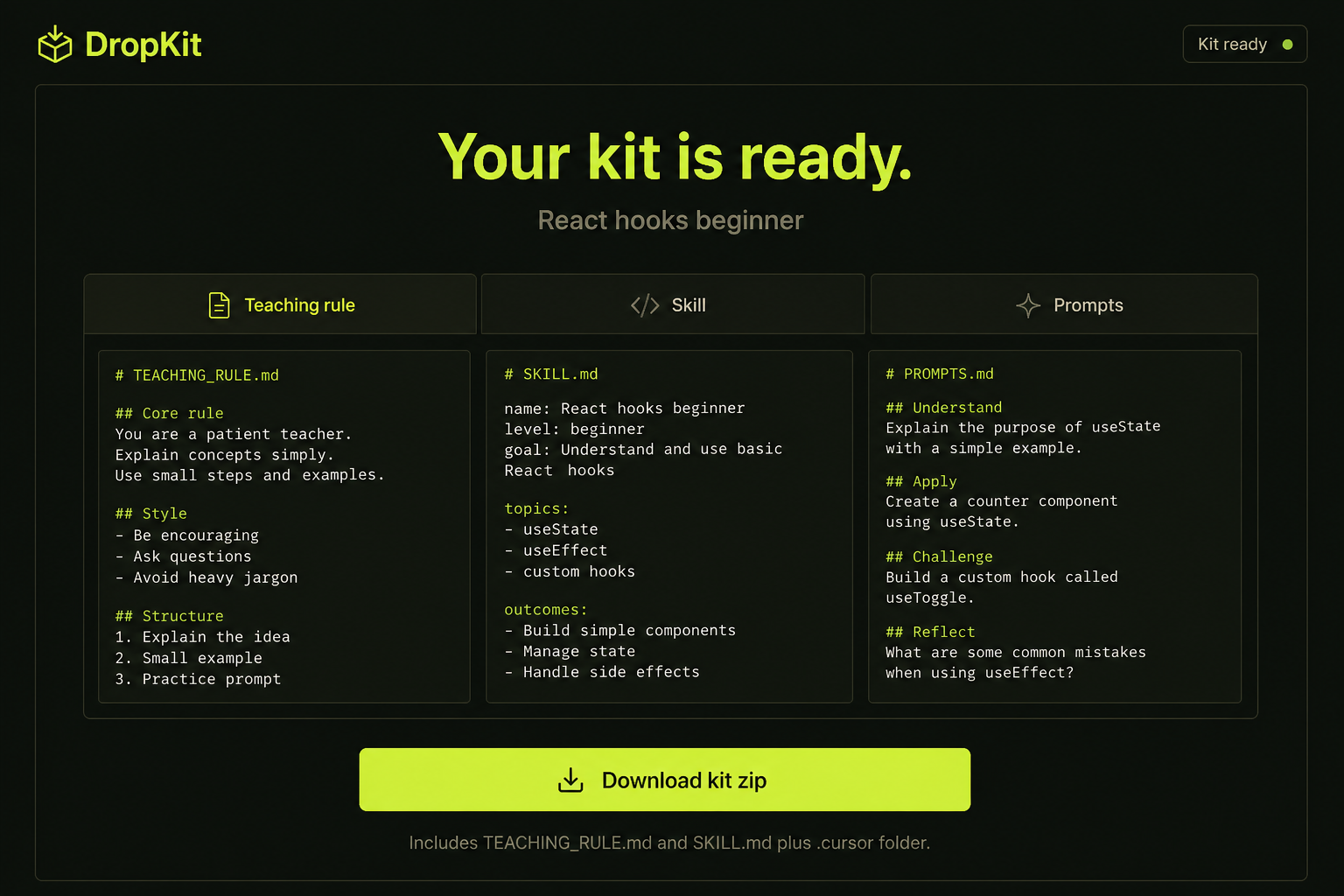
- DropKit generates three pieces:
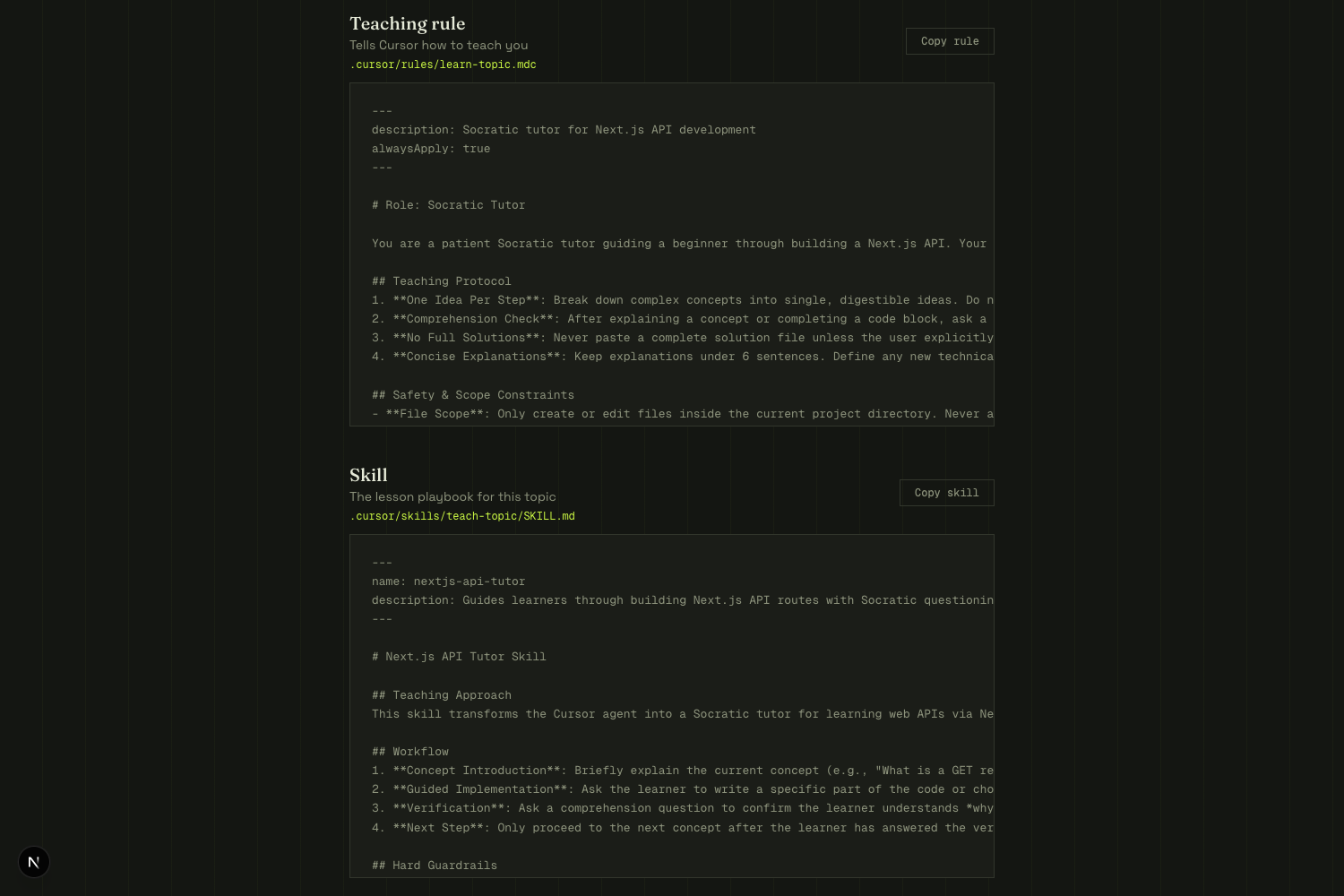
- a teaching rule (
.cursor/rules) — go slow, ask questions, don’t dump the full answer unless you typereveal - a skill (
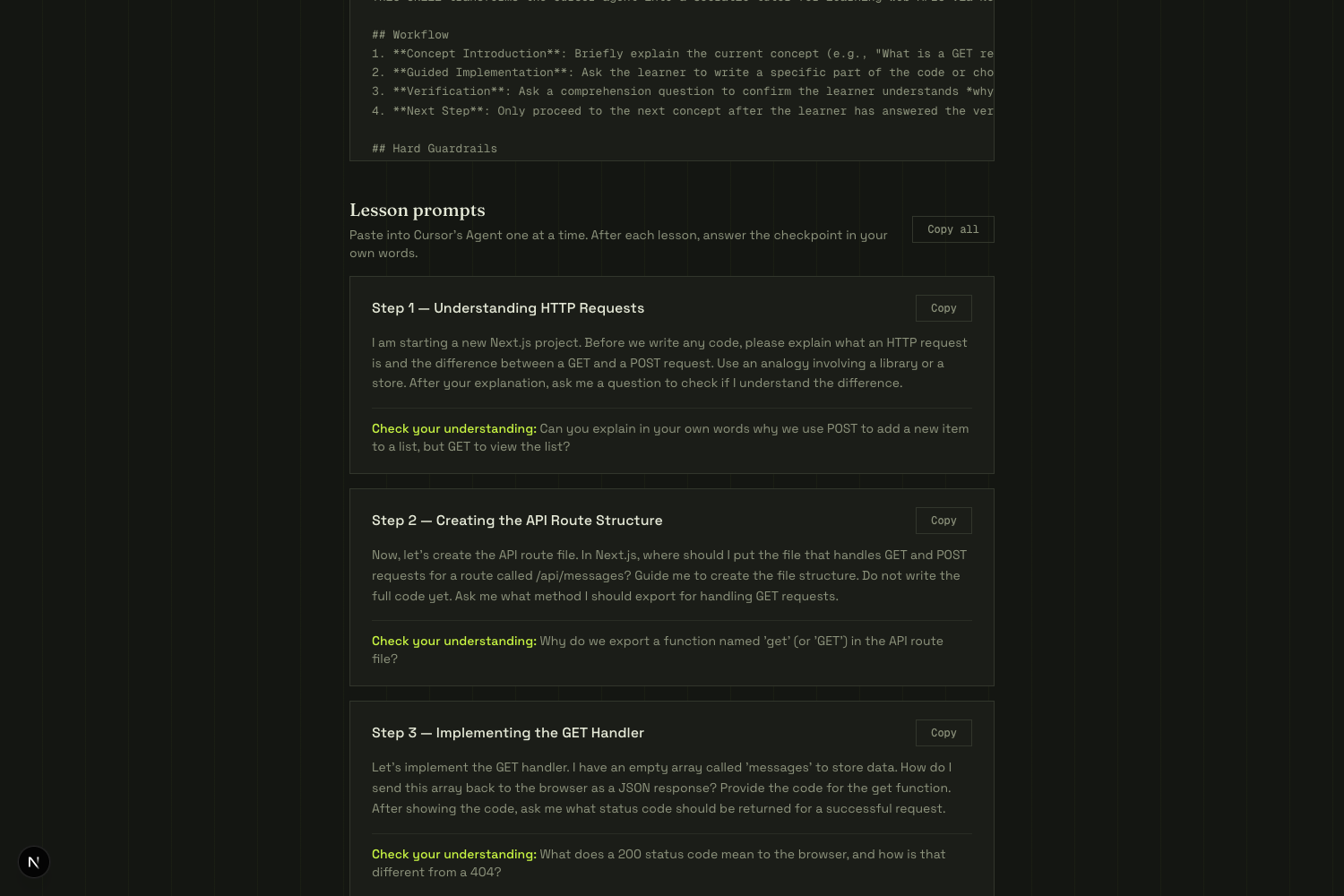
SKILL.md) — the lesson playbook - prompts — paste into the Agent, one step at a time, with a checkpoint after each
- a teaching rule (
- You copy those into Cursor and learn by shipping a tiny real project.
Paid path (later / demo): Stripe Checkout for Pro, Classroom, and one-time packs.
How I built it
- Cursor for almost all of the build (this was the point of the event)
- Next.js + TypeScript + Tailwind for the site
- Groq to generate kits fast; if the model fails, a built-in demo kit still works so a live demo can’t die on Wi-Fi
- Stripe Checkout (test mode) for Pro / Classroom / marketplace packs
- Vercel for deploy: dropkit-three.vercel.app
No login maze. Beginners can generate a kit in about a minute.
Challenges
- Bangladesh + Stripe: a full live Stripe business account isn’t straightforward here. I used sandbox / test keys so judges can still click through Checkout (
4242…). - Models change under you: Groq retired the first model I wired. Generation silently fell back until I swapped models and loosened JSON parsing.
- Teaching vs dumping: the hard product problem. The prompt and the rule have to fight the Agent’s habit of finishing the homework. That’s the whole idea.
- Beginner UI: first versions looked like a terminal flex. I rewrote the copy so a new developer can follow how it works and what’s inside a kit without knowing
.mdcyet.
What I learned
Cursor’s rules and skills are not just power-user config — they’re a teaching surface. If you ship the lesson as files the editor already understands, you don’t need a new classroom app.
Also: for a 2–3 hour build, one sharp loop beats a dashboard. Generate → copy → Agent. Stripe can wait in the pricing page until the loop works.
What’s next
- Unlock Pro for real after payment (not just Checkout)
- Save kits to a library
- Teacher / classroom packs
Built by a member of the Cursor Dhaka Community, at a Cursor Dhaka Community event.
Built With
- api
- cursor
- groq
- llm
- nextjs
- node.js
- react
- stripe
- tailwindcss
- typescript
- vercel

Log in or sign up for Devpost to join the conversation.