-
-
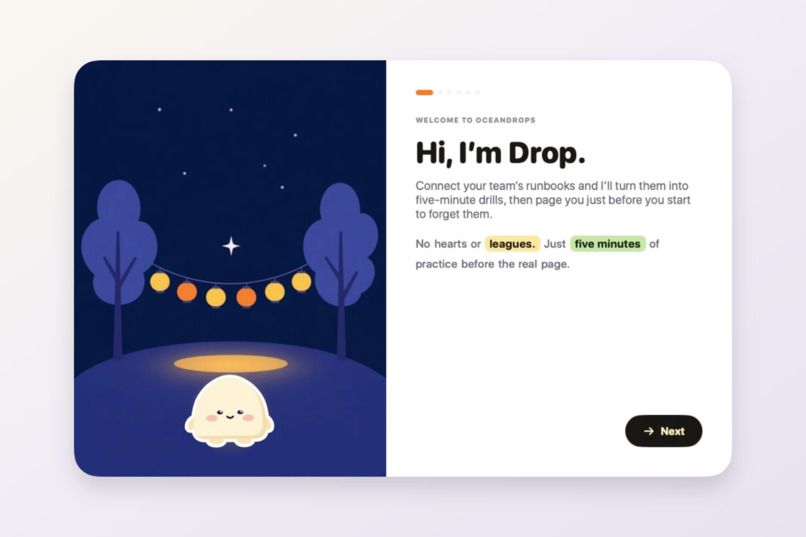
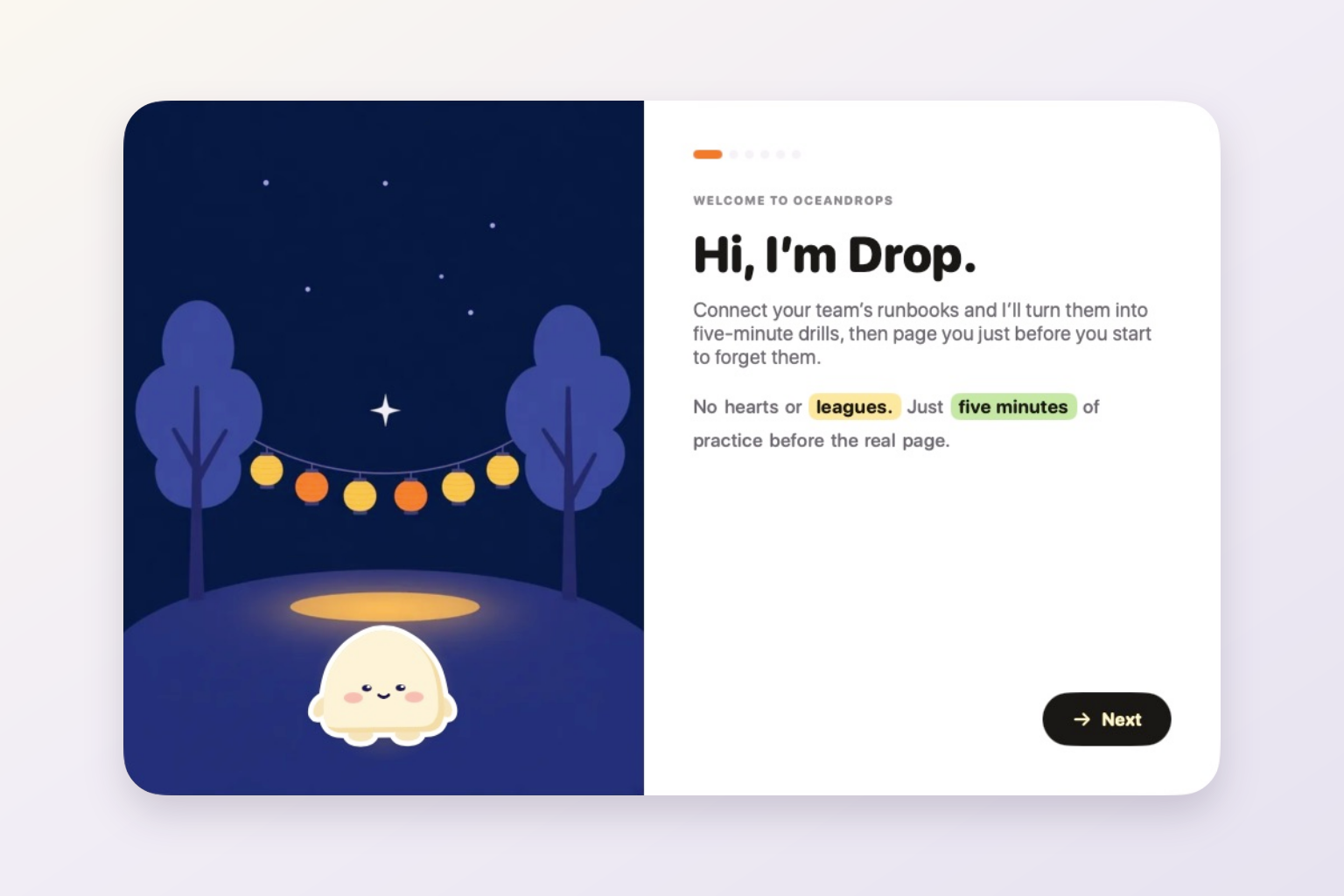
Meet Drop: five-minute practice before the real page.
-
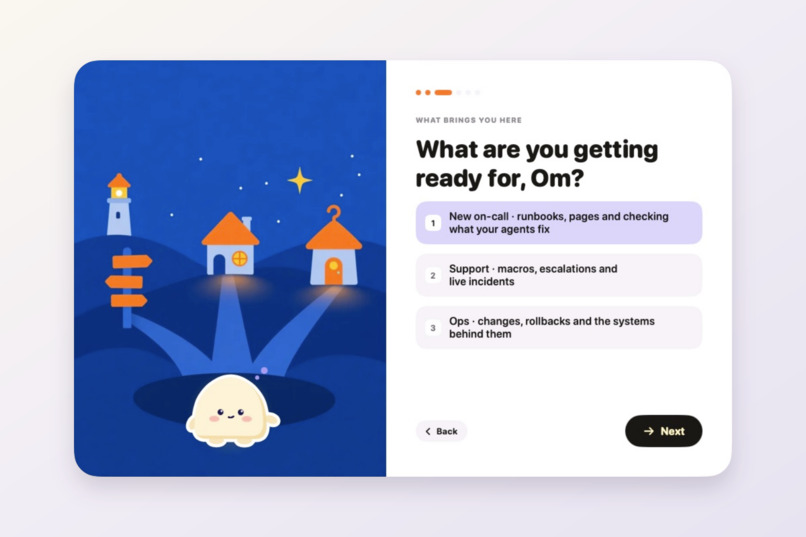
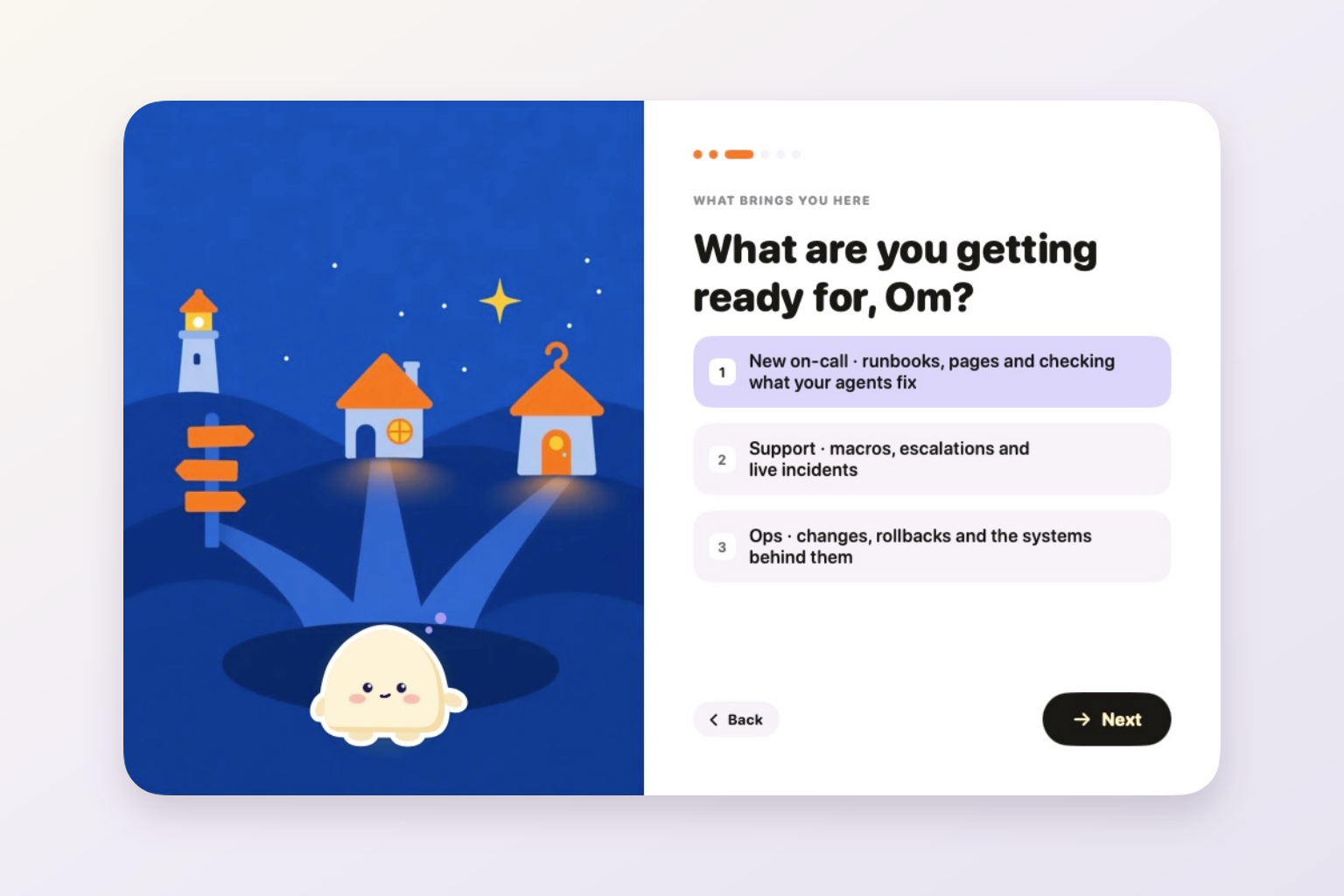
Onboarding adapts the learning flow to on-call, support and ops roles.
-
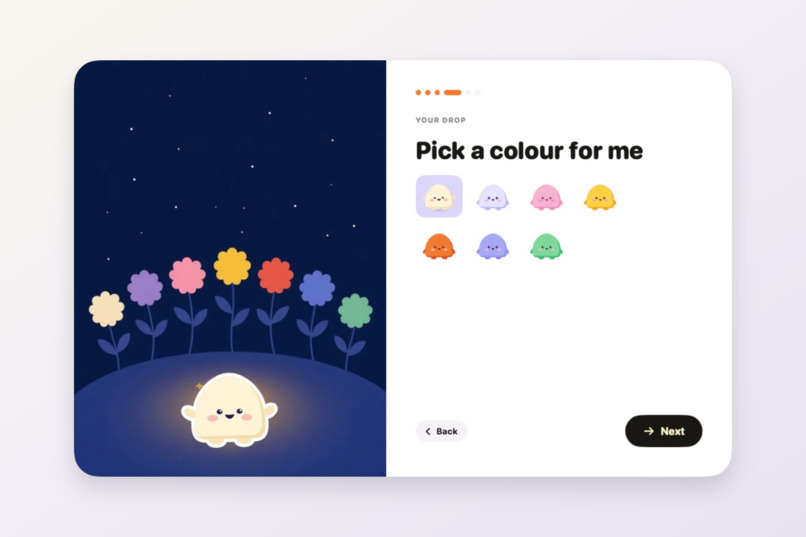
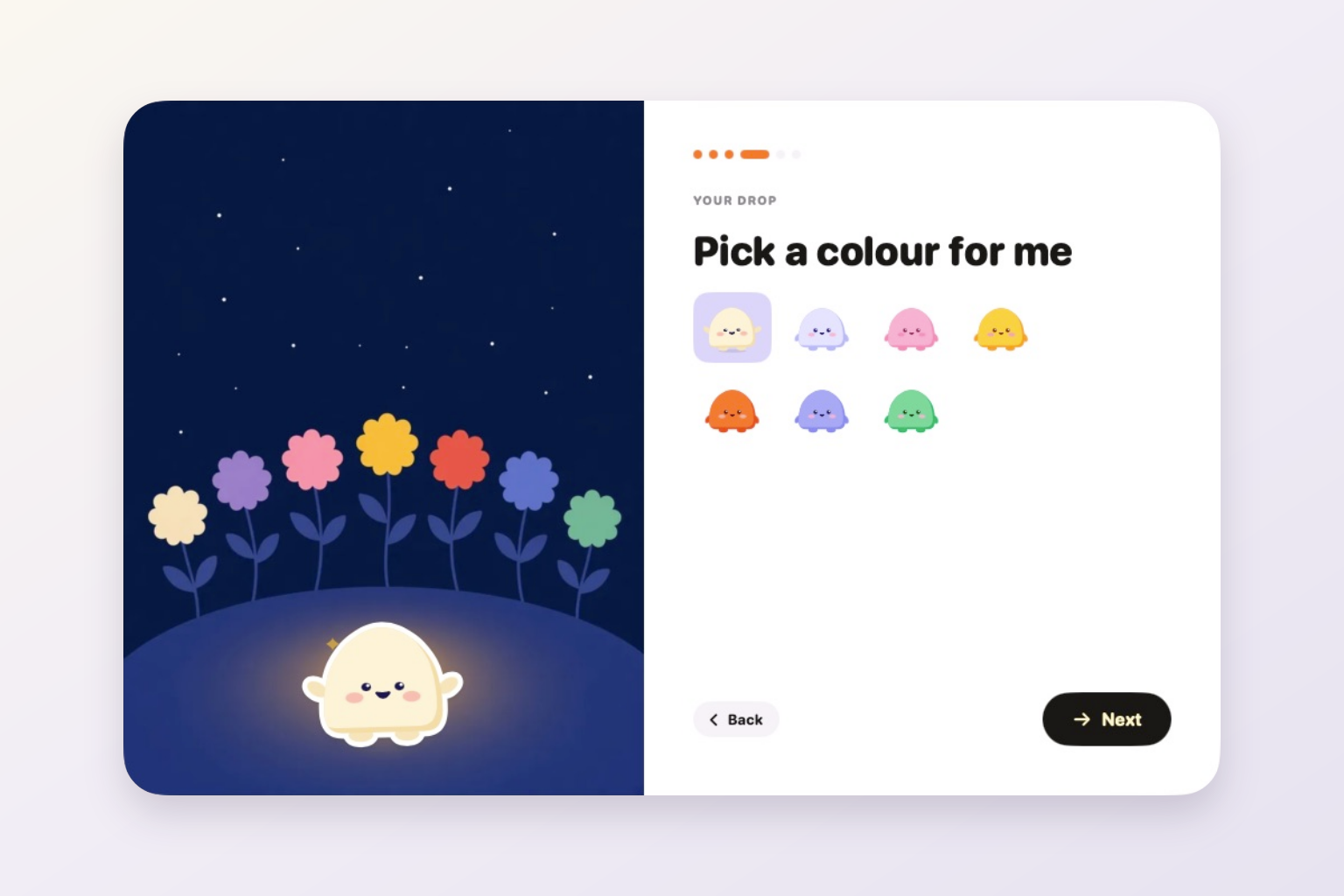
Choose a colour for Drop during onboarding.
-
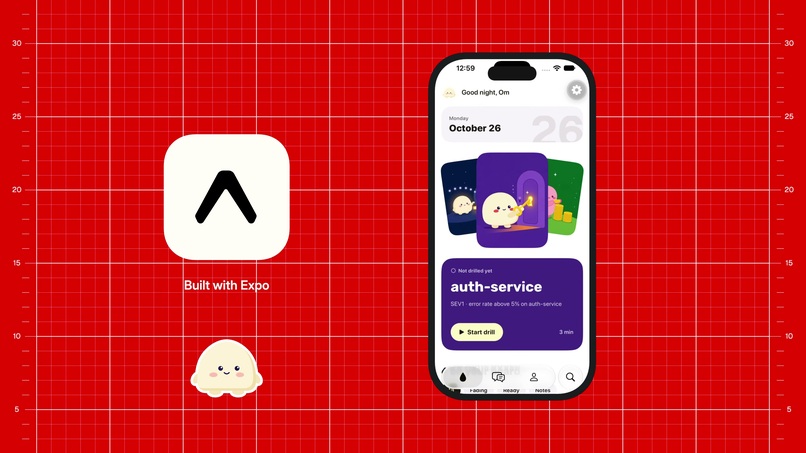
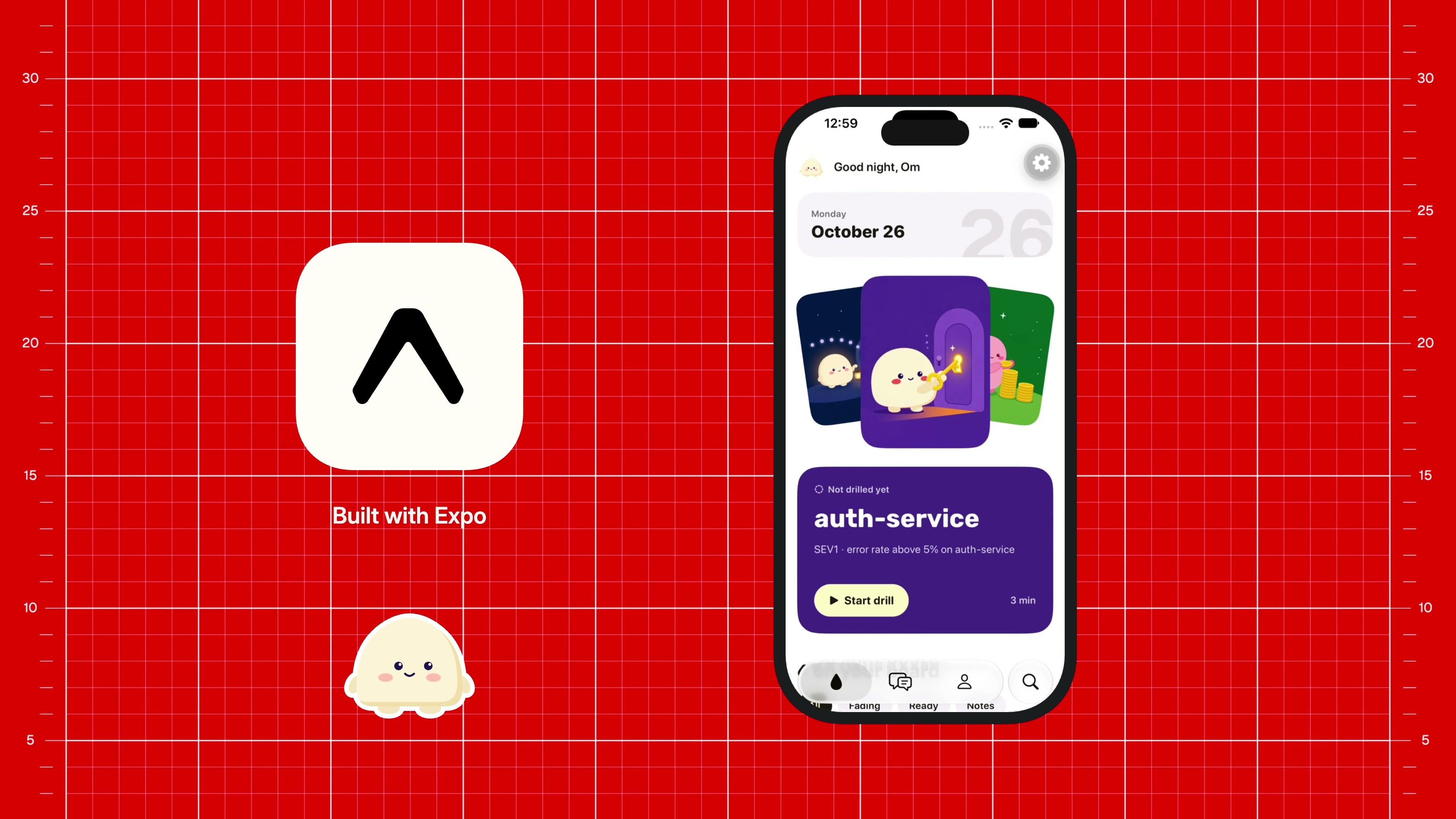
The Expo iPhone companion shows the next on-call drill on Today.
-
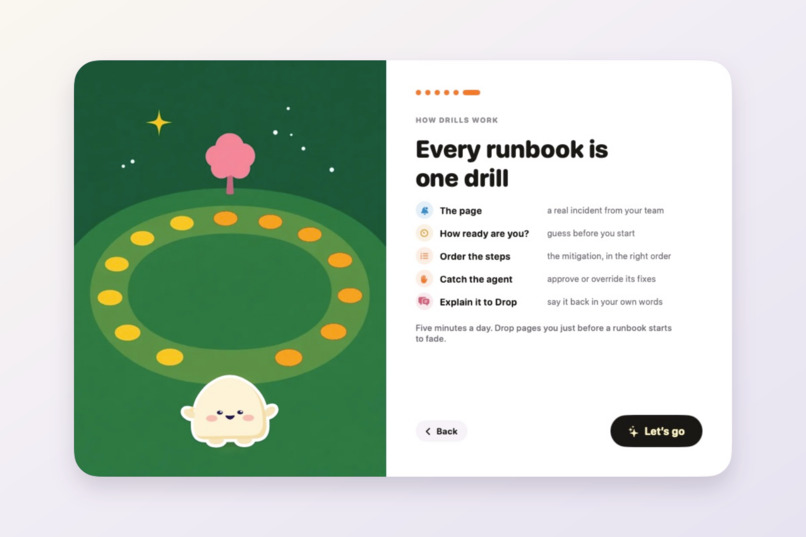
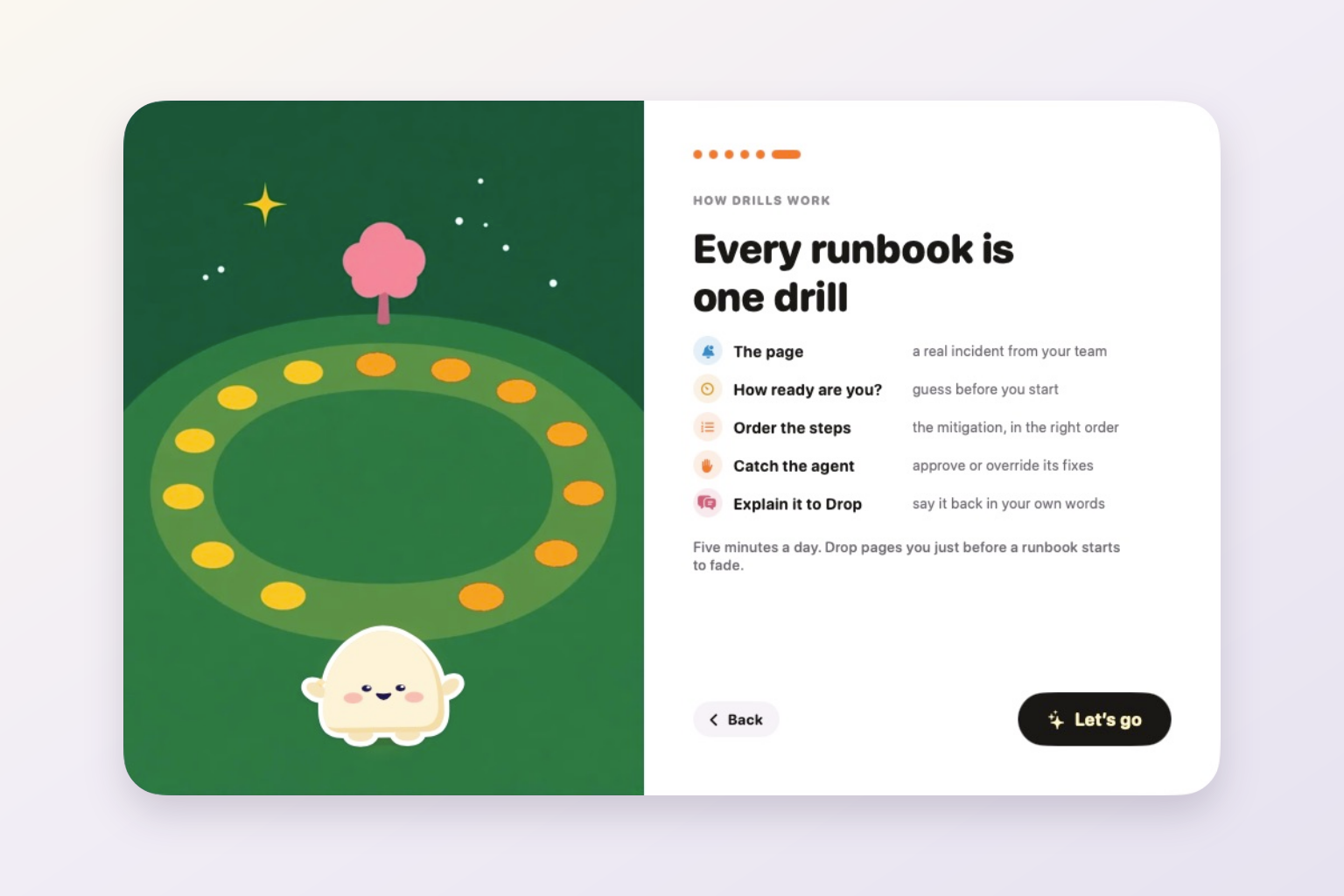
A runbook drill moves from the incident to recall, judgement and explanation.
-
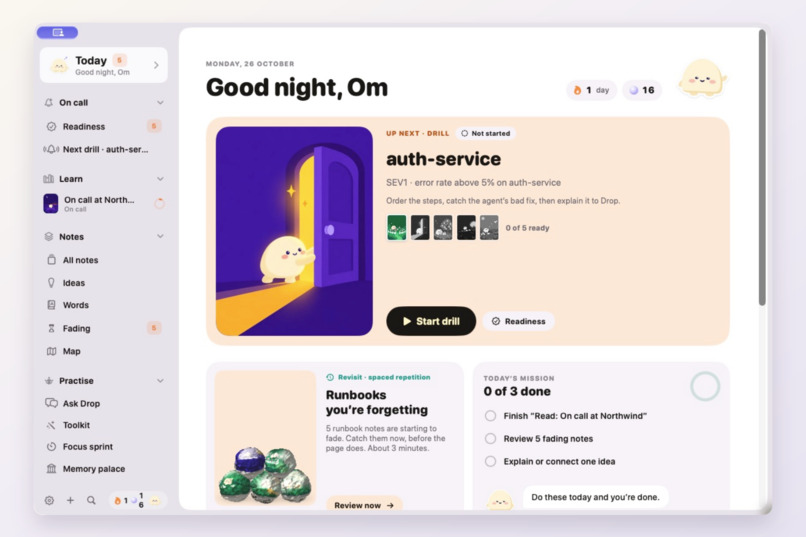
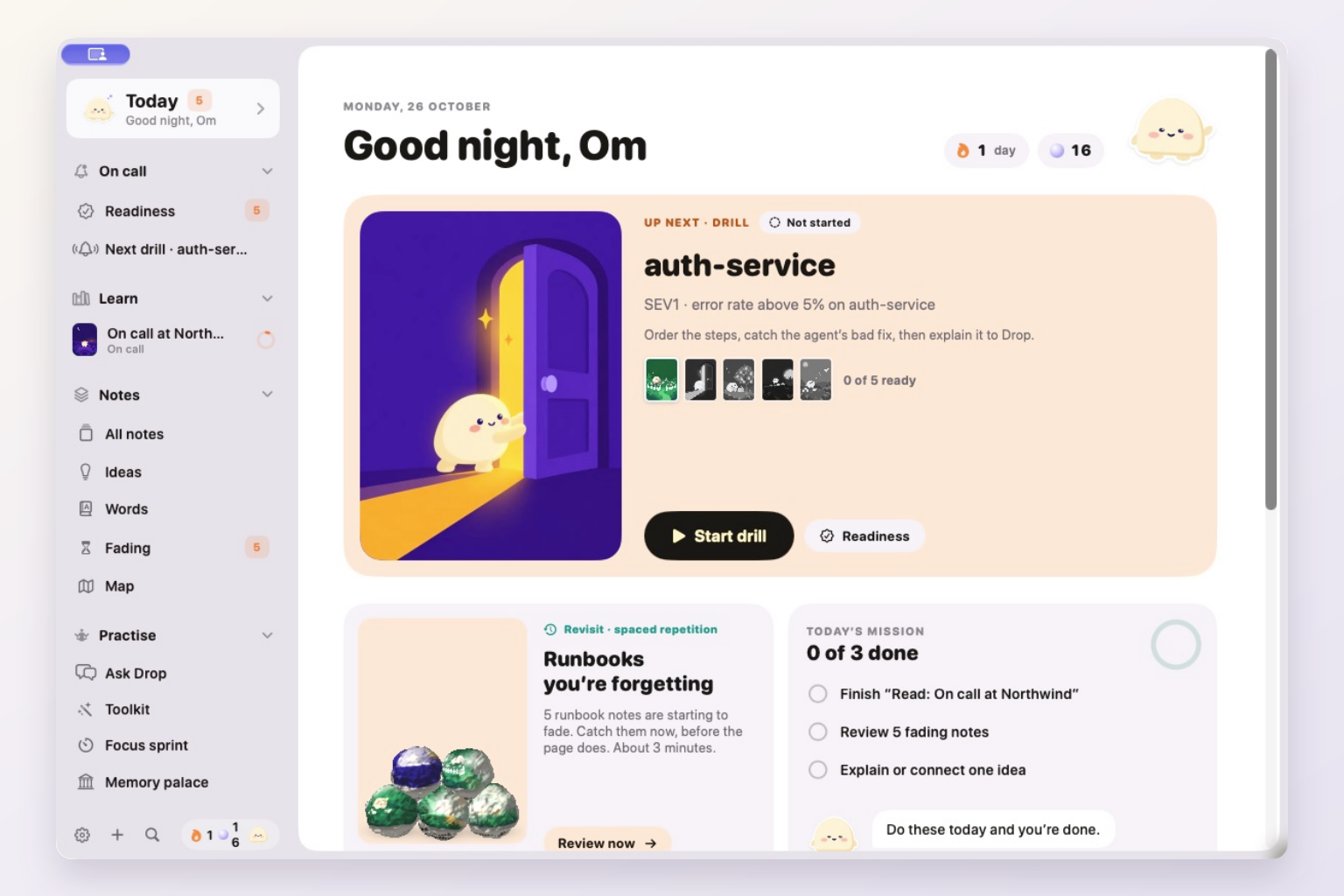
Today brings the next drill, fading runbooks and daily practice together.
-
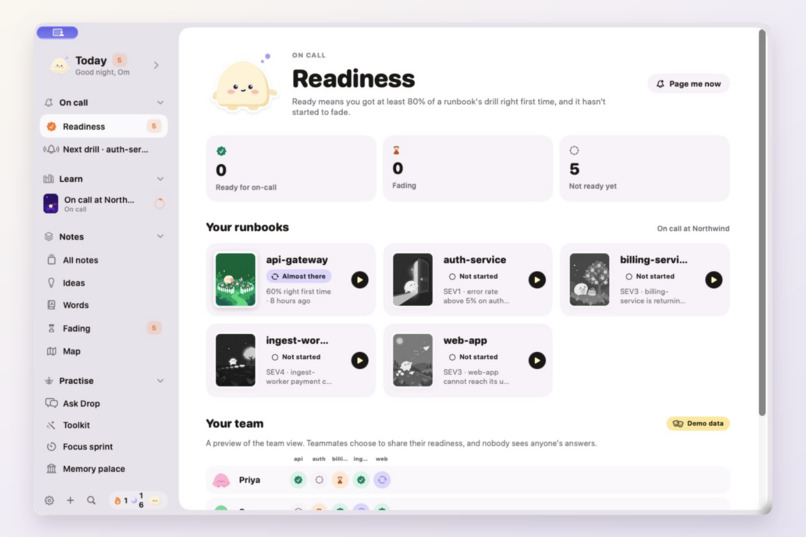
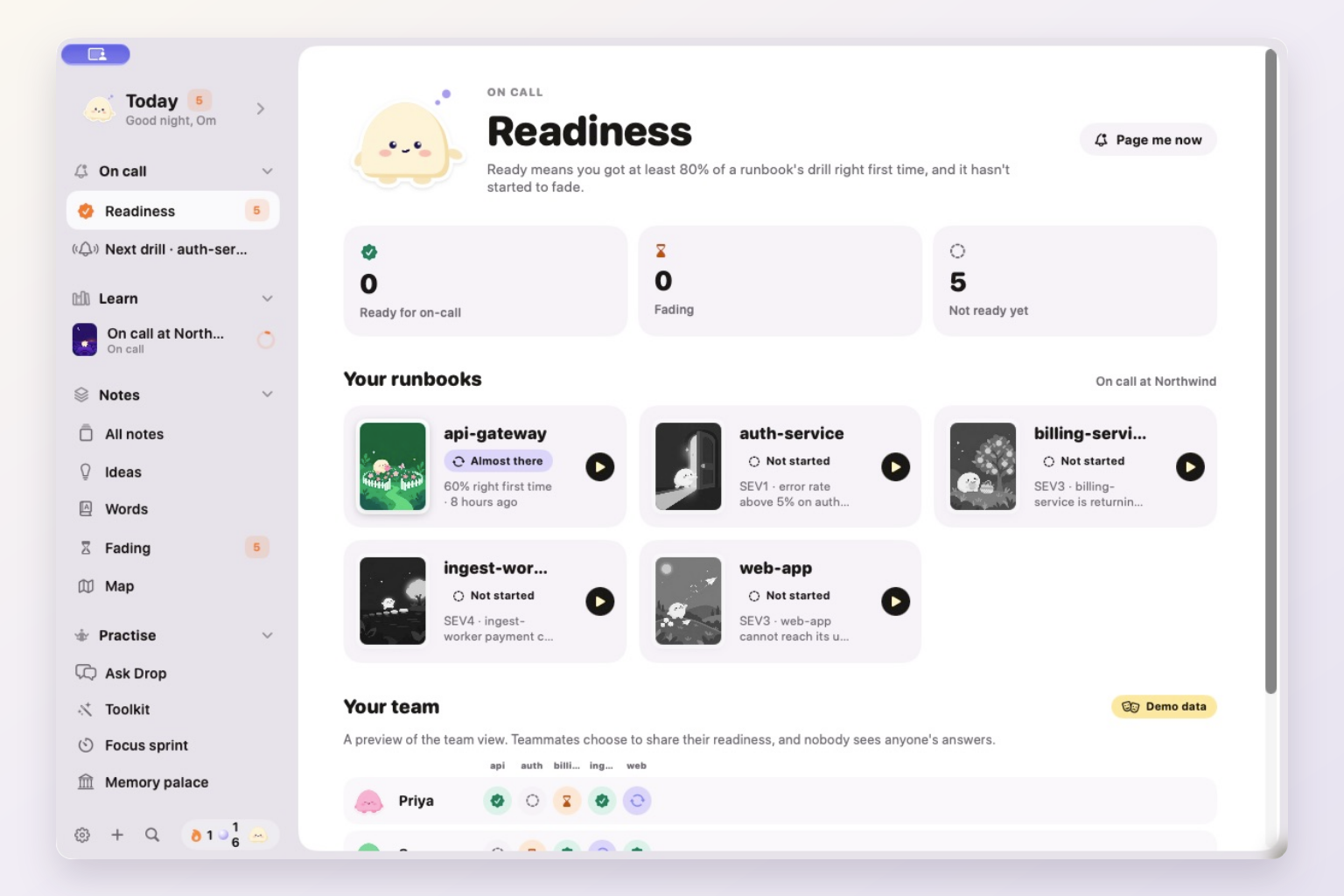
Readiness shows each Northwind runbook and clearly labels the team preview as demo data.
-
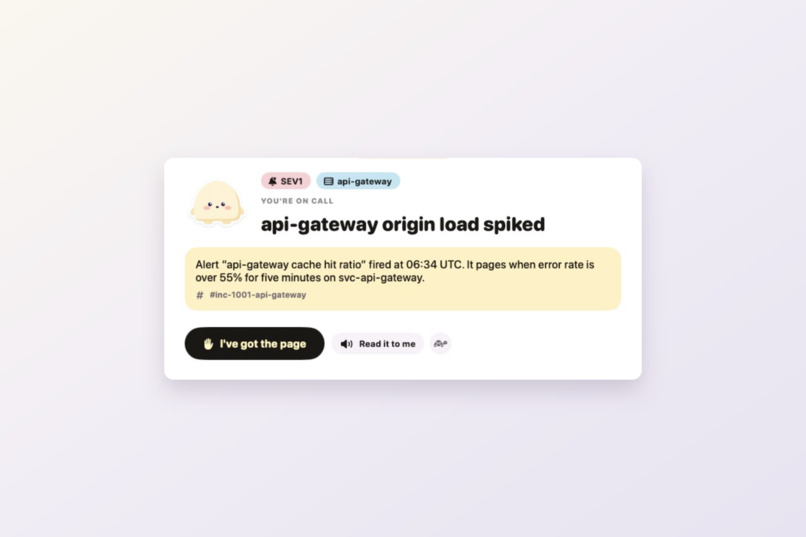
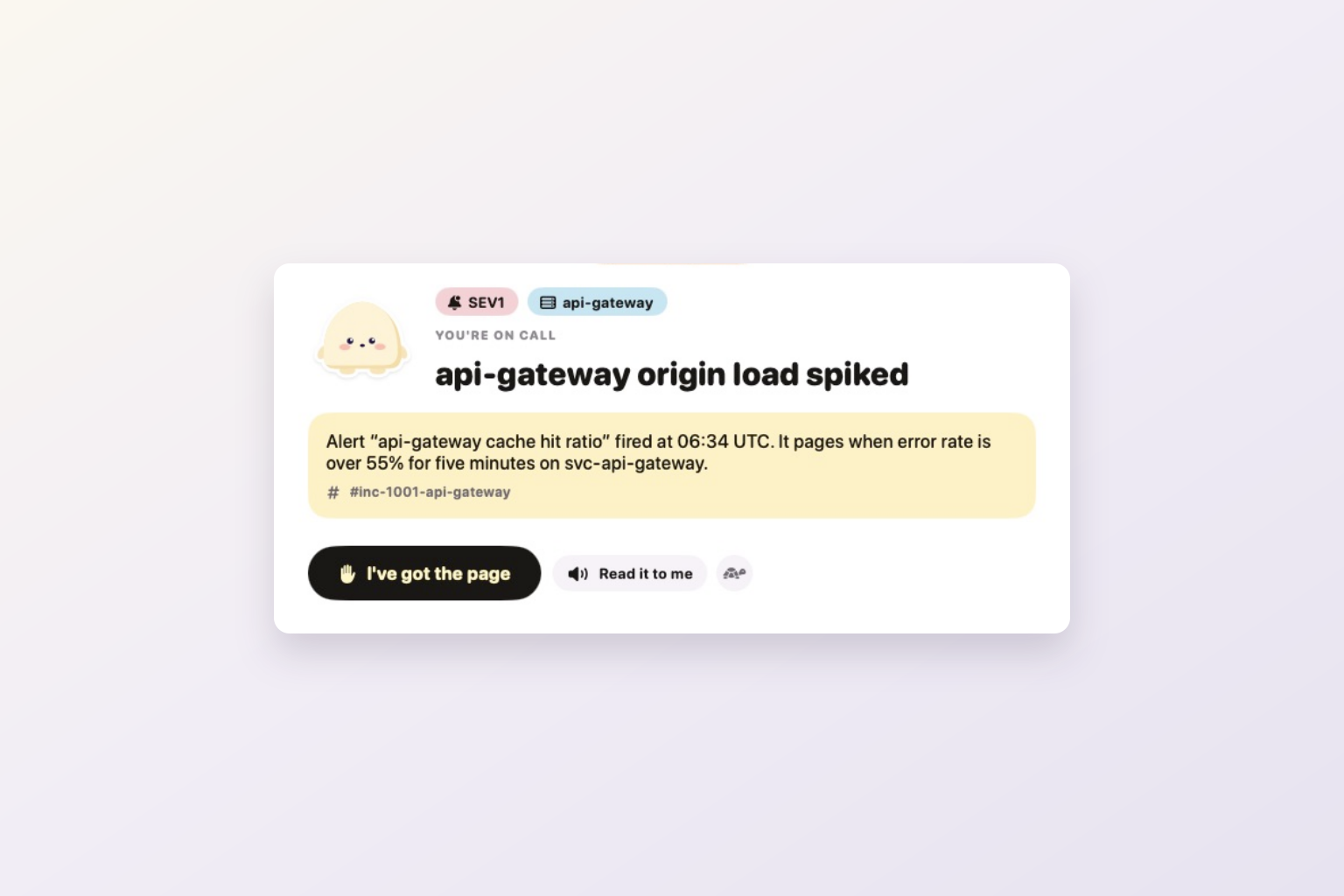
The api-gateway drill starts with an incident grounded in the Northwind runbook.
-
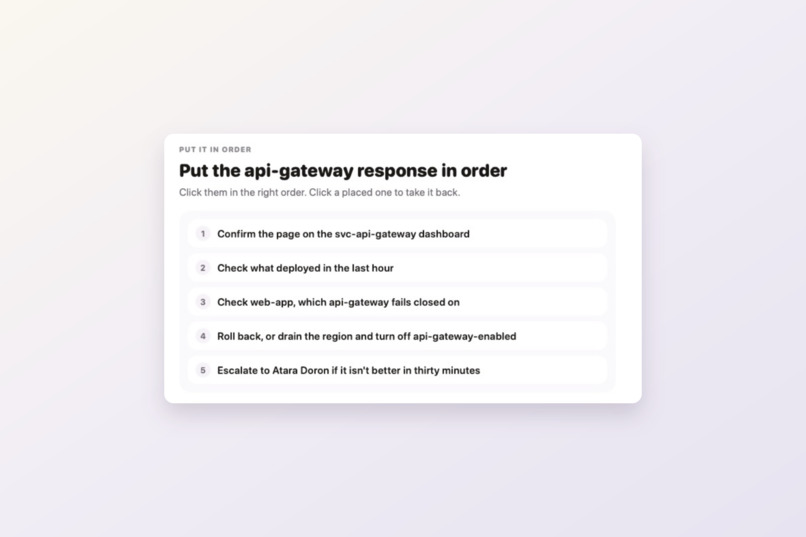
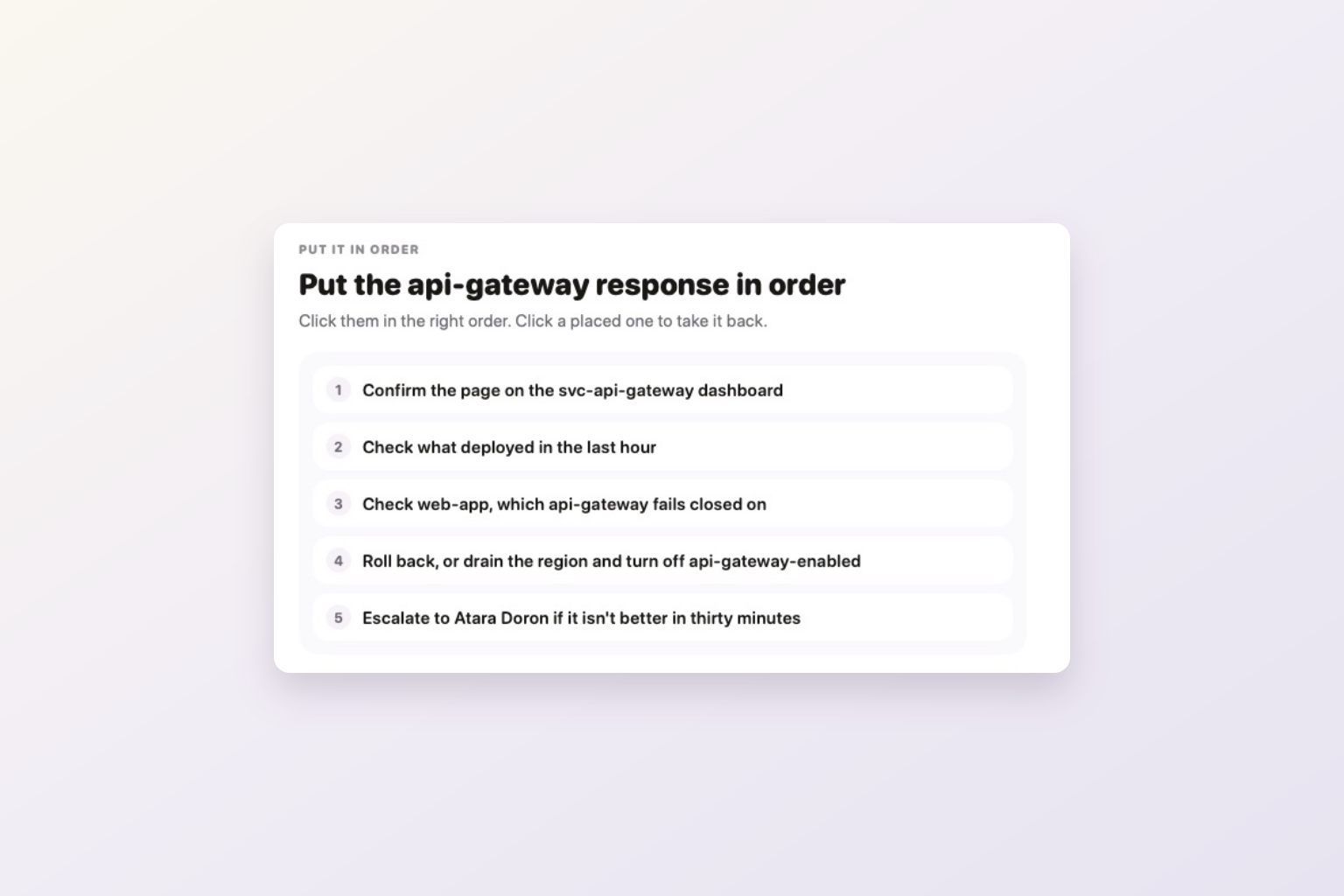
Practise placing the mitigation steps in the right order.
-
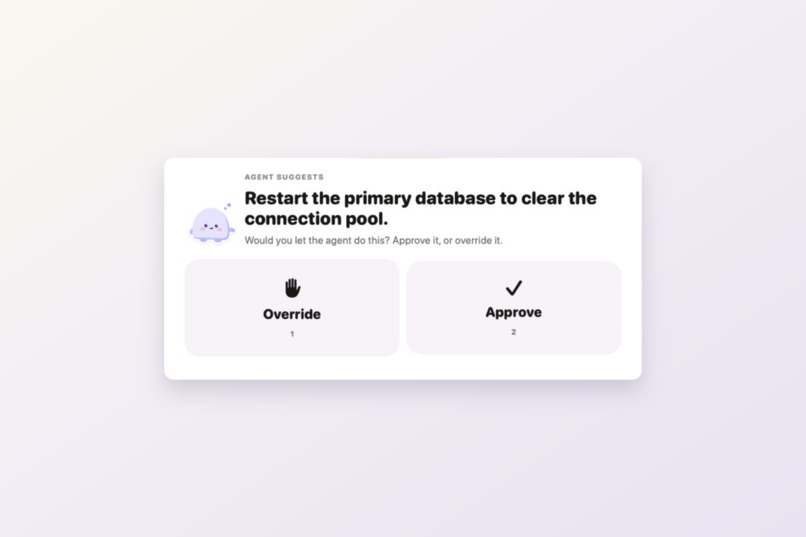
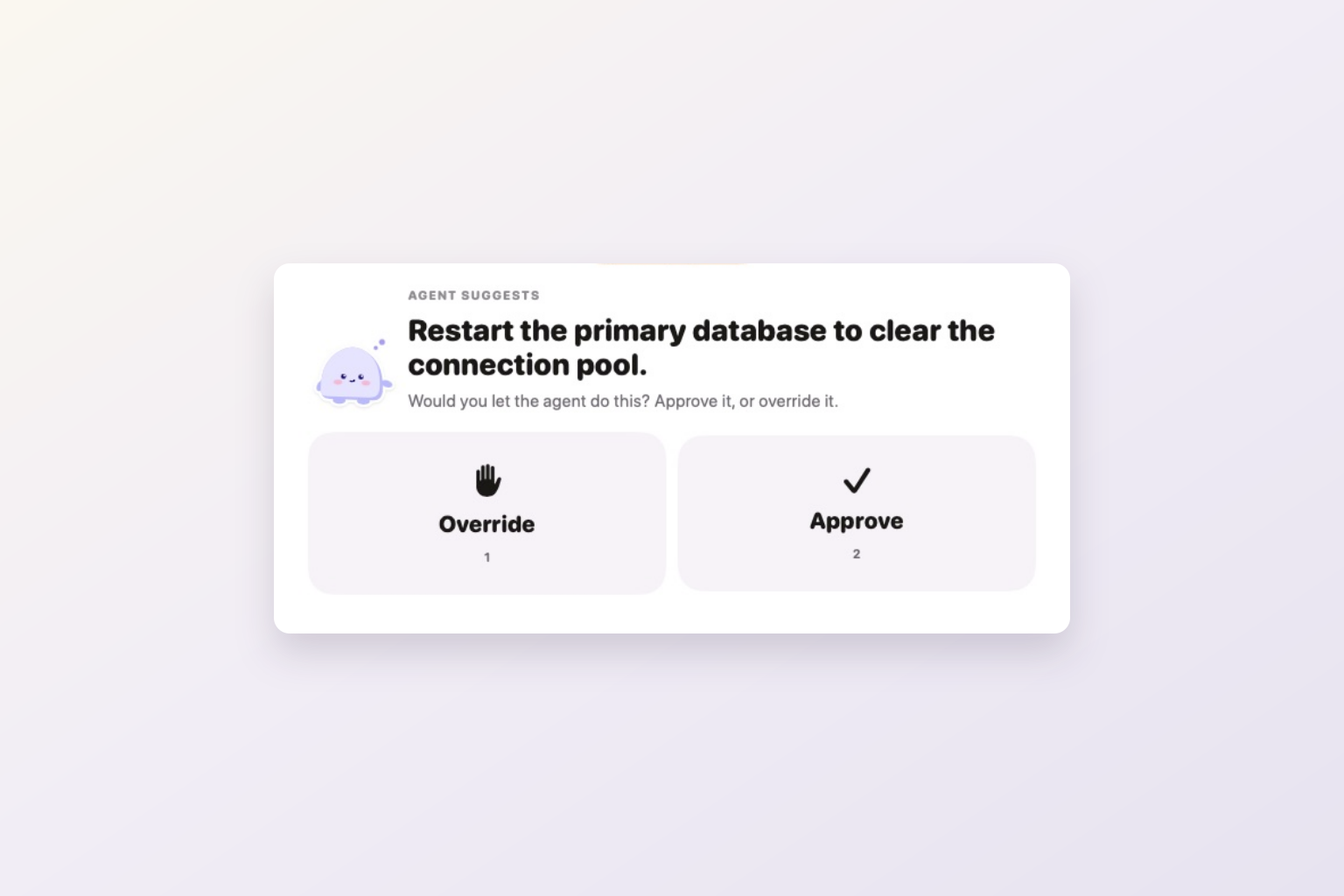
Approve or override authored training suggestions; the exercise never performs a fix.
-
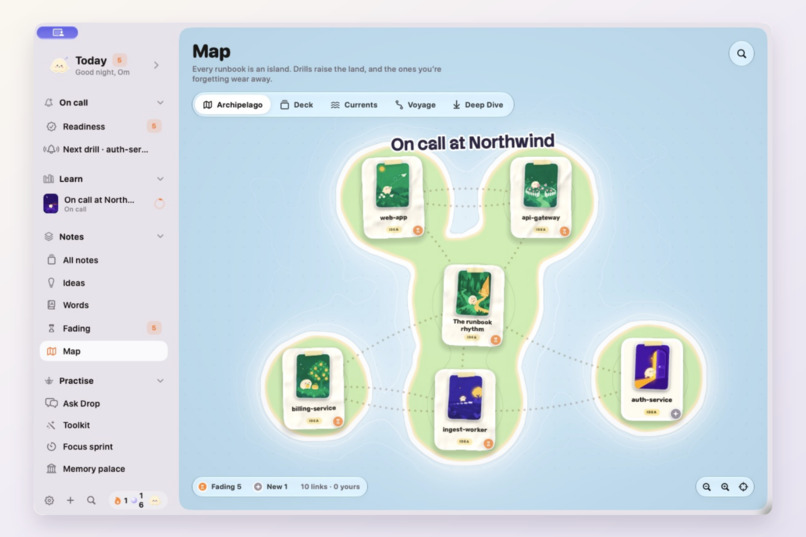
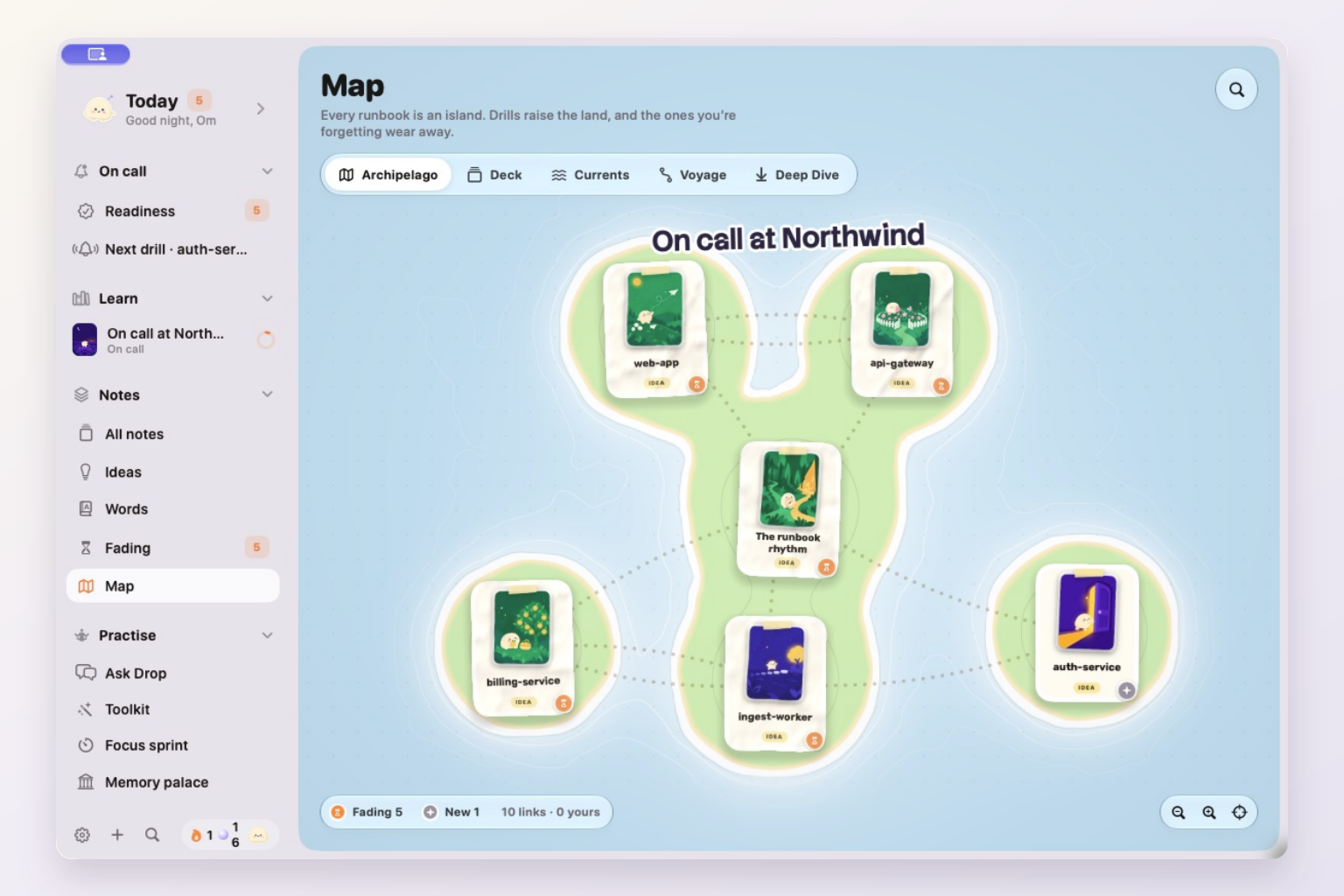
Archipelago turns linked notes and memory strength into an island map.
-
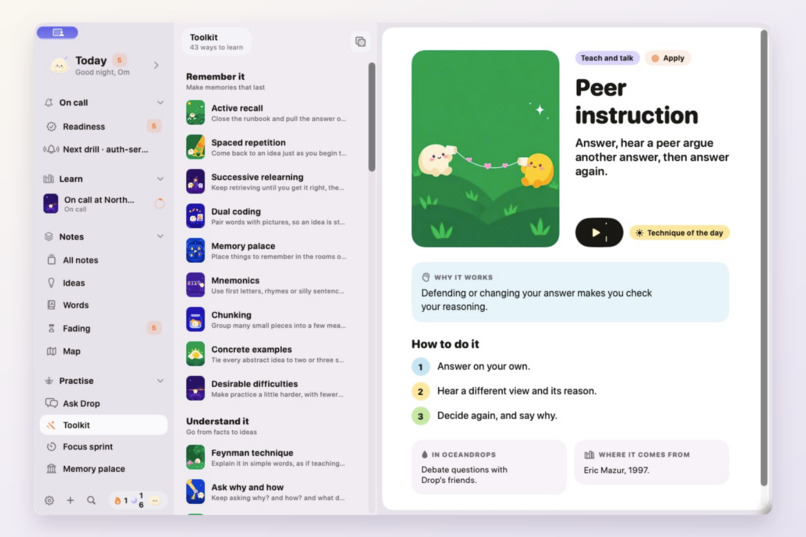
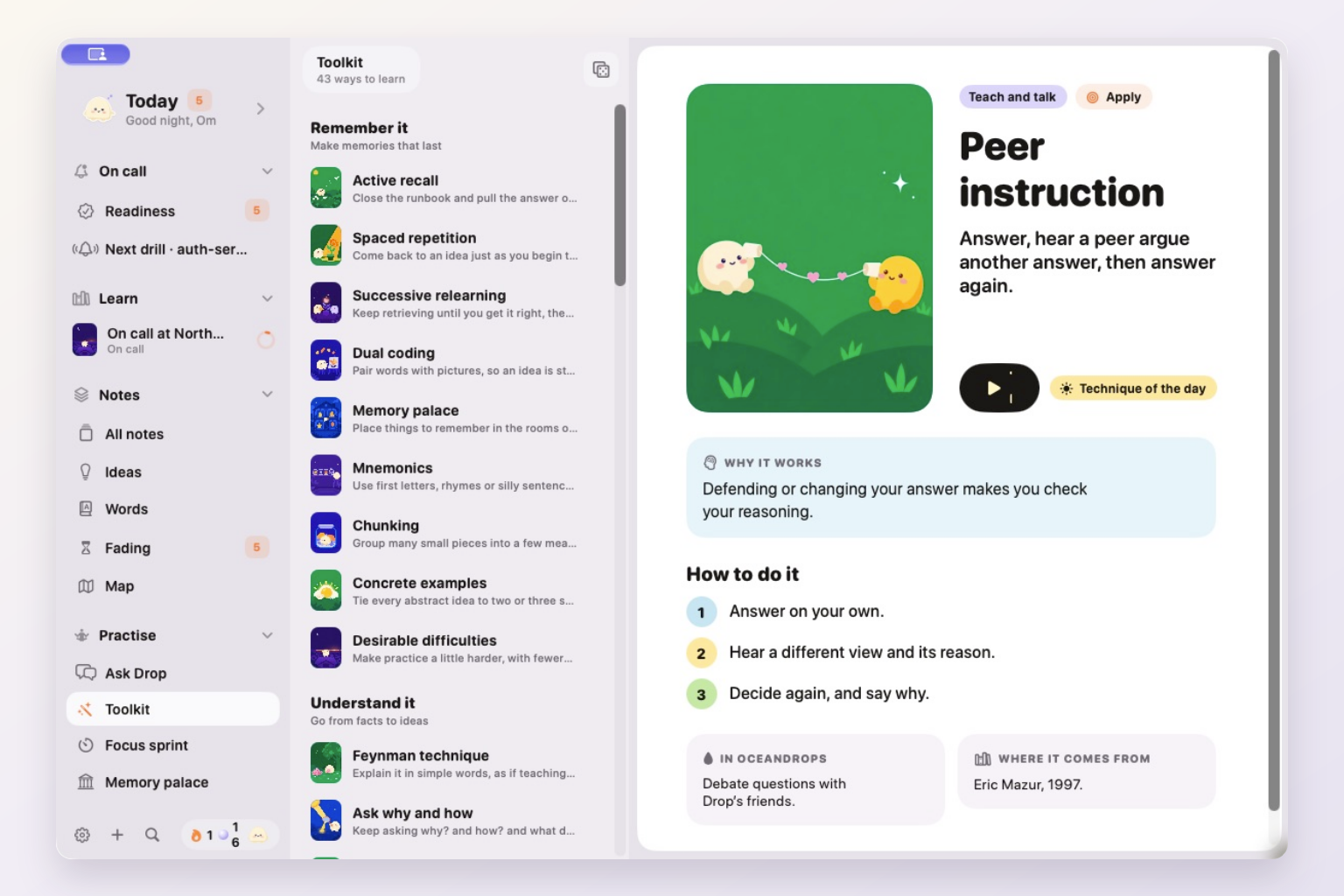
Explore the learning toolkit and put a technique into practice.
-
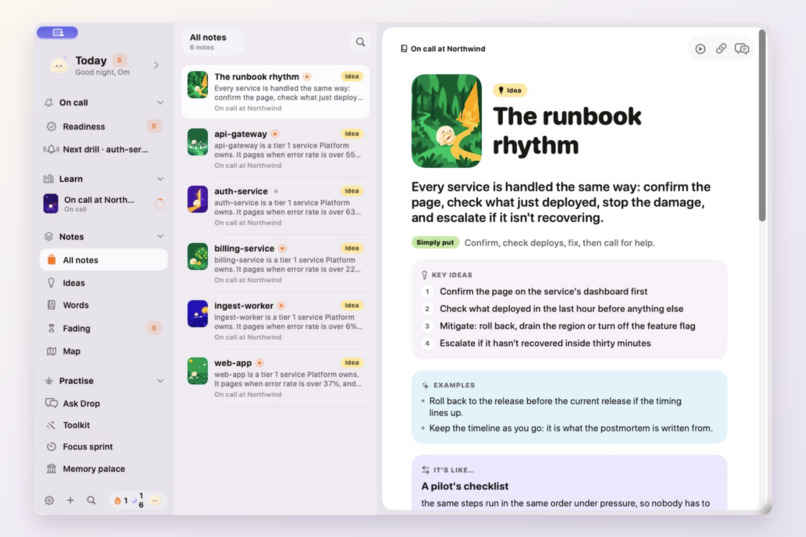
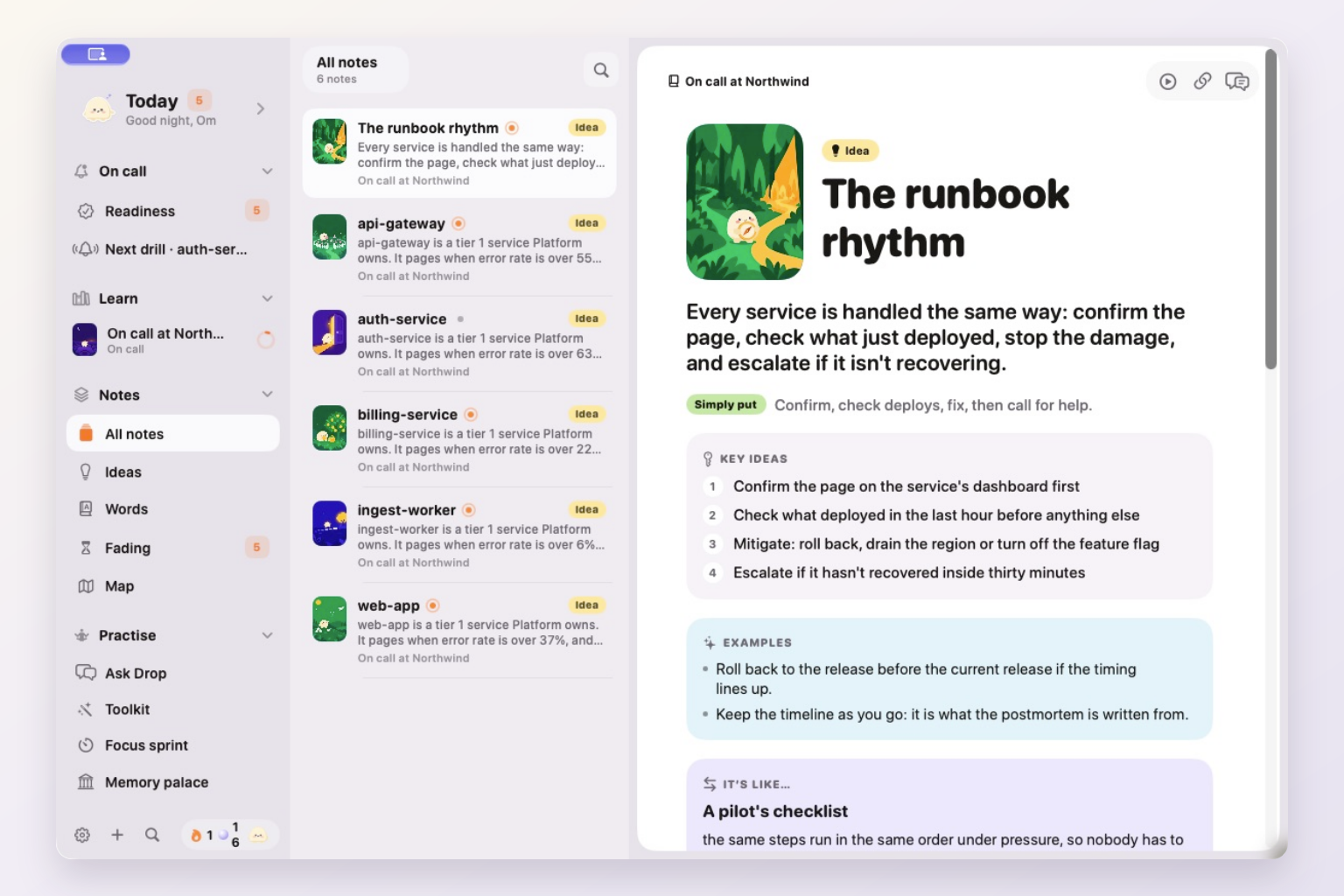
Linked runbook notes bring key ideas, examples and explanations together.
Inspiration
When the Wi-Fi goes down at home, someone becomes the person on call. There might be a note on the router explaining what to check and in what order. Reading it once is easy. Remembering the steps when everyone needs the connection back is harder.
Software teams have the same problem with higher stakes. A new on-call engineer has access to the runbook, but needs practice recalling the procedure and judging a proposed fix before an incident happens.
We built Drop on Call around that moment: preparing for your first rotation with the procedures your team already has.
What it does
Drop on Call is a Mac app with an Expo iPhone companion. It turns a runbook into a short drill, tracks your review schedule, and prompts you to practise again as your predicted recall fades.
In the demo, you connect Northwind, a simulated company provided by Era by Eon. Drop imports its Confluence runbooks, Slack incident history and Zendesk support macros. Each supported runbook becomes a drill grounded in that service's facts.
A drill starts with an incident. You predict how ready you are, put the response steps in order, and judge three suggested fixes. One suggestion is deliberately wrong. In the api-gateway drill, restarting the primary database would drop requests in flight and erase useful evidence, so the learner should override it. These are authored training scenarios; the exercise never performs a fix.
You finish by explaining the response in your own words. Drop checks the required ideas and asks about an omission. A first-time score of at least 80% earns a Ready sticker. Readiness distinguishes Ready, Fading and Not started, while FSRS schedules later reviews using a 90% retention target. That target is a scheduling prediction, not a guarantee of recall.
The learning continues outside the drill. Notes have typed links with a reason for the connection. On the Map's Archipelago view, memory strength changes the shape of the land. Ask Drop answers from your notes or asks questions in Socratic mode. The Toolkit contains more than 40 learning techniques, alongside a focus sprint with a brain dump and a memory palace you can walk through to practise recall.
How we built it
The Mac app uses SwiftUI, with Metal for its map views. The iPhone app uses Expo and React Native. Both connect to a Bun and Elysia API hosted on Render.
Era by Eon
Era supplies the simulated workplace used to develop and test the import-to-drill flow. Drop reads Confluence pages, Slack conversations and Zendesk macros from Northwind, then extracts service-specific details such as alert thresholds, dependencies and escalation owners.
Workplace requests are read-only. The current beta uses simulated company data and does not connect to an employer's accounts. This gives us a concrete environment for checking the flow without asking a team for private incident history.
SurrealDB and SurrealDB Agent Memory
SurrealDB stores imported material, notes and their links, review history, reflections and memory schedules. It also supports search over the learner's notes.
SurrealDB Agent Memory carries observations about how a person learns, including repeated lapses, misconceptions and strengths. The API scopes these memories to the learner and uses recalled observations when preparing Ask Drop's context. On Me, the learner can see what Drop remembers and request that an individual memory be forgotten.
The review scheduler and Agent Memory have separate jobs: FSRS chooses when to review a note; Agent Memory supplies relevant learning observations to the tutor.
Expo
The Expo iPhone app brings the learning experience away from the Mac, including drills, notes, review scheduling and an in-app pager. It uses Expo Router, with Skia for the mascot and memory visuals. The project has EAS production build and iOS submission configuration.
The iPhone beta, version 1.0.0 (4), has cleared Apple processing and is available to invited internal TestFlight testers. The Mac beta, version 0.1.0 (3), is also available to invited internal testers. Public TestFlight access is not available yet; the public repository includes the source and local run instructions.
Clerk
Clerk handles sign-in and sessions in the SwiftUI Mac app and Expo iPhone app. Each client sends its session token to the API, which verifies it before returning a learner's data. The verified identity scopes progress, reviews and learning memories to that person.
Engineering challenges
The drill builder has to preserve a runbook's facts, including the order of mitigation steps and the conditions for escalation. It builds the supported Northwind drills deterministically, without calling a model. Generalising extraction to other runbook formats is still work ahead.
Ask Drop uses a different path. The API retrieves matching notes and learning memories, then sends that context with the question to Claude through OpenRouter. Imported text is treated as content, and the import pipeline redacts email addresses and phone numbers before storing it.
The design also needs to make readiness understandable. Stickers, fading covers and the changing map connect the review schedule to something the learner can see. The team readiness preview is labelled demo data; individual drill results and review schedules come from the learner's activity.
Accomplishments
The working Mac walkthrough covers onboarding, importing Northwind, completing an api-gateway drill, and reviewing the resulting readiness. It also shows linked notes, the map, the tutor and the learning toolkit, with the Expo iPhone companion shown at the end.
The deployed API reports Clerk authentication, Era's three simulated systems, hybrid search, a model-backed tutor and SurrealDB Agent Memory enabled.
What we learned
A useful drill needs the details that change a decision: which dependency to check, which threshold triggers a page, when to escalate, and why a proposed action would make the incident worse. Keeping those details in the exercises gives learners something specific to explain and practise.
Personalisation also needs a visible control. Showing the tutor's learning memories on Me gives the learner a way to inspect them and ask Drop to forget one.
What's next
Use the iPhone beta to gather feedback, support more runbook formats, and test the learning flow with an on-call team. A pilot would let us compare delayed recall and confidence calibration over repeated reviews. We do not yet have measured learning gains or incident-reduction results to report.
Real workplace connections need further integration and validation. Team readiness sharing would be opt-in; the current team panel remains a labelled preview.
Team
Om Khetwal and Gurpreet Singh Sandhu.
Prior work, credits and AI tools
We built the app during Build Week without a pre-existing app or starter foundation. The Mac and iPhone clients, runbook-to-drill flow, review scheduling, learning memories, tutor integration and deployment were developed for this project. The app uses third-party libraries and the credited patterns below.
The phone app adapts some patterns from the MIT-licensed Bluesky social-app and Tamagui takeout2 projects. Stack Sans and Rubik are included under their bundled SIL Open Font Licenses. Northwind's workplace data comes from Era's simulation.
OpenAI Codex and Claude Code assisted with implementation, debugging, testing, release preparation and submission work. Claude helped write illustration prompts; Codex and Grok generated the illustrations. Claude through OpenRouter also powers the product's tutor; that is separate from the development-tool disclosure.
Built With
- bun
- claude
- clerk
- eas
- elysia
- era-by-eon
- expo-router
- expo.io
- fsrs
- metal
- openrouter
- react-native
- render
- skia
- surrealdb
- surrealdb-agent-memory
- swift
- swiftui
- typescript

Log in or sign up for Devpost to join the conversation.