-
-
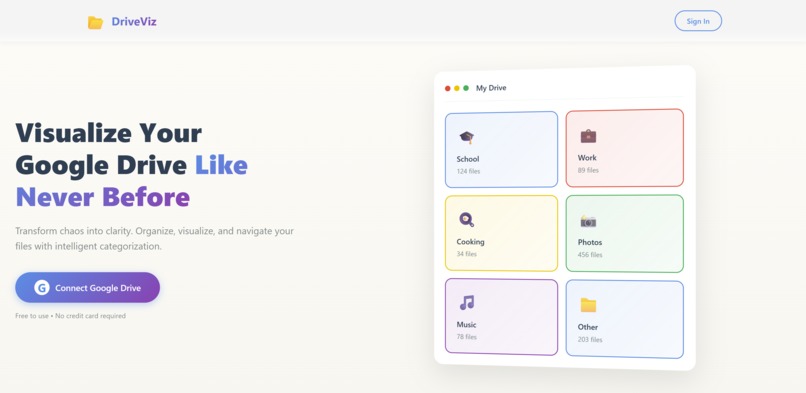
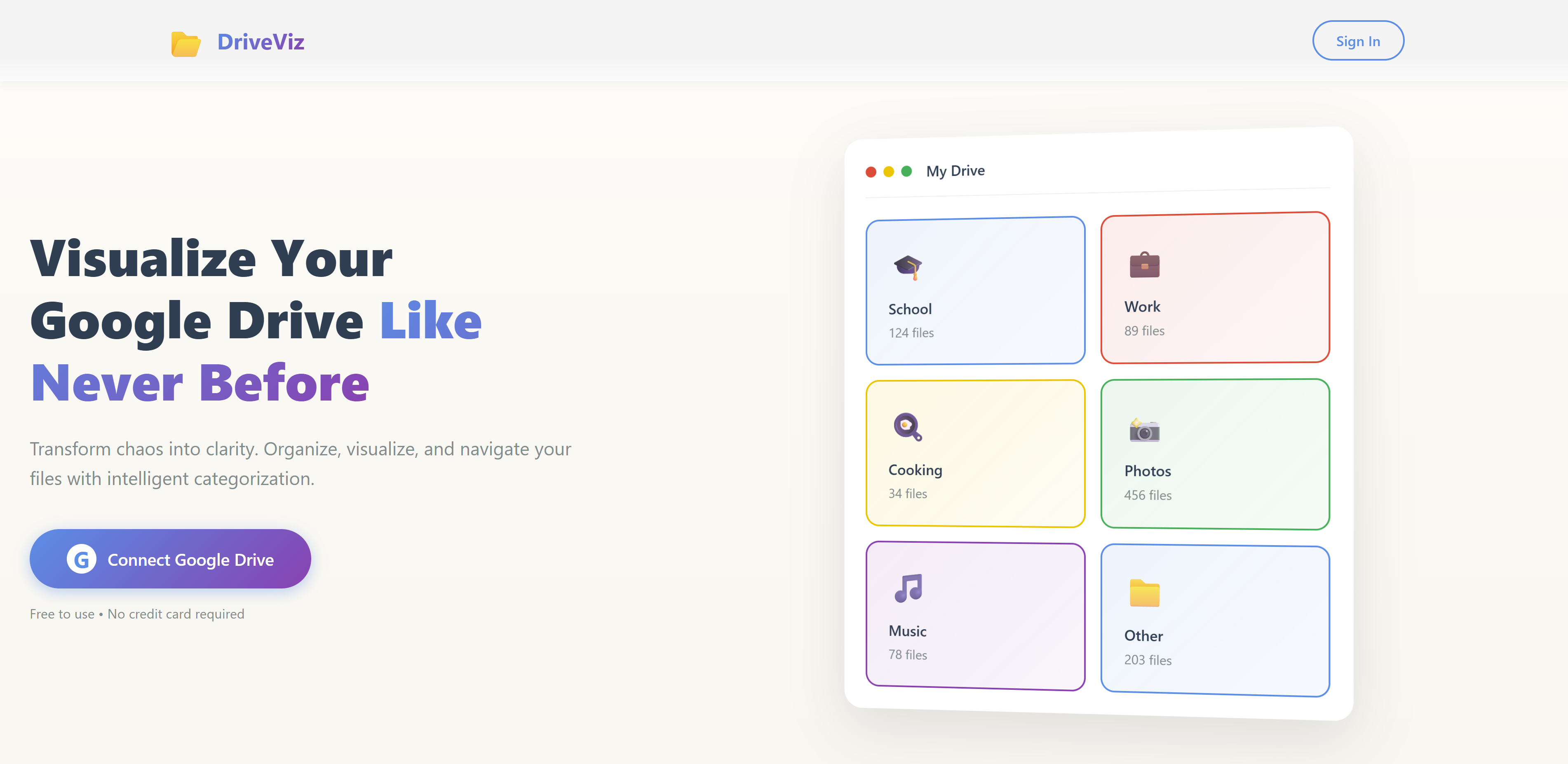
Homepage 1
-
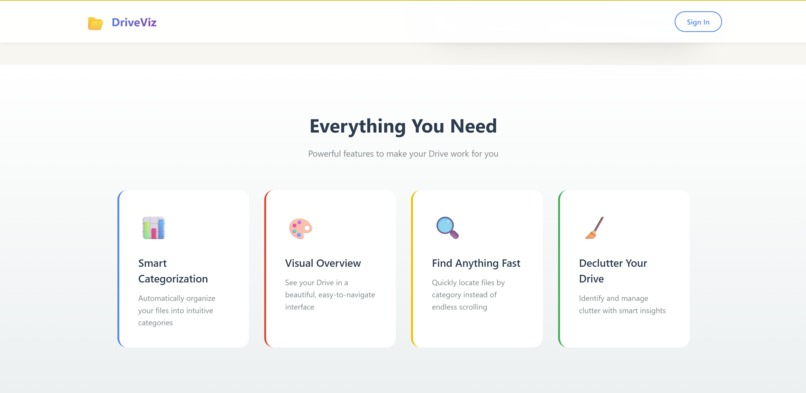
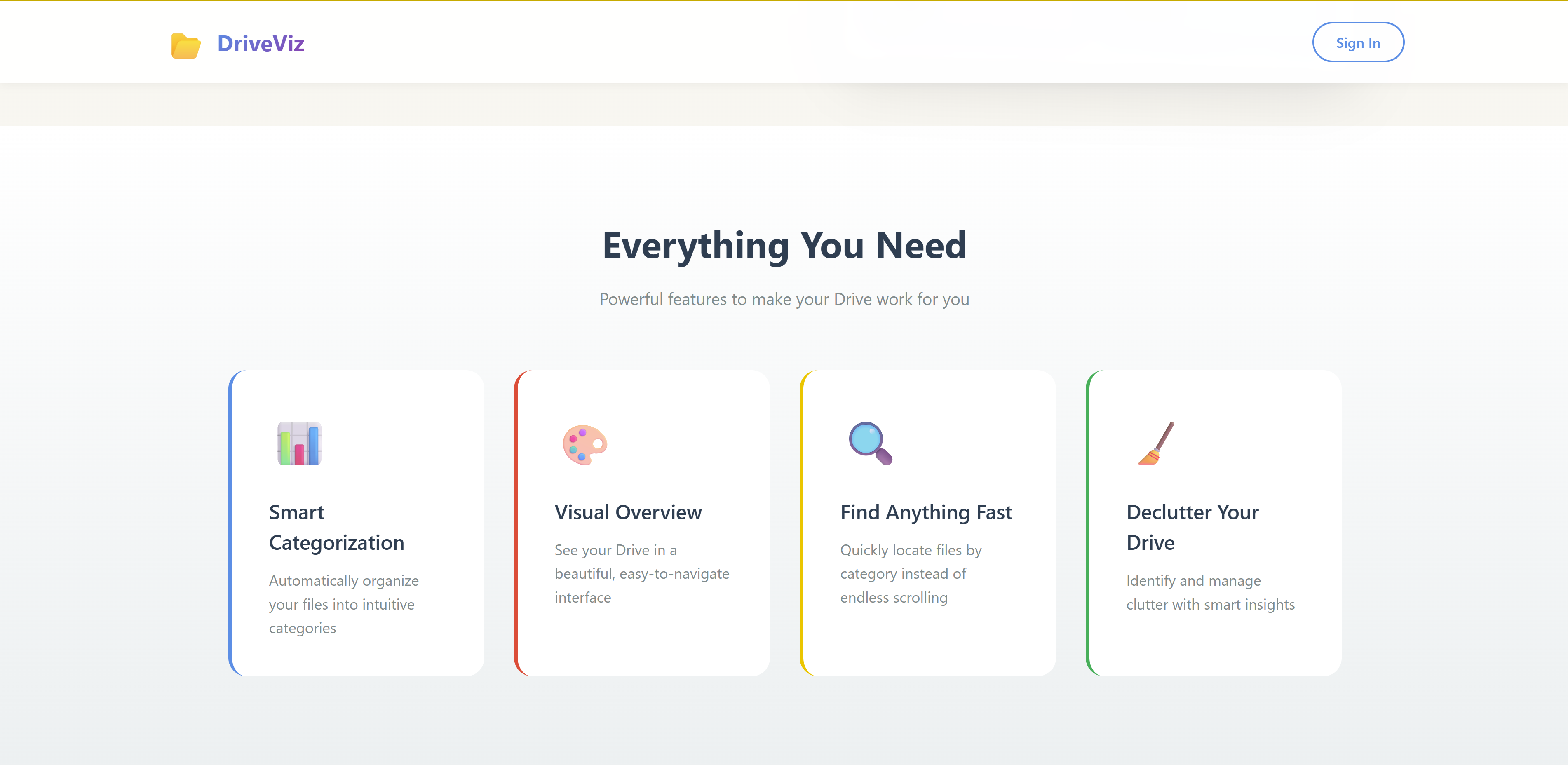
Homepage 2
-
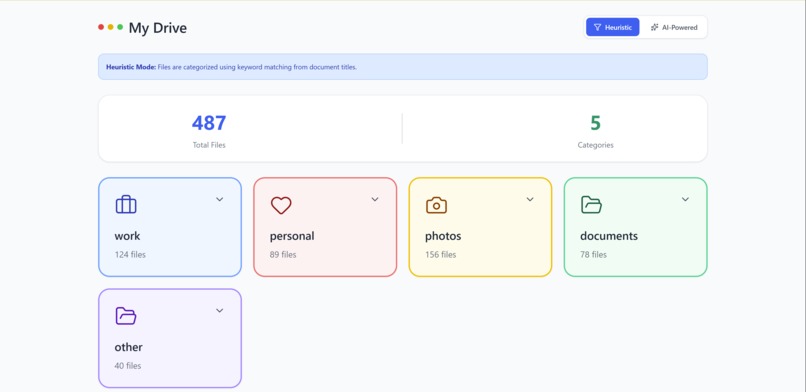
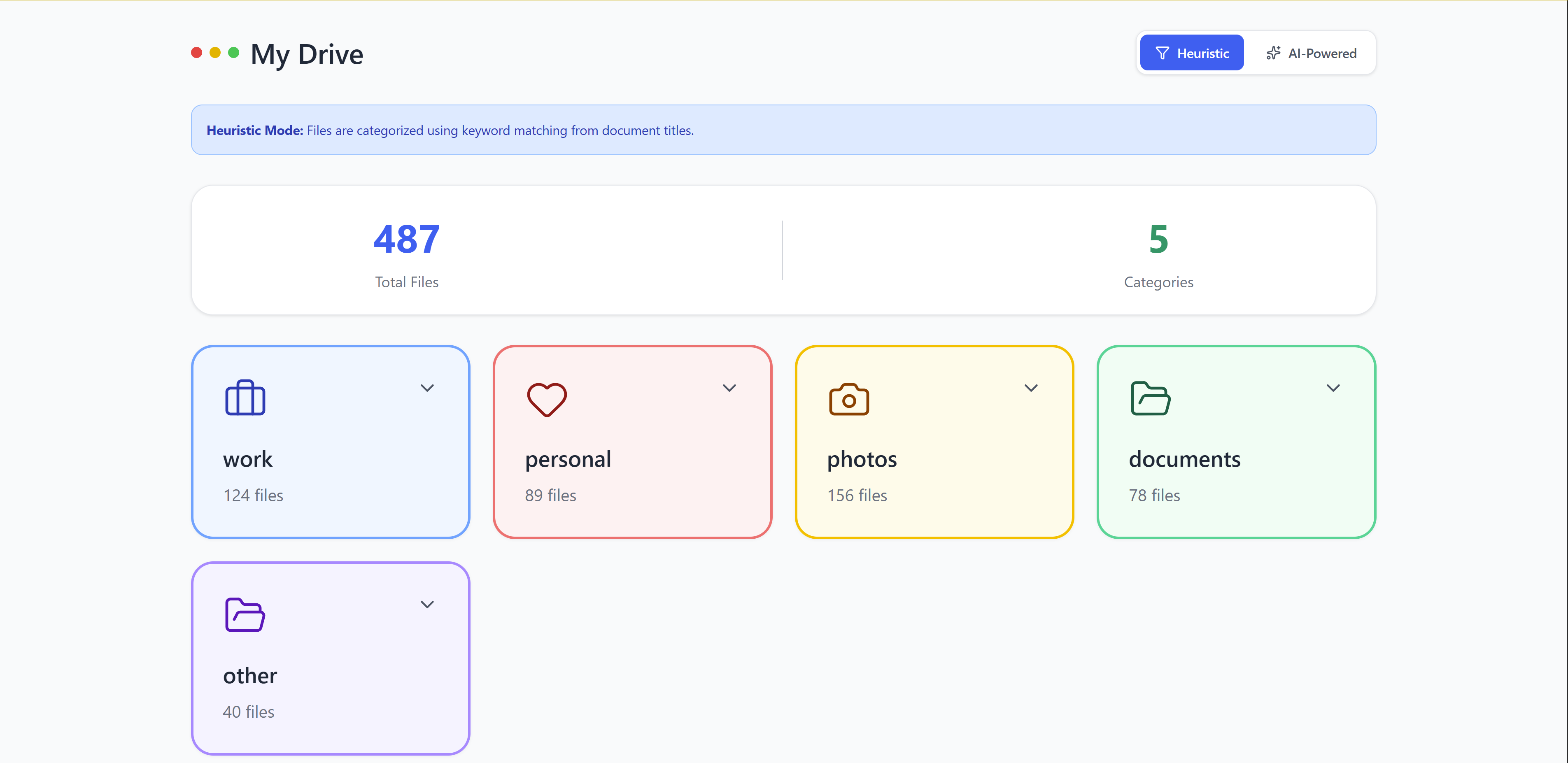
Heuristic Mode
-
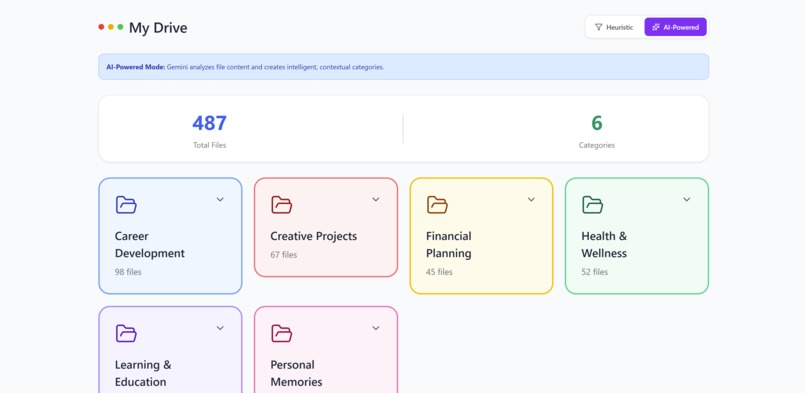
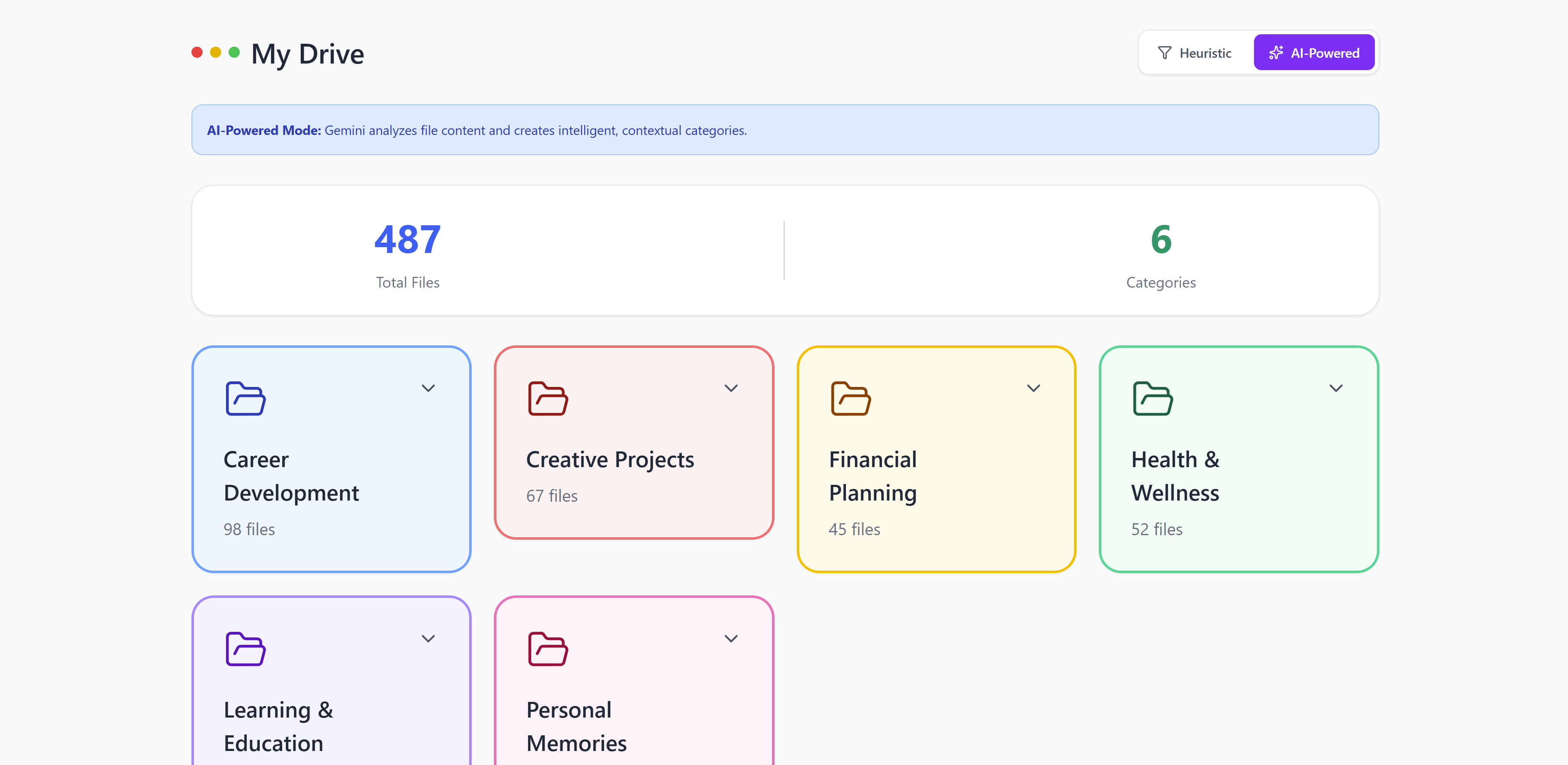
Gemini Mode
Inspiration
Many of us lose track of what we create and use from our Google Drive, later leaving us with tougher decisions to make when storage runs low. In these situations, the user would either just delete at will (saving time but risking the deletion of something important) or carefully categorize documents and determine their relevance/importance (large time commitment but generally safer). Given this situation, our team was inspired by how Apple Photos work, allowing the user to search up photos through a key word with which the system would then recognize the presence of the key word in certain photos
What it does
A visualized map of their files that are under different categories. There are currently two ways to determine these categories, heuristics and Gemini. The heuristic way is based off handpicked keywords that are most common in these types of files. Then the files will get categorized under one of these categories. There are some files that just won't fit that well in one of these categories. Therefore, the second option, using Gemini, we are able to create custom categories that are tailored towards what the user has to best choose and represent their files.
How we built it
We built this web application using a React frontend and FastAPI for the backend. For the API calls to Google Drive, we used Google Cloud systems. Finally for our AI solution, we used GeminiAPI to access Gemini.
Challenges we ran into
Accessing the Google Cloud API proved challenging due to the multiple authentication steps and the variety of documentation sources, each covering different aspects of the process. After extensive troubleshooting, we successfully gained access to Google Drive and were able to test its file management capabilities.
Our initial approach involved using Google’s Agent Development Kit (ADK). However, the available documentation suggested that ADK was primarily designed for use through the command line or web-based applications. Both methods proved inefficient and unsuitable for the requirements of our project. Although some documentation explained how ADK could handle responses, we were unable to achieve the desired functionality. For the sake of time and project efficiency, we decided to pivot toward directly accessing Google’s Gemini API instead.
Accomplishments that we're proud of
We are proud to have developed and tested a working application geared towards empowering the user in organizing their Google drive files for a cleaner workspace.
What we learned
As we developed our application that connects to Google’s Gemini model, we focused heavily on prompt engineering. Prompt engineering plays a crucial role when working with AI, as well-crafted prompts can significantly reduce the number of requests sent to the model and increase the accuracy of the model's response. We conducted multiple tests to ensure our prompts produced consistent and useful outputs for backend integration. Additionally, we explicitly defined the expected response formats and explained how each supporting function outside the model’s scope operates, allowing Gemini to generate outputs that align more closely with our system’s requirements.
To access our cloud services, we navigated several obstacles. Google’s documentation for Cloud and the Drive API was invaluable and guided our implementation. We learned how to obtain API keys for Google Cloud and Gemini, evaluated different methods for connecting to Google Drive, and ultimately chose to authenticate via a service-account JSON key. We stored the JSON file path and API key in a .env file to keep credentials secure and the setup reproducible.
What's next for DriveViz
We envision a smart file management system that transforms how users interact with Google Drive. Our app will automatically detect and remove duplicate files, merge related documents, and provide detailed insights such as the last access time and version history of each file. It will also generate summary files that highlight recent updates across the drive. To make organization effortless, a “commit-to-push” feature will allow users to instantly apply AI-generated folder structures and categories directly to their drive — making file management intuitive, efficient, and intelligent.


Log in or sign up for Devpost to join the conversation.