Inspiration
In 2018, about 35.7 percent of deaths due to road accidents happened on highways
Imagine, your loved ones facing an accident at midnight. What if there is no one to help them? What if they are in pain and want someone to rescue them?
Our Aim
We aim to create a safety device that allows people met with accidents to get immediate help and support. We do this by using IoT, Machine Learning, and App development with cloud storage facilities.
How are we unique?
There are a lot of SOS apps that exist but most of them require some form of human intervention. This is not possible when a vehicle has undergone an accident as the person will not be in any position to draft an SOS message.
To overcome this problem we came up with a solution to completely automate this process and contact the nearby hospitals and also alert close relatives and friends.
How we built it
Tech stack used:
- ESP8266 wifi module, Accelerometer
- Deep learning model, Tensorflow, Keras, OpenCV
- Flutter app development
- Figma app design
- Firebase real-time cloud storage
App explained:
- We have used Flutter frontend and Firebase as our backend, with real-time cloud storage
- In our app, the user can log in using the conventional mail method, or by using google
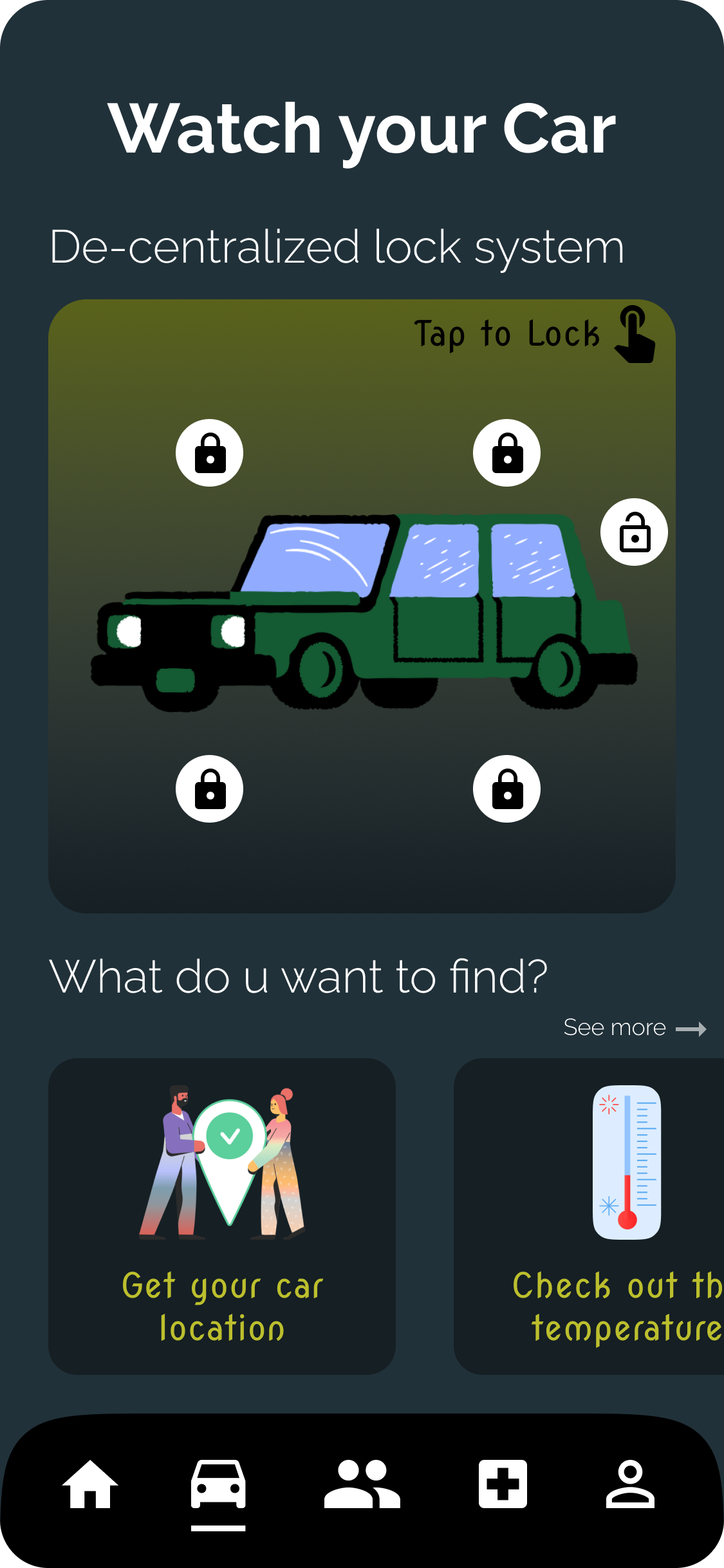
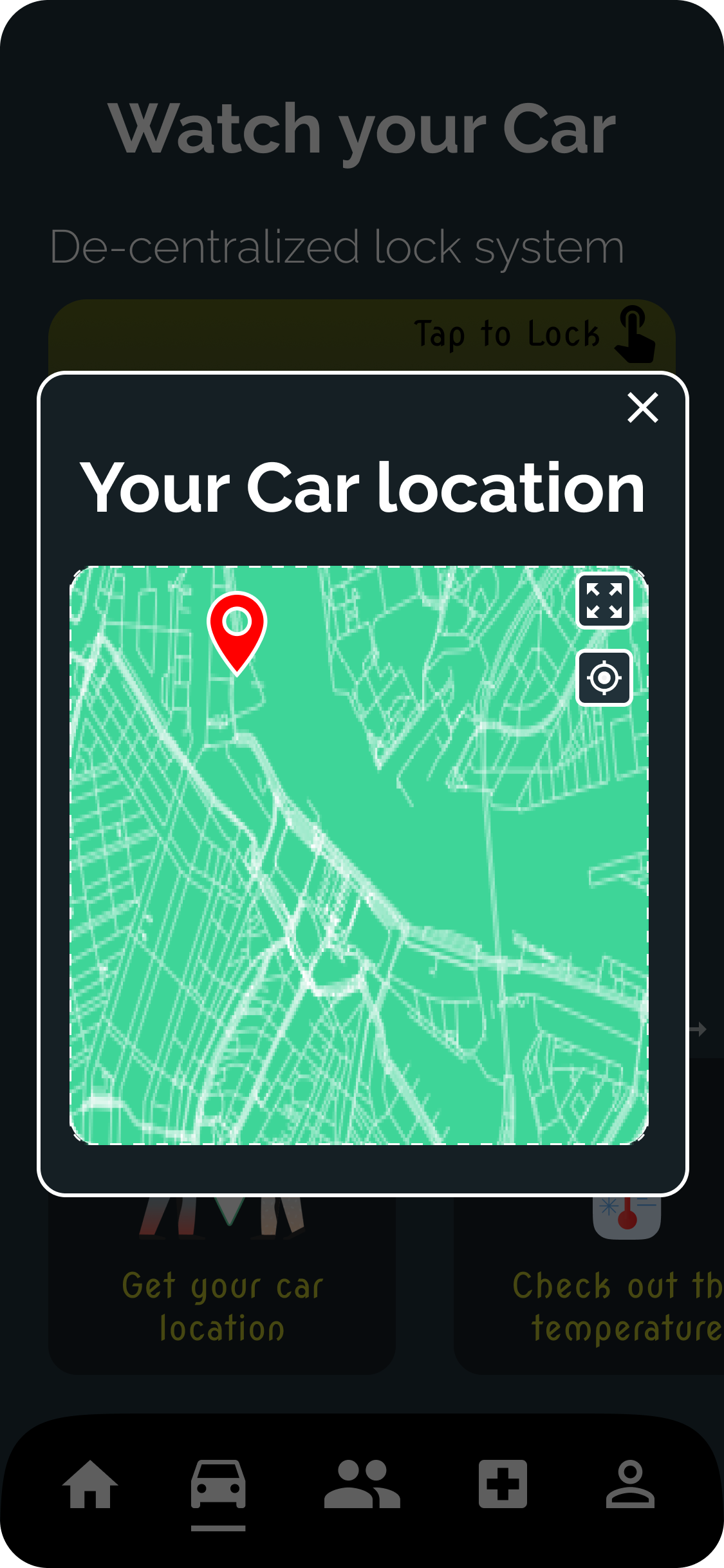
- Our app has various features, namely: Location tracking, weather report, temperature monitor, decentralized locking
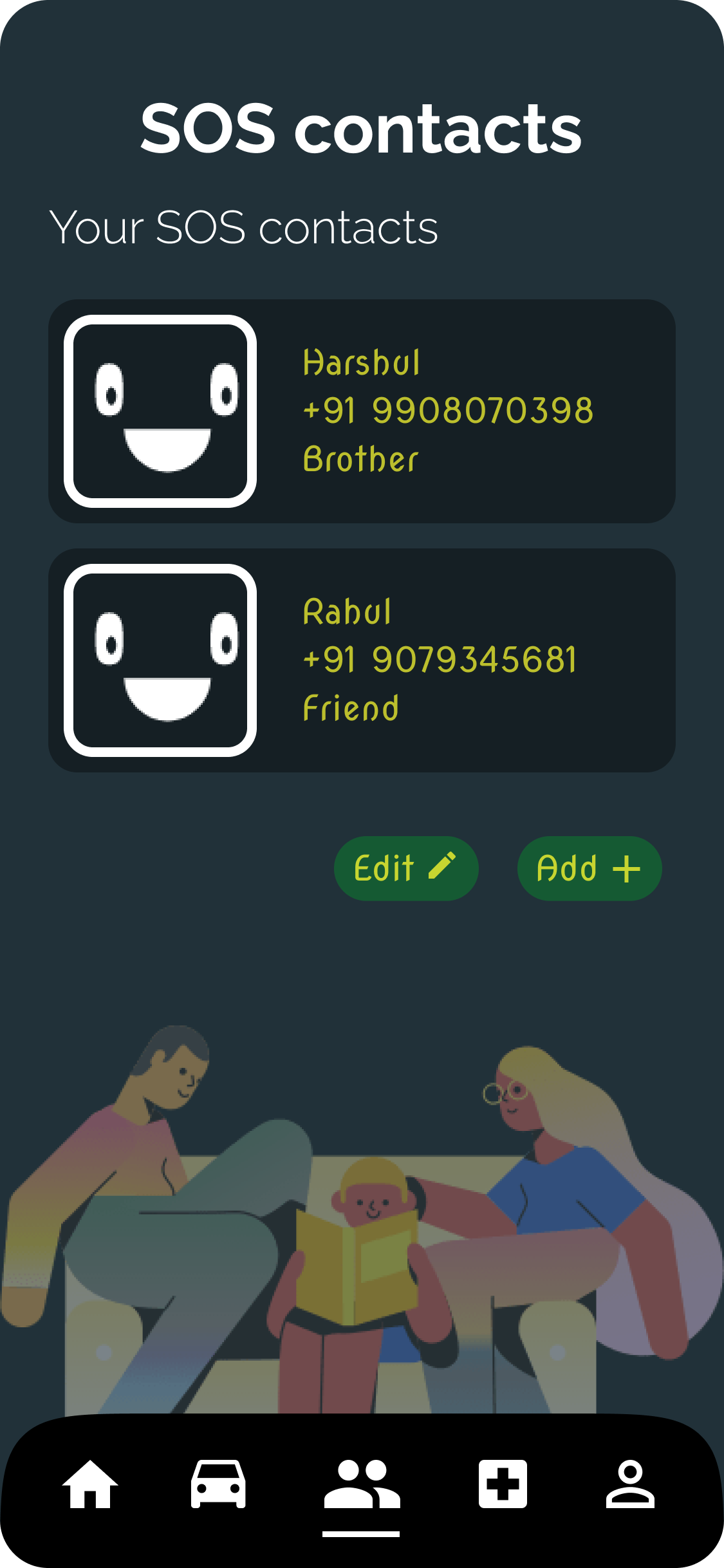
- In our app, we have added the facility for the user to provide a contact of their Friends and recommended hospital for SOS
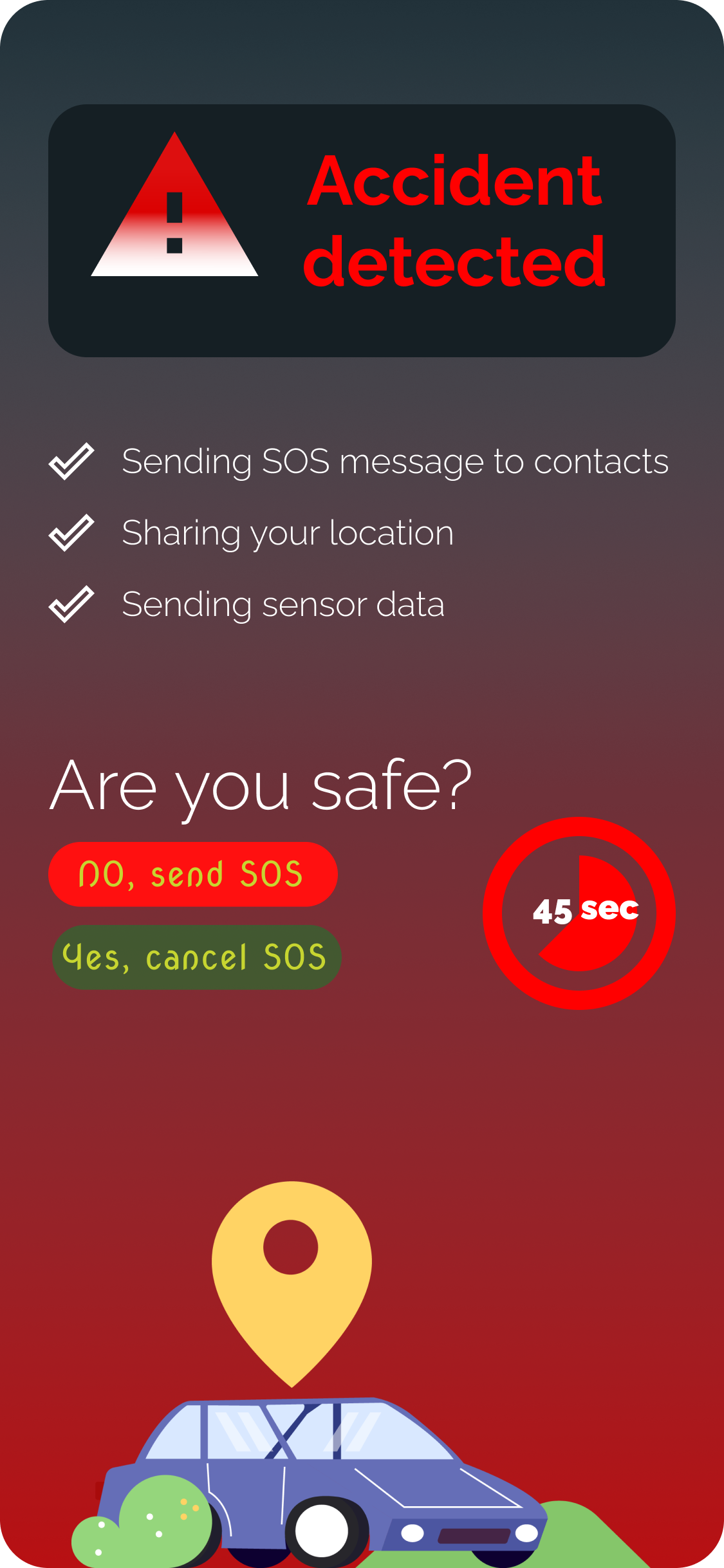
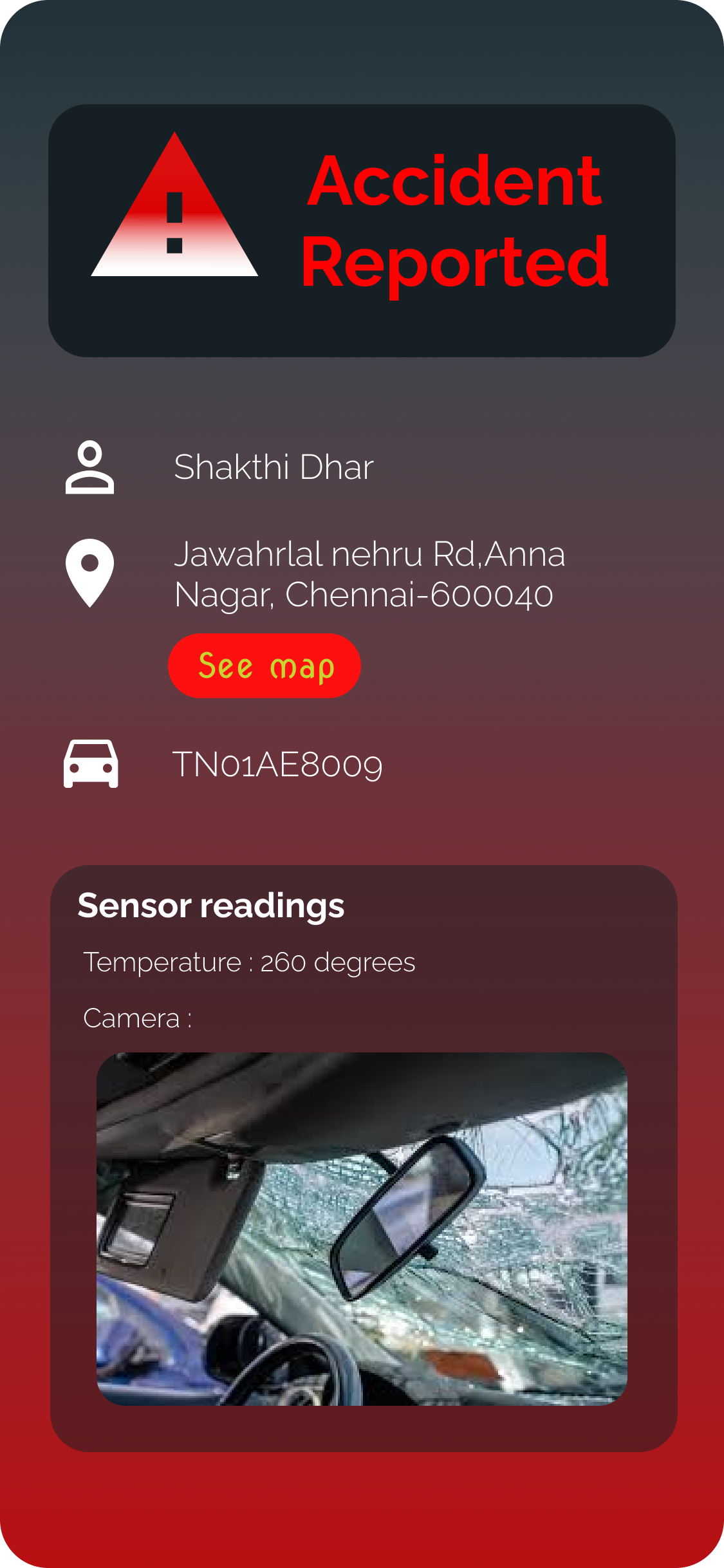
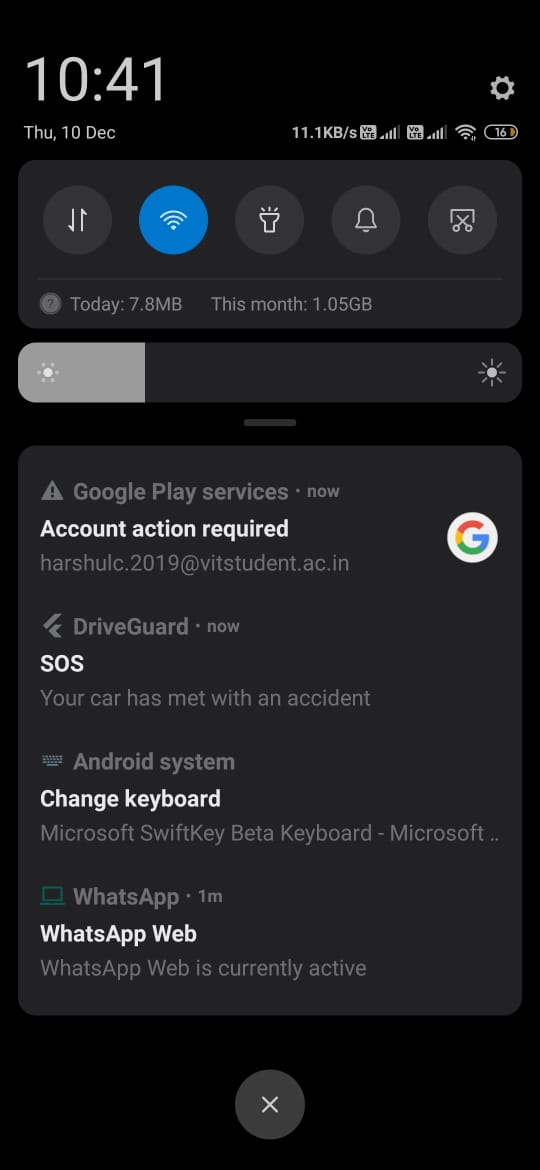
- When our hardware device identifies an accident, a trigger is caused in the cloud FireBase. This will trigger the app and send an SOS message, along with sensor data and location
Hardware/ Internet of things:
- We use ESP8266 wifi module to connect the sensors to Cloud firebase by means of the internet
- When the MPU6050 identifies a jerk due to an accident, the firebase cloud storage gets updated in real-time. This is later used by the mobile which acts as an endpoint.
Machine learning:
- We used Python as our programming language, with googles TensorFlow framework to prepare a machine learning model that can detect the blood on the driver's face and determine the severity of the accident
- We have deployed our model using Flask framework as a web API and have hosted it using Heroku and tested the API with POSTMAN
- We send a JSON POST request to the API with an image URL and get back a JSON response for the same
Post request:
{ "URL": "Input the image URL here" }
API returns:
{ "Blood detected": 0 if No blood is detected, 1 if Blood is detected }
The neural network first identifies the face and then tries to identify blood on the face
What it does
Once the accident is confirmed with the Blood Detection API a Firebase Cloud Function is triggered which creates a payload of messages along with the coordinates of the accident and sends it to the list of hospitals and relatives that the user has added to the Flutter application.
Since not all the close relatives will have the Flutter application installed, when the accident is detected they will also be sent an SMS with the help of an SMS API developed using Node.JS with the Twilio SMS library.
Challenges we ran into
- Integrating the wifi module with firebase was problematic because of an update in the firebase cloud service rules and plugin updates
- Implementing the design in our application
Accomplishments that we're proud of
- Integrating IoT, Machine learning, and app development together in one project was something that we are very proud
What we learned
- App designing
- flutter app integration with hardware
What's next for DriveGuard mobile application
- We would like to make it completely hardware-oriented without the involvement of application
Built With
- accelerometer
- esp8266
- figma
- firebase
- flutter
- iot
- machine-learning

Log in or sign up for Devpost to join the conversation.