-
-
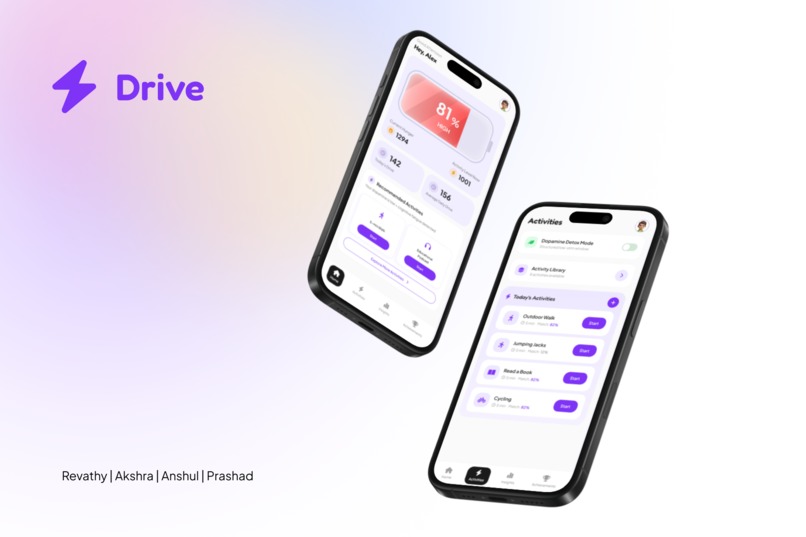
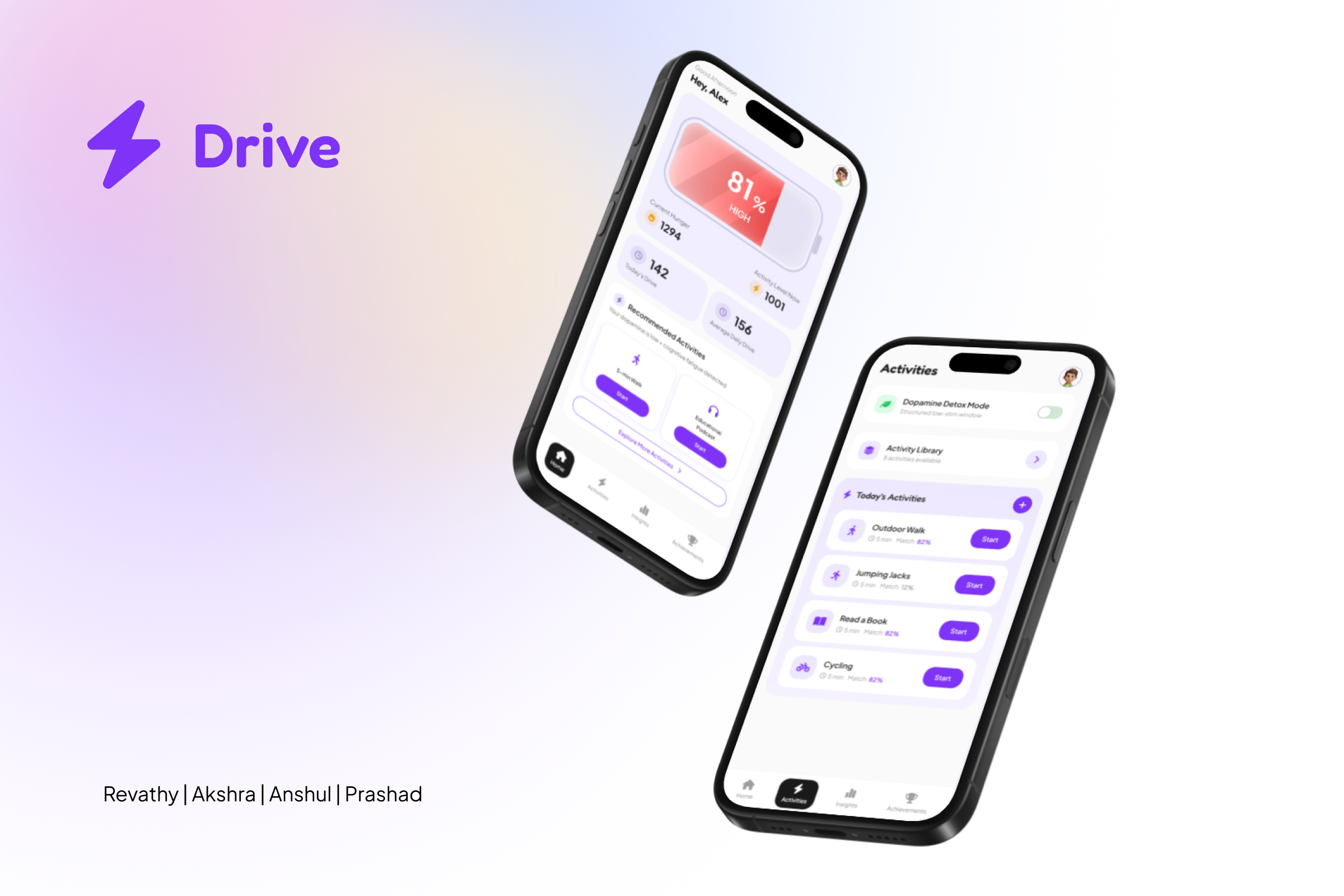
Mockup of Home Screen and Activities Tab
-
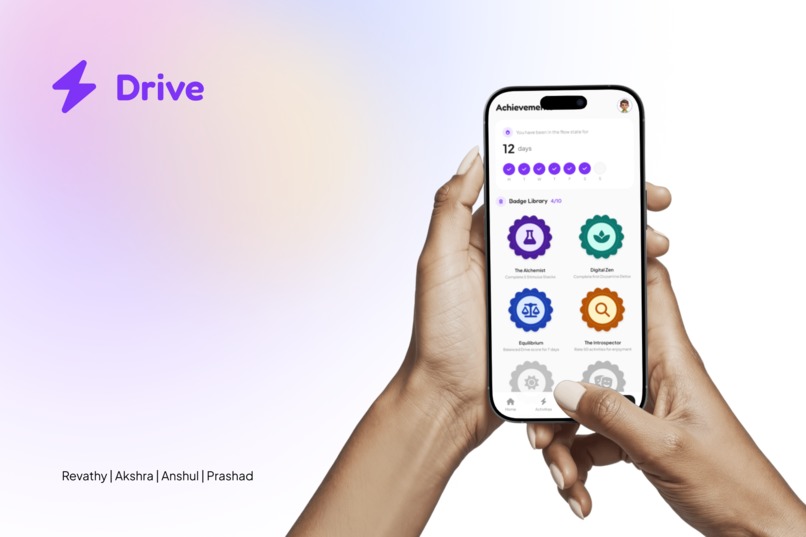
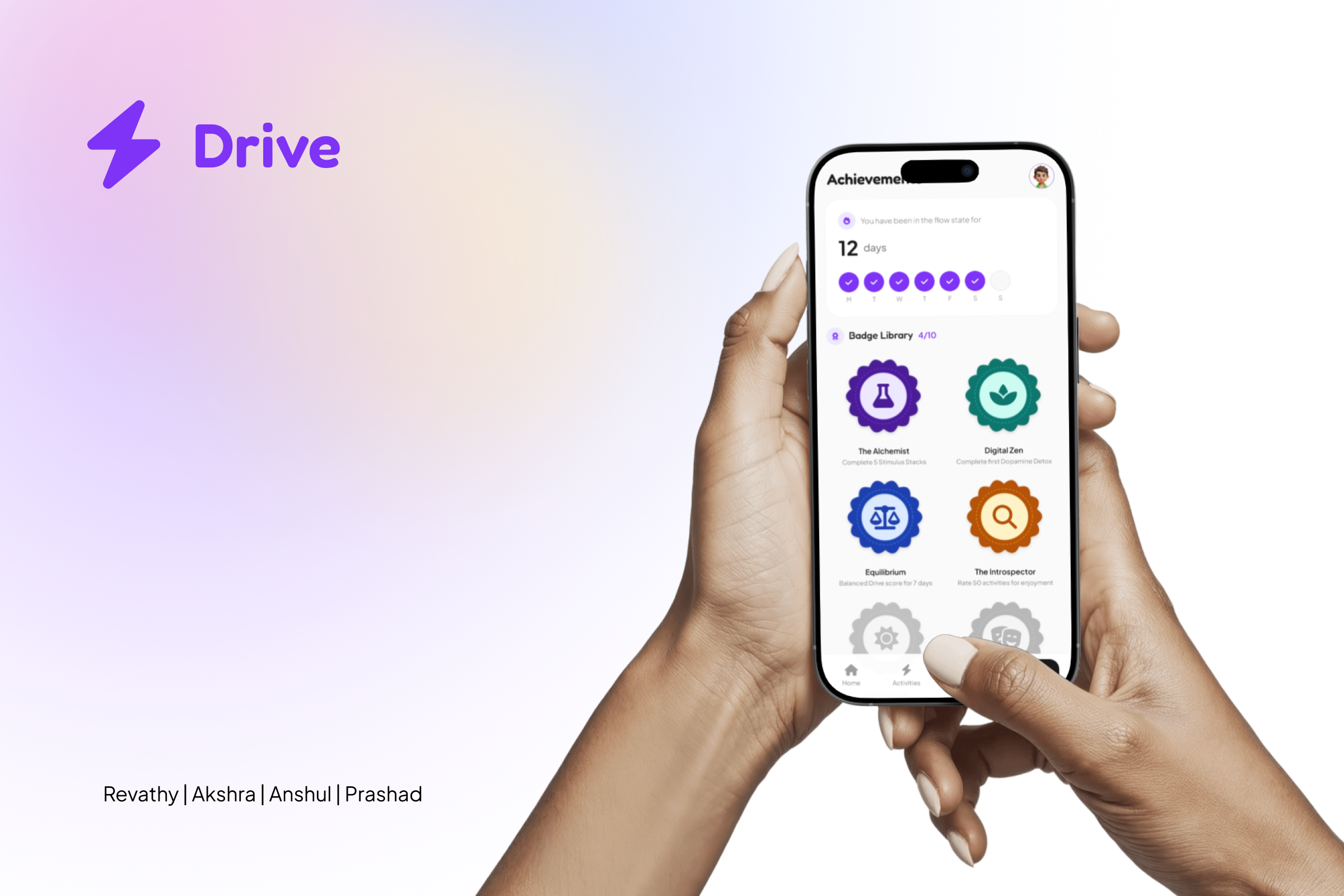
Mockup of Achievements Tab
Inspiration
Have you ever wondered why you sense an energy spike at 2 am, or feel down at 4 pm and don't want to do anything, but you do want to be productive? We wanted to know why this happens, and if there are any solutions to this through the use of hidden senses. Then we learned about something called "stimulus hunger", which pushes humans to experience new things and keeps them from inactivity.
What it does? What it lets you do.
- See your hunger in real time — a battery on your home screen shows how hungry for stimulation you are vs. how active you've been. When the charge drops below the capacity, you need to do something.
- Know your Drive score — a simple number that tells you how well you've been feeding your hunger today. The app also tracks your average over time so you can see if you're trending better.
- Pick your activities for the day — swipe through activity cards in the morning (or whenever). Swipe right to add it to your day, swipe left to skip it. Pick up to 10.
- Get the right suggestion at the right moment — when your hunger spikes, the app nudges you and shows an activity from your own list first. No list? It picks one for you.
- Chain activities for a bigger boost — the app sometimes suggests doing two things back-to-back (like a walk + a podcast) because together they satisfy more hunger than either would alone.
- Detox mode — flip a toggle to enter a low-stimulation window. A timer counts down and only calm activities (breathing, stretching, journaling) are shown. Good for resetting after a doom-scroll spiral.
- Tracks fatigue during work — detects when your brain is running low and suggests a 2–5 minute break before you burn out.
- Connects to your existing apps — pulls in data from fitness trackers, your calendar, sleep apps, and journaling apps so you don't have to log everything manually.
- Earn badges for real behaviour — badges tied to things like completing a detox, sustaining a week of balance, or building a consistent morning habit. No gimmicks, no streaks that punish you for missing a day.
- Weekly and daily charts — the Insights screen shows your Drive score over time and overlays your hunger vs. activity levels so you can spot your patterns (like always crashing at 4pm).
- Smart nudges, not noise — notifications tell you when hunger is rising, when you've been zoned out too long, or when it's time to try something new. You control how often they fire.
How we built it
- We first looked for a "sense" that we would like working on, made a list of them, and chose "The call of the path" through a lot of discussion and multiple rounds of voting.
- Then we discussed problems associated with this particular sense, one that were caused by lack of it, abundance of it, and problems that could be solved by regulating it. We then narrowed down on one case, and defined our problem statement.
- Our problem statement read as such: "Stimulus hunger is the drive that motivates people to seek to avoid boredom and maintain psychological well-being. When poorly regulated, users struggle with boring tasks and managing their interests, often turning to instant gratification and losing motivation for productive activities. How might we enable users to track and manage their stimulus hunger as a resource to support healthy cognitive regulation?"
- We gained better understanding of the problem, ideated solutions in multiple rounds, and ended up on a single product idea.
- We defined the visual language of the product through a simple design system, and compiled all the decisions we made in the form of a product requirement document.
- We used FigJam as our whiteboard tool, and we built our prototype using Figma Make. We also got a lot of help from other AI tools like Gemini and Claude to organise information and regulate our workflow.
Challenges we ran into
- Agreeing upon a problem
- Drafting Product Requirements Document
- Making the prototype behave the way we wanted
- Different sleep schedules among teammates ;-;
Accomplishments we're proud of
- Co-ordination of work despite distance between us
- The novelty of the product
- The funkiness of the pitch
- The interactions and audio integrations in the figma make prototype
- Submission (we almost gave up)
What we learned
- How to make Figma Make prototypes behave the way we wanted them to
- Audio and Animation integrations in Figma Make
- Using Figma Make for creating a design system
What's Next for Drive
- Proper iconography (we weren't able to fix all of it for the life of us)
- Notification integrations
- Surveys to get reviews of activity recommendations
- AI integration for auto recommendation and activity generation
- App integrations
Built With
- fontawesome
- react


Log in or sign up for Devpost to join the conversation.