-
-
DrishtiMate
-
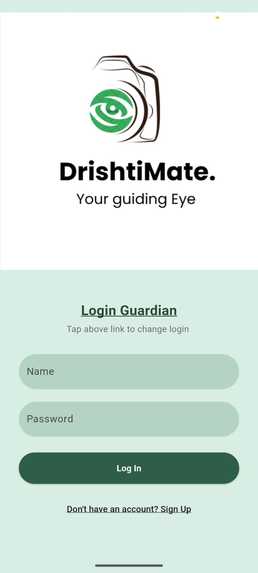
Login Page
-
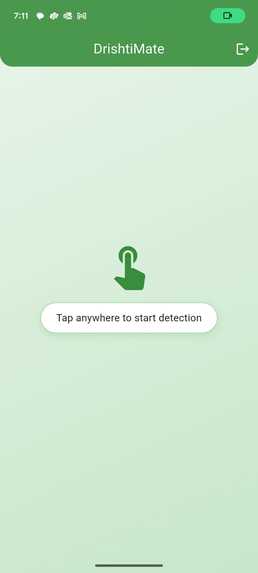
user dashboard
-
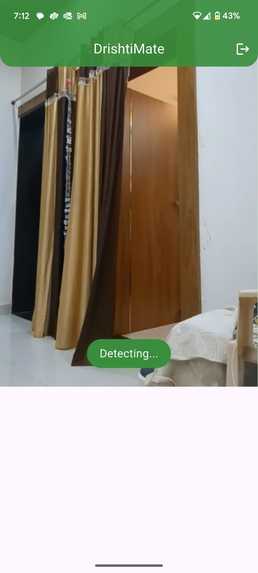
User detecting
-
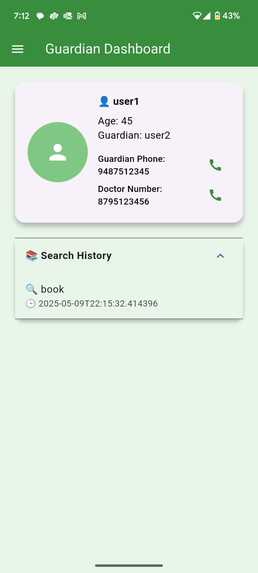
Guardian Dashboard
-
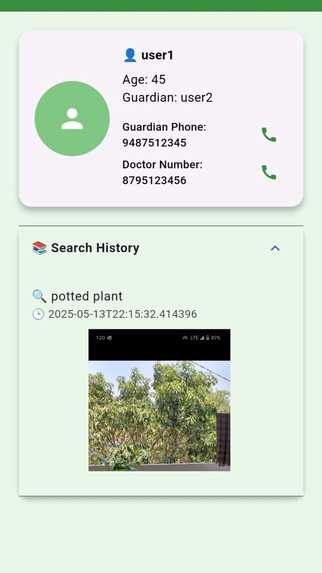
Gaurdian dashboard after potted plant search
-
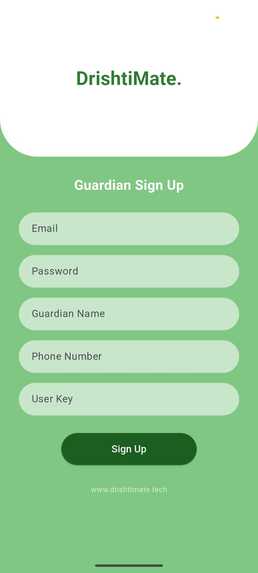
Sign in guardian
-
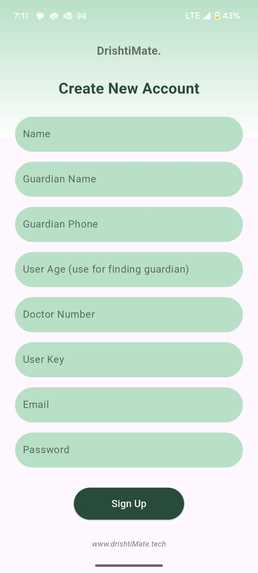
Sign in User


Inspiration:
Drishtimate was developed to empower visually impaired individuals, helping them navigate the world independently, ensuring safety, and fostering an inclusive environment where blind users can thrive confidently.
AIM
- Assist with daily navigation.
- Ensure user safety with real-time alerts.
- Bridge the accessibility gap to promote a confident, independent life for visually impaired individuals.
What it does:
Drishtimate uses the phone’s camera to detect objects in real-time with YOLOv9 and provides immediate auditory feedback to guide the user. In case of emergencies, the app alerts the user’s guardian through Firebase notifications. It’s designed to give blind individuals the confidence to move freely, knowing they are supported and safe.
- Utilizes the phone’s camera with YOLOv9 for real-time object detection.
- Provides auditory feedback to guide the user toward the target object.
- Sends emergency alerts to the guardian via Firebase.
- Designed to help blind users move safely and independently in various environments.
How we built it:
We used Flutter to build a cross-platform app, ensuring seamless experiences across devices. YOLOv9 was implemented for real-time object detection, known for its accuracy and speed. The backend runs on Django to manage user data, and Firebase handles real-time communication, sending emergency notifications to guardians when needed.
- Built with Flutter for cross-platform compatibility.
- Integrated YOLOv9 for fast and accurate object detection.
- Backend: Powered by Django for user management.
- Firebase handles:
- Real-time alerts.
- Emergency communication with guardians.
Challenges we ran into:
The main challenges were optimizing YOLOv9 for mobile devices and ensuring real-time object detection worked seamlessly across various environments. Minimizing delays and optimizing background tasks, like continuous object detection and notifications, while maintaining performance was a tricky yet important challenge.
Accomplishments that we're proud of:
We’re incredibly proud of creating a functional, intuitive app that helps visually impaired individuals navigate their surroundings with confidence. By integrating cutting-edge AI, real-time alerts, and a user-friendly Flutter interface, Drishtimate is a step towards making technology more accessible and empowering blind users.
What we learned:
We learned how essential it is to combine advanced AI and mobile development for accessibility. The process highlighted the importance of empathy-driven design, creating intuitive features that empower users. It also deepened our understanding of how cloud services like Firebase and Django can enhance real-time capabilities.
- Gained insight into the power of AI and mobile development for accessibility.
- Emphasized the importance of empathy-driven design.
- Improved understanding of Firebase and Django for real-time apps.
- Deepened knowledge on how to build for special-needs accessibility.
What's next for Drishtimate:
We plan to expand Drishtimate by adding multi-object detection, improved localization, and more personalized settings based on user preferences. Future updates will also include gesture control and voice commands to further enhance independence and safety for visually impaired users in different environments.
Login System Overview
There are two types of login systems:
- User Login
- Guardian Login
- A common user_key is generated during the signup process and shared between accounts. Sessions are persistent, so the user doesn't need to log in repeatedly.
How to Use the App (Step-by-Step)
App Launch
- User opens the app via mobile voice assistant.
- The app confirms activation with: → “Welcome to Drishtimate”
Start Listening
- User taps anywhere on the screen.
- App responds with:
- → “Listening in 1 second…”
- User speaks the object name (e.g., “chair”).
- App confirms with:
- → “You said chair”
Item Searching
- App starts real-time camera scanning.
- If the object is found, the app announces the object and guides the user towards it. Tap again to stop detection.
Guardian Safety Monitoring
App sends:
- Video snippet
- Object name 3.T imestamp
- → All data is shared with the guardian via Firebase If the phone is shaken violently, an emergency alert is sent to the guardian automatically.

