Inspiration

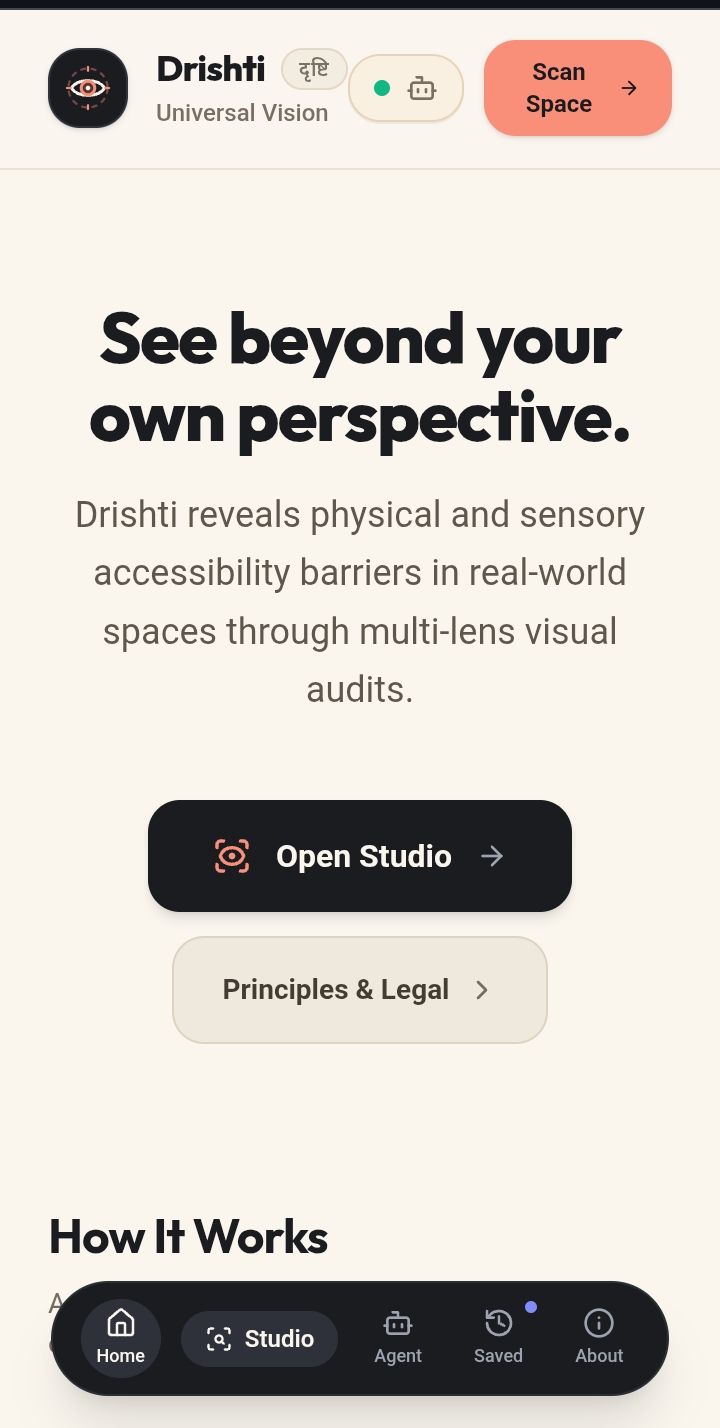
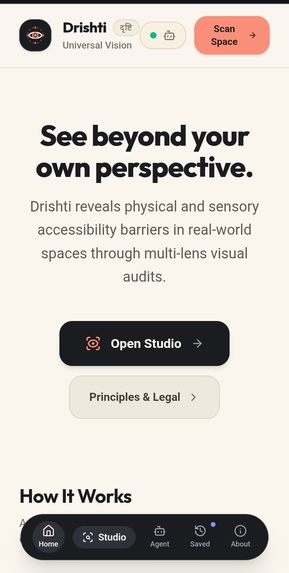
Accessibility should not depend on whether someone can see, read, or interpret digital and physical environments easily. I was inspired by the idea of creating a universal AI lens that can turn visual information into useful, understandable guidance. Drishti was built to make technology and the world around us more accessible through AI-powered vision and narration.

What it does

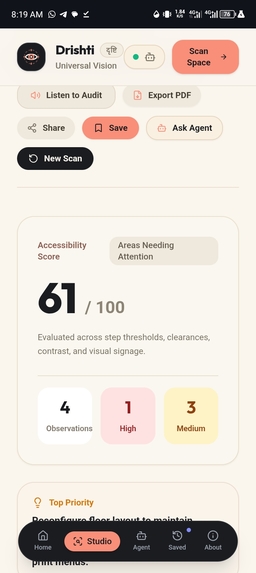
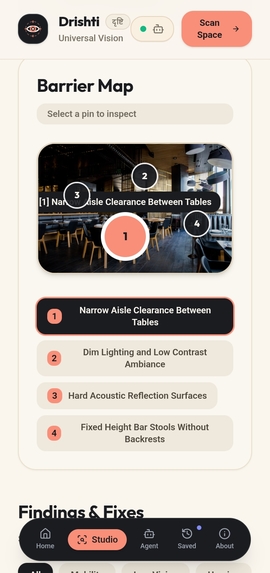
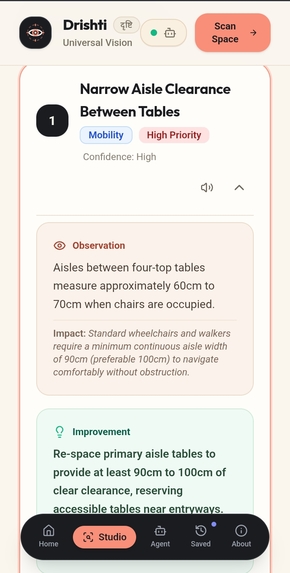
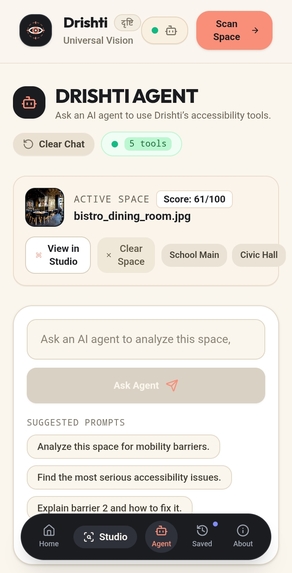
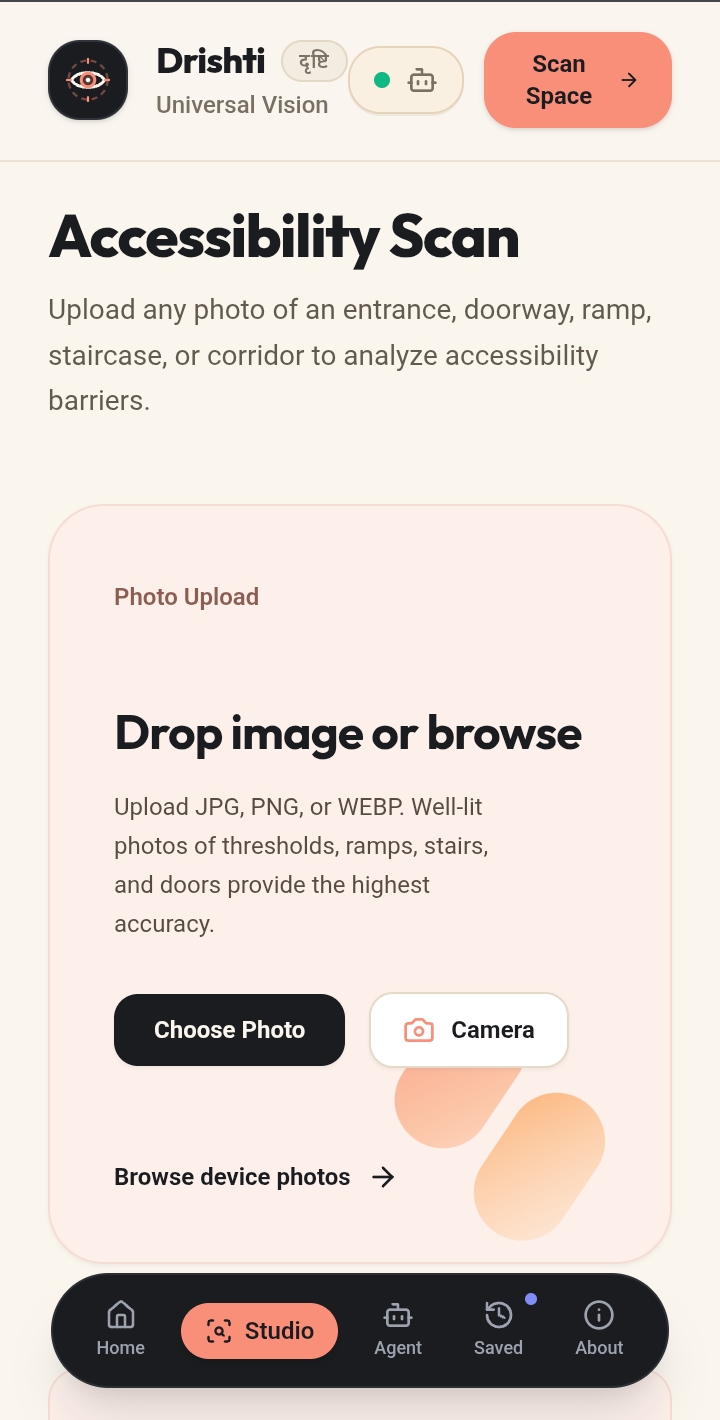
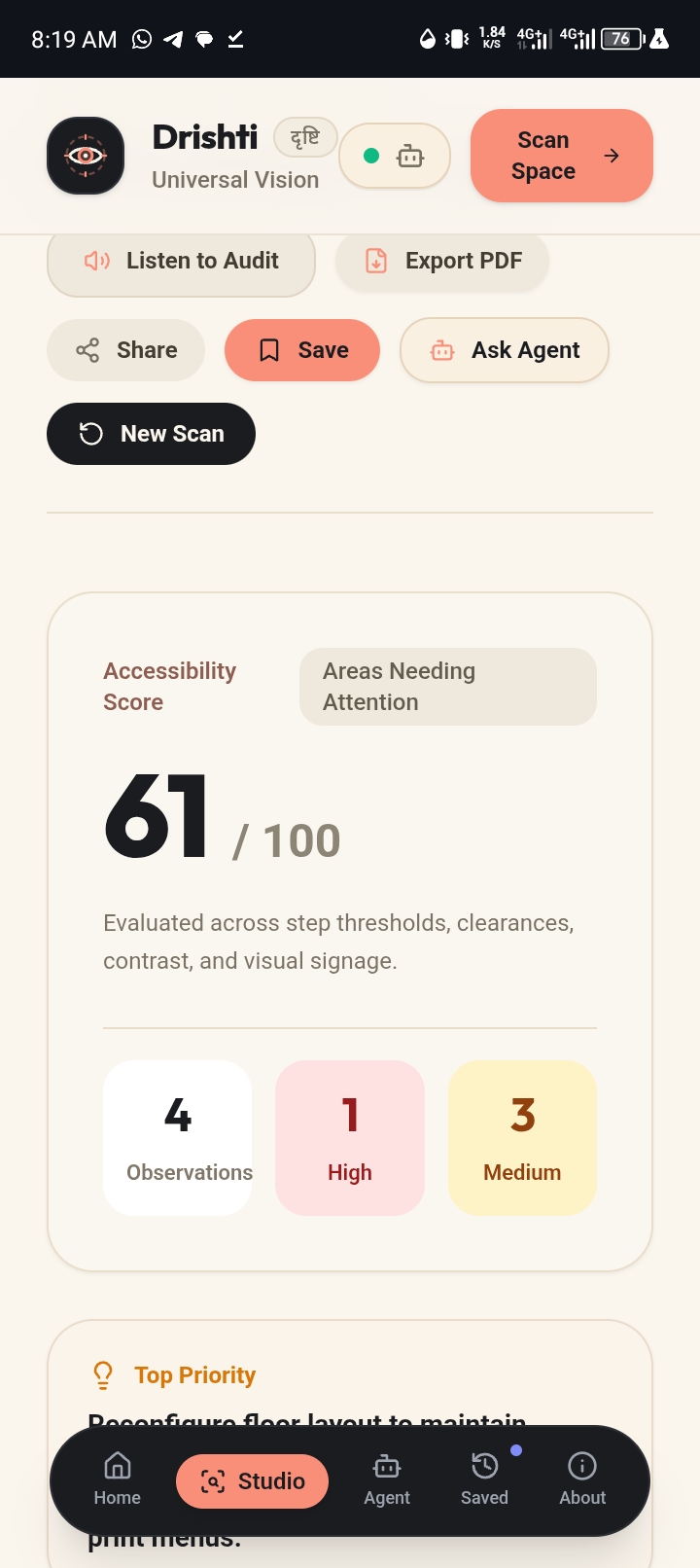
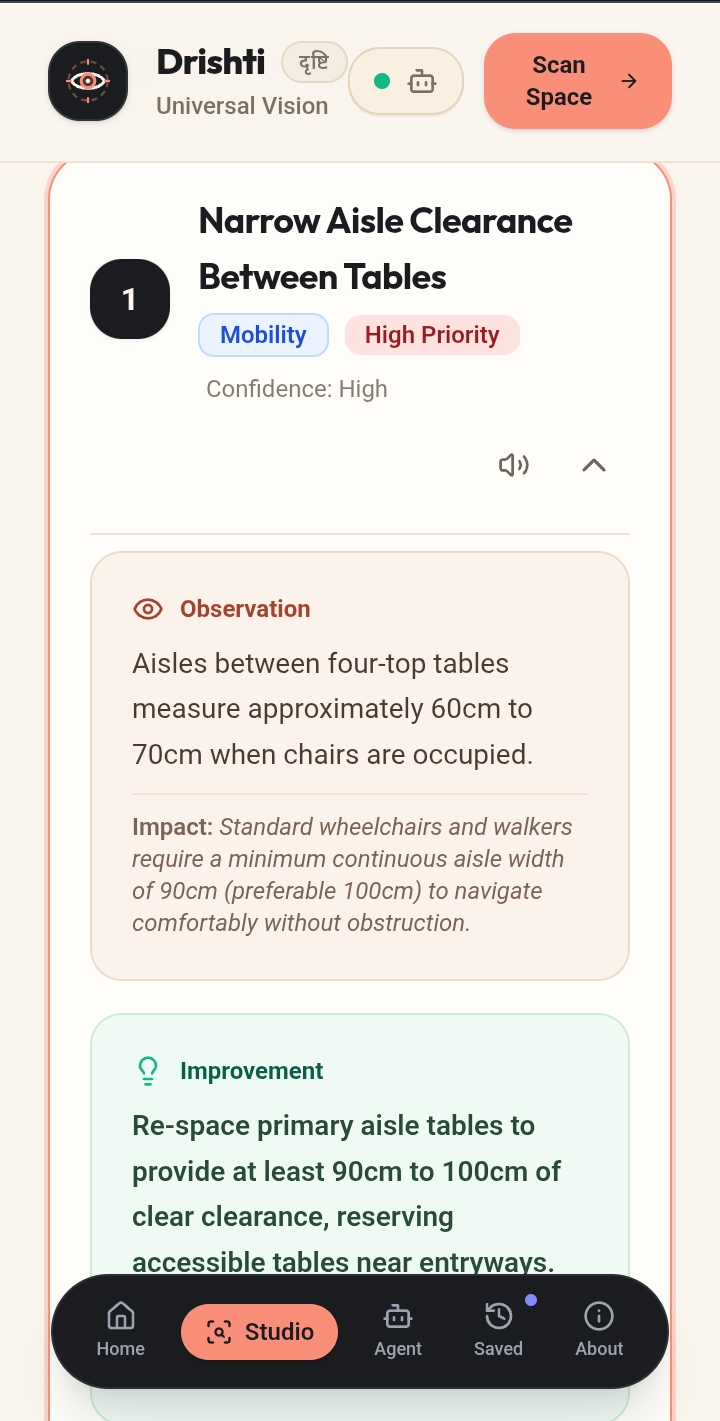
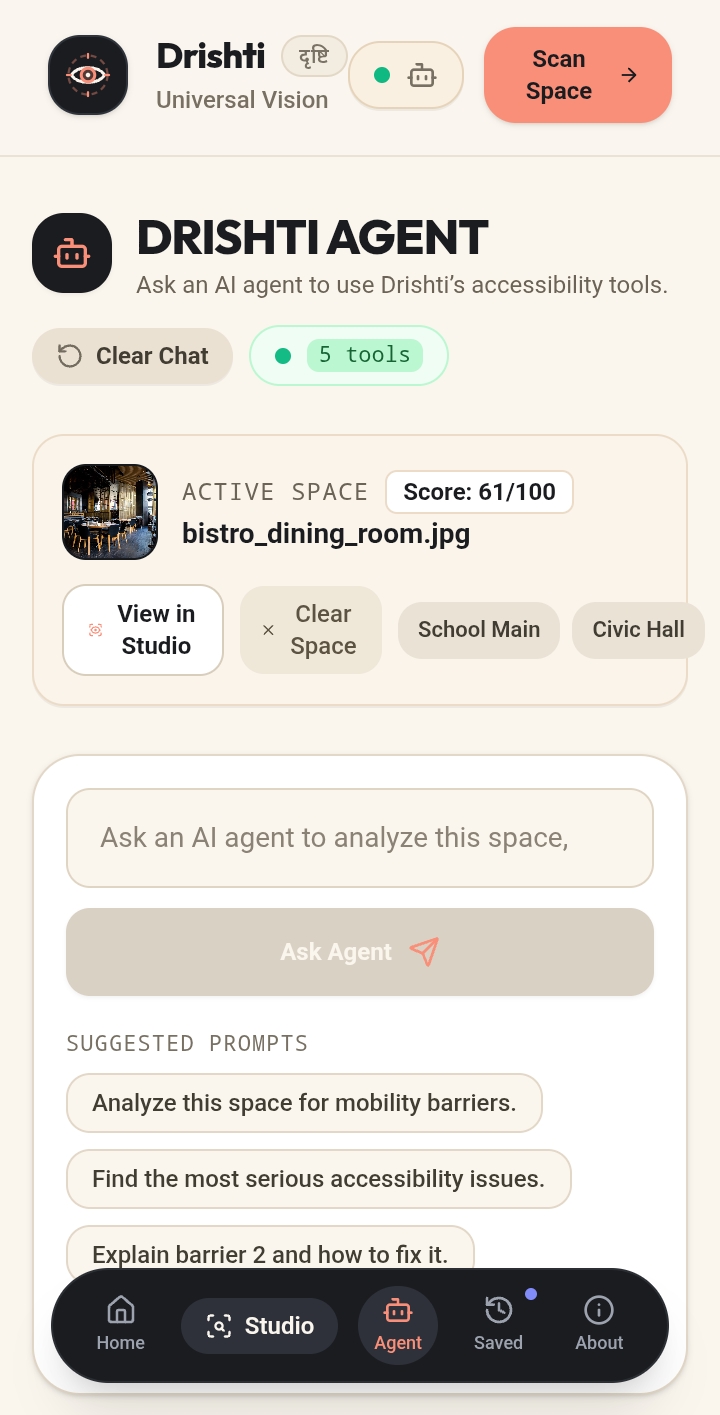
Drishti is an AI-powered accessibility lens that analyzes visual environments and explains what it sees in a clear, useful way. It can identify objects, describe scenes, extract relevant information, and provide accessibility-focused insights. With WebMCP, Drishti can also expose its accessibility capabilities as tools that AI agents can discover and use, allowing agents to request visual analysis, accessibility summaries, barrier details, recommendations, and reports.

How we built it

Drishti was built with React, TypeScript, Tailwind CSS, and the Google GenAI SDK. Gemini vision models power the visual analysis, while the Web Speech API provides voice narration. We added WebMCP tool registration so supported AI agents can interact with Drishti's accessibility capabilities programmatically. The interface remains usable normally even when WebMCP is unavailable.

Challenges we ran into

One of my biggest challenges was designing AI-powered accessibility features that are genuinely useful rather than simply generating descriptions. We had to consider clarity, uncertainty, and how information should be presented to someone who may depend on the output. Integrating WebMCP also required us to think about how existing application functionality could be exposed as agent-accessible tools without compromising the normal user experience.

Accomplishments that we're proud of

I'm proud of turning an accessibility concept into a working product that combines computer vision, narration, and agent interoperability. Adding WebMCP makes Drishti more than an accessibility interface. Its capabilities can become part of larger agent workflows, giving AI agents a structured way to access visual accessibility information.

What we learned

I learned that accessibility is not only about adding assistive features. It is about designing information around the needs of the person using it. We also learned how emerging web standards such as WebMCP can make web applications more useful to AI agents by exposing meaningful capabilities as structured tools rather than relying only on traditional interfaces.

What's next for Drishti

I want to expand Drishti beyond individual visual analysis into a more complete accessibility assistant. Next, i plan to improve real-time scene understanding, add more accessibility-specific detection, support richer agent workflows through WebMCP, improve multilingual narration, and explore integrations that allow Drishti to assist users across more environments and devices.

Built With

Share this project:

Updates

posted an update —

Agent & Model Context Protocol (MCP) Integration: Demonstration Guide

Drishti implements a Dual-Engine Model Context Protocol (MCP) architecture supporting both the official OpenAI Model Context Protocol specification (2024-11-05) and the in-browser W3C WebMCP standard.

You can test and verify this integration through three distinct methods:

Step 1: In-App Protocol Inspector & Interactive Tool Tester ** Open the application and click the green "MCP & WebMCP Active • 6 tools" badge in the header or bottom-right Agent Workspace. ** In the modal, review the live endpoints: ** Streamable HTTP POST: /api/mcp ** Server-Sent Events (SSE): /api/mcp/sse ** OpenAI Function Calling Schema: /api/openai-tools ** Scroll to the Live Remote MCP Tester section: ** Select tools/list and click Execute via MCP to verify that all 6 tools (analyze_space, get_accessibility_summary, get_barrier_details, focus_barrier, get_recommendations, generate_accessibility_report) are served with strict JSON-RPC 2.0 schemas. ** Select tools/call: get_accessibility_summary and click Execute via MCP to view real-time scorecard data returned over the protocol.

Step 2: Terminal / cURL Protocol Handshake & Tool Calls Run these standard JSON-RPC 2.0 requests directly from any terminal to verify server compliance:

Step 3: Real-Time Human-Agent Co-Presence Test Demonstrates an external agent controlling the live human visual workspace via MCP:

  • Keep the Drishti web application open in your browser window.
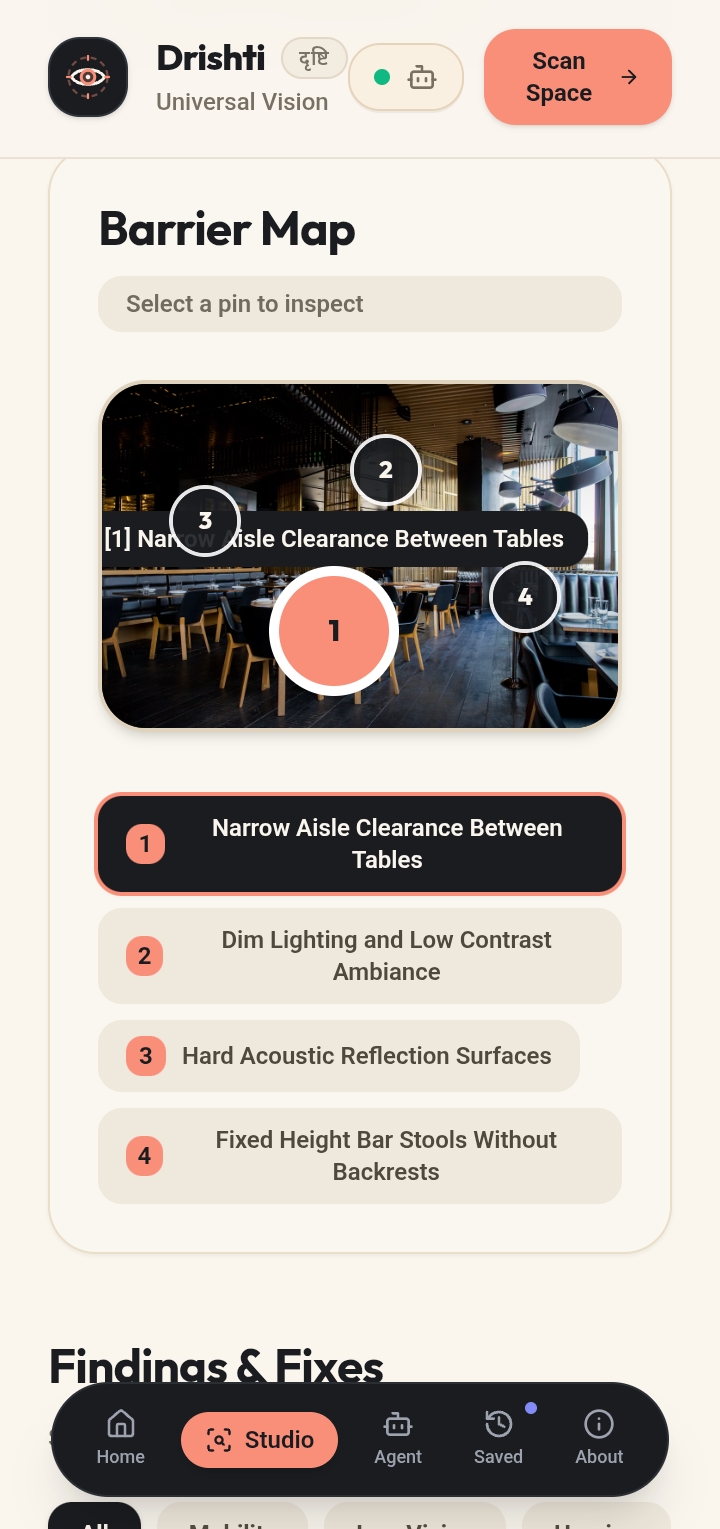
  • In a terminal, send this MCP command instructing the agent to focus Barrier #3: curl -X POST "https://ais-dev-ejabumwxqy4fmoysj3clcy-357655249965.europe-west2.run.app/api/mcp" \ -H "Content-Type: application/json" \ -d '{ "jsonrpc": "2.0", "id": 101, "method": "tools/call", "params": { "name": "focus_barrier", "arguments": { "barrier_id": 3 } } }'

  • Result: Within 1–2 seconds, Barrier Pin #3 ("Low Contrast Step Edging") on the human browser canvas automatically illuminates, pulses, and scrolls into view—proving seamless bidirectional co-presence between the external AI agent and the human inspector. Step 4: External Client Integration (ChatGPT / Claude / Python SDK) To connect Drishti as a live tool server in external agent runners:

  • Claude Desktop / ChatGPT Desktop (claude_desktop_config.json or mcp_servers.json): { "mcpServers": { "drishti-accessibility": { "url": "https://ais-dev-ejabumwxqy4fmoysj3clcy-357655249965.europe-west2.run.app/api/mcp/sse", "transport": "sse" } } }

  • Python openai-agents SDK: from agents import Agent, Runner from agents.mcp import MCPServerStreamableHttp

async with MCPServerStreamableHttp( url="https://ais-dev-ejabumwxqy4fmoysj3clcy-357655249965.europe-west2.run.app/api/mcp" ) as server: agent = Agent(name="AccessibilityAuditor", mcp_servers=[server]) result = await Runner.run(agent, "Summarize the major physical barriers in this space.") print(result.final_output)

Log in or sign up for Devpost to join the conversation.

posted an update —

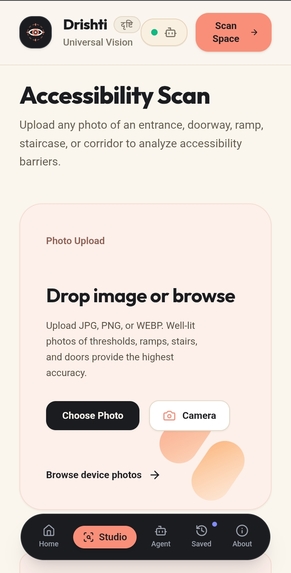
Update 1: W3C WebMCP Standard Compliance & Full Agent Co-Presence W3C navigator.modelContext Standard Integration: Exposed 6 strongly-typed, bidirectional tools directly to browser AI agents (analyze_space, get_accessibility_summary, get_barrier_details, focus_barrier, get_recommendations, generate_accessibility_report) with full fallback across window.modelContext and declarative discovery meta tags. Human-Agent Visual Co-Inspection: Connected WebMCP tool invocations (focus_barrier, get_barrier_details) directly to the live human canvas. When an external AI agent queries or highlights a barrier, the physical photo canvas immediately pulses the coordinate pin, scrolls the card into view, and expands remediation details in real time for both human and agent. Hackathon Documentation Kit: Added the complete Devpost Q&A guide and verification against all 5 judging criteria in README.md. Update 2: High-Quality Cinematic Card Visuals Context-Specific Imagery: Replaced generic flat cards with customized, high-definition cinematic imagery directly matching each workflow step and design lens: Capture Any Space: Studio close-up of a camera body and optical glass lens. Low Vision & Blindness: High-detail macro close-up of a human eye with clear iris and pupil. Mobility & Wheelchair: Architectural accessible ramp and handrail. Acoustic & Deaf Access: Golden acoustic frequency wave ripples. Cognitive & Neurodiverse: Serene, uncluttered architectural pathway. Elderly Stability & Stroller Clearance: Tactile support cane and illuminated wide-clearance entrance portal. Unified Upload Zone: Brought the same cinematic studio aesthetic to the primary photo dropzone and live camera trigger. Update 3: Visual Clarity Polish & Modern Minimalist Typography Un-dimmed Imagery for Maximum Clarity: Stripped away heavy, murky dark overlays and global backdrop blur, replacing them with a crisp, balanced bottom gradient (from-black/85 via-black/30 to-black/10). This preserves the rich, vivid detail of each photograph while ensuring WCAG AA-compliant text contrast. Refined Badging (Anti-Slop Polish): Removed generic colored status dots across all step pills ("Step 01", "Step 02", "Step 03"), category tags, and the upload indicator, streamlining them into clean, minimalist frosted-glass pills (bg-black/50 backdrop-blur-md border border-white/20). Interactive Smooth Hover Depth: Added silky smooth hover transformations (group-hover:scale-105 duration-700 and card lifts) for a fluid, premium physical feel.

Log in or sign up for Devpost to join the conversation.

Submission history