-
-
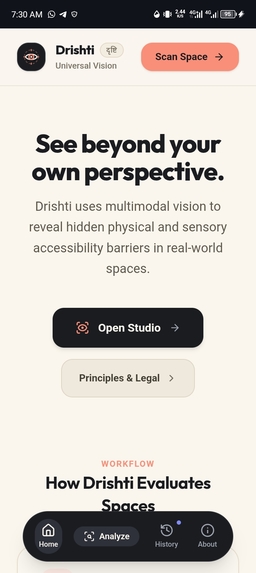
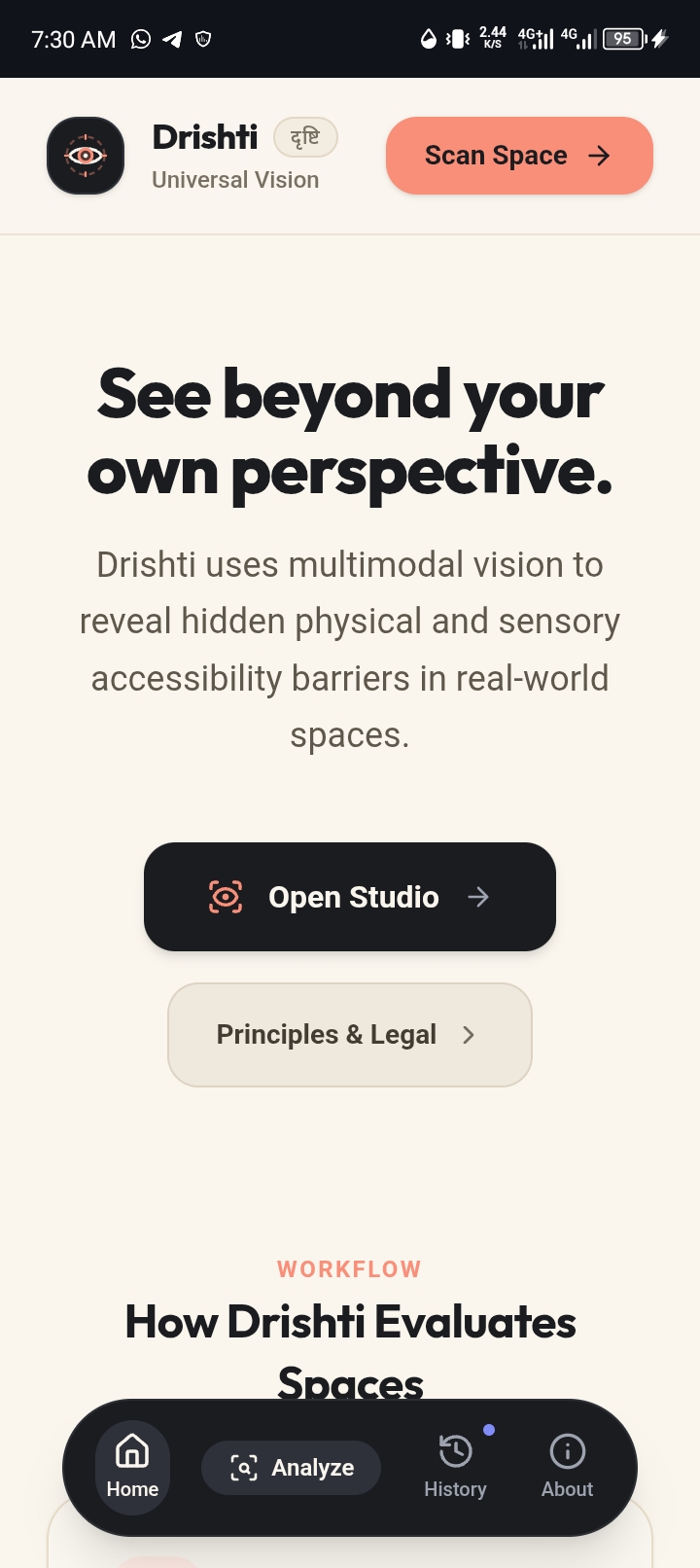
Landing page
-
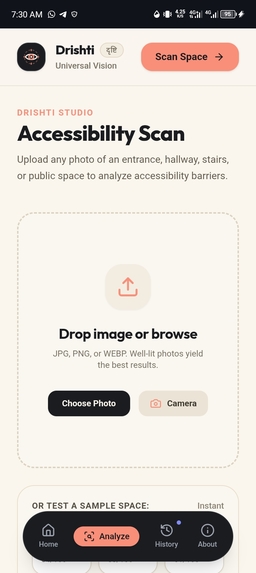
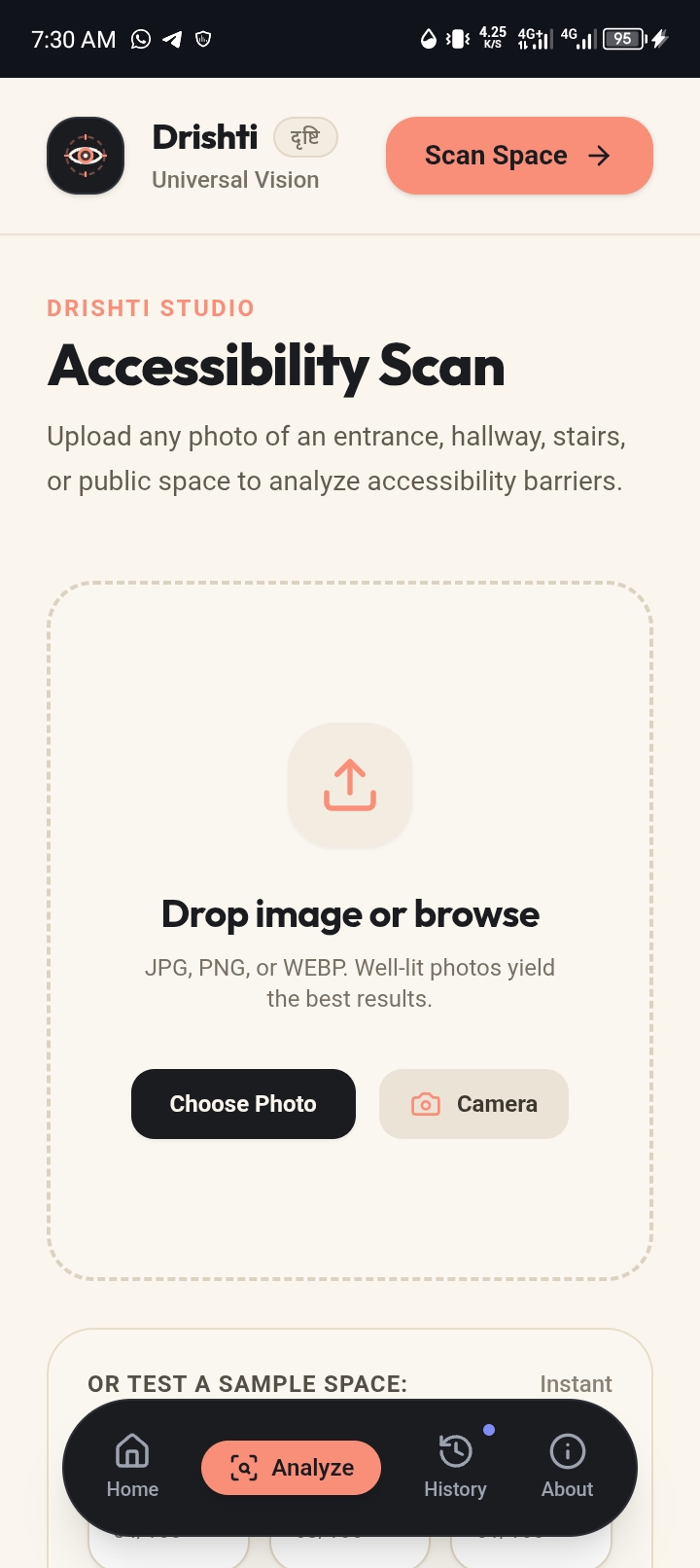
Upload an image
-
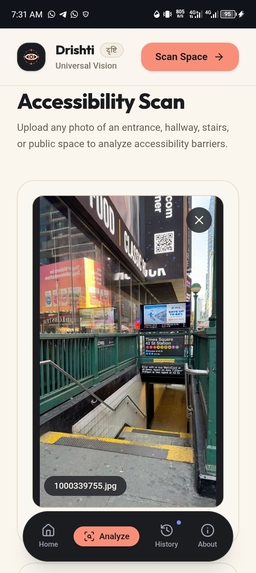
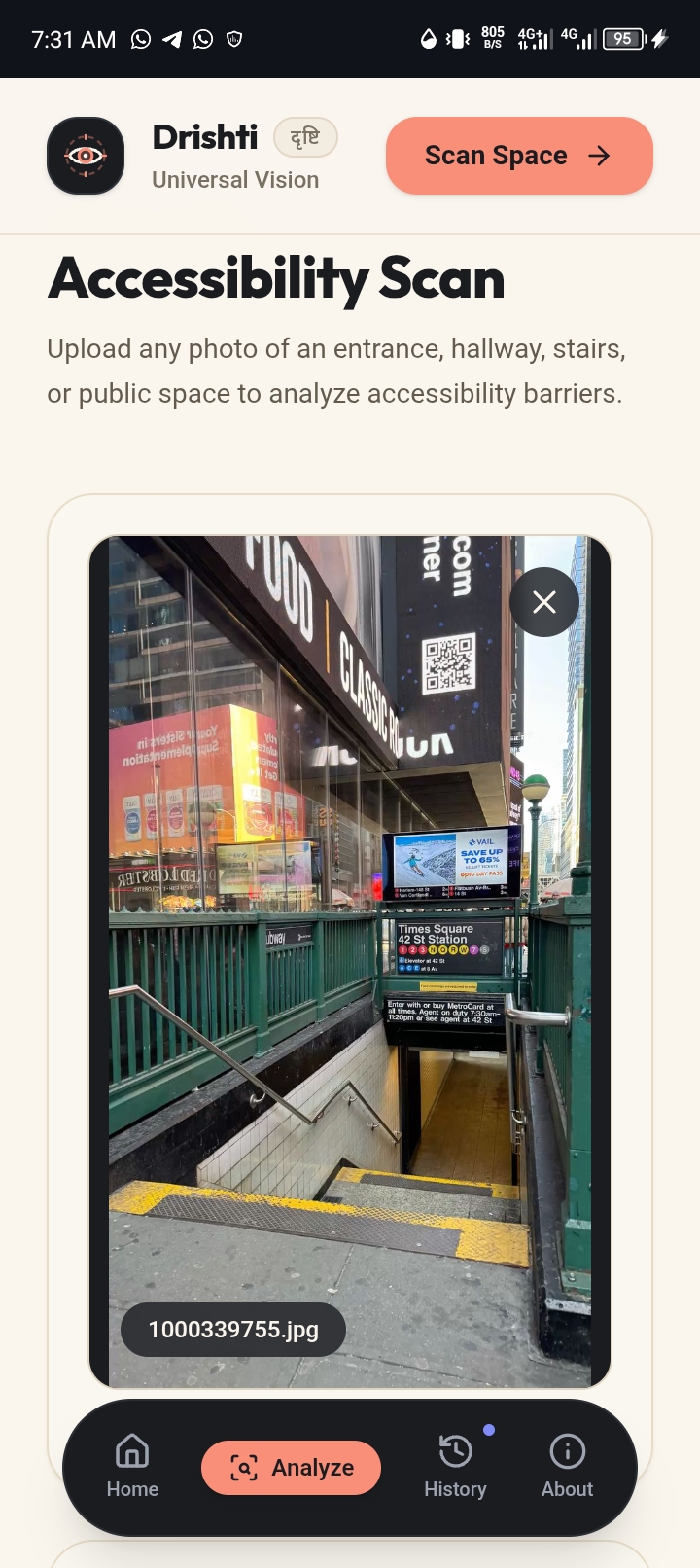
Example
-
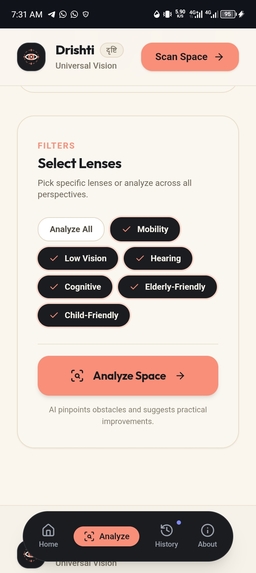
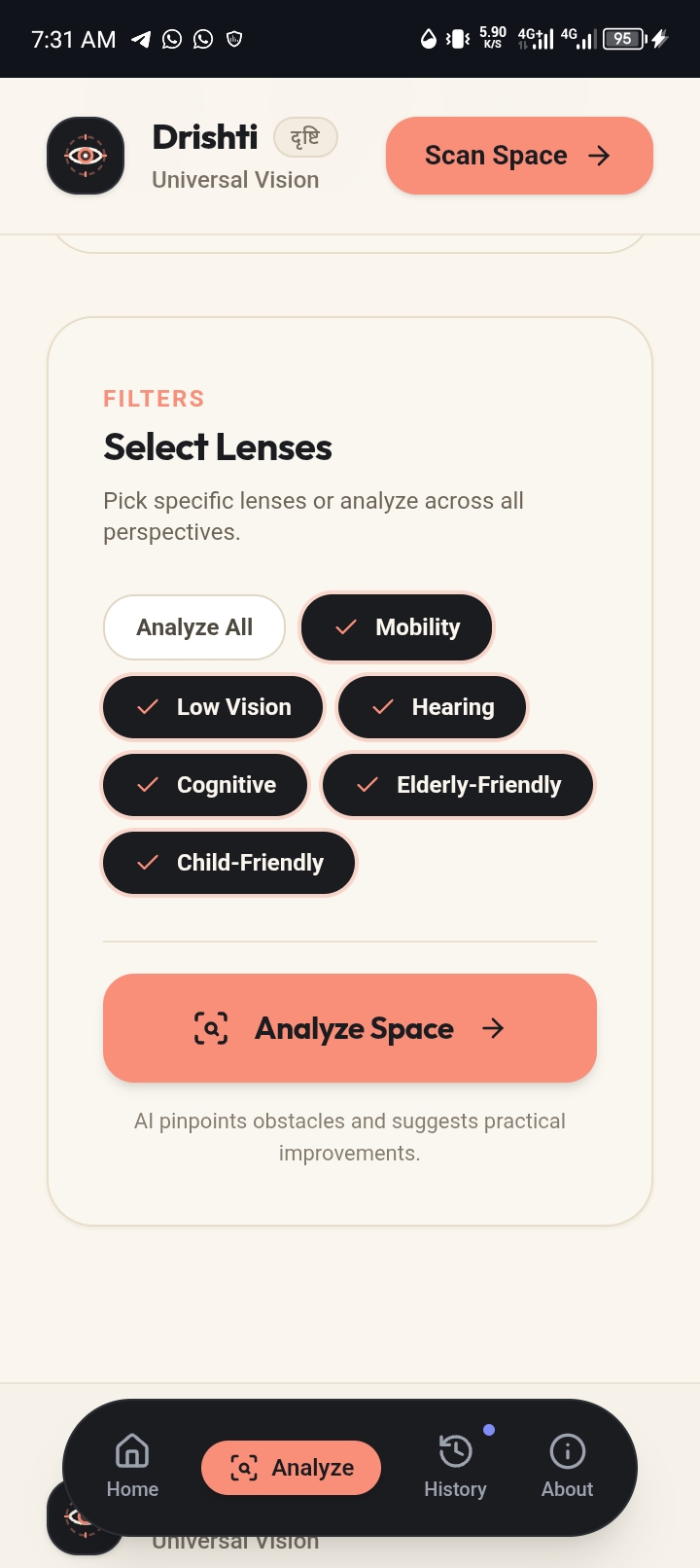
Select lenses
-
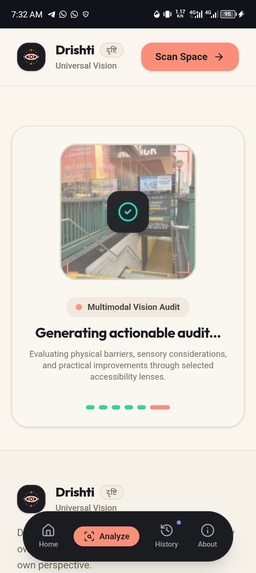
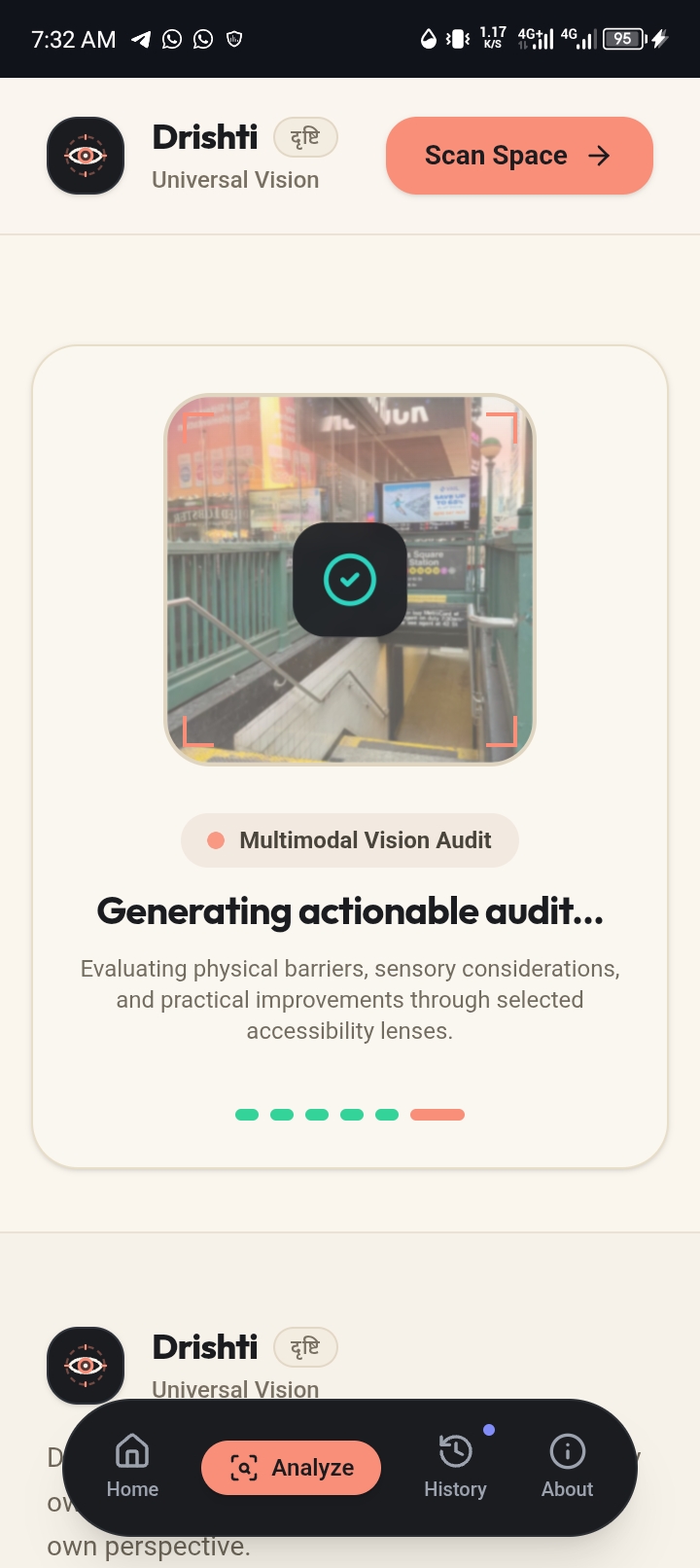
Gemini working
-
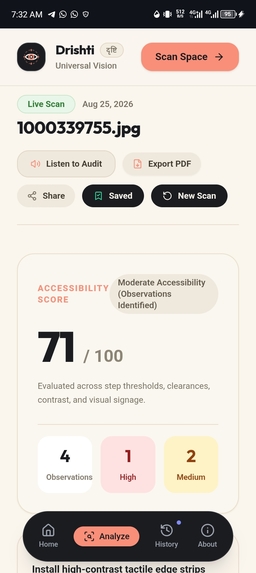
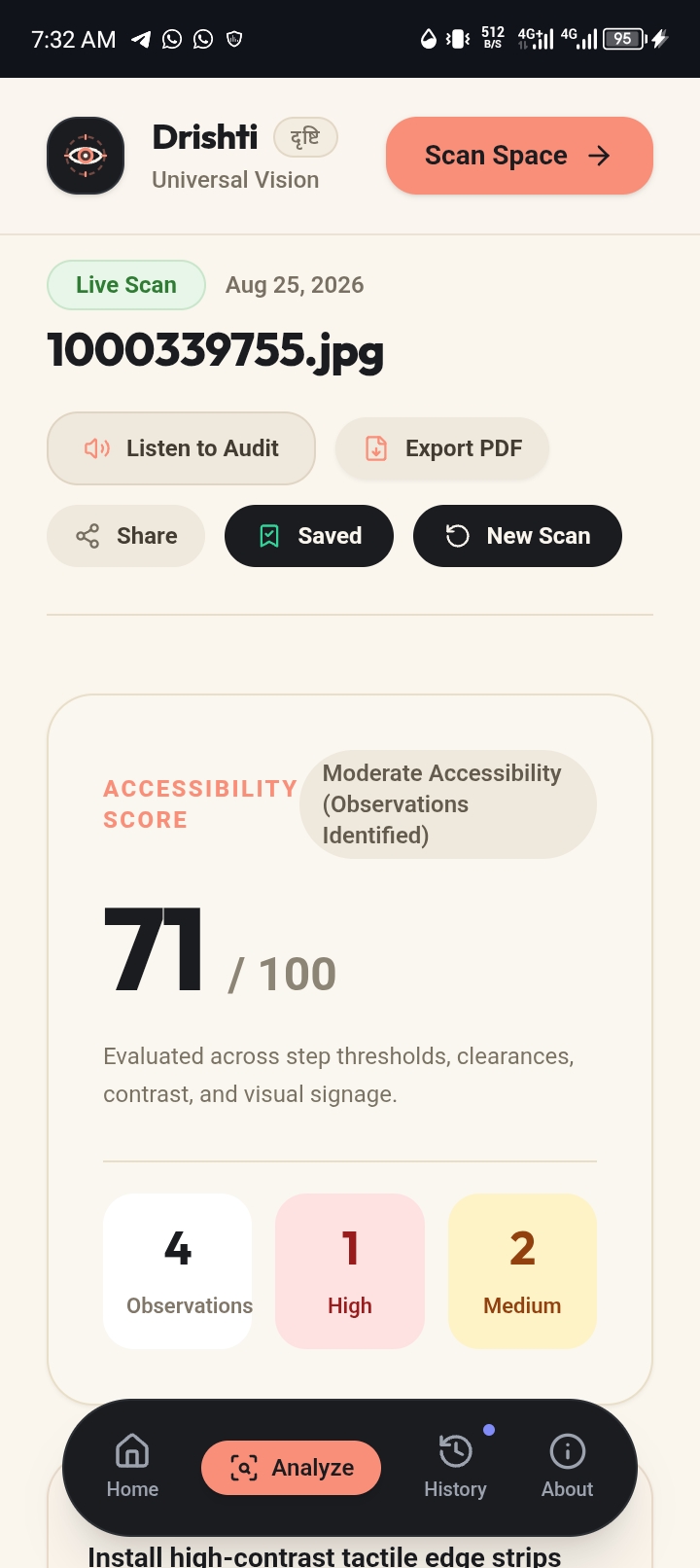
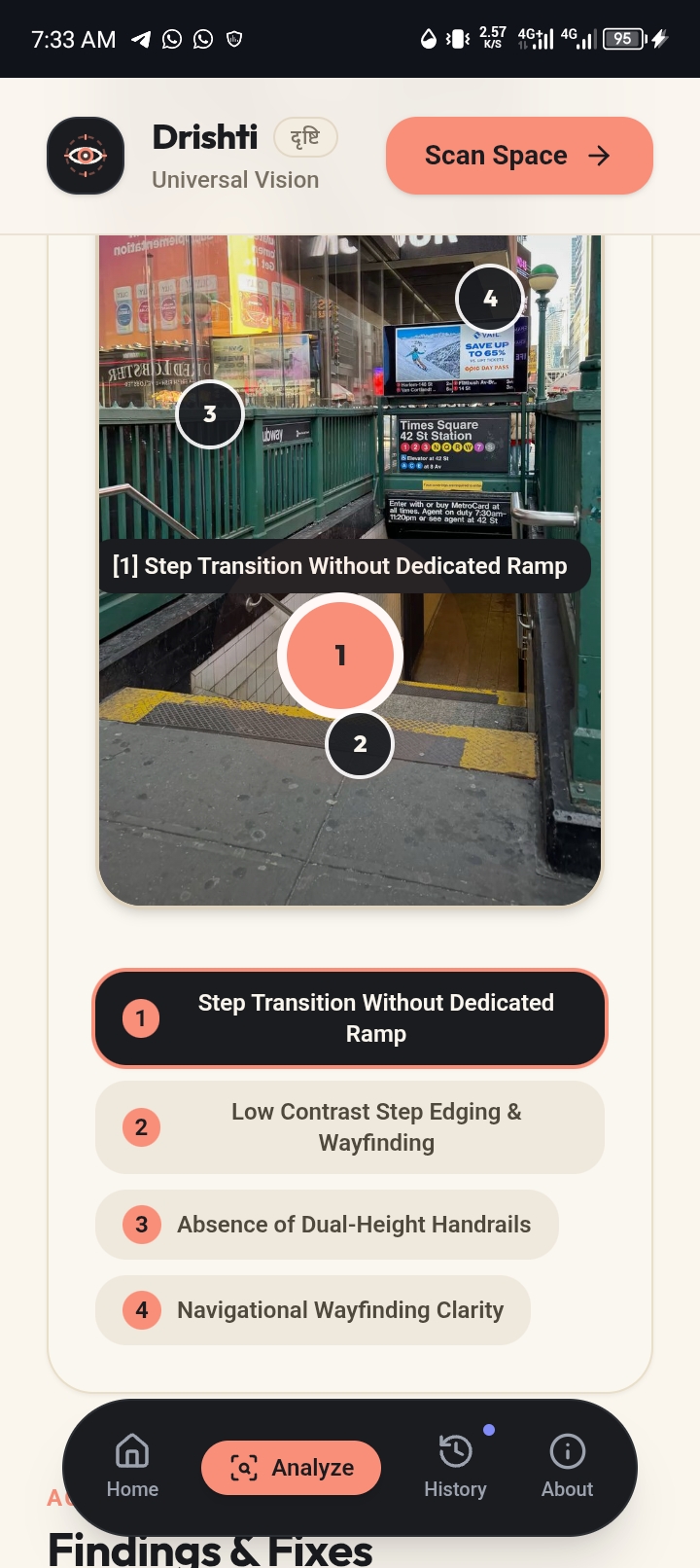
Results
-
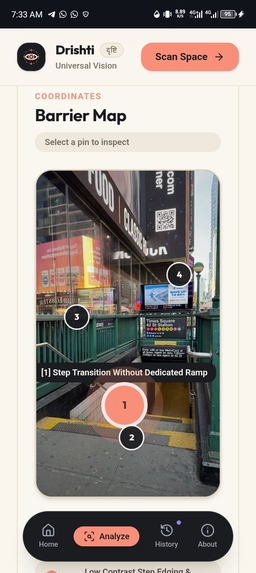
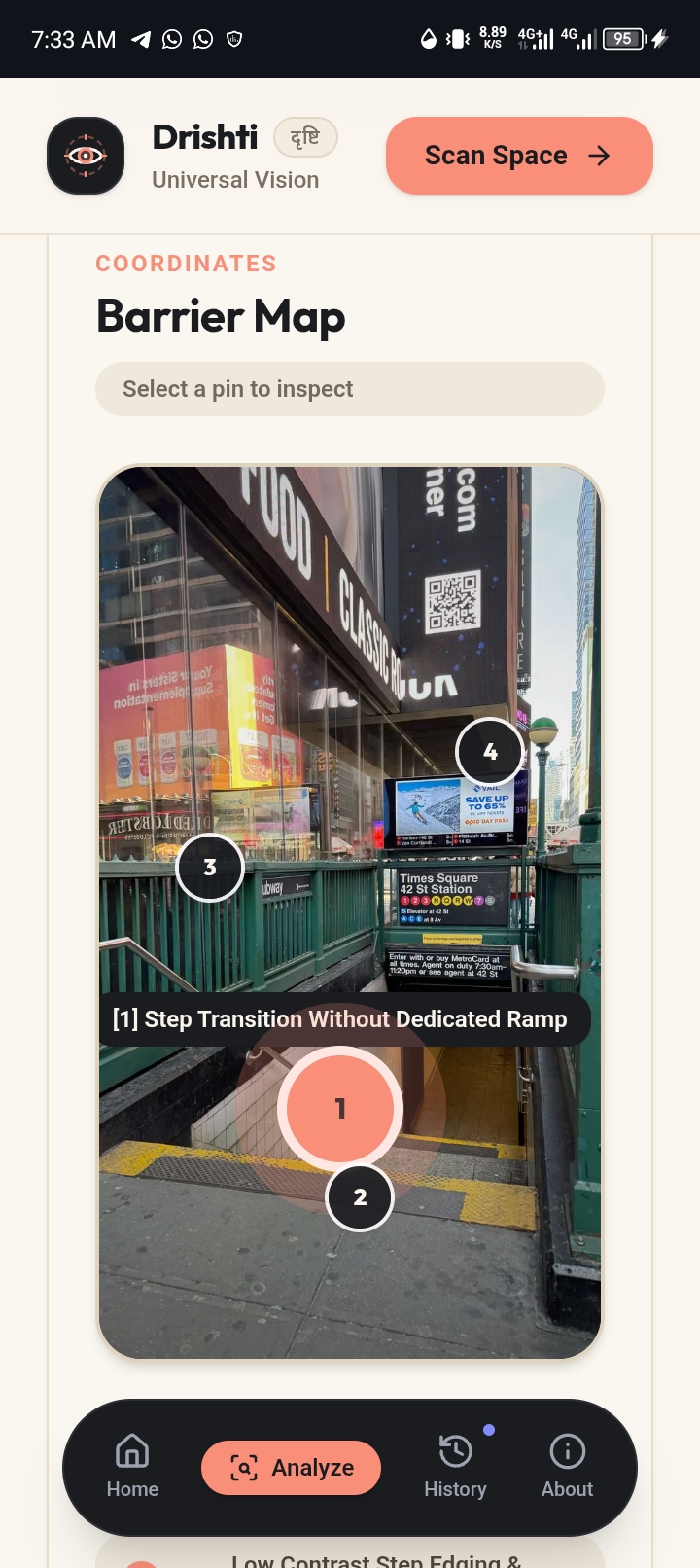
View more info on pinned points
-
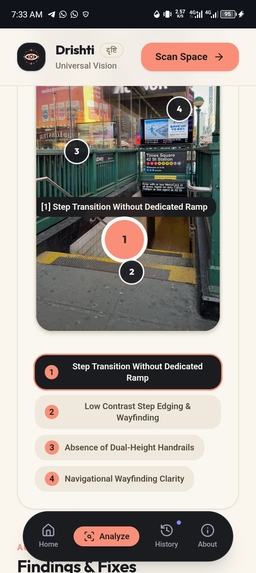
-
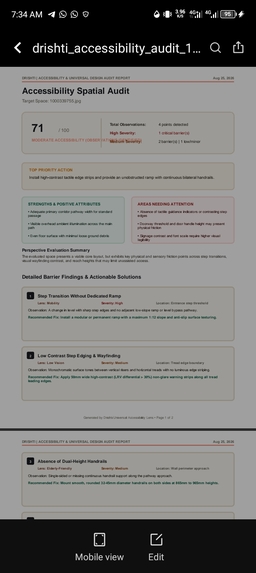
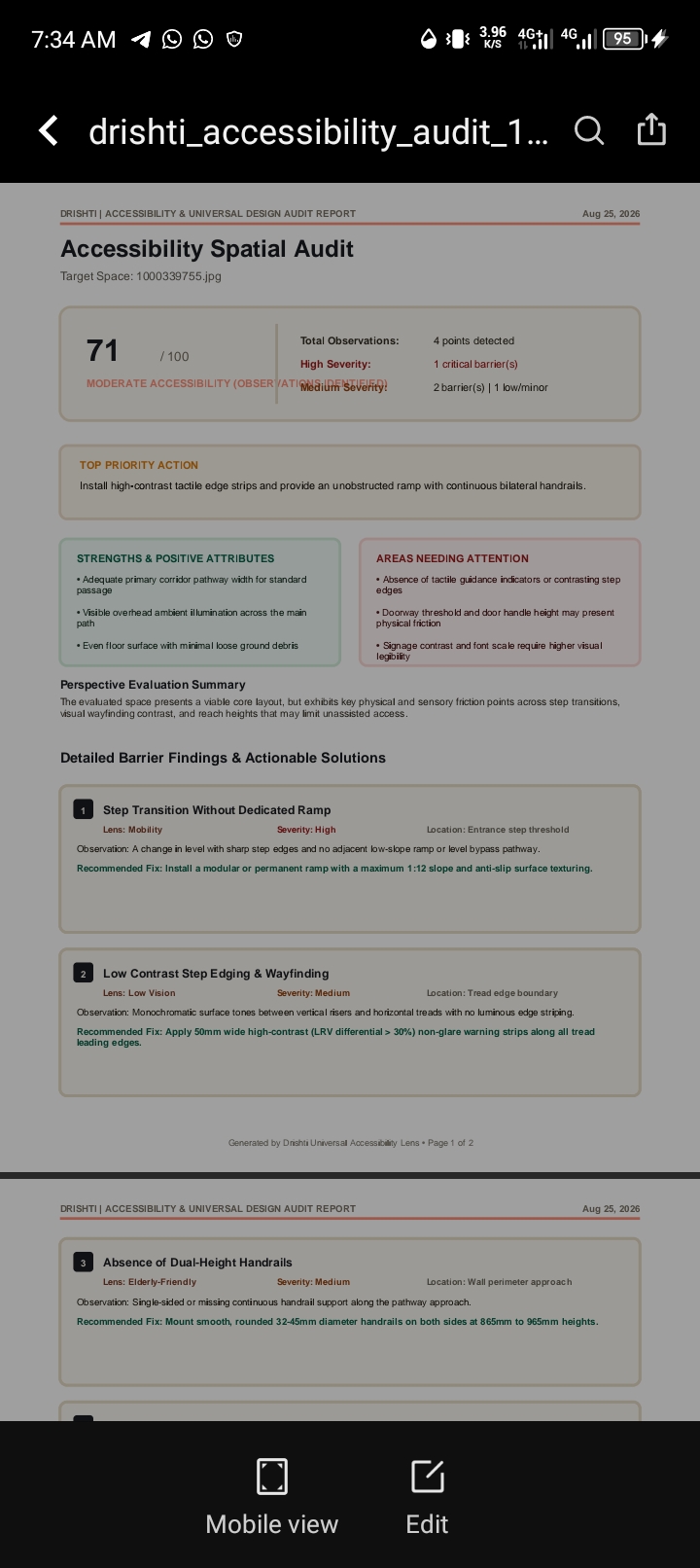
Download pdf result
Inspiration
I was inspired by how easy it is to overlook accessibility barriers when i experience spaces from our own perspective. Drishti was created to help people notice what they might otherwise miss.
What it does
Drishti uses Gemini's multimodal capabilities to analyze images of spaces and identify potential accessibility barriers through different perspectives, including mobility, low vision, cognitive, elderly, and child accessibility. It also provides practical recommendations for improvement.
How we built it
Drishti is built with React, TypeScript, Tailwind CSS, Motion, Lucide, and the Google Gemini API using @google/genai. Gemini's multimodal vision capabilities analyze uploaded images and return structured accessibility findings with severity, recommendations, confidence, and spatial markers. The backend runs through Vercel serverless functions, with LocalStorage used for analysis history and PDF for accessibility audit reports.
Challenges we ran into
One of my biggest challenges was making AI-generated accessibility observations useful without presenting assumptions as facts. I focused on responsible language, confidence indicators, and clearly framing results as potential barriers that require human validation.
Accomplishments that I'm proud of
I'm proud of turning a simple image upload into a meaningful accessibility analysis experience. We also created a mobile-first interface that makes complex AI insights easy to understand and act on.
What we learned
I learned that building useful AI products is not just about getting accurate outputs. The way those outputs are communicated, especially when they affect real people, matters just as much. We also learned how powerful multimodal AI can be for understanding physical environments.
What's next for Drishti
I want Drishti to expand beyond individual images into accessibility assessments for schools, businesses, public spaces, events, and digital interfaces. I also want to incorporate feedback from people with lived accessibility experience to make the recommendations more accurate and useful


Log in or sign up for Devpost to join the conversation.