-
-
-
-
-
-

App starting

Inspiration
Over 12 million people in India are blind or visually impaired. Simple daily tasks like navigating a room, reading a signboard, identifying currency, or understanding surroundings are major challenges. Existing solutions are expensive or not built for Indian context - wrong language, no INR support, no Hindi voice. Drishti was built to change that.
What it does
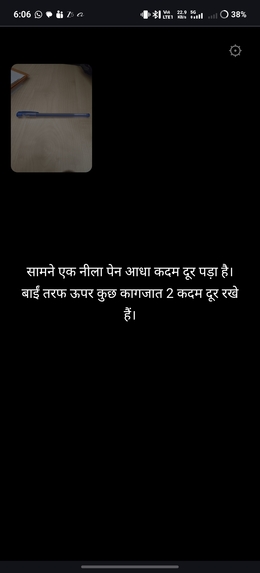
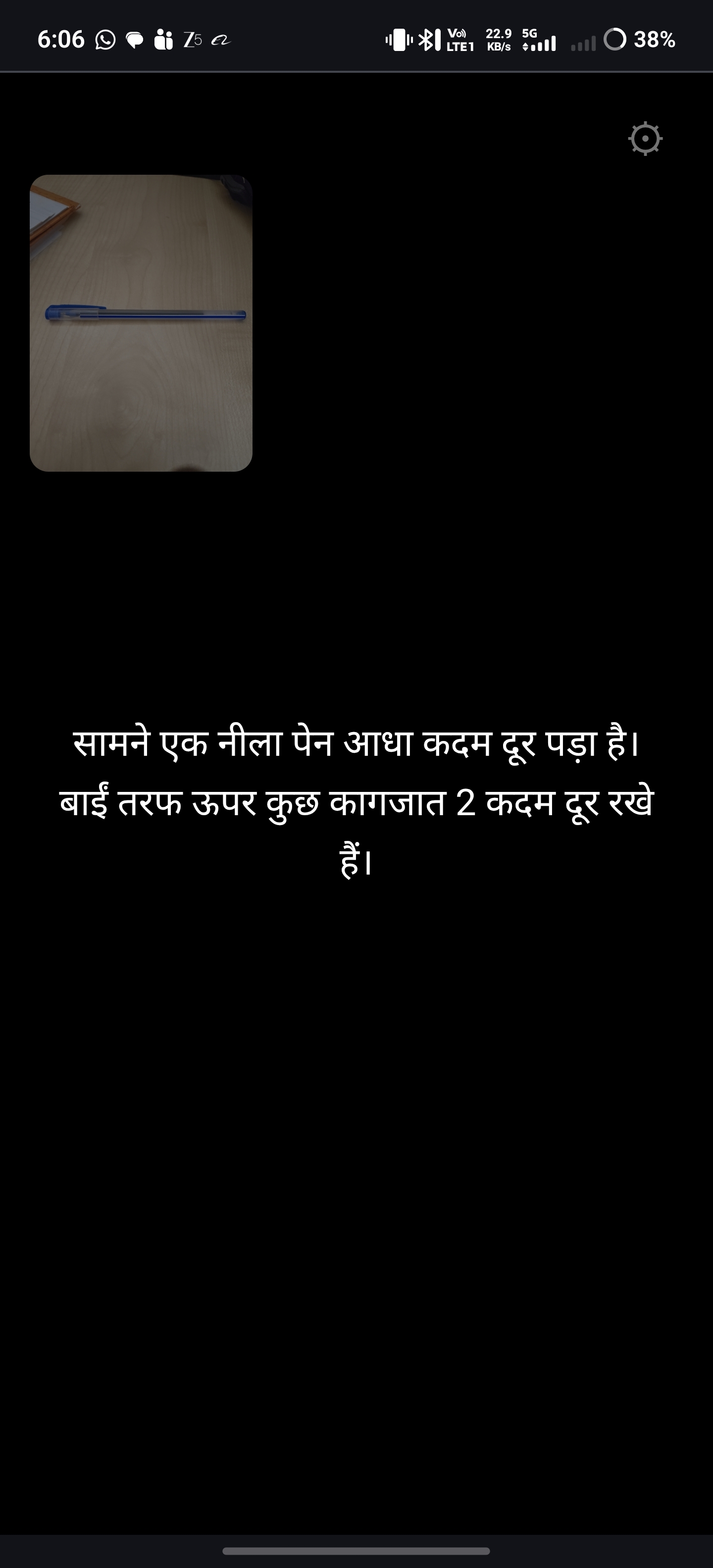
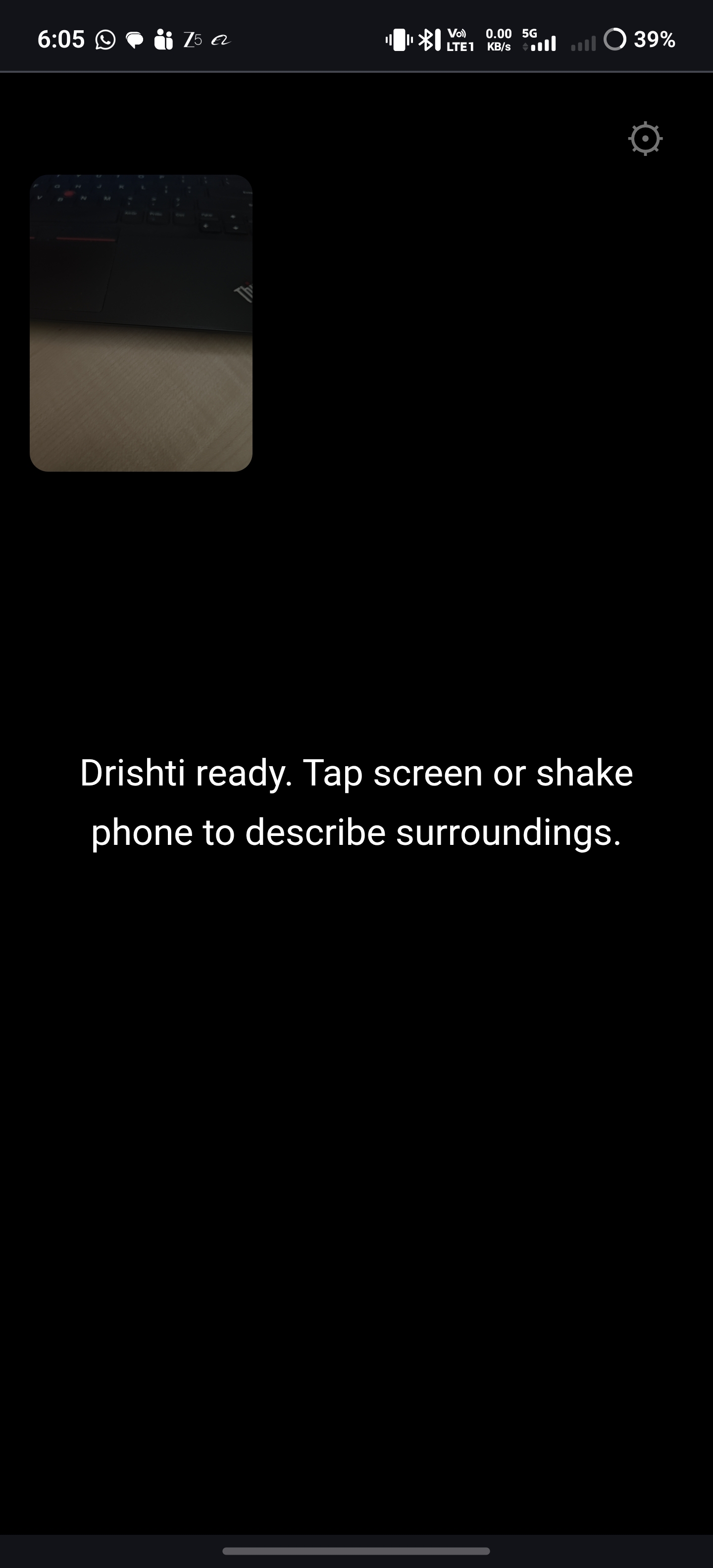
Drishti is a free Progressive Web App that turns any smartphone into an AI-powered visual assistant for blind users. The user taps the screen or shakes the phone - the rear camera captures the scene and Gemini AI describes it aloud in Hindi or English within 2-3 seconds. It identifies Indian currency notes, reads visible text, estimates distance to objects in steps, and handles low light conditions.
How we built it
Single HTML file PWA with no framework and no backend. Google Gemini 2.5 Flash API handles vision and description. Web Speech API handles text-to-speech in hi-IN and en-IN. Camera access via getUserMedia. Shake detection via DeviceMotion API. No app store needed - works directly in Chrome browser.
Challenges we faced
Getting natural Hindi TTS to work across Android devices was inconsistent - some phones need Hindi voice pack installed separately. Gemini responses initially included markdown symbols like asterisks which got read aloud - solved with a text cleaning step before TTS. Distance estimation from a 2D image has no depth data - solved by training the prompt to use visual size cues and known reference objects to estimate steps.
What we learned
Prompt engineering is as important as the technology stack. The difference between a useful description and a confusing one for a blind user comes down to how precisely you instruct the AI - direction first, distance in steps, no filler words, no markdown.
What's next
Hardware prototype using Raspberry Pi Zero 2W mounted on glasses frame with Pi Camera and Bluetooth earbuds - giving blind users a completely hands-free always-on visual assistant. Multi-language support for Odia, Bengali, and Tamil is also planned.
How to Use Drishti
Drishti uses Google Gemini AI which requires a free API key. Follow these steps:
Step 1: Get your free Gemini API key
- Go to aistudio.google.com
- Sign in with your Google account
- Click "Get API Key" on the left menu
- Click "Create API Key in new project"
- Copy the key shown (starts with AIzaSy...)
Step 2: Open Drishti
- Open the Drishti link in Chrome on your Android phone
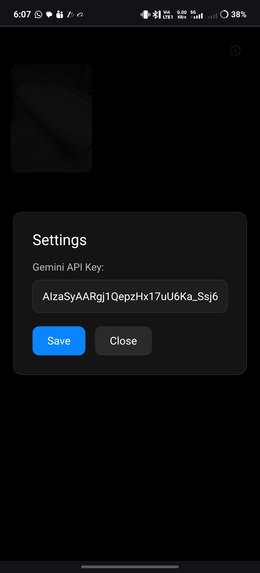
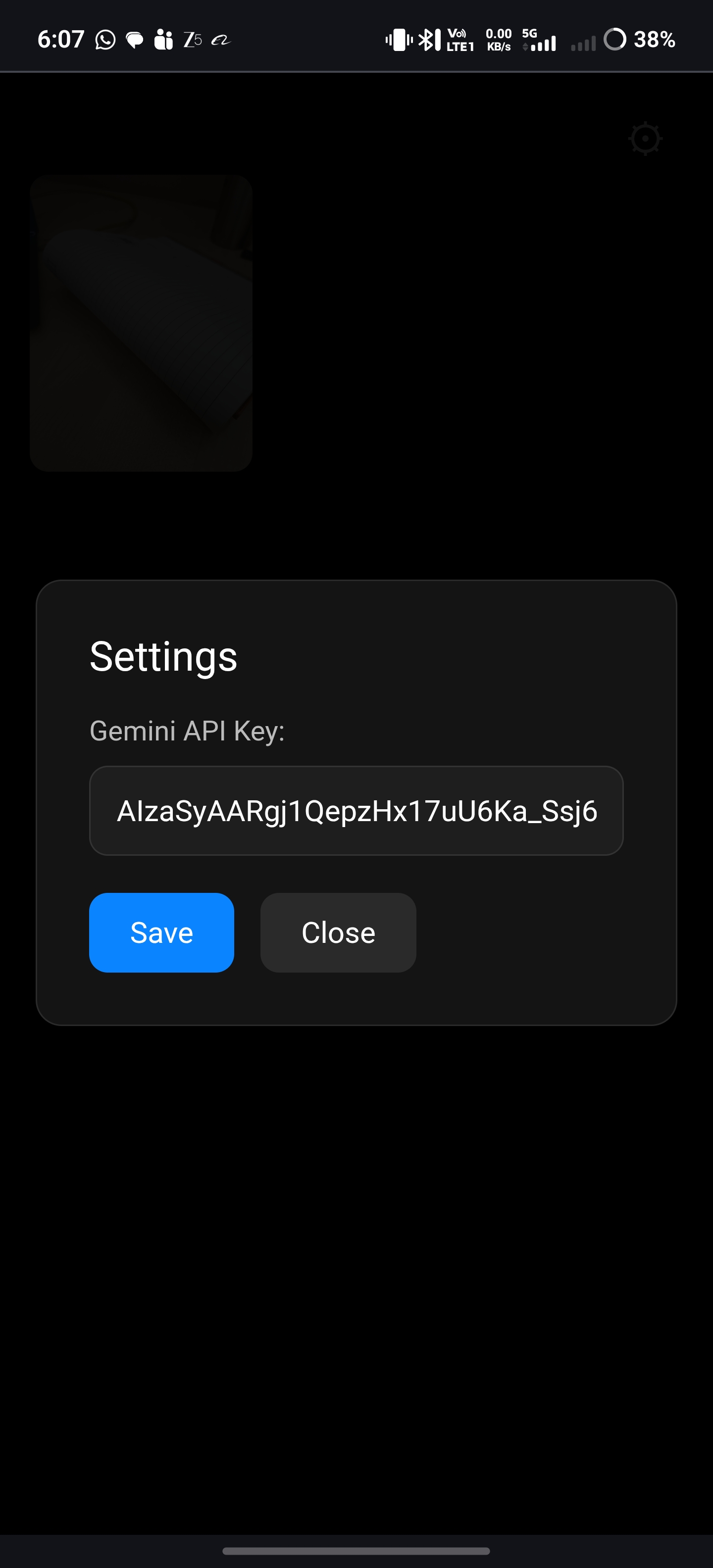
- Tap the gear icon at top right
- Paste your API key and tap Save
Step 3: Start using
- Point your phone camera at any scene
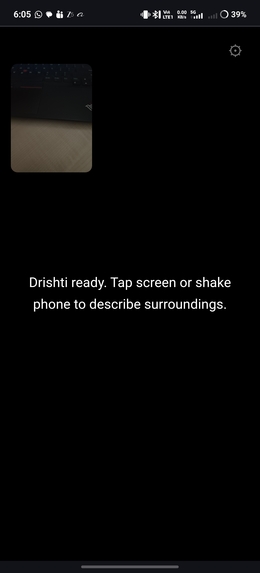
- Tap anywhere on screen or shake the phone
- Listen to the Hindi or English description
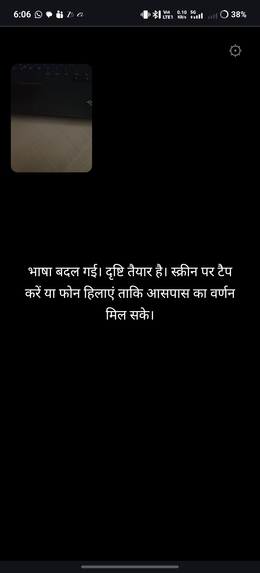
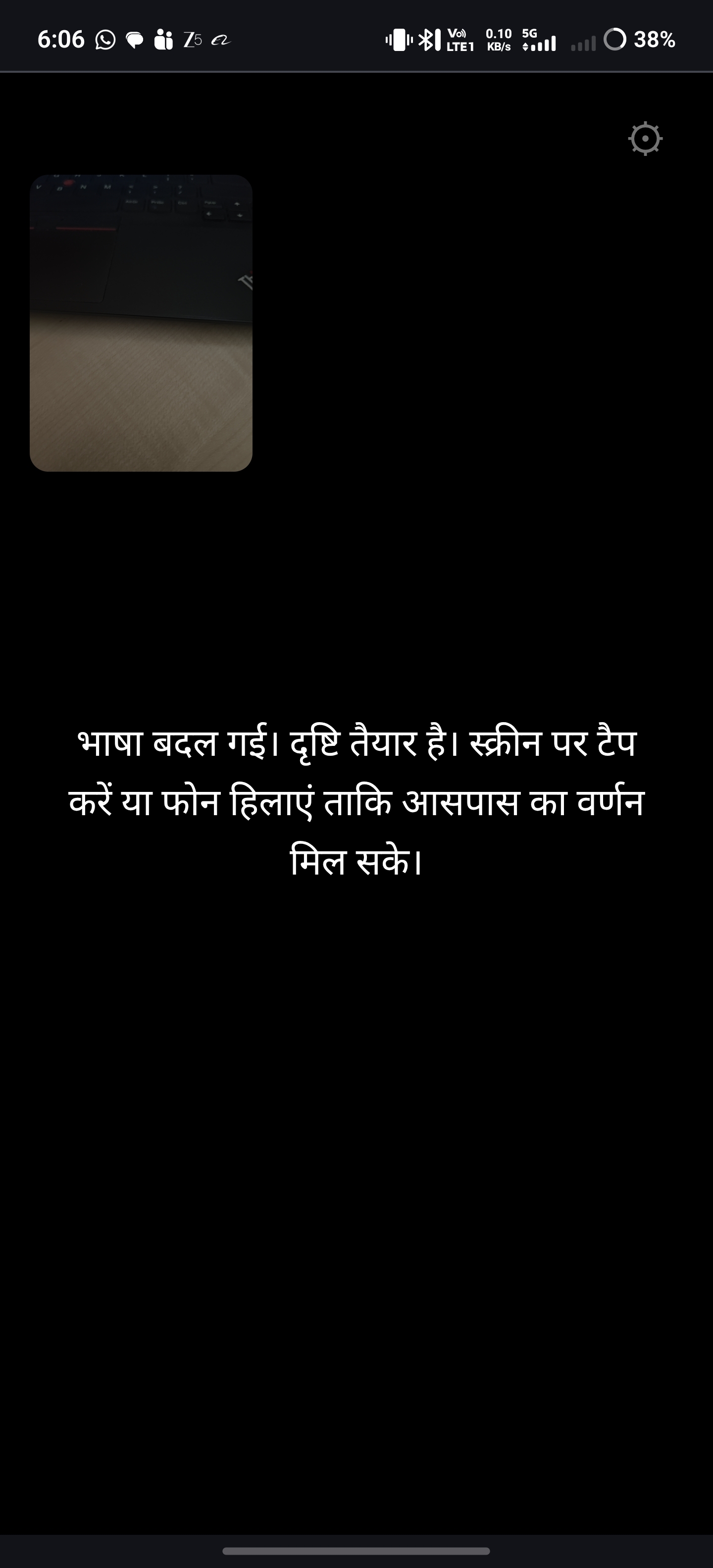
- Double tap to switch language
- Triple tap to repeat last description
Free tier limit: 250 requests per day - no credit card needed.
Built With
- css3
- devicemotion-api
- getusermedia-api
- google-gemini-2.5-flash-api
- html5
- javascript
- medo
- progressive-web-app
- web-speech-api

Log in or sign up for Devpost to join the conversation.