-
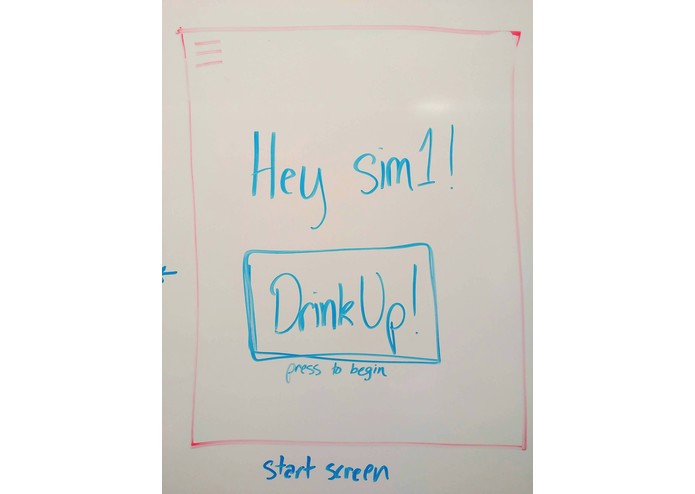
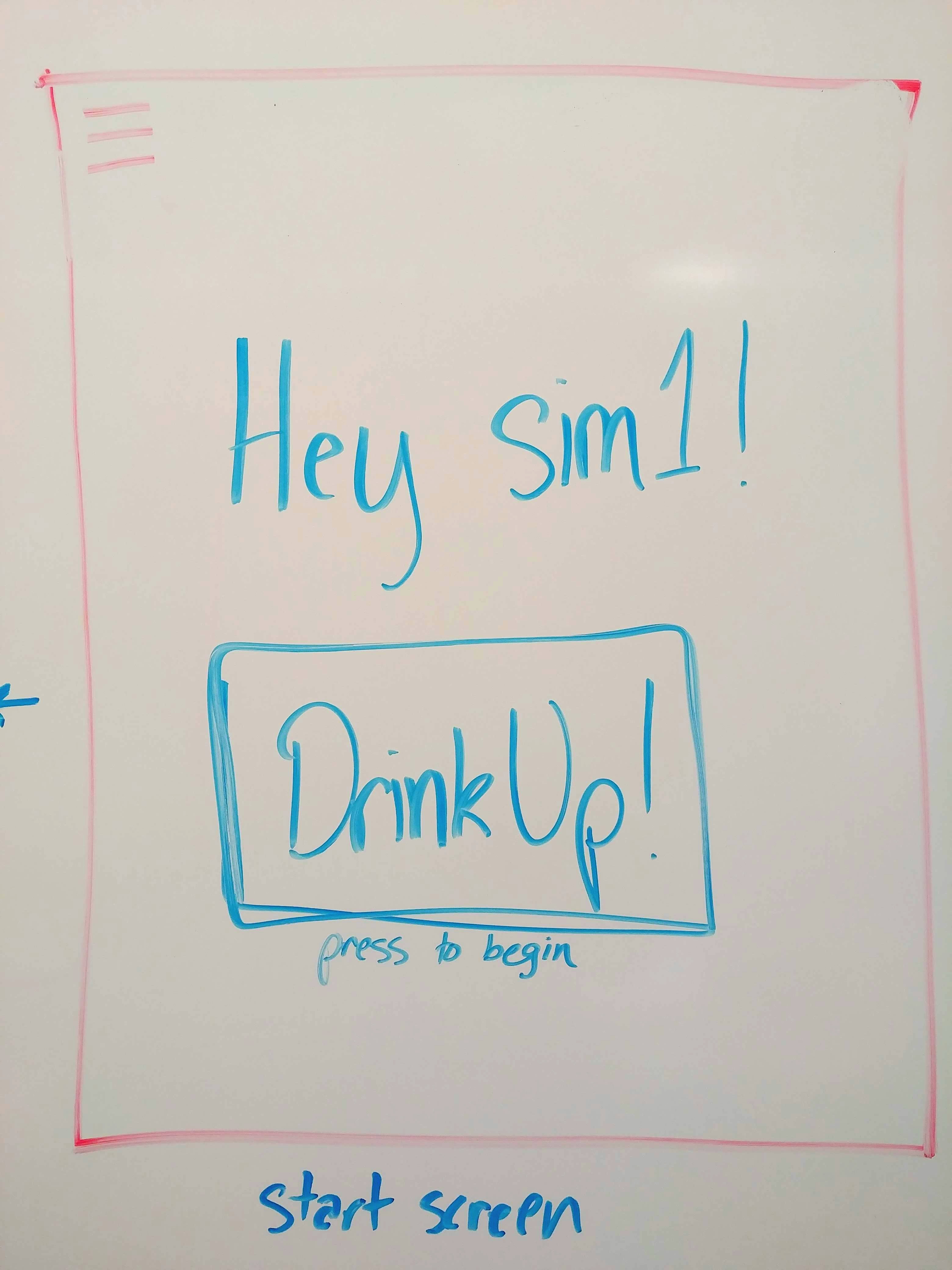
Welcome screen when app is first opened. Users press the button to begin tracking their drinks.
-
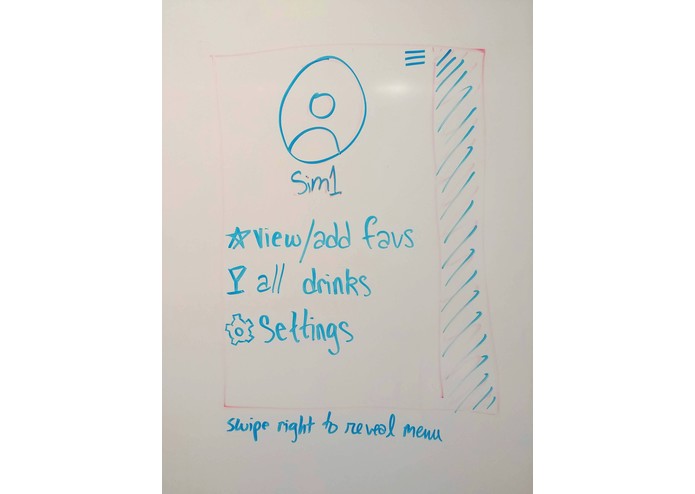
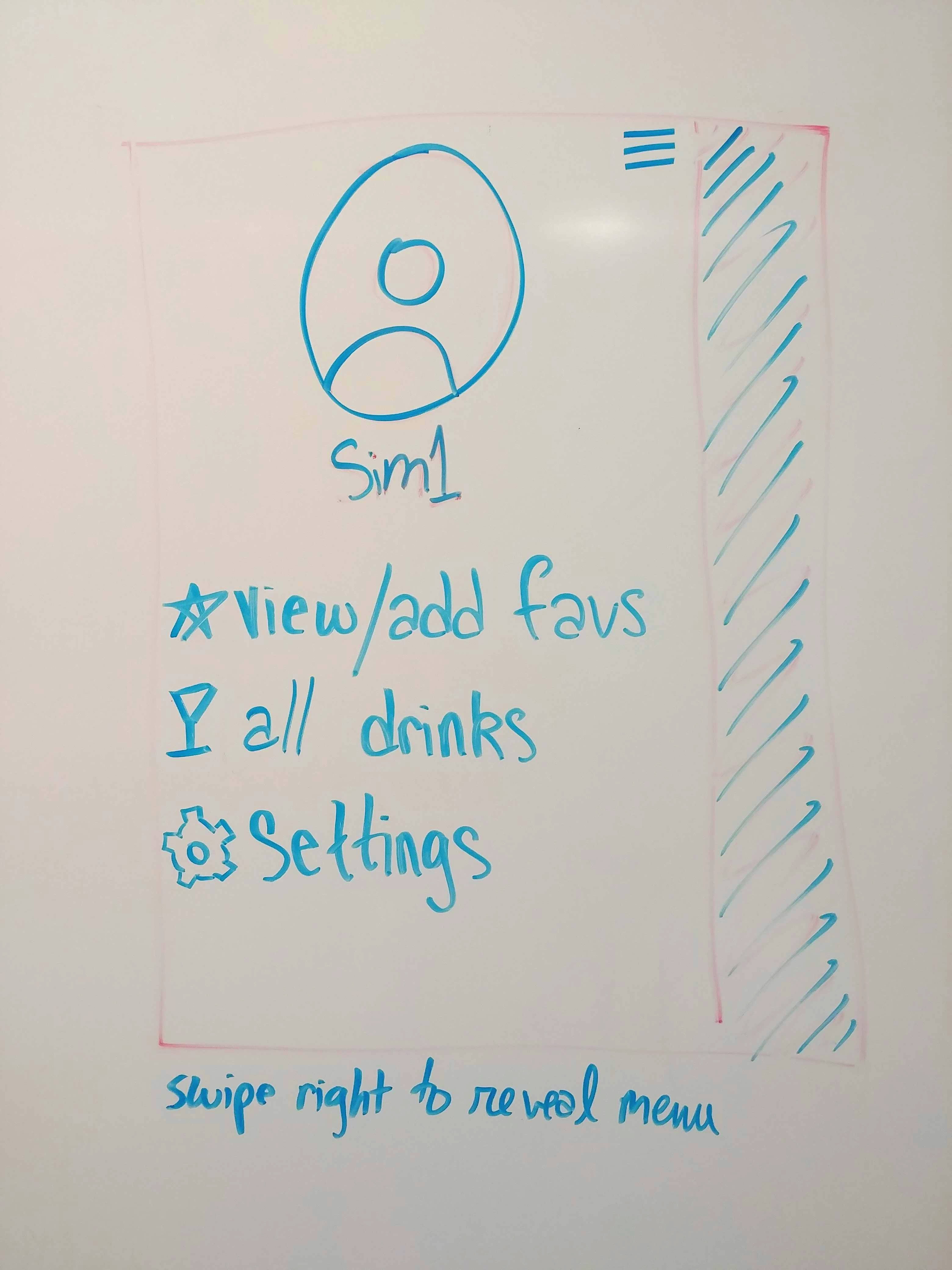
A menu that is revealed by swiping to the right. From here, you can navigate to the Fav Drinks page, All Drinks page, and general settings.
-
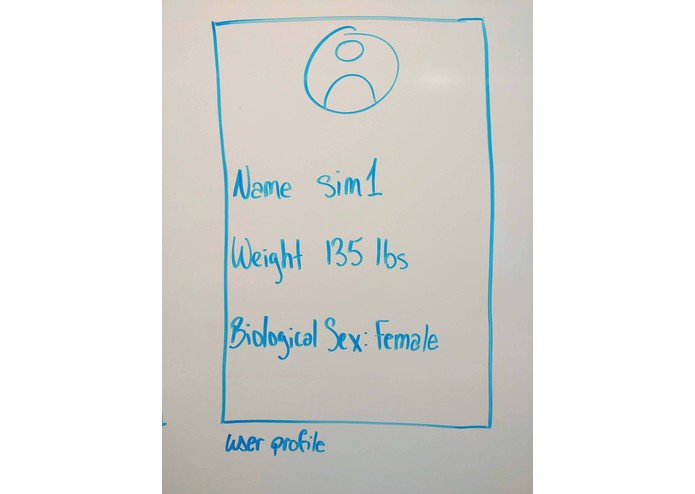
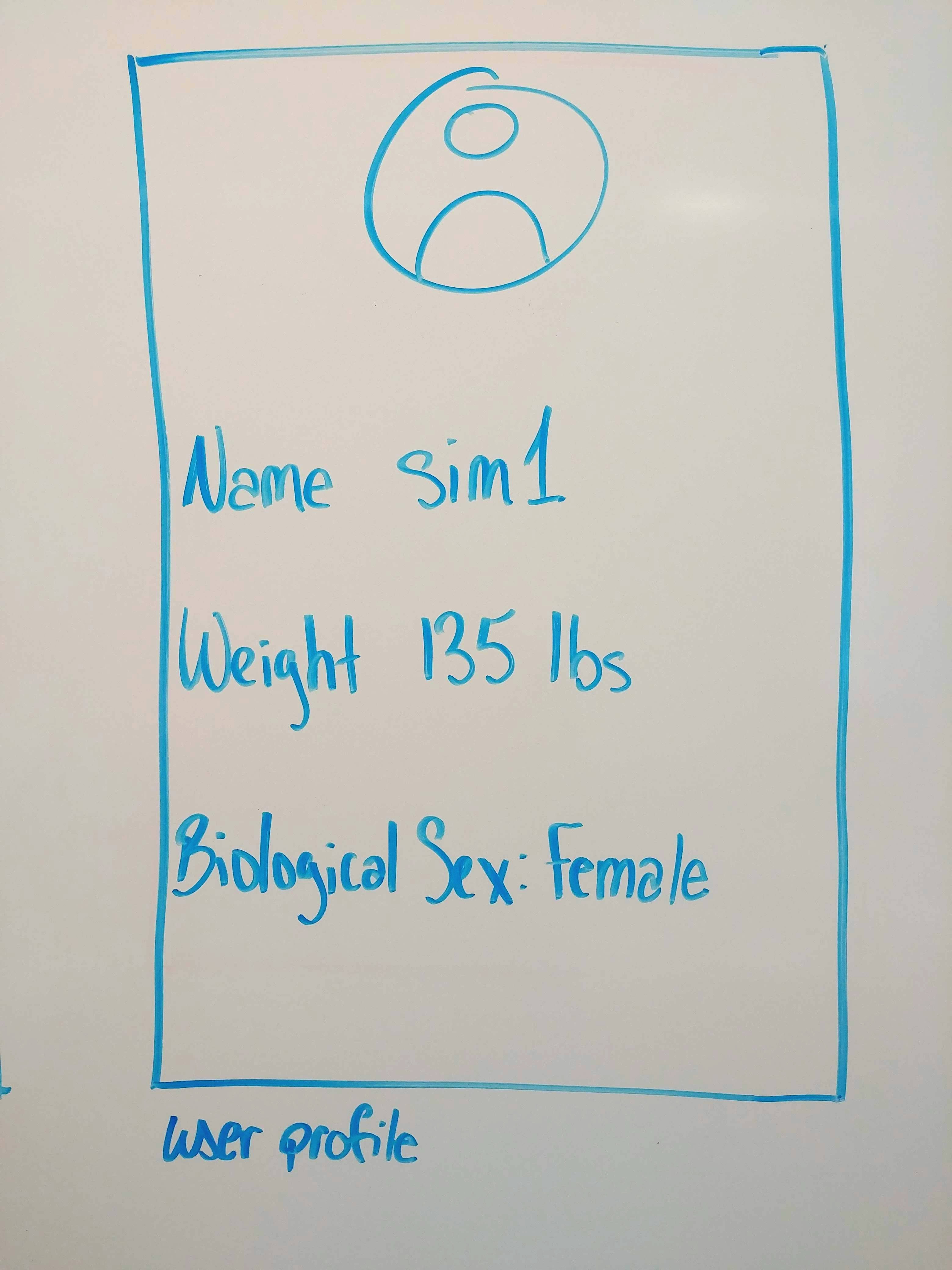
User profile. They can edit this information at any time.
-
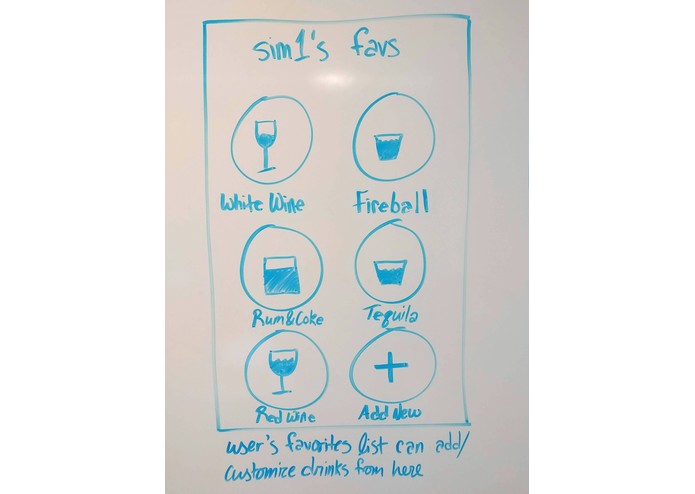
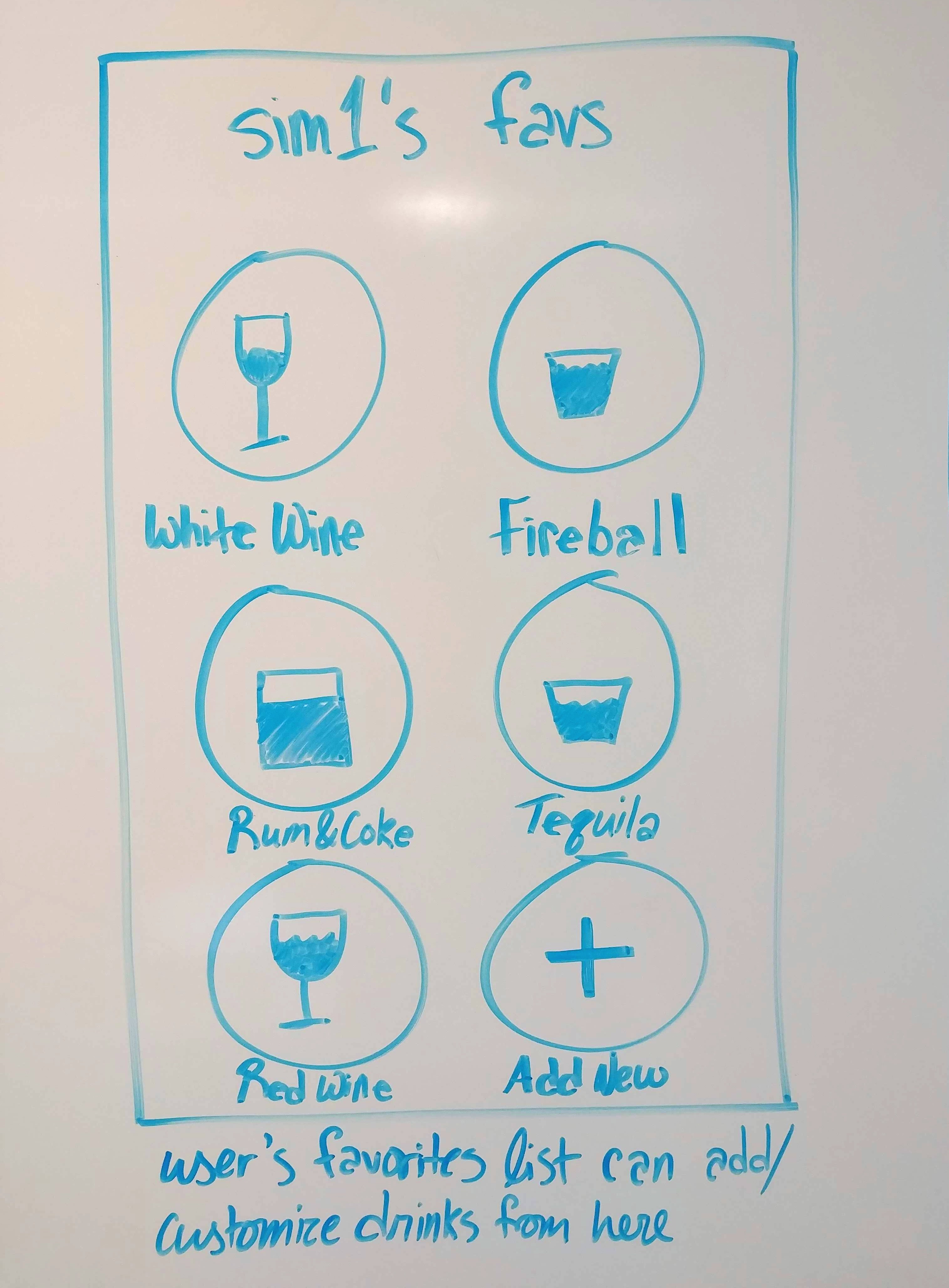
Page with the user's selected favorite drinks. These drinks will be displayed first on the home page when the user is logging drinks.
-
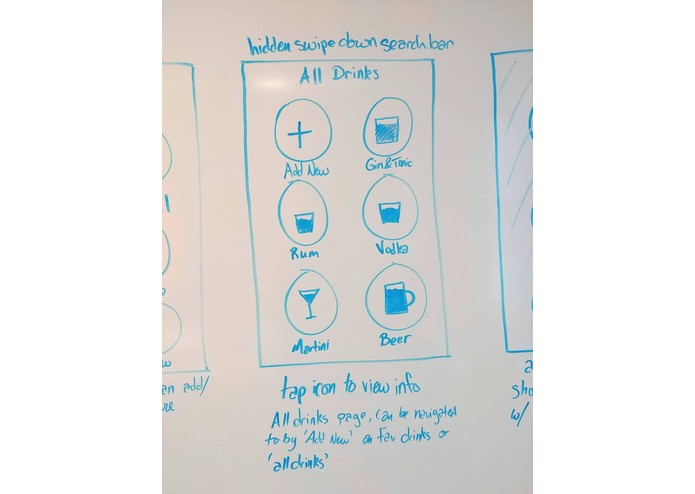
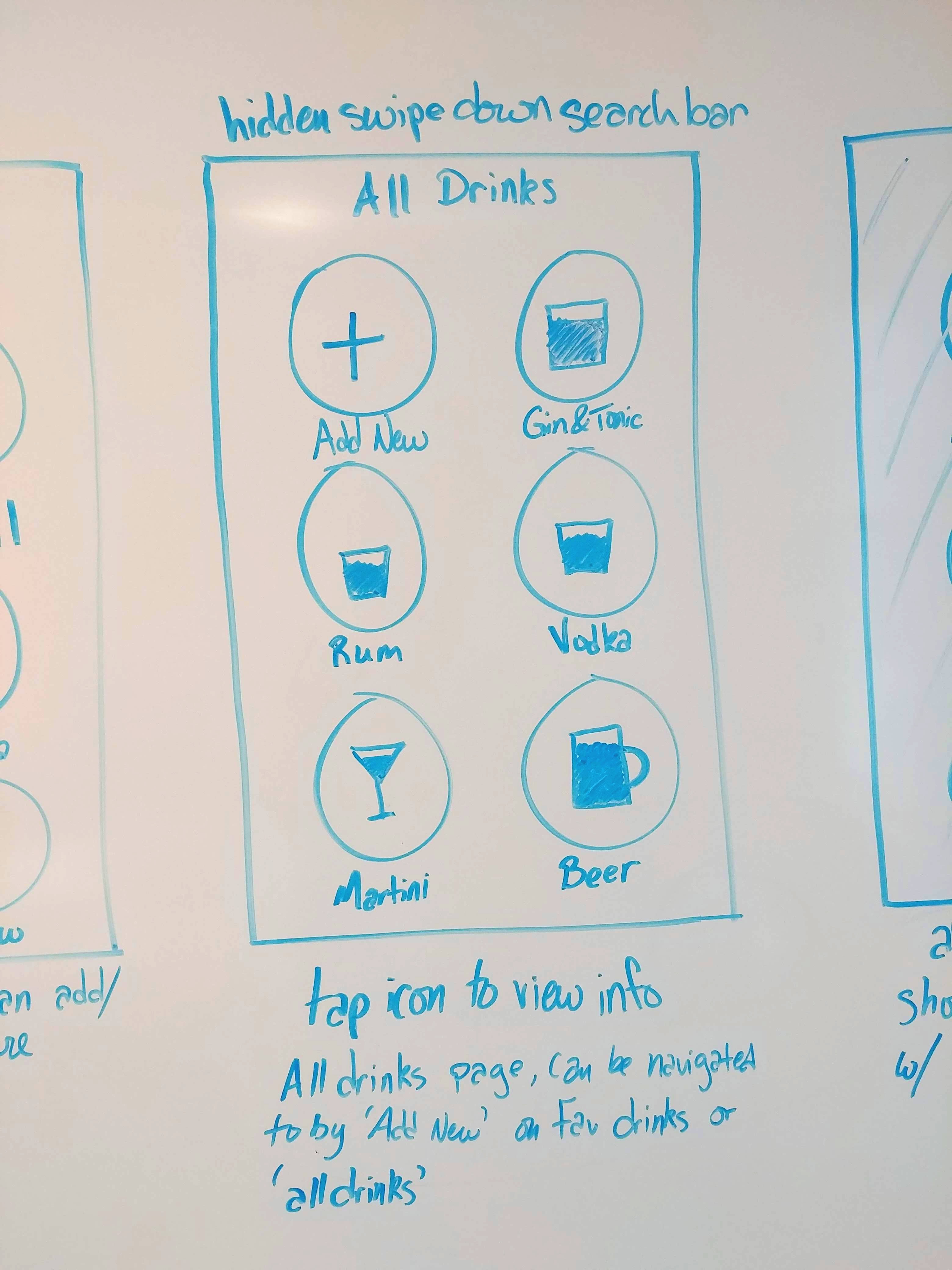
All Drinks page. User can view which drinks come in the app. Have the option to add their own custom drink and customize the presets.
-
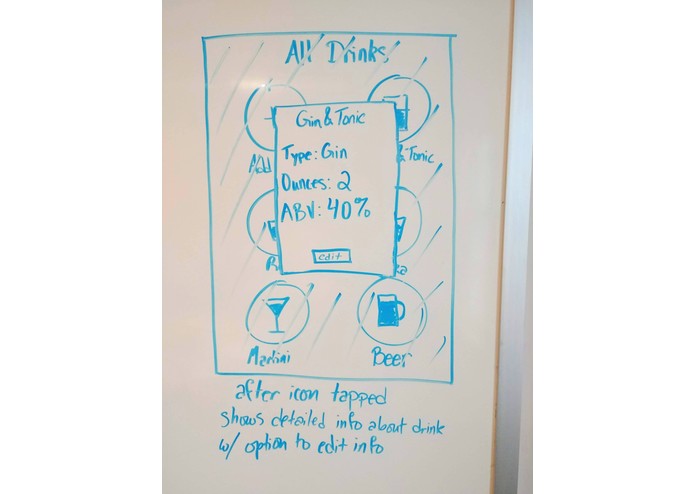
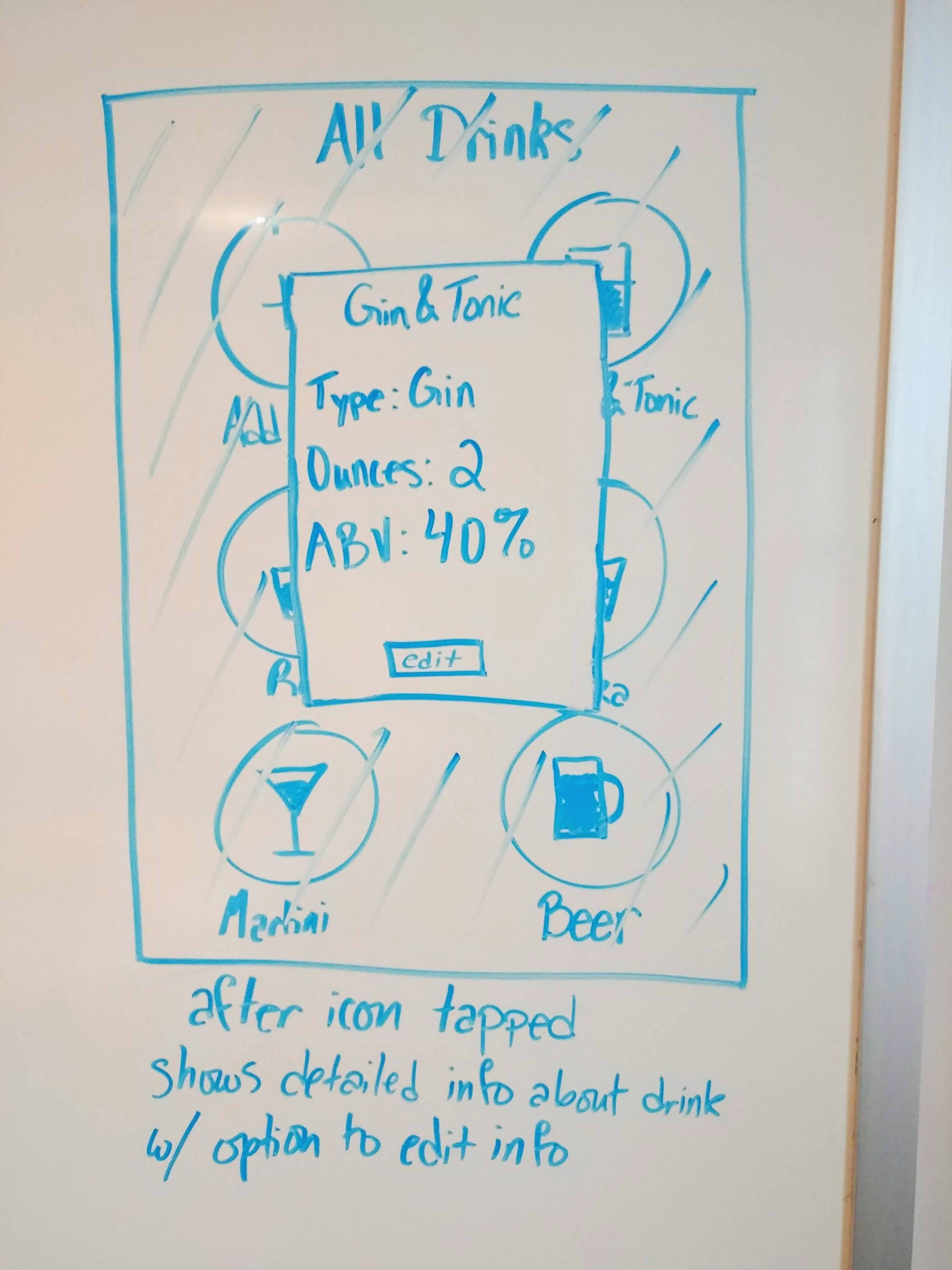
In the All Drinks page. When a drink is clicked, it brings up the detailed info with the ability to edit the default settings.
-
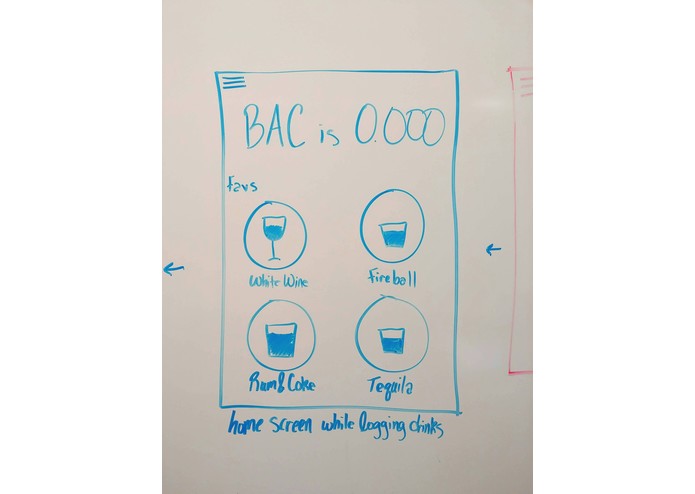
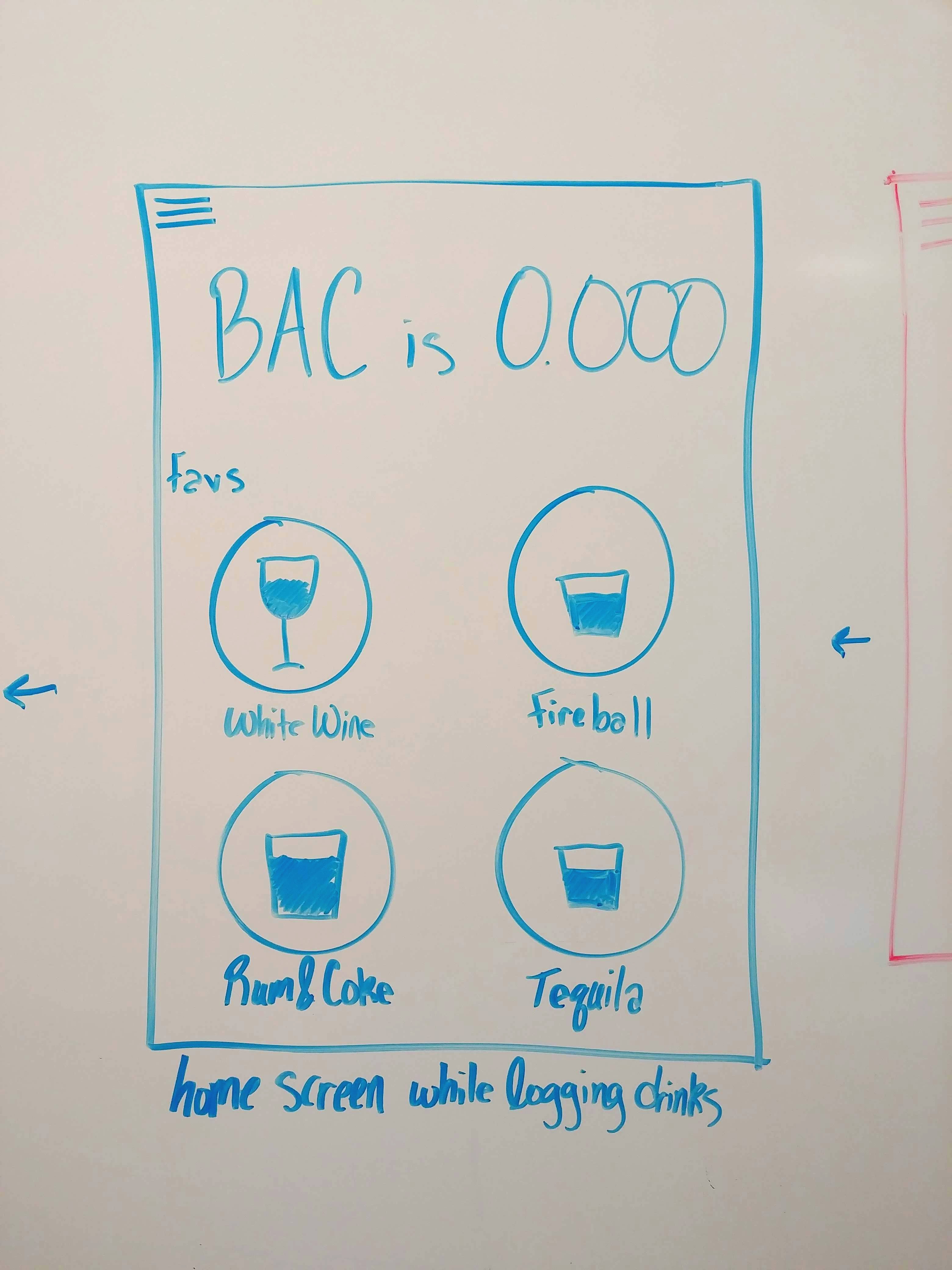
Once user begins logging drinks, this is the home page until the drinking sessions has ended. Here users select the drink to log.
-
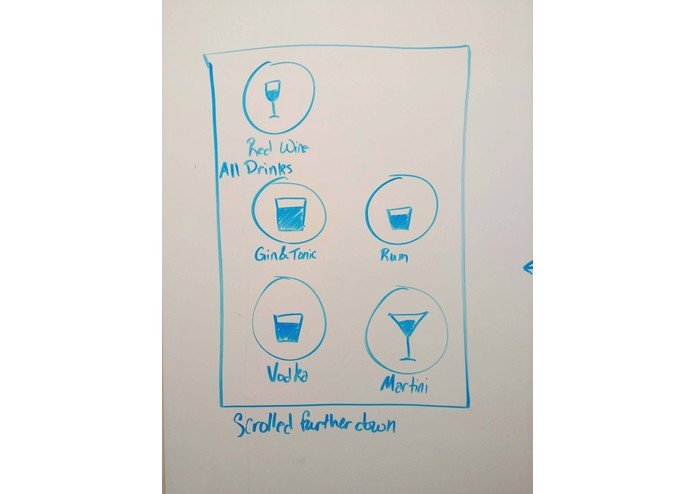
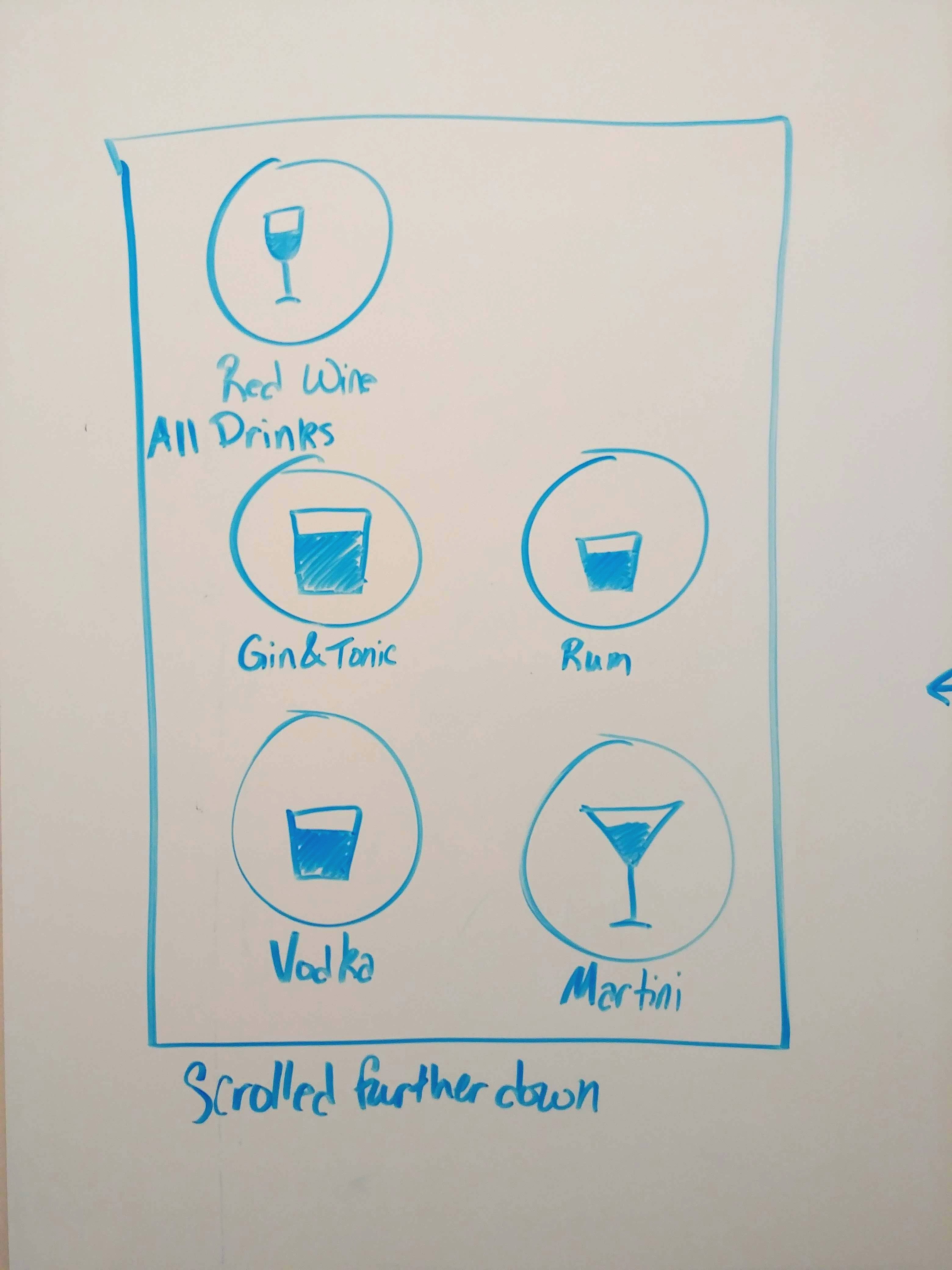
Scrolled further down the home page when drinking has begun.
-
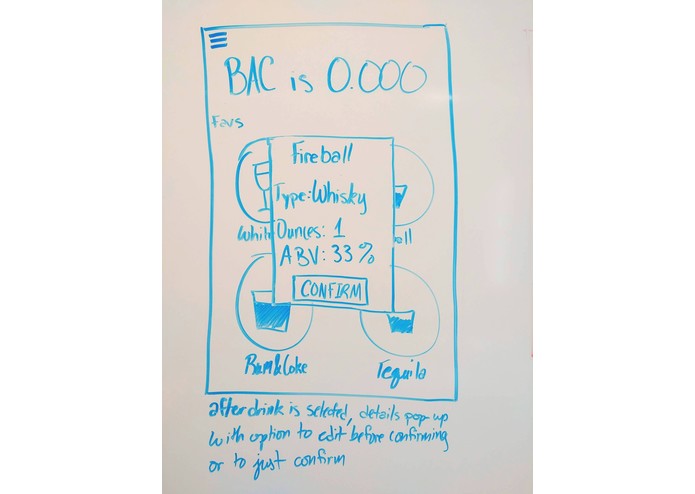
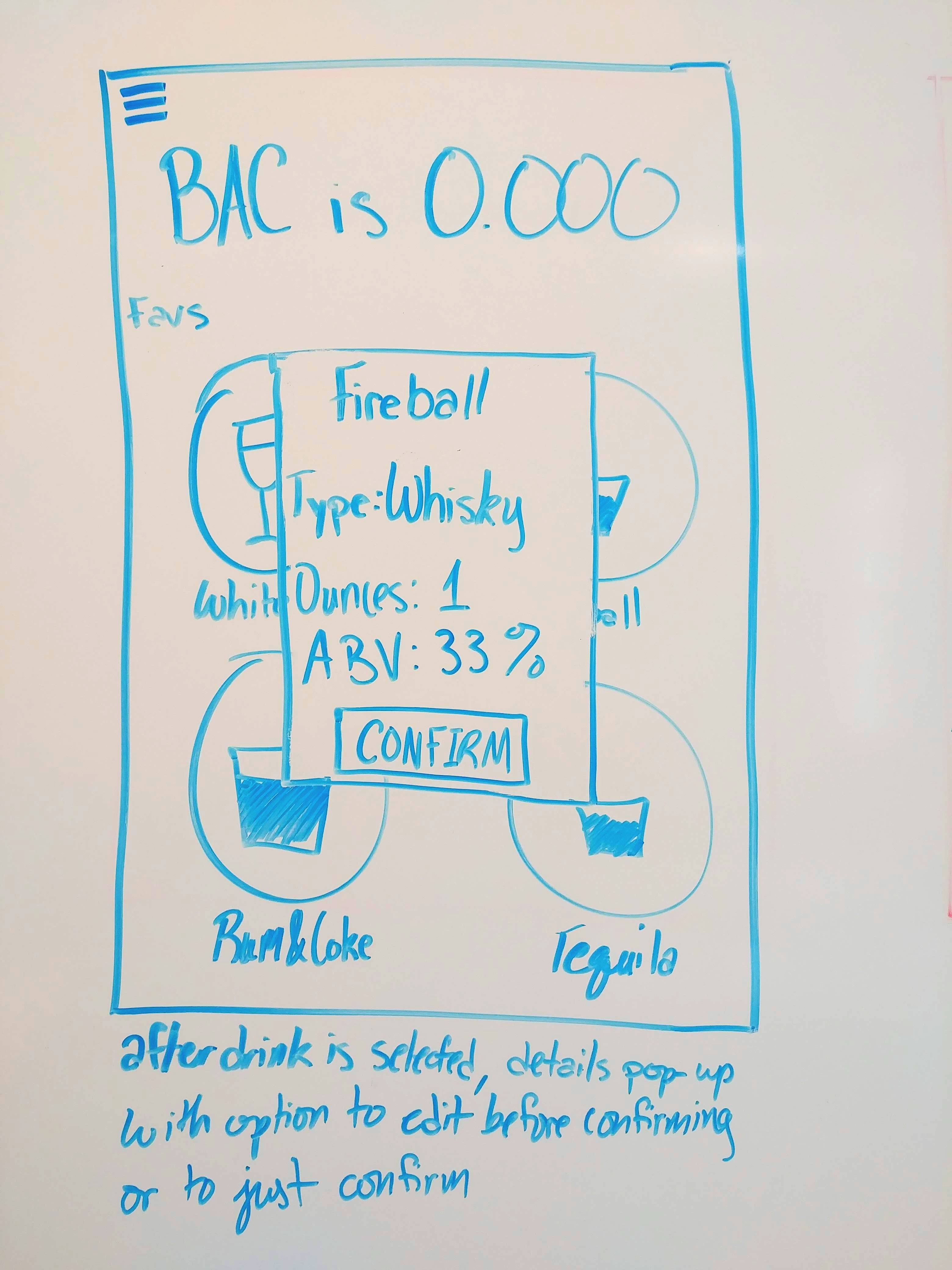
Once drink is selected to log, this pops up to show detailed info to confirm that the correct drink was selected. User can edit default info
Inspiration
One day as I was tapping through Instagram stories, I saw a photo of a guy with a bunch of stirring straws in his
pocket with the caption, "how he keeps track of his drinks". My first thought was, that's clever! However, as I thought
more about it, I realized that this was really not practical at all, but I was still intrigued by the idea of coming up with
a simple method to track your drinks during a night out. I did some research to see if something already existed, and
I was surprised to find that nothing really does. The only apps that exist to count your drinks are geared towards
alcoholics who are looking to cut down their drinking. That is not really appealing to a young adult who drinks socially.
So I figured if it doesn't, I should make it.
What it does
DrinkUp! has users select the drink they are having from a menu of their favorite drinks and default drinks. They have the option to customize the drink if they are having two shots for example or if they know that the ABV for the vodka they are drinking is higher than the average, or they can just confirm. That drink is added to their journal for that day and their estimated BAC is calculated and displayed to them. When the user is not in a drinking session, they can select their favorite drinks out of the All Drinks menu or create their own custom drink to be added to their favorites. These favorites will be displayed first on the home screen. Users have the option to input Buddies who will get a text if the user's estimated BAC goes above a certain number. We created a journal that is a log of all the past drinking sessions that the user can look through at any time. After the DrinkUp! session has ended the app will display a short summary of the session.
How I built it
We used Python to build the backend of DrinkUp!
Challenges I ran into
We weren't able to develop any of the frontend of the application. Initially we had some issues figuring out how we
wanted to implement the timer needed to calculate the estimated BAC. This is my second hackathon and my partner's first hackathon, so it was a fun challenge to write all of this in a day.
What's next for DrinkUp!
We would love to develop the front end so that we can begin beta testing for the application. We would recruit young adults to test our product during a night out and give us feedback on ease of use and how the functionality of the app changes as they become more inebriated.