Inspiration
Everyone shops from saved Pinterest pins now, but none of those apps tell you what actually matters: will it fit, and will the color suit you. We wanted an answer, not just inspiration.
What it does
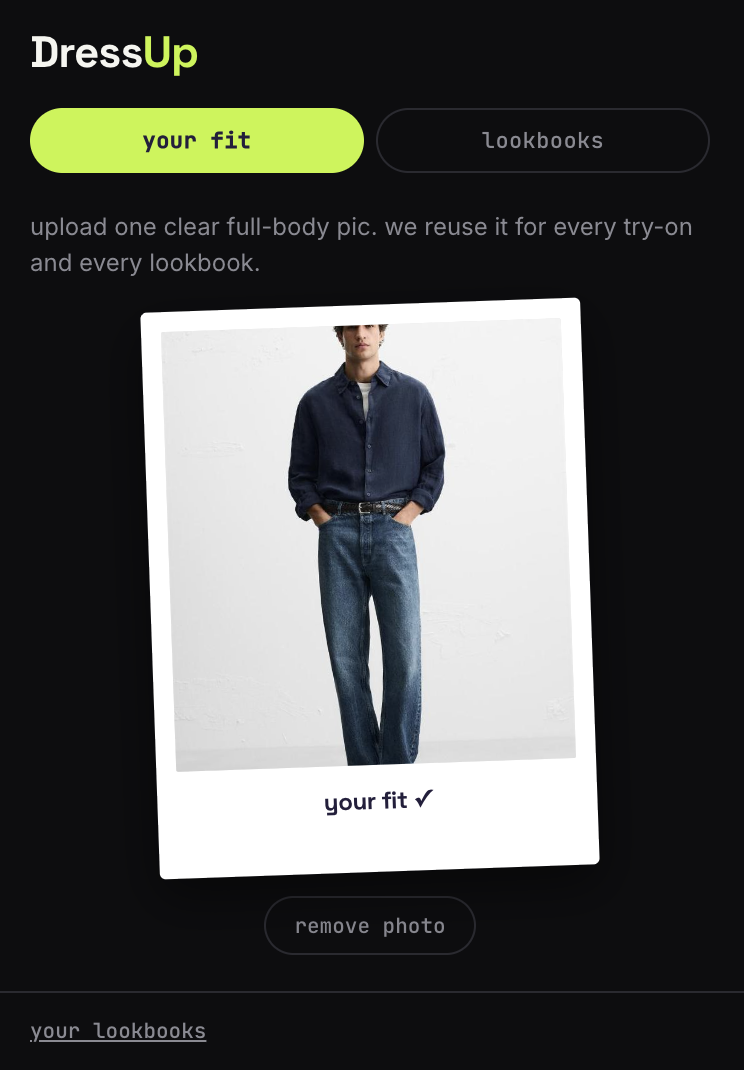
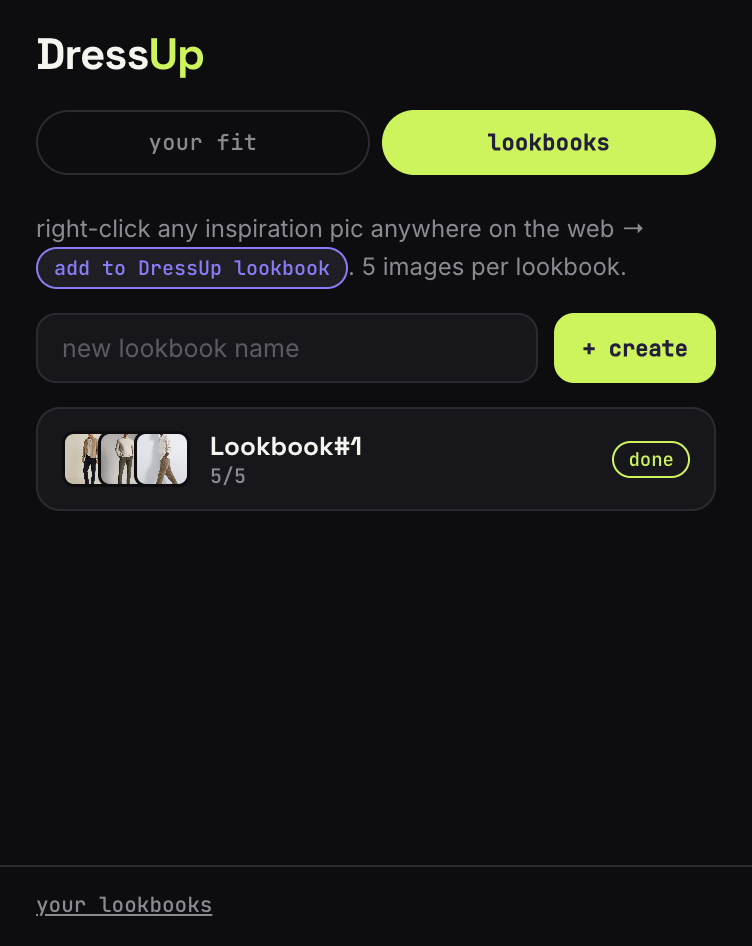
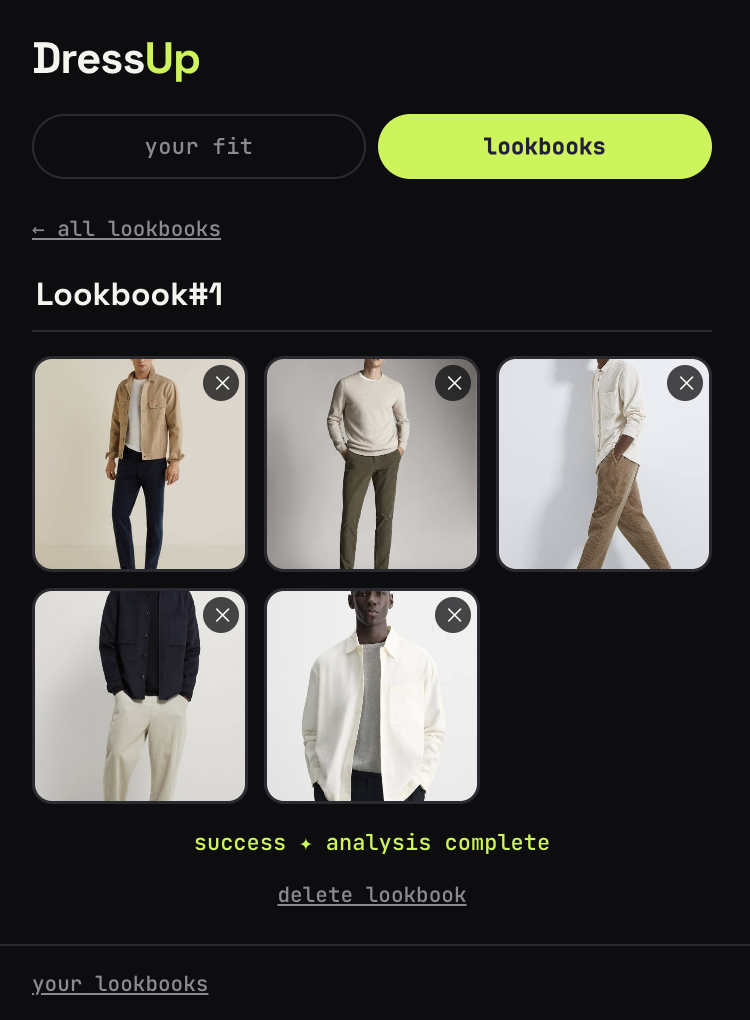
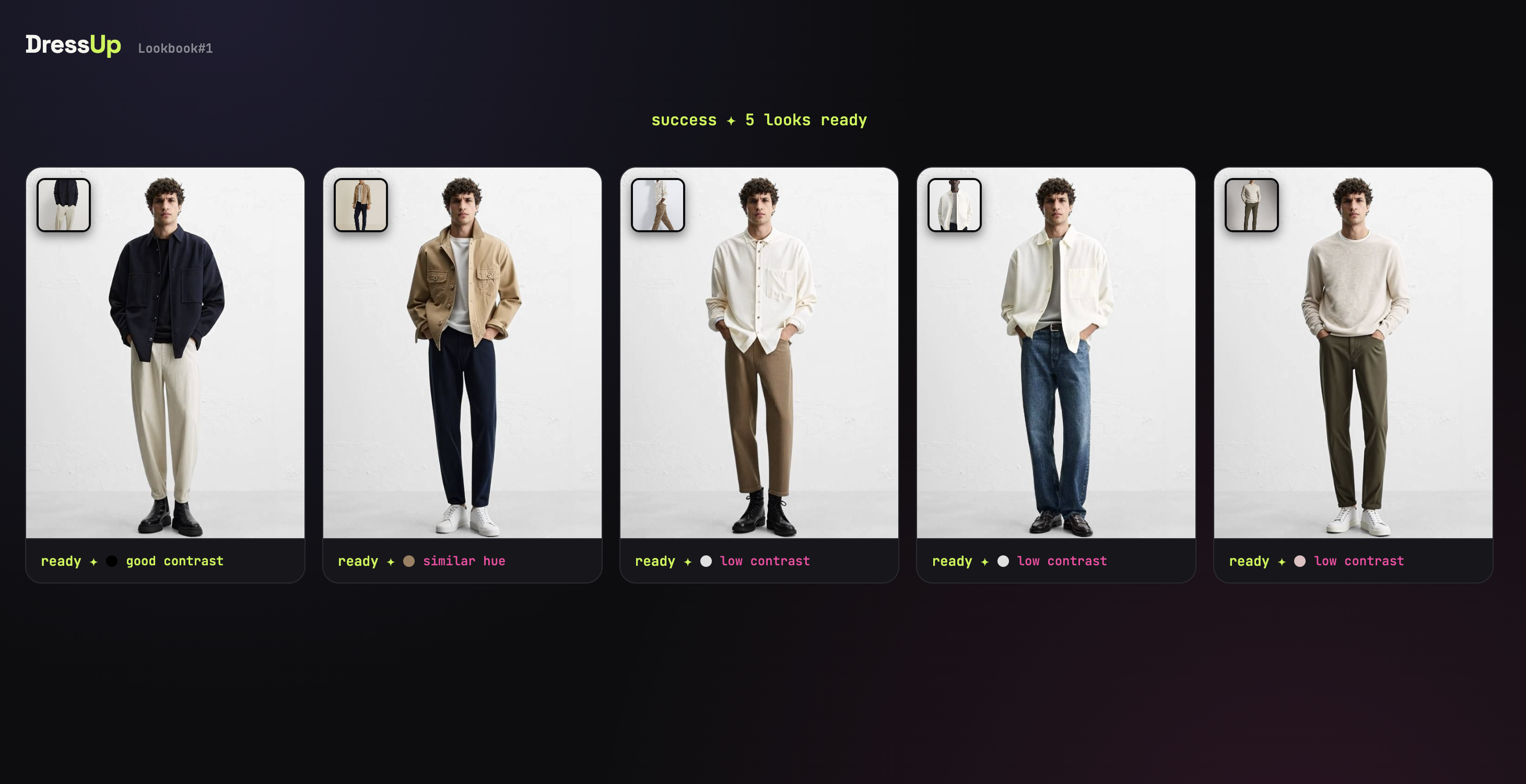
Right-click any outfit photo anywhere on the web and add it to a lookbook — five images per board. One click runs real virtual try-on through YouCam's Clothes API for all five, then automatically reads your skin tone via YouCam's Fitzpatrick API and scores each result's color match — no manual picking.
How we built it
A Manifest V3 Chrome extension. A background service worker orchestrates YouCam's File Upload, Clothes VTO, and Fitzpatrick APIs, while a bundled face-api.js model runs on-device to locate faces and sample garment color. Everything stays in local browser storage — nothing server-side.
Challenges we ran into
MediaPipe-based background removal hit MV3's CSP block on WebAssembly, so we cut it. The Fitzpatrick endpoint's version and index params weren't documented anywhere, so we reverse-engineered them from a live Playground request. A face-api.js URL-joining bug also silently broke our model paths on chrome-extension:// URLs until we traced it down.
Accomplishments that we're proud of
Getting two YouCam APIs to genuinely work together — one feeding the other — so the output is "here's which of these five actually suits you," not just five renders in a row. And it's fully automatic: zero manual color picking.
What we learned
How much MV3's security model breaks typical web-dev assumptions, from CSP blocking WASM to URL resolution quirks in extension pages. Also: testing against the real endpoint beats guessing from incomplete docs.
What's next for DressUp
CSP-safe subject isolation for cleaner analysis on busy photos, pairing Fitzpatrick with YouCam's Facial Color Tones Analyzer for true undertone data, bigger lookbooks, and a running style profile over time.
Built With
- css
- html
- javascript
- tensorflow
- youcamapi

Log in or sign up for Devpost to join the conversation.